
AI-Flow
Storyboard to Cinematic Video with Seedance 2.0
Turn a 4‑frame storyboard into a polished, multi‑shot cinematic video with Seedance 2.0. Direct motion, camera, and style per shot for consistent, professional image‑to‑video results.
About This Template
Storyboard to Cinematic Video with Seedance 2.0 is a structured, shot‑driven workflow that transforms a 2x2 storyboard grid into a seamless multi‑shot video. Instead of relying on a single vague prompt, you define clear per‑shot directions—Subject, Animation, Camera, Style, Goal, and Constraints—to control pacing, transitions, and visual continuity like a film director. How it works: 1) Create or paste a storyboard prompt to generate a 4‑panel grid (or bring your own storyboard image). 2) The tool slices the grid into four consistent frames. 3) Provide concise prompts for each transition that specify motion, camera moves, lighting, and product‑safe constraints. 4) Seedance 2.0 animates each shot using first/last‑frame guidance for reliable start and end compositions. 5) The three animated segments are concatenated into a single cinematic clip with optional synchronized audio. Why this approach: - Shot‑level control: Remove model drift and keep product geometry intact with explicit constraints. - Consistent storytelling: Guide each transition with precise start/end frames for cohesive narratives. - Cinematic polish: Specify camera push‑ins, orbits, lighting, and glow effects for premium ad aesthetics. Great for: product ads and hero shots, launch teasers, social promos, concept storytelling, mood films, UI/feature reveals, and sleek tech visuals. Key options and notes: - Aspect ratios: 16:9 by default (supports 1:1, 4:3, 3:4, 9:16, 21:9, adaptive). - Resolution: 720p video output (480p available). Storyboard generation supports up to 4K. - Duration: Set per shot (1–15s) or let the model choose with intelligent duration. - Audio: Enable synchronized audio (SFX/music) or disable for silent exports. - Reproducibility: Use a seed to lock motion and timing for iteration. - Best results: Keep style consistent across panels, use clean backgrounds, and avoid extreme geometry changes between frames.
How to Use This Template
Step 1: Enter your text in 'Storyboard Prompt' Node
Fill the 'Storyboard Prompt' node with the required text.
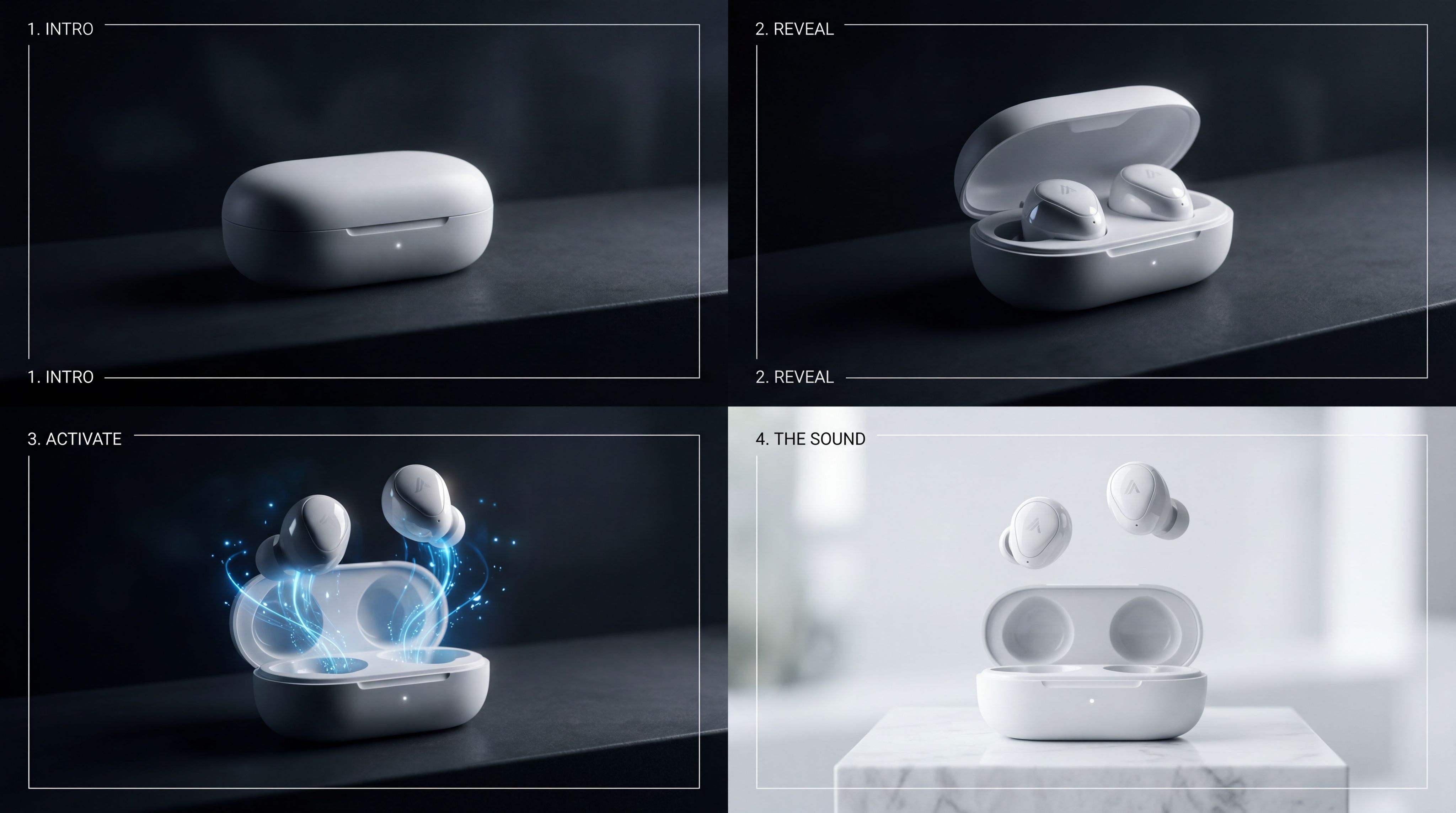
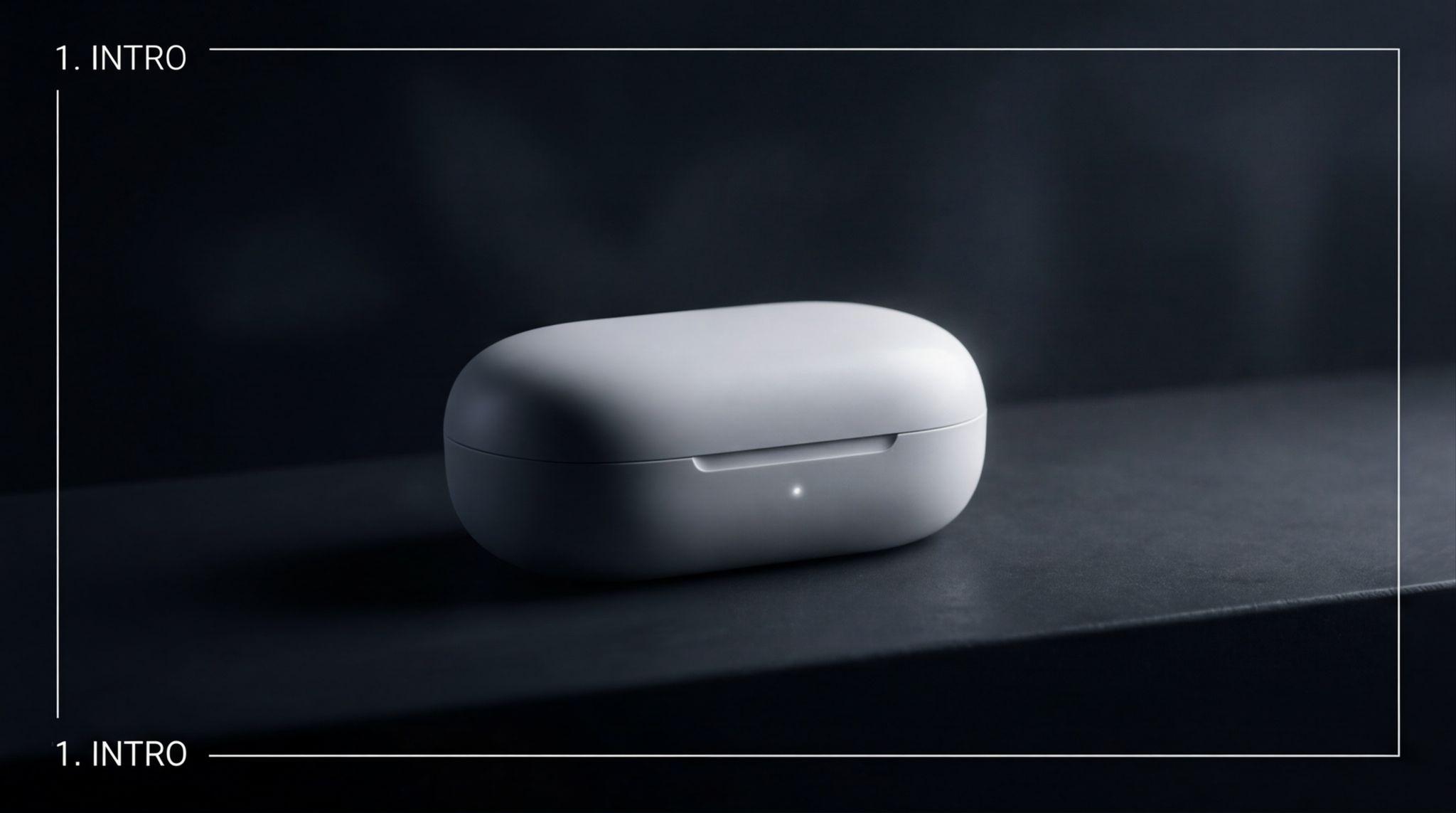
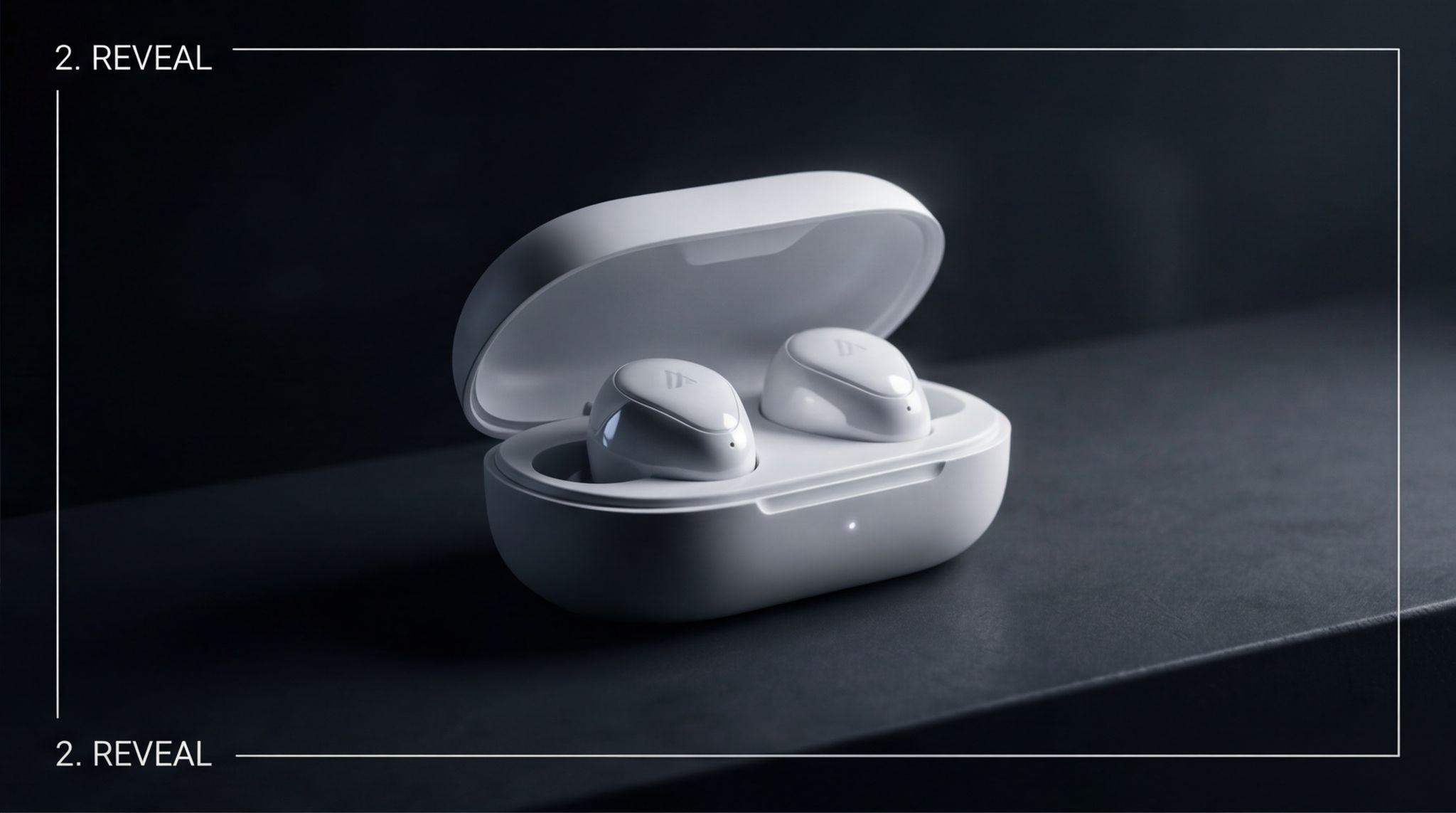
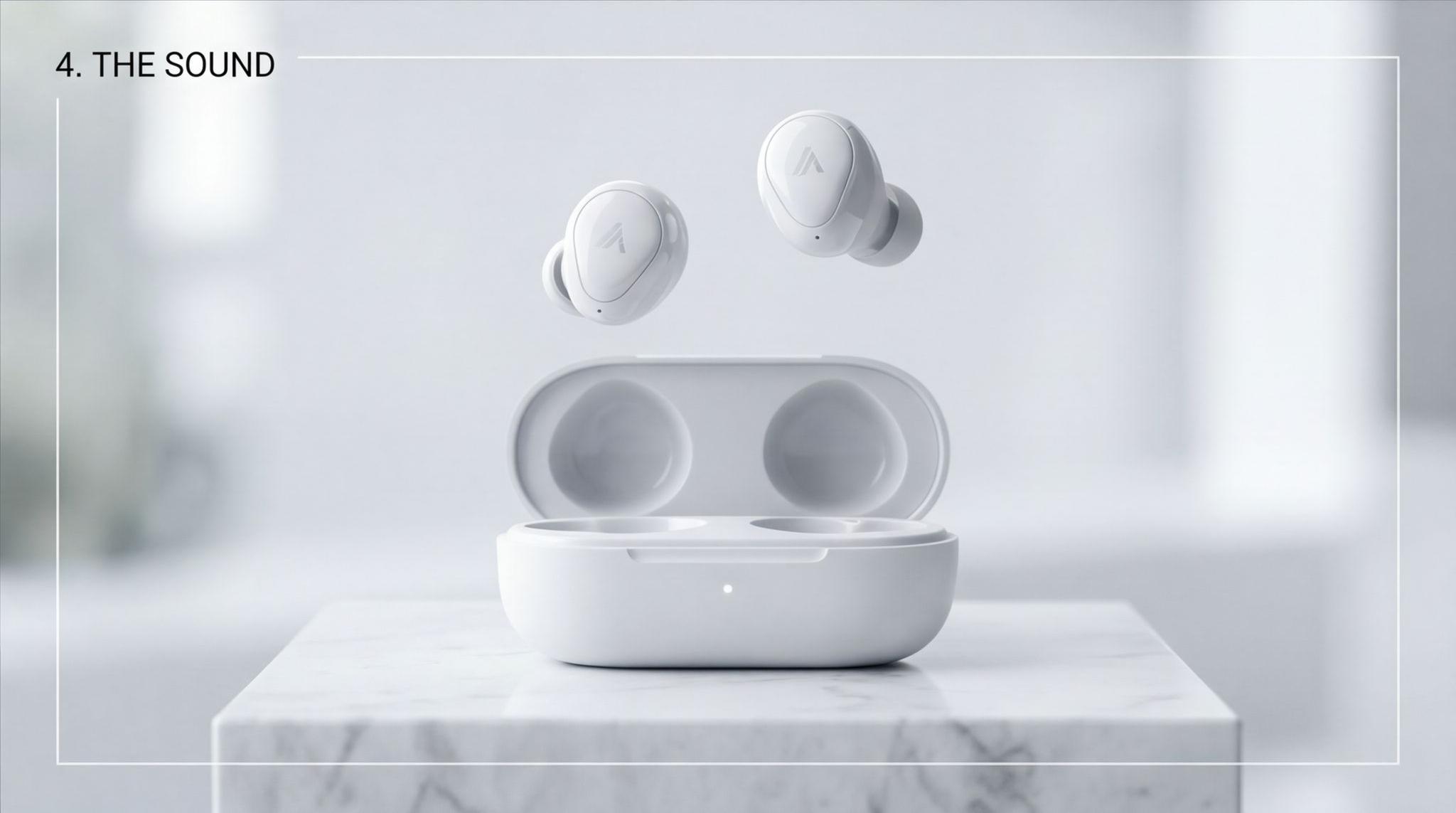
2x2 storyboard grid, cinematic product sequence featuring premium white wireless earbuds and charging case (Apple AirPods-style), four panels showing progression:

1. closed charging case resting in darkness with soft minimal light
2. case opening slowly, earbuds revealed with subtle reflections
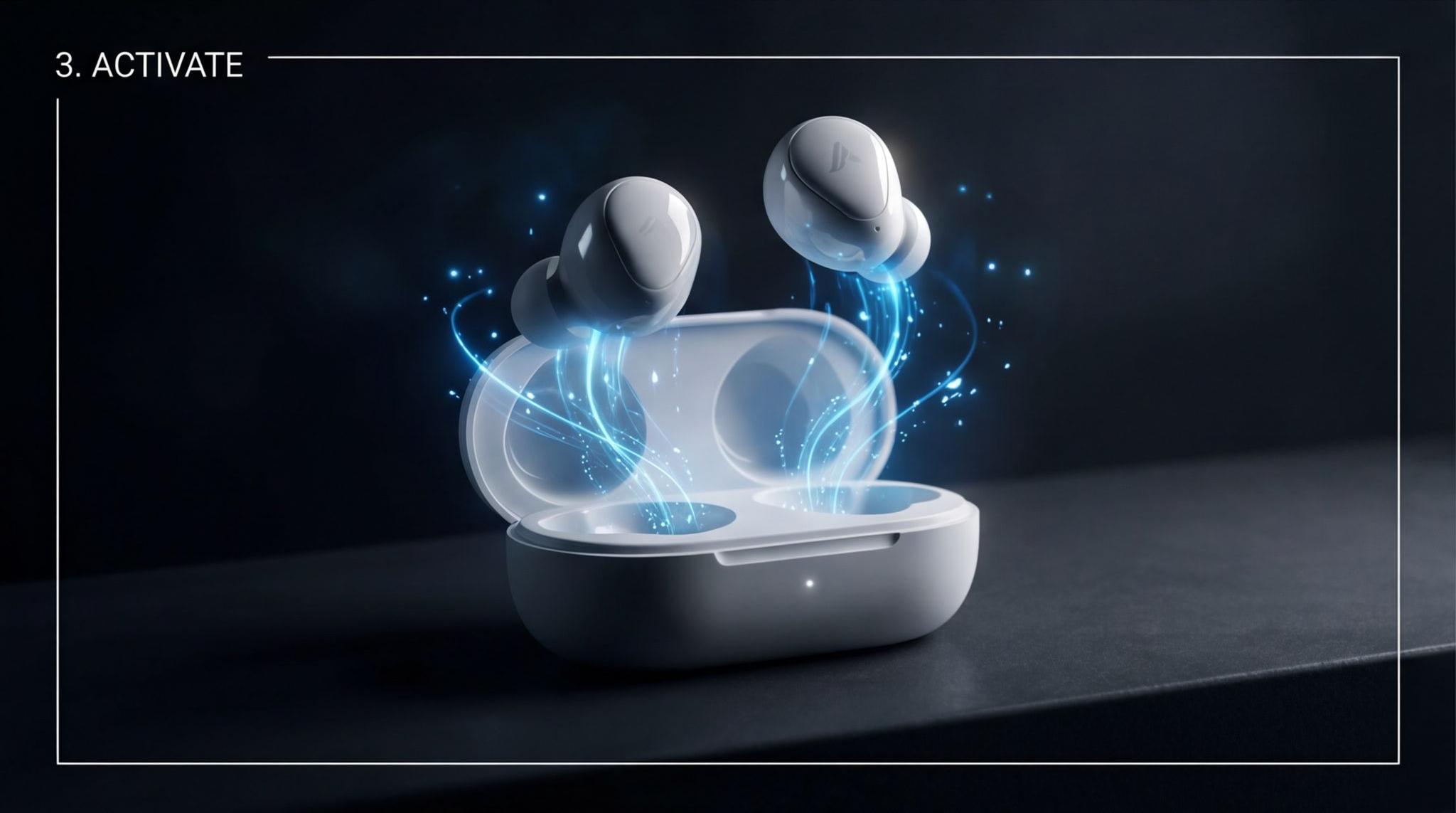
3. earbuds lifting slightly out of the case with glowing energy accents
4. clean hero shot of earbuds floating above the case, bright minimal background


consistent style across all panels, high-end product ad, cinematic lighting, smooth transitions, ultra clean composition
Step 2: Upload your files
In the 'Video Prompts' node, upload the files you want to use in the workflow.
Subject: Premium white wireless earbuds charging case from first frame transitioning into second frame, clean Apple AirPods-style design  Animation: The scene starts in near darkness → soft light gradually reveals the charging case → the case lid slowly begins to open → interior becomes visible with subtle reflections  Camera: slow cinematic push-in toward the case, very smooth  Style: minimal, high-end product ad, dark environment with soft controlled lighting  Goal: smooth transition from closed case to partially/open case, natural motion  Constraints: no deformation of the case, accurate hinge motion, no distortion, clean surfaces, stable animation
Subject: Wireless earbuds in open charging case transitioning into activated state from third frame  Animation: The camera moves closer → earbuds begin to rise slightly from the case → soft glowing energy appears around them → subtle light pulses emphasize activation  Camera: slow push-in with slight upward angle  Style: premium tech ad, clean lighting with soft glow effects, controlled reflections  Goal: transition from static open case to dynamic activation with earbuds lifting  Constraints: no distortion, earbuds maintain correct shape and position, smooth controlled motion, no excessive effects
Subject: Wireless earbuds transitioning into final hero composition from fourth frame, floating above the case  Animation: The glowing energy fades into a clean bright environment → earbuds rise and stabilize into a perfectly balanced floating position → lighting becomes soft and even → final polished product shot  Camera: slow pull-back or slight orbit to reveal full composition  Style: bright minimal premium ad, clean white background, soft shadows, elegant  Goal: transition from dynamic activation to clean, stable hero shot  Constraints: no deformation, no jitter, perfectly clean product surfaces, smooth motion, premium finish
Step 3: Run the Flow
Click the 'Run' button to execute the flow and get the final output.
Who is this for?
Perfect for professionals and creators looking to streamline their workflow
Performance marketers and eCommerce brands
Create premium product ads and hero shots with consistent geometry, smooth transitions, and brand‑safe lighting.
Motion designers and video editors
Block out story beats as a storyboard and convert them into controllable, shot‑based animations fast.
Creative directors and agencies
Pitch cinematic concepts and iterate on pacing, camera language, and mood with minimal rework.
Product teams and startups
Produce launch teasers, feature reveals, and explainer visuals without a full production crew.
Content creators and social media managers
Turn static concepts into scroll‑stopping multi‑shot videos tailored to 16:9, 1:1, or 9:16 formats.
You Might Also Like
Explore other powerful templates to enhance your AI workflow
Kling V2.6
Kling V2.6 is a pro-grade AI video generator that turns text or a single image into cinematic 1080p clips with fluid motion and native, synchronized audio (dialogue, ambience, and effects).
UGC Ad Creation Workflow – From Script to Video
End-to-end UGC ad builder that turns a subject photo, a product photo, and an optional script into a ready-to-run first-frame image and an 8s vertical video with voice and natural handheld motion.
Generate realistic lipsync animations from audio
Generate realistic lip‑sync animations from any audio track. PixVerse Lipsync aligns mouth movements to the speech with natural timing and expressions.
Kling V2.5 Turbo Pro
Kling 2.5 Turbo Pro: Unlock pro-level text-to-video and image-to-video creation with smooth motion, cinematic depth, and remarkable prompt adherence.
Sora 2
Latest version of Sora, with higher-fidelity video, context-aware audio, reference image support
Veo 3.1
New and improved version of Veo 3, with higher-fidelity video, context-aware audio, reference image and last frame support
Frequently Asked Questions
What does this template do?
It converts a 4‑panel storyboard into a three‑segment cinematic video using Seedance 2.0. You define per‑shot prompts (motion, camera, style, constraints) so each transition is predictable and on‑brand.
How is this better than a single‑prompt video generator?
Single prompts often drift in style, framing, and geometry. This workflow anchors each shot with first/last‑frame guidance and clear shot directions, producing steadier pacing, cleaner transitions, and product‑safe results.
Can I upload my own storyboard instead of generating one?
Yes. Provide a 2x2 storyboard grid (or four consistent images) and keep style, lighting, and composition aligned across panels for the most stable animations.
How long can each shot be?
You can choose a duration between 1 and 15 seconds per shot, or set intelligent duration to let Seedance 2.0 pick the best length. The final video concatenates the three animated segments.
Does it generate audio?
Yes. You can enable synchronized audio (SFX/music) for each segment. Disable it if you prefer to add your own soundtrack in post.
Which aspect ratios and resolutions are supported?
Video defaults to 16:9 at 720p, with 480p available. You can switch aspect ratios to 1:1, 4:3, 3:4, 9:16, 21:9, or adaptive. The storyboard image can be generated up to 4K for higher detail.
How do I keep product geometry accurate and avoid deformation?
Use first/last‑frame guidance, maintain consistent framing across panels, avoid extreme changes between shots, add explicit constraints (e.g., no distortion, accurate hinge motion), and consider setting a seed for repeatability.
Can I use reference images or videos with Seedance 2.0?
Yes, but not together with first/last‑frame images. Choose either reference images/videos for style and motion transfer, or the first/last‑frame method for start/end composition control.
What are typical credit costs?
Storyboard image generation is estimated at ~7.07 credits (1K), ~10.66 (2K), or ~15.94 (4K) per output image. Seedance 2.0 video is estimated around 12.28 credits/second at 720p without a video input (rates vary by mode and resolution). Final costs depend on your chosen settings.
Can I export shots separately or merge them differently?
Yes. Segments are generated individually and then merged. You can concatenate for a single timeline or place shots side‑by‑side for comparisons.
Any tips for stronger results?
Keep style unified across panels, write concise shot prompts using the Subject → Animation → Camera → Style → Goal → Constraints pattern, limit excessive effects, and prefer clean backgrounds and controlled lighting.
Are there any legal or brand usage considerations?
Use only assets, trademarks, and product designs you have rights to. Ensure final videos comply with your brand guidelines and relevant copyright, trademark, and advertising policies.
What is AI-FLOW and how can it help me?
AI-FLOW is an all-in-one AI platform that allows you to build, integrate, and automate AI-powered workflows using an intuitive drag-and-drop interface. Whether you're a beginner or an expert, you can leverage multiple AI models to create innovative solutions without any coding required.
Is there a free trial available?
Yes, AI-FLOW offers a free trial to get you started. After that, you can purchase credits as needed—no subscription or long-term commitment required.
Can I integrate my API keys from providers like OpenAI and Replicate with AI-FLOW Cloud Version ?
Yes, you can easily integrate your existing API keys with AI-FLOW. If specified, nodes related to the API Key provided will use your API key, significantly reducing your platform credit usage.