
AI-Flow
UGC Ad Creation Workflow – From Script to Video
End-to-end UGC ad builder that turns a subject photo, a product photo, and an optional script into a ready-to-run first-frame image and an 8s vertical video with voice and natural handheld motion.
Inputs
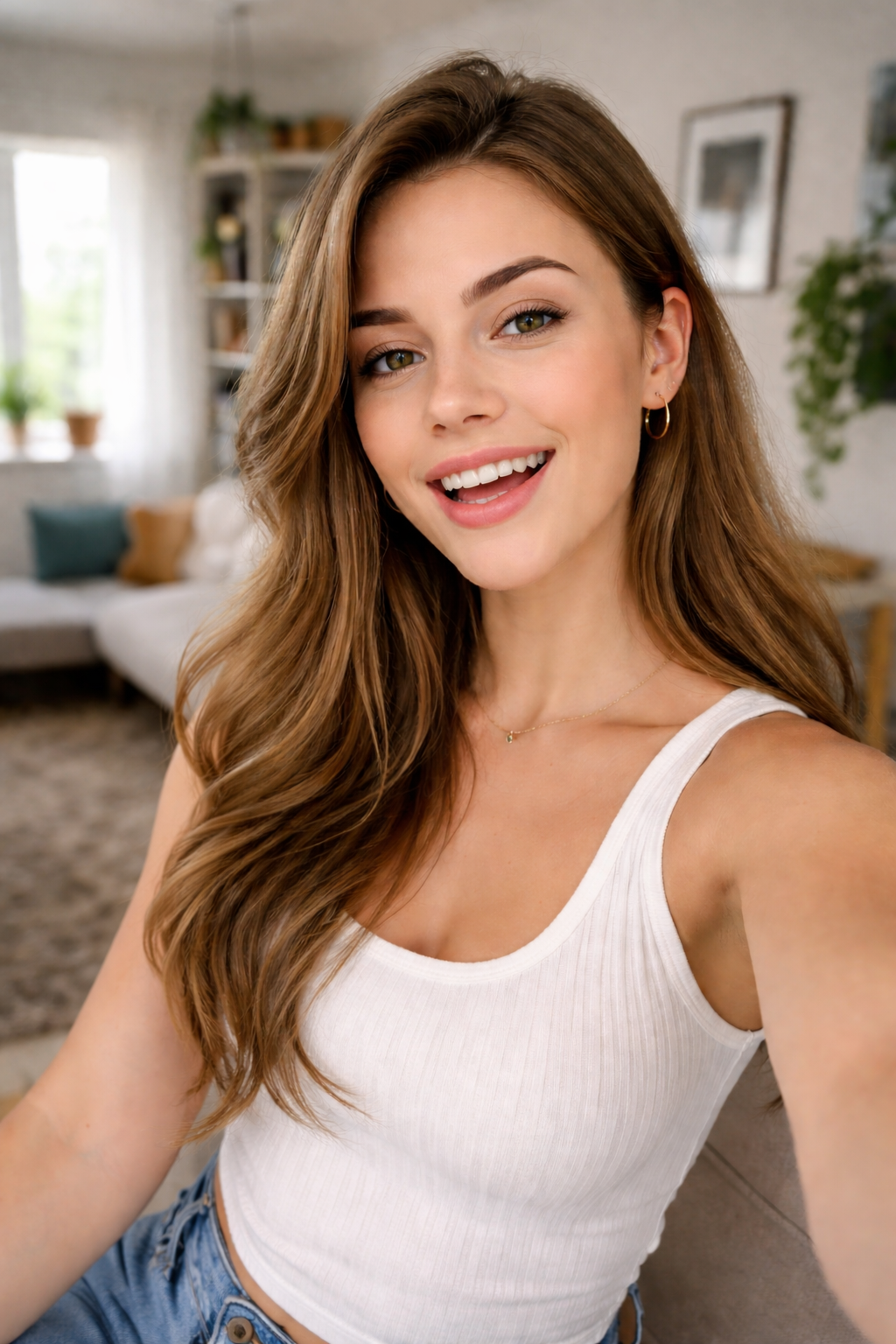
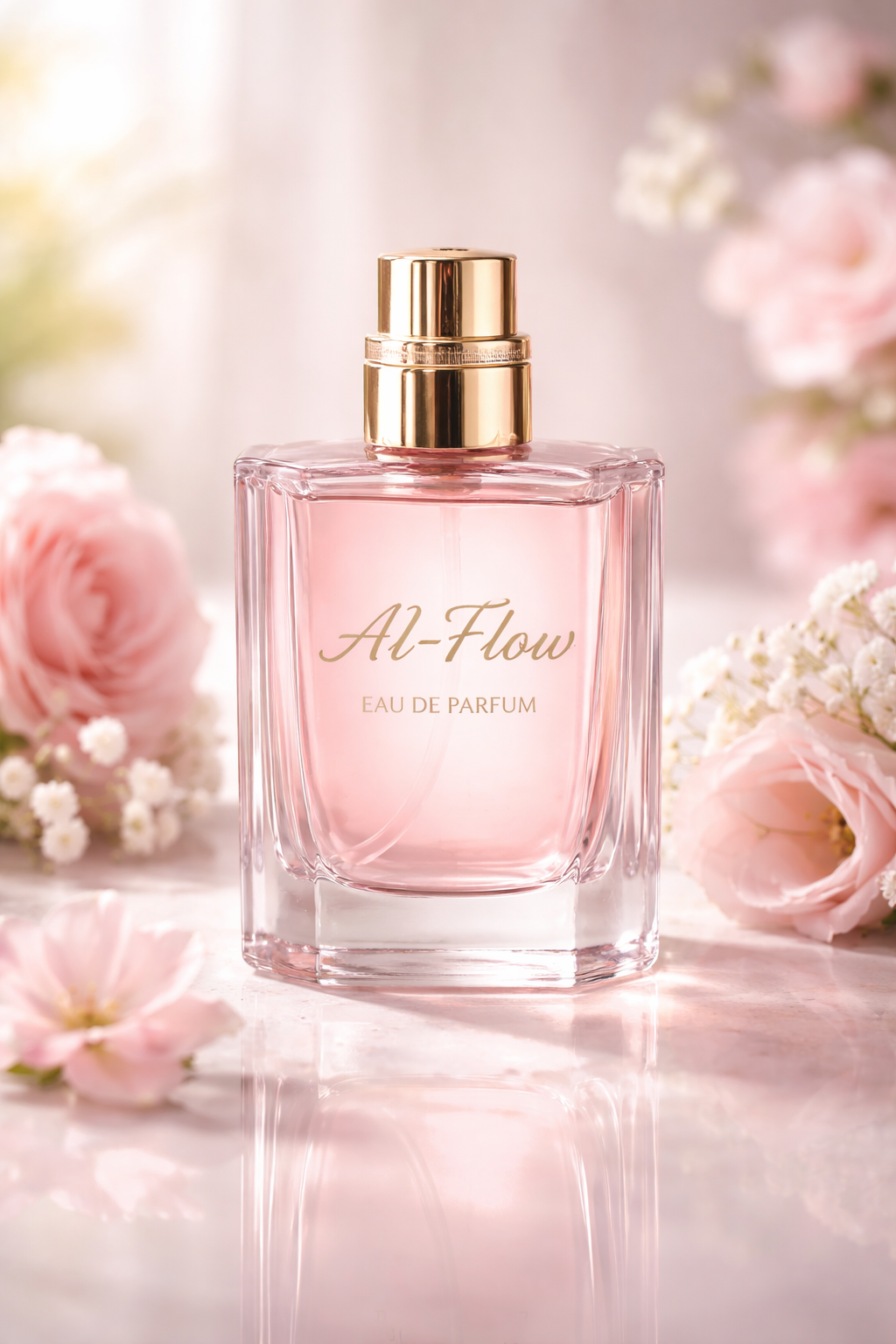
Outputs
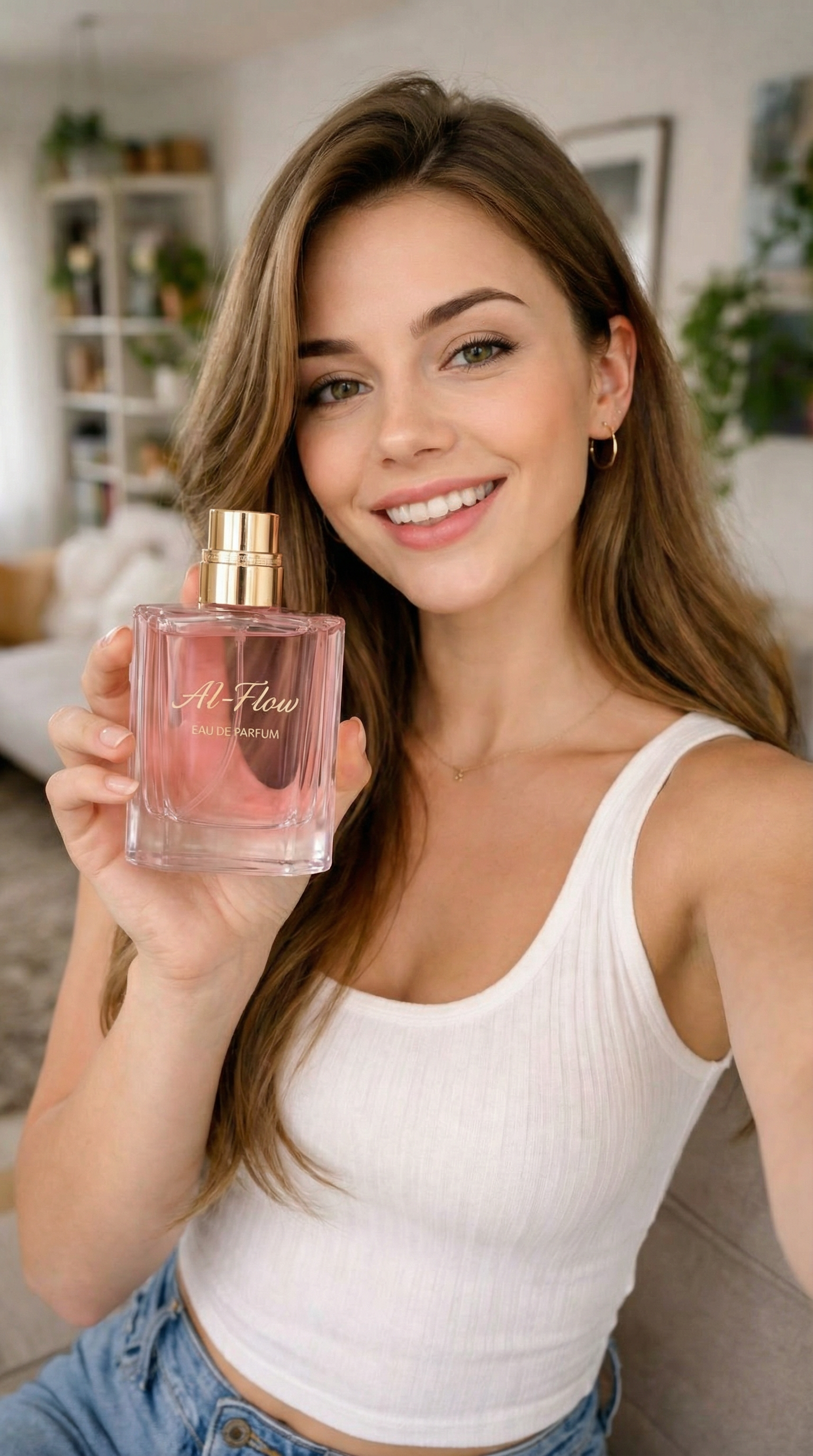
About This Template
Create authentic, high-performing UGC ads in minutes. This workflow takes a subject image and a product image, generates a realistic first-frame promo shot, and optionally animates it into a short, portrait video complete with dialogue, ambient sound, and subtle camera movement. How it works: - Upload a subject image and a product image. The system composes a clean, product-forward UGC prompt and renders a photoreal vertical first frame. - (Optional) Paste a short script. The workflow builds a timestamped animation prompt with dialogue, sound effects, ambient audio, and helpful negative prompts, then animates the still into an 8s 1080p portrait video. Key capabilities: - Image-to-image prompting that preserves the subject and product while styling for authentic UGC. - 9:16 vertical ad assets optimized for TikTok, Instagram Reels, YouTube Shorts, and Snapchat. - Voice acting and synchronized audio driven by your script lines. - Timestamp prompting for precise beats: actions, camera notes, SFX, and pacing. - Optional reference images to guide look and consistency across variations. - Adjustable quality/speed modes and transparent cost hints within nodes. - Clean outputs: first-frame image URL and MP4 video, ready for media testing. Best practices for strong results: - Use high-resolution, well-lit subject and product images; keep labels facing camera. - Keep the first frame simple: no overlays or heavy filters; emphasize product clarity. - Write a concise 1–2 sentence script to guide tone, emotion, and callout moments. - Lean on negative prompts to avoid clutter, logos, or text artifacts in-frame.
Template Workflow
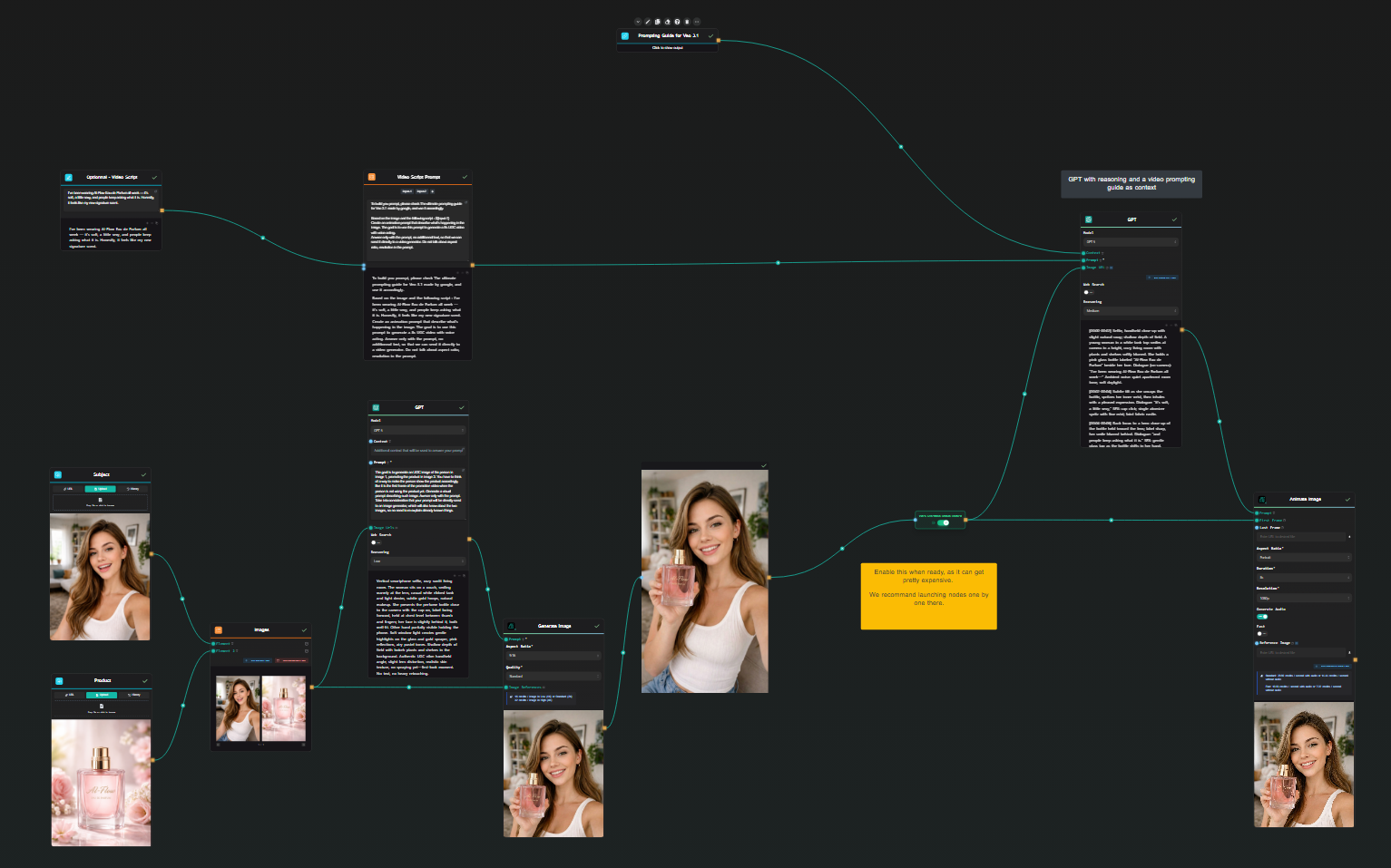
How to Use This Template
Step 1 : Upload the subject image
This node is where you upload the image of the person who will appear in the ad. Choose a clear, well-lit image to help the model generate a realistic first-frame.
Step 2 : Upload the product image
This node is where you upload the product image that will be featured in the ad. Make sure to use a high-quality image with the product label clearly visible to ensure the best results.
Step 3 : Script Input (Optional)
This node allows you to input a short script (one to two sentences) that will guide the video’s dialogue and timing. If you don't provide a script, the video will be generated without specific dialogue cues.
I’ve been wearing AI-Flow Eau de Parfum all week — it’s soft, a little sexy, and people keep asking what it is. Honestly, it feels like my new signature scent.
Step 4 : Fetching Veo 3.1 Prompting Guide for Context purpose
Here, we are fetching the Veo 3.1 Prompting Guide to provide context for the LLM. The guide helps the model understand how to generate effective video prompts based on user scripts.
The output is the content fetched from https://cloud.google.com/blog/products/ai-machine-learning/ultimate-prompting-guide-for-veo-3-1?hl=en, that we will not display here for brevity.
Step 5: Run the Flow
Click the 'Run' button to execute the flow and get the final output.
Who is this for?
Perfect for professionals and creators looking to streamline their workflow
DTC and ecommerce marketers
Quickly produce product-forward UGC creatives for storefronts, paid social, and landing page tests without scheduling live shoots.
Performance marketers and UA managers
Generate vertical hooks, first frames, and 6–10s variations to accelerate creative testing across TikTok, Reels, and Shorts.
Content creators and social media managers
Turn simple selfies and product shots into on-brand UGC posts and promos with realistic movement and voice lines.
Creative strategists and UGC studios
Prototype ad concepts, iterate scripts, and maintain consistent style across campaigns using reference images and timestamp prompts.
Founders and small businesses
Launch credible UGC ads without a large budget; start from existing product photos and a brief script.
You Might Also Like
Explore other powerful templates to enhance your AI workflow
Seedance 1.5 Pro
Generate cinema-quality videos with native, perfectly synchronized audio from text or images—featuring precise lip-sync, cinematic camera moves, and strong character consistency.
Kling V2.6
Kling V2.6 is a pro-grade AI video generator that turns text or a single image into cinematic 1080p clips with fluid motion and native, synchronized audio (dialogue, ambience, and effects).
Generate realistic lipsync animations from audio
Generate realistic lip‑sync animations from any audio track. PixVerse Lipsync aligns mouth movements to the speech with natural timing and expressions.
Kling V2.5 Turbo Pro
Kling 2.5 Turbo Pro: Unlock pro-level text-to-video and image-to-video creation with smooth motion, cinematic depth, and remarkable prompt adherence.
Sora 2
Latest version of Sora, with higher-fidelity video, context-aware audio, reference image support
Veo 3.1
New and improved version of Veo 3, with higher-fidelity video, context-aware audio, reference image and last frame support
Frequently Asked Questions
What does this workflow produce?
A realistic UGC first-frame image from your subject and product photos, plus an optional 8-second vertical video with dialogue, SFX, and handheld motion. Both are designed to be ad-ready.
What inputs do I need?
One subject image (the person) and one product image. Optionally, provide a short script (one to two sentences) to drive the video’s dialogue and timing.
Can I use it for image-only ads?
Yes. You can stop after generating the first-frame image if you don’t need video. The video branch is optional.
How does the script influence the video?
Your script is converted into a timestamped animation prompt with dialogue, camera notes, and audio cues. The model then animates the first frame to match the lines and timing.
Does it include voice acting and sound?
Yes. The video branch generates synchronized voice and ambient audio based on the dialogue and SFX cues in the prompt.
Which formats and specs are supported?
The workflow targets 9:16 vertical video at 1080p for approximately 8 seconds and produces a high-quality first-frame image suited to mobile placements. You can adapt the workflow for 16:9 or square formats as needed.
Can I guide the style or keep characters consistent?
Yes. Use your subject and product images as references, and optionally add extra reference images to guide style, background, or brand consistency.
How do I get better results?
Use clear, high-res photos with good lighting; ensure the product label faces the camera; keep the script concise; include negative prompts to avoid text, heavy filters, or extraneous objects.
What about cost and speed?
You can toggle quality/speed modes. The interface shows indicative pricing per image or per video second so you can choose between faster previews and higher-quality renders.
Do I need permission to use the input images?
Yes. Only upload images you have rights to use. You own the rights to your outputs per the platform’s terms, but remain responsible for input content and product claims.
What is AI-FLOW and how can it help me?
AI-FLOW is an all-in-one AI platform that allows you to build, integrate, and automate AI-powered workflows using an intuitive drag-and-drop interface. Whether you're a beginner or an expert, you can leverage multiple AI models to create innovative solutions without any coding required.
Is there a free trial available?
Yes, AI-FLOW offers a free trial to get you started. After that, you can purchase credits as needed—no subscription or long-term commitment required.
Can I integrate my API keys from providers like OpenAI and Replicate with AI-FLOW Cloud Version ?
Yes, you can easily integrate your existing API keys with AI-FLOW. If specified, nodes related to the API Key provided will use your API key, significantly reducing your platform credit usage.