
Generate Consistent Characters Using AI: A Comprehensive Guide
Updated Note
Consistency Is More Accessible Now
At the time, achieving consistency often meant using dedicated LoRAs, fixed seeds, multiple iterations, and a lot of small tweaks. Those methods can still be useful, but the landscape has changed.
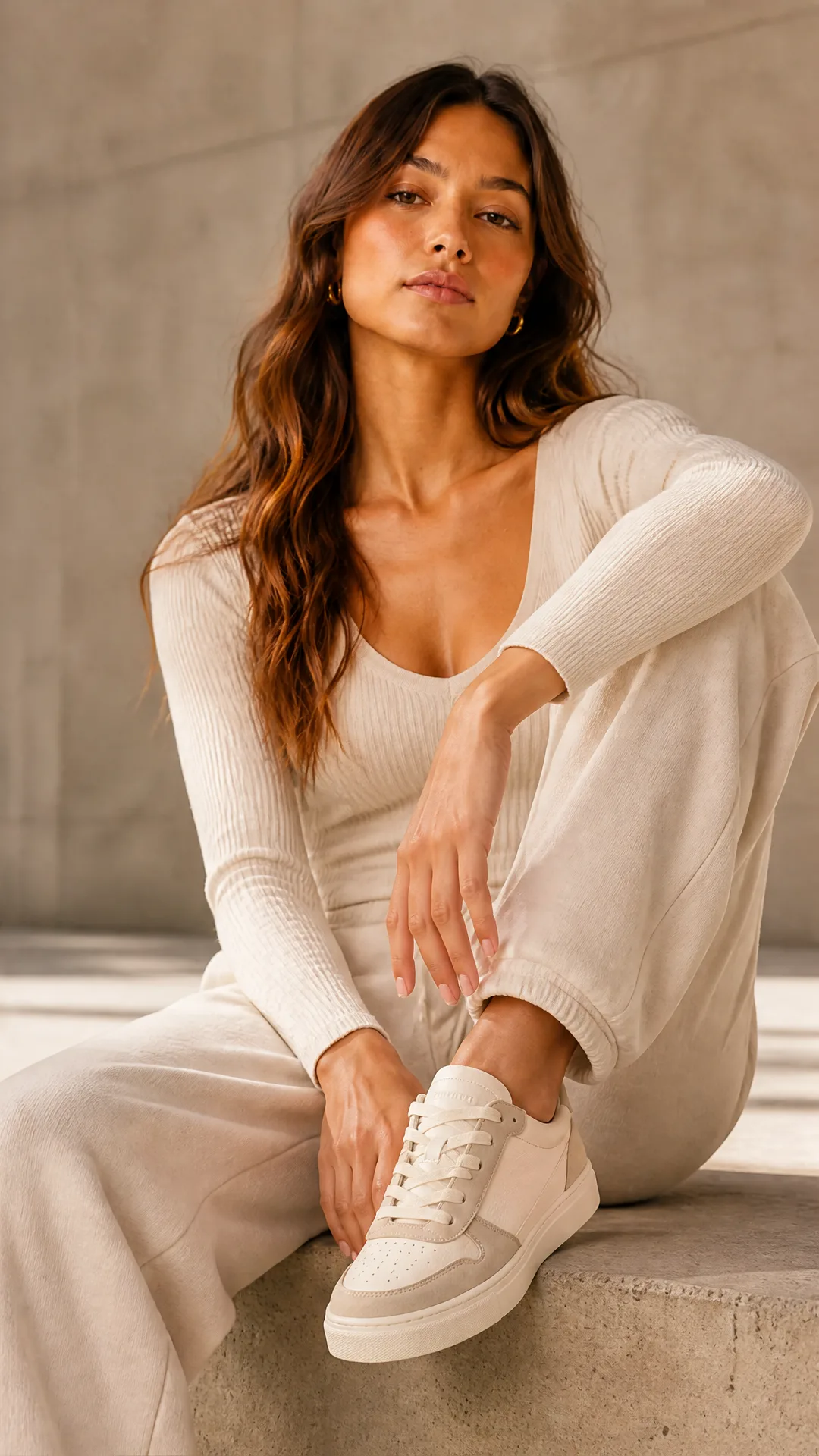
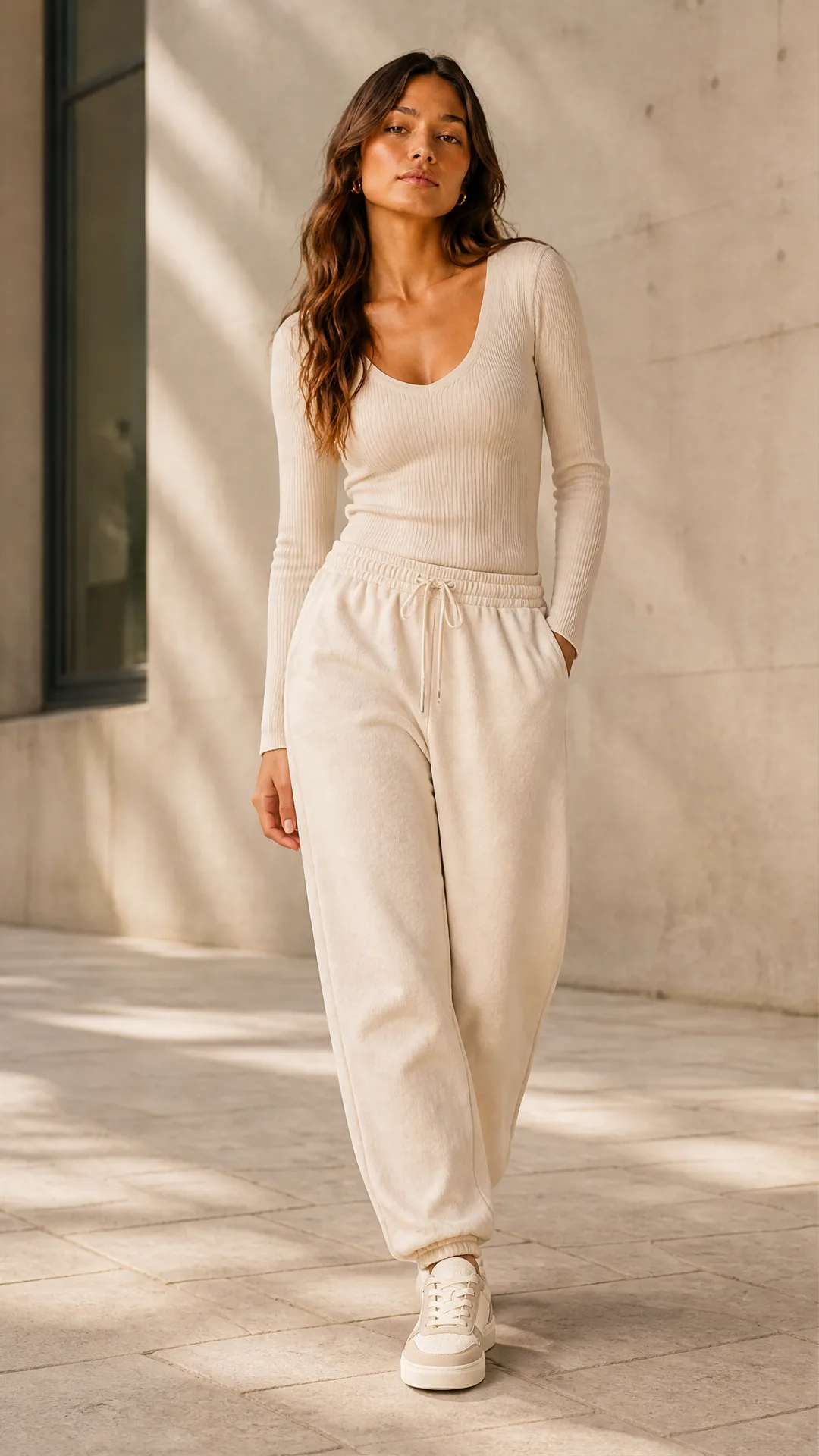
Most recent AI image models now accept multiple images as input. Among the most efficient options today are GPT Image 2 and Nano Banana 2, which make visual consistency much easier to reach. Strong results still require good prompting skills, especially if you want to maintain consistent art direction, lighting, and environment, but the process is far more accessible than before for both creative and business use cases.
Another important change is resolution: modern models can now generate images up to 4K. A practical way to get easy consistency is to generate a grid of multiple scenes in one batch. A common strategy is a 2x2 grid, which gives you four HD images generated together by the same model. This is often used for storyboards before video generation, or for product photoshooting use cases where you want several coherent variations at once.
If you are interested in building AI workflows, all these tools and models are available at app.ai-flow.net for you to experiment with. If you want consistent product photoshoots, with or without a model, we also have a standalone mini app that requires no technical knowledge. You can learn more here: AI-FLOW Product Shots.
Original June 2024 guide
Are you looking to create consistent and cohesive characters in your AI-generated images? This guide will walk you through practical methods to achieve uniformity in AI character generation. It is part of our broader series on How to Automate Story Creation.
The Challenge of Consistent AI Image Generation
AI-powered image generation is an incredible tool, but it often introduces randomness, making it challenging to produce consistent results. This guide does not present state-of-the-art techniques but instead shares tested experiments to help you achieve more uniform character images.
While the methods discussed are not foolproof, they provide a foundation to develop your approach to consistent AI character generation.
Method 1: Precise Prompt Descriptions
One of the most crucial aspects of image generation is crafting high-quality prompts. If your descriptions are detailed and consistent, you are more likely to achieve uniform results across multiple images.
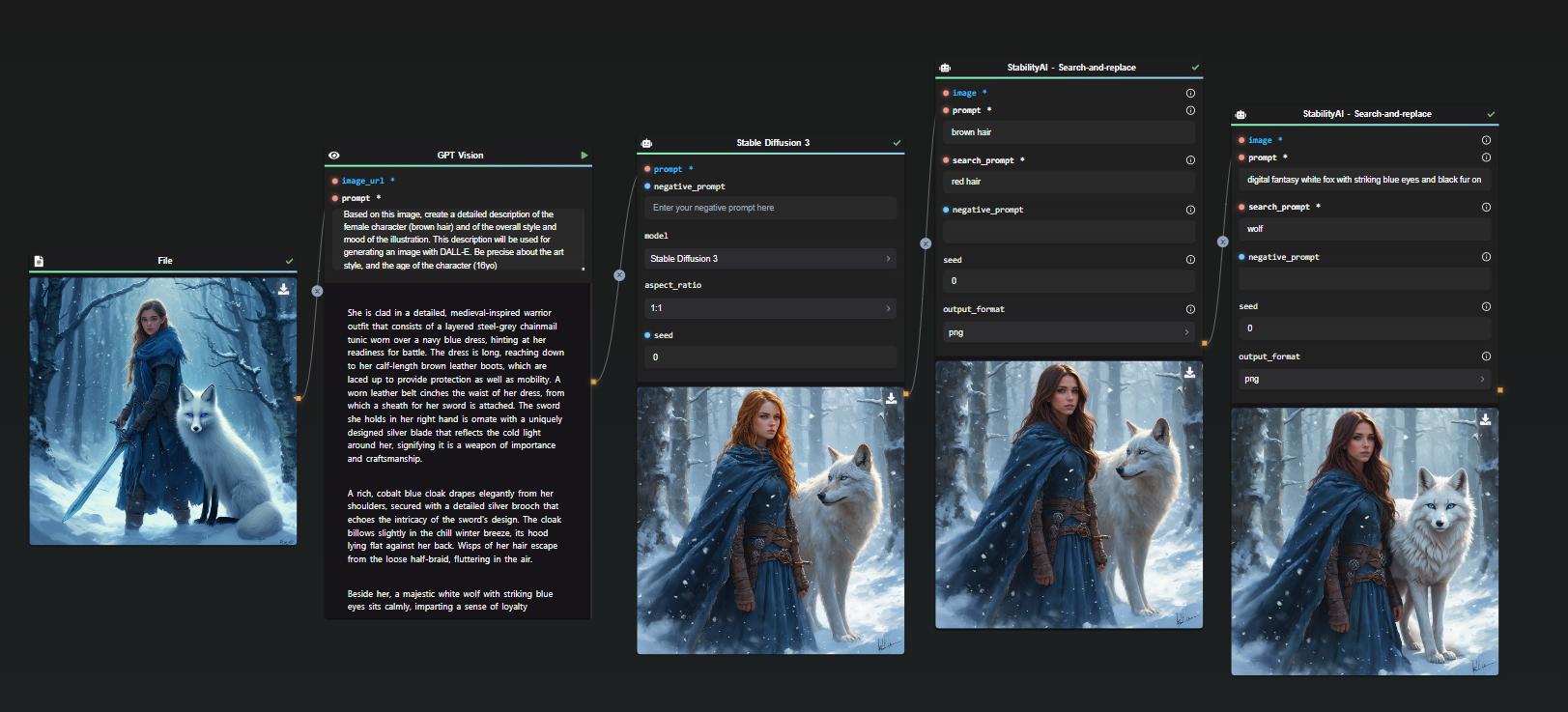
To enhance precision, AI can assist in generating descriptive prompts. For example, I started with an existing AI-generated image and asked ChatGPT to describe it accurately. This description was then used as a prompt in Stable Diffusion 3.
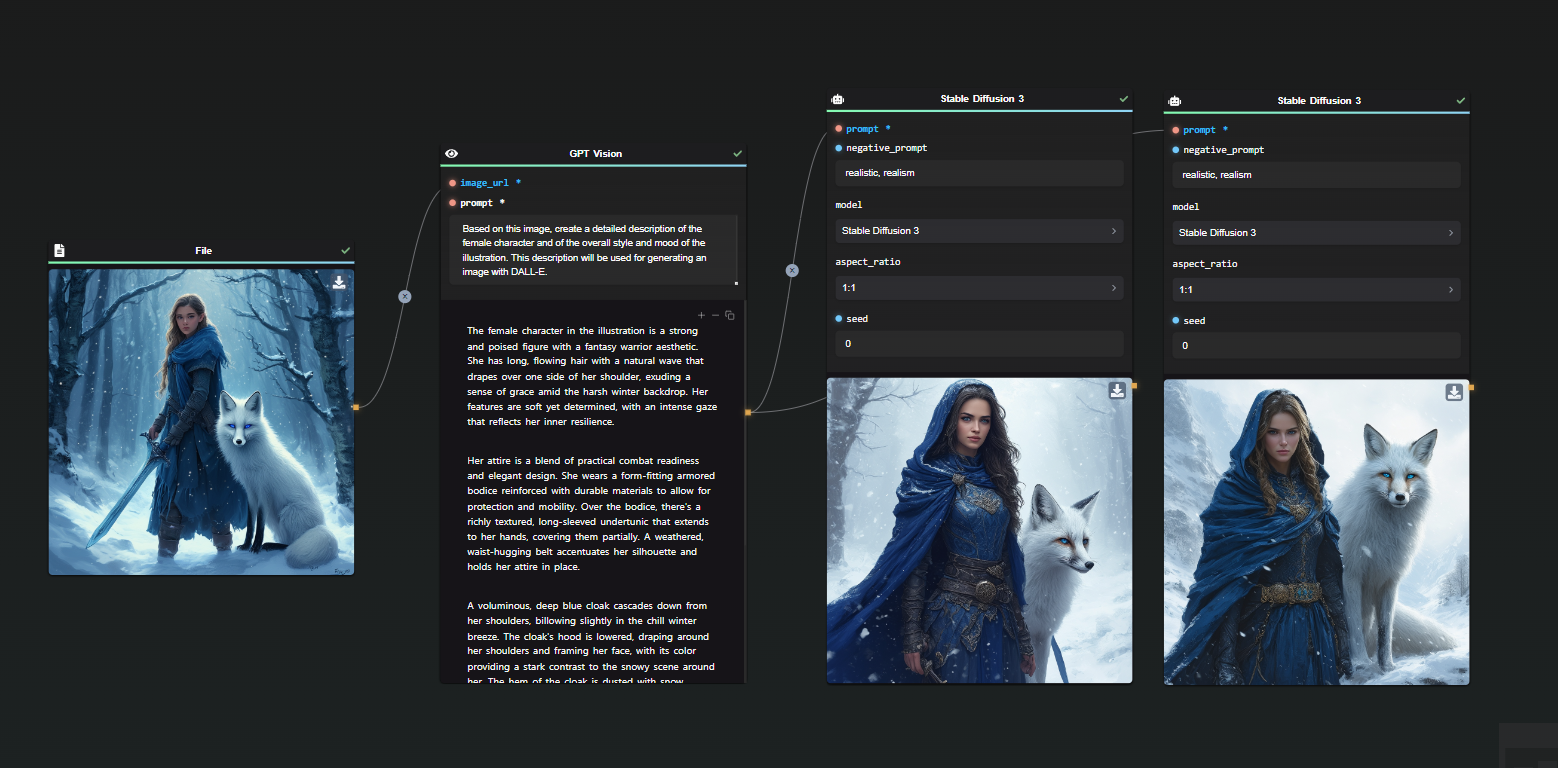
Despite similarities, the AI missed details such as the character’s age. By refining the prompt to specify a 16-year-old character, the output became more consistent.
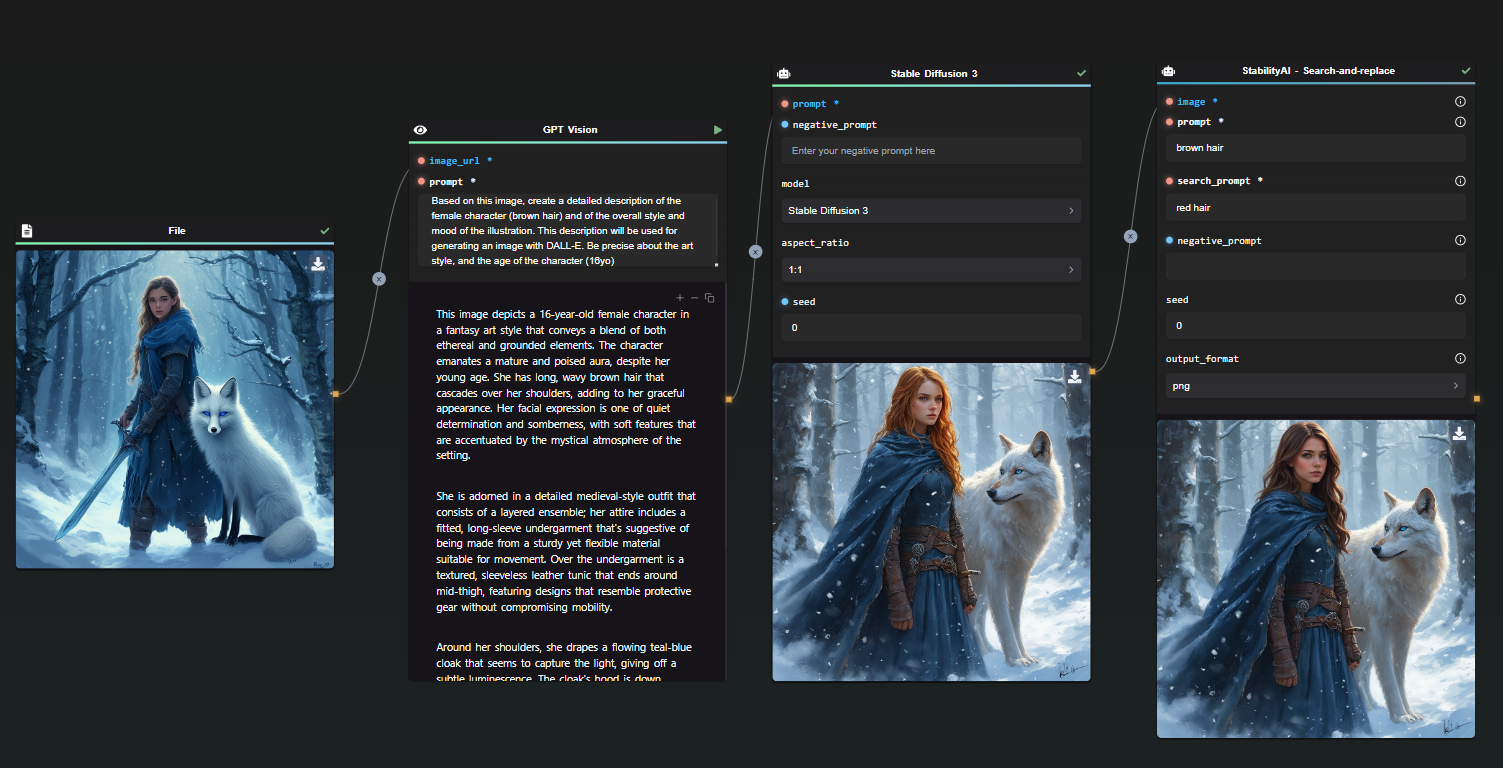
In this iteration, the AI misinterpreted hair color due to lighting effects in the original image. Using StabilityAI’s Search and Replace feature, I adjusted the description from red hair to brown hair.
Similarly, I applied Search and Replace to correct the depiction of the character’s pet.
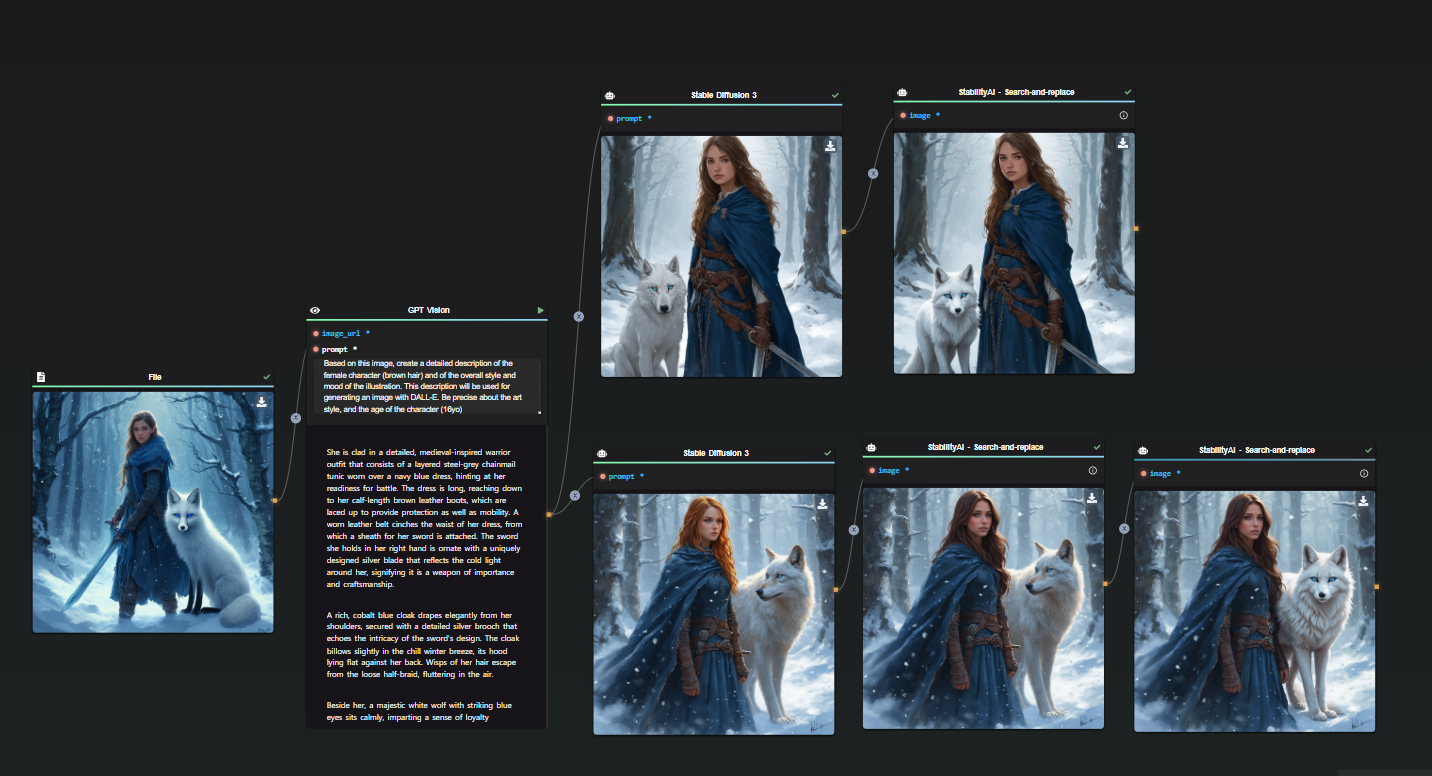
By refining the prompt with specific details, the results became consistently aligned with the initial vision.
Tip: Including the character’s name in the prompt can improve consistency across multiple generations.
Method 2: Maintaining the Same Seed and Prompt
Once you have an effective prompt, you can achieve a variety of results while maintaining consistency by keeping track of the exact seed used.
For example:
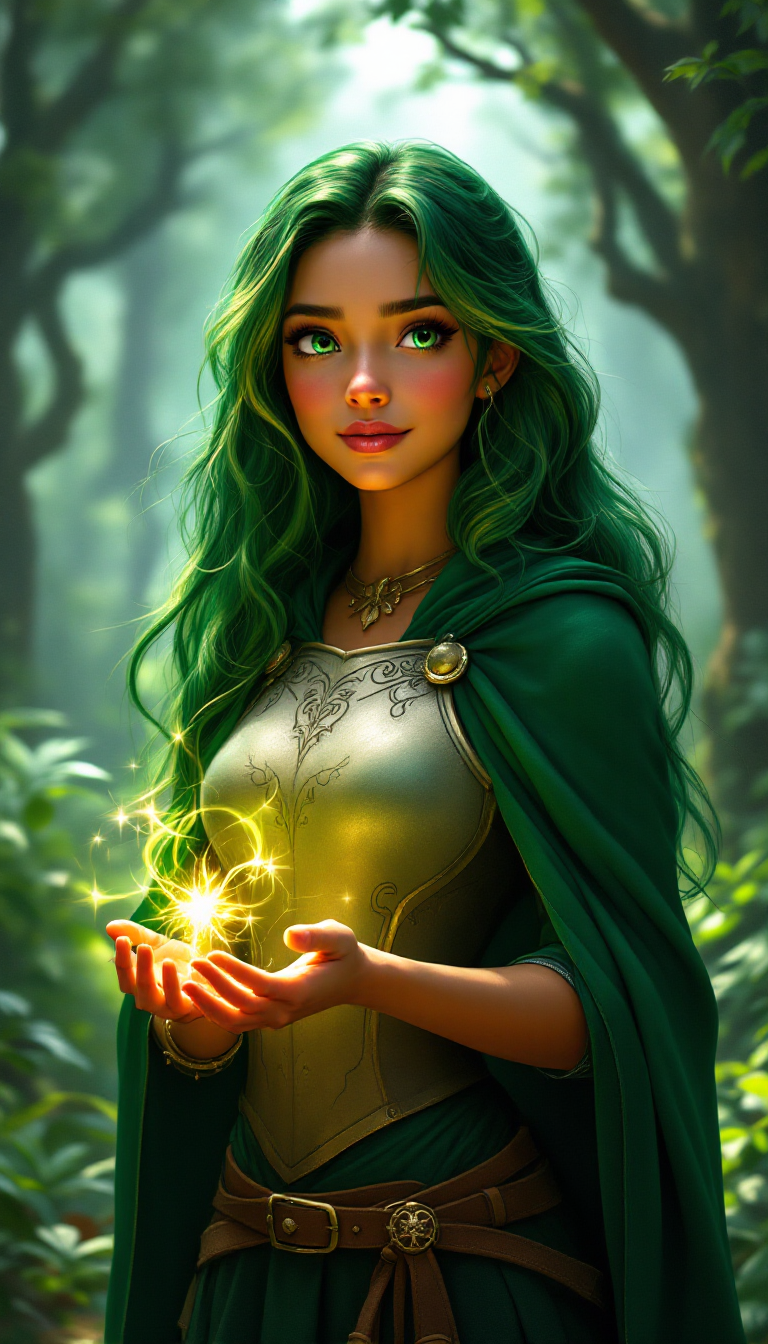
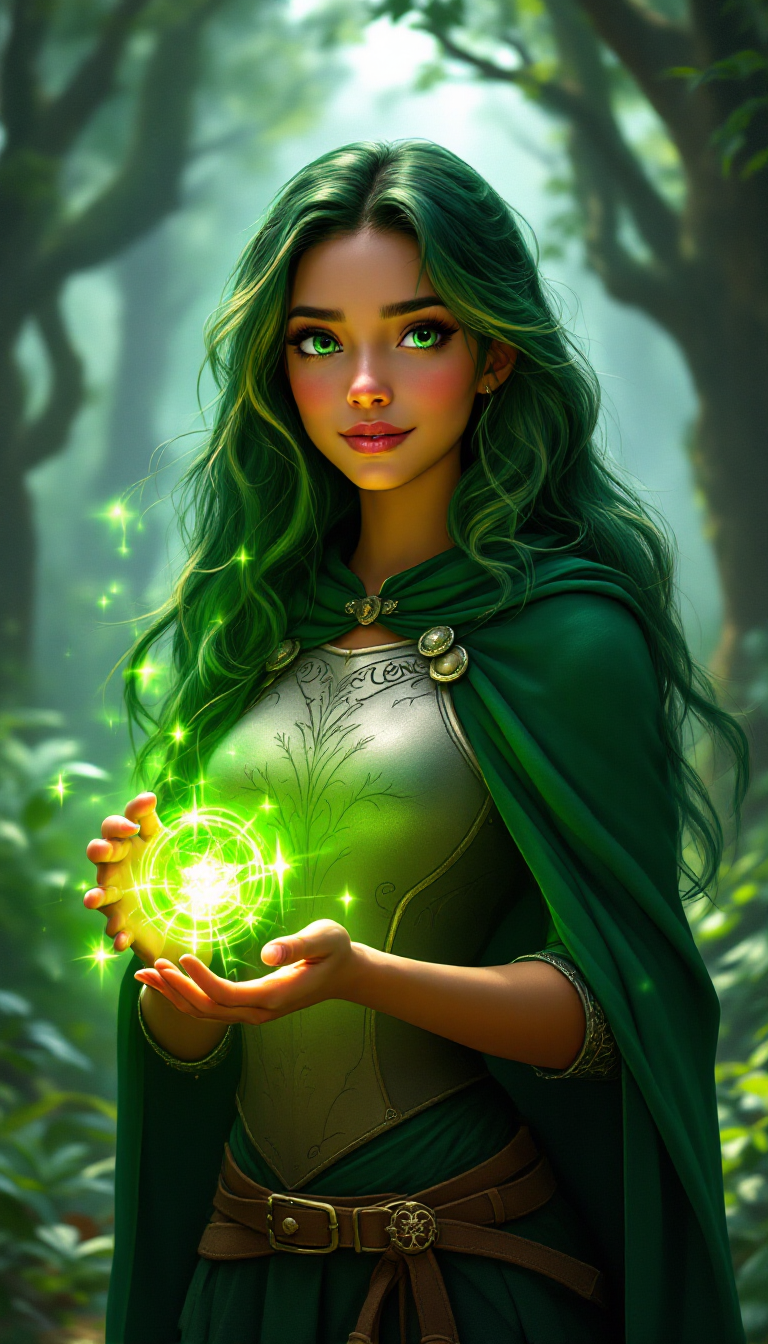
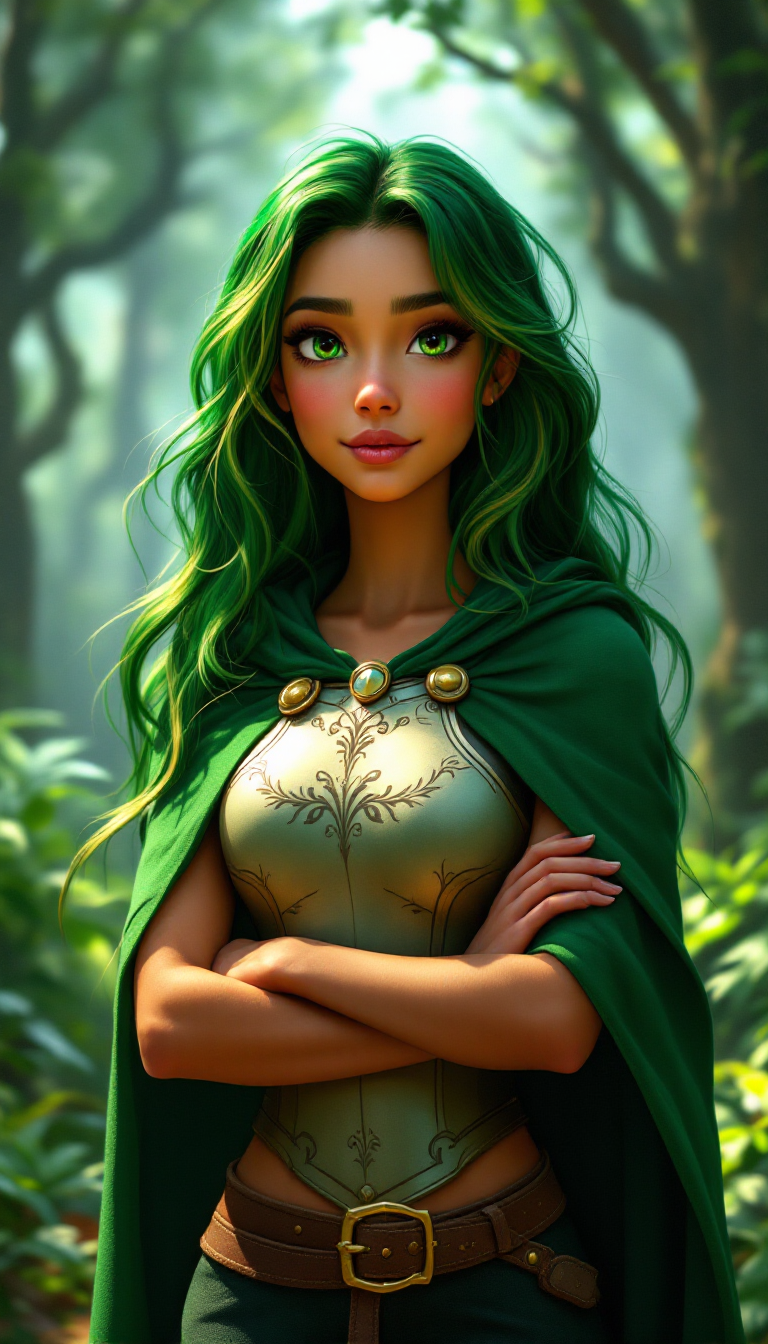
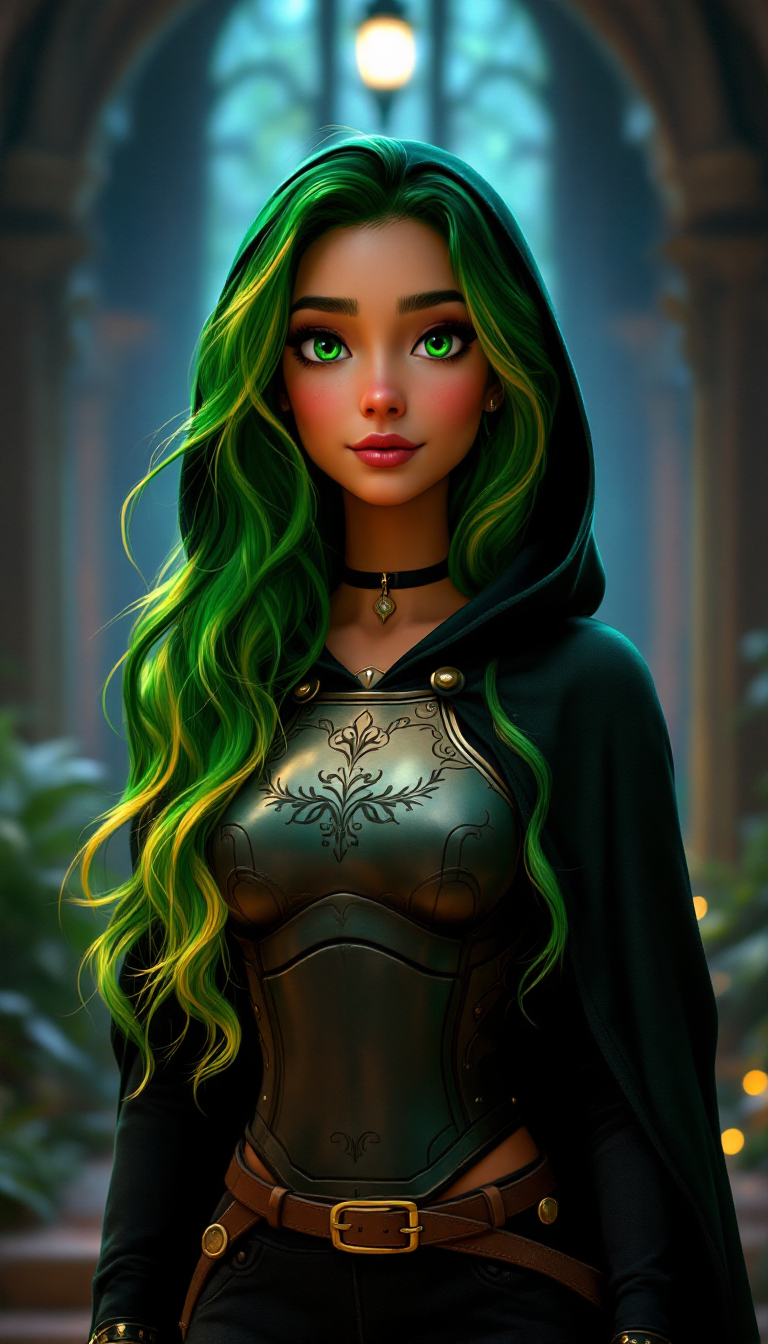
All these images were generated with the same seed and nearly identical prompts, tweaking only minor details. These were created using FLUX Pro 1.1.
By adjusting parameters such as aspect ratio, you can generate even more variations.
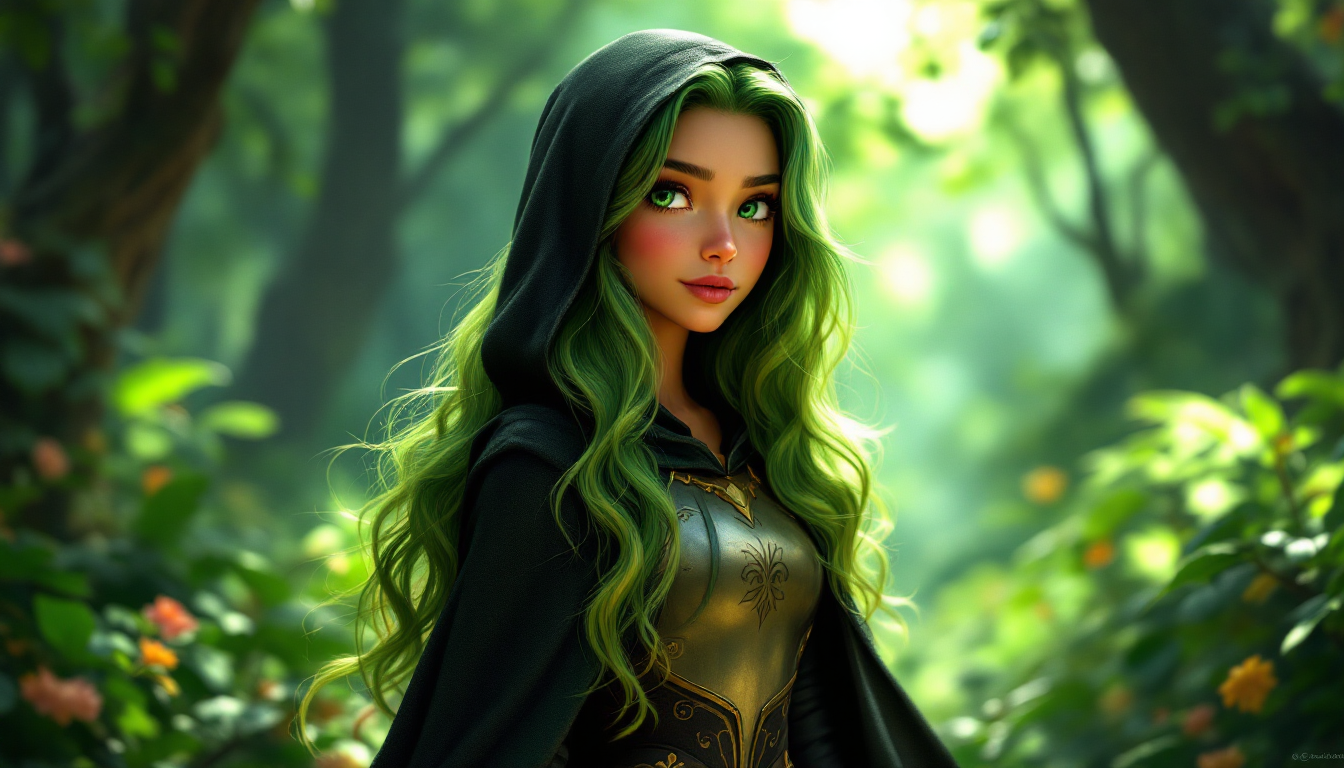
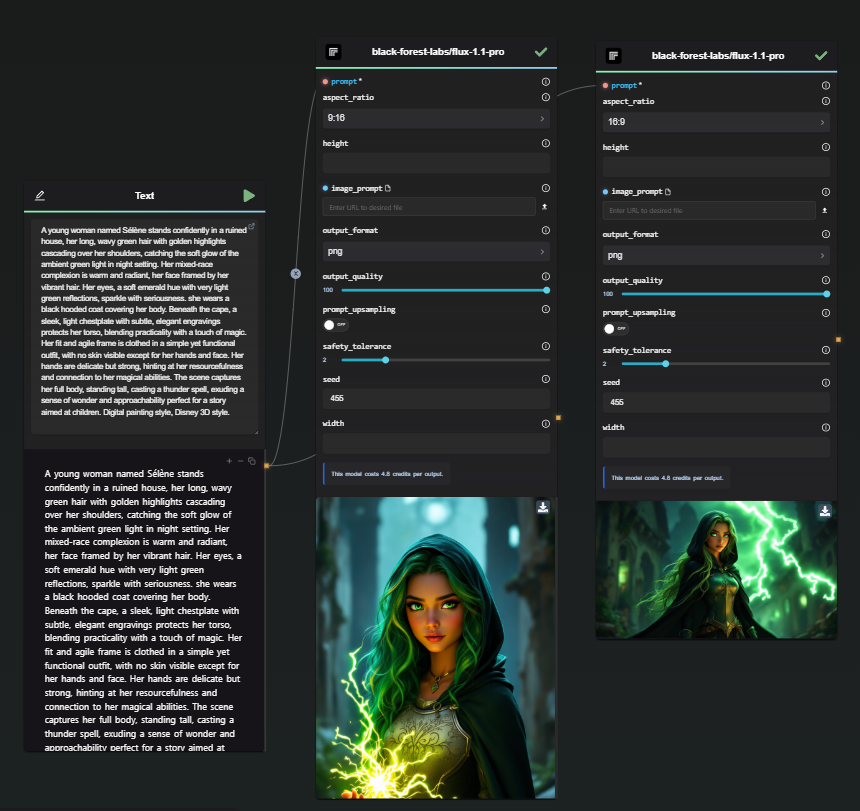
Tip: Once you have a reliable prompt and seed, experiment by progressively altering sections of the prompt to maintain consistency while refining details.
Method 3: Adjusting Character Expressions
Once a consistent character design is established, you may want to generate variations in facial expressions.
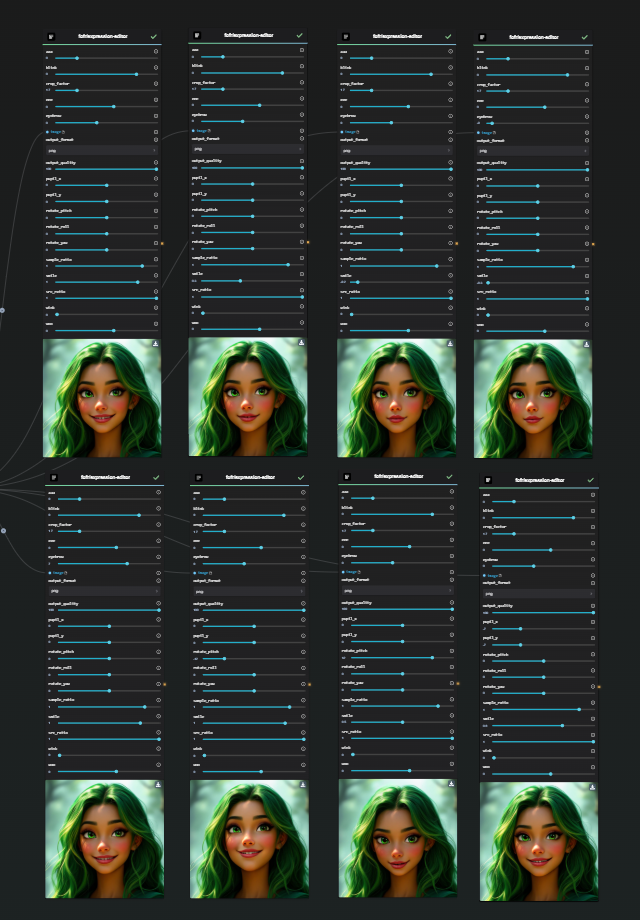
For this, models such as fofr/expression-editor are highly effective.
This model allows you to manipulate facial parameters like smiles, eyebrow positioning, and face tilt to create expressive variations.
Method 4: Utilizing Dedicated Models for Consistency
Using dedicated AI models like fofr/consistent-character in combination with the Replicate Node can help generate different facial angles while maintaining character consistency.
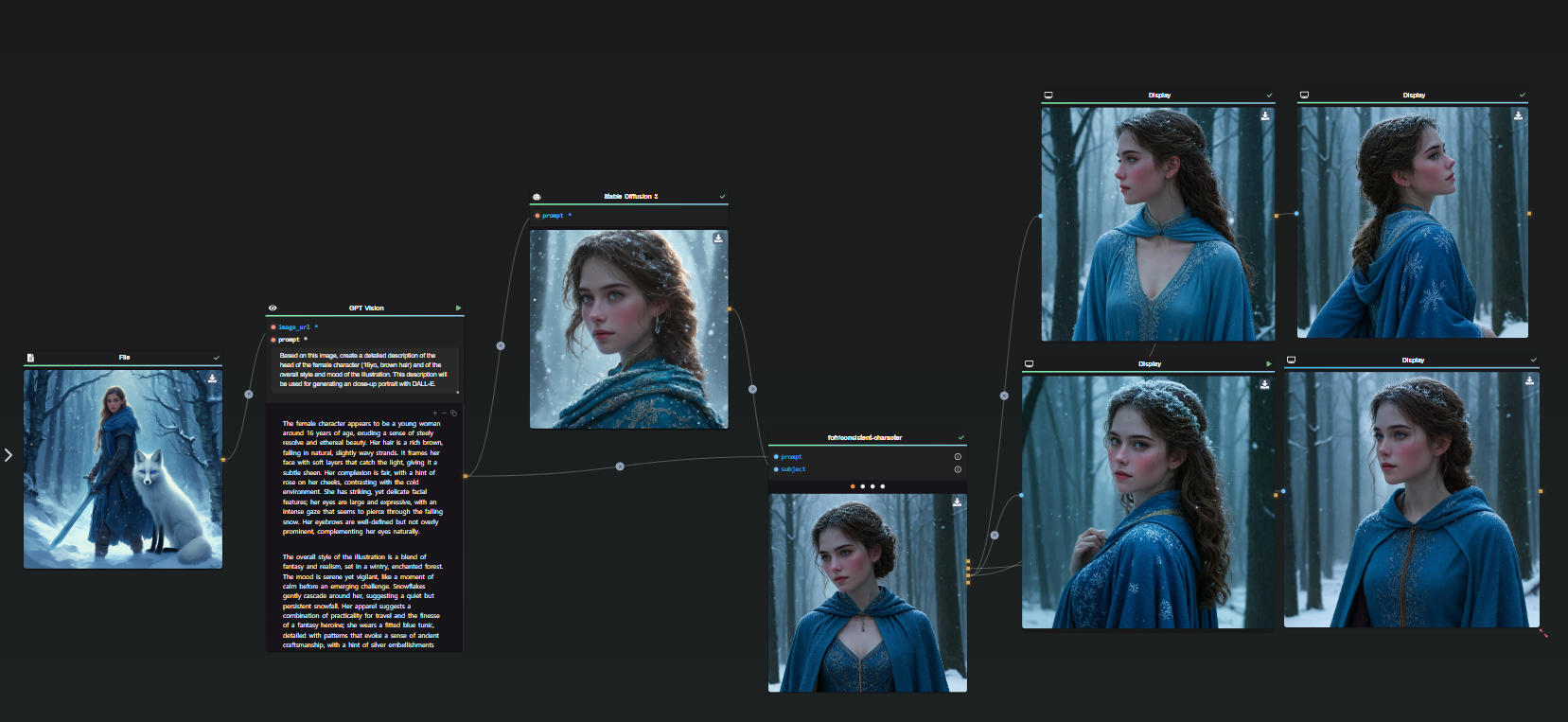
Note: These models work particularly well for realistic characters but may make cartoon-style characters appear more lifelike. Experimentation is key.
Once you have multiple consistent face angles and expressions, you can integrate them into new images for even more refined character consistency.
Conclusion and Next Steps
This guide provides foundational techniques for achieving character consistency in AI-generated images. By refining prompts, maintaining seed consistency, and leveraging expression editors, you can create visually cohesive and believable characters.
Stay tuned for Part 2, where we will explore advanced methods for refining and completing character generation.
Start experimenting with these techniques today using AI-FLOW.