
AI-Flow
Video Increase Resolution
Upscale videos up to 8K output resolution. Trained on fully licensed and commercially safe data.
About This Template
## Basic model info Model name: bria/video-increase-resolution Model description: Upscale videos up to 8K output resolution. Trained on fully licensed and commercially safe data. ## Model inputs - video_url (optional): URL of the video file (string) - desired_increase (optional): Scale factor for upscaling. Maximum output resolution is 8K (7680x4320) (integer) - output_container_and_codec (optional): Output format and codec (string) - preserve_audio (optional): Whether to maintain original audio in output (boolean) ## Model output schema { "type": "string", "title": "Output", "format": "uri" } If the input or output schema includes a format of URI, it is referring to a file. ## Example inputs and outputs Use these example outputs to better understand the types of inputs the model accepts, and the types of outputs the model returns: ### Example (https://replicate.com/p/t6w6cgesp9rmw0cw8jyvxe8yc4) #### Input ```json { "video_url": "https://bria-datasets.s3.us-east-1.amazonaws.com/video_increase_res/3446608-sd_426_240_25fps.mp4", "preserve_audio": true, "desired_increase": 2, "output_container_and_codec": "mp4_h264" } ``` #### Output ```json "https://replicate.delivery/xezq/fMVFT0yf6Rho9kG8ItT7ONR5HUt8j8Sf5UHmdEKB8hIvAEMsA/tmpw7hnoy3s.mp4" ``` ## Model readme > # Video Resolution Upscaling > > This capability initiates an asynchronous job to upscale video resolution, supporting output resolutions up to **8K**. > > ## Input Compatibility > > Ensure your input files meet the following criteria to avoid processing errors. > > | Category | Supported Standards | > | :--- | :--- | > | **Containers** | `.mp4`, `.mov`, `.webm`, `.avi`, `.gif` | > | **Codecs** | H.264, H.265 (HEVC), VP9, AV1, PhotoJPEG | > > ### Attribute Preservation > The model strives to maintain the fidelity of the original media. The following attributes are preserved in the output: > * **Visuals:** Aspect Ratio. > * **Color:** Color Bit Depth. > * **Timing:** Frame Rate. > * **Audio:** Passthrough (if present). > * **Transparency:** Preserved if present in the input *and* supported by the selected output preset. > > --- > > ## Encoding & Quality > > * **Bitrate Optimization:** The bitrate is adjusted automatically to match the target resolution, ensuring quality is preserved during the upscale process. > > --- > > ## Limits & Constraints > > Please adhere to the following limits to ensure successful processing. > > ### Duration > * **Maximum:** 60 seconds per input file. > > ### Resolution > * **Maximum Output:** 7680x4320 (8K). > * **Scaling Limit:** If your selected `desired_increase` factor results in a resolution higher than 8K, the server will return an **Error 422 (Unprocessable Entity)**.
How to Use This Template
Step 1: Upload your file
In the 'Video URL' node, upload the file you want to process.
No example available.
Step 2: Run the Flow
Click the 'Run' button to execute the flow and get the final output.
You Might Also Like
Explore other powerful templates to enhance your AI workflow
Sora 2
Latest version of Sora, with higher-fidelity video, context-aware audio, reference image support
Veo 3.1
New and improved version of Veo 3, with higher-fidelity video, context-aware audio, reference image and last frame support

Nano Banana
Google's image editing model in Gemini 2.5
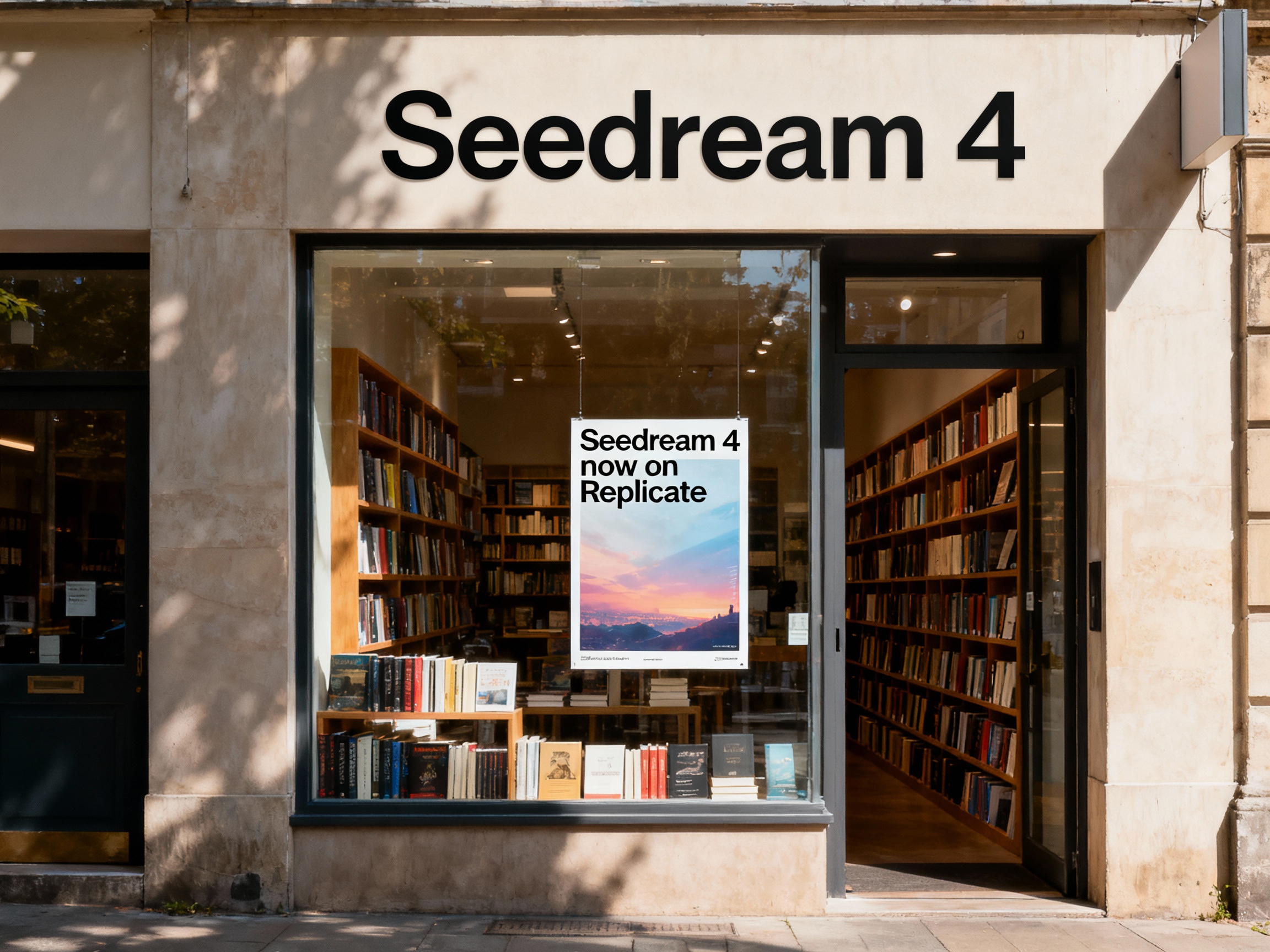
Seedream 4
Unified text-to-image generation and precise single-sentence editing at up to 4K resolution

Rotate Viewpoint – Image Set
Rotate viewpoint around the subject.
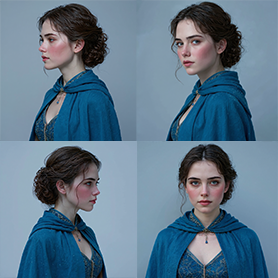
Portrait Series FLUX 1 Kontext
Generate a consistent series of portrait photos from a single image using the FLUX 1 Kontext portrait model.
Frequently Asked Questions
What is AI-FLOW and how can it help me?
AI-FLOW is an all-in-one AI platform that allows you to build, integrate, and automate AI-powered workflows using an intuitive drag-and-drop interface. Whether you're a beginner or an expert, you can leverage multiple AI models to create innovative solutions without any coding required.
Is there a free trial available?
Yes, AI-FLOW offers a free trial to get you started. After that, you can purchase credits as needed—no subscription or long-term commitment required.
Can I integrate my API keys from providers like OpenAI and Replicate with AI-FLOW Cloud Version ?
Yes, you can easily integrate your existing API keys with AI-FLOW. If specified, nodes related to the API Key provided will use your API key, significantly reducing your platform credit usage.