
Workflow overview
How the Rotate Viewpoint – Image Set template works
File
Edit Image
Edit Image
Edit Image
About This Template
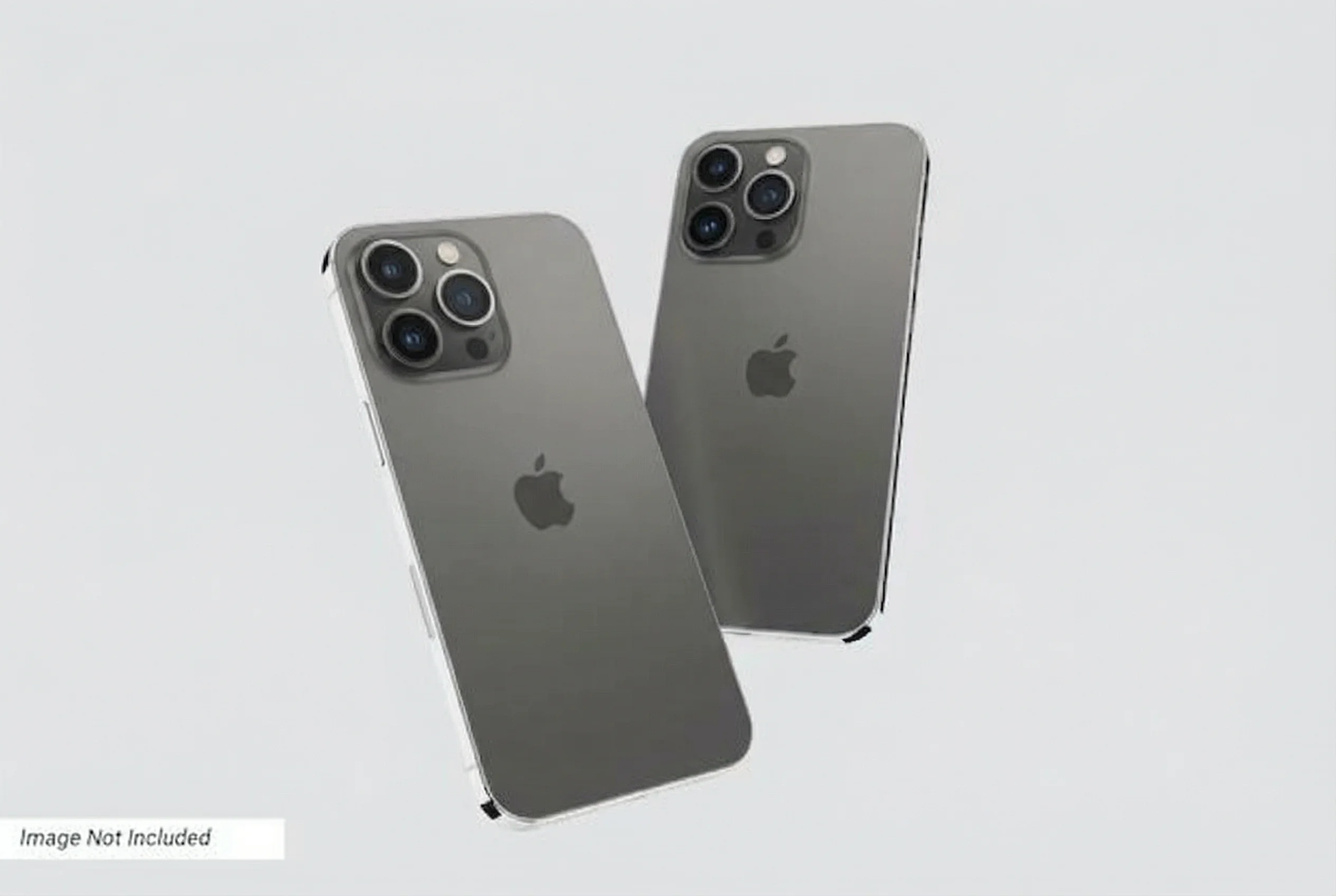
Easily rotate the viewpoint around a subject in an image set using AI-powered image editing. Upload your images and specify the desired viewpoint changes, such as side views or back views. The AI will adjust the perspective while maintaining accurate proportions and details, allowing you to visualize the subject from different angles effortlessly.
How to Use This Template
Step 1: Upload your file
In the 'File' node, upload the file you want to process.
Step 2: Run the Flow
Click the 'Run' button to execute the flow and get the final output.
Ready to build?
Start using this template
Open it directly in AI-Flow and start creating in minutes
You Might Also Like
Explore other powerful templates to enhance your AI workflow
Nano Banana 2.1
Generate and edit high-quality images with Google Nano Banana 2.1, the latest high-efficiency Gemini image model with stronger prompt adherence, typography, visual quality, and multi-turn consistency.

GPT Image 2.5 Flare
Generate high-fidelity images with GPT Image 2.5 Flare, optimized for real typography, multilingual scripts, structured layouts, and print-ready formats up to 4K—ideal for editorial posters, comics, marketing assets, UI comps, and social graphics.

GPT Image 2.5 Sunburst
Generate high-fidelity images with GPT Image 2.5 Sunburst, optimized for real typography, multilingual scripts, structured layouts, and print-ready formats up to 4K—ideal for editorial posters, comics, marketing assets, UI comps, and social graphics.

AI Skincare Product Photo Generator
Turn one cream, serum, or cosmetic jar image into a full skincare photoshoot: a 2x2 grid plus four cropped shots (wide, medium, close-up, creative), on-model or product-only, for beauty ecommerce, marketplaces, and ads.

AI Sunscreen Product Photo Generator
Turn one sunscreen tube or bottle image into a full suncare photoshoot: a 2x2 grid plus four cropped shots (wide, medium, close-up, creative), on-model or product-only, for beauty ecommerce, marketplaces, and ads.

AI T-Shirt Mockup Generator
Turn one t-shirt design image into on-model print-on-demand mockups: a 2x2 photoshoot grid plus four cropped shots (wide, medium, close-up on the print, creative), for Etsy, Shopify, and POD storefronts.
Frequently Asked Questions
What is AI-FLOW and how can it help me?
AI-FLOW is an all-in-one AI platform that allows you to build, integrate, and automate AI-powered workflows using an intuitive drag-and-drop interface. Whether you're a beginner or an expert, you can leverage multiple AI models to create innovative solutions without any coding required.
Is there a free trial available?
Yes, AI-FLOW offers a free trial to get you started. After that, you can purchase credits as needed—no subscription or long-term commitment required.
Can I integrate my API keys from providers like OpenAI and Replicate with AI-FLOW Cloud Version ?
Yes, you can easily integrate your existing API keys with AI-FLOW. If specified, nodes related to the API key provided will use your API key, significantly reducing your platform credit usage.