Direct-billing image workflow
Run selected image steps on your own provider account.
- 1Add your provider key
- 2Generate prompts with AI-FLOW
- 3Run image nodes with your key
- 4Export generated assets

AI-Flow





“Subtle fashion film. Woman wearing tortoiseshell sunglasses, slight confident head turn, warm studio light gliding across the lenses. Hair moves gently. Slow motion, luxury campaign feel. No background change, keep studio setting.”


“Subtle fashion film. Woman wearing tortoiseshell sunglasses, slight confident head turn, warm studio light gliding across the lenses. Hair moves gently. Slow motion, luxury campaign feel. No background change, keep studio setting.”
Connect provider keys for OpenAI, Anthropic, Replicate, Google, and more so matching nodes can run on your own provider accounts.
Pay providers directly at their rates
Start immediately, no configuration
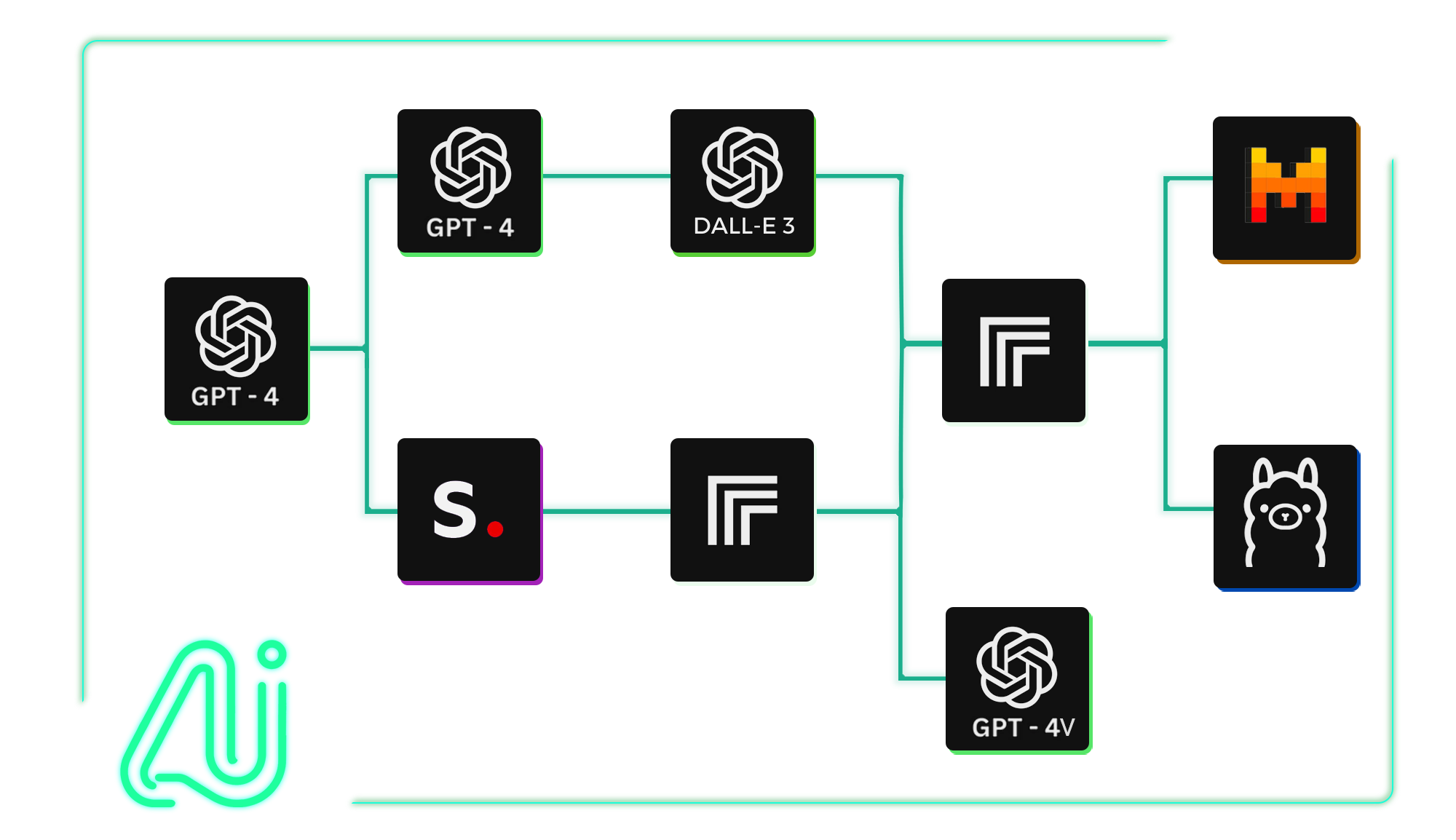
Use your own keys when you want direct provider billing. Use AI-FLOW credits when you want to try a model without setup.
10 models available
Practical workflows with clear inputs, model steps, and final outputs.
Run selected image steps on your own provider account.
Use your keys for some nodes and credits for others.
Choose which steps should use your provider billing.
Keep setup flexible while trying new models.
Do my API keys stay private?
AI-FLOW is designed so your provider keys can be stored and used for matching nodes without exposing them in workflow outputs or public pages.
Can I choose which nodes use my own keys?
Yes. BYOK is useful when you want specific provider nodes to run on your own account while keeping other parts of the workflow flexible.
Do I still need AI-FLOW credits if I bring my own keys?
You can use your own keys for supported provider nodes and use AI-FLOW credits when you want to try models without setting up a provider key.
Why bring my own API keys?
Bringing your own keys can help you manage provider billing directly, use existing accounts, and control which AI services your workflows depend on.
Can I mix BYOK and platform credits in one workflow?
Yes. You can use your own keys for some nodes and AI-FLOW credits for others, depending on the providers and models you want to use.