Product photo workflow
Turn one product image into several usable product shots.
- 1Analyze a product image
- 2Generate scene prompts
- 3Create 4 product shots
- 4Export the selected outputs

AI-Flow





“Subtle fashion film. Woman wearing tortoiseshell sunglasses, slight confident head turn, warm studio light gliding across the lenses. Hair moves gently. Slow motion, luxury campaign feel. No background change, keep studio setting.”



“Subtle fashion film. Woman wearing tortoiseshell sunglasses, slight confident head turn, warm studio light gliding across the lenses. Hair moves gently. Slow motion, luxury campaign feel. No background change, keep studio setting.”
Map prompts, files, model calls, transformations, and outputs on a canvas that stays readable as your workflow grows.
Use language, image, audio, video, and utility nodes together instead of forcing every task through one AI model.
10 models available
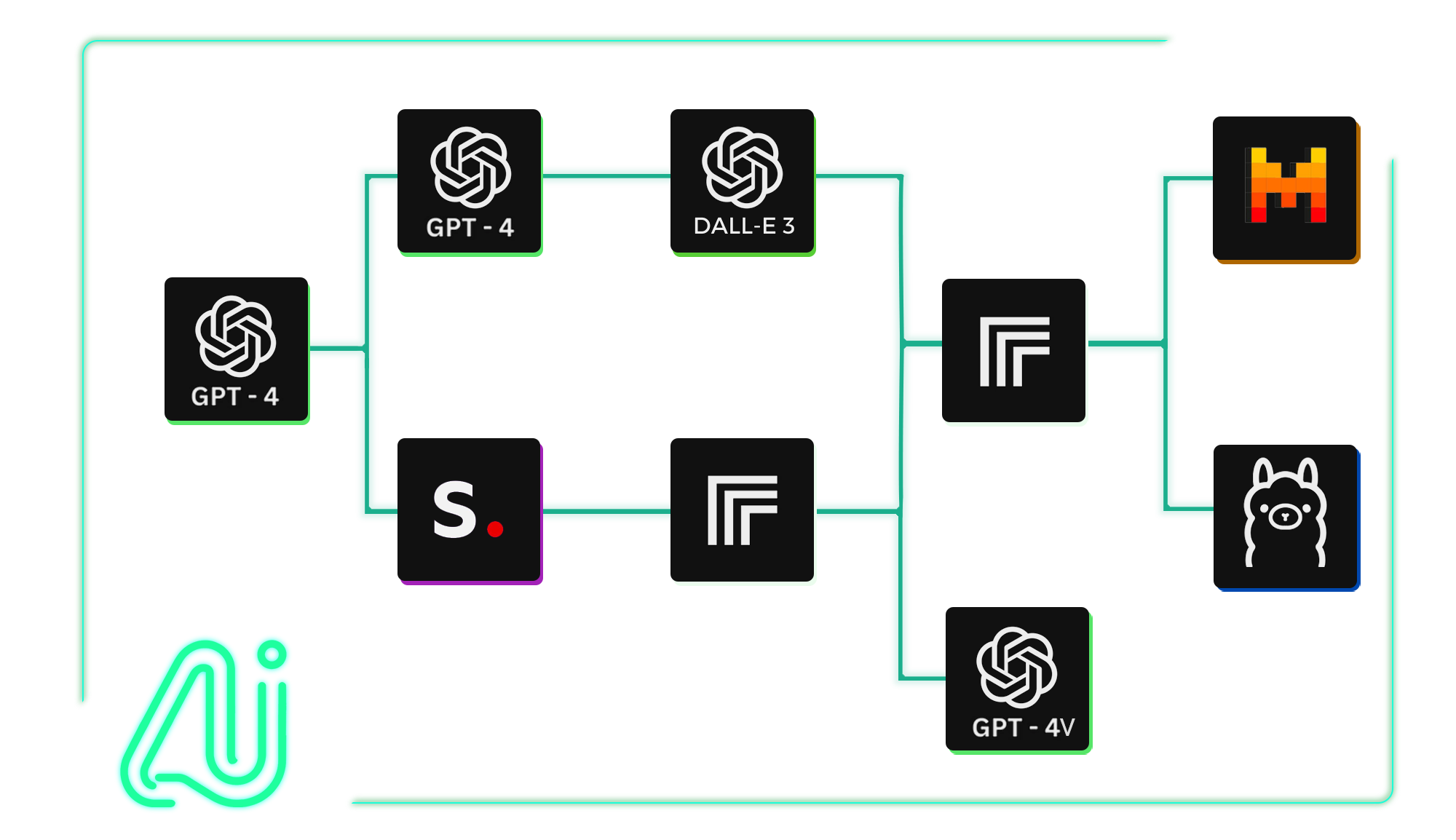
Practical workflows with clear inputs, model steps, and final outputs.
Turn one product image into several usable product shots.
Repurpose a source document into marketing content.
Explore concepts, compare results, and keep the best asset.
Extract useful output from files you handle repeatedly.
What is an AI workflow builder?
An AI workflow builder lets you connect prompts, files, tools, and AI models into repeatable workflows. AI-FLOW provides a visual drag-and-drop canvas so you can build and run these workflows without coding.
What can I build with AI-FLOW?
You can build workflows for product photos, content repurposing, document processing, image generation, video preparation, and other repeatable AI generation tasks.
Do I need coding experience?
No. You can build workflows visually with templates and nodes. When you are ready to integrate a workflow into an app, the API Builder can generate an endpoint for it.
Can I reuse a workflow with different inputs?
Yes. You can create a workflow once and run it again with different prompts, files, product images, documents, or other inputs.
Can I use my own API keys?
Yes. You can add your own provider API keys and choose when matching nodes should use those keys.