Prompt to image workflow
Use an LLM to prepare better prompts before image generation.
- 1Generate an image prompt with an LLM
- 2Send the prompt to an image model
- 3Create variations
- 4Collect the generated images

AI-Flow

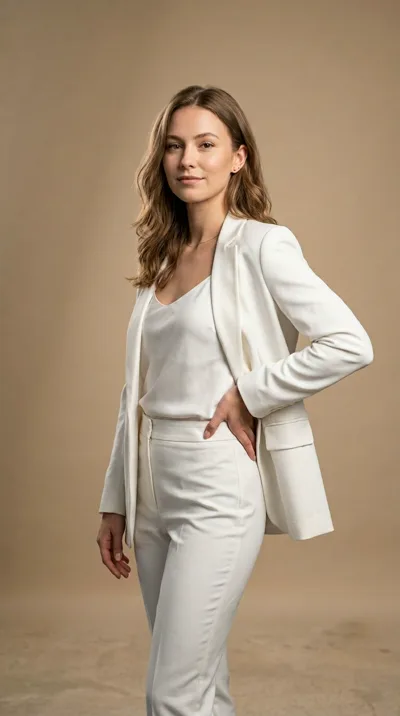



“Subtle fashion film. Woman wearing tortoiseshell sunglasses, slight confident head turn, warm studio light gliding across the lenses. Hair moves gently. Slow motion, luxury campaign feel. No background change, keep studio setting.”
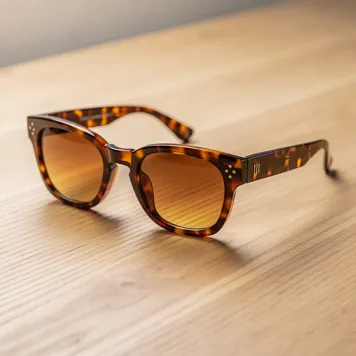
“Subtle fashion film. Woman wearing tortoiseshell sunglasses, slight confident head turn, warm studio light gliding across the lenses. Hair moves gently. Slow motion, luxury campaign feel. No background change, keep studio setting.”
Take the result of one model and pass it directly into the next step: text to image, audio to summary, analysis to generation, or variations to export.
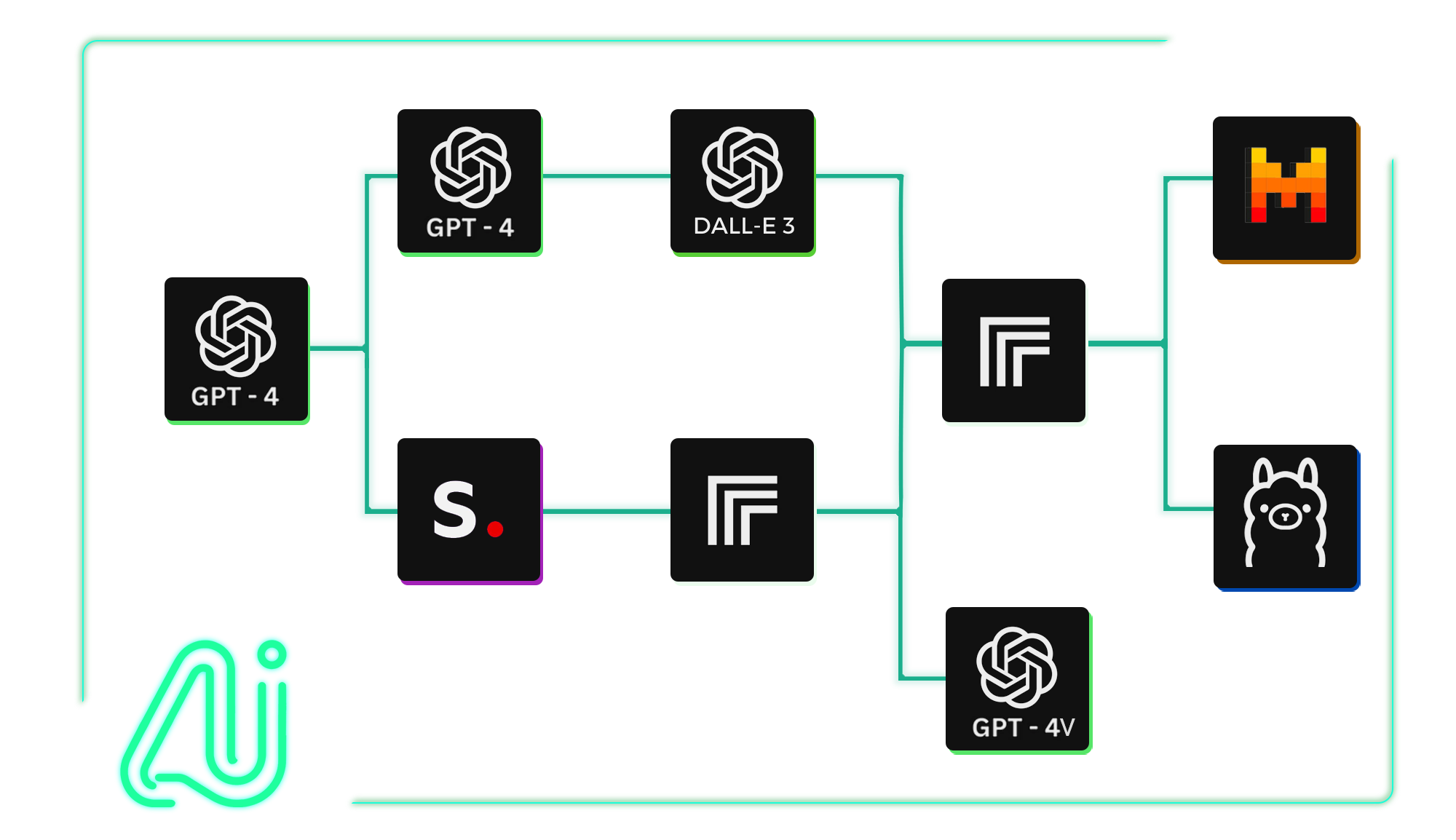
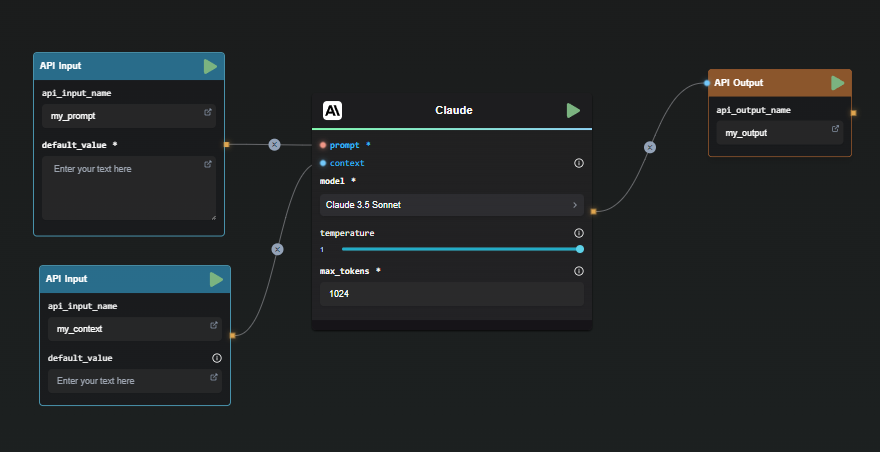
Use each node's result as structured context for the next node, then display, download, or send the final output through an API endpoint.
Practical workflows with clear inputs, model steps, and final outputs.
Use an LLM to prepare better prompts before image generation.
Turn spoken content into publishable written assets.
Use image understanding before generating new commercial visuals.
Create many outputs, then keep only the ones that matter.
What does it mean to connect AI models?
It means using one model's output as the next model's input, such as sending an LLM-generated image prompt into an image model.
Can I connect text, image, and audio models?
Yes. You can chain text, image, audio, video, and utility nodes depending on what your workflow needs to produce.
Can I transform output before sending it to another model?
Yes. You can add steps that summarize, rewrite, format, or otherwise prepare an output before passing it into the next node.
Can I collect results from several model steps?
Yes. You can create variations, compare outputs, and display or export the final selected results from your workflow.
Do I need custom code to connect models?
No. AI-FLOW is designed so you can connect model outputs and inputs visually on the workflow canvas.