
AI-Flow
Product Photoshoot
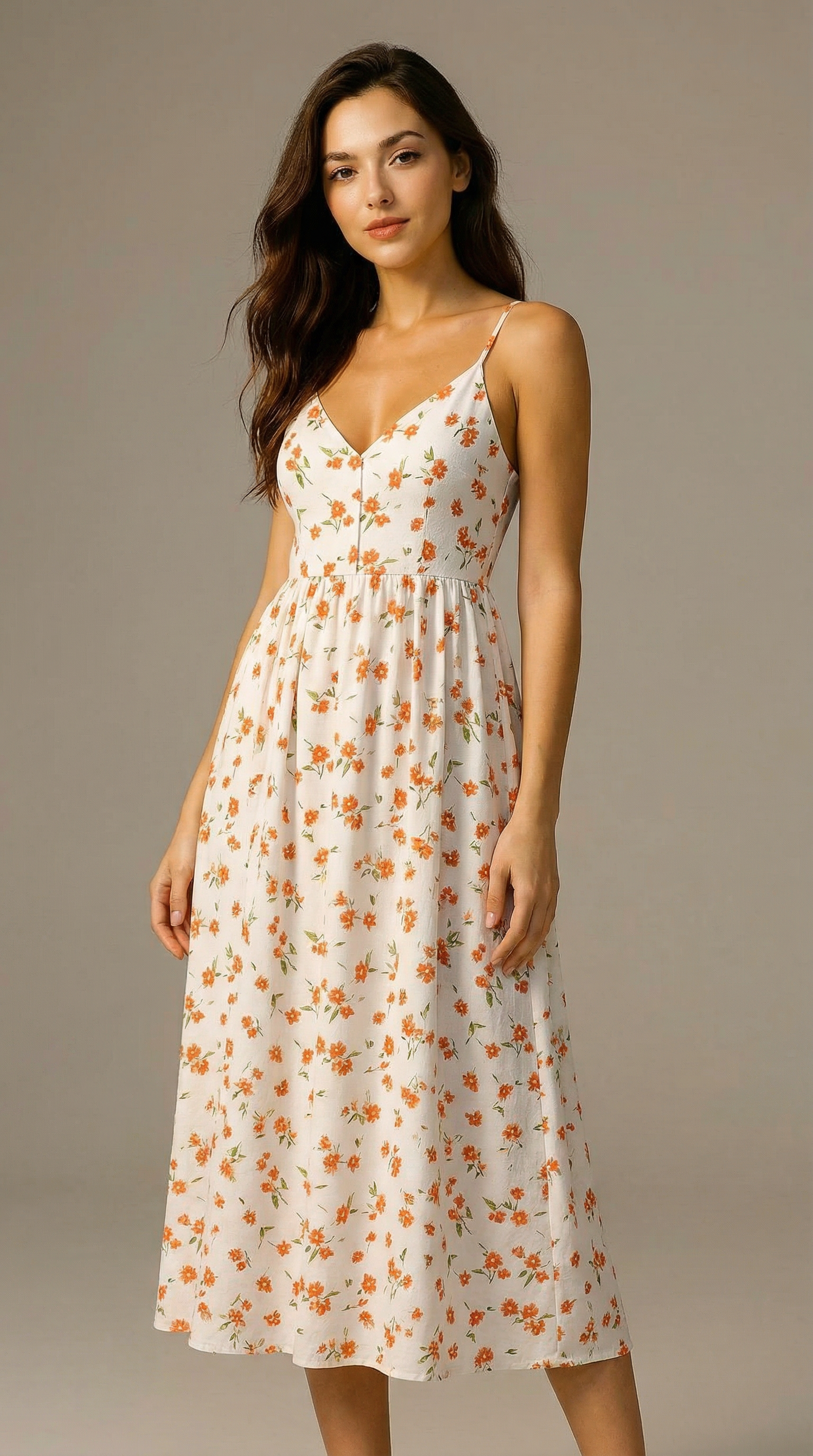
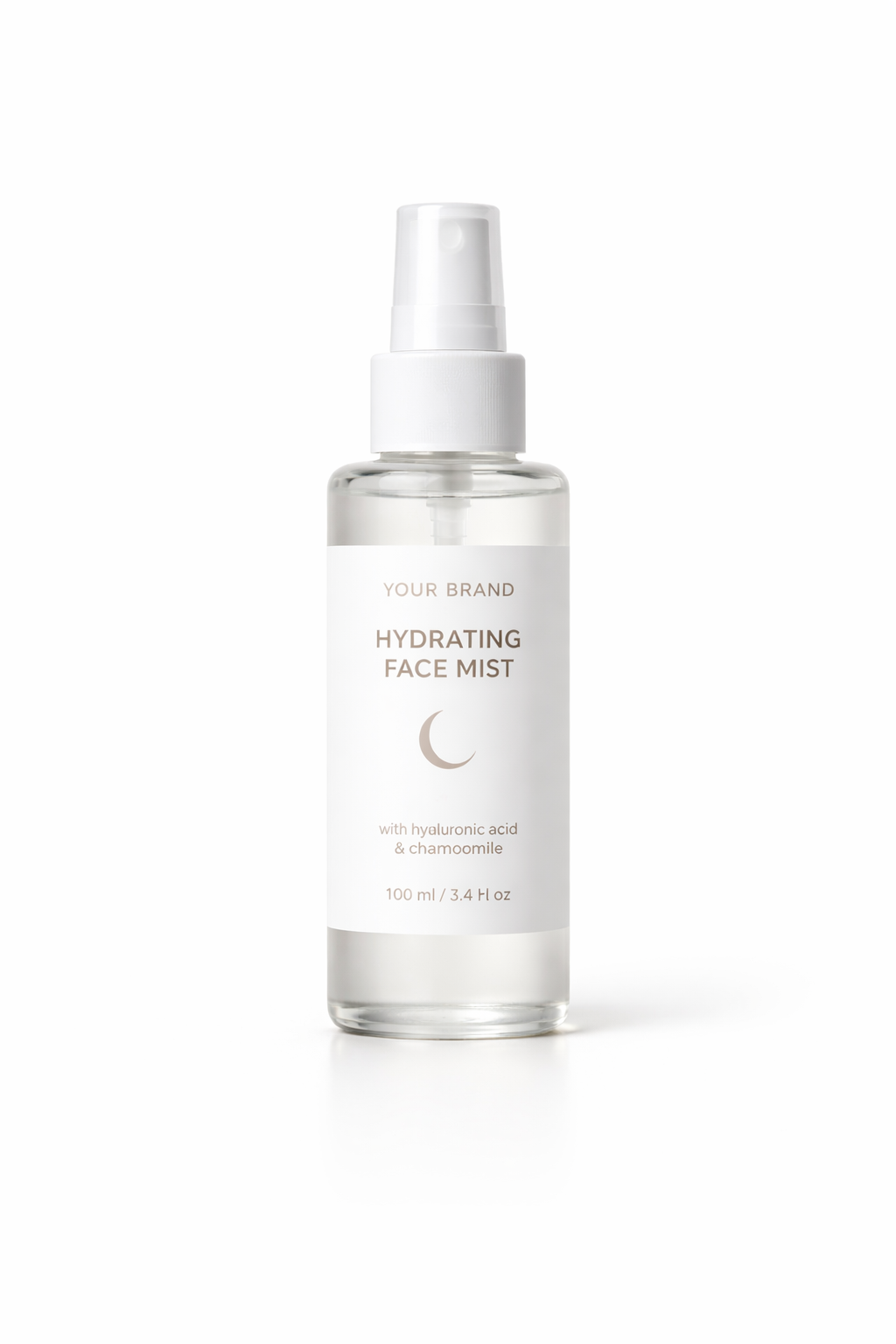
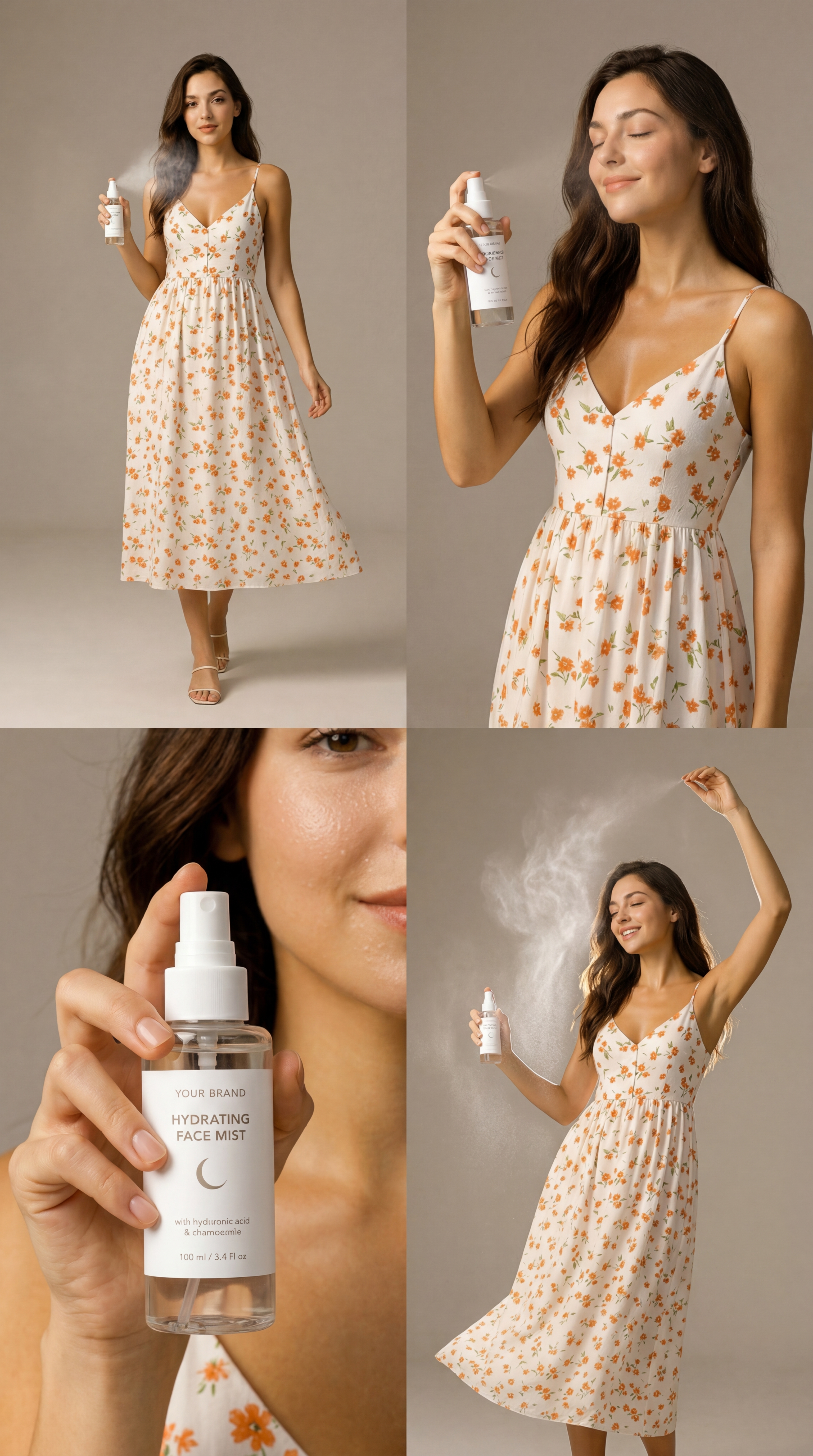
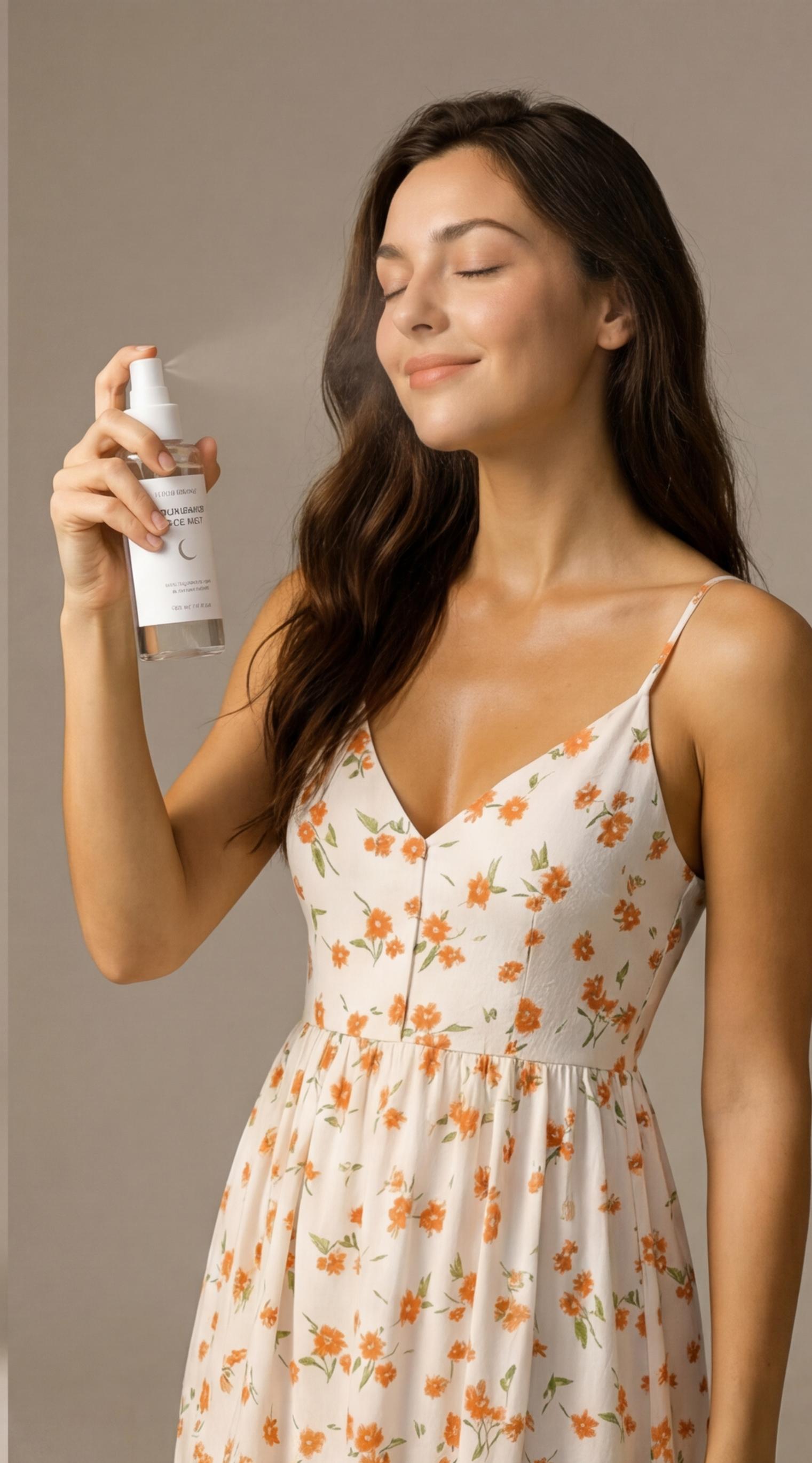
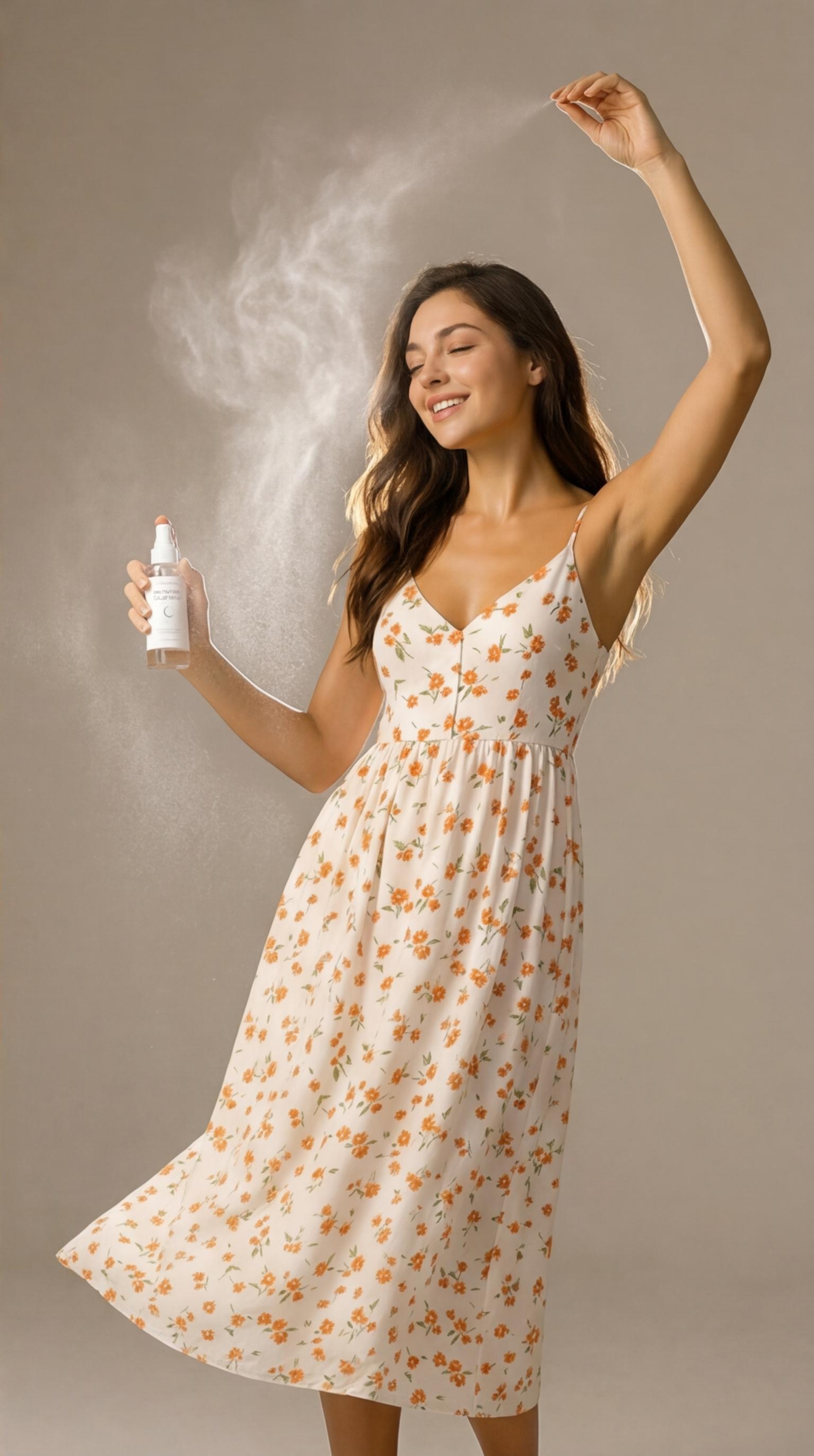
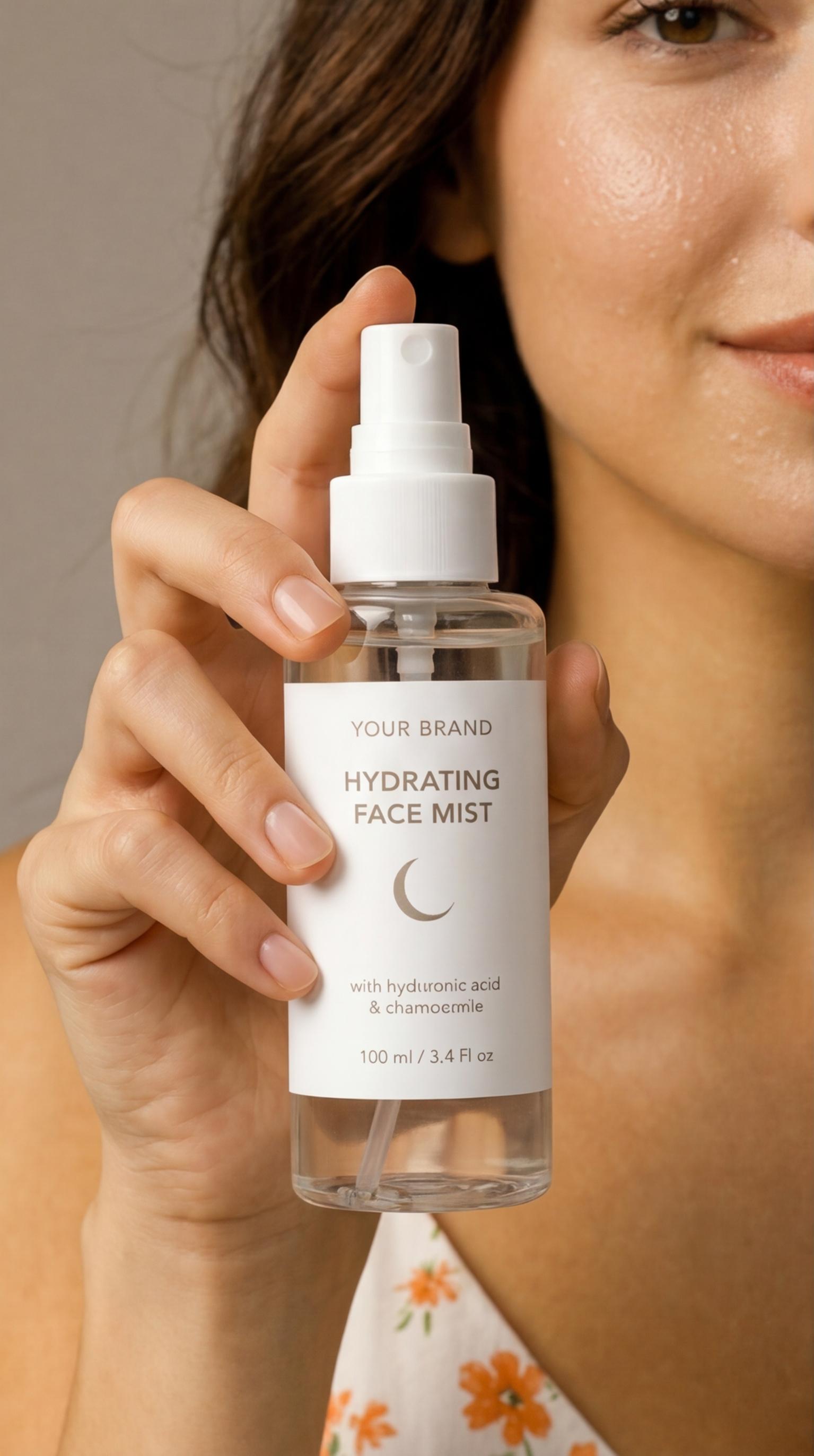
Generate a professional 2x2 product photoshoot grid with a consistent human subject actively wearing or using your product across four angles (wide, medium, close-up, dynamic). Ideal for ecommerce, ads, and social content.

Inputs
Outputs
About This Template
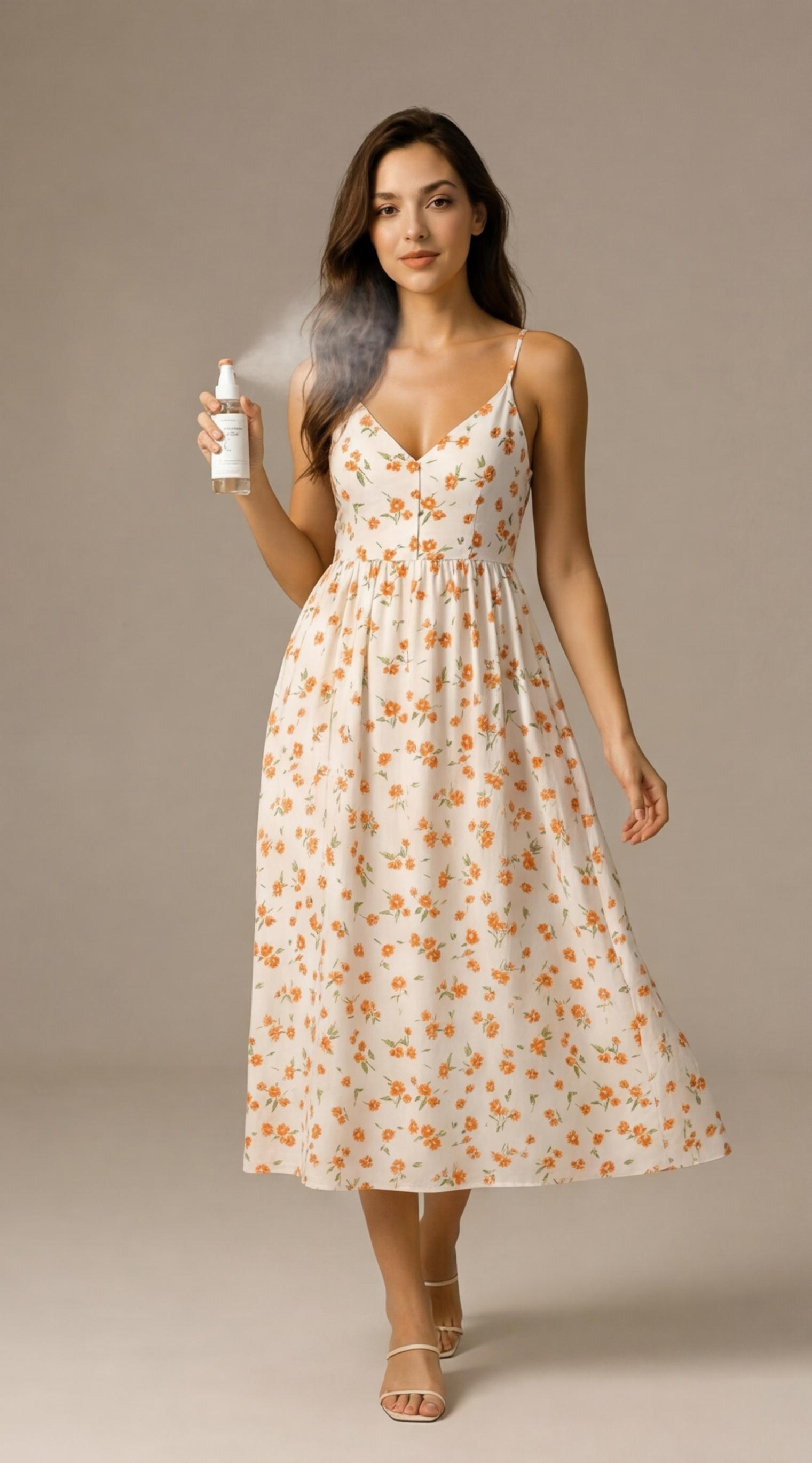
Product Photoshoot is an AI template that turns your reference images into a polished 2x2 grid product photoshoot. It analyzes your inputs to lock in the main subject, the product being worn or used, and the visual style, then produces a single cohesive prompt that renders four complementary panels in one image. Each grid showcases the same subject and the same product in every panel, following proven commercial framing: one wide shot for context, one medium shot for storytelling, one close-up to hero the product, and one dynamic or creative angle for visual pop. The template enforces product visibility and subject consistency—no standalone packshots—while keeping lighting, color, and grading cohesive. Outputs include the full 2x2 composite and auto-cropped individual panels, ready for PDPs, marketplaces, ads, and social posts. Expect clean composition, sharp detail, cinematic or studio lighting, and consistent color across all four shots. Perfect for DTC brands, beauty, fashion, accessories, wearables, and lifestyle products needing fast, on-brand visuals. Use this template to scale AI product photography: upload subject + product references, generate a refined prompt automatically, and export high-resolution assets with multi-angle coverage in minutes.
How to Use This Template
Step 1: Enter your text in 'Meta-Prompt' Node
Fill the 'Meta-Prompt' node with the required text.
You are an expert creative director and product photographer.

Your task is to analyze the provided input images and identify:

the main subject (person)
the product being worn or used by the subject
the visual style, lighting, and environment

Then, generate a single high-quality image generation prompt for creating a 2x2 grid product photoshoot.

🎯 REQUIREMENTS

The output must:

Create a 2x2 grid composition (four panels in one image)
Feature the same subject consistently in all 4 panels
The subject MUST be wearing or using the product in every panel
The product must be clearly visible and emphasized in each shot
Showcase different camera angles and compositions:
one wide shot (full body or environment context)
one medium shot (waist-up or torso)
one close-up (focus on product being worn)
one dynamic or creative angle (motion, perspective, or stylized pose)
🔴 CRITICAL CONSTRAINT (VERY IMPORTANT)

In ALL four panels:

The product is actively worn or used by the subject
The subject and product must remain visually consistent
DO NOT generate standalone product shots without the subject
🎨 STYLE GUIDELINES
Professional product photoshoot quality
Clean, intentional composition
Cinematic or studio lighting depending on input
Sharp focus, high detail
Cohesive color grading across all panels
📦 OUTPUT FORMAT

Return ONLY the final image generation prompt.
Do NOT explain anything.
Do NOT describe your reasoning.

🧾 PROMPT STRUCTURE TO FOLLOW

Your generated prompt must include:

Clear description of the subject (appearance, clothing, posture)
Clear description of the product being worn
Description of each of the 4 panels with angle variation
Lighting, style, and environment
Explicit mention of:
“2x2 grid”, “four panels”, “consistent subject”, “subject wearing the product in all panels”, “product photoshoot”
Step 2: Upload your files
In the 'Images (Subject + Product)' node, upload the files you want to use in the workflow.
Step 3: Run the Flow
Click the 'Run' button to execute the flow and get the final output.
Who is this for?
Perfect for professionals and creators looking to streamline their workflow
Ecommerce and DTC teams
Quickly produce consistent multi-angle product imagery for PDPs, Shopify, and landing pages without coordinating a full studio shoot.
Performance marketers and ad buyers
Create on-brand ad creatives with varied angles and compositions to A/B test across Meta, TikTok, and display.
Social media managers and content creators
Generate cohesive carousel sets and story-ready assets where the product is always worn or used by the same subject.
Brand and creative directors
Explore lighting, style, and environment variations while enforcing subject and product consistency across all frames.
Marketplaces sellers (Amazon, Etsy, eBay)
Deliver clear, compliant visuals that highlight product use and detail, with auto-cropped panels for listings and thumbnails.
Agencies and studios
Speed up pre-viz and concepting for product campaigns with reliable angle coverage and consistent art direction.
You Might Also Like
Explore other powerful templates to enhance your AI workflow
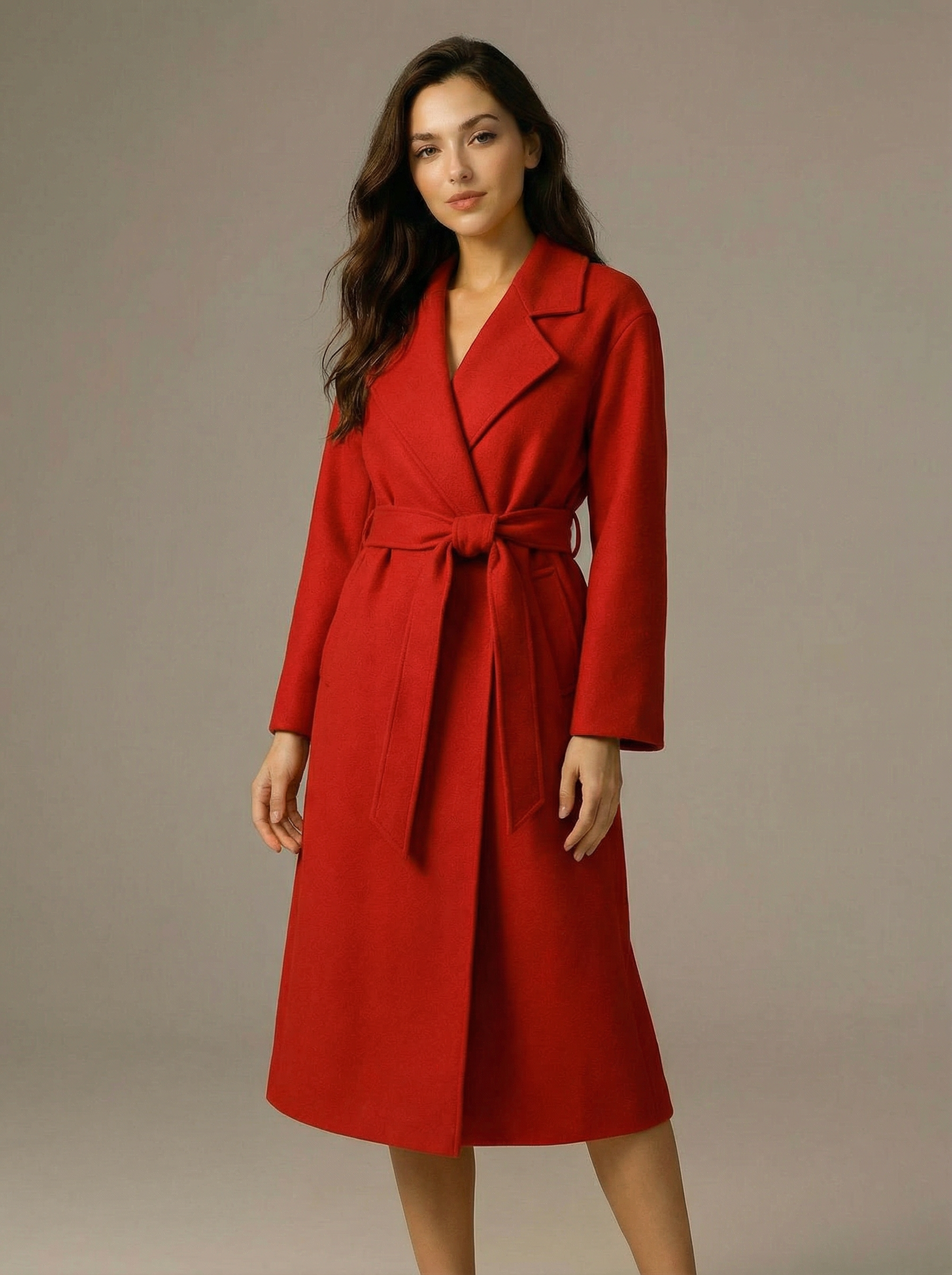
Virtual Try-on
A virtual try-on template that takes a subject image and an outfit image, then generates a realistic photo of the subject wearing the selected clothing.
Nano Banana Pro
Generate images from text prompts or reference images using Google's Nano Banana Pro model.
Nano Banana
Google's image editing model in Gemini 2.5
Seedream 4
Unified text-to-image generation and precise single-sentence editing at up to 4K resolution
Rotate Viewpoint – Image Set
Rotate viewpoint around the subject.
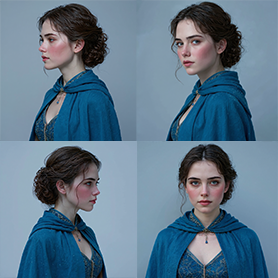
Portrait Series FLUX 1 Kontext
Generate a consistent series of portrait photos from a single image using the FLUX 1 Kontext portrait model.
Frequently Asked Questions
What does the Product Photoshoot template do?
It generates a high-quality 2x2 grid (four panels) of the same subject actively wearing or using your product, covering wide, medium, close-up, and dynamic angles in one cohesive product photoshoot.
How does it keep the subject and product consistent?
The template analyzes your reference images to fix the subject’s appearance and the product’s design, then builds a single master prompt that enforces consistency of identity, wardrobe, and product across all panels.
What inputs do I need?
Provide one or more reference images that clearly show the subject and the product together, plus a short description of goals (style, lighting, environment). The template handles the angle plan and prompt composition for you.
What exactly is included in the output?
You receive a composite 2x2 grid image and four auto-cropped panel exports (wide, medium, close-up, dynamic). All panels keep the same subject and product visible and in use.
Can I control style, lighting, and environment?
Yes. The template infers style from your references and supports cinematic or studio lighting, minimal or lifestyle environments, and cohesive color grading. You can steer tone, palette, or background in your prompt.
Does it support multiple reference images?
Yes. You can upload multiple references to better define the subject’s look, the product’s details, and the desired mood. Clear, well-lit references improve consistency.
Will it generate standalone product shots?
No. The template is designed specifically for product-on-person or in-use imagery. Every panel includes the same subject wearing or using the product, with the item clearly visible.
What resolutions and aspect ratios are supported?
High-resolution outputs up to 4K are supported. The template is optimized for a 2x2 composite suitable for square or vertical layouts, and also delivers individual panel crops for flexible placement.
Tips for best results?
Use high-quality reference images where the product is front-facing and legible, keep the subject and product consistent across references, and specify preferred lighting (e.g., soft studio, rim light highlights) and environment (e.g., minimalist backdrop).
What product categories work best?
Wearables and handheld items—beauty and skincare, fashion and accessories, tech wearables, fitness gear, and lifestyle products—where showing the product in use is essential.
What is AI-FLOW and how can it help me?
AI-FLOW is an all-in-one AI platform that allows you to build, integrate, and automate AI-powered workflows using an intuitive drag-and-drop interface. Whether you're a beginner or an expert, you can leverage multiple AI models to create innovative solutions without any coding required.
Is there a free trial available?
Yes, AI-FLOW offers a free trial to get you started. After that, you can purchase credits as needed—no subscription or long-term commitment required.
Can I integrate my API keys from providers like OpenAI and Replicate with AI-FLOW Cloud Version ?
Yes, you can easily integrate your existing API keys with AI-FLOW. If specified, nodes related to the API Key provided will use your API key, significantly reducing your platform credit usage.