
Nano Banana Pro
Generate images from text prompts or reference images using Google's Nano Banana Pro model.
No workflow setup required · Fully customizable in AI-Flow
What This App Does
This template lets you create images using Google’s Nano Banana Pro, a flexible model designed for text-to-image and reference-guided generation. You can start with a simple written prompt, provide a set of reference images, or use a combination of both. The template supports multiple aspect ratios, resolutions from 1K to 4K, and optional safety filter levels.
Nano Banana Pro is a versatile and practical generator suitable for everyday tasks—mockups, concept visuals, quick designs, social posts, and lightweight creative work. It offers a good balance of quality, control, and speed while keeping the interface simple. This makes it a convenient tool for anyone who needs reliable image creation without complex settings or additional pipelines.
How to Use the App
Here’s what you get when you open the app: a short form, one run button, your results — no nodes, no setup.
Nano Banana Pro
App previewFill in the form
Prompt
RequiredType your prompt…
Aspect Ratio
Optional1:1
Image Input
OptionalAdd images or files
Resolution
Optional2K
≈ 16–32 credits / run
Get your result
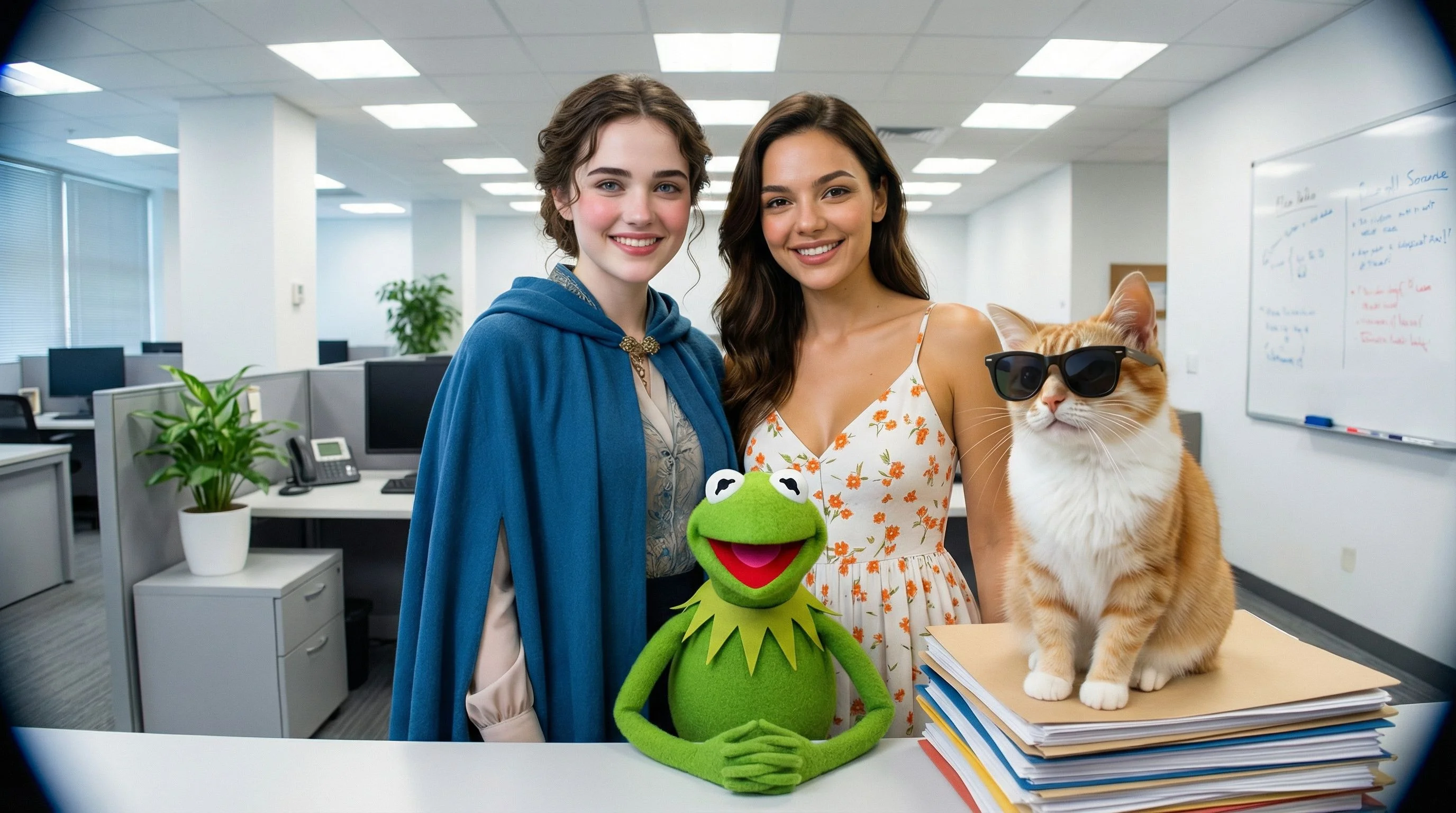
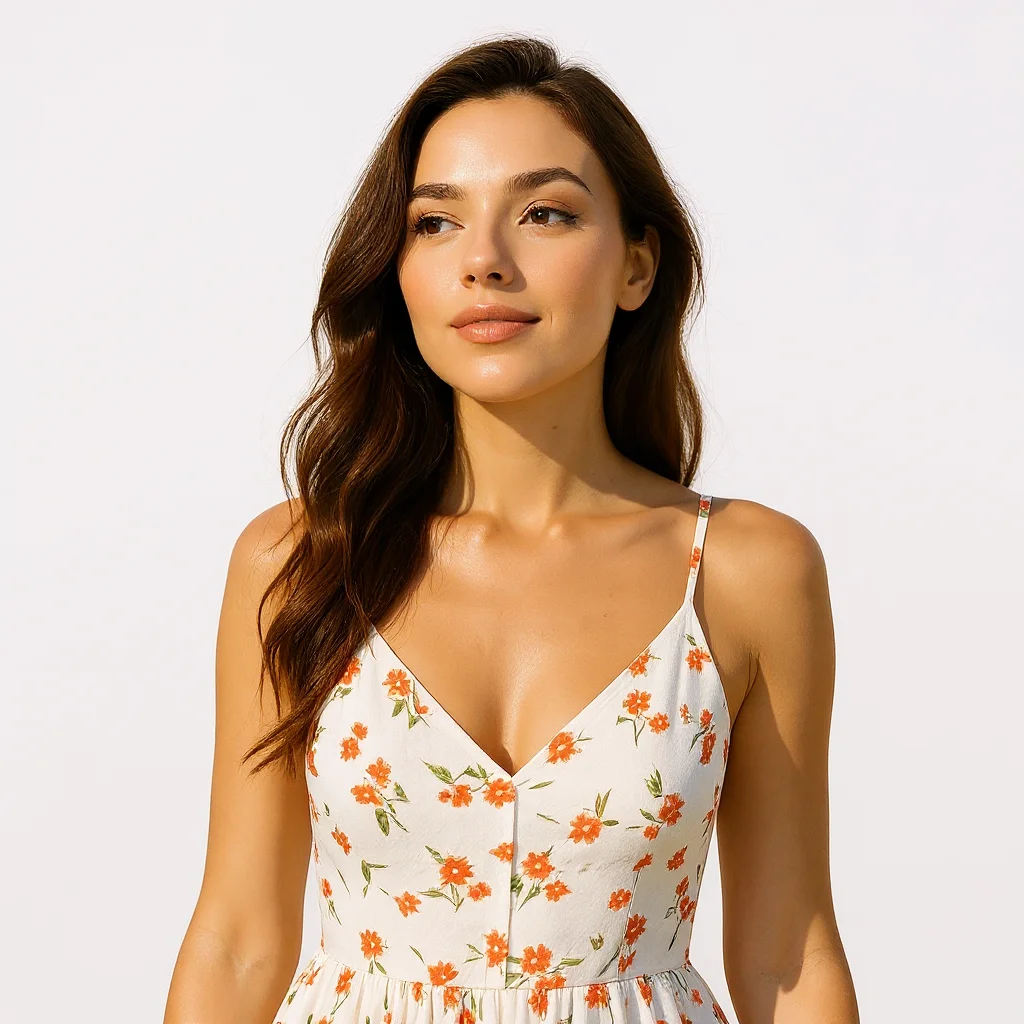
Real output generated with this app
Under the Hood
Want more control?
This app is powered by a fully editable AI-Flow workflow. Change the model, prompts, layout, resolution — or connect it to other steps.
Text
an office team photo
List
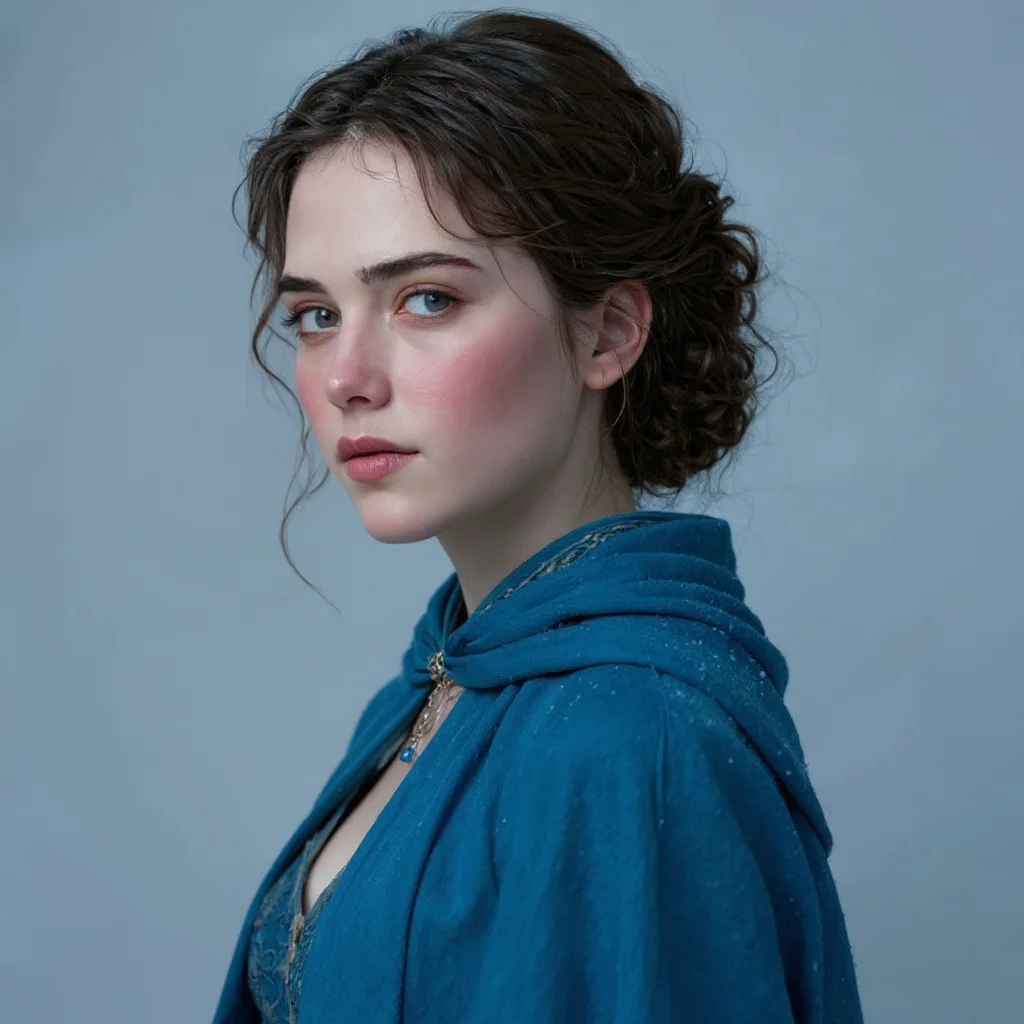
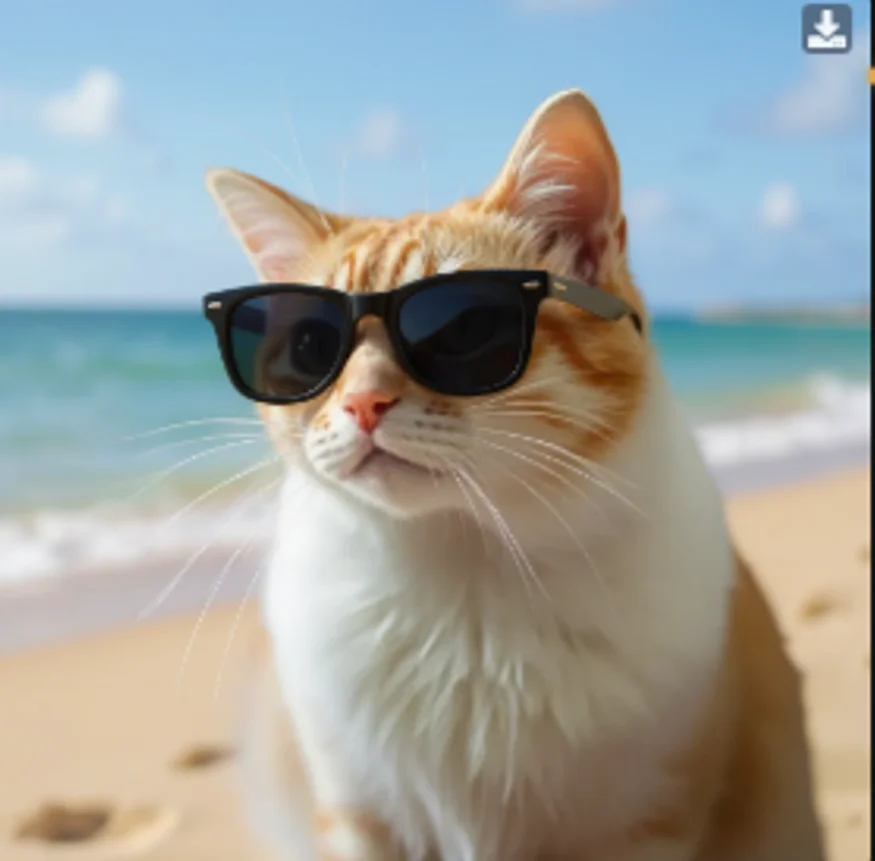
Google Gemini Image
How to Use This Template
Step 1: Enter your text in 'Text' Node
In the 'Text' node, enter your instructions.
an office team photo
Step 2: Upload your files
In the 'List' node, upload the files you want to use in the workflow.
Step 3: Run the Flow
Click the 'Run' button to execute the flow and get the final output.
Customize the underlying workflow
Open the full workflow in the AI-Flow editor to swap models, rewrite prompts, or connect it to other steps.
Who is this for?
Perfect for professionals and creators looking to streamline their workflow
Designers and content creators
People who need to quickly generate visual concepts, backgrounds, or fillers for social posts, blogs, and lightweight creative projects.
Marketers and small business owners
Users looking to create product mockups, simple ad variations, or visual materials without relying on external design tools.
Developers and prototypers
Teams who need placeholder images, UI backgrounds, or concept art to speed up prototyping and early design phases.
Anyone exploring prompt-based image generation
Users who want an easy way to turn text prompts into images or combine multiple reference photos for guided generation.
Ready to create?
Start using this app
No workflow setup required — open the app and start creating in minutes
You Might Also Like
Explore other powerful templates to enhance your AI workflow

GPT Image 2.5 Flare
Generate high-fidelity images with GPT Image 2.5 Flare, optimized for real typography, multilingual scripts, structured layouts, and print-ready formats up to 4K—ideal for editorial posters, comics, marketing assets, UI comps, and social graphics.

GPT Image 2.5 Sunburst
Generate high-fidelity images with GPT Image 2.5 Sunburst, optimized for real typography, multilingual scripts, structured layouts, and print-ready formats up to 4K—ideal for editorial posters, comics, marketing assets, UI comps, and social graphics.

AI Skincare Product Photo Generator
Turn one cream, serum, or cosmetic jar image into a full skincare photoshoot: a 2x2 grid plus four cropped shots (wide, medium, close-up, creative), on-model or product-only, for beauty ecommerce, marketplaces, and ads.

AI Sunscreen Product Photo Generator
Turn one sunscreen tube or bottle image into a full suncare photoshoot: a 2x2 grid plus four cropped shots (wide, medium, close-up, creative), on-model or product-only, for beauty ecommerce, marketplaces, and ads.

AI T-Shirt Mockup Generator
Turn one t-shirt design image into on-model print-on-demand mockups: a 2x2 photoshoot grid plus four cropped shots (wide, medium, close-up on the print, creative), for Etsy, Shopify, and POD storefronts.
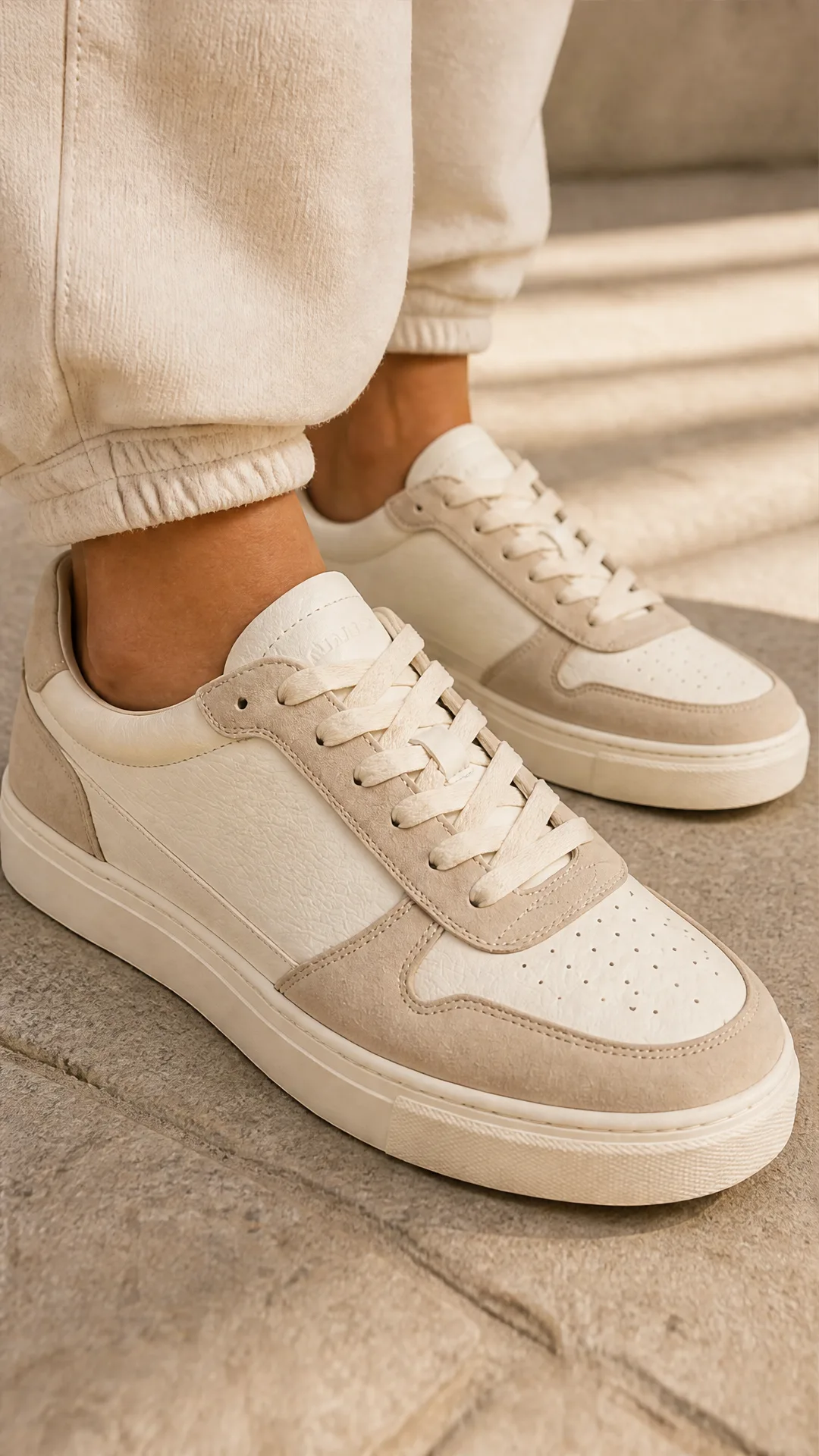
AI Sneaker Product Photo Generator
Generate sneaker product photos from a single shoe image: a 2x2 photoshoot grid plus four cropped shots (wide, medium, close-up, creative), in on-foot or product-only mode, for ecommerce listings, marketplaces, and ads.
Frequently Asked Questions
What can I generate with Nano Banana Pro?
You can create images from pure text prompts, transform reference images, or combine both. The model handles general-purpose scenes, objects, concepts, and simple compositions.
How many reference images can I upload?
You can upload a list of up to 14 images. These can guide the style, subjects, or details in the final output, depending on how you write your prompt.
What resolution should I choose?
1K and 2K are generally best for fast generation and everyday use. 4K produces larger images but costs more credits and may take slightly longer.
What does the safety filter level do?
The safety filter determines how strictly content is moderated. The stricter settings may block more prompts, while the more permissive setting only blocks high-risk content.
Can I generate the same image again?
Nano Banana Pro is generative, so repeating the same prompt may still result in small changes. For closer consistency, include reference images and more specific prompt wording.
Is this model suitable for photorealistic work?
It can create photorealistic styles, but it's mainly intended for versatile general-purpose generation rather than high-end photography or fine-detail realism.
What is AI-FLOW and how can it help me?
AI-FLOW is an all-in-one AI platform that allows you to build, integrate, and automate AI-powered workflows using an intuitive drag-and-drop interface. Whether you're a beginner or an expert, you can leverage multiple AI models to create innovative solutions without any coding required.
Is there a free trial available?
Yes, AI-FLOW offers a free trial to get you started. After that, you can purchase credits as needed—no subscription or long-term commitment required.
Can I integrate my API keys from providers like OpenAI and Replicate with AI-FLOW Cloud Version ?
Yes, you can easily integrate your existing API keys with AI-FLOW. If specified, nodes related to the API key provided will use your API key, significantly reducing your platform credit usage.