
Virtual Try-on
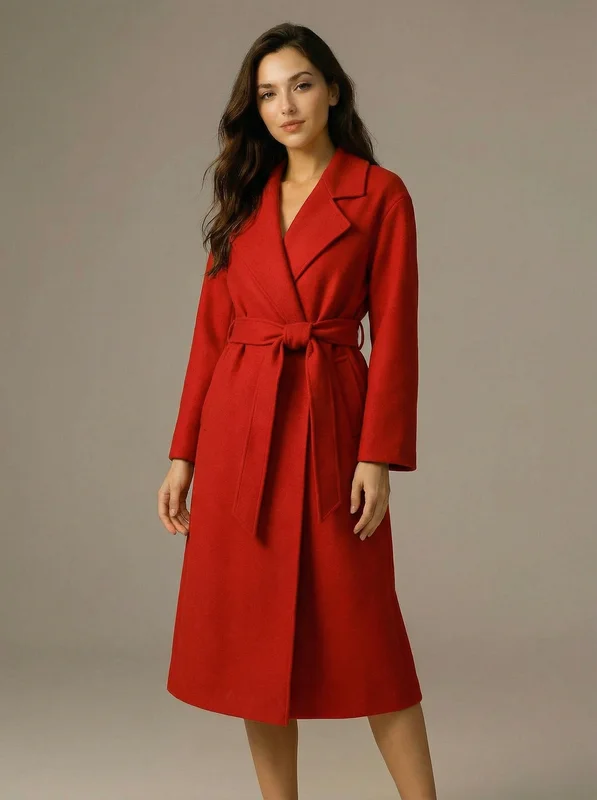
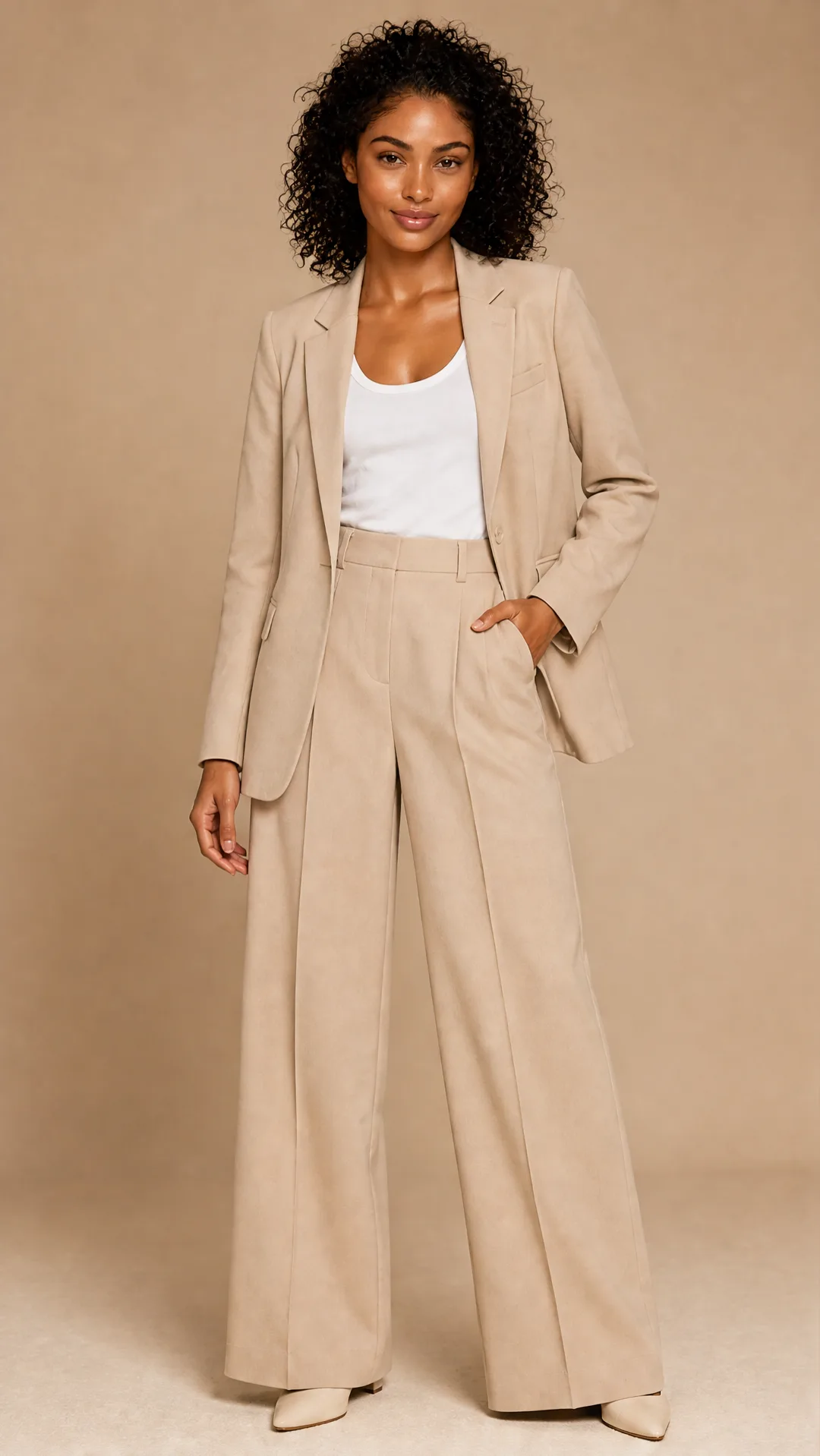
A virtual try-on template that takes a subject image and an outfit image, then generates a realistic photo of the subject wearing the selected clothing.
No workflow setup required · Fully customizable in AI-Flow
Guided mini app
Create on-model fashion visuals faster
This template is useful if you want to inspect and customize the virtual try-on workflow step by step. For a faster guided experience, try the Fashion Product Photos mini-app: upload your clothing or accessory image, optionally add a model reference, and generate polished on-model product photos for your store, ads, and social content.
What This App Does
This template enables high-quality virtual try-on by combining two inputs: a subject photo and a clothing image. The system keeps the subject’s pose, body shape, facial expression, hairstyle, and background intact, while replacing their existing outfit with the clothing shown in the second image. The prompt ensures realistic integration of the new garment, including proper fit, natural folds, consistent lighting, and accurate shadows. The result is a lifelike image where the subject appears to be genuinely wearing the selected outfit.
How to Use the App
Here’s what you get when you open the app: a short form, one run button, your results — no nodes, no setup.
Virtual Try-on
App previewFill in the form
Subject Image
RequiredAdd images or files
Clothes Image
RequiredAdd images or files
Additional Instructions
OptionalType your additional instructions…
Quality
RequiredStandard
≈ 19–35 credits / run
Get your result
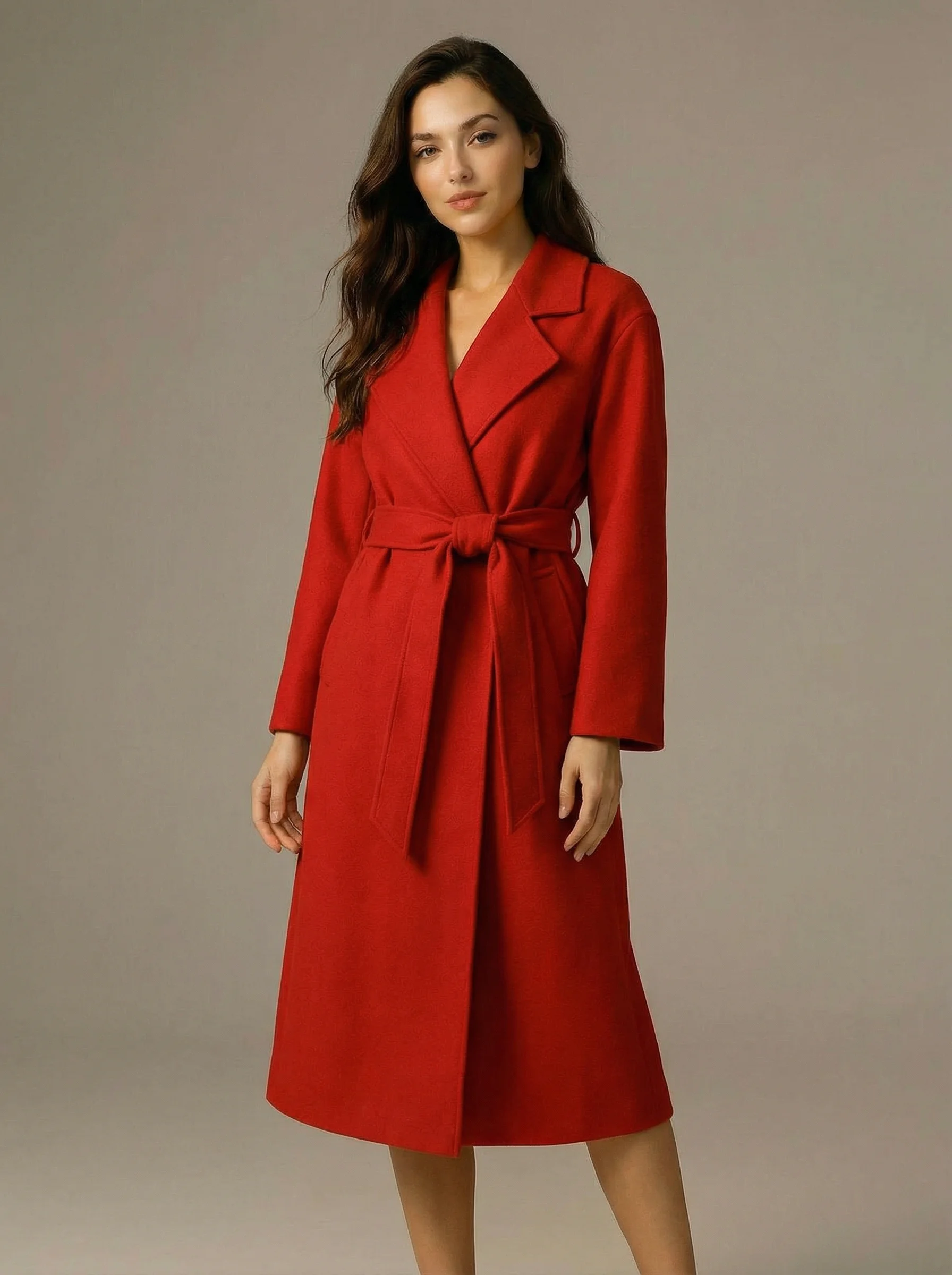
Real output generated with this app
Under the Hood
Want more control?
This app is powered by a fully editable AI-Flow workflow. Change the model, prompts, layout, resolution — or connect it to other steps.
Clothes Image
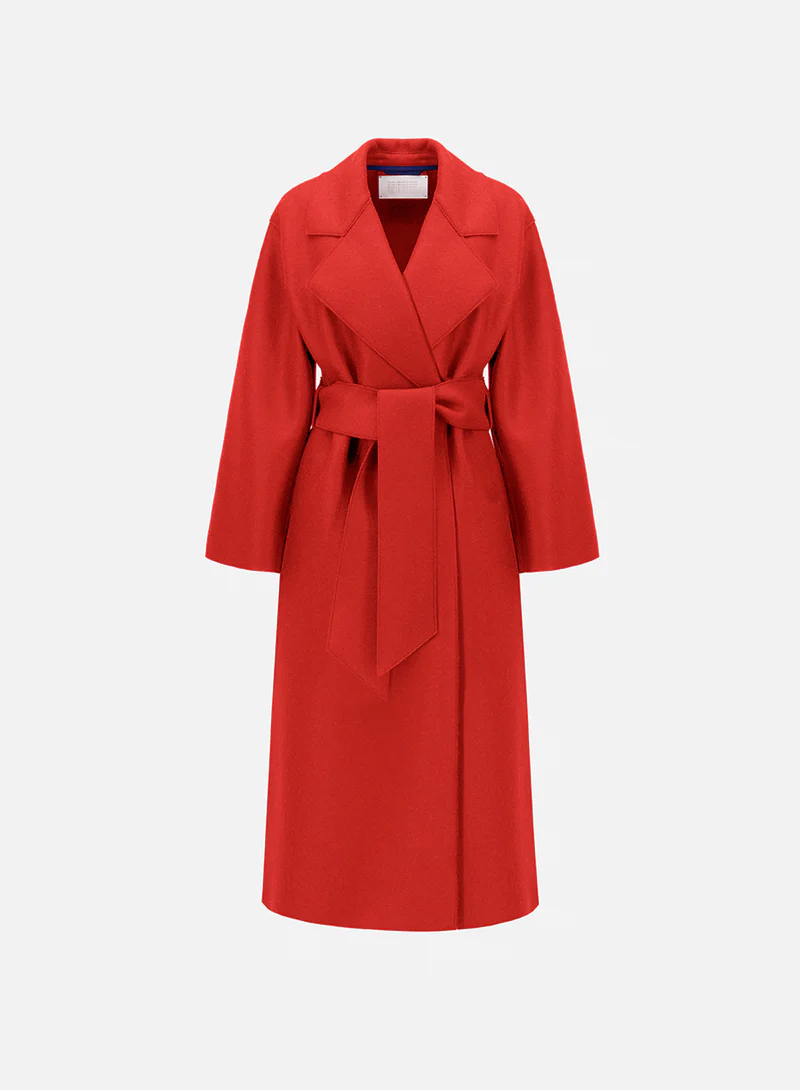
Subject Image
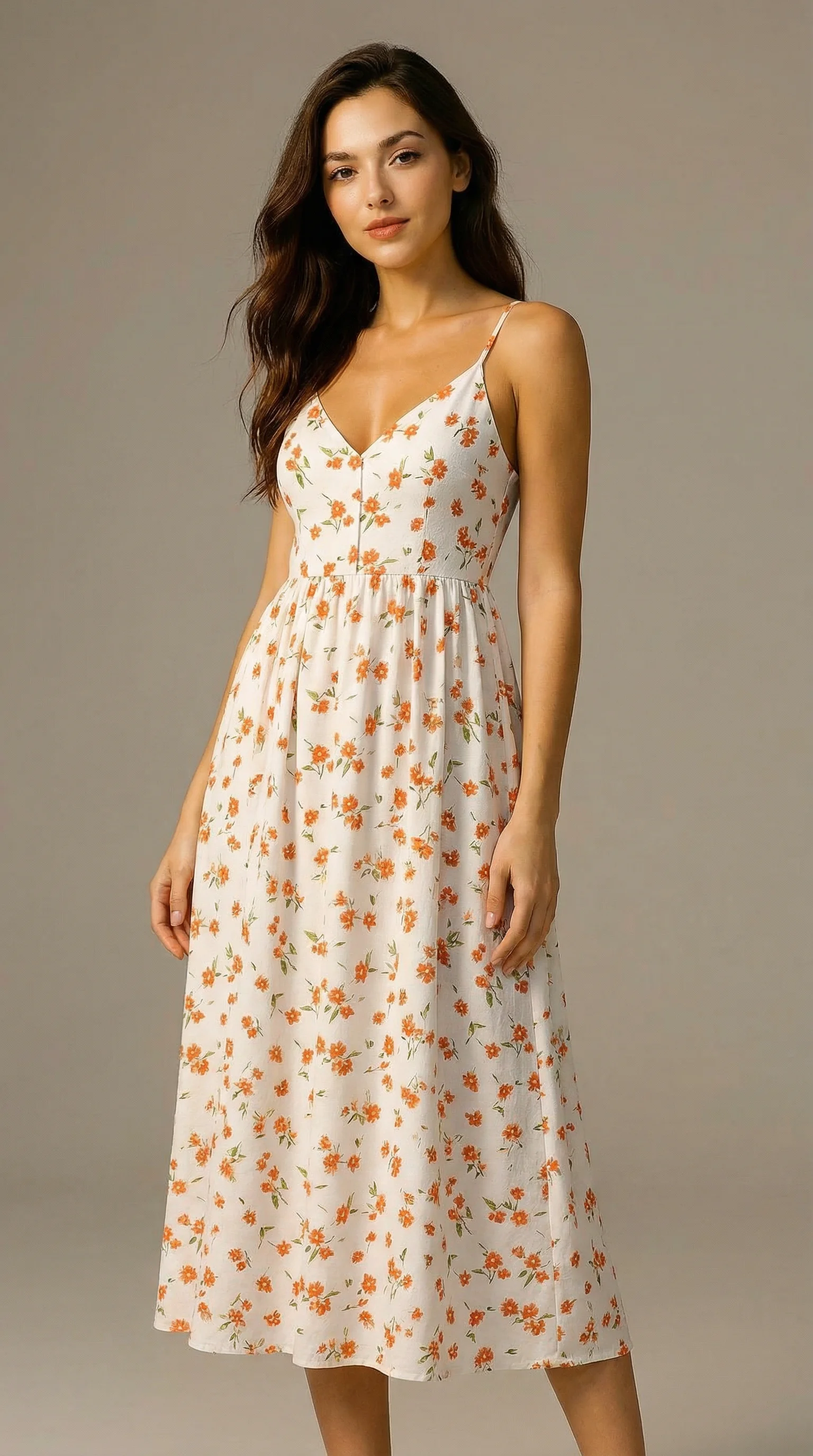
Edit Image
How to Use This Template
Step 1: Upload your file
In the 'Subject Image' node, upload the file you want to process.
Step 2: Upload your file
In the 'Clothes Image' node, upload the file you want to process.
Step 3: Run the Flow
Click the 'Run' button to execute the flow and get the final output.
Customize the underlying workflow
Open the full workflow in the AI-Flow editor to swap models, rewrite prompts, or connect it to other steps.
Who is this for?
Perfect for professionals and creators looking to streamline their workflow
E-commerce sellers
Online clothing stores, marketplaces, and second-hand sellers who want to show how garments look on different people without organizing full photo shoots, boosting conversion rates and reducing returns.
Fashion brands and marketers
Brands, agencies, and marketing teams who need fast, realistic outfit visualizations for campaigns, lookbooks, social content, and A/B testing different styles on the same model.
Content creators and influencers
Creators who want to showcase outfits, plan photoshoots, or present styling ideas quickly without needing to physically wear every garment.
Developers and product designers
Teams building virtual fitting rooms, fashion apps, or AI-driven shopping experiences that require realistic clothing try-on outputs.
Ready to create?
Start using this app
No workflow setup required — open the app and start creating in minutes
You Might Also Like
Explore other powerful templates to enhance your AI workflow
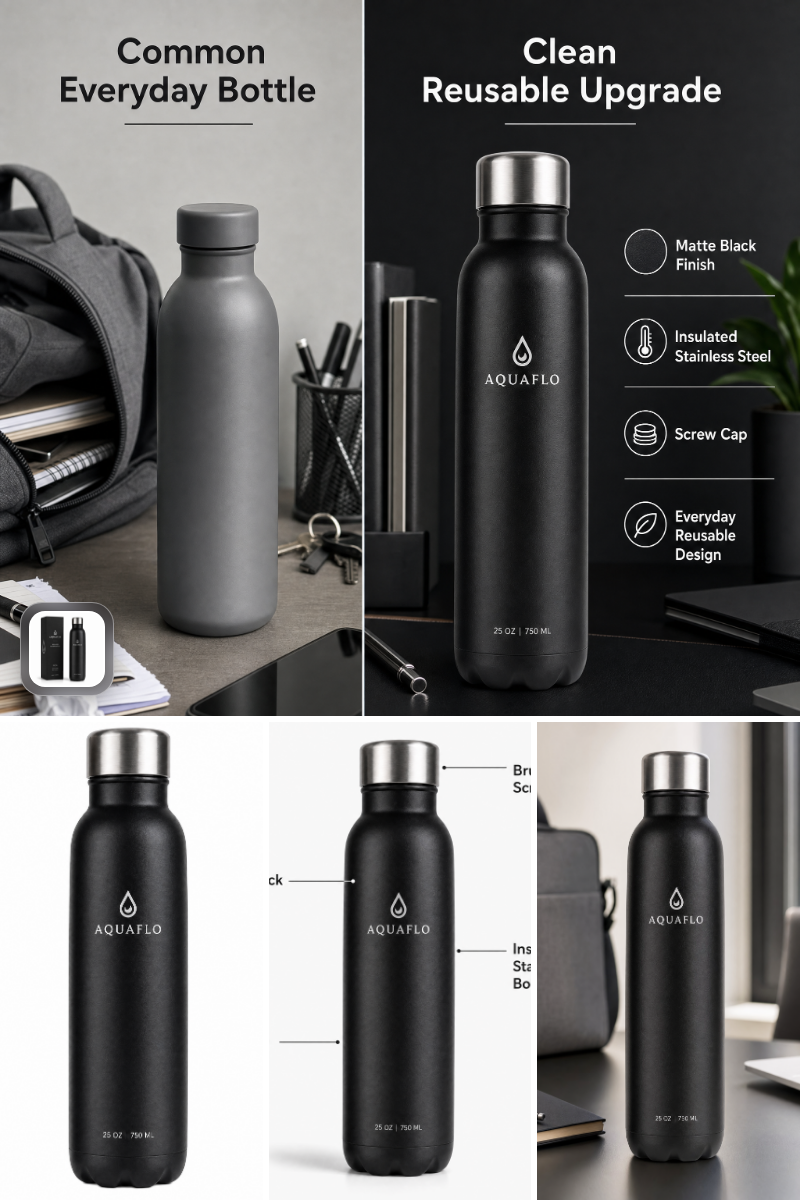
Amazon Listing Image Set Generator
Generate Amazon-ready main, lifestyle, feature, and comparison images from a single product photo—fast, compliant, and on-brand.
Seedream 5 pro
ByteDance’s flagship Seedream-5-pro text-to-image and image editing model that turns prompts or up to 10 reference images into sharp 1K/2K visuals.
Nano Banana 2 Lite
Ultra-fast, low-cost AI image generation with Nano Banana 2 Lite, ideal for 1:1 app icons, thumbnails, and quick concept visuals using prompt-to-image and optional reference images.
Grok Imagine Image
Text-to-image generation with Grok Imagine Image. Turn detailed prompts into high-quality visuals in seconds with flexible aspect ratios.
P Image Edit
Production-ready, sub‑1s, one‑cent multi‑image AI editor with strong prompt adherence and excellent text rendering.
Flux 2 Klein 9b
Fast 4-step distilled FLUX.2 [klein] 9B text-to-image and image-to-image model with flexible controls for aspect ratio, resolution, format, and reproducibility.
Frequently Asked Questions
Can I create multiple images simultaneously?
Absolutely. AI-FLOW enables parallel processing, allowing you to generate multiple images at once, greatly speeding up your creative workflow.
What is AI-FLOW and how can it help me?
AI-FLOW is an all-in-one AI platform that allows you to build, integrate, and automate AI-powered workflows using an intuitive drag-and-drop interface. Whether you're a beginner or an expert, you can leverage multiple AI models to create innovative solutions without any coding required.
Is there a free trial available?
Yes, AI-FLOW offers a free trial to get you started. After that, you can purchase credits as needed—no subscription or long-term commitment required.
Can I integrate my API keys from providers like OpenAI and Replicate with AI-FLOW Cloud Version ?
Yes, you can easily integrate your existing API keys with AI-FLOW. If specified, nodes related to the API key provided will use your API key, significantly reducing your platform credit usage.