
Nano Banana 2 Lite
Ultra-fast, low-cost AI image generation with Nano Banana 2 Lite, ideal for 1:1 app icons, thumbnails, and quick concept visuals using prompt-to-image and optional reference images.
No workflow setup required · Fully customizable in AI-Flow
What This App Does
Nano Banana 2 Lite is a speed- and budget-optimized AI image generator built on the Gemini 3.1 Flash Lite image model. It focuses on rapid iterations and high readability at small sizes, making it perfect for app icons, UI thumbnails, social posts, and lightweight creative workflows.
How it works
Input a natural-language prompt to generate an image.
Optionally add reference image URLs to guide style or structure.
Choose common aspect ratios (default 1 — 1) for platform-ready outputs.
Receive a direct image URL that’s easy to use in apps, documents, or pipelines.
Why choose Nano Banana 2 Lite
Fast and affordable — optimized for near-instant previews and tight budgets.
Clear results at small sizes — great for icons, badges, and thumbnails.
Simple and reliable — minimal setup with consistent outputs for rapid iteration.
Use cases
Create-image — generate icons, feature thumbnails, social tiles, minimal brand visuals.
Edit-image (lightweight) — nudge style or composition with reference images (no mask-based edits).
Pricing (estimated): Nano Banana 2 Lite (1K) costs 3.56 credits/image, plus 0.12 credits per reference image. Actual pricing may vary based on workspace settings and usage.
How to Use the App
Here’s what you get when you open the app: a short form, one run button, your results — no nodes, no setup.
Nano Banana 2 Lite
App previewFill in the form
Prompt
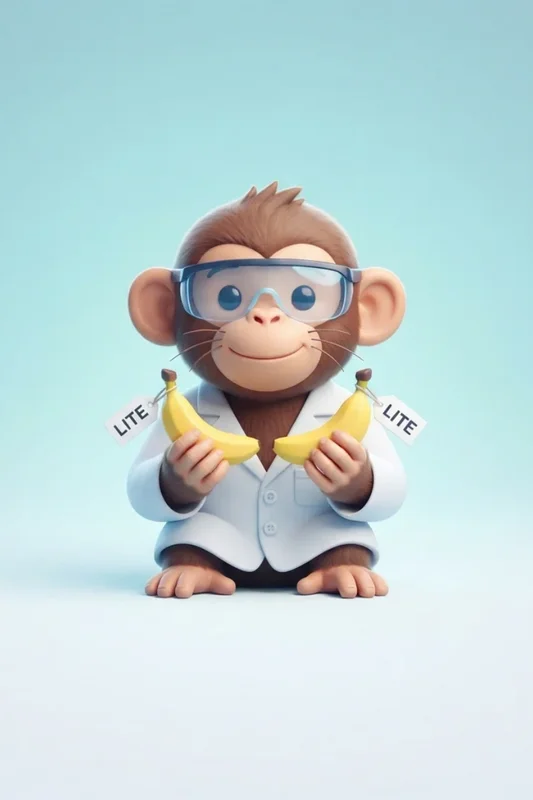
Clean professional app thumbnail icon, centered composition: a cute scientist monkey wearing a simple white lab coat and small safety goggles, holding two small stylized nano bananas like experimental objects. Each banana has a tiny clean label tag reading “LITE”. Minimal background, soft gradient, polished 3D/icon style, modern SaaS app aesthetic, crisp shapes, high readability at small size, no clutter, balanced lighting, premium UI thumbnail, 1:1 aspect ratio.
References
OptionalAdd images or files
≈ 4 credits / run
Get your result
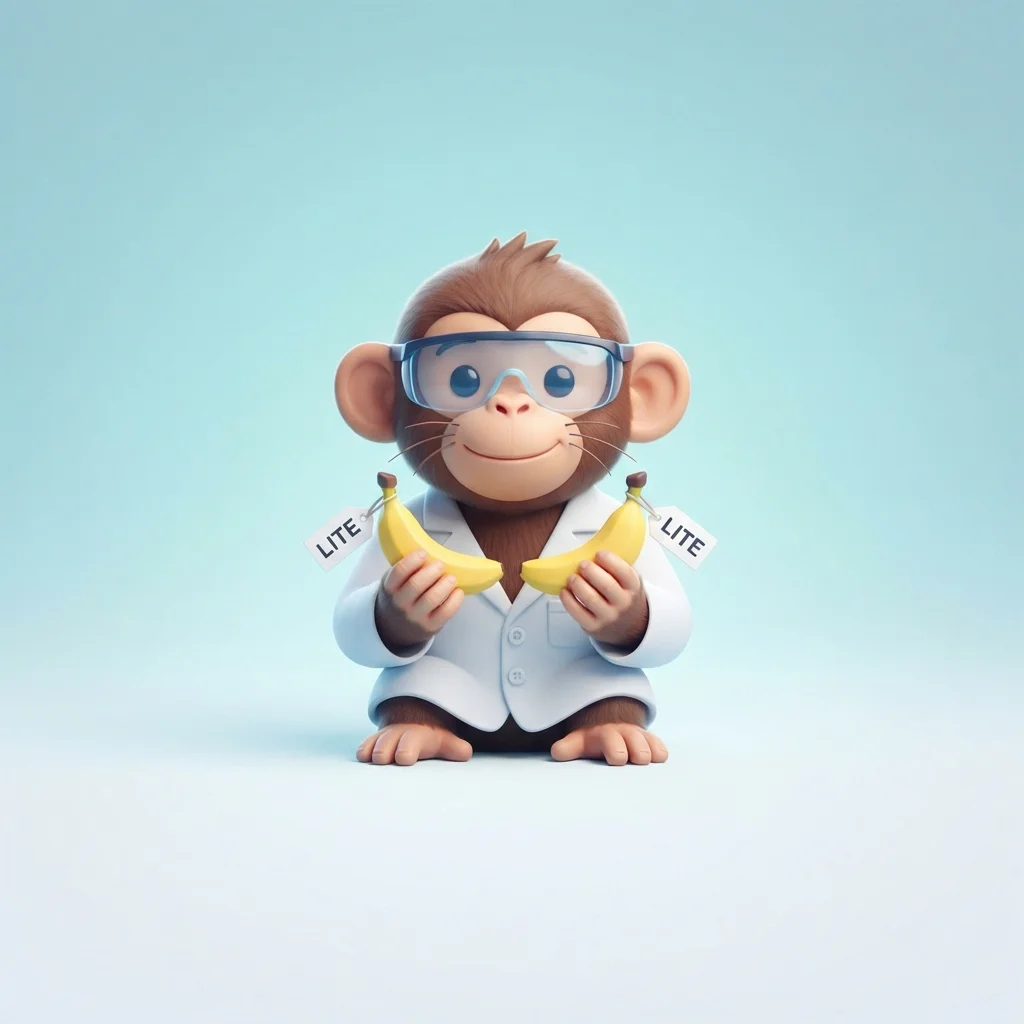
Real output generated with this app
Under the Hood
Want more control?
This app is powered by a fully editable AI-Flow workflow. Change the model, prompts, layout, resolution — or connect it to other steps.
Prompt
Clean professional app thumbnail icon, centered composition: a cute scientist monkey wearing a simple white lab coat and small safety goggles, holding two small stylized nano bananas like experimental objects. Each banana has a tiny clean label tag reading ...
References
Optional references or files.
Gemini Image
How to Use This Template
Step 1: Enter your text in 'Prompt' Node
Fill the 'Prompt' node with the required text.
Clean professional app thumbnail icon, centered composition: a cute scientist monkey wearing a simple white lab coat and small safety goggles, holding two small stylized nano bananas like experimental objects. Each banana has a tiny clean label tag reading “LITE”. Minimal background, soft gradient, polished 3D/icon style, modern SaaS app aesthetic, crisp shapes, high readability at small size, no clutter, balanced lighting, premium UI thumbnail, 1:1 aspect ratio.
Step 2: Upload your files
In the 'References' node, upload the files you want to use in the workflow.
Step 3: Run the Flow
Click the 'Run' button to execute the flow and get the final output.
Customize the underlying workflow
Open the full workflow in the AI-Flow editor to swap models, rewrite prompts, or connect it to other steps.
Who is this for?
Perfect for professionals and creators looking to streamline their workflow
Indie app developers and startup founders
Quickly generate crisp 1:1 icons and UI thumbnails for store listings, onboarding screens, and feature highlights without heavy design overhead.
Growth marketers and UA teams
Produce fast creative variants for A/B tests, ad thumbnails, and social teasers while keeping costs low and iteration speed high.
Designers and brand teams
Explore visual directions, moods, and iconography with prompt-to-image, then refine promising concepts in higher-fidelity tools if needed.
Content creators and social media managers
Generate clean, on-brand tiles and badges sized for feeds and stories with minimal effort and rapid turnaround.
Product managers and prototypers
Drop-in visuals for demos and mockups to validate concepts quickly before committing to full production assets.
Ready to create?
Start using this app
No workflow setup required — open the app and start creating in minutes
You Might Also Like
Explore other powerful templates to enhance your AI workflow
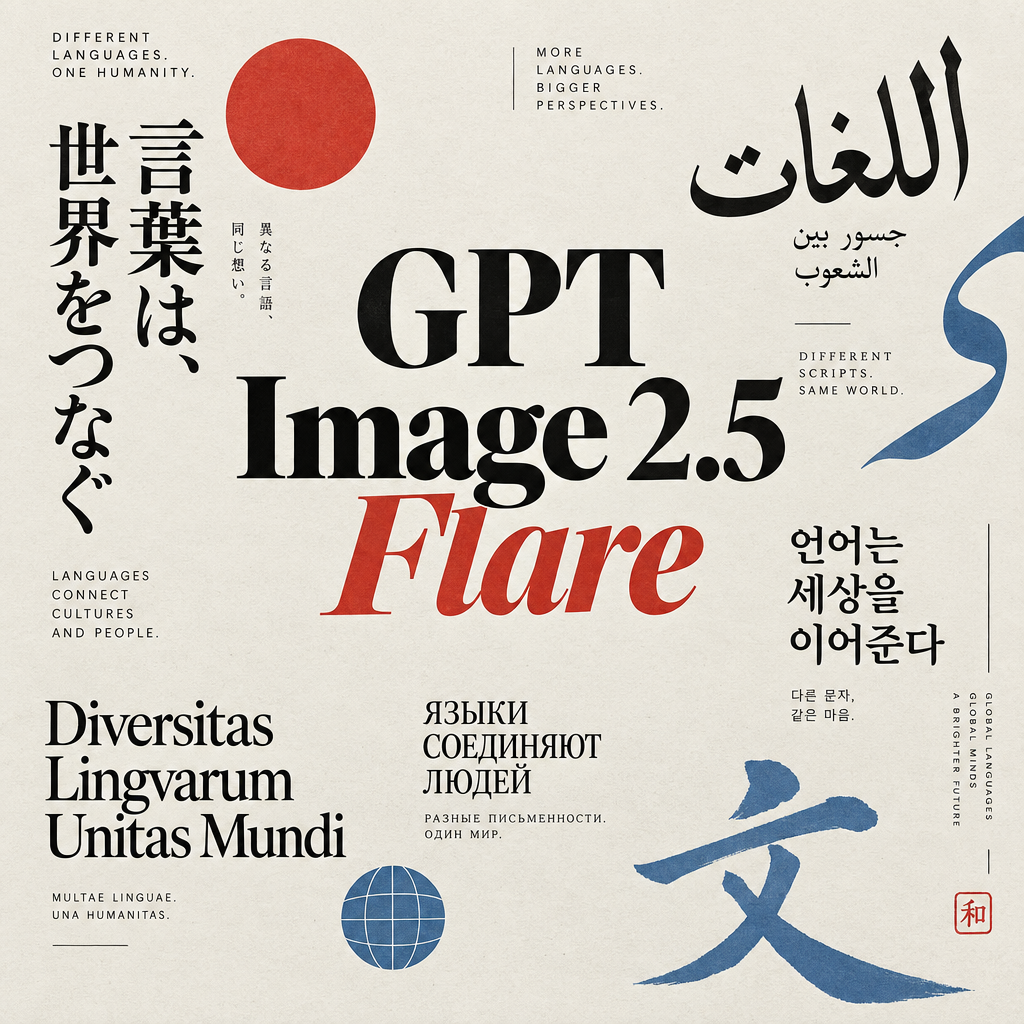
GPT Image 2.5 Flare
Generate high-fidelity images with GPT Image 2.5 Flare, optimized for real typography, multilingual scripts, structured layouts, and print-ready formats up to 4K—ideal for editorial posters, comics, marketing assets, UI comps, and social graphics.
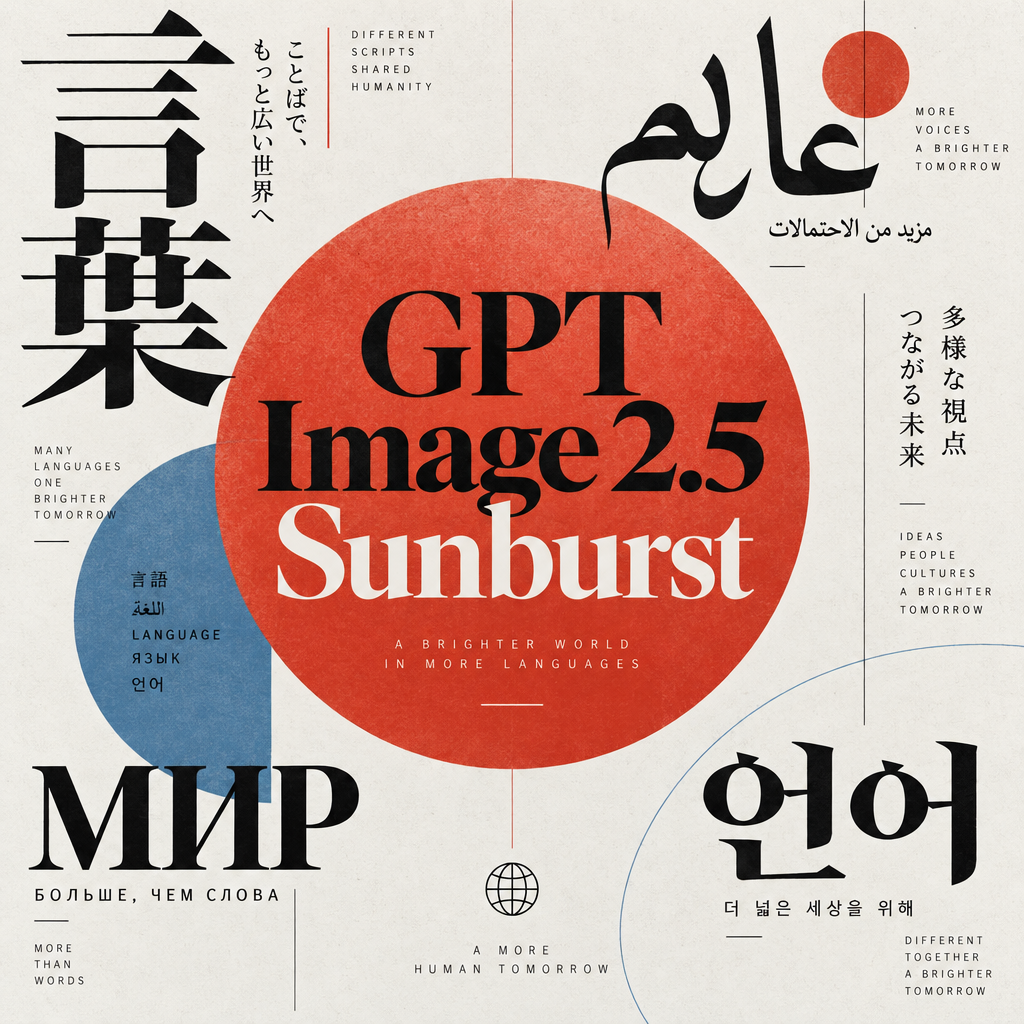
GPT Image 2.5 Sunburst
Generate high-fidelity images with GPT Image 2.5 Sunburst, optimized for real typography, multilingual scripts, structured layouts, and print-ready formats up to 4K—ideal for editorial posters, comics, marketing assets, UI comps, and social graphics.
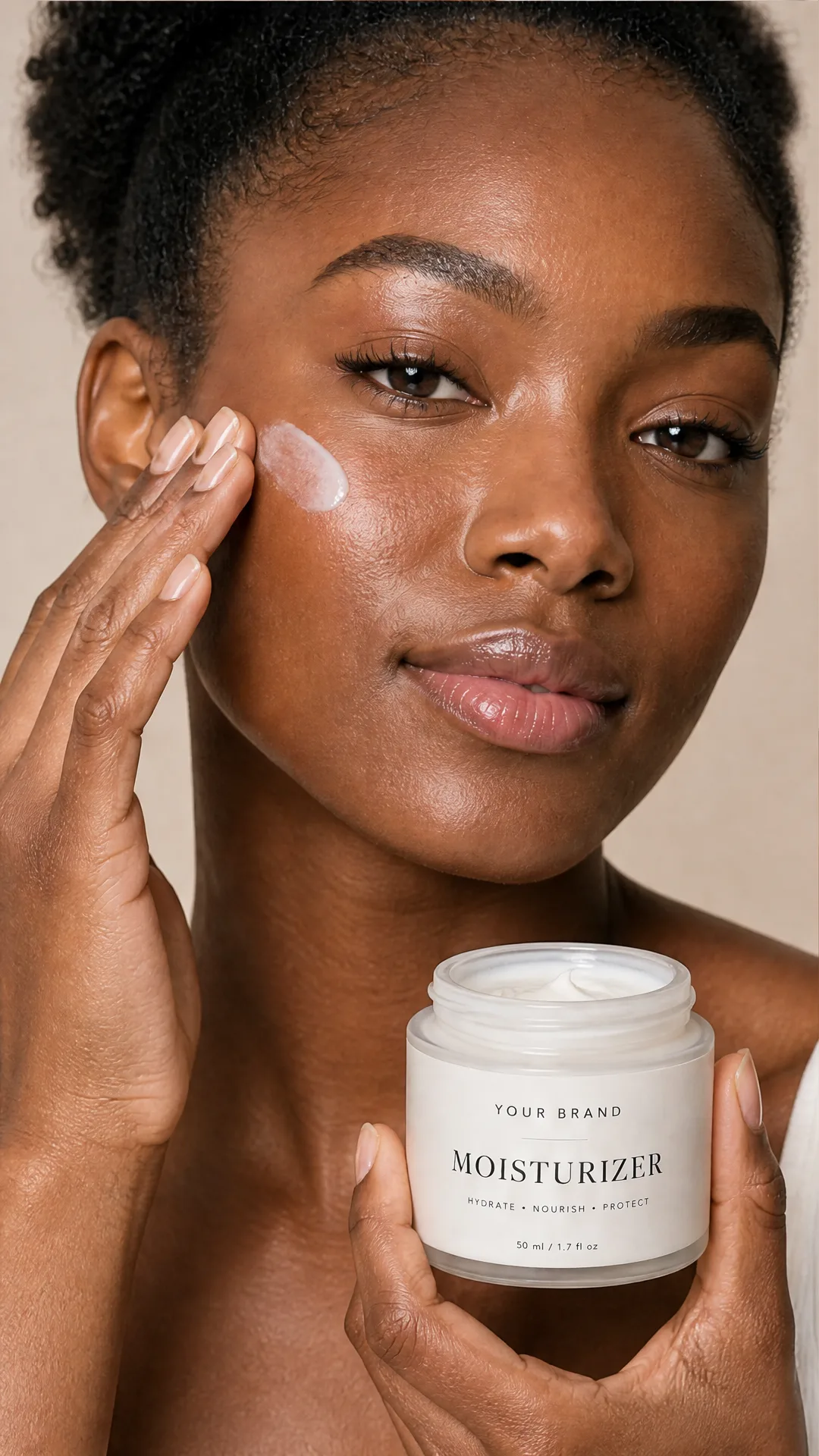
AI Skincare Product Photo Generator
Turn one cream, serum, or cosmetic jar image into a full skincare photoshoot: a 2x2 grid plus four cropped shots (wide, medium, close-up, creative), on-model or product-only, for beauty ecommerce, marketplaces, and ads.
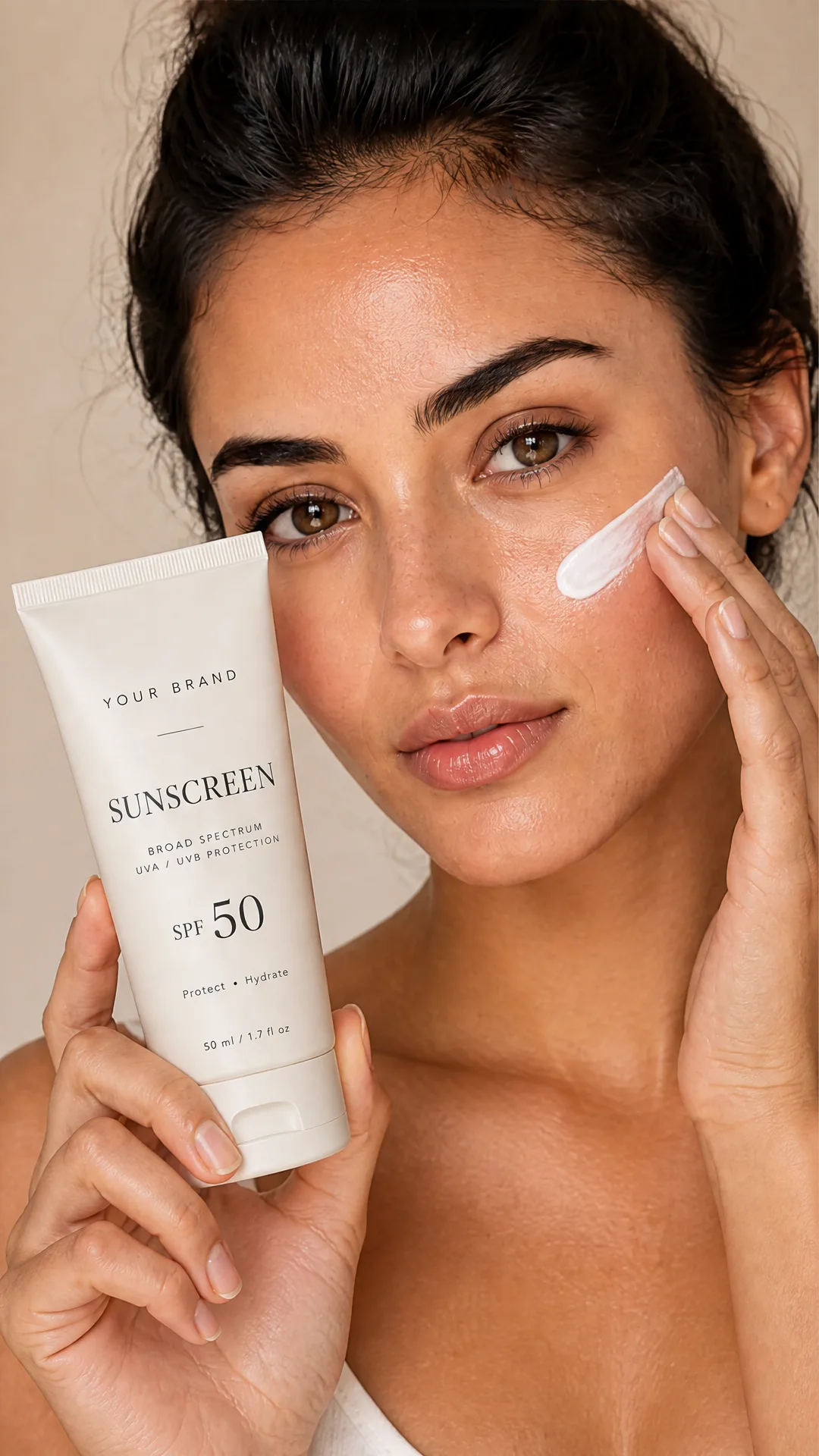
AI Sunscreen Product Photo Generator
Turn one sunscreen tube or bottle image into a full suncare photoshoot: a 2x2 grid plus four cropped shots (wide, medium, close-up, creative), on-model or product-only, for beauty ecommerce, marketplaces, and ads.
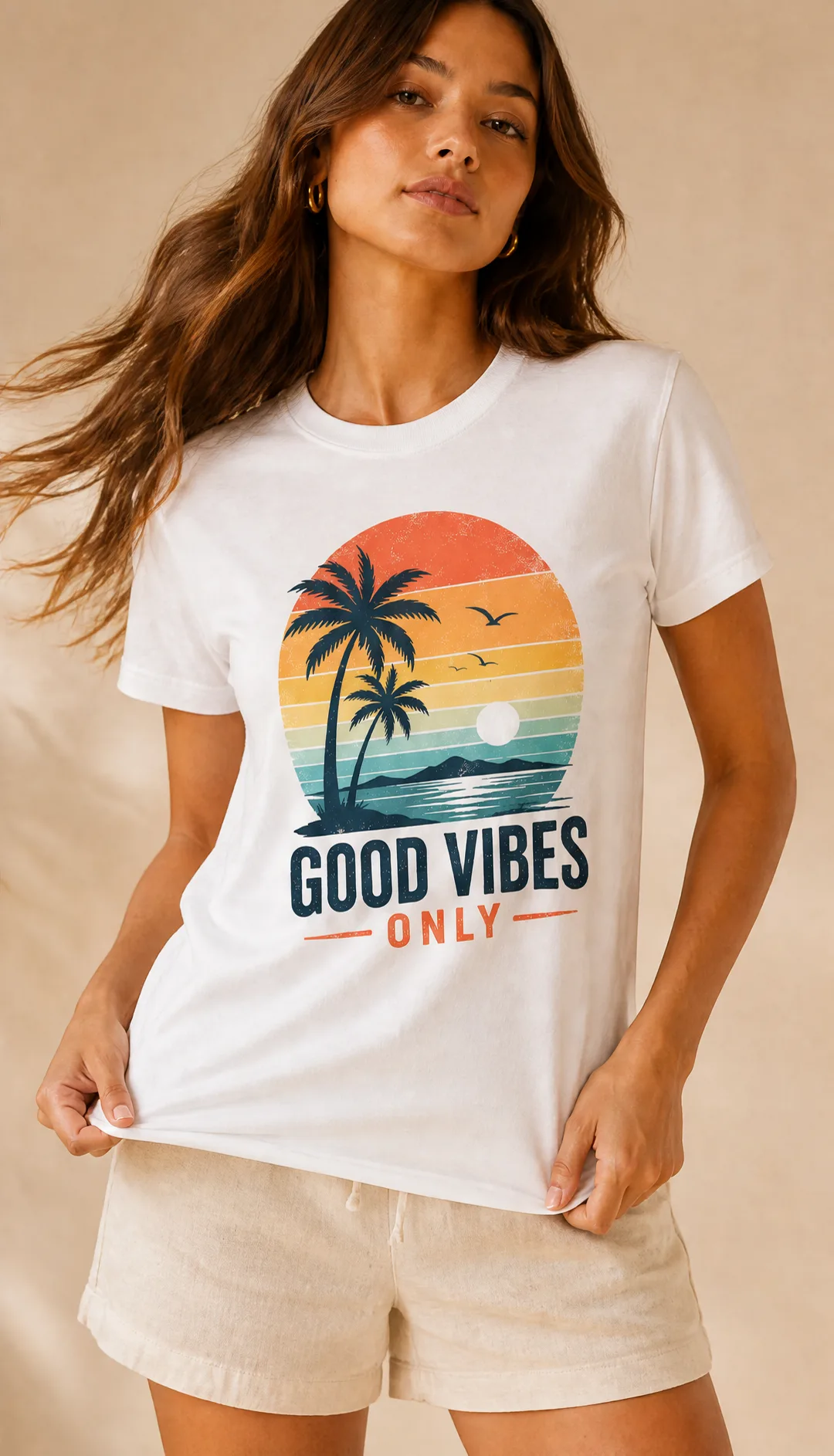
AI T-Shirt Mockup Generator
Turn one t-shirt design image into on-model print-on-demand mockups: a 2x2 photoshoot grid plus four cropped shots (wide, medium, close-up on the print, creative), for Etsy, Shopify, and POD storefronts.
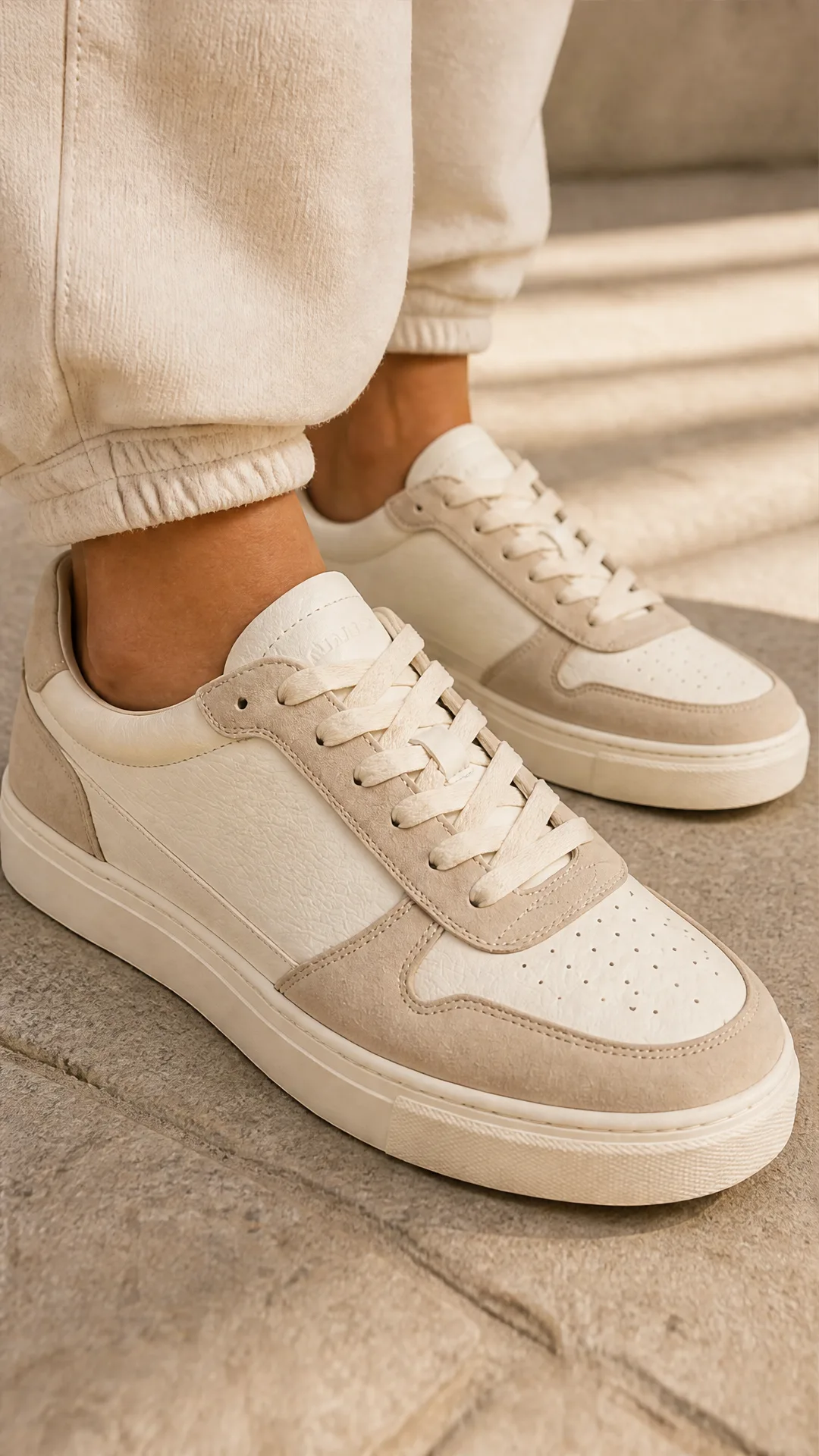
AI Sneaker Product Photo Generator
Generate sneaker product photos from a single shoe image: a 2x2 photoshoot grid plus four cropped shots (wide, medium, close-up, creative), in on-foot or product-only mode, for ecommerce listings, marketplaces, and ads.
Frequently Asked Questions
What is Nano Banana 2 Lite?
It’s a fast, cost-efficient AI image generator powered by the Gemini 3.1 Flash Lite image model. Provide a prompt (and optional reference images) to get a clean, ready-to-use image URL—especially suited for 1:1 icons and thumbnails.
How is Nano Banana 2 Lite different from Nano Banana 2 or Pro?
Lite prioritizes speed and affordability for quick iterations and small-size assets. Nano Banana 2 and Pro offer higher fidelity and larger resolutions for production-grade visuals, with higher credit costs.
What output resolution and aspect ratios are supported?
Lite is optimized for fast 1K outputs. Common aspect ratios are available—1:1 (default), 16:9, 9:16, 4:3, and 3:4—so you can match platform needs without extra cropping.
Can I use reference images to guide generation?
Yes. Provide one or more image URLs as references to influence style or structure. Each reference adds a small cost (estimated +0.12 credits per image).
Does it support precise mask-based editing?
No. Nano Banana 2 Lite focuses on prompt-to-image and reference-guided generation. For pixel-precise or mask-based edits, use a dedicated editing workflow or a higher-fidelity model.
What are best practices for prompts?
Be clear and concise. Specify subject, style, mood, and background minimalism if needed (e.g., “clean, minimal background, 1:1, high readability”). For icons, emphasize clarity at small sizes, balanced lighting, and simple shapes.
How much does it cost?
Estimated pricing is 3.56 credits per image at 1K, plus 0.12 credits per reference image. Final pricing may vary by workspace and usage.
Is Nano Banana 2 Lite suitable for production assets?
It’s great for icons, thumbnails, and fast creative exploration. For large, high-detail production imagery, consider Nano Banana 2 or Pro.
How do I use it via API?
Send a prompt (string) and optional references (array of image URLs). You can also set an aspect_ratio. The API returns a direct image URL, ready to embed or download.
How fast is generation and can I batch requests?
Nano Banana 2 Lite is optimized for quick turnaround and supports batching. Actual speed and throughput depend on your workspace limits and current load.
What is AI-FLOW and how can it help me?
AI-FLOW is an all-in-one AI platform that allows you to build, integrate, and automate AI-powered workflows using an intuitive drag-and-drop interface. Whether you're a beginner or an expert, you can leverage multiple AI models to create innovative solutions without any coding required.
Is there a free trial available?
Yes, AI-FLOW offers a free trial to get you started. After that, you can purchase credits as needed—no subscription or long-term commitment required.
Can I integrate my API keys from providers like OpenAI and Replicate with AI-FLOW Cloud Version ?
Yes, you can easily integrate your existing API keys with AI-FLOW. If specified, nodes related to the API key provided will use your API key, significantly reducing your platform credit usage.