
Seedream 5 pro
ByteDance’s flagship Seedream-5-pro text-to-image and image editing model that turns prompts or up to 10 reference images into sharp 1K/2K visuals.
No workflow setup required · Fully customizable in AI-Flow
What This App Does
Seedream-5-pro is ByteDance’s premium text-to-image and image-to-image model for creating high-fidelity visuals with strong prompt adherence and consistent style control. It generates detailed 1K (~2MP) or 2K (~4MP) images from text alone or by guiding generation with up to 10 reference images for single or multi-reference workflows.
Inputs and controls
prompt (required) — Up to 4000 characters; for best results, keep prompts under ~600 English words.
image_input (optional) — 1–10 reference images for image-to-image or multi-reference guidance.
size — Choose 1K or 2K resolution.
aspect_ratio — Fixed ratios (1:1, 4:3, 3:4, 16:9, 9:16, 3:2, 2:3, 21:9) or match_input_image to align with a provided image’s aspect.
output_format — png or jpeg.
Output: - Returns an array of image URLs (URIs) ready for download or downstream processing.
Ideal for ad creatives, product shots, key art, moodboards, thumbnails, and brand imagery where sharp detail, controllable style, and multi-reference consistency matter. Combine descriptive prompts with reference images to capture subject likeness, composition, palette, and texture.
Best practices
Be specific about subject, composition, style, lighting, materials, mood, and camera/lens cues.
When using references, indicate which elements to prioritize (e.g., “use reference 1 for pose, reference 2 for color palette”).
Use aspect_ratio = match_input_image to preserve layout from a reference.
Prefer 2K for cropping or print-quality detail; use PNG for crisp edges or transparency and JPEG for lighter file sizes.
Keep prompts concise and focused; iterate with small, clear adjustments.
How to Use the App
Here’s what you get when you open the app: a short form, one run button, your results — no nodes, no setup.
Seedream 5 pro
App previewFill in the form
Prompt
RequiredType your prompt…
Aspect Ratio
Match Input Image
Image Input
Add images or files
Output Format
png
Size
2K
≈ 10 credits / run
Get your result
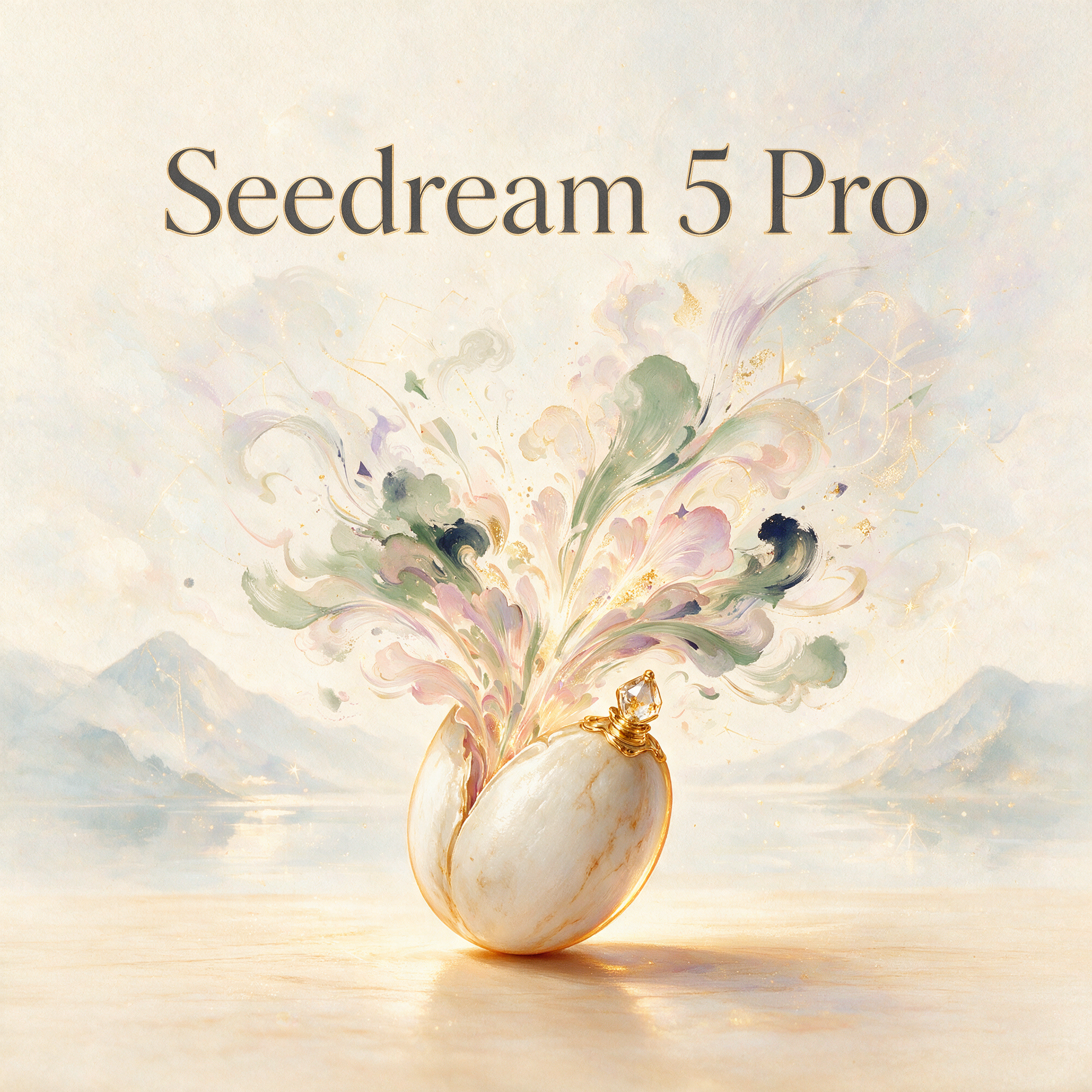
Real output generated with this app
Under the Hood
Want more control?
This app is powered by a fully editable AI-Flow workflow. Change the model, prompts, layout, resolution — or connect it to other steps.
Prompt
Create an artistic hero illustration for an AI image model called “Seedream 5 Pro”. Visual concept: a delicate seed resting in a surreal painted dreamscape, slowly blooming into flowing brushstrokes, soft petals, clouds of pigment, ink washes, golden dust, ...
Image Input
Optional references or files.
Seedream-5-pro
How to Use This Template
Step 1: Enter your text in 'Prompt' Node
Fill the 'Prompt' node with the required text.
Create an artistic hero illustration for an AI image model called “Seedream 5 Pro”.

Visual concept: a delicate seed resting in a surreal painted dreamscape, slowly blooming into flowing brushstrokes, soft petals, clouds of pigment, ink washes, golden dust, and abstract shapes of imagination. The image should feel poetic, refined, calm, and premium, like a gallery artwork made for a creative app.

Style: painterly, elegant, expressive, contemporary art direction, soft natural textures, watercolor and oil-paint influence, subtle paper grain, warm ivory, muted sage, dusty rose, soft lavender, deep indigo accents, gentle golden highlights, atmospheric lighting.

Typography: include the exact text “Seedream 5 Pro” as the main title, clean and readable, elegant serif or refined minimalist lettering, naturally placed within the artwork. No spelling mistakes, no extra text.

Composition: centered app feature card or banner, graceful negative space, balanced and premium, suitable for a creative AI tool launch screen.

Artistic, poetic, painterly, sophisticated, high-resolution, refined composition.
Step 2: Upload your files
In the 'Image Input' node, upload the files you want to use in the workflow.
Step 3: Run the Flow
Click the 'Run' button to execute the flow and get the final output.
Customize the underlying workflow
Open the full workflow in the AI-Flow editor to swap models, rewrite prompts, or connect it to other steps.
Who is this for?
Perfect for professionals and creators looking to streamline their workflow
Designers and art directors
Create and refine brand visuals, moodboards, and key art with controllable style and multi-reference consistency.
Marketers and advertisers
Produce campaign-ready hero images, product scenes, and A/B test variants at 1K or 2K resolution.
E-commerce and product teams
Generate clean product renders, lifestyle compositions, and colorway variations guided by real references.
Game devs and concept artists
Explore character, environment, and prop concepts with promptable style and composition control.
Content creators and social teams
Make scroll-stopping thumbnails and social visuals with precise aspect ratios and export-ready formats.
Developers building image pipelines
Integrate a reliable T2I/I2I model that accepts up to 10 reference images and returns URI-based outputs.
Ready to create?
Start using this app
No workflow setup required — open the app and start creating in minutes
You Might Also Like
Explore other powerful templates to enhance your AI workflow
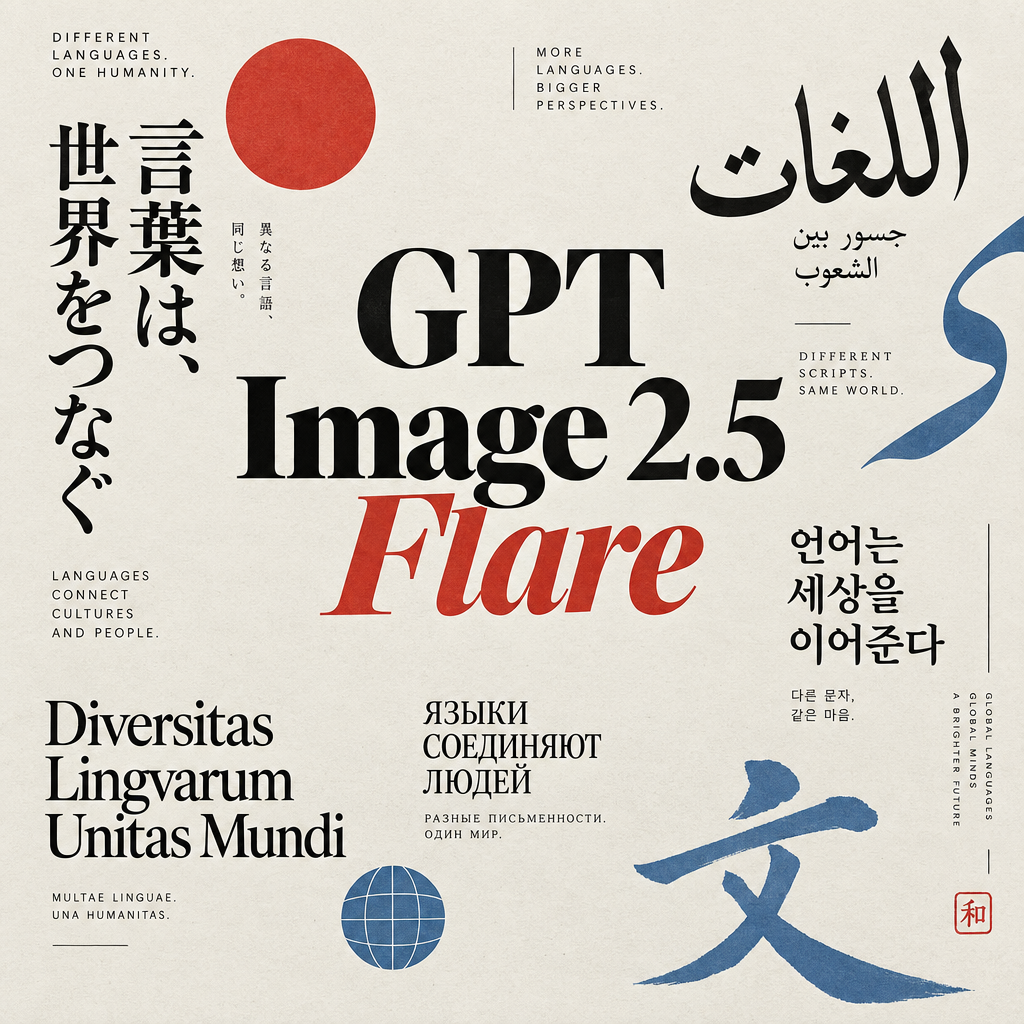
GPT Image 2.5 Flare
Generate high-fidelity images with GPT Image 2.5 Flare, optimized for real typography, multilingual scripts, structured layouts, and print-ready formats up to 4K—ideal for editorial posters, comics, marketing assets, UI comps, and social graphics.
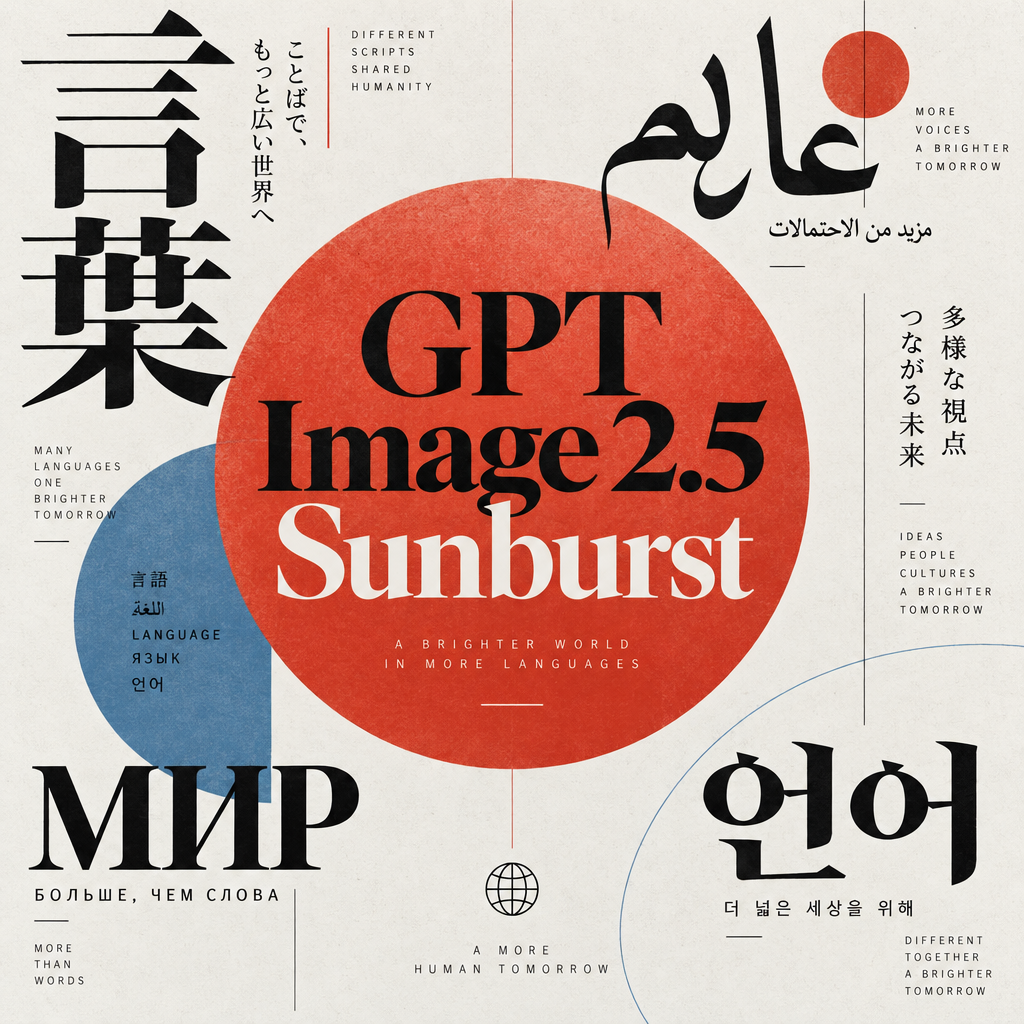
GPT Image 2.5 Sunburst
Generate high-fidelity images with GPT Image 2.5 Sunburst, optimized for real typography, multilingual scripts, structured layouts, and print-ready formats up to 4K—ideal for editorial posters, comics, marketing assets, UI comps, and social graphics.

AI Skincare Product Photo Generator
Turn one cream, serum, or cosmetic jar image into a full skincare photoshoot: a 2x2 grid plus four cropped shots (wide, medium, close-up, creative), on-model or product-only, for beauty ecommerce, marketplaces, and ads.

AI Sunscreen Product Photo Generator
Turn one sunscreen tube or bottle image into a full suncare photoshoot: a 2x2 grid plus four cropped shots (wide, medium, close-up, creative), on-model or product-only, for beauty ecommerce, marketplaces, and ads.

AI T-Shirt Mockup Generator
Turn one t-shirt design image into on-model print-on-demand mockups: a 2x2 photoshoot grid plus four cropped shots (wide, medium, close-up on the print, creative), for Etsy, Shopify, and POD storefronts.
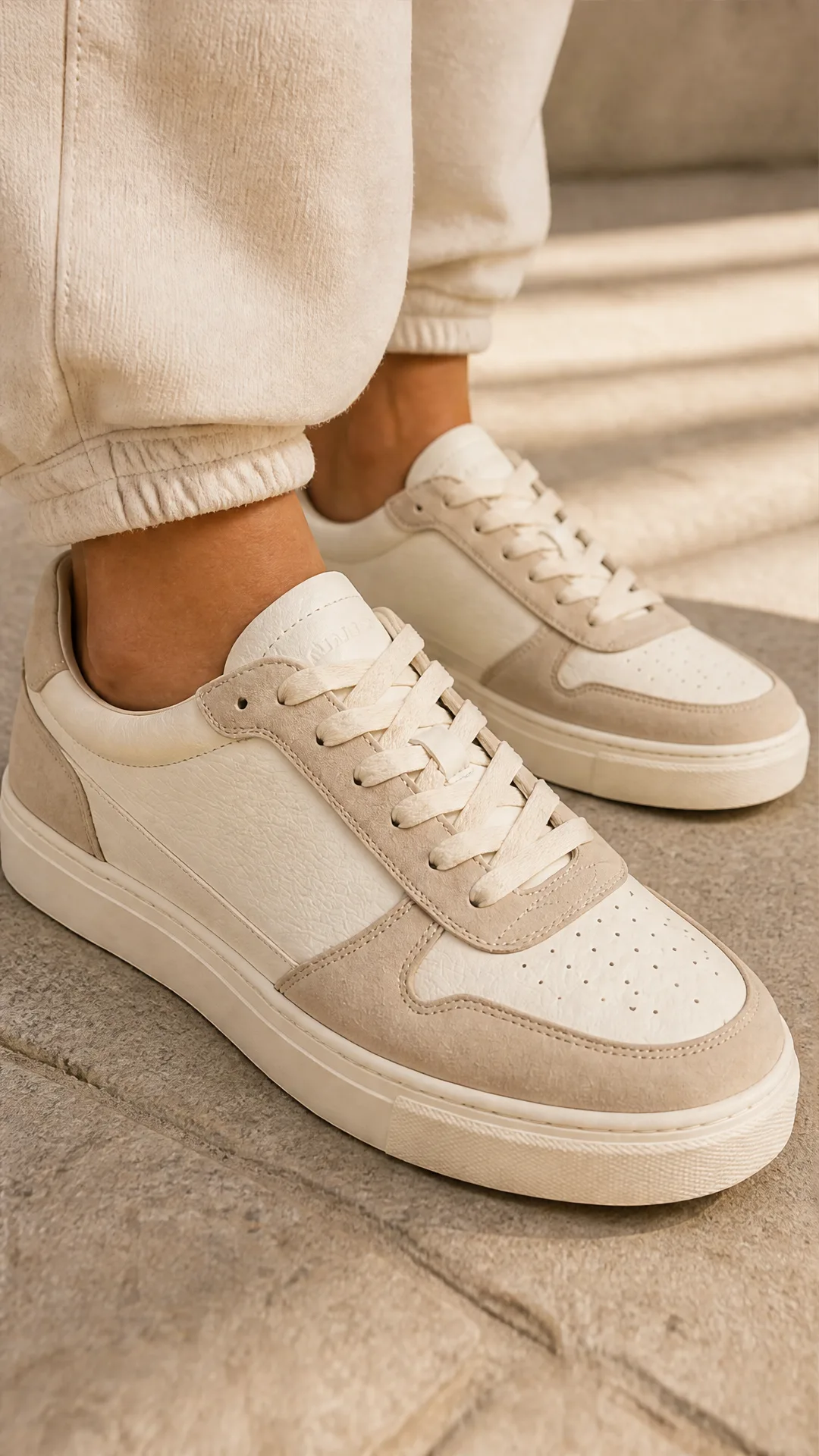
AI Sneaker Product Photo Generator
Generate sneaker product photos from a single shoe image: a 2x2 photoshoot grid plus four cropped shots (wide, medium, close-up, creative), in on-foot or product-only mode, for ecommerce listings, marketplaces, and ads.
Frequently Asked Questions
What is Seedream-5-pro?
A ByteDance flagship model for text-to-image and image-to-image editing. It generates sharp 1K or 2K images from a prompt and optionally up to 10 reference images.
How many reference images can I upload?
You can provide 1–10 reference images for single or multi-reference guidance to influence composition, style, or subject likeness.
Which resolutions and aspect ratios are supported?
Resolutions: 1K (~2MP) and 2K (~4MP). Aspect ratios: 1:1, 4:3, 3:4, 16:9, 9:16, 3:2, 2:3, 21:9, or use match_input_image to align with your reference.
What output formats are available?
PNG and JPEG. Choose PNG for crisp edges or transparency needs and JPEG for smaller file sizes.
How long can my prompt be?
Up to 4000 characters. For best results and clearer output, keep prompts under ~600 English words.
Does it preserve the composition of my input image?
Use aspect_ratio = match_input_image and give clear instructions to help preserve layout and key elements from your reference.
Is it suitable for both photorealistic and stylized outputs?
Yes. You can steer toward photorealism or stylized art by specifying style cues, materials, lighting, and camera settings in the prompt.
What does the model return?
An array of image URLs (URIs) that you can download or pass to downstream tools and workflows.
Can I combine text prompts with reference images?
Yes. Provide a descriptive prompt along with 1–10 references to blend textual intent with visual guidance.
When should I choose 1K vs 2K?
Use 1K for quick previews or web visuals and 2K for higher detail, cropping flexibility, or print-oriented assets.
Any tips for better prompt quality?
Include subject, setting, composition, style, lighting, and what to avoid. If using multiple references, note which image controls pose, color, or texture.
What is AI-FLOW and how can it help me?
AI-FLOW is an all-in-one AI platform that allows you to build, integrate, and automate AI-powered workflows using an intuitive drag-and-drop interface. Whether you're a beginner or an expert, you can leverage multiple AI models to create innovative solutions without any coding required.
Is there a free trial available?
Yes, AI-FLOW offers a free trial to get you started. After that, you can purchase credits as needed—no subscription or long-term commitment required.
Can I integrate my API keys from providers like OpenAI and Replicate with AI-FLOW Cloud Version ?
Yes, you can easily integrate your existing API keys with AI-FLOW. If specified, nodes related to the API key provided will use your API key, significantly reducing your platform credit usage.