
Génération et retouche avec Seedream 5 Pro
Le modèle phare Seedream-5-pro de ByteDance transforme des prompts ou jusqu’à 10 images de référence en visuels nets 1K ou 2K, pour la génération texte-vers-image et la retouche.
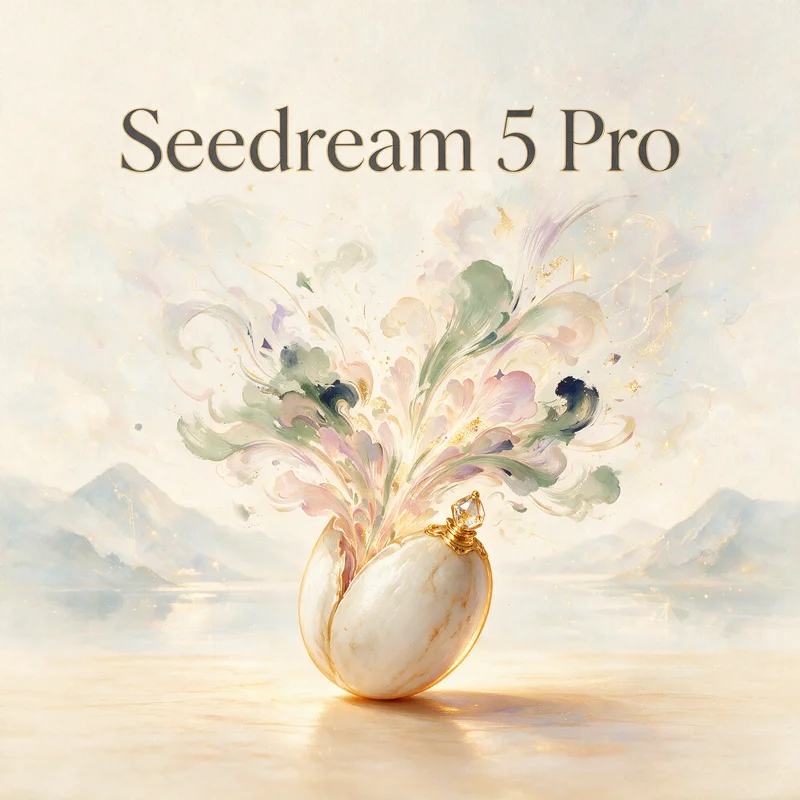
Aucune configuration requise · Entièrement personnalisable dans AI-Flow
Ce que fait cette application
Seedream-5-pro est le modèle premium texte-vers-image et image-vers-image de ByteDance, destiné à créer des visuels haute fidélité avec un excellent respect du prompt et un contrôle du style cohérent. Il génère des images détaillées en 1K (~2 MP) ou 2K (~4 MP) à partir de texte seul, ou en guidant la génération par jusqu’à 10 images de référence, pour des workflows à une ou plusieurs références.
Entrées et réglages
prompt (requis) — jusqu’à 4000 caractères ; pour de meilleurs résultats, restez sous environ 600 mots.
image_input (optionnel) — 1 à 10 images de référence pour de l’image-vers-image ou un guidage multi-références.
size — résolution 1K ou 2K.
aspect_ratio — formats fixes (1:1, 4:3, 3:4, 16:9, 9:16, 3:2, 2:3, 21:9) ou match_input_image pour s’aligner sur le format d’une image fournie.
output_format — png ou jpeg.
Sortie : - Renvoie un tableau d’URL d’images (URI), prêtes à être téléchargées ou traitées en aval.
Idéal pour les créations publicitaires, les photos produit, les key art, les moodboards, les miniatures et les visuels de marque, dès lors que le détail, la maîtrise du style et la cohérence multi-références comptent. Combinez des prompts descriptifs et des images de référence pour capter la ressemblance du sujet, la composition, la palette et la texture.
Bonnes pratiques
Soyez précis sur le sujet, la composition, le style, l’éclairage, les matières, l’ambiance et les indications de caméra ou d’objectif.
Lorsque vous utilisez des références, indiquez quels éléments prioriser (par exemple « utiliser la référence 1 pour la pose, la référence 2 pour la palette »).
Utilisez aspect_ratio = match_input_image pour préserver la mise en page d’une référence.
Préférez le 2K pour recadrer ou pour un détail de qualité impression ; utilisez le PNG pour des contours nets ou de la transparence, et le JPEG pour des fichiers plus légers.
Gardez des prompts concis et ciblés ; itérez par petits ajustements clairs.
Comment utiliser l’application
Voici ce que vous obtenez en ouvrant l’application : un formulaire court, un bouton d’exécution et vos résultats, sans nœuds ni configuration.
Seedream 5 Pro
Aperçu de l’applicationRemplissez le formulaire
Prompt
RequisSaisissez prompt…
Aspect Ratio
Match Input Image
Image Input
Ajouter des images ou des fichiers
Output Format
png
Size
2K
≈ 10 crédits / exécution
Récupérez votre résultat
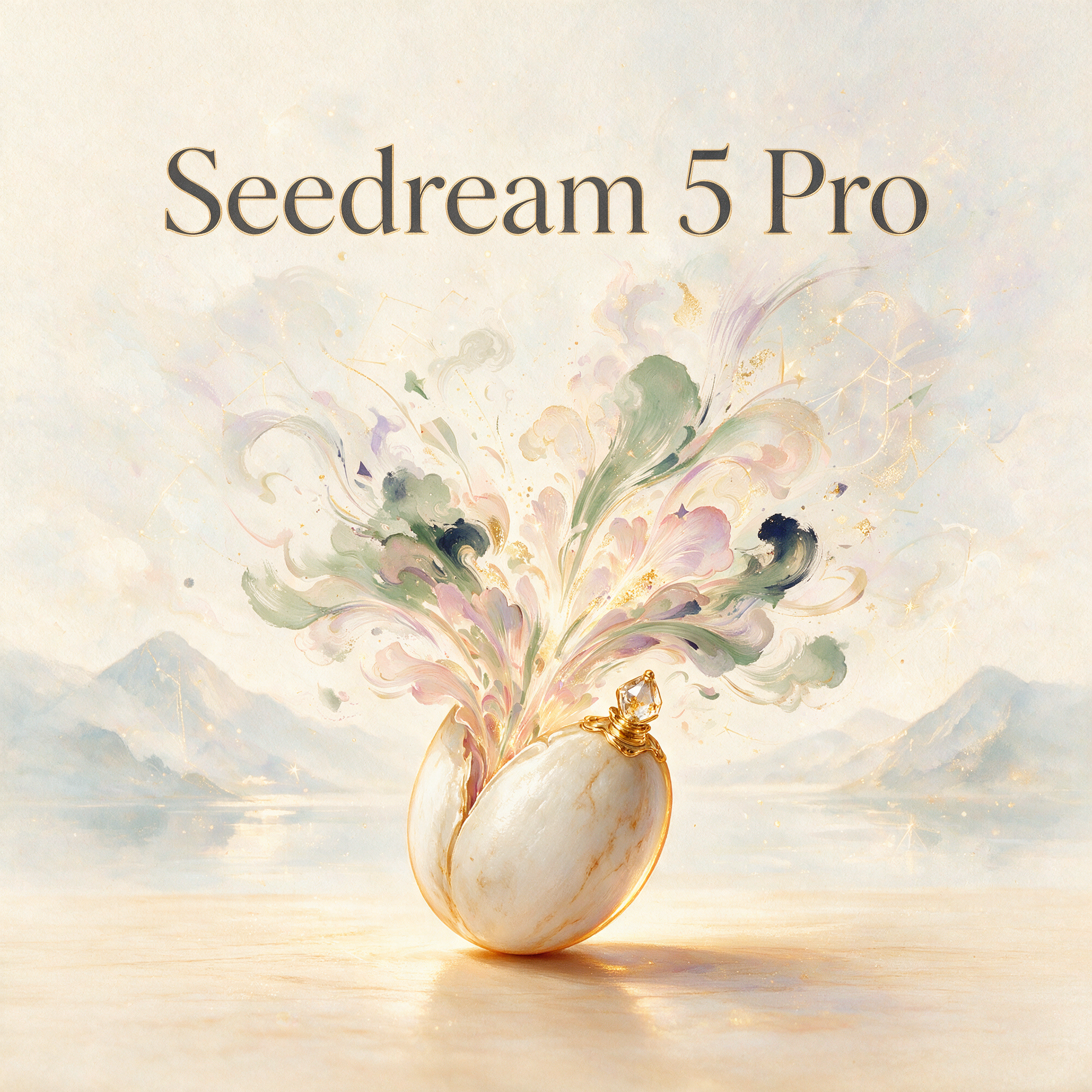
Résultat réel généré avec cette application
Sous le capot
Vous souhaitez plus de contrôle ?
Cette application repose sur un workflow AI-Flow entièrement modifiable. Changez le modèle, les prompts, la disposition ou la résolution, ou connectez-le à d’autres étapes.
Prompt
Create an artistic hero illustration for an AI image model called “Seedream 5 Pro”. Visual concept: a delicate seed resting in a surreal painted dreamscape, slowly blooming into flowing brushstrokes, soft petals, clouds of pigment, ink washes, golden dust, ...
Image Input
Références ou fichiers facultatifs.
Seedream-5-pro
Comment utiliser ce template
Étape 1 : Saisissez votre texte dans le nœud « Prompt »
Renseignez le nœud « Prompt » avec le texte demandé.
Create an artistic hero illustration for an AI image model called “Seedream 5 Pro”.

Visual concept: a delicate seed resting in a surreal painted dreamscape, slowly blooming into flowing brushstrokes, soft petals, clouds of pigment, ink washes, golden dust, and abstract shapes of imagination. The image should feel poetic, refined, calm, and premium, like a gallery artwork made for a creative app.

Style: painterly, elegant, expressive, contemporary art direction, soft natural textures, watercolor and oil-paint influence, subtle paper grain, warm ivory, muted sage, dusty rose, soft lavender, deep indigo accents, gentle golden highlights, atmospheric lighting.

Typography: include the exact text “Seedream 5 Pro” as the main title, clean and readable, elegant serif or refined minimalist lettering, naturally placed within the artwork. No spelling mistakes, no extra text.

Composition: centered app feature card or banner, graceful negative space, balanced and premium, suitable for a creative AI tool launch screen.

Artistic, poetic, painterly, sophisticated, high-resolution, refined composition.
Étape 2 : Importez vos fichiers
Dans le nœud « Image Input », importez les fichiers que vous souhaitez utiliser dans le workflow.
Étape 3 : Exécutez le workflow
Cliquez sur le bouton « Exécuter » pour lancer le workflow et obtenir le résultat final.
Personnalisez le workflow sous-jacent
Ouvrez le workflow complet dans l’éditeur AI-Flow pour changer de modèle, réécrire les prompts ou le connecter à d’autres étapes.
À qui s’adresse ce template ?
Idéal pour les professionnels et les créateurs qui souhaitent simplifier leur workflow
Designers et directeurs artistiques
Créez et affinez vos visuels de marque, moodboards et key art avec un style maîtrisé et une cohérence multi-références.
Marketeurs et annonceurs
Produisez des images d’accroche prêtes pour la campagne, des mises en scène produit et des variantes de test A/B en 1K ou 2K.
Équipes e-commerce et produit
Générez des rendus produit nets, des compositions lifestyle et des déclinaisons de coloris guidées par de vraies références.
Développeurs de jeux et concept artists
Explorez des concepts de personnages, d’environnements et d’accessoires avec un contrôle du style et de la composition par le prompt.
Créateurs de contenu et équipes social media
Réalisez des miniatures et des visuels sociaux accrocheurs, avec des formats précis et des fichiers prêts à l’export.
Développeurs de pipelines d’images
Intégrez un modèle T2I/I2I fiable, acceptant jusqu’à 10 images de référence et renvoyant des sorties sous forme d’URI.
Prêt à créer ?
Commencez à utiliser cette application
Aucune configuration requise — ouvrez l’application et commencez à créer en quelques minutes
Vous aimerez peut-être aussi
Explorez d’autres templates puissants pour enrichir votre workflow IA

Génération d’images avec GPT Image 2.5 Flare
Générez des images haute fidélité avec GPT Image 2.5 Flare, optimisé pour la typographie réaliste, les écritures multilingues, les mises en page structurées et les formats prêts à imprimer jusqu’en 4K, pour affiches, bandes dessinées, marketing, maquettes UI et réseaux sociaux.

Génération d’images avec GPT Image 2.5 Sunburst
Générez des images haute fidélité avec GPT Image 2.5 Sunburst, optimisé pour la typographie réaliste, les écritures multilingues, les mises en page structurées et les formats prêts à imprimer jusqu’en 4K, pour affiches, bandes dessinées, marketing, maquettes UI et réseaux sociaux.

Générateur IA de photos produit de soin
Transformez une seule image de crème, de sérum ou de pot cosmétique en shooting complet : une grille 2 × 2 et quatre visuels recadrés (plan large, plan moyen, gros plan, angle créatif), porté ou produit seul, pour l'e-commerce beauté, les marketplaces et la publicité.

Générateur IA de photos produit de crème solaire
Transformez une seule image de tube ou de flacon solaire en shooting complet : une grille 2 × 2 et quatre visuels recadrés (plan large, plan moyen, gros plan, angle créatif), porté ou produit seul, pour l'e-commerce beauté, les marketplaces et la publicité.

Générateur IA de mockups de t-shirts
Transformez une seule image de t-shirt en mockups print-on-demand portés : une grille 2 × 2 et quatre visuels recadrés (plan large, plan moyen, gros plan sur l'impression, angle créatif), pour Etsy, Shopify et vos boutiques POD.
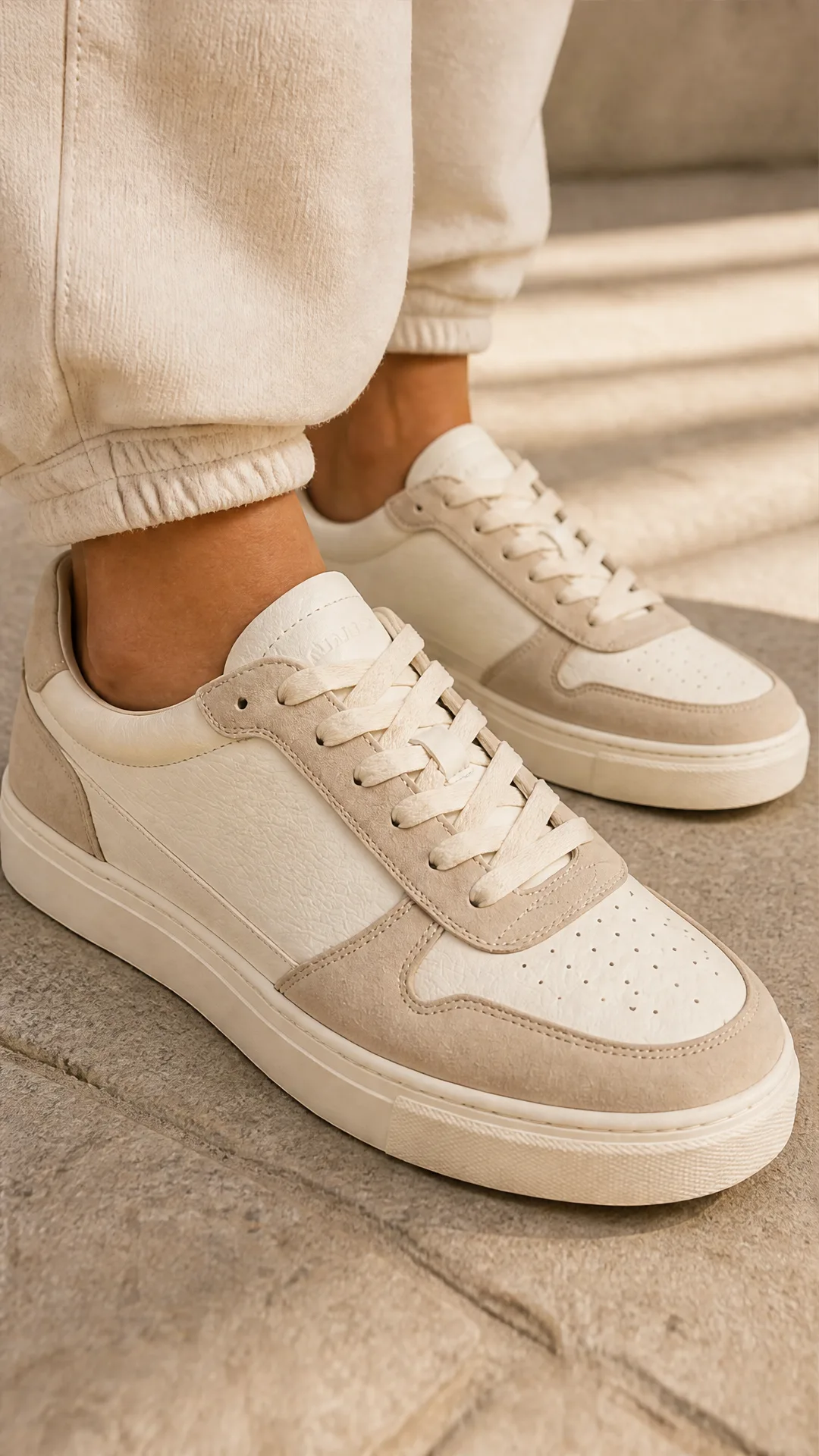
Générateur IA de photos produit de sneakers
Générez des photos produit de sneakers à partir d'une seule image de chaussure : une grille 2 × 2 et quatre visuels recadrés (plan large, plan moyen, gros plan, angle créatif), en mode porté ou produit seul, pour vos fiches e-commerce, marketplaces et publicités.
Questions fréquentes
Qu’est-ce que Seedream-5-pro ?
Un modèle phare de ByteDance pour la génération texte-vers-image et la retouche image-vers-image. Il génère des images nettes en 1K ou 2K à partir d’un prompt et, en option, de jusqu’à 10 images de référence.
Combien d’images de référence puis-je téléverser ?
Vous pouvez fournir de 1 à 10 images de référence, pour un guidage simple ou multi-références influençant la composition, le style ou la ressemblance du sujet.
Quelles résolutions et quels formats sont pris en charge ?
Résolutions : 1K (~2 MP) et 2K (~4 MP). Formats : 1:1, 4:3, 3:4, 16:9, 9:16, 3:2, 2:3, 21:9, ou match_input_image pour s’aligner sur votre référence.
Quels formats de sortie sont disponibles ?
PNG et JPEG. Choisissez le PNG pour des contours nets ou des besoins de transparence, et le JPEG pour des fichiers plus légers.
Quelle peut être la longueur de mon prompt ?
Jusqu’à 4000 caractères. Pour de meilleurs résultats et un rendu plus net, restez sous environ 600 mots.
Préserve-t-il la composition de mon image d’entrée ?
Utilisez aspect_ratio = match_input_image et donnez des consignes claires pour aider à préserver la mise en page et les éléments clés de votre référence.
Convient-il aussi bien aux rendus photoréalistes que stylisés ?
Oui. Vous pouvez orienter le modèle vers le photoréalisme ou vers un style graphique en précisant des repères de style, de matières, d’éclairage et de réglages de caméra dans votre prompt.
Que renvoie le modèle ?
Un tableau d’URL d’images (URI) que vous pouvez télécharger ou transmettre à vos outils et workflows en aval.
Puis-je combiner prompts textuels et images de référence ?
Oui. Fournissez un prompt descriptif accompagné de 1 à 10 références pour mêler intention textuelle et guidage visuel.
Quand choisir le 1K plutôt que le 2K ?
Utilisez le 1K pour des aperçus rapides ou des visuels web, et le 2K pour davantage de détail, une plus grande latitude de recadrage ou des visuels destinés à l’impression.
Des conseils pour améliorer la qualité des prompts ?
Indiquez le sujet, le décor, la composition, le style, l’éclairage et ce qu’il faut éviter. Si vous utilisez plusieurs références, précisez laquelle contrôle la pose, la couleur ou la texture.
Qu’est-ce qu’AI-FLOW et comment peut-il m’aider ?
AI-FLOW est une plateforme d’IA tout-en-un qui vous permet de créer, d’intégrer et d’automatiser des workflows alimentés par l’IA grâce à une interface intuitive en glisser-déposer. Débutant ou expert, vous pouvez combiner plusieurs modèles d’IA pour créer des solutions innovantes sans écrire de code.
Un essai gratuit est-il disponible ?
Oui, AI-FLOW propose un essai gratuit pour commencer. Vous pouvez ensuite acheter des crédits selon vos besoins, sans abonnement ni engagement à long terme.
Puis-je intégrer mes clés API OpenAI, Replicate et d’autres fournisseurs dans la version Cloud d’AI-FLOW ?
Oui, vous pouvez facilement intégrer vos propres clés API à AI-FLOW. Les nœuds associés utiliseront alors votre clé, ce qui réduit considérablement votre consommation de crédits sur la plateforme.