
AI-Flow
Connect any AI model. Build any workflow.
Chain AI models from OpenAI, Replicate, Anthropic and more to automate your content creation pipelines.
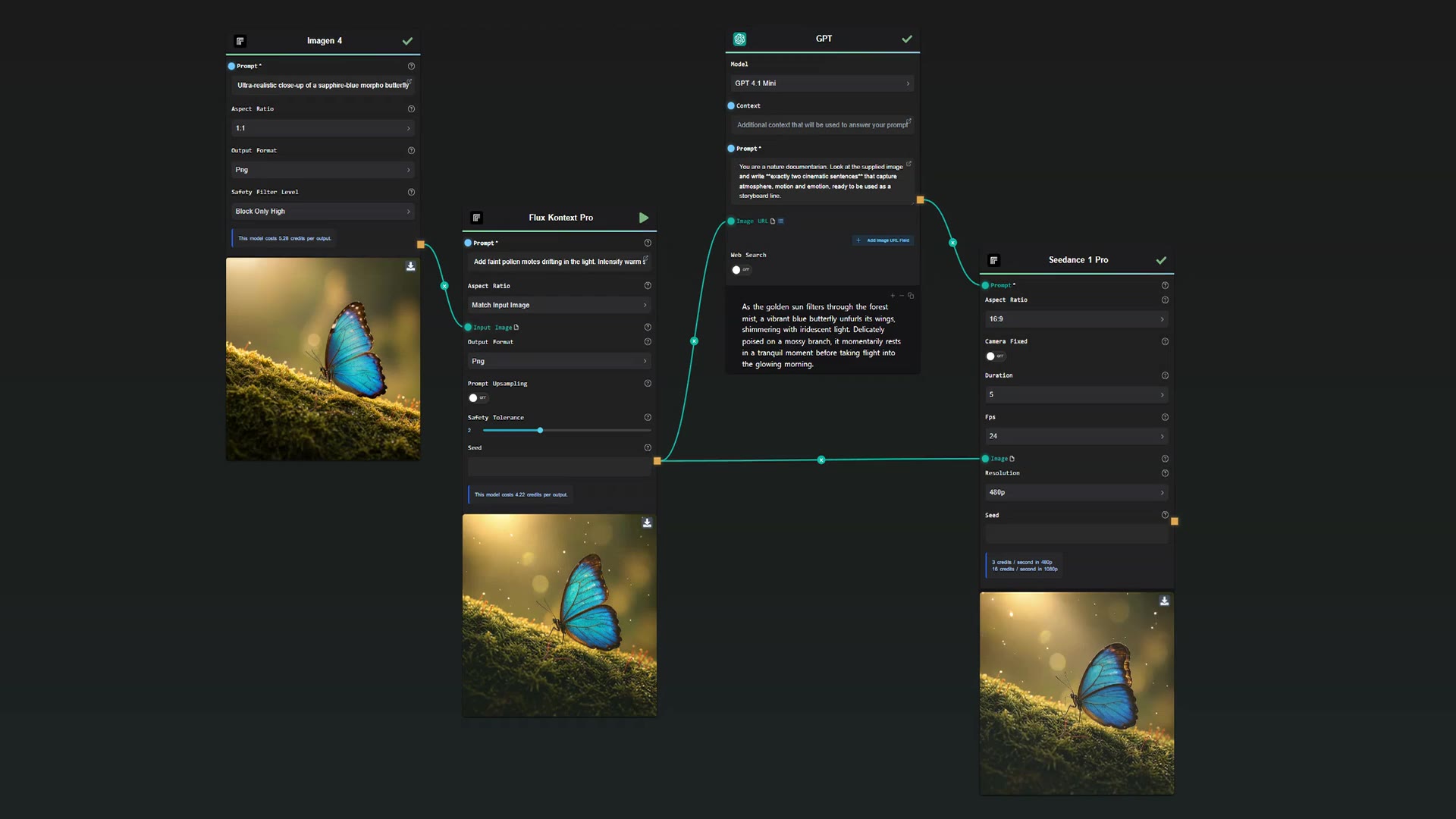


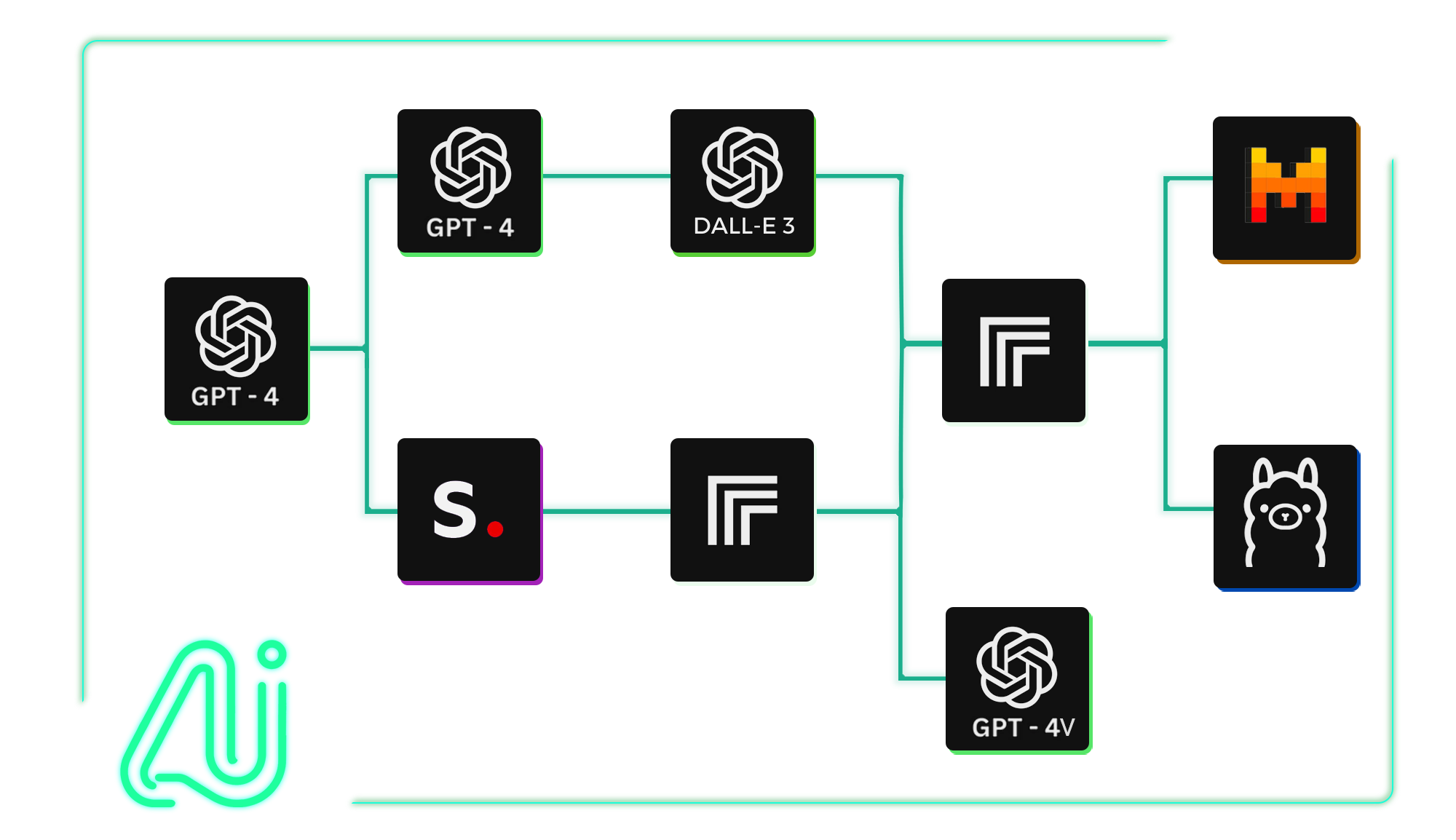
Integrate Multiple AI Models in One Flow
Combine AI models from OpenAI, Google, Anthropic and Replicate inside the same workflow to create end-to-end automations.
10 models available
- GPT
- Claude
- Gemini
- Seedance 2.0
- Video Increase Resolution
- Grok Imagine Image
- Edit Video with Grok
- Grok Imagine Video
- Fast Edit - p-image-edit
- Flux 2 Klein 9b
- Flux 2 Klein 4b
- Ltx 2 Distilled
- Wan 2.6 I2v
- Kling V2.6 Motion Control
- Seedance 1.5 Pro
- Kling V2.6
- Flux 2 Max
- Music 1.5
- Speech 2.6 Hd
- Speech 2.6 Turbo
- GPT Image 1.5 Edition
- GPT Image 1.5 Generation
- Flux 2 Pro
- Seedream 4.5
- Flux Kontext Dev Lora
- Nano Banana Pro
- Kling V2.5 Turbo Pro
- Veo 3.1
- Nano Banana
- Seedream 4
- GPT
- Claude
- Gemini
- Seedance 2.0
- Video Increase Resolution
- Grok Imagine Image
- Edit Video with Grok
- Grok Imagine Video
- Fast Edit - p-image-edit
- Flux 2 Klein 9b
- Flux 2 Klein 4b
- Ltx 2 Distilled
- Wan 2.6 I2v
- Kling V2.6 Motion Control
- Seedance 1.5 Pro
- Kling V2.6
- Flux 2 Max
- Music 1.5
- Speech 2.6 Hd
- Speech 2.6 Turbo
- GPT Image 1.5 Edition
- GPT Image 1.5 Generation
- Flux 2 Pro
- Seedream 4.5
- Flux Kontext Dev Lora
- Nano Banana Pro
- Kling V2.5 Turbo Pro
- Veo 3.1
- Nano Banana
- Seedream 4
Use your own API keys — or don't.
Connect your OpenAI, Replicate, or Anthropic keys and pay your providers directly at their rate.
- OpenAI
- Anthropic
- Replicate
Pay providers directly at their rates
- No setup required
- No keys needed
Start immediately, no configuration
Tailored AI Solutions for Your Needs
Start from ready-made templates and adapt them to your needs. Automate product mockup creation, batch image generation, video generation, and more — all as repeatable workflows.
Select. Connect. Integrate.
Easily build and customize APIs for your AI workflows. Automate inputs and retrieve outputs via API requests or webhooks. Integrate your AI flows into your projects.
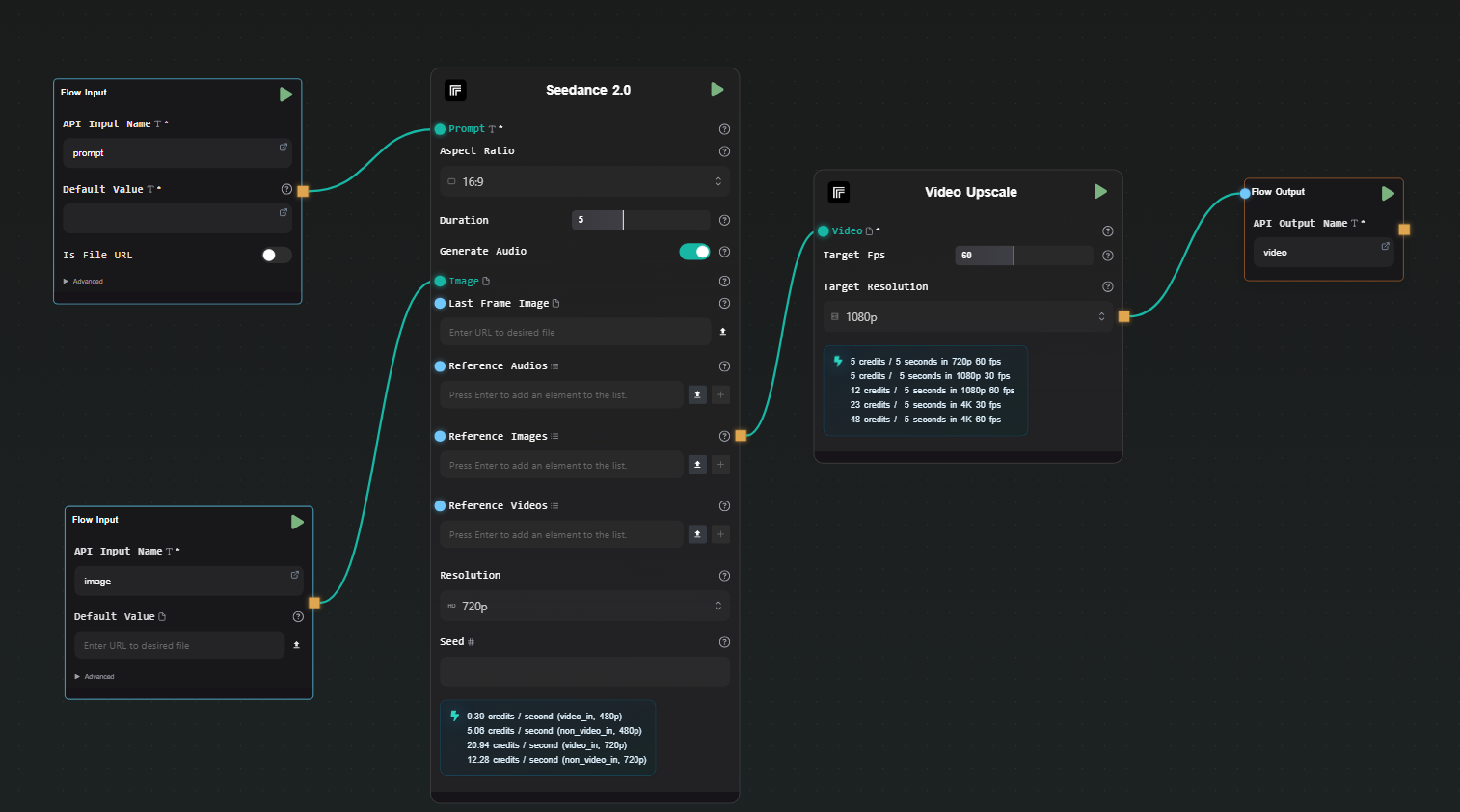
Your AI Workflow Toolbox
Stay up to date with the latest available AI models and get started faster with ready-to-use workflow templates.
Product Photoshoot
Storyboard to Cinematic Video with Seedance 2.0
Create Product Videos from Images with Seedance 2.0
Animate Image with Seedance 2.0
Seedance 2.0
Video Increase Resolution
Grok Imagine Image
Edit Video with Grok
Grok Imagine Video
P Image Edit
Flux 2 Klein 9b
Flux 2 Klein 4b
Ltx 2 Distilled
Wan 2.6 I2v
Kling V2.6 Motion Control
Seedance 1.5 Pro
Frequently Asked Questions
Can I use my API keys from AI providers like OpenAI, Replicate, and others on the Cloud Version without additional cost?
Yes, you can integrate your API keys with AI-Flow Cloud Version. Each day you get a certain number of free runs, then you'll only pay a small fee for platform resource usage (storage, compute, etc.).
Where is my data stored when using AI-Flow?
Flow data is saved in the cloud. Generated media is stored for 7 days on the free tier, 30 days on higher tiers.
Can AI-Flow generate images?
Yes, AI-Flow supports image generation using models like Nano Banana 2, GPT Image 1.5, Seedream 4, Imagen 4, and more.
Is AI-Flow free to use?
Yes. The free tier includes 25 welcome credits and 20 free runs/day for BYOK nodes, inputs and tools. No credit card required.