
Turn one book cover into ready-to-use children's book promo images
Upload a children's book cover and get a polished 2x2 set of marketing visuals: cozy reading scenes, gift setups, classroom moments, and book mockups in a few minutes.
Free credits included • No credit card required to try
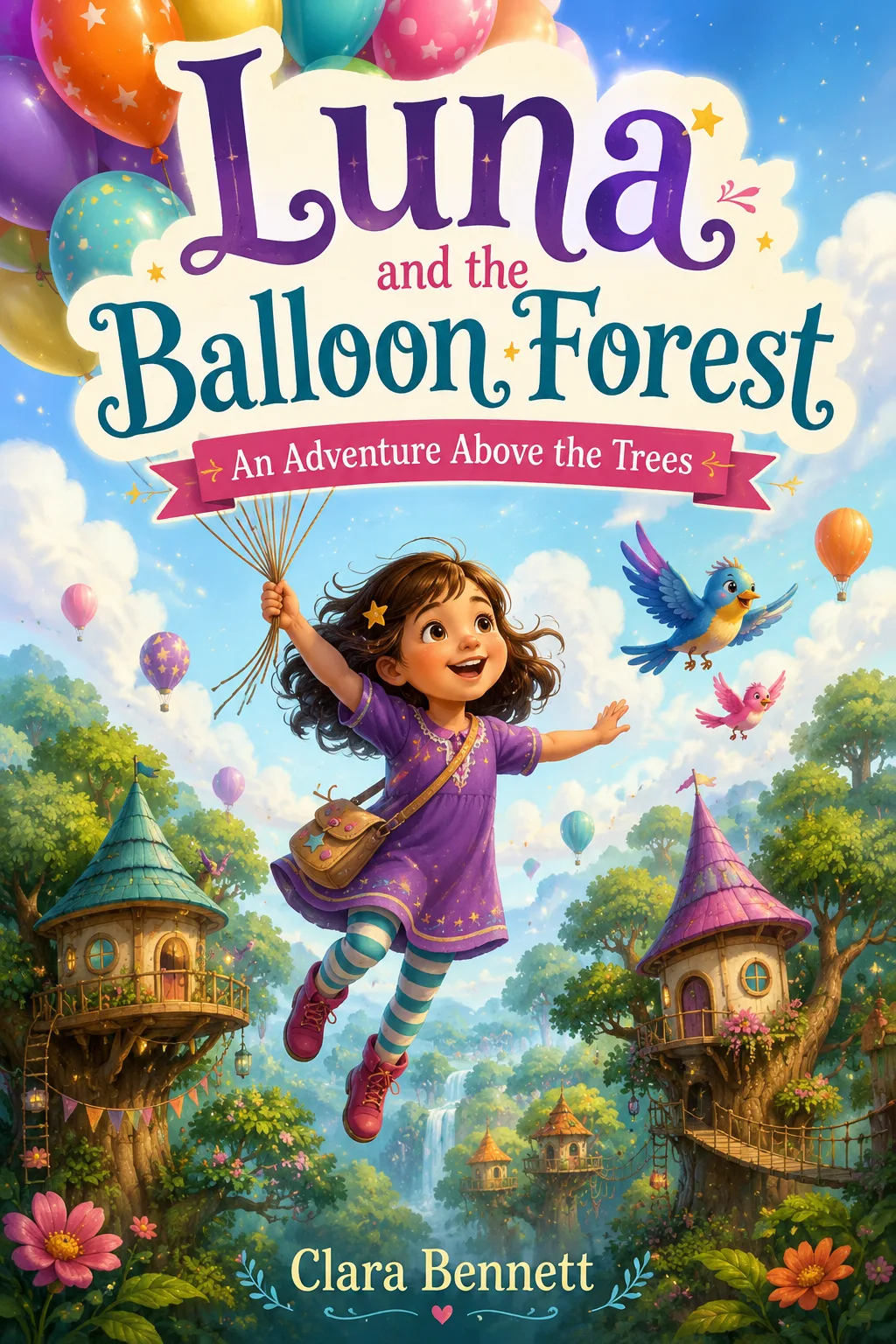
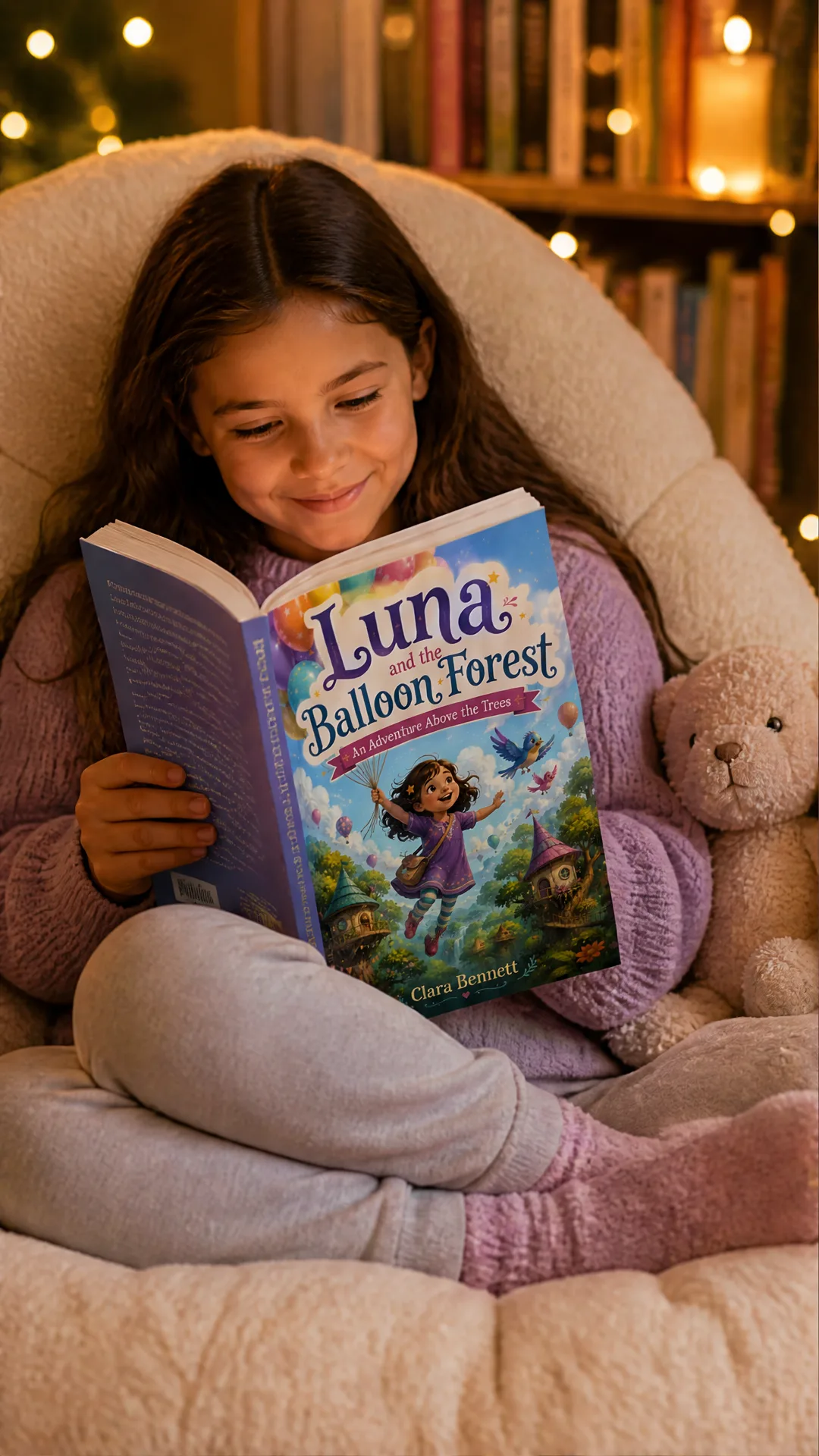
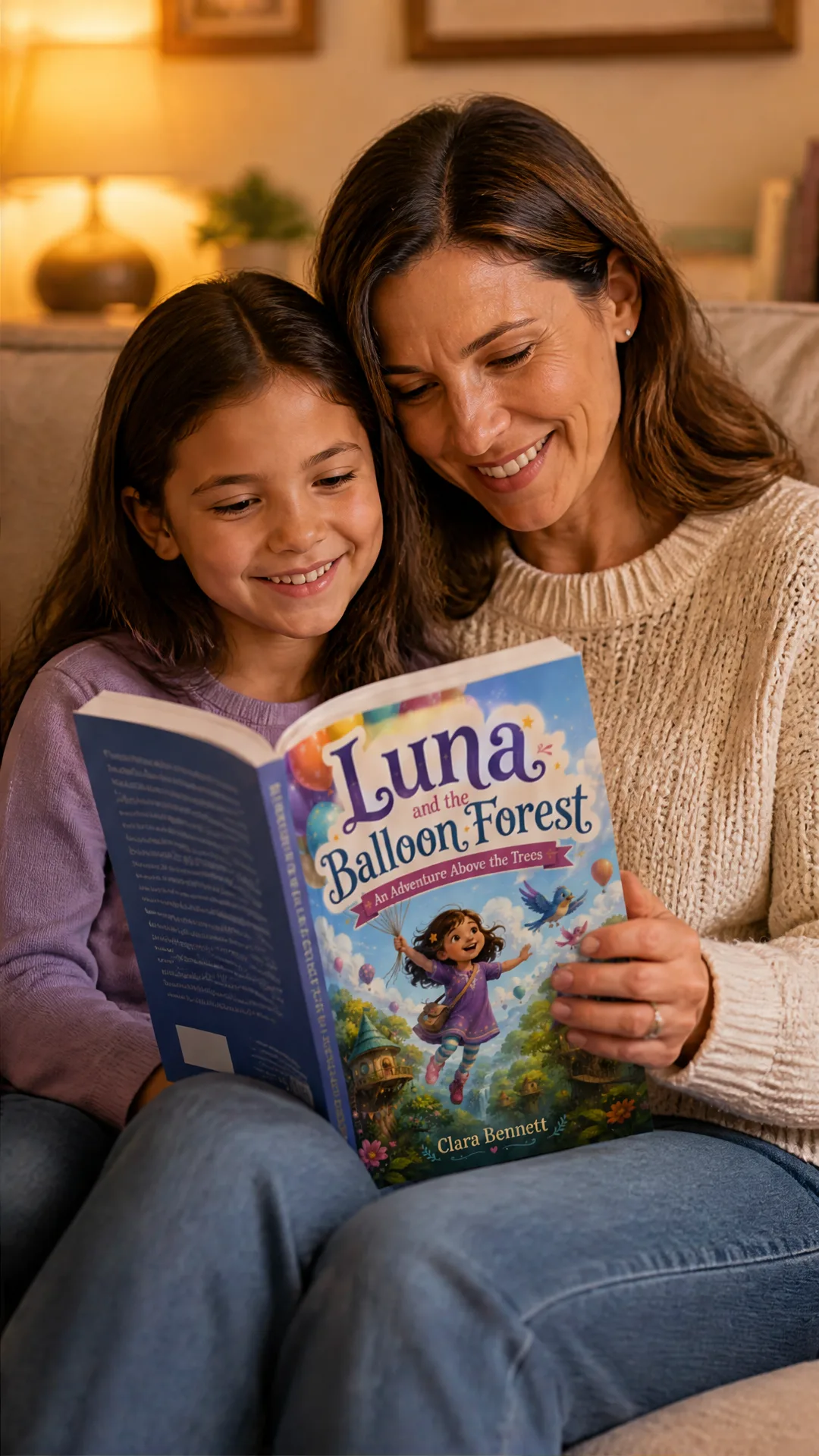
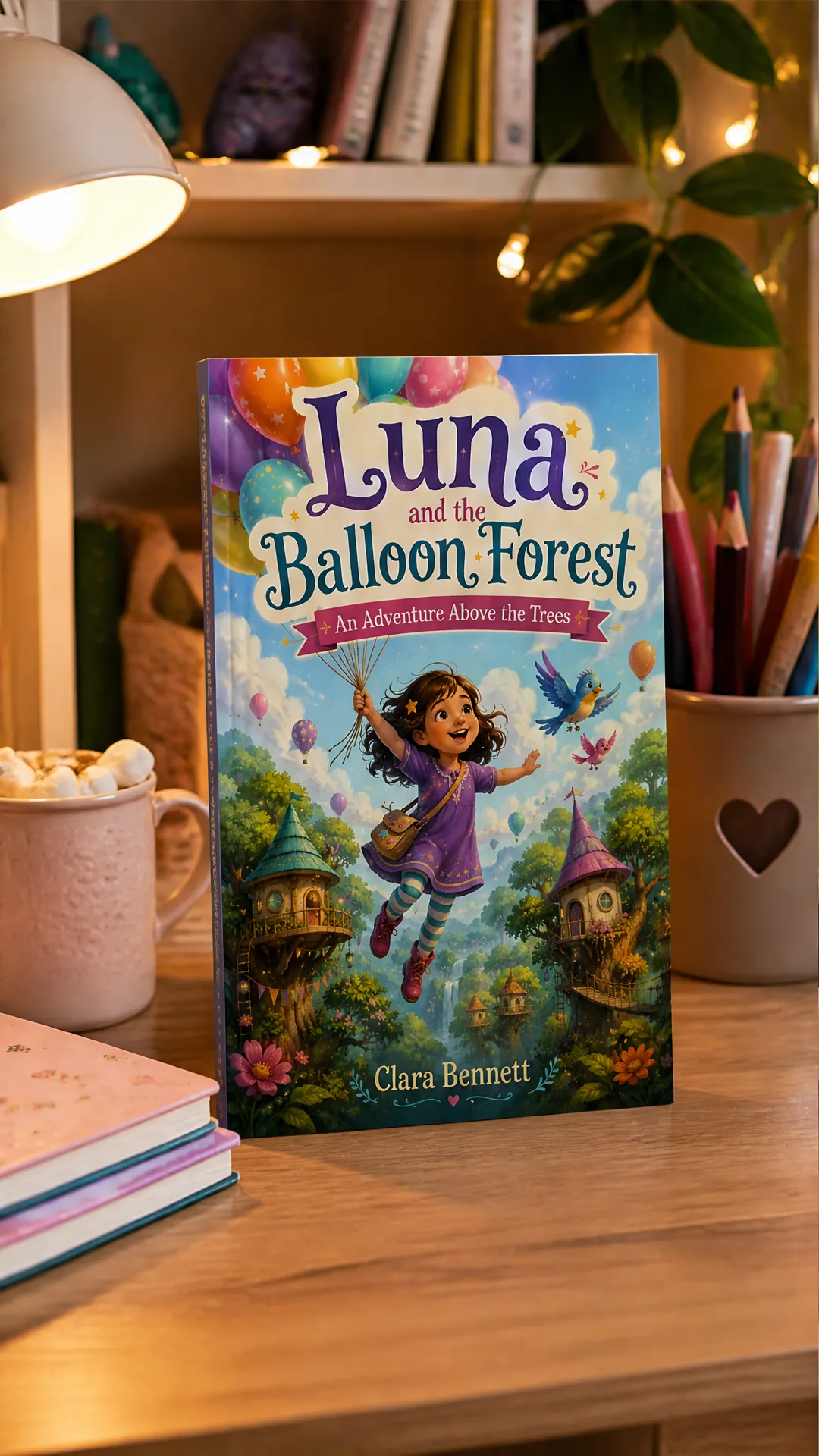
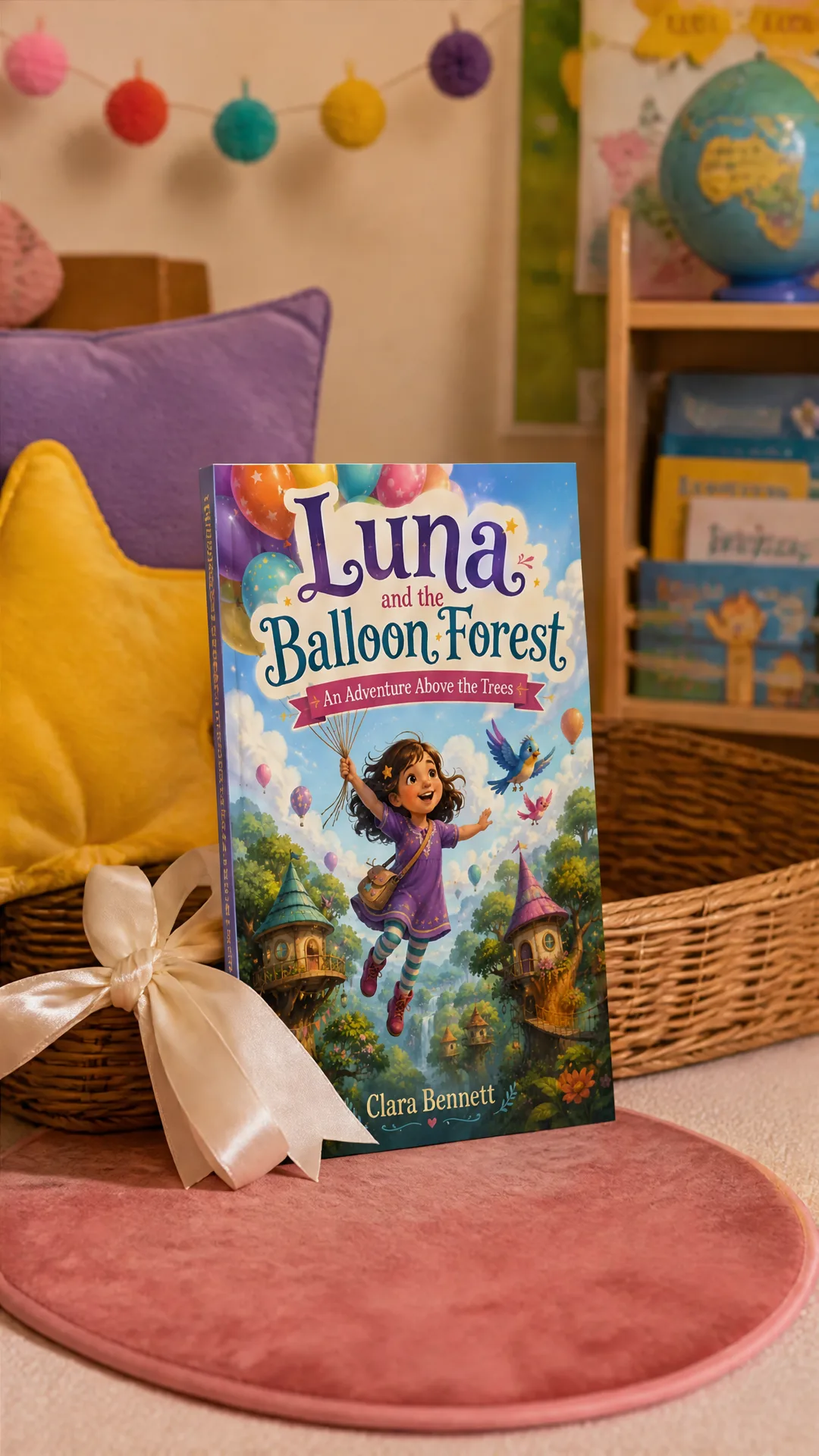
Built for children's book marketing
Create promo images for launches, seasonal campaigns, KDP listings, author sites, school outreach, and social posts.
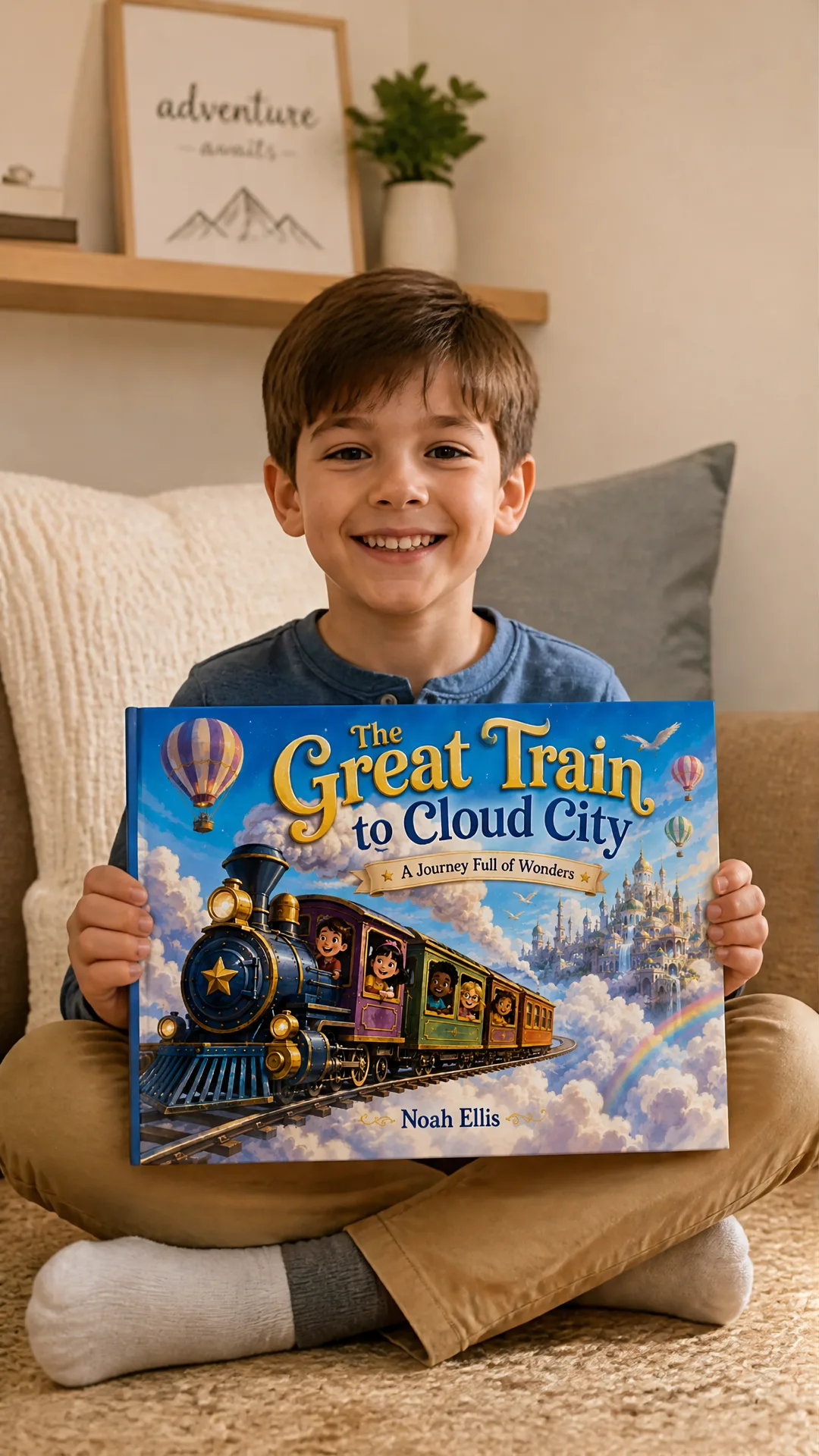
Book launch campaigns
Create polished launch visuals that make your cover feel real, giftable, and ready to share.
Amazon KDP listings
Generate lifestyle-style book images you can use to support your KDP page, A+ content, and listing assets.
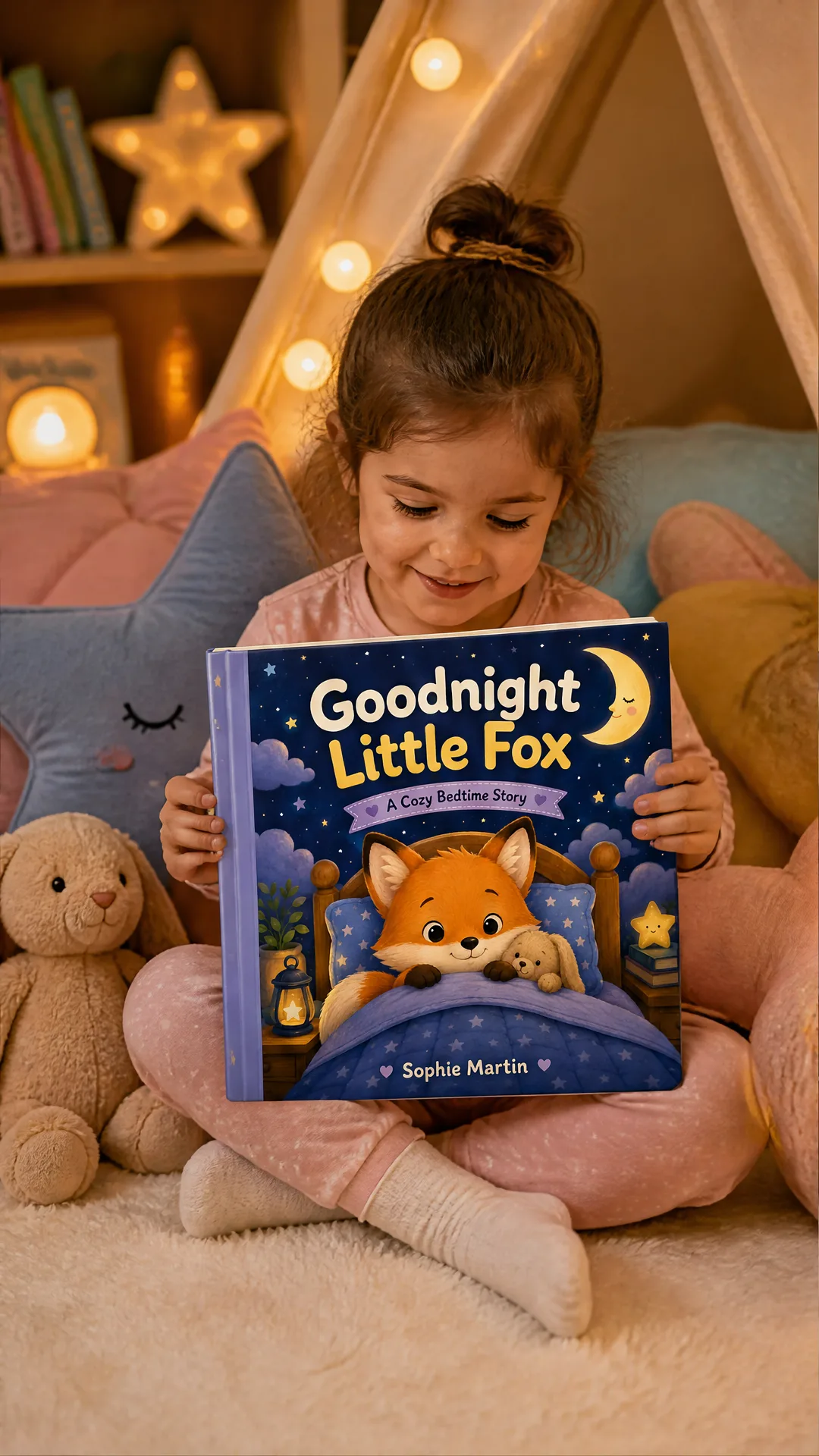
Author websites
Show your children's book in warm, credible scenes for landing pages, newsletters, and press kits.
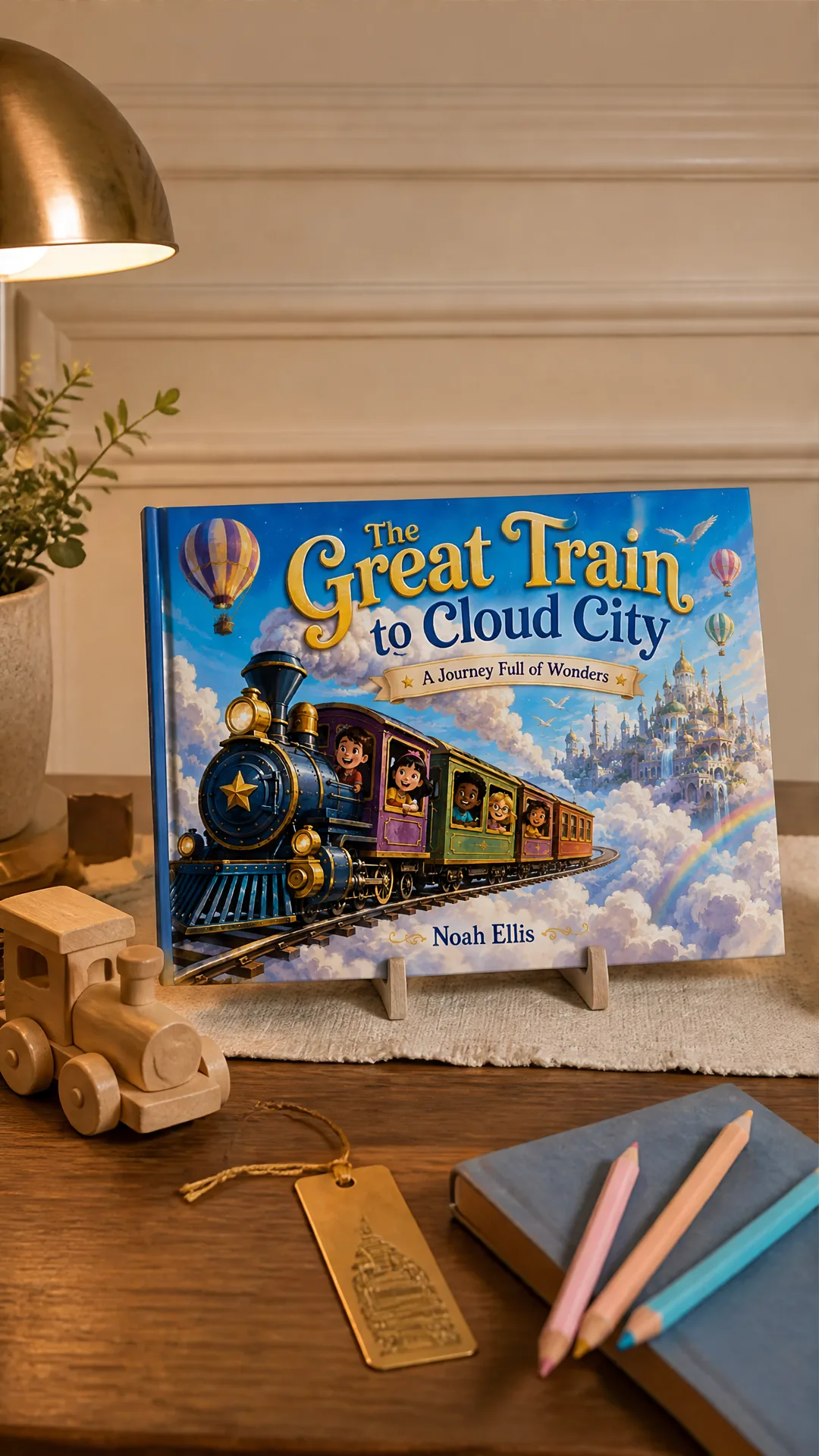
Social media promos
Create scroll-ready visuals for Instagram, Facebook, Pinterest, TikTok, and launch announcements.
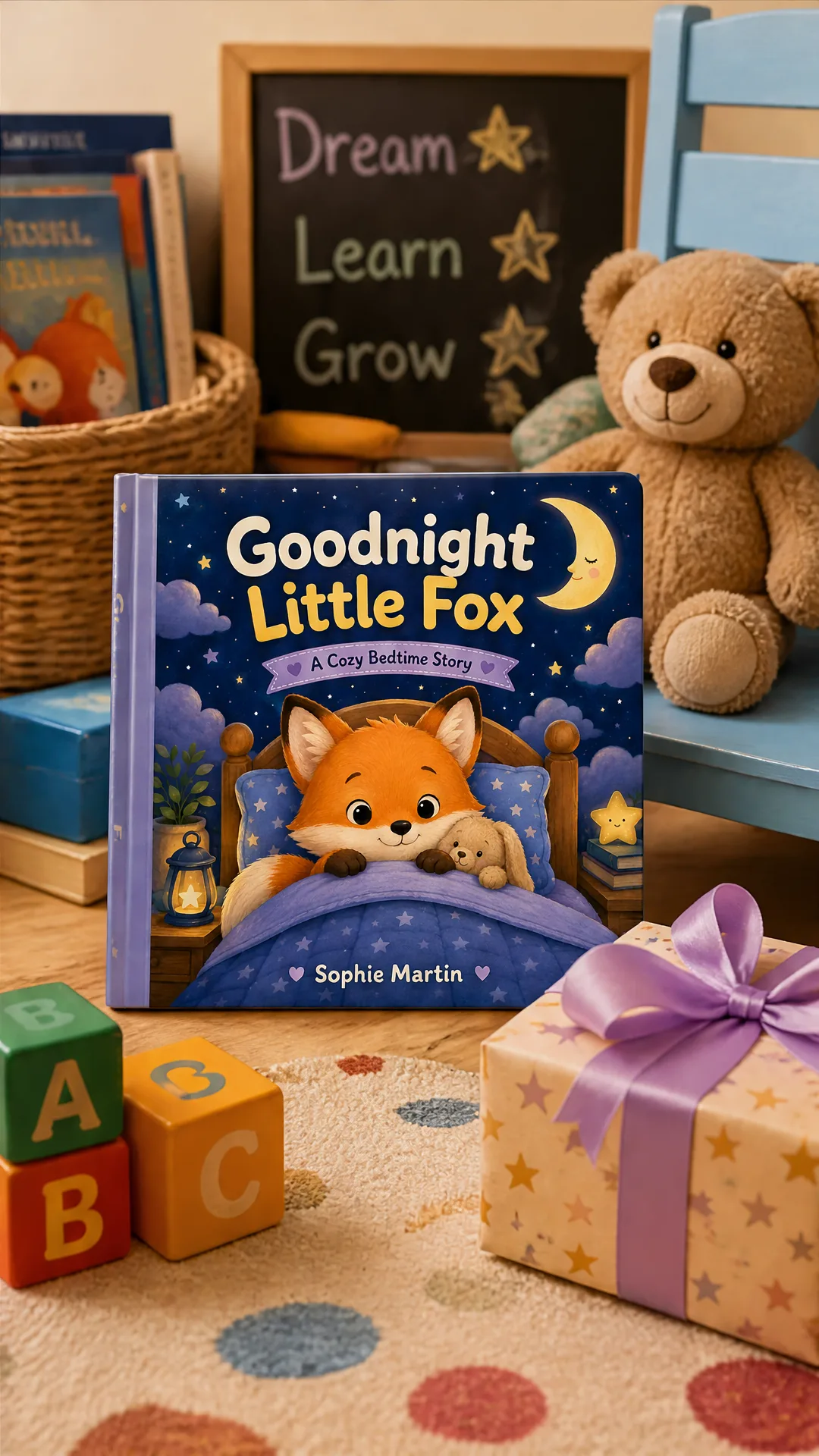
Seasonal gift marketing
Place your book in birthday, holiday, bedtime, classroom, or cozy gift settings.
Publisher and school outreach
Create wholesome reading scenes for educators, librarians, parents, and publisher promo materials.
How it works
Three steps from book cover to usable promotional images.
Upload your book cover
Drop in a clear front-cover image. Optionally add scene, audience, mood, or campaign instructions.
AI generates 4 promo images
In a few minutes, get a seamless 2x2 grid with four marketing-ready views of the same book.
Download and use
Export high-resolution images ready for Amazon KDP, author websites, newsletters, ads, and social media.
Why switch from traditional photoshoots?
The numbers speak for themselves.
| Traditional book promo shoot | AI-Flow Book Promo Images | |
|---|---|---|
| Cost per image set | $500–$3,000+ | From $4.99 |
| Time | 1–2 weeks | A few minutes |
| Setup | Studio, photographer, props, models | Just upload a book cover |
| Revisions | Reshoot needed | Re-generate new versions |
| Multiple scenes | Extra cost | Included (4 scenes) |
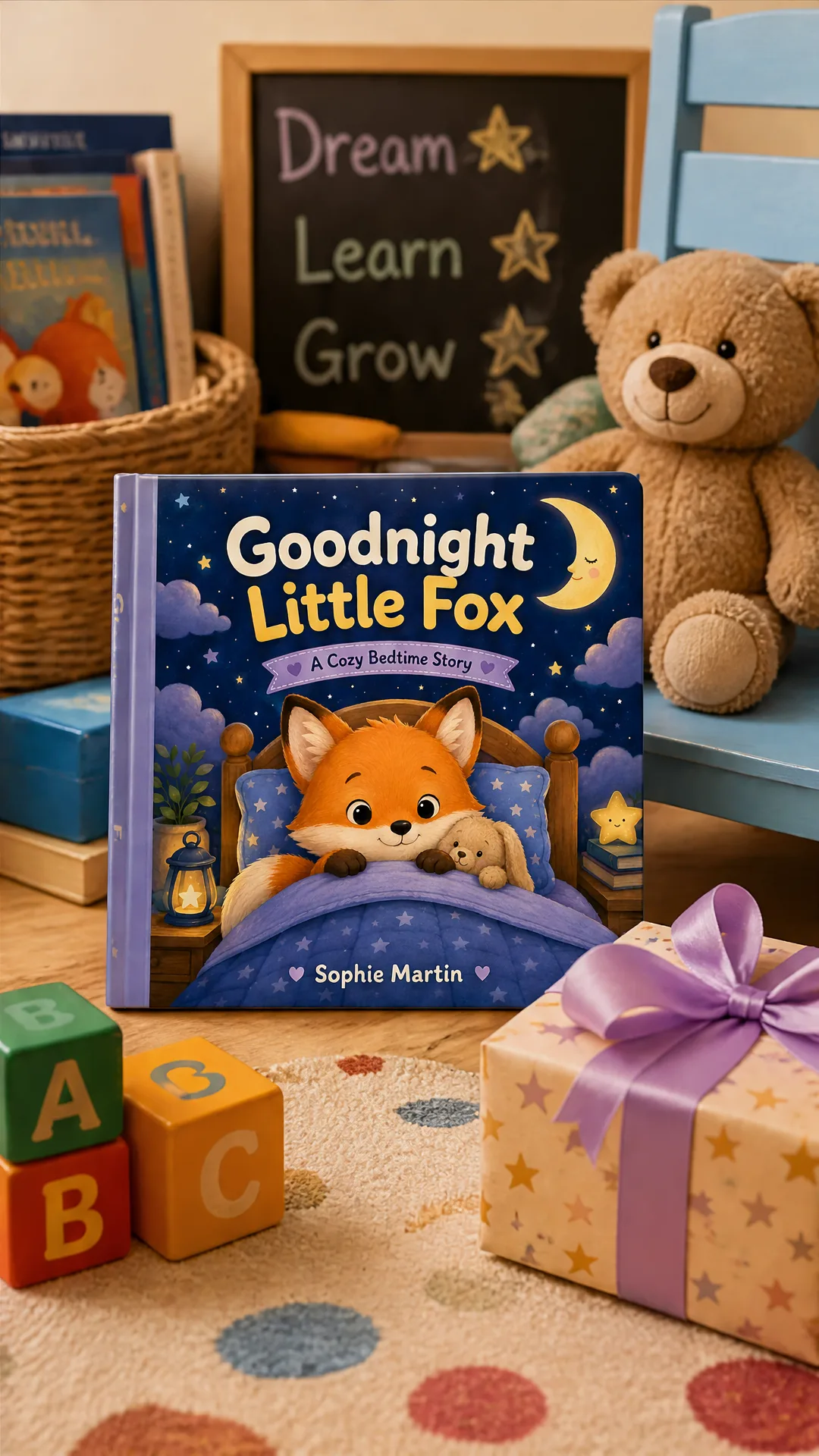
See what Children's Book Promo Images Generator can create
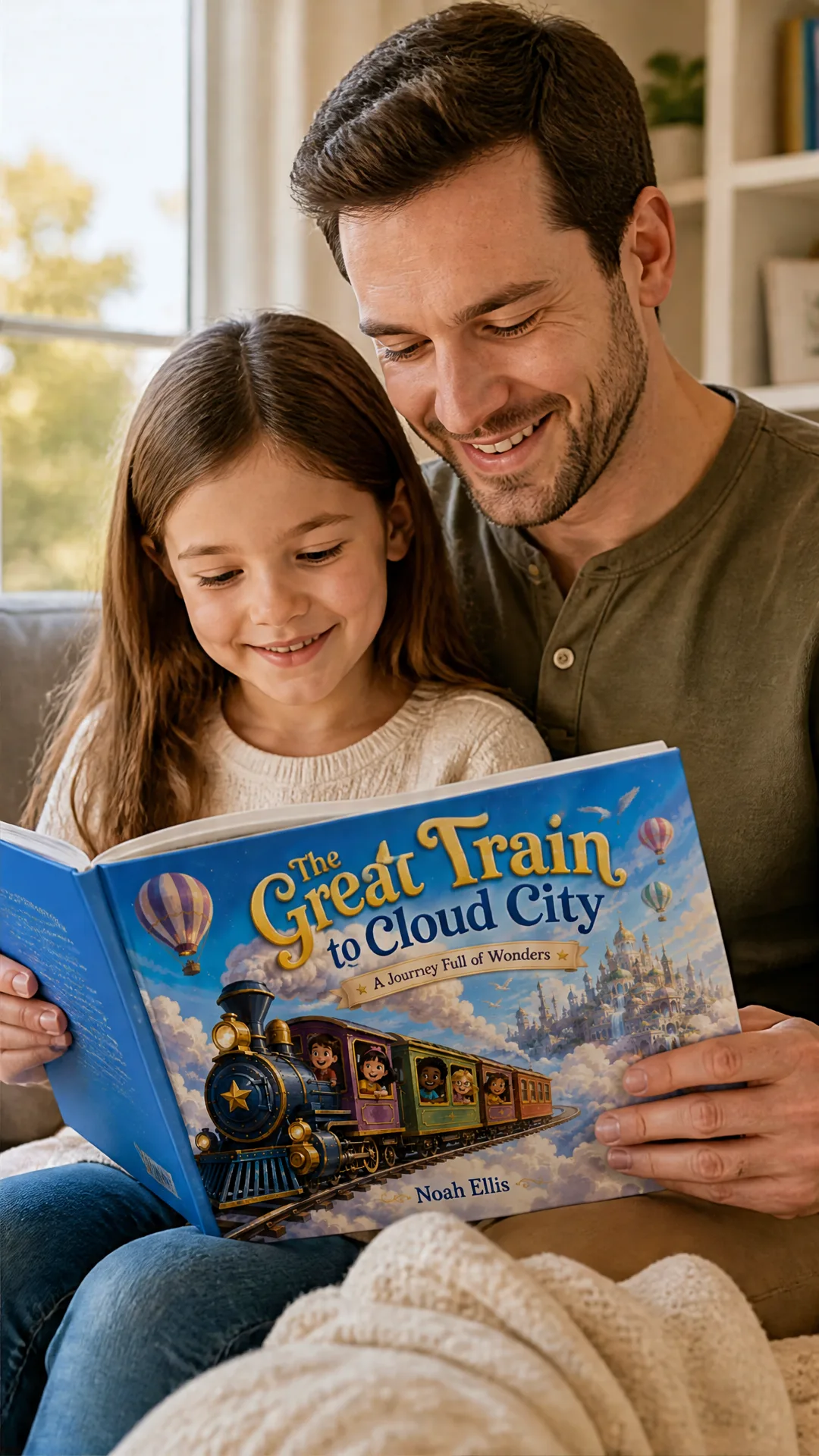
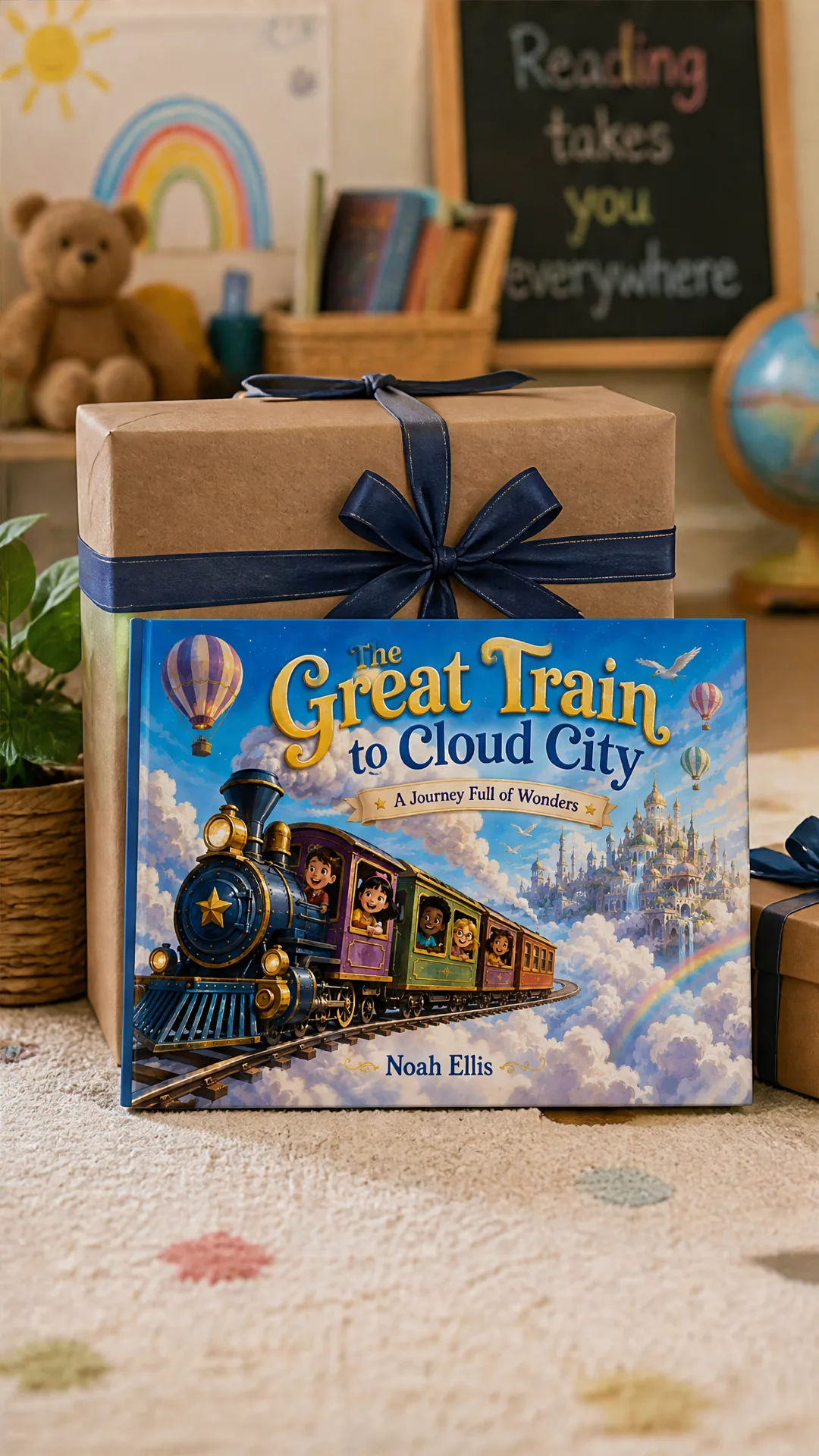
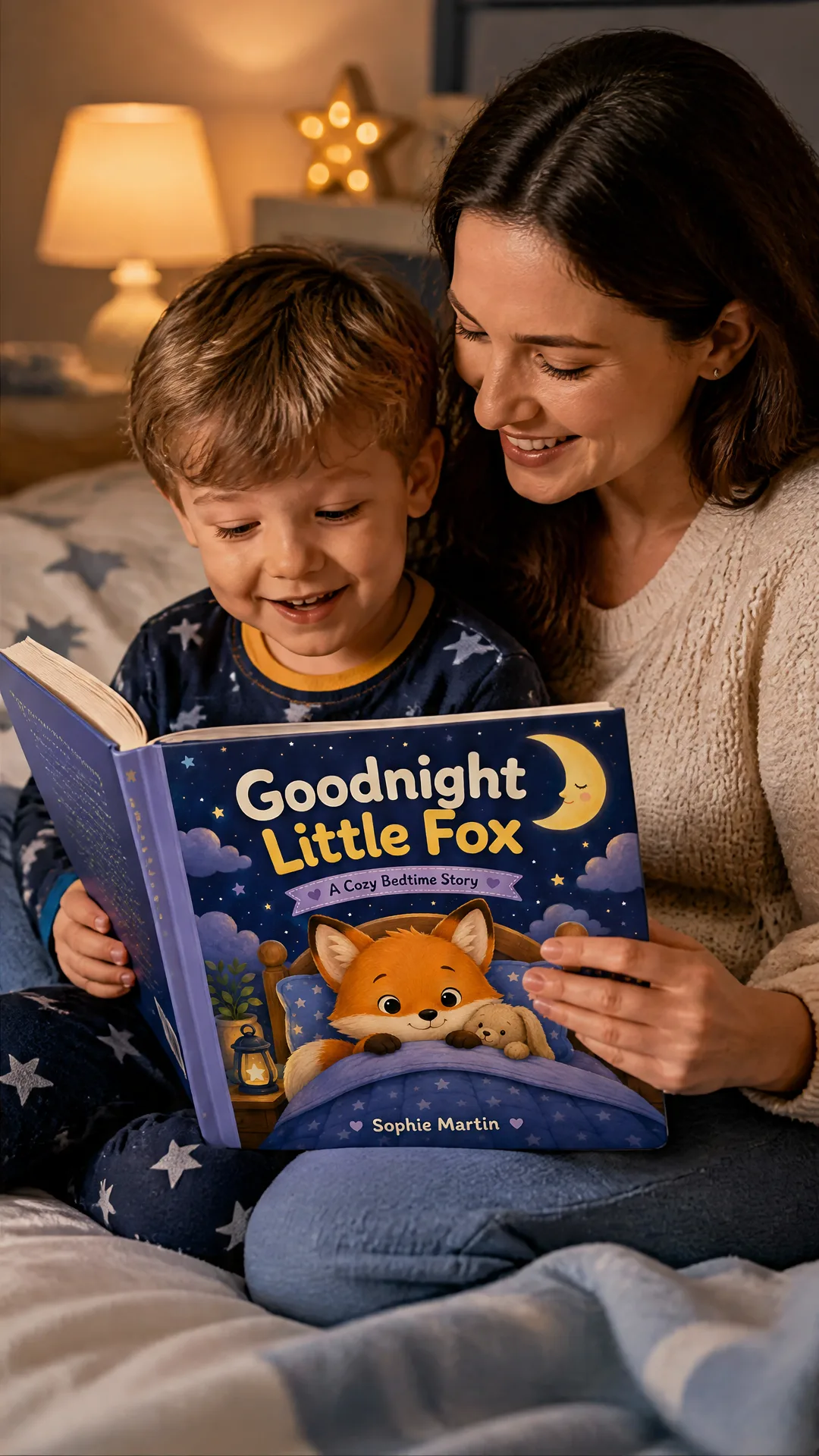
Real generated promo layouts for book launches, author pages, ads, and social posts.
Simple, transparent pricing
Free credits included to try the tool — no credit card required. Each full generation costs 60 credits and creates 4 book promo images.
Starter
- 3 photoshoot generations
- 200 platform credits
- High-resolution outputs
- Commercial use included
Most Popular
- 8 photoshoot generations
- 500 platform credits
- High-resolution outputs
- Commercial use included
Pro
- 25 photoshoot generations
- 1500 platform credits
- High-resolution outputs
- Commercial use included
Frequently asked questions
Everything you need to know before getting started.
How does the AI children's book promo image generator work?
You upload the front cover of your children's book, choose a scene style, and optionally add a back cover or creative notes. The workflow analyzes the cover and generates four family-friendly promotional images featuring the same book.
How much does this cost compared to a traditional book promo shoot?
Plans start at $4.99. Each full generation costs 60 credits and creates 4 images, so 200 credits covers 3 full promo image sets with credits left over.
What kinds of children's books does it work for?
It works for picture books, bedtime stories, early readers, educational books, activity books, holiday books, and self-published Amazon KDP titles. A clear front-cover image gives the best results.
Does it work with landscape, portrait, and square books?
Yes. You can set the book shape to Auto, Portrait, Square, or Landscape. Landscape books are treated as wide horizontal children's books so the front cover stays on one clear book face instead of being stretched across the whole mockup.
Can I upload a back cover too?
Yes. The back cover upload is optional. When provided, it is used only for back-facing or angled book views, while the front cover remains the main hero side.
Can I use the images commercially?
Yes. Images you generate are yours to use for your book launch, Amazon KDP listing, author website, ads, social media, and marketing materials.
What image types should I upload?
Use a sharp JPG, PNG, or WebP of the front cover with the title, illustration, and main colors clearly visible. Avoid screenshots with large borders, perspective distortion, or heavy glare.
What resolution are the outputs?
High-resolution images suitable for book listings, paid ads, author websites, and social content. Outputs include the full 2x2 grid and individual cropped panels.
Do I need design or technical skills?
No. You upload a book cover, choose the scene style, click generate, and get professional results in a few minutes. No prompt engineering, no Photoshop, no design skills required.
How is this different from Midjourney or other AI image tools?
Midjourney generates images from text descriptions. This tool starts from your actual book cover and tries to keep the same cover identity across multiple promotional scenes. You do not need to write prompts or learn AI tools.
Can I customize the style or environment?
Yes. You can choose a scene type and add instructions for mood, audience, season, setting, or marketing angle. You can also re-generate to explore different variations.
What scenes can I create?
You can create mixed promo packs, child reading scenes, parent-and-child reading scenes, cozy desk or shelf displays, gift setups, classroom moments, teacher holding the book scenes, and bedroom shelf visuals.
What if I'm not happy with the results?
You can re-generate as many times as you have credits. Each generation is fast (about a few minutes) so you can iterate quickly until you get the look you want.
Is my book cover kept private?
Yes. Your uploaded book cover is private to your account and not shared publicly or used to train models.
Related product photo tools
Explore specialized AI product photography pages for different store and campaign needs.