
Retouche d’images avec Flux Kontext Dev LoRA
Retouchez des images avec FLUX.1 Kontext[dev] et des LoRA externes provenant de HuggingFace, CivitAI, Replicate ou d’URL personnalisées.

Aucune configuration requise · Entièrement personnalisable dans AI-Flow
Ce que fait cette application
Flux Kontext Dev LoRA est un template de retouche d’images bâti autour du modèle FLUX.1 Kontext[dev], conçu spécifiquement pour travailler avec des LoRA affinés. Vous téléversez une image de base, indiquez au workflow un fichier LoRA, puis décrivez en langage naturel la transformation souhaitée.
L’idée clé : le style, le personnage ou le thème sont pilotés par les poids du LoRA, tandis que le prompt décrit la modification. Ce template prend en charge les LoRA hébergés sur HuggingFace (par exemple des fichiers .safetensors dans des dépôts de modèles), les LoRA CivitAI, les LoRA hébergés sur Replicate, ou toute URL directe vers un fichier LoRA compatible. Vous pouvez aussi changer de LoRA rapidement pour tester différentes esthétiques ou concepts sur la même image de base.
Avec ses réglages d’intensité du LoRA, de guidage, de format, de résolution, d’étapes et de format de sortie, ce template est idéal pour transformer des images existantes en rendus façon PS1, en variantes anime, en portraits stylisés, en visuels aux couleurs d’une marque, et bien d’autres transformations pilotées par LoRA.
Comment utiliser l’application
Voici ce que vous obtenez en ouvrant l’application : un formulaire court, un bouton d’exécution et vos résultats, sans nœuds ni configuration.
Flux Kontext Dev LoRA
Aperçu de l’applicationRemplissez le formulaire
Input Image
RequisAjouter des images ou des fichiers
Prompt
RequisSaisissez prompt…
Aspect Ratio
1:1
Disable Safety Checker
Désactivé par défaut
Guidance
+5 options supplémentaires dans l’application
≈ 4 crédits / exécution
Récupérez votre résultat

Résultat réel généré avec cette application
Sous le capot
Vous souhaitez plus de contrôle ?
Cette application repose sur un workflow AI-Flow entièrement modifiable. Changez le modèle, les prompts, la disposition ou la résolution, ou connectez-le à d’autres étapes.
Reference Image

Prompt
render this image like a ps1 game (no UI)
LoRa Weights
Flux Kontext Dev Lora
Comment utiliser ce template
Étape 1 : Importez votre fichier
Dans le nœud « Reference Image », importez le fichier que vous souhaitez traiter.
Étape 2 : Importez votre fichier
Dans le nœud « LoRa Weights », importez le fichier que vous souhaitez traiter.
Étape 3 : Saisissez votre texte dans le nœud « Prompt »
Renseignez le nœud « Prompt » avec le texte demandé.
render this image like a ps1 game (no UI)
Étape 4 : Exécutez le workflow
Cliquez sur le bouton « Exécuter » pour lancer le workflow et obtenir le résultat final.
Personnalisez le workflow sous-jacent
Ouvrez le workflow complet dans l’éditeur AI-Flow pour changer de modèle, réécrire les prompts ou le connecter à d’autres étapes.
À qui s’adresse ce template ?
Idéal pour les professionnels et les créateurs qui souhaitent simplifier leur workflow
Artistes et explorateurs de styles
Illustrateurs et amateurs qui aiment expérimenter différentes esthétiques (PS1, anime, peinture, cinéma, etc.) en branchant des LoRA venus de HuggingFace, CivitAI ou Replicate.
Designers de personnages et d’identité de marque
Les créateurs qui utilisent des LoRA spécifiques à un personnage ou à un style pour conserver un rendu cohérent sur plusieurs images retouchées et campagnes.
Constructeurs de pipelines et d’outils
Les développeurs qui intègrent la retouche par LoRA dans des workflows plus larges et cherchent un moyen simple, piloté par API, de transmettre des URL de LoRA et leurs paramètres.
Utilisateurs avancés venant de l’écosystème Stable Diffusion
Les utilisateurs déjà familiers des LoRA sous Stable Diffusion qui veulent réutiliser leur bibliothèque de manière structurée avec une configuration FLUX.1 Kontext[dev].
Prêt à créer ?
Commencez à utiliser cette application
Aucune configuration requise — ouvrez l’application et commencez à créer en quelques minutes
Vous aimerez peut-être aussi
Explorez d’autres templates puissants pour enrichir votre workflow IA
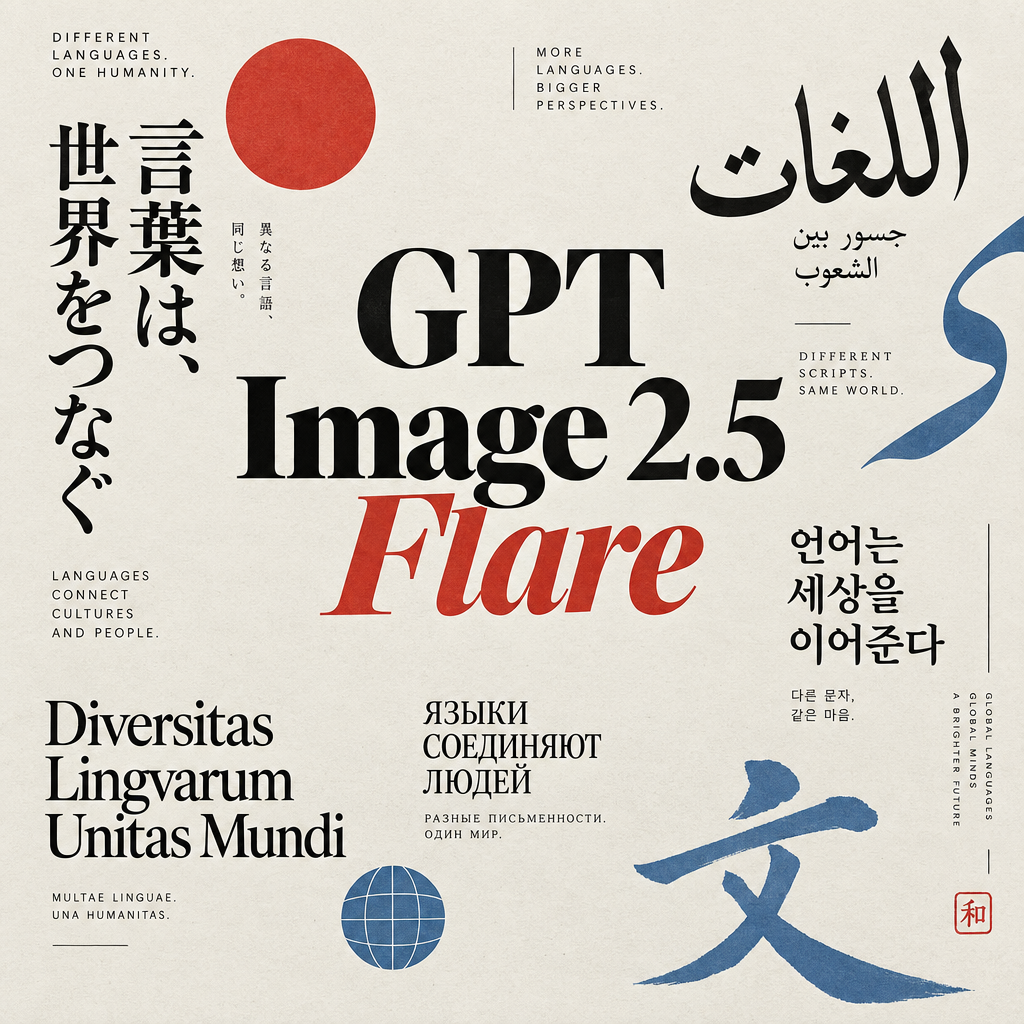
Génération d’images avec GPT Image 2.5 Flare
Générez des images haute fidélité avec GPT Image 2.5 Flare, optimisé pour la typographie réaliste, les écritures multilingues, les mises en page structurées et les formats prêts à imprimer jusqu’en 4K, pour affiches, bandes dessinées, marketing, maquettes UI et réseaux sociaux.
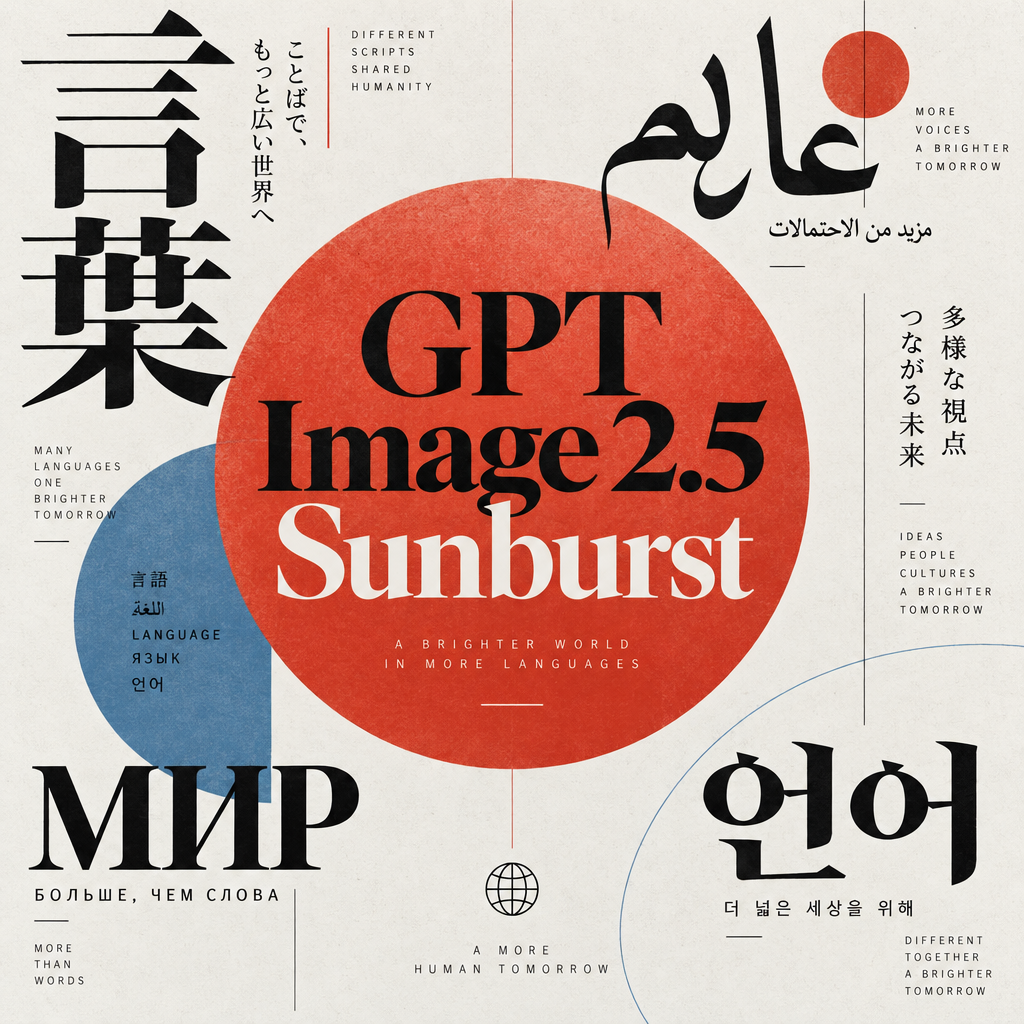
Génération d’images avec GPT Image 2.5 Sunburst
Générez des images haute fidélité avec GPT Image 2.5 Sunburst, optimisé pour la typographie réaliste, les écritures multilingues, les mises en page structurées et les formats prêts à imprimer jusqu’en 4K, pour affiches, bandes dessinées, marketing, maquettes UI et réseaux sociaux.

Générateur IA de photos produit de soin
Transformez une seule image de crème, de sérum ou de pot cosmétique en shooting complet : une grille 2 × 2 et quatre visuels recadrés (plan large, plan moyen, gros plan, angle créatif), porté ou produit seul, pour l'e-commerce beauté, les marketplaces et la publicité.

Générateur IA de photos produit de crème solaire
Transformez une seule image de tube ou de flacon solaire en shooting complet : une grille 2 × 2 et quatre visuels recadrés (plan large, plan moyen, gros plan, angle créatif), porté ou produit seul, pour l'e-commerce beauté, les marketplaces et la publicité.

Générateur IA de mockups de t-shirts
Transformez une seule image de t-shirt en mockups print-on-demand portés : une grille 2 × 2 et quatre visuels recadrés (plan large, plan moyen, gros plan sur l'impression, angle créatif), pour Etsy, Shopify et vos boutiques POD.
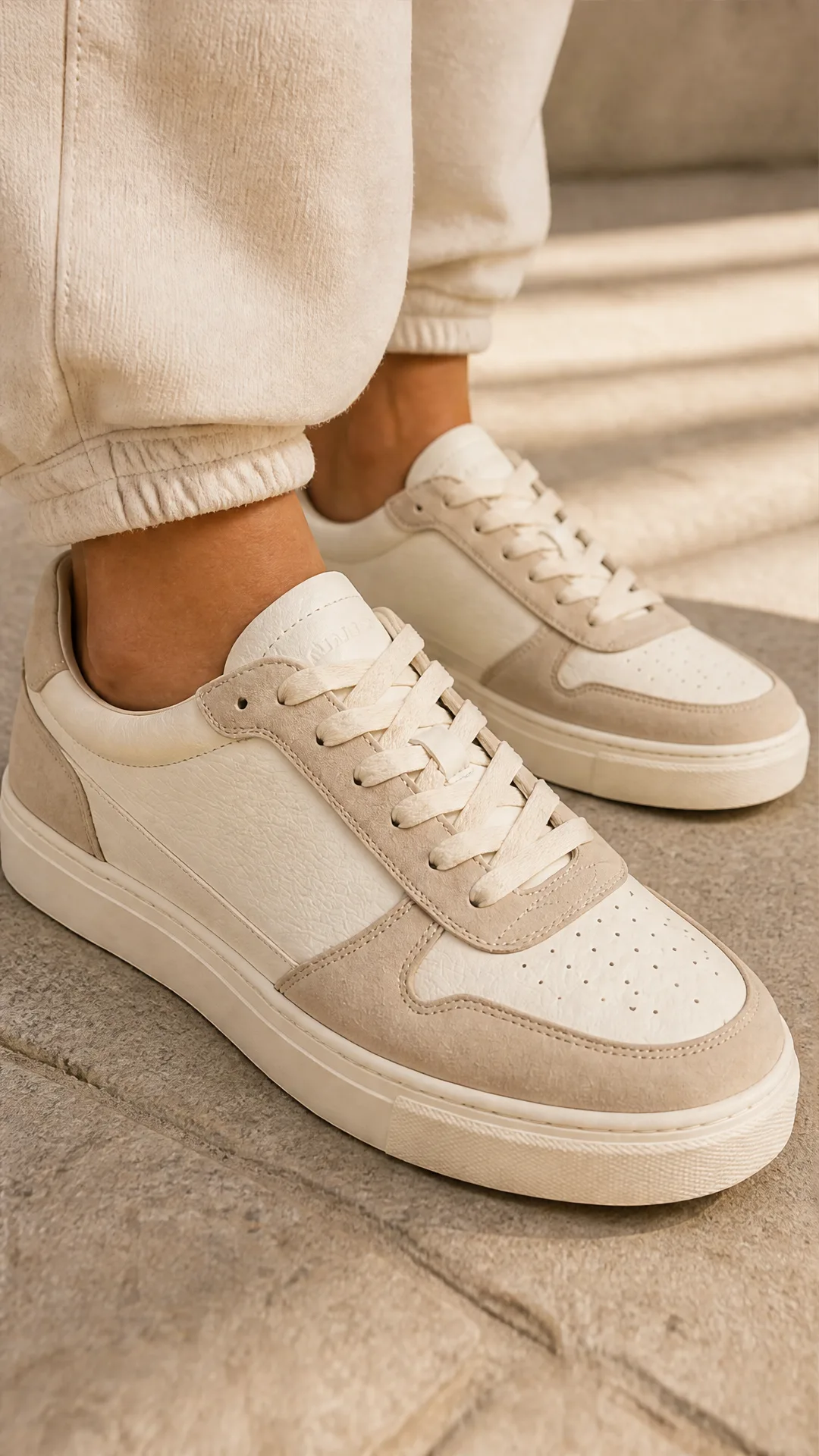
Générateur IA de photos produit de sneakers
Générez des photos produit de sneakers à partir d'une seule image de chaussure : une grille 2 × 2 et quatre visuels recadrés (plan large, plan moyen, gros plan, angle créatif), en mode porté ou produit seul, pour vos fiches e-commerce, marketplaces et publicités.
Questions fréquentes
À quoi sert ce template ?
Ce template retouche une image existante à l’aide du modèle FLUX.1 Kontext[dev] et d’un fichier LoRA externe. Le LoRA contrôle le style ou le concept, tandis que votre prompt décrit la modification souhaitée.
Où puis-je trouver des LoRA à utiliser avec ce template ?
Vous pouvez pointer le template vers des LoRA hébergés sur HuggingFace (par exemple des fichiers .safetensors dans des dépôts de modèles), des pages LoRA de CivitAI, des LoRA hébergés sur Replicate, ou toute URL directe vers un fichier LoRA compatible.
Comment utiliser un LoRA depuis HuggingFace ?
Rendez-vous sur le dépôt HuggingFace du LoRA, copiez l’URL directe du fichier (elle se termine généralement par .safetensors) et collez-la dans le champ « lora_weights ». Ajustez « lora_strength » pour contrôler l’influence du LoRA sur la retouche.
Puis-je utiliser des LoRA provenant de CivitAI ?
Oui. Téléchargez le LoRA depuis CivitAI ou copiez le lien direct vers le fichier, puis collez cette URL dans le champ « lora_weights ». Assurez-vous qu’elle pointe bien vers le fichier LoRA lui-même, et non simplement vers la page.
À quoi sert le paramètre lora_strength ?
Il contrôle l’intensité avec laquelle le LoRA influence l’image finale. Des valeurs faibles conservent davantage l’aspect d’origine, tandis que des valeurs élevées poussent plus fort vers le style ou le concept du LoRA.
Dois-je utiliser un LoRA à chaque fois ?
Le template est pensé autour de l’usage d’un LoRA : il est donc surtout utile lorsque vous en fournissez un. Sans LoRA, mieux vaut utiliser un autre template dédié à la retouche d’images FLUX standard.
Qu’est-ce qu’AI-FLOW et comment peut-il m’aider ?
AI-FLOW est une plateforme d’IA tout-en-un qui vous permet de créer, d’intégrer et d’automatiser des workflows alimentés par l’IA grâce à une interface intuitive en glisser-déposer. Débutant ou expert, vous pouvez combiner plusieurs modèles d’IA pour créer des solutions innovantes sans écrire de code.
Un essai gratuit est-il disponible ?
Oui, AI-FLOW propose un essai gratuit pour commencer. Vous pouvez ensuite acheter des crédits selon vos besoins, sans abonnement ni engagement à long terme.
Puis-je intégrer mes clés API OpenAI, Replicate et d’autres fournisseurs dans la version Cloud d’AI-FLOW ?
Oui, vous pouvez facilement intégrer vos propres clés API à AI-FLOW. Les nœuds associés utiliseront alors votre clé, ce qui réduit considérablement votre consommation de crédits sur la plateforme.