
Génération d’images avec Grok Imagine
Générez des images avec Grok Imagine Image à partir de prompts détaillés, en quelques secondes et avec des ratios flexibles.
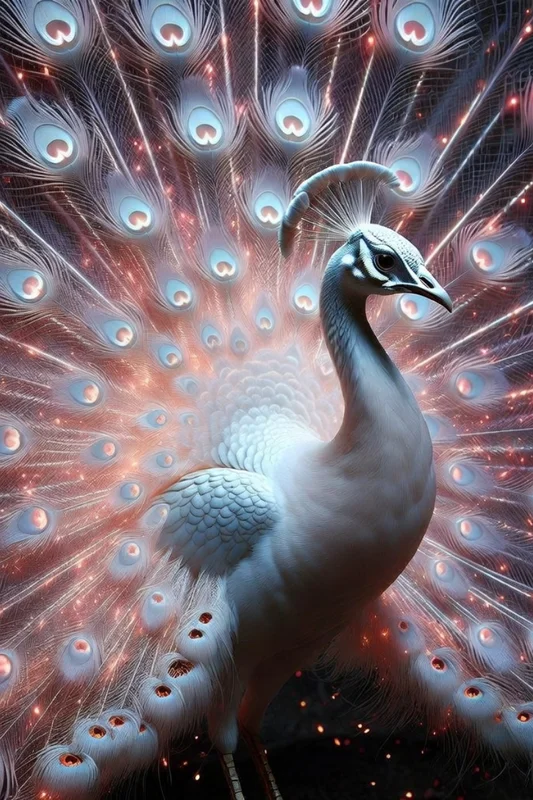
Aucune configuration requise · Entièrement personnalisable dans AI-Flow
Ce que fait cette application
Grok Imagine Image est un générateur d’images par IA rapide et fiable, qui transforme des prompts en langage naturel en visuels marquants. Des scènes photoréalistes aux compositions cinématographiques en passant par le concept art stylisé, il vous aide à produire des images fidèles à votre marque sans outillage complexe.
Ce template va à l’essentiel : rédigez un prompt, choisissez un format et générez. Il prend en charge les formats courants, du carré au grand écran en passant par les ratios adaptés au mobile, ce qui facilite la création de visuels pour les réseaux sociaux, la publicité, les miniatures, les maquettes et les présentations. Chaque exécution renvoie l’URL d’une image téléchargeable, immédiatement utilisable dans vos projets ou vos workflows.
Bâti sur le modèle grok-imagine-image, ce template est optimisé pour la netteté, la vitesse et le respect du prompt. Il convient parfaitement à l’itération rapide, à l’exploration créative et aux visuels prêts pour une campagne — que vous cherchiez un détail réaliste, une direction artistique stylisée ou une ambiance cinématographique.
Comment utiliser l’application
Voici ce que vous obtenez en ouvrant l’application : un formulaire court, un bouton d’exécution et vos résultats, sans nœuds ni configuration.
Grok Imagine Image
Aperçu de l’applicationRemplissez le formulaire
Prompt
RequisSaisissez prompt…
Aspect Ratio
Facultatif1:1 (Square)
≈ 2.5 crédits / exécution
Récupérez votre résultat
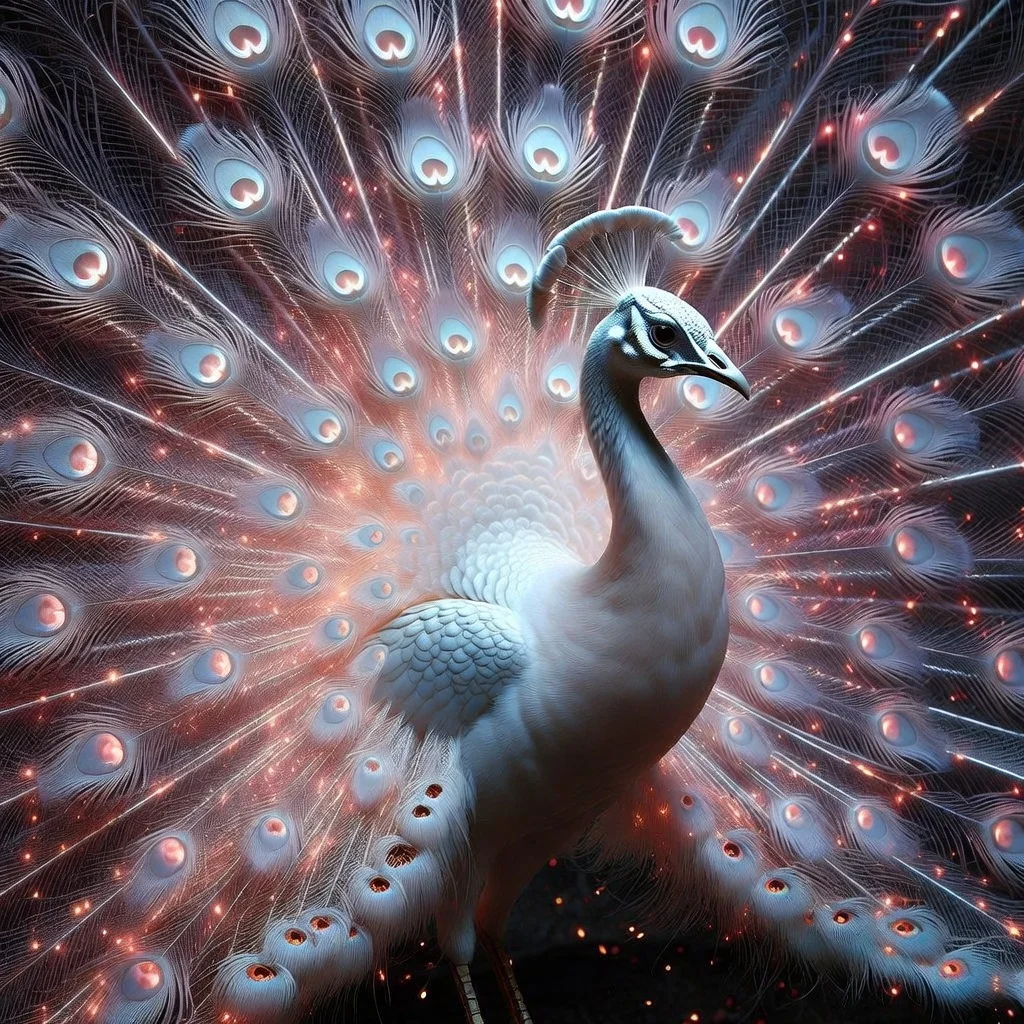
Résultat réel généré avec cette application
Sous le capot
Vous souhaitez plus de contrôle ?
Cette application repose sur un workflow AI-Flow entièrement modifiable. Changez le modèle, les prompts, la disposition ou la résolution, ou connectez-le à d’autres étapes.
Prompt
A majestic white peacock standing in three-quarter profile, elegant and calm. Its feathers are pure white with a pearlescent sheen, and its crest is delicate and upright. The tail is fully fanned out, transforming into a radiant display of energy: thousands...
Grok Image – Generate
Comment utiliser ce template
Étape 1 : Saisissez votre texte dans le nœud « Prompt »
Renseignez le nœud « Prompt » avec le texte demandé.
A majestic white peacock standing in three-quarter profile, elegant and calm. Its feathers are pure white with a pearlescent sheen, and its crest is delicate and upright. The tail is fully fanned out, transforming into a radiant display of energy: thousands of fine, fiber-optic-like strands of light radiate outward, blending soft whites with glowing embers of red and orange. The feathers appear semi-ethereal, as if made of light and particles rather than matter. Subtle sparks and luminous dust drift through the air around it. Hyper-detailed, photorealistic texture on the body and face, cinematic lighting, dark unobtrusive background to emphasize the glow, mystical and powerful atmosphere, ultra-high resolution.
Étape 2 : Exécutez le workflow
Cliquez sur le bouton « Exécuter » pour lancer le workflow et obtenir le résultat final.
Personnalisez le workflow sous-jacent
Ouvrez le workflow complet dans l’éditeur AI-Flow pour changer de modèle, réécrire les prompts ou le connecter à d’autres étapes.
À qui s’adresse ce template ?
Idéal pour les professionnels et les créateurs qui souhaitent simplifier leur workflow
Designers et créatifs visuels
Générez rapidement des images photoréalistes ou stylisées pour vos concepts, moodboards et itérations, sans repartir de zéro.
Marketeurs et annonceurs
Produisez des visuels de campagne, des variantes publicitaires et des supports prêts pour les réseaux sociaux, au bon format et en un temps record.
Créateurs de contenu et community managers
Créez des miniatures, des bannières, des formats stories et des publications adaptés à Instagram, YouTube ou TikTok.
Équipes produit et startups
Ébauchez des maquettes produit, des visuels d’accroche pour vos landing pages et des illustrations d’application, pour vos tests et votre prototypage rapide.
Agences et freelances
Proposez rapidement plusieurs pistes créatives à vos clients, explorez des directions et affinez le rendu avant de passer en production.
Développeurs de jeux et concept artists
Explorez des idées de personnages, d’environnements et d’éclairage grâce au concept art et aux images cinématographiques pilotés par prompt.
Prêt à créer ?
Commencez à utiliser cette application
Aucune configuration requise — ouvrez l’application et commencez à créer en quelques minutes
Vous aimerez peut-être aussi
Explorez d’autres templates puissants pour enrichir votre workflow IA

Génération d’images avec GPT Image 2.5 Flare
Générez des images haute fidélité avec GPT Image 2.5 Flare, optimisé pour la typographie réaliste, les écritures multilingues, les mises en page structurées et les formats prêts à imprimer jusqu’en 4K, pour affiches, bandes dessinées, marketing, maquettes UI et réseaux sociaux.

Génération d’images avec GPT Image 2.5 Sunburst
Générez des images haute fidélité avec GPT Image 2.5 Sunburst, optimisé pour la typographie réaliste, les écritures multilingues, les mises en page structurées et les formats prêts à imprimer jusqu’en 4K, pour affiches, bandes dessinées, marketing, maquettes UI et réseaux sociaux.

Générateur IA de photos produit de soin
Transformez une seule image de crème, de sérum ou de pot cosmétique en shooting complet : une grille 2 × 2 et quatre visuels recadrés (plan large, plan moyen, gros plan, angle créatif), porté ou produit seul, pour l'e-commerce beauté, les marketplaces et la publicité.

Générateur IA de photos produit de crème solaire
Transformez une seule image de tube ou de flacon solaire en shooting complet : une grille 2 × 2 et quatre visuels recadrés (plan large, plan moyen, gros plan, angle créatif), porté ou produit seul, pour l'e-commerce beauté, les marketplaces et la publicité.

Générateur IA de mockups de t-shirts
Transformez une seule image de t-shirt en mockups print-on-demand portés : une grille 2 × 2 et quatre visuels recadrés (plan large, plan moyen, gros plan sur l'impression, angle créatif), pour Etsy, Shopify et vos boutiques POD.
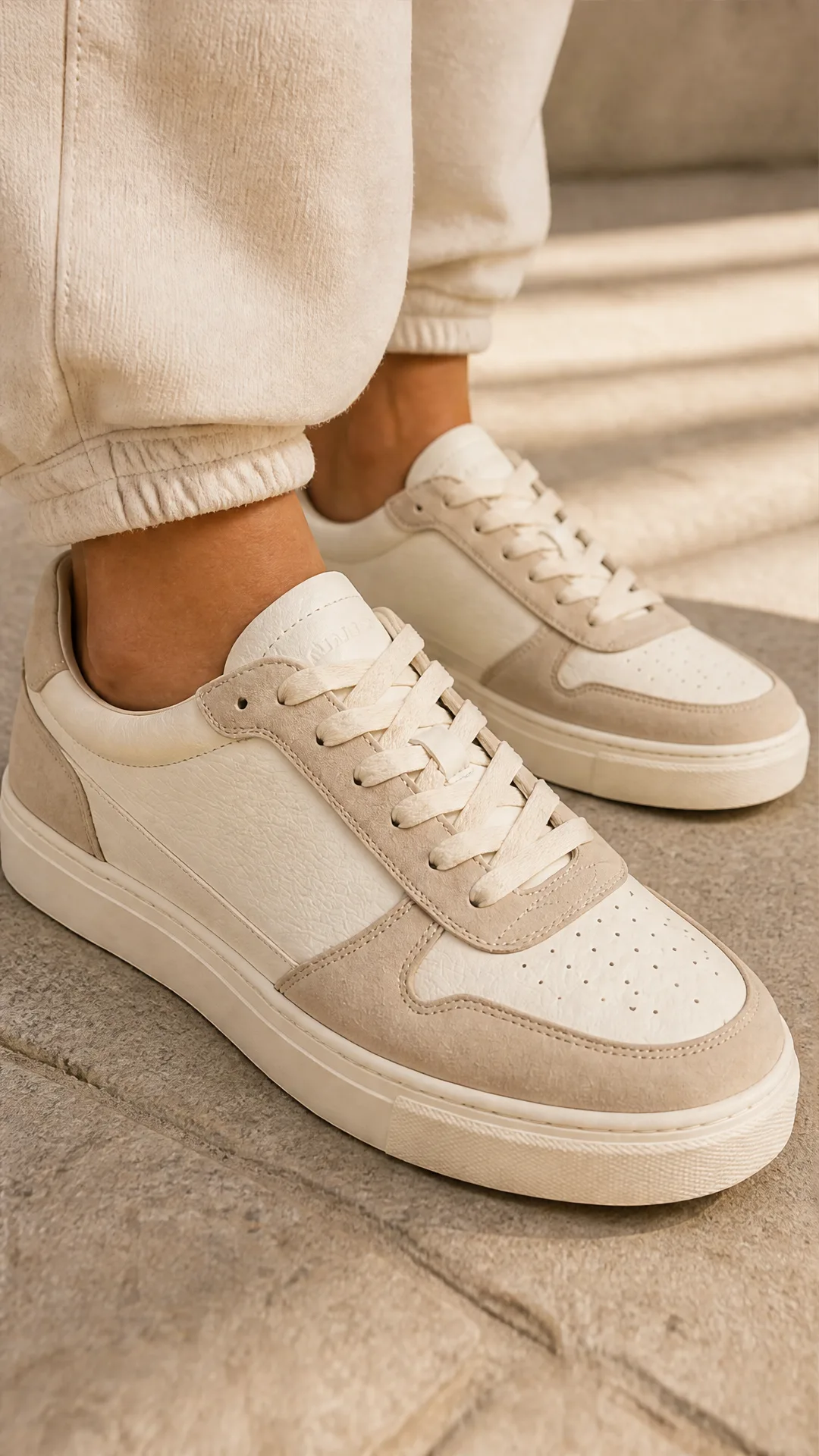
Générateur IA de photos produit de sneakers
Générez des photos produit de sneakers à partir d'une seule image de chaussure : une grille 2 × 2 et quatre visuels recadrés (plan large, plan moyen, gros plan, angle créatif), en mode porté ou produit seul, pour vos fiches e-commerce, marketplaces et publicités.
Questions fréquentes
À quoi sert Grok Imagine Image ?
C’est un générateur texte-vers-image qui convertit des prompts écrits en visuels de haute qualité. Il donne d’excellents résultats sur les rendus photoréalistes, les scènes cinématographiques et le concept art stylisé.
Comment utiliser ce template ?
Saisissez un prompt clair décrivant le sujet, le style, l’éclairage et l’ambiance. Choisissez un format (1:1, 16:9, 9:16…), puis lancez la génération pour recevoir l’URL d’une image téléchargeable.
Quel modèle l’alimente ?
Le template utilise le modèle grok-imagine-image pour une génération texte-vers-image rapide et de haute qualité.
Quels formats sont pris en charge ?
Les ratios courants incluent 1:1, 16:9, 9:16, 4:3, 3:4, 3:2, 2:3, 2:1, 1:2, 19.5:9, 9:19.5, 20:9 et 9:20. Choisissez celui qui correspond à votre plateforme ou à votre mise en page.
Combien cela coûte-t-il ?
Le coût estimé est de 2,1 crédits par image générée.
Quel est le format de sortie ?
Chaque exécution renvoie l’URL d’une image hébergée (JPEG) que vous pouvez consulter, télécharger et utiliser dans votre workflow.
La retouche ou l’image-vers-image sont-elles prises en charge ?
Ce template se concentre uniquement sur la génération texte-vers-image. Pour de l’inpainting, de l’outpainting ou des workflows image-vers-image, utilisez un template de retouche dédié.
Comment rédiger de meilleurs prompts ?
Soyez précis sur le sujet, la composition, le style, l’éclairage, l’arrière-plan et la qualité (photoréaliste, éclairage cinématographique, fond sombre…). Mentionnez ce qu’il faut éviter si nécessaire, et gardez un prompt concis mais détaillé.
Le rendu est-il utilisable commercialement ?
L’usage commercial dépend des conditions de votre plateforme et des licences applicables. Consultez les conditions en vigueur et assurez-vous que votre contenu respecte les règles d’utilisation.
Y a-t-il des restrictions de contenu ?
Oui. Le contenu généré doit respecter les règles de sécurité et de contenu de la plateforme. Évitez les contenus interdits ou nuisibles.
Qu’est-ce qu’AI-FLOW et comment peut-il m’aider ?
AI-FLOW est une plateforme d’IA tout-en-un qui vous permet de créer, d’intégrer et d’automatiser des workflows alimentés par l’IA grâce à une interface intuitive en glisser-déposer. Débutant ou expert, vous pouvez combiner plusieurs modèles d’IA pour créer des solutions innovantes sans écrire de code.
Un essai gratuit est-il disponible ?
Oui, AI-FLOW propose un essai gratuit pour commencer. Vous pouvez ensuite acheter des crédits selon vos besoins, sans abonnement ni engagement à long terme.
Puis-je intégrer mes clés API OpenAI, Replicate et d’autres fournisseurs dans la version Cloud d’AI-FLOW ?
Oui, vous pouvez facilement intégrer vos propres clés API à AI-FLOW. Les nœuds associés utiliseront alors votre clé, ce qui réduit considérablement votre consommation de crédits sur la plateforme.