
Série de portraits avec FLUX 1 Kontext
Générez une série cohérente de portraits à partir d’une seule image avec le modèle de portrait FLUX 1 Kontext.
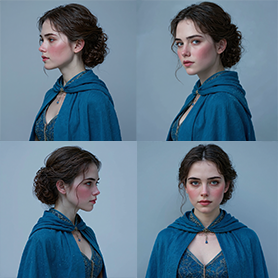
Aperçu du workflow
Fonctionnement du template Série de portraits avec FLUX 1 Kontext
File
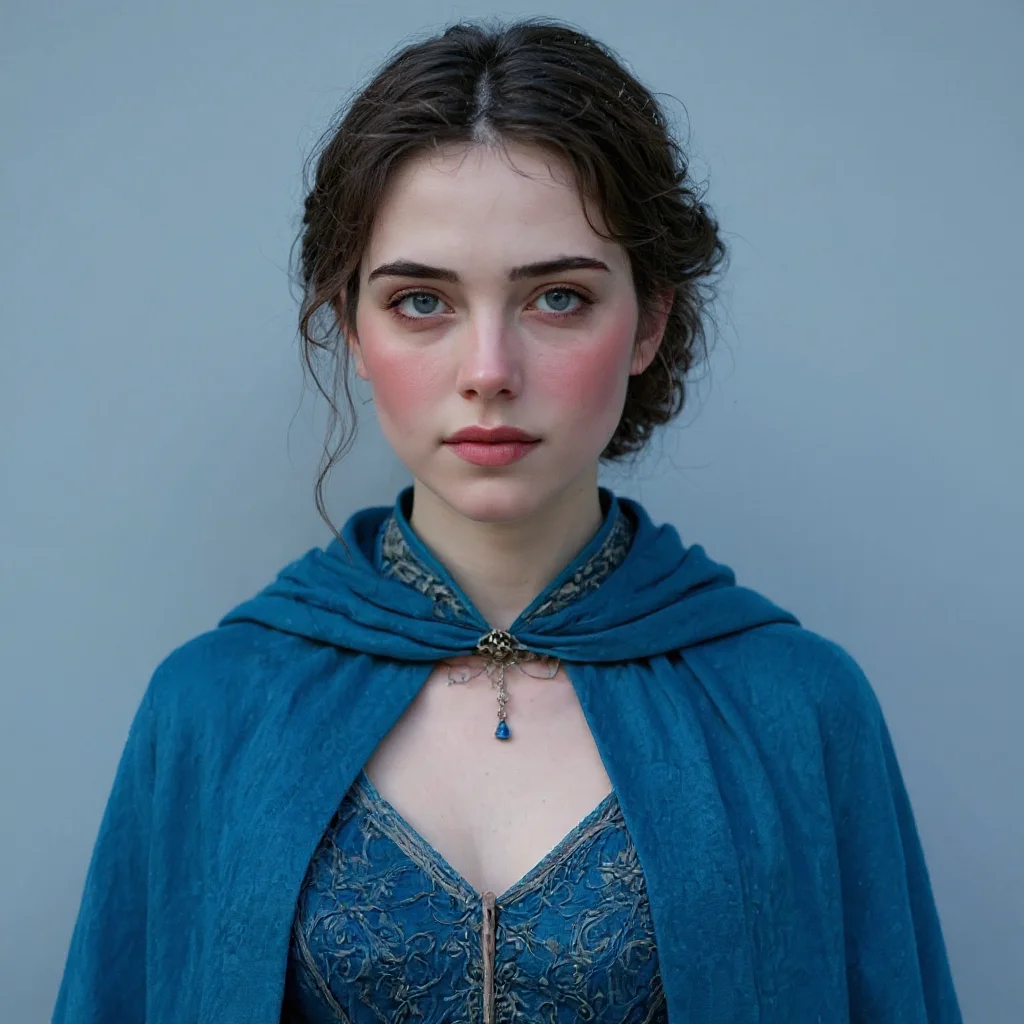
flux-kontext-apps/portrait-series
À propos de ce template
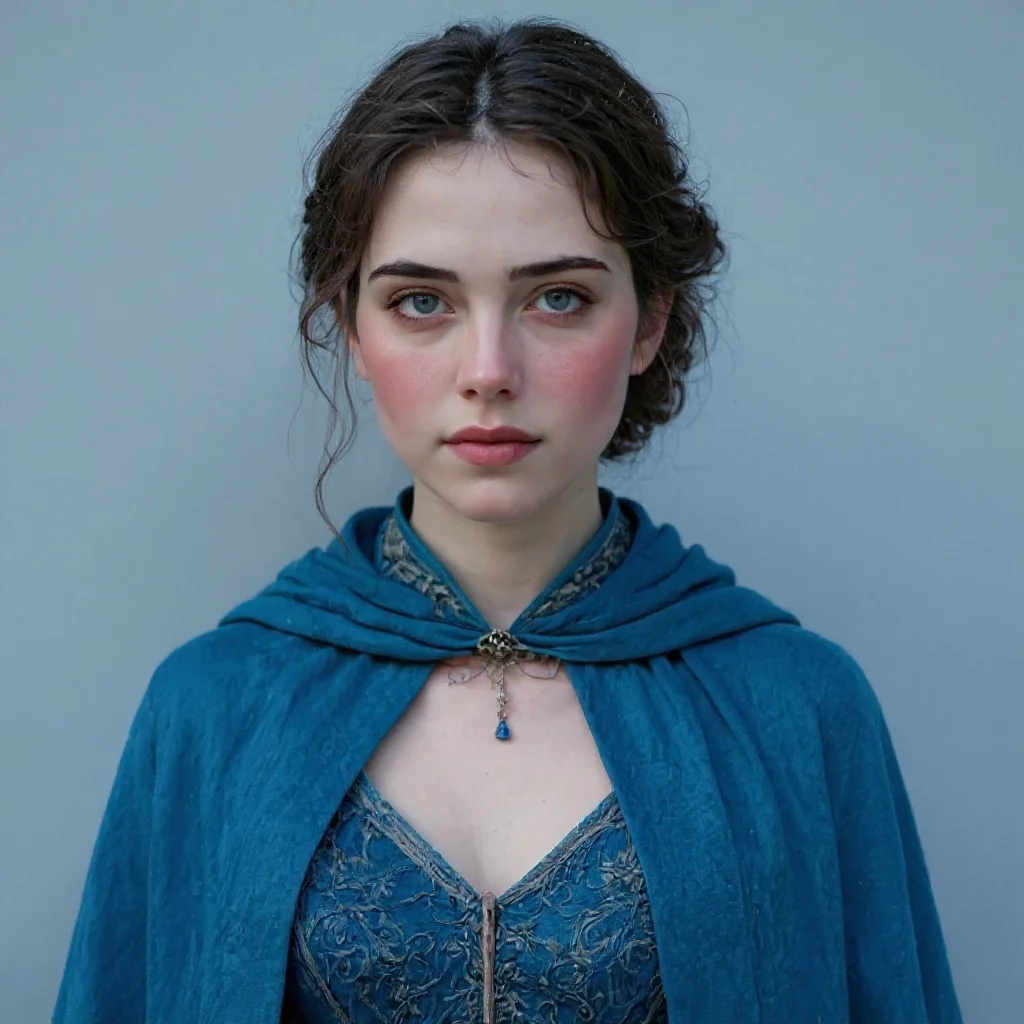
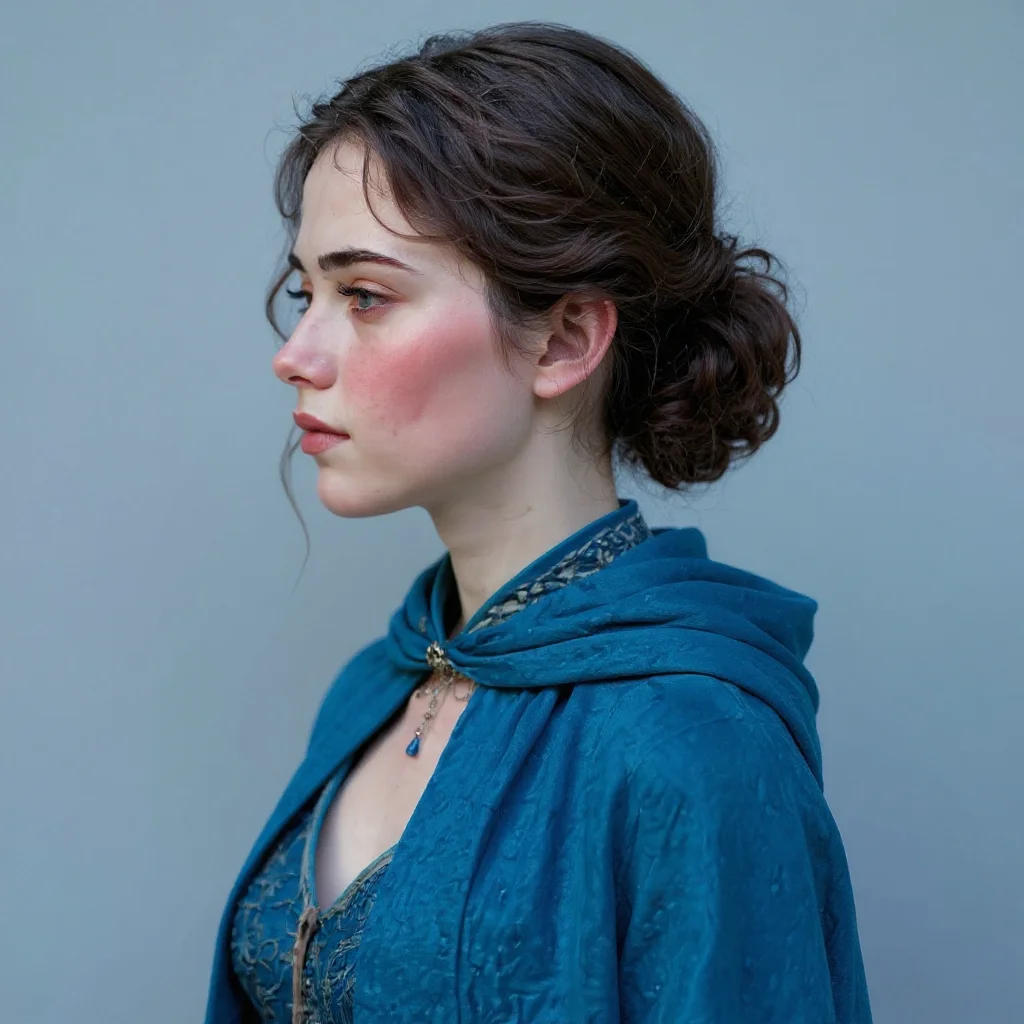
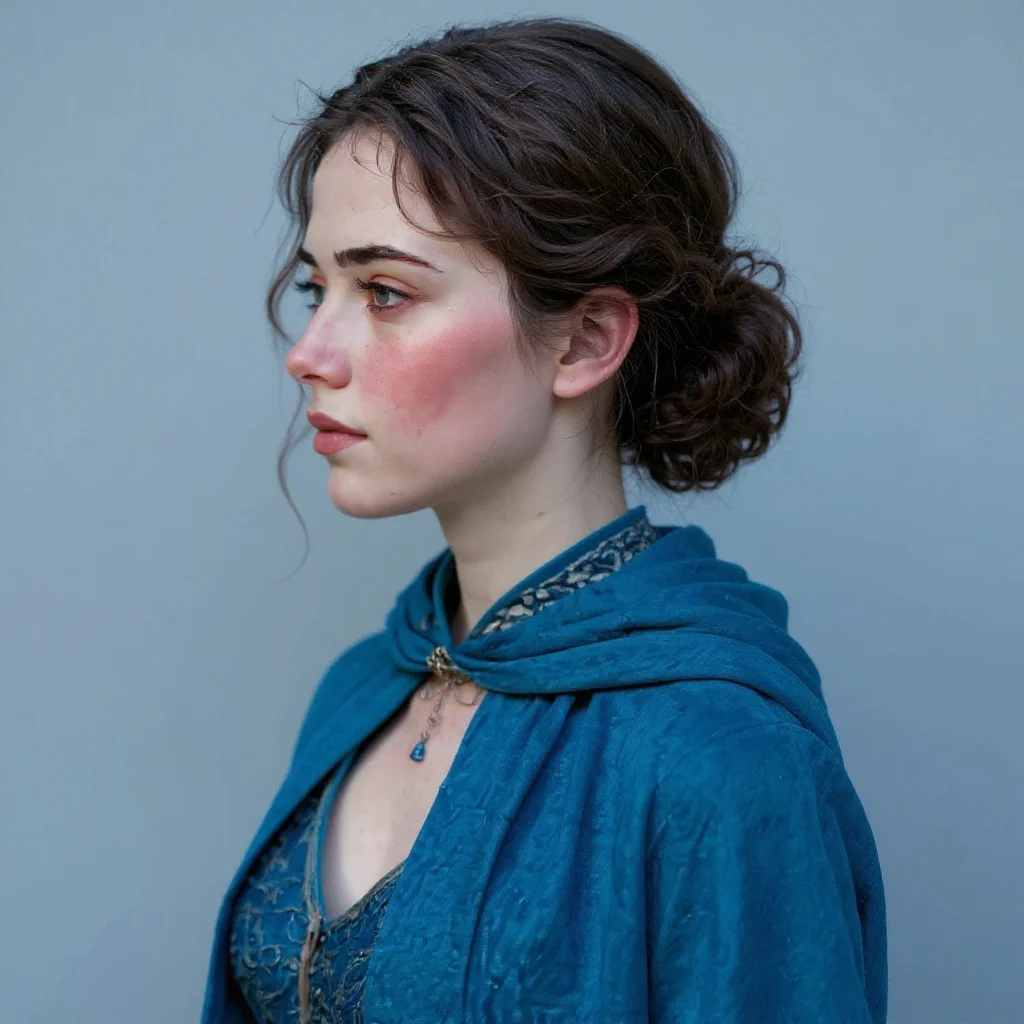
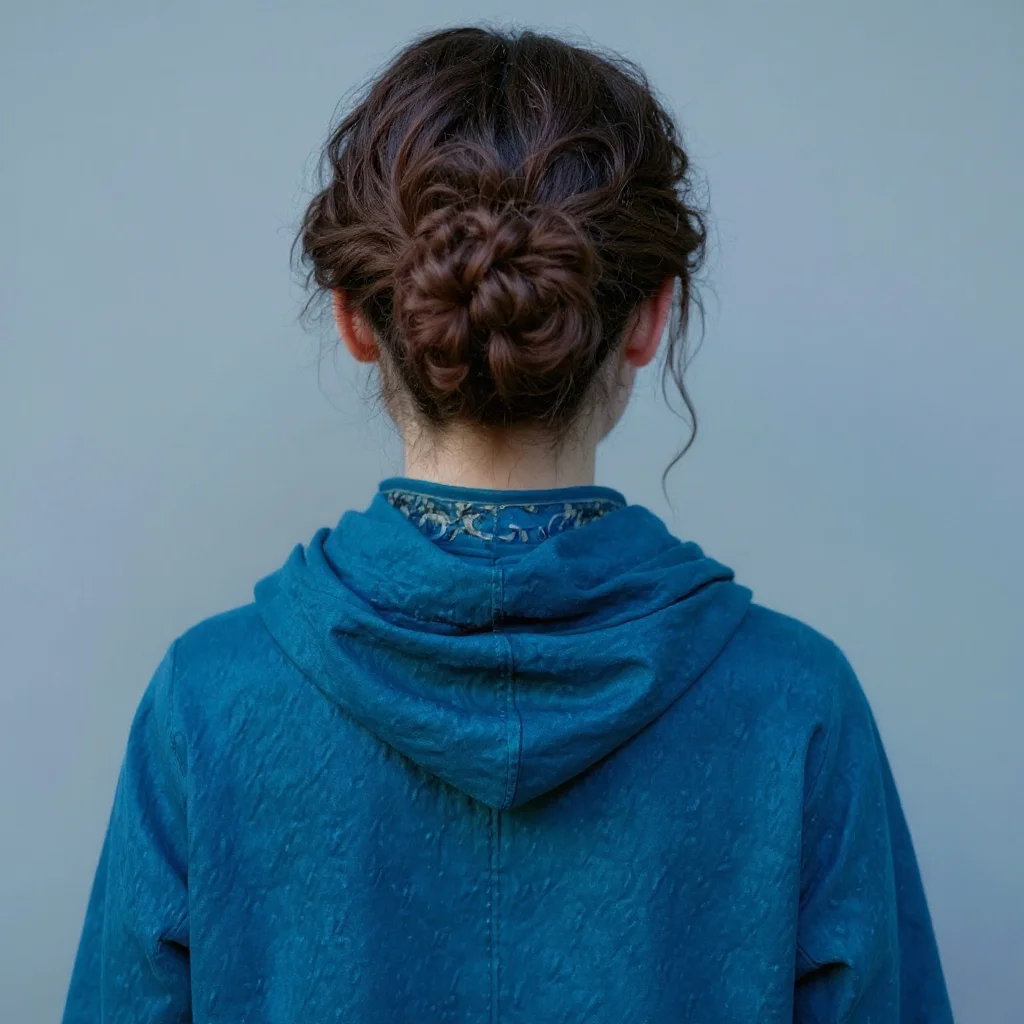
Ce template part d’une seule photo de portrait et la transforme en une série complète de clichés assortis grâce au modèle de portraits FLUX 1 Kontext. Téléversez une image nette d’une personne, choisissez le style d’arrière-plan (blanc, noir, gris, fond vert ou neutre) et définissez le nombre de variations souhaité.
Le fonctionnement est simple : vous fournissez une image d’entrée unique, et le modèle renvoie plusieurs portraits dans des poses différentes tout en conservant la même personne et le même rendu global. Vous pouvez générer seulement quelques variations sûres pour des photos de profil, ou un lot plus important pour les réseaux sociaux, des avatars, des outils internes et des expérimentations.
FLUX 1 Kontext est utilisé ici comme un générateur de portraits solide et fiable — pas le modèle le plus haut de gamme du moment, mais un moyen pratique d’étendre rapidement une photo en un pack de portraits exploitable, sans avoir à mettre en place vous-même un pipeline complexe.
Comment utiliser ce template
Étape 1 : Importez votre fichier
Dans le nœud « Fichier », importez le fichier que vous souhaitez traiter.
Étape 2 : Exécutez le workflow
Cliquez sur le bouton « Exécuter » pour lancer le workflow et obtenir le résultat final.
Prêt à construire ?
Commencez à utiliser ce template
Ouvrez-le directement dans AI-Flow et commencez à créer en quelques minutes
Vous aimerez peut-être aussi
Explorez d’autres templates puissants pour enrichir votre workflow IA
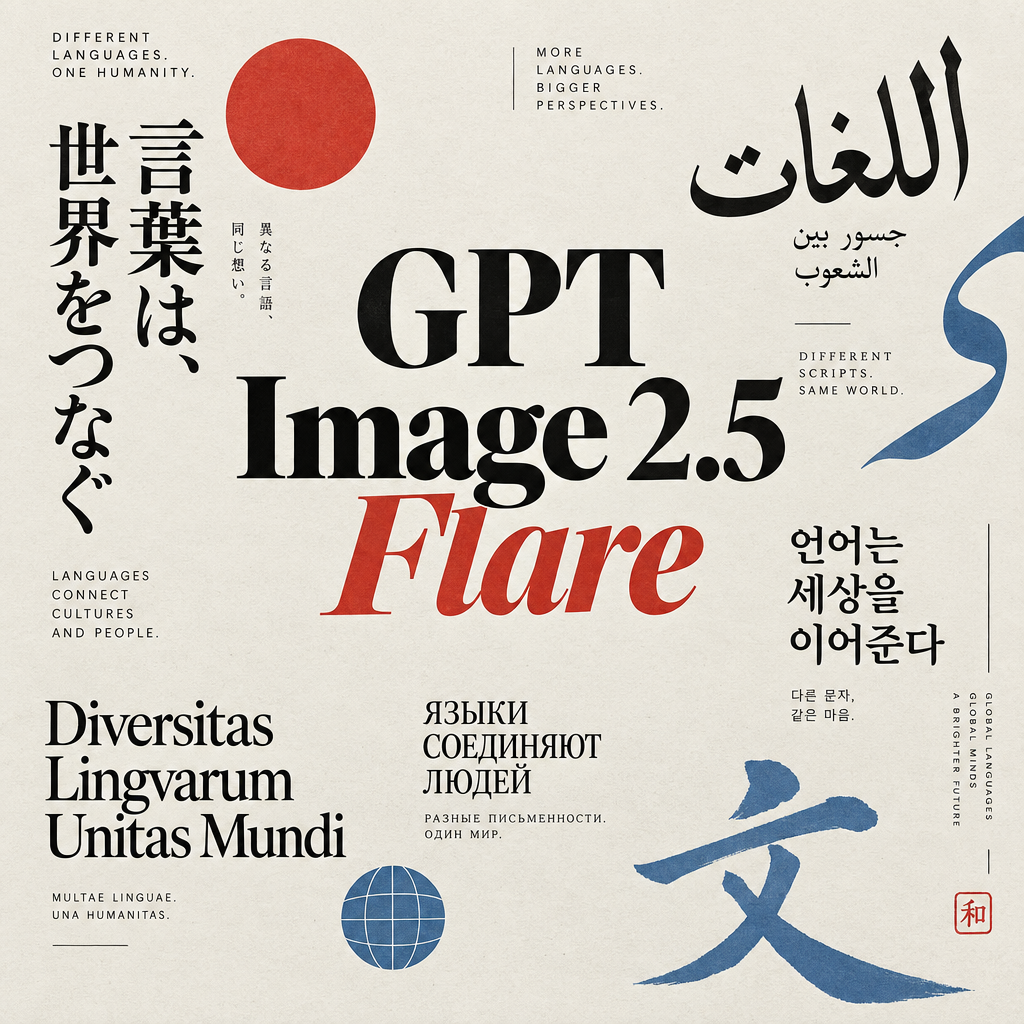
Génération d’images avec GPT Image 2.5 Flare
Générez des images haute fidélité avec GPT Image 2.5 Flare, optimisé pour la typographie réaliste, les écritures multilingues, les mises en page structurées et les formats prêts à imprimer jusqu’en 4K, pour affiches, bandes dessinées, marketing, maquettes UI et réseaux sociaux.
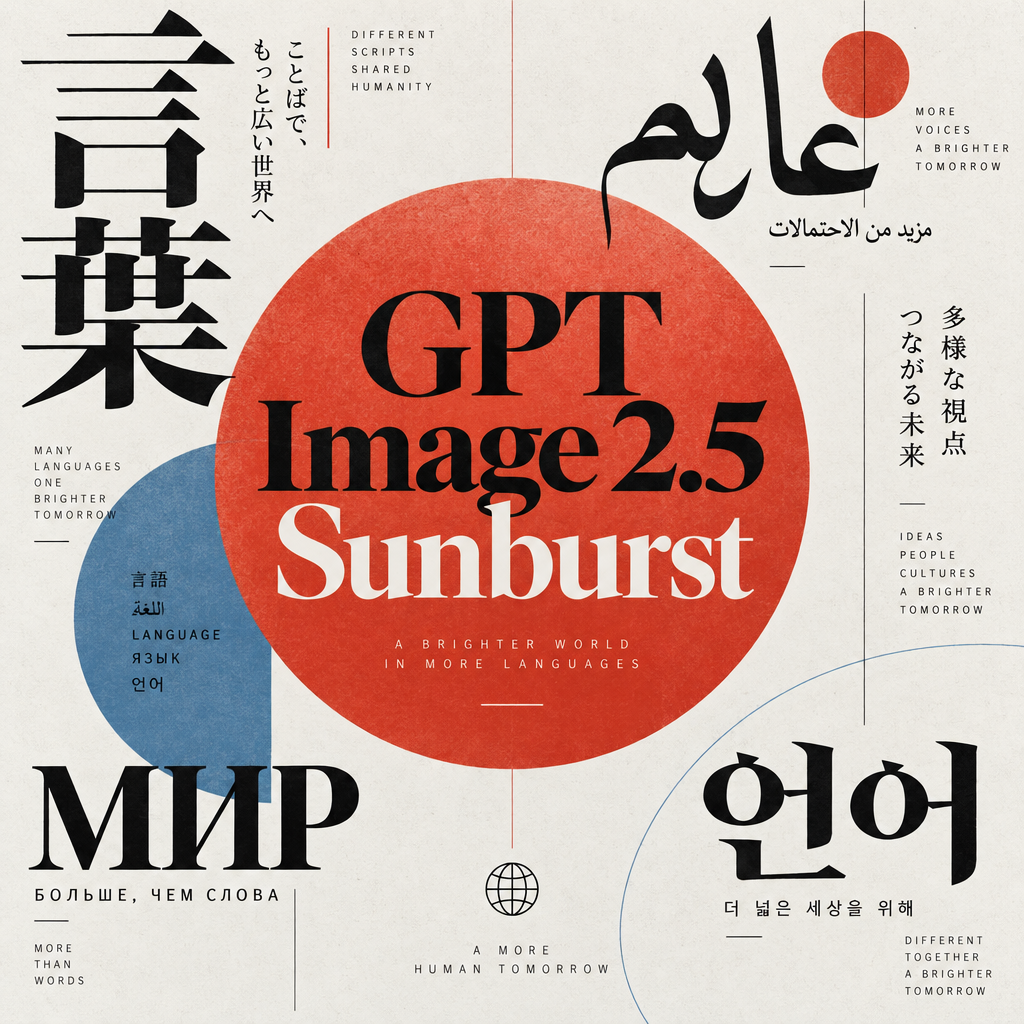
Génération d’images avec GPT Image 2.5 Sunburst
Générez des images haute fidélité avec GPT Image 2.5 Sunburst, optimisé pour la typographie réaliste, les écritures multilingues, les mises en page structurées et les formats prêts à imprimer jusqu’en 4K, pour affiches, bandes dessinées, marketing, maquettes UI et réseaux sociaux.

Générateur IA de photos produit de soin
Transformez une seule image de crème, de sérum ou de pot cosmétique en shooting complet : une grille 2 × 2 et quatre visuels recadrés (plan large, plan moyen, gros plan, angle créatif), porté ou produit seul, pour l'e-commerce beauté, les marketplaces et la publicité.

Générateur IA de photos produit de crème solaire
Transformez une seule image de tube ou de flacon solaire en shooting complet : une grille 2 × 2 et quatre visuels recadrés (plan large, plan moyen, gros plan, angle créatif), porté ou produit seul, pour l'e-commerce beauté, les marketplaces et la publicité.

Générateur IA de mockups de t-shirts
Transformez une seule image de t-shirt en mockups print-on-demand portés : une grille 2 × 2 et quatre visuels recadrés (plan large, plan moyen, gros plan sur l'impression, angle créatif), pour Etsy, Shopify et vos boutiques POD.
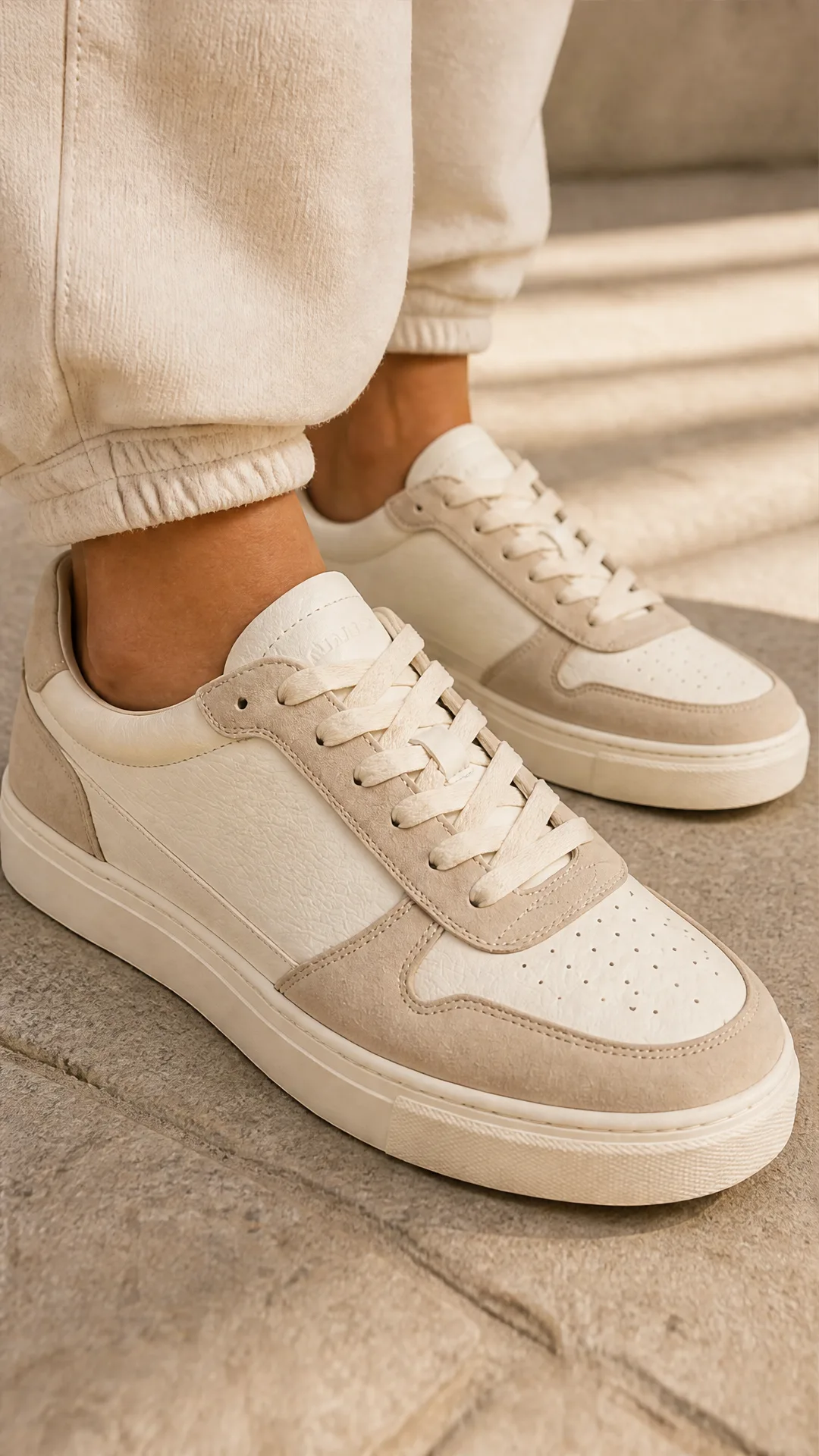
Générateur IA de photos produit de sneakers
Générez des photos produit de sneakers à partir d'une seule image de chaussure : une grille 2 × 2 et quatre visuels recadrés (plan large, plan moyen, gros plan, angle créatif), en mode porté ou produit seul, pour vos fiches e-commerce, marketplaces et publicités.
Questions fréquentes
Que fait exactement ce template ?
Il part d’une seule photo d’une personne et génère une série d’images de type portrait de cette même personne, à l’aide du modèle de série de portraits FLUX 1 Kontext. Vous pouvez contrôler le style d’arrière-plan, le nombre d’images et le caractère aléatoire des poses.
Quel type d’image d’entrée dois-je utiliser ?
Utilisez un portrait net, avec un visage bien éclairé, ni trop recadré, ni flou. Un plan tête-épaules de face ou légèrement de trois quarts fonctionne le mieux. Évitez les images minuscules, les filtres marqués ou les angles extrêmes si vous voulez des résultats cohérents.
Puis-je choisir le nombre de portraits générés ?
Oui. Le template comporte un champ curseur nommé « num_images » qui permet de choisir le nombre de portraits à générer, de 1 à 13. Il est réglé sur 4 par défaut.
Que change l’option d’arrière-plan ?
Le champ d’arrière-plan vous laisse choisir le style du fond derrière la personne : blanc, noir, gris, fond vert ou neutre. C’est utile pour obtenir des portraits type photo d’identité, de simples images de profil, ou des fonds verts destinés à un détourage ultérieur.
À quoi sert l’option « randomize images » ?
Si vous activez « randomize_images », le modèle introduira davantage de variation dans les poses et les détails d’un portrait à l’autre. Si vous la laissez désactivée, la série restera plus homogène et plus proche du rendu d’origine.
La personne restera-t-elle la même, ou son apparence va-t-elle beaucoup changer ?
L’objectif de ce template est de conserver la même personne et d’en générer plusieurs variations en portrait. Cela dit, comme il s’agit d’un modèle génératif, de légers écarts de style ou de détails du visage restent possibles, surtout avec une randomisation forte ou une image d’entrée de qualité médiocre.
Est-ce adapté à des photos de qualité impression haut de gamme ?
Ce template vise avant tout des séries de portraits rapides et pratiques pour le web, les réseaux sociaux, les avatars et un usage interne. Si vous avez besoin d’une qualité irréprochable, prête pour l’impression, envisagez de compléter ces rendus par une retouche supplémentaire ou par un modèle plus récent dédié au portrait haute résolution.
Qu’est-ce qu’AI-FLOW et comment peut-il m’aider ?
AI-FLOW est une plateforme d’IA tout-en-un qui vous permet de créer, d’intégrer et d’automatiser des workflows alimentés par l’IA grâce à une interface intuitive en glisser-déposer. Débutant ou expert, vous pouvez combiner plusieurs modèles d’IA pour créer des solutions innovantes sans écrire de code.
Un essai gratuit est-il disponible ?
Oui, AI-FLOW propose un essai gratuit pour commencer. Vous pouvez ensuite acheter des crédits selon vos besoins, sans abonnement ni engagement à long terme.
Puis-je intégrer mes clés API OpenAI, Replicate et d’autres fournisseurs dans la version Cloud d’AI-FLOW ?
Oui, vous pouvez facilement intégrer vos propres clés API à AI-FLOW. Les nœuds associés utiliseront alors votre clé, ce qui réduit considérablement votre consommation de crédits sur la plateforme.