
Shooting photo produit Basic
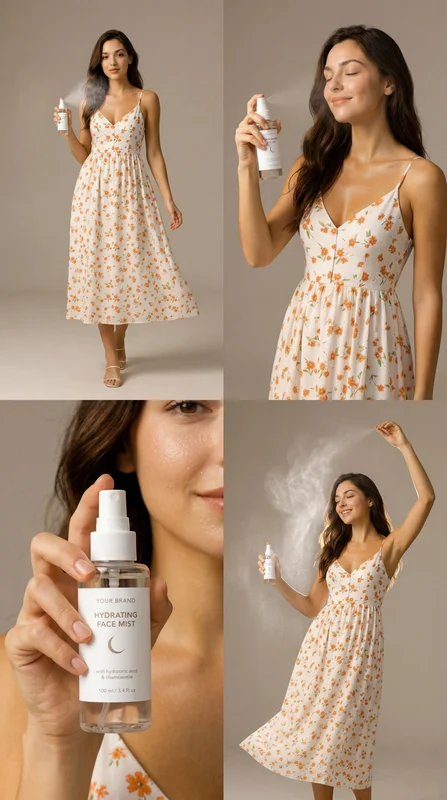
Générez une grille de shooting produit professionnelle 2 × 2 avec un même sujet humain portant ou utilisant activement votre produit sous quatre angles : plan large, plan moyen, gros plan et vue dynamique. Idéal pour l’e-commerce, la publicité et les réseaux sociaux.
Aucune configuration requise · Entièrement personnalisable dans AI-Flow
Ce que fait cette application
Product Photoshoot est un workflow IA qui transforme vos images de référence en une grille de shooting produit 2 × 2 soignée. Il analyse vos entrées pour identifier le sujet principal, le produit porté ou utilisé, et le style visuel, puis produit un prompt unique et cohérent qui rend quatre panneaux complémentaires dans une seule image.
Chaque grille présente le même sujet et le même produit dans chaque panneau, suivant un cadrage commercial éprouvé : un plan large pour le contexte, un plan moyen pour raconter une histoire, un gros plan pour mettre en valeur le produit, et un angle dynamique ou créatif pour l’impact visuel. Le modèle garantit la visibilité du produit et la cohérence du sujet — pas de packshots autonomes — tout en maintenant l’éclairage, la couleur et l’étalonnage cohérents.
Les sorties incluent la composition complète 2 × 2 et les panneaux individuels recadrés automatiquement, prêts pour les pages produits, les marketplaces, les publicités et les publications sociales. Attendez-vous à une composition propre, des détails nets, un éclairage cinématographique ou en studio, et une couleur cohérente sur les quatre plans. Parfait pour les marques DTC, la beauté, la mode, les accessoires, les wearables et les produits lifestyle nécessitant des visuels rapides et conformes à la marque.
Utilisez ce modèle pour développer la photographie produit par IA : téléchargez des références de sujet + produit, générez automatiquement un prompt raffiné et exportez des actifs haute résolution avec une couverture multi-angle en quelques minutes.
Comment utiliser l’application
Voici ce que vous obtenez en ouvrant l’application : un formulaire court, un bouton d’exécution et vos résultats, sans nœuds ni configuration.
Shooting produit Basic
Aperçu de l’applicationRemplissez le formulaire
Subject Image
RequisAjouter des images ou des fichiers
Product Image
RequisAjouter des images ou des fichiers
Aspect Ratio
Facultatif1:1
≈ 17–30 crédits / exécution
Récupérez votre résultat
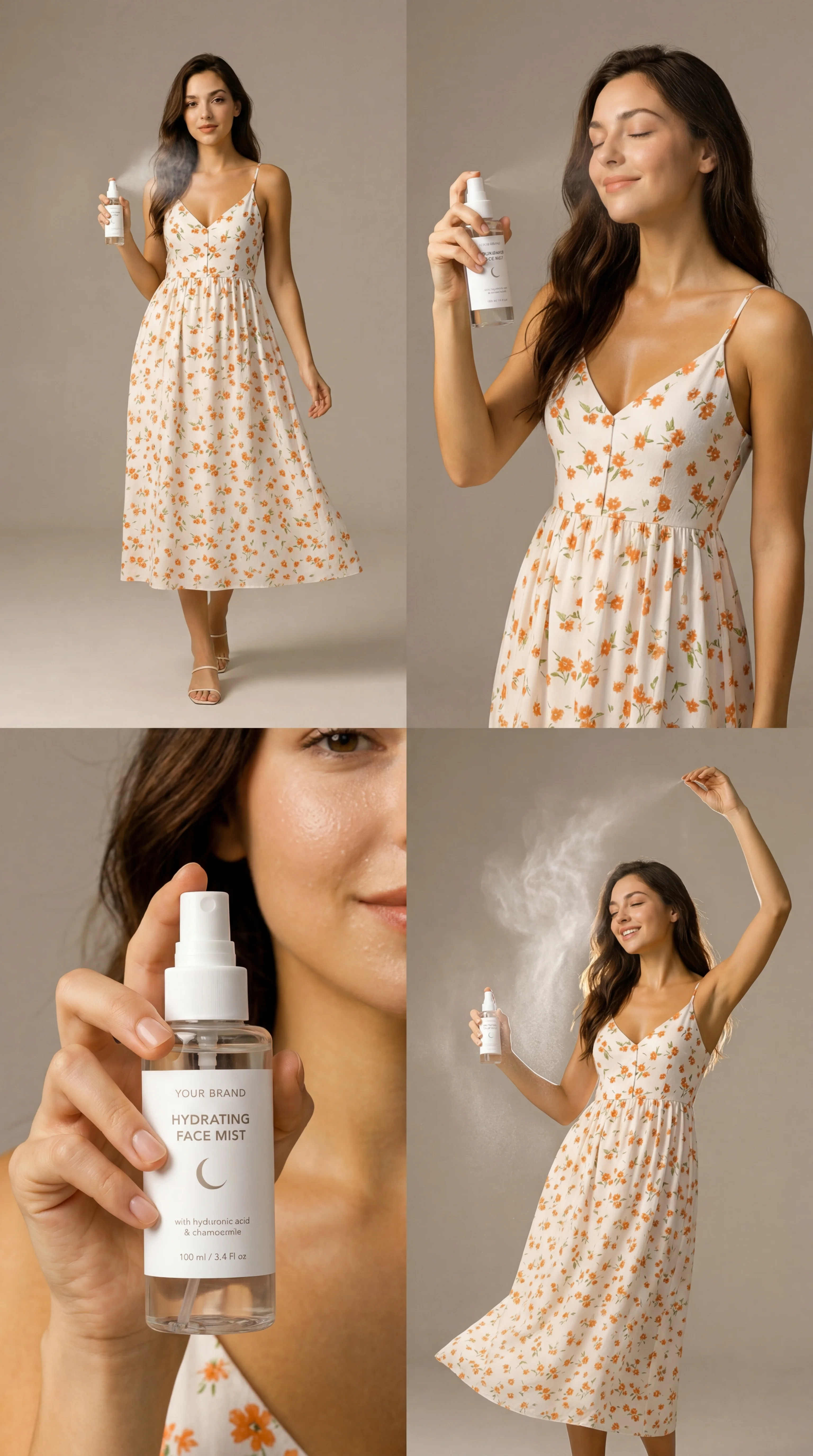
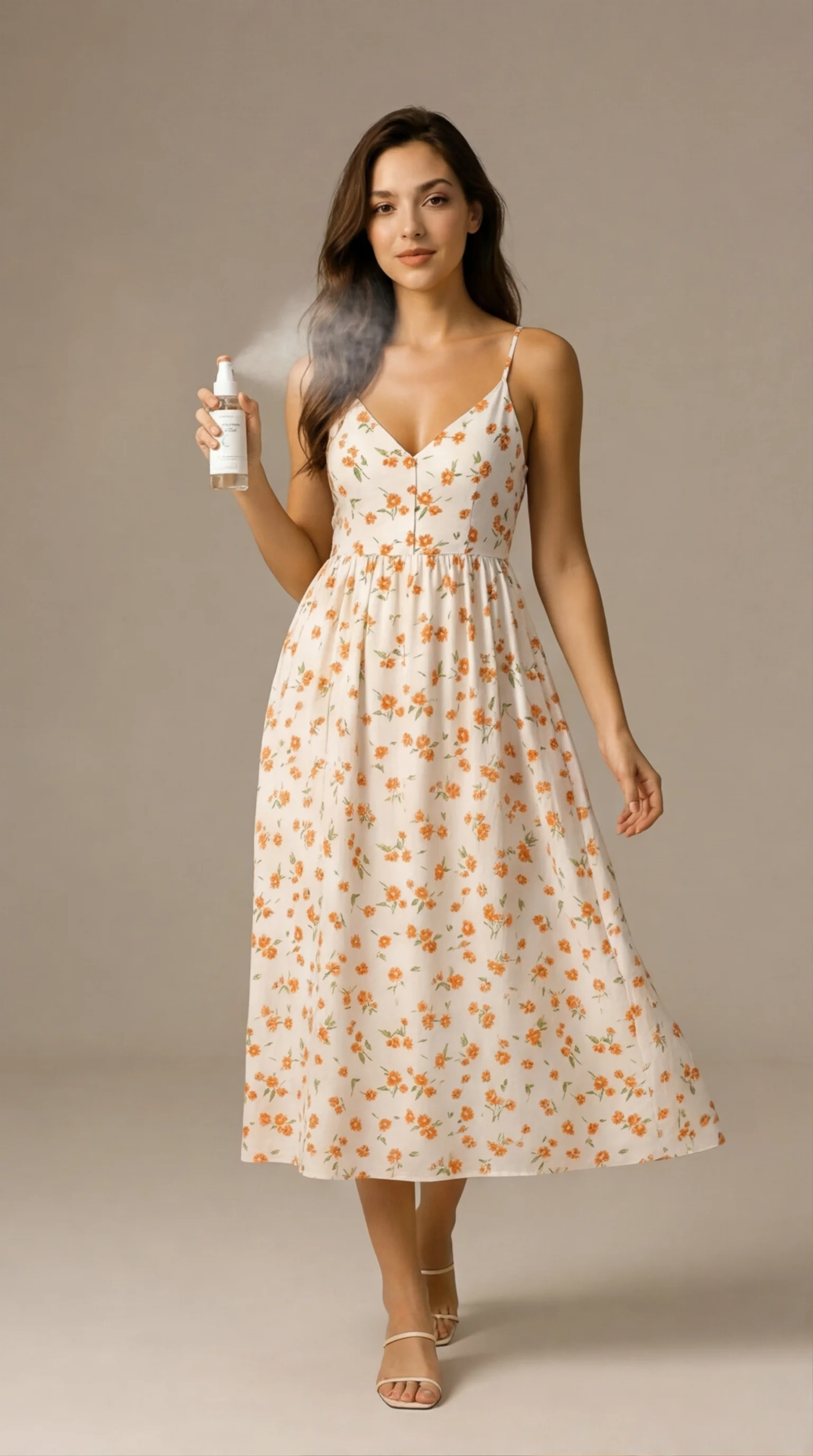
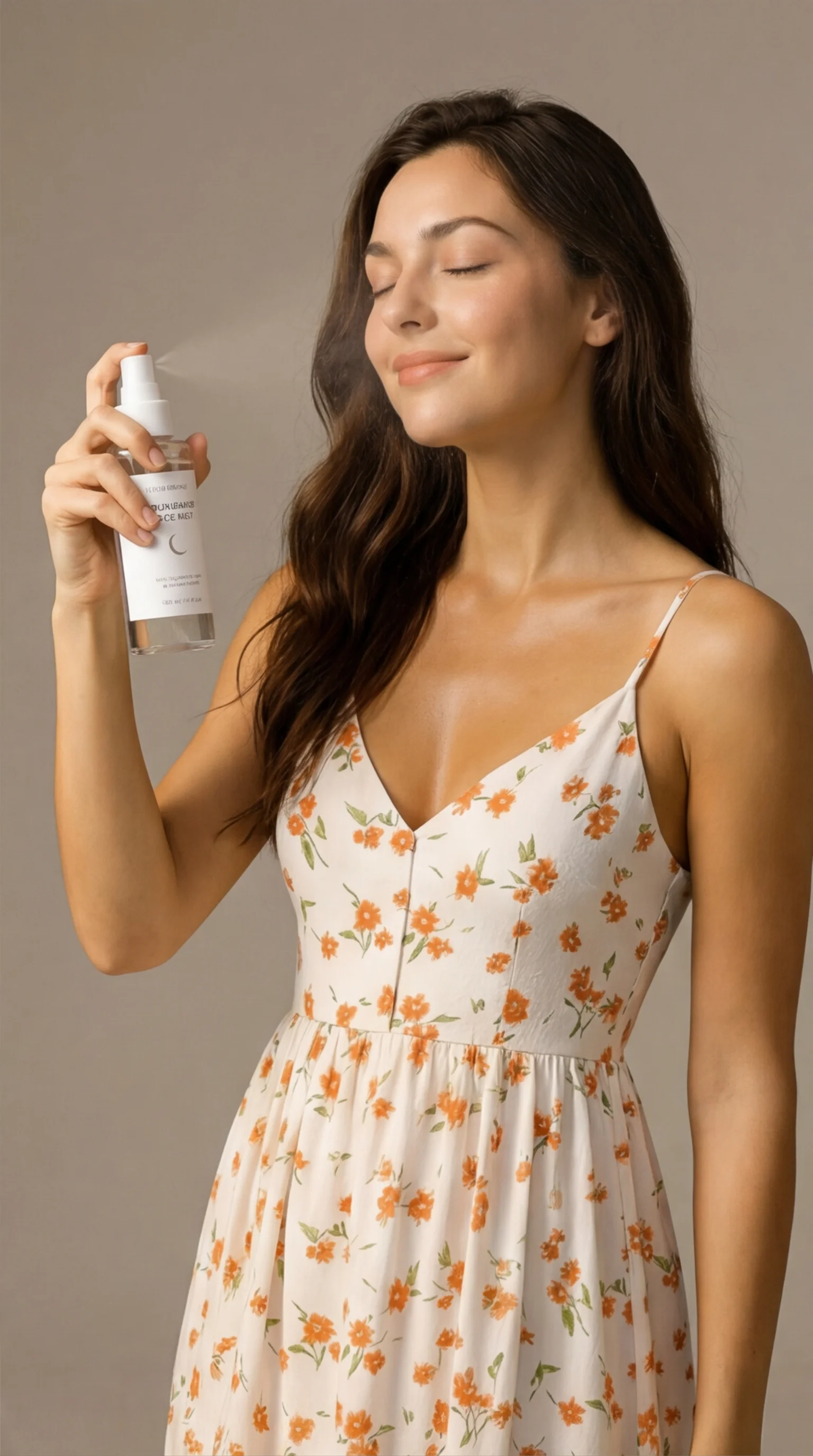
Résultat réel généré avec cette application
Sous le capot
Vous souhaitez plus de contrôle ?
Cette application repose sur un workflow AI-Flow entièrement modifiable. Changez le modèle, les prompts, la disposition ou la résolution, ou connectez-le à d’autres étapes.
Meta-Prompt
You are an expert creative director and product photographer. Your task is to analyze the provided input images and identify: the main subject (person) the product being worn or used by the subject the visual style, lighting, and environment Then, generate ...
Images (Subject + Product)
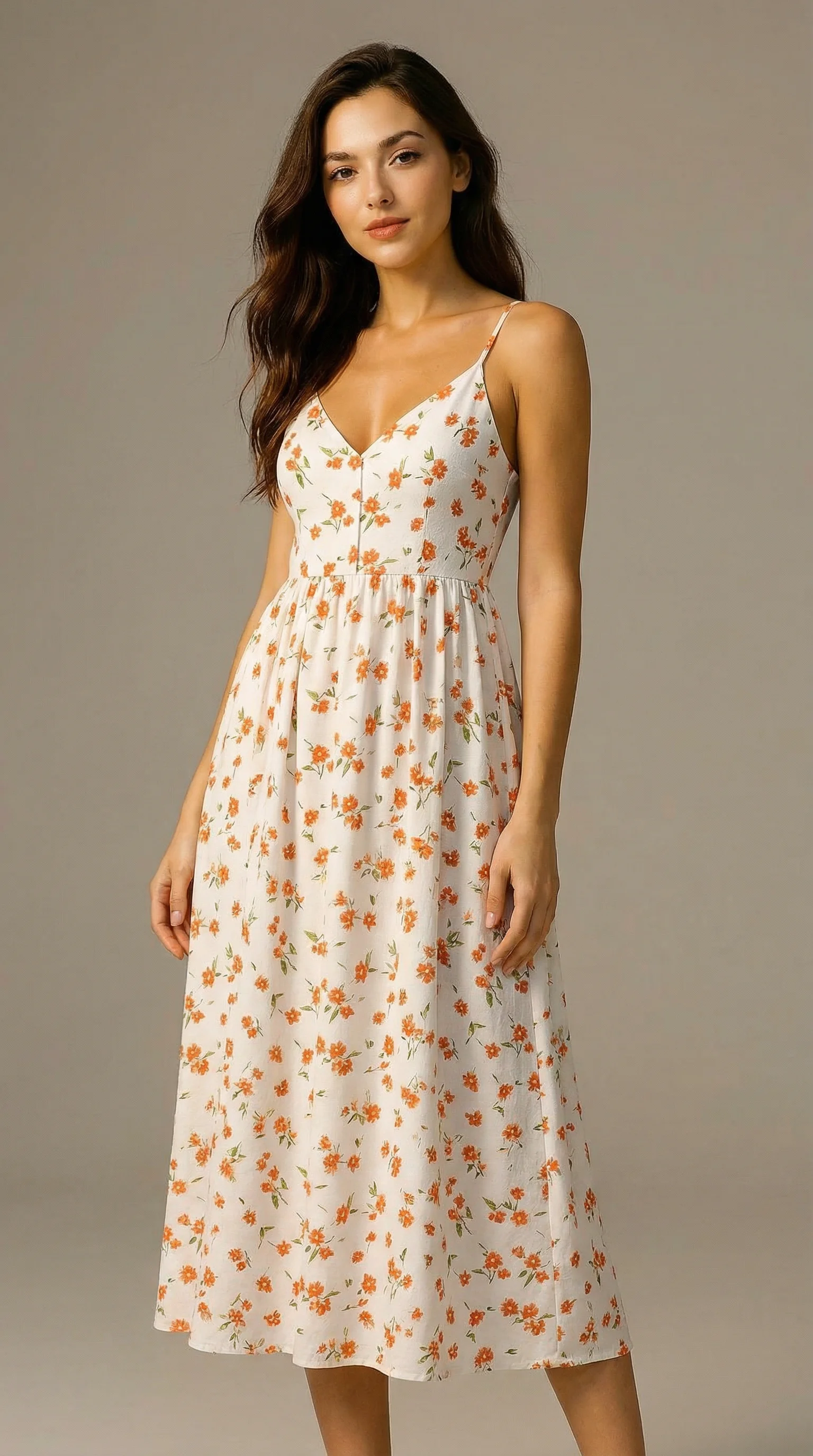
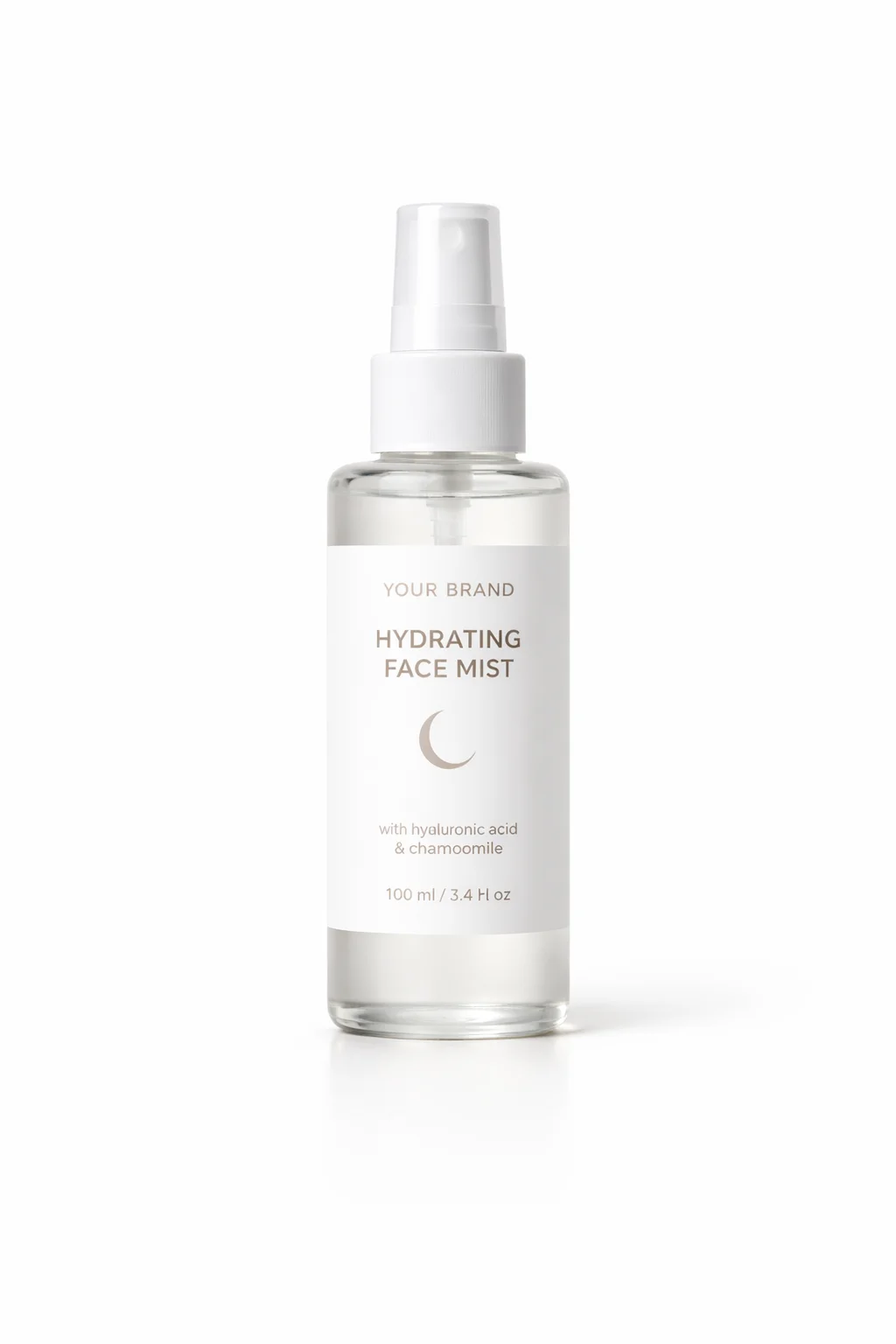
GPT - Prompt Generator
2x2 grid, four panels, consistent subject, subject wearing the product in all panels, product photoshoot. Subject: the same young woman with long wavy brunette hair and light warm skin, soft natural makeup, relaxed confident expression, wearing a white midi...
Gemini Image
Image – Split Grid Image
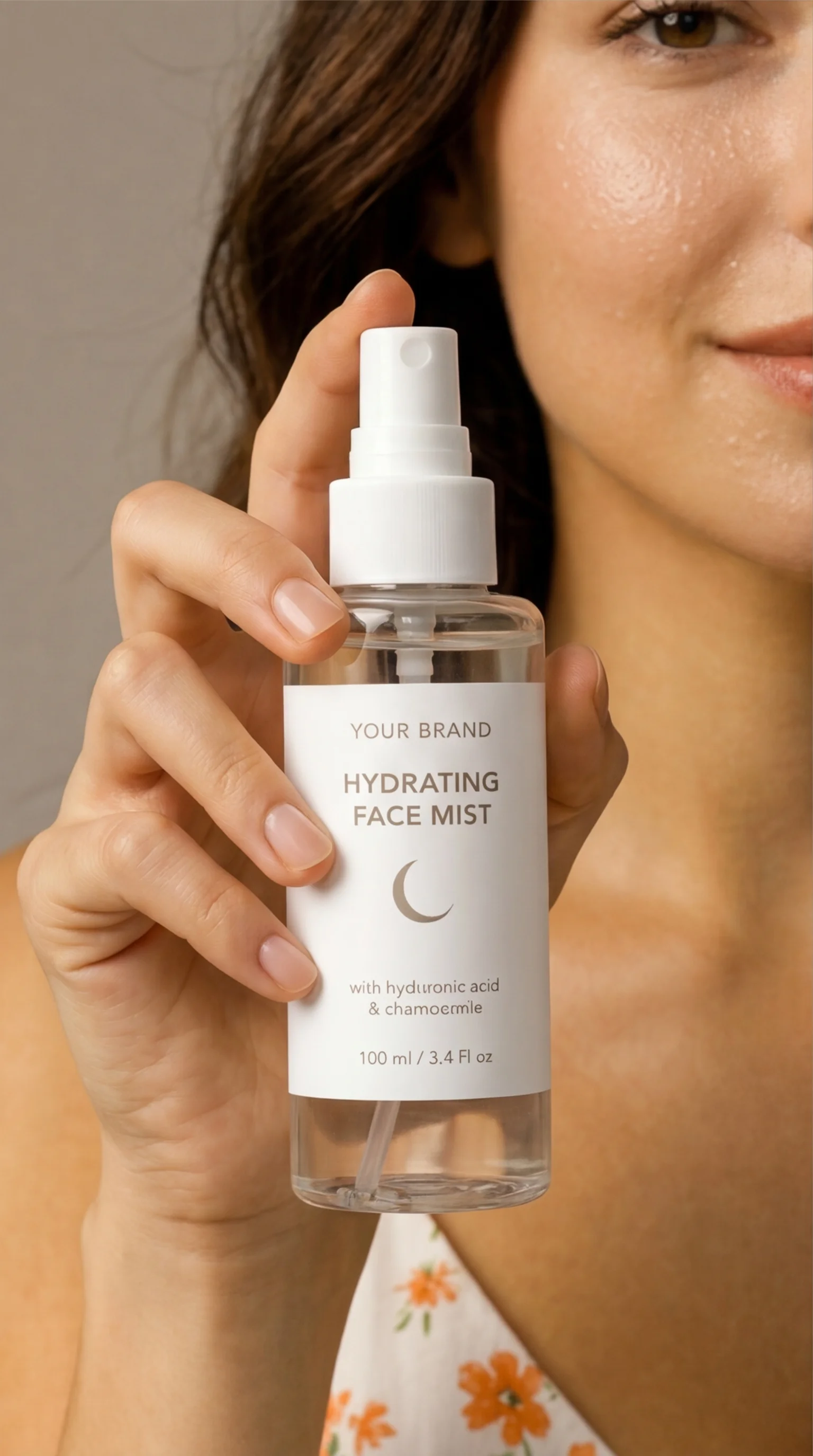
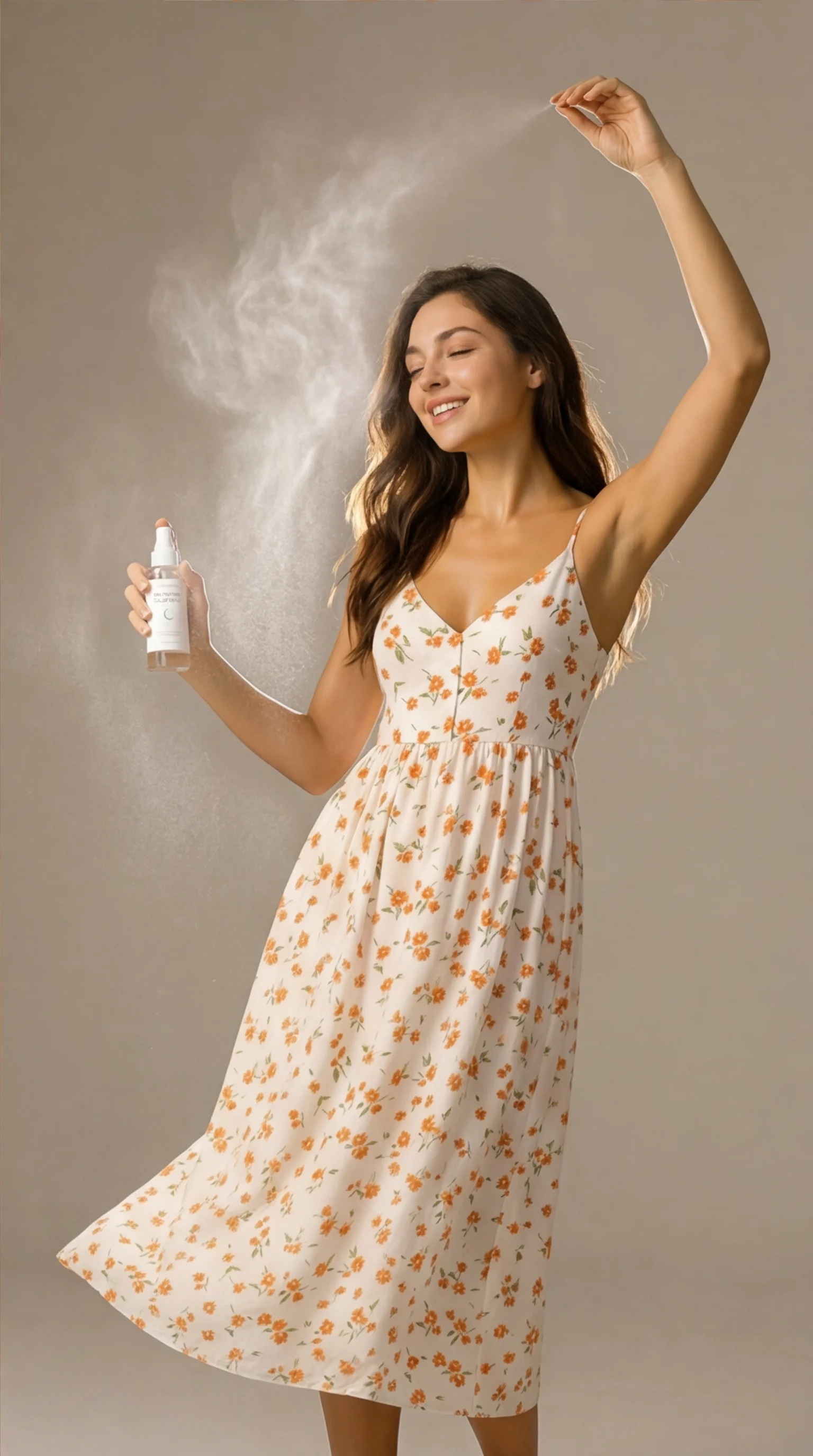
Comment utiliser ce template
Étape 1 : Saisissez votre texte dans le nœud « Meta-Prompt »
Renseignez le nœud « Meta-Prompt » avec le texte demandé.
You are an expert creative director and product photographer.

Your task is to analyze the provided input images and identify:

the main subject (person)
the product being worn or used by the subject
the visual style, lighting, and environment

Then, generate a single high-quality image generation prompt for creating a 2x2 grid product photoshoot.

🎯 REQUIREMENTS

The output must:

Create a 2x2 grid composition (four panels in one image)
Feature the same subject consistently in all 4 panels
The subject MUST be wearing or using the product in every panel
The product must be clearly visible and emphasized in each shot
Showcase different camera angles and compositions:
one wide shot (full body or environment context)
one medium shot (waist-up or torso)
one close-up (focus on product being worn)
one dynamic or creative angle (motion, perspective, or stylized pose)
🔴 CRITICAL CONSTRAINT (VERY IMPORTANT)

In ALL four panels:

The product is actively worn or used by the subject
The subject and product must remain visually consistent
DO NOT generate standalone product shots without the subject
🎨 STYLE GUIDELINES
Professional product photoshoot quality
Clean, intentional composition
Cinematic or studio lighting depending on input
Sharp focus, high detail
Cohesive color grading across all panels
📦 OUTPUT FORMAT

Return ONLY the final image generation prompt.
Do NOT explain anything.
Do NOT describe your reasoning.

🧾 PROMPT STRUCTURE TO FOLLOW

Your generated prompt must include:

Clear description of the subject (appearance, clothing, posture)
Clear description of the product being worn
Description of each of the 4 panels with angle variation
Lighting, style, and environment
Explicit mention of:
“2x2 grid”, “four panels”, “consistent subject”, “subject wearing the product in all panels”, “product photoshoot”
Étape 2 : Importez vos fichiers
Dans le nœud « Images (Subject + Product) », importez les fichiers que vous souhaitez utiliser dans le workflow.
Étape 3 : Exécutez le workflow
Cliquez sur le bouton « Exécuter » pour lancer le workflow et obtenir le résultat final.
Personnalisez le workflow sous-jacent
Ouvrez le workflow complet dans l’éditeur AI-Flow pour changer de modèle, réécrire les prompts ou le connecter à d’autres étapes.
À qui s’adresse ce template ?
Idéal pour les professionnels et les créateurs qui souhaitent simplifier leur workflow
Équipes e-commerce et DTC
Produisez rapidement des visuels produit multi-angles et cohérents pour vos fiches produit, Shopify et landing pages, sans organiser de shooting complet en studio.
Performance marketers et acheteurs média
Créez des créations publicitaires fidèles à la marque, avec des angles et des compositions variés, pour vos tests A/B sur Meta, TikTok et le display.
Community managers et créateurs de contenu
Générez des séries cohérentes pour vos carrousels et des visuels prêts pour les stories, où le produit est toujours porté ou utilisé par le même sujet.
Directeurs artistiques et de marque
Explorez des variations d’éclairage, de style et d’environnement tout en imposant la cohérence du sujet et du produit sur toutes les images.
Vendeurs sur marketplaces (Amazon, Etsy, eBay)
Livrez des visuels clairs et conformes qui mettent en avant l’usage et les détails du produit, avec des panneaux recadrés automatiquement pour vos annonces et miniatures.
Agences et studios
Accélérez la pré-visualisation et la conception de vos campagnes produit, avec une couverture d’angles fiable et une direction artistique cohérente.
Prêt à créer ?
Commencez à utiliser cette application
Aucune configuration requise — ouvrez l’application et commencez à créer en quelques minutes
Vous aimerez peut-être aussi
Explorez d’autres templates puissants pour enrichir votre workflow IA

Génération d’images avec GPT Image 2.5 Flare
Générez des images haute fidélité avec GPT Image 2.5 Flare, optimisé pour la typographie réaliste, les écritures multilingues, les mises en page structurées et les formats prêts à imprimer jusqu’en 4K, pour affiches, bandes dessinées, marketing, maquettes UI et réseaux sociaux.

Génération d’images avec GPT Image 2.5 Sunburst
Générez des images haute fidélité avec GPT Image 2.5 Sunburst, optimisé pour la typographie réaliste, les écritures multilingues, les mises en page structurées et les formats prêts à imprimer jusqu’en 4K, pour affiches, bandes dessinées, marketing, maquettes UI et réseaux sociaux.

Générateur IA de photos produit de soin
Transformez une seule image de crème, de sérum ou de pot cosmétique en shooting complet : une grille 2 × 2 et quatre visuels recadrés (plan large, plan moyen, gros plan, angle créatif), porté ou produit seul, pour l'e-commerce beauté, les marketplaces et la publicité.

Générateur IA de photos produit de crème solaire
Transformez une seule image de tube ou de flacon solaire en shooting complet : une grille 2 × 2 et quatre visuels recadrés (plan large, plan moyen, gros plan, angle créatif), porté ou produit seul, pour l'e-commerce beauté, les marketplaces et la publicité.

Générateur IA de mockups de t-shirts
Transformez une seule image de t-shirt en mockups print-on-demand portés : une grille 2 × 2 et quatre visuels recadrés (plan large, plan moyen, gros plan sur l'impression, angle créatif), pour Etsy, Shopify et vos boutiques POD.
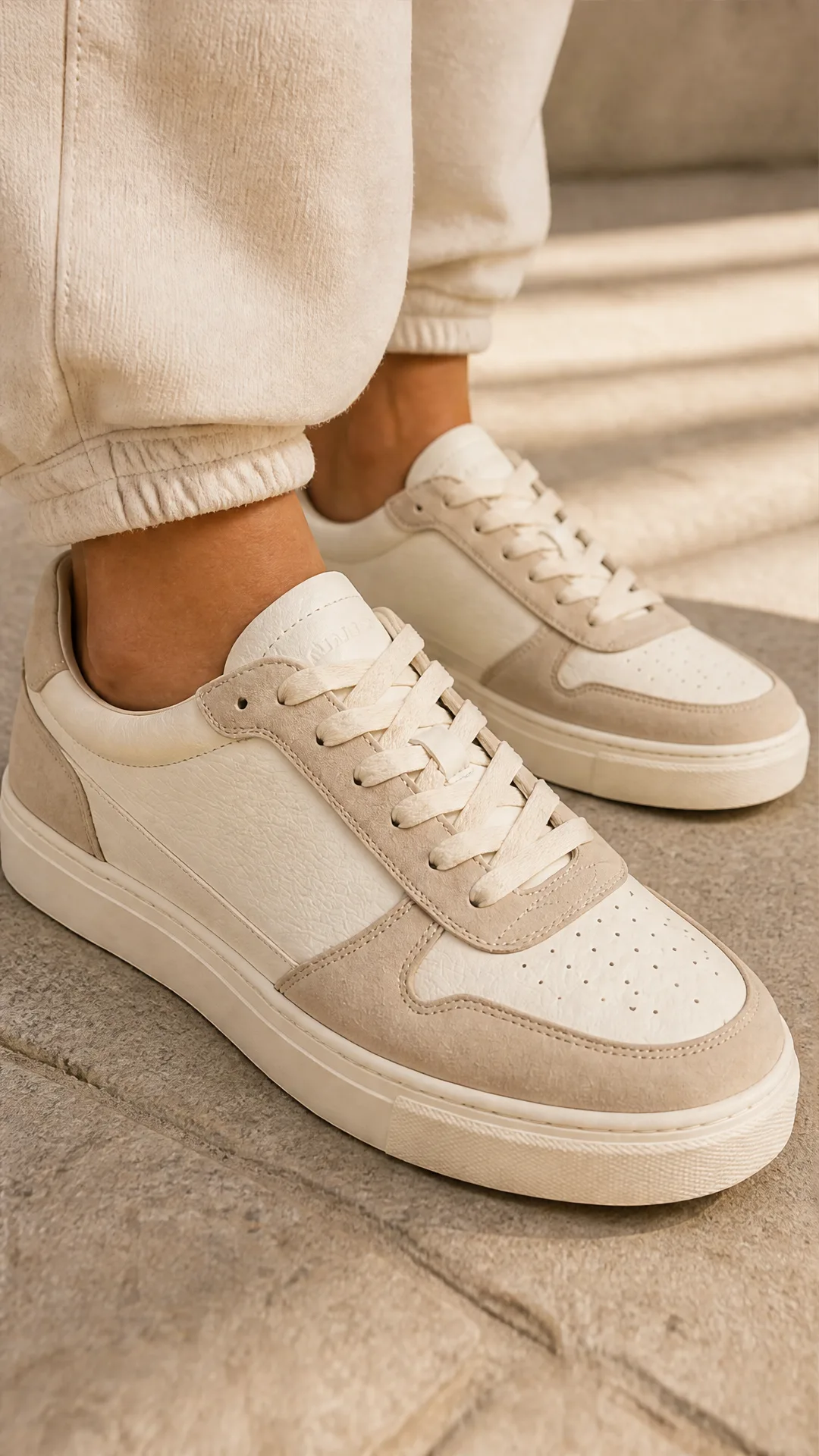
Générateur IA de photos produit de sneakers
Générez des photos produit de sneakers à partir d'une seule image de chaussure : une grille 2 × 2 et quatre visuels recadrés (plan large, plan moyen, gros plan, angle créatif), en mode porté ou produit seul, pour vos fiches e-commerce, marketplaces et publicités.
Questions fréquentes
Que fait le template Shooting photo produit ?
Il génère une grille 2x2 de haute qualité (quatre panneaux) montrant le même sujet portant ou utilisant activement votre produit, avec des plans large, moyen, rapproché et dynamique, au sein d’un shooting produit cohérent.
Comment la cohérence du sujet et du produit est-elle assurée ?
Le template analyse vos images de référence pour figer l’apparence du sujet et le design du produit, puis construit un prompt maître unique qui impose la cohérence de l’identité, de la tenue et du produit sur tous les panneaux.
De quelles entrées ai-je besoin ?
Fournissez une ou plusieurs images de référence montrant clairement le sujet et le produit ensemble, ainsi qu’une brève description de vos objectifs (style, éclairage, environnement). Le template se charge du plan des angles et de la composition du prompt.
Que contient exactement le résultat ?
Vous recevez une image composite en grille 2x2 ainsi que quatre exports de panneaux recadrés automatiquement (large, moyen, rapproché, dynamique). Tous les panneaux conservent le même sujet et le même produit, visible et en situation d’usage.
Puis-je contrôler le style, l’éclairage et l’environnement ?
Oui. Le template déduit le style de vos références et prend en charge un éclairage cinématographique ou studio, des environnements minimalistes ou lifestyle, et un étalonnage cohérent. Vous pouvez orienter la tonalité, la palette ou l’arrière-plan dans votre prompt.
Plusieurs images de référence sont-elles prises en charge ?
Oui. Vous pouvez téléverser plusieurs références pour mieux définir l’allure du sujet, les détails du produit et l’ambiance souhaitée. Des références nettes et bien éclairées améliorent la cohérence.
Génère-t-il des packshots produit autonomes ?
Non. Le template est spécifiquement conçu pour des images de produit porté ou en usage. Chaque panneau montre le même sujet portant ou utilisant le produit, celui-ci restant clairement visible.
Quelles résolutions et quels formats sont pris en charge ?
Les rendus haute résolution vont jusqu’au 4K. Le template est optimisé pour une composition 2x2 adaptée aux mises en page carrées ou verticales, et fournit également des recadrages individuels pour un placement souple.
Des conseils pour de meilleurs résultats ?
Utilisez des images de référence de bonne qualité où le produit est de face et lisible, gardez le sujet et le produit cohérents entre les références, et précisez l’éclairage souhaité (studio doux, contre-jour marqué) ainsi que l’environnement (fond minimaliste).
Quelles catégories de produits fonctionnent le mieux ?
Les objets portés ou tenus en main — beauté et soin, mode et accessoires, wearables tech, matériel de sport et produits lifestyle — pour lesquels montrer le produit en usage est essentiel.
Qu’est-ce qu’AI-FLOW et comment peut-il m’aider ?
AI-FLOW est une plateforme d’IA tout-en-un qui vous permet de créer, d’intégrer et d’automatiser des workflows alimentés par l’IA grâce à une interface intuitive en glisser-déposer. Débutant ou expert, vous pouvez combiner plusieurs modèles d’IA pour créer des solutions innovantes sans écrire de code.
Un essai gratuit est-il disponible ?
Oui, AI-FLOW propose un essai gratuit pour commencer. Vous pouvez ensuite acheter des crédits selon vos besoins, sans abonnement ni engagement à long terme.
Puis-je intégrer mes clés API OpenAI, Replicate et d’autres fournisseurs dans la version Cloud d’AI-FLOW ?
Oui, vous pouvez facilement intégrer vos propres clés API à AI-FLOW. Les nœuds associés utiliseront alors votre clé, ce qui réduit considérablement votre consommation de crédits sur la plateforme.