
Amélioration de photos d’annonces immobilières
Transformez une seule photo de bien immobilier en trois versions prêtes pour une annonce : lumière du jour, aménagement virtuel et ambiance chaleureuse au crépuscule.
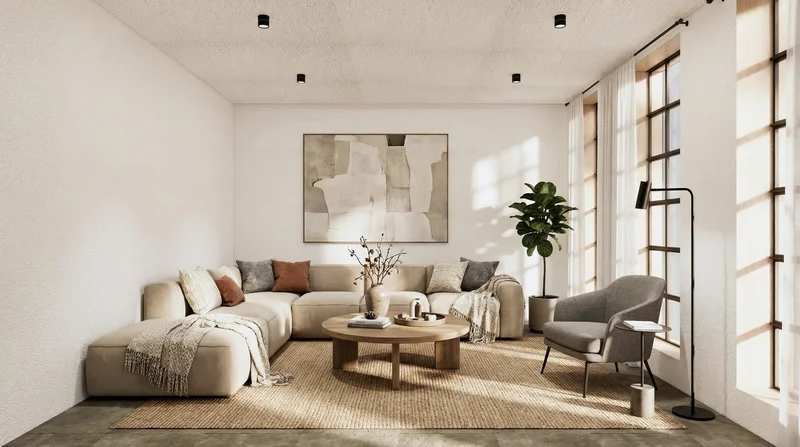
Aperçu du workflow
Fonctionnement du template Amélioration de photos d’annonces immobilières
Property Photo
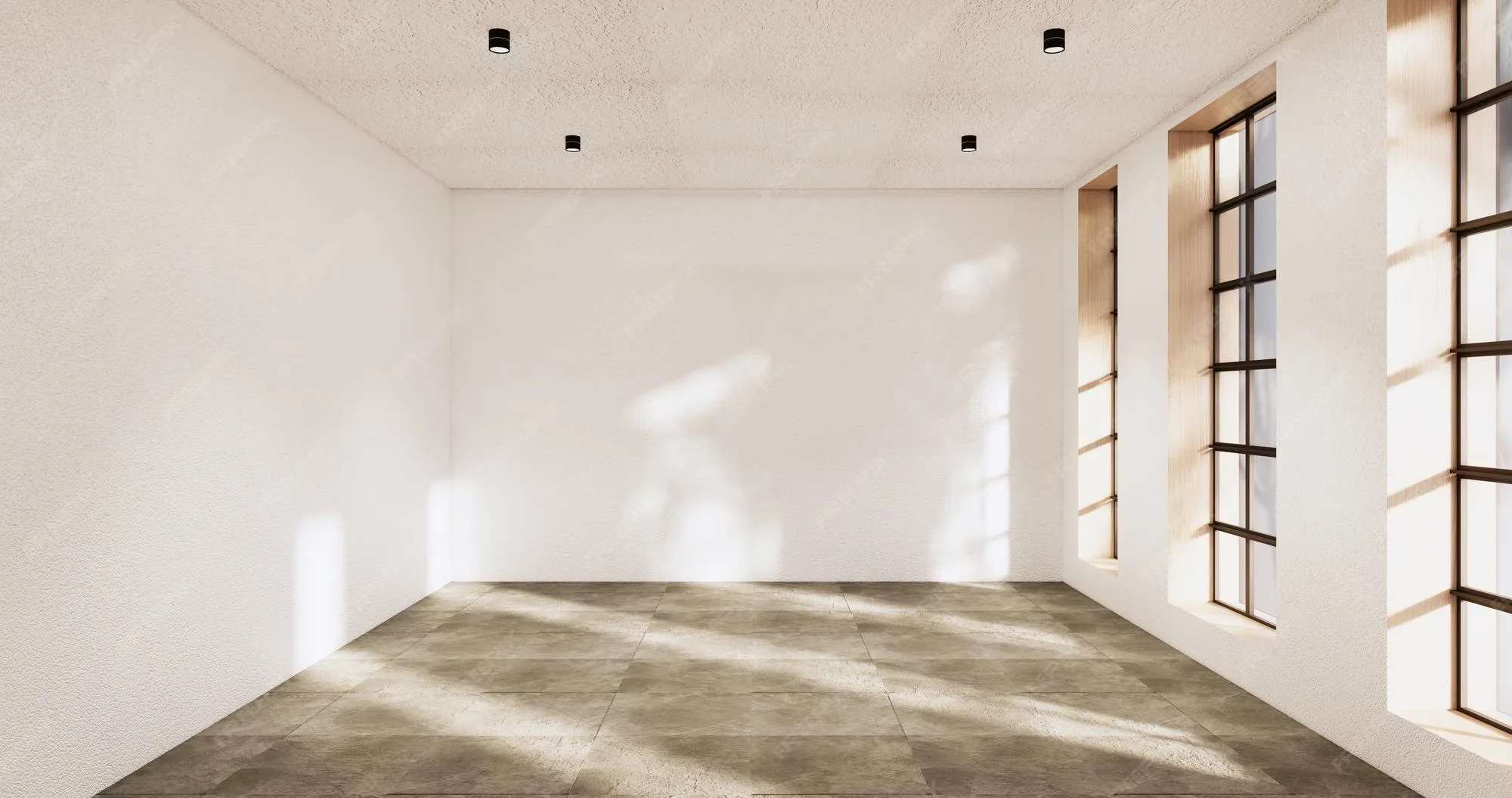
Edit Image
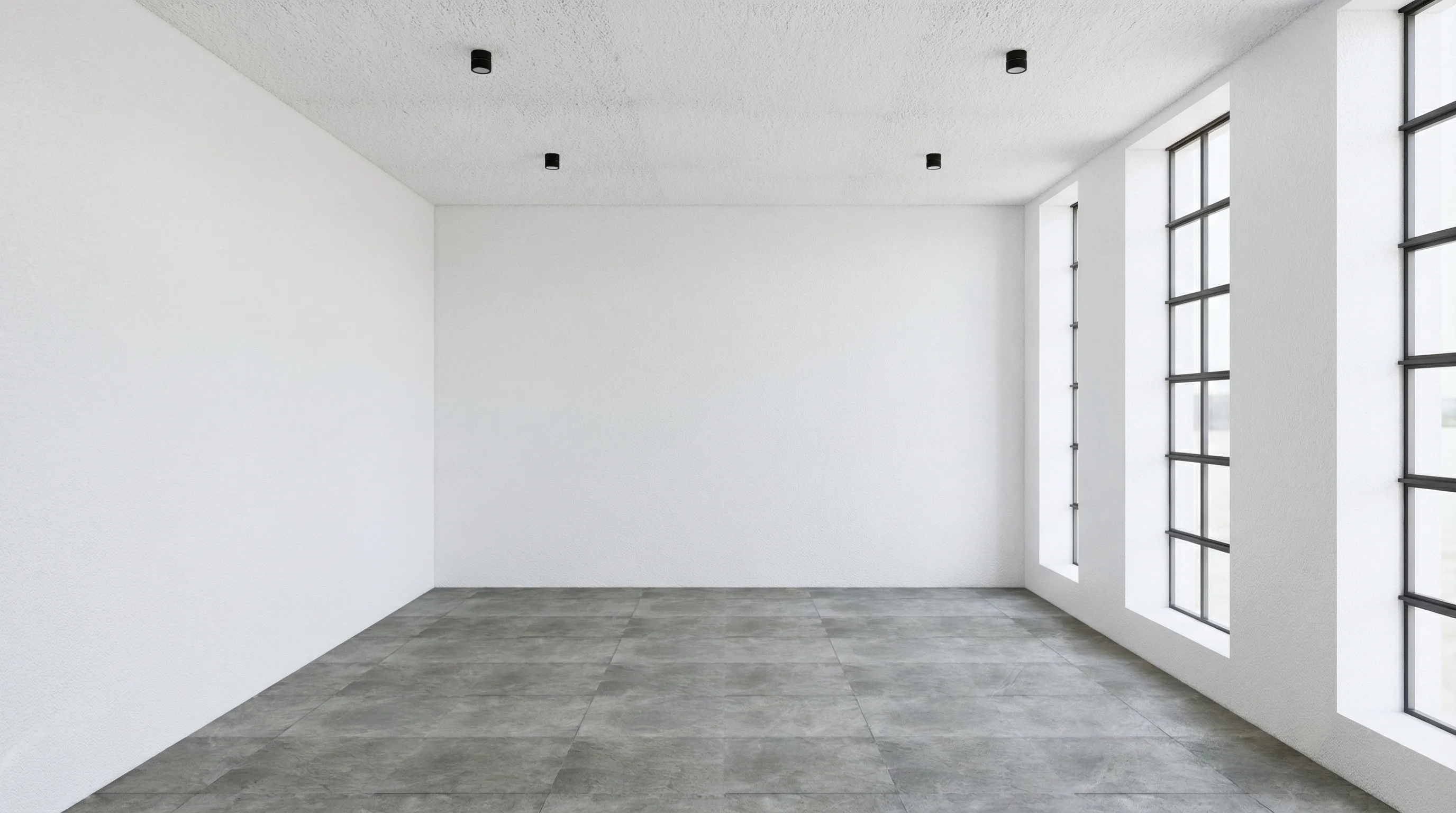
Edit Image
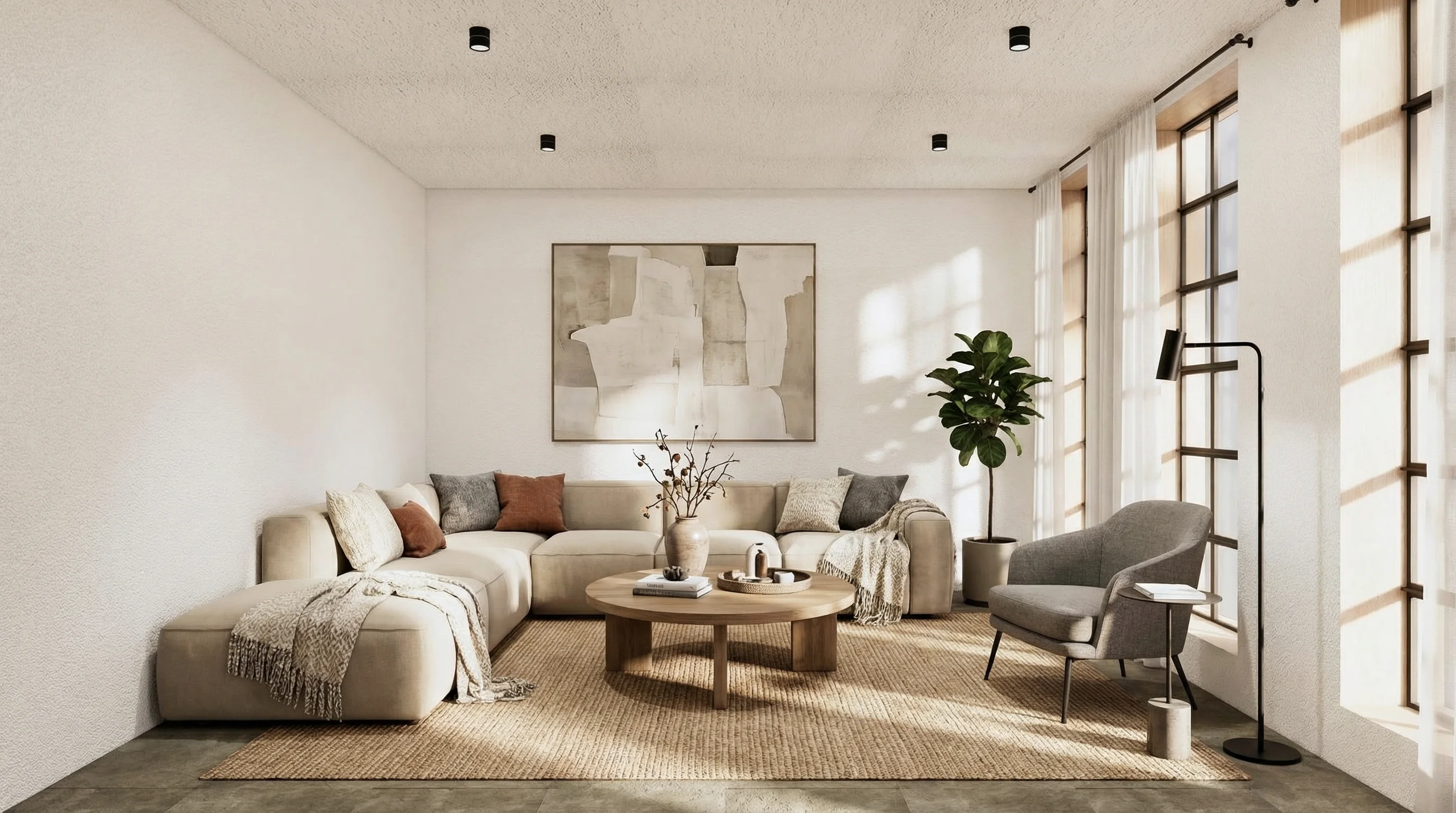
Edit Image
À propos de ce template
Ce template part d’une seule photo de bien immobilier et génère automatiquement trois versions à fort impact, pensées pour les annonces :
1. Une retouche en lumière du jour, claire et nette, à l’exposition équilibrée, aux blancs neutres et au rendu professionnel typique de l’immobilier.
2. Une version aménagée virtuellement, qui ajoute un mobilier et une décoration modernes et réalistes tout en préservant murs, sols et architecture.
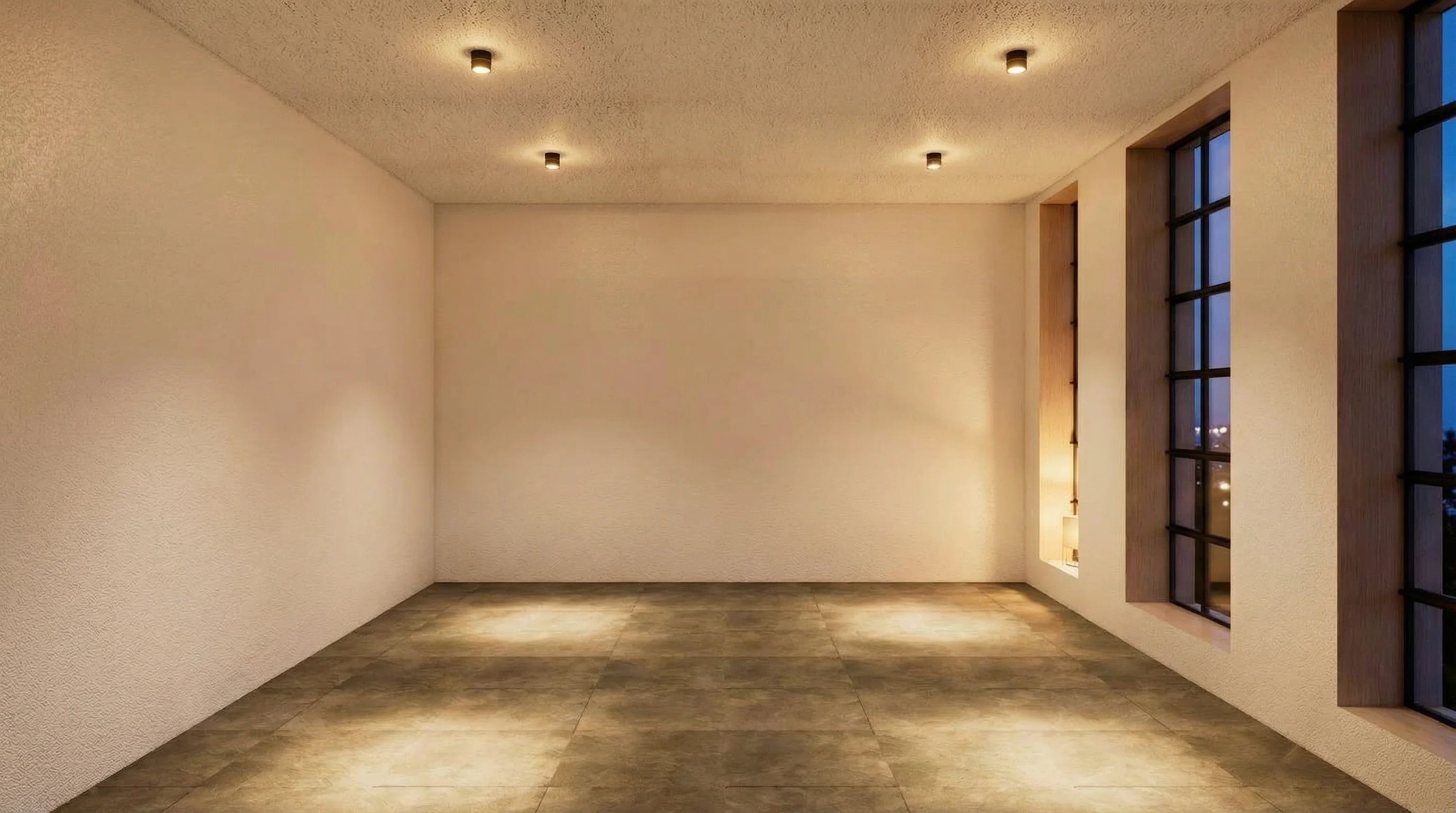
3. Une version chaleureuse en soirée / crépuscule, avec un éclairage intérieur accueillant et une atmosphère cosy haut de gamme.
Vous téléversez simplement une photo du bien une seule fois, et le workflow exécute trois passes de retouche distinctes avec des prompts soigneusement rédigés. Chaque variante conserve l’agencement et la structure de la pièce tout en optimisant l’éclairage, la netteté et la présentation pour les portails, brochures, réseaux sociaux ou annonces de location courte durée. Vous pouvez également personnaliser chaque prompt de retouche pour l’accorder à votre style de marque (luxe, minimaliste, scandinave, etc.) avant de lancer le template.
Comment utiliser ce template
Étape 1 : Importez votre fichier
Dans le nœud « Property Photo », importez le fichier que vous souhaitez traiter.
Étape 2 : Exécutez le workflow
Cliquez sur le bouton « Exécuter » pour lancer le workflow et obtenir le résultat final.
À qui s’adresse ce template ?
Idéal pour les professionnels et les créateurs qui souhaitent simplifier leur workflow
Agents et courtiers immobiliers
Les professionnels qui ont besoin de photos prêtes pour l’annonce rapidement et veulent disposer, pour chaque bien, de versions jour, aménagée et crépuscule cohérentes, sans multiplier les séances photo.
Hôtes de location courte durée et Airbnb
Les hôtes qui souhaitent des photos plus séduisantes et plus cliquables pour Airbnb, Booking et d’autres plateformes, avec des intérieurs clairs et nets et des variantes chaleureuses en soirée.
Équipes marketing immobilier
Agences et équipes internes qui créent brochures, publicités et campagnes sociales et ont besoin de plusieurs rendus photo par bien à partir d’un matériau source limité.
Gestionnaires de biens et promoteurs
Les équipes qui gèrent de nombreux lots ou programmes et cherchent une méthode reproductible pour transformer des photos brutes en visuels marketing soignés et cohérents, à grande échelle.
Prêt à construire ?
Commencez à utiliser ce template
Ouvrez-le directement dans AI-Flow et commencez à créer en quelques minutes
Vous aimerez peut-être aussi
Explorez d’autres templates puissants pour enrichir votre workflow IA

Génération et retouche avec Nano Banana 2.1
Générez et retouchez des images de haute qualité avec Nano Banana 2.1 de Google : meilleur respect du prompt, typographie plus fiable, qualité visuelle renforcée et cohérence multi-tour.

Génération d’images avec GPT Image 2.5 Flare
Générez des images haute fidélité avec GPT Image 2.5 Flare, optimisé pour la typographie réaliste, les écritures multilingues, les mises en page structurées et les formats prêts à imprimer jusqu’en 4K, pour affiches, bandes dessinées, marketing, maquettes UI et réseaux sociaux.

Génération d’images avec GPT Image 2.5 Sunburst
Générez des images haute fidélité avec GPT Image 2.5 Sunburst, optimisé pour la typographie réaliste, les écritures multilingues, les mises en page structurées et les formats prêts à imprimer jusqu’en 4K, pour affiches, bandes dessinées, marketing, maquettes UI et réseaux sociaux.

Générateur IA de photos produit de soin
Transformez une seule image de crème, de sérum ou de pot cosmétique en shooting complet : une grille 2 × 2 et quatre visuels recadrés (plan large, plan moyen, gros plan, angle créatif), porté ou produit seul, pour l'e-commerce beauté, les marketplaces et la publicité.

Générateur IA de photos produit de crème solaire
Transformez une seule image de tube ou de flacon solaire en shooting complet : une grille 2 × 2 et quatre visuels recadrés (plan large, plan moyen, gros plan, angle créatif), porté ou produit seul, pour l'e-commerce beauté, les marketplaces et la publicité.

Générateur IA de mockups de t-shirts
Transformez une seule image de t-shirt en mockups print-on-demand portés : une grille 2 × 2 et quatre visuels recadrés (plan large, plan moyen, gros plan sur l'impression, angle créatif), pour Etsy, Shopify et vos boutiques POD.
Questions fréquentes
Que génère ce template ?
Il part d’une seule photo de bien et crée trois rendus distincts : une amélioration en lumière du jour, une version aménagée virtuellement avec du mobilier moderne, et une version cosy au crépuscule à l’éclairage chaleureux. Les trois sont conçues pour ressembler à des photos d’annonce immobilière professionnelles.
Dois-je téléverser l’image plusieurs fois ?
Non. Vous téléversez la photo du bien une seule fois dans le nœud Photo du bien. Le workflow réutilise cette même image pour les trois passes de retouche, si bien que chaque variante reste cohérente avec la pièce et son agencement d’origine.
Le template modifie-t-il l’agencement ou l’architecture de la pièce ?
Non. Les prompts sont rédigés pour préserver les murs, les sols, les fenêtres et l’architecture générale. Les retouches jour et crépuscule ajustent principalement l’éclairage et la netteté, tandis que la passe d’aménagement virtuel se contente d’ajouter mobilier, décoration et éléments de mise en scène.
Comment fonctionne la variante d’aménagement virtuel ?
Le nœud d’aménagement virtuel ajoute un mobilier réaliste et à l’échelle, des tapis, des luminaires et de la décoration dans des pièces vides ou peu meublées. Il laisse la structure de la pièce inchangée et cherche avant tout à rendre l’espace habitable et attrayant pour les acheteurs ou les locataires.
Puis-je personnaliser le style des retouches ?
Oui. Vous pouvez modifier le texte du prompt dans chaque nœud de retouche d’image. Par exemple, vous pouvez passer le style d’aménagement en scandinave, luxe, industriel ou familial, ou rendre la passe crépusculaire plus spectaculaire ou plus discrète selon votre marché.
Quel type de photo d’entrée fonctionne le mieux ?
Les prises de vue intérieures ou extérieures haute résolution et bien cadrées donnent les meilleurs résultats. Évitez les images très sombres, floues ou fortement déformées. Meilleure est la photo source, plus les trois variantes seront réalistes et propres.
Puis-je n’exécuter qu’une seule des variantes plutôt que les trois ?
Oui. Vous pouvez désactiver ou supprimer n’importe lequel des nœuds de retouche si vous ne souhaitez que la correction en lumière du jour, que l’aménagement virtuel ou que les images au crépuscule. Par défaut, le template est configuré pour produire les trois afin de vous offrir plusieurs options par annonce.
Est-ce adapté au MLS et aux grands portails d’annonces ?
Les rendus sont conçus pour paraître réalistes et professionnels, mais les règles encadrant l’aménagement virtuel et les retouches importantes varient selon les pays, les MLS et les plateformes. Lorsque vous utilisez des images aménagées ou fortement retouchées, le plus sûr est de les signaler comme aménagées virtuellement et de suivre la réglementation locale.
Qu’est-ce qu’AI-FLOW et comment peut-il m’aider ?
AI-FLOW est une plateforme d’IA tout-en-un qui vous permet de créer, d’intégrer et d’automatiser des workflows alimentés par l’IA grâce à une interface intuitive en glisser-déposer. Débutant ou expert, vous pouvez combiner plusieurs modèles d’IA pour créer des solutions innovantes sans écrire de code.
Un essai gratuit est-il disponible ?
Oui, AI-FLOW propose un essai gratuit pour commencer. Vous pouvez ensuite acheter des crédits selon vos besoins, sans abonnement ni engagement à long terme.
Puis-je intégrer mes clés API OpenAI, Replicate et d’autres fournisseurs dans la version Cloud d’AI-FLOW ?
Oui, vous pouvez facilement intégrer vos propres clés API à AI-FLOW. Les nœuds associés utiliseront alors votre clé, ce qui réduit considérablement votre consommation de crédits sur la plateforme.