
AI-Flow
Batch Virtual Try On
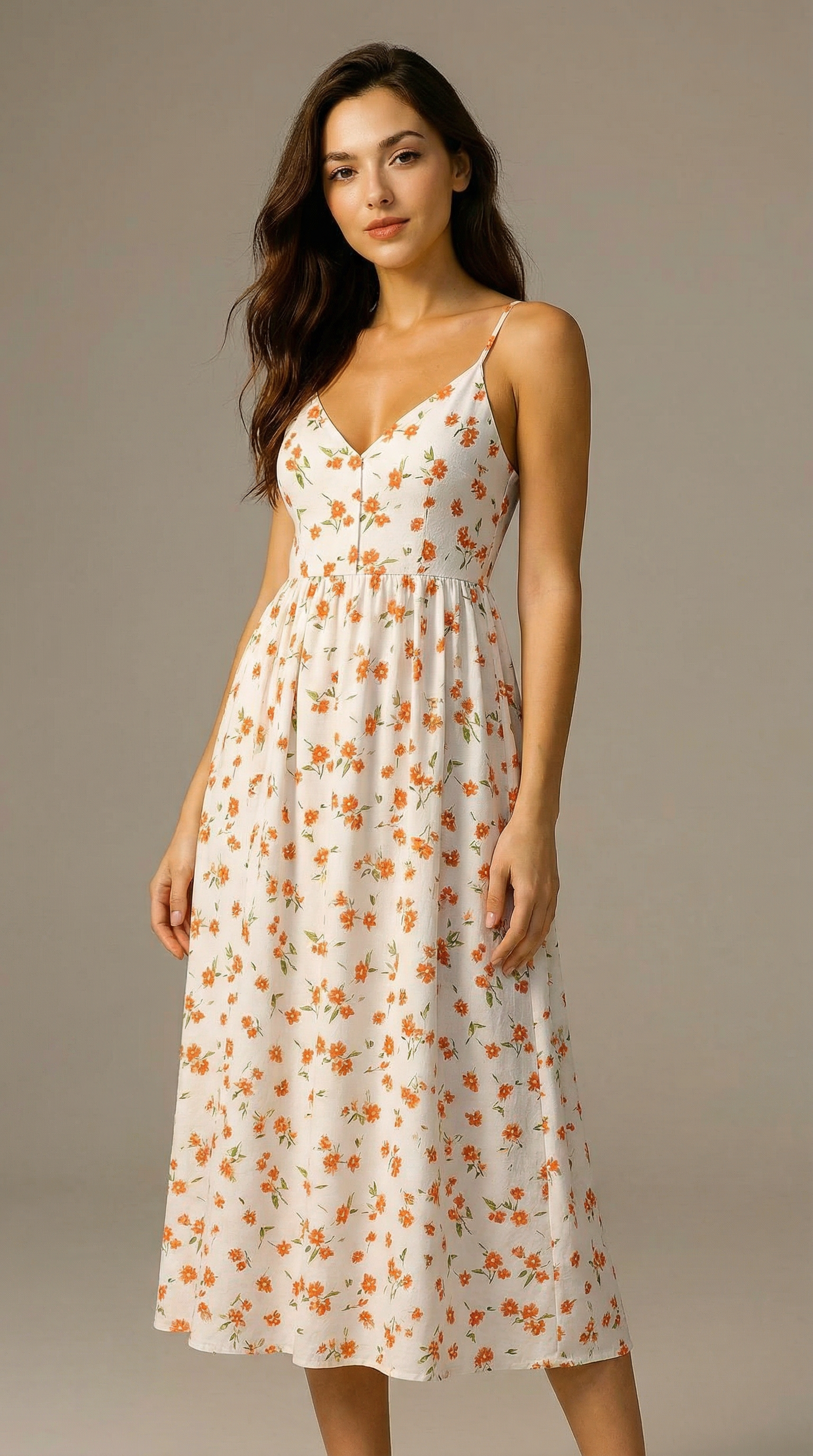
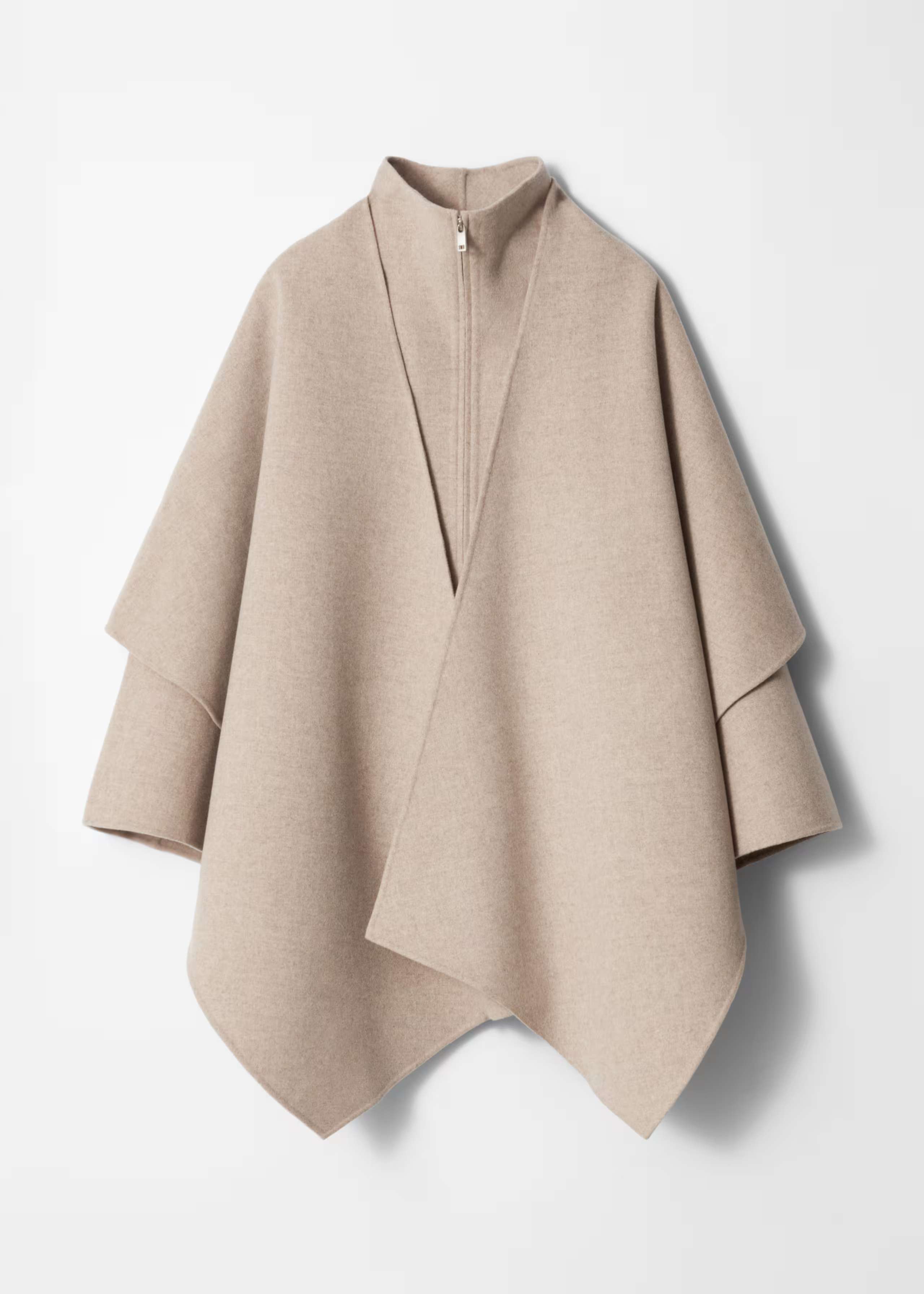
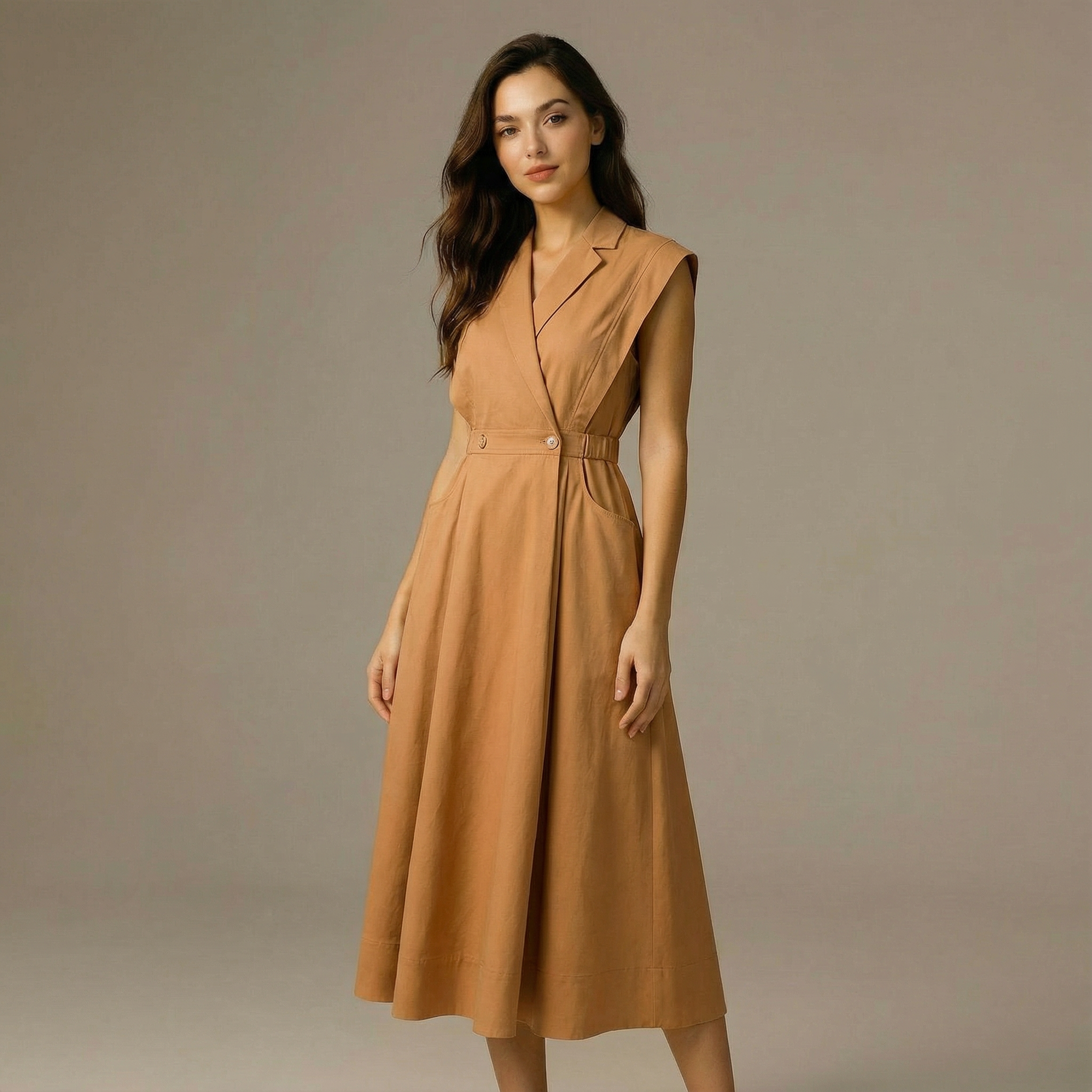
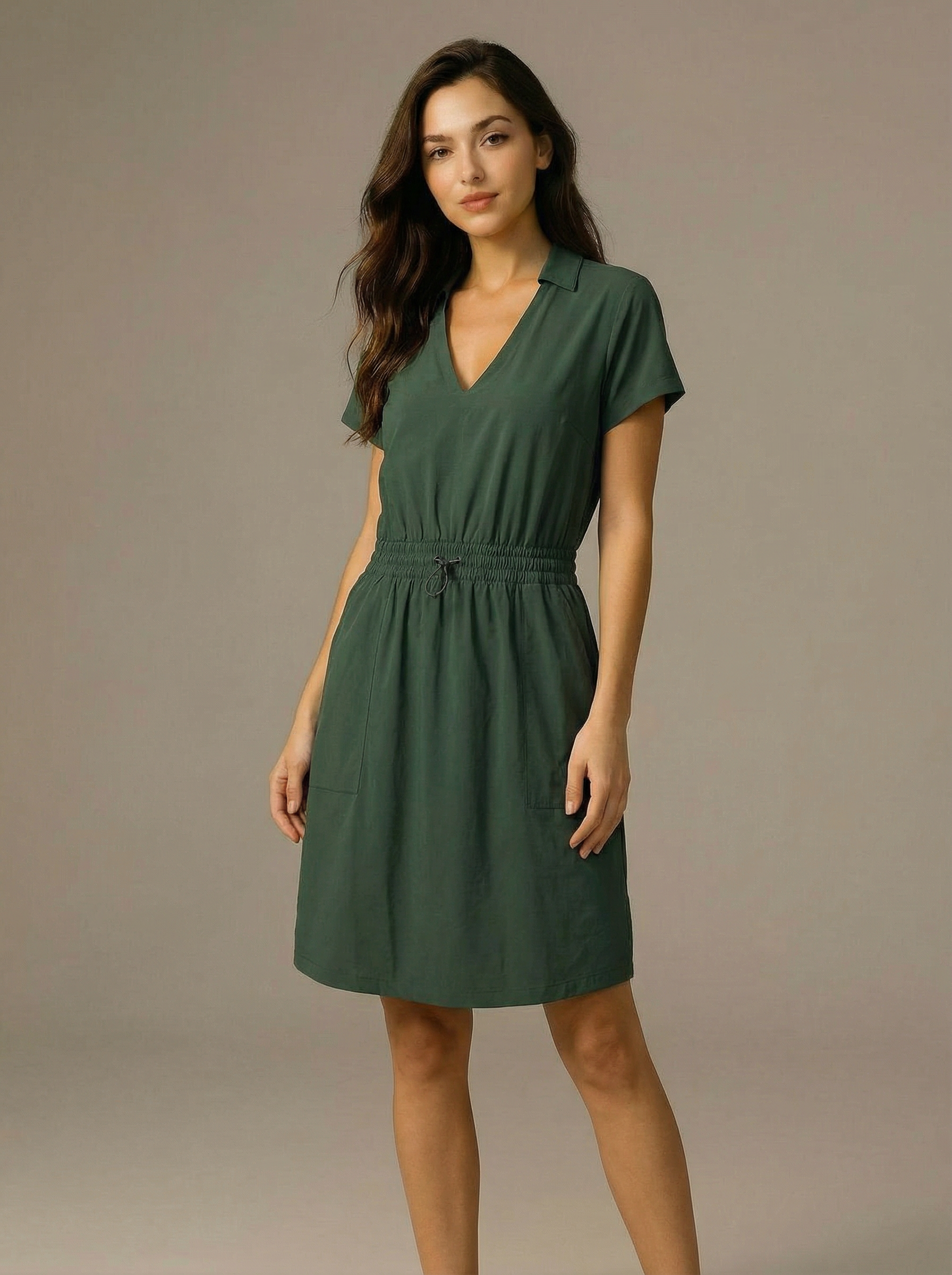
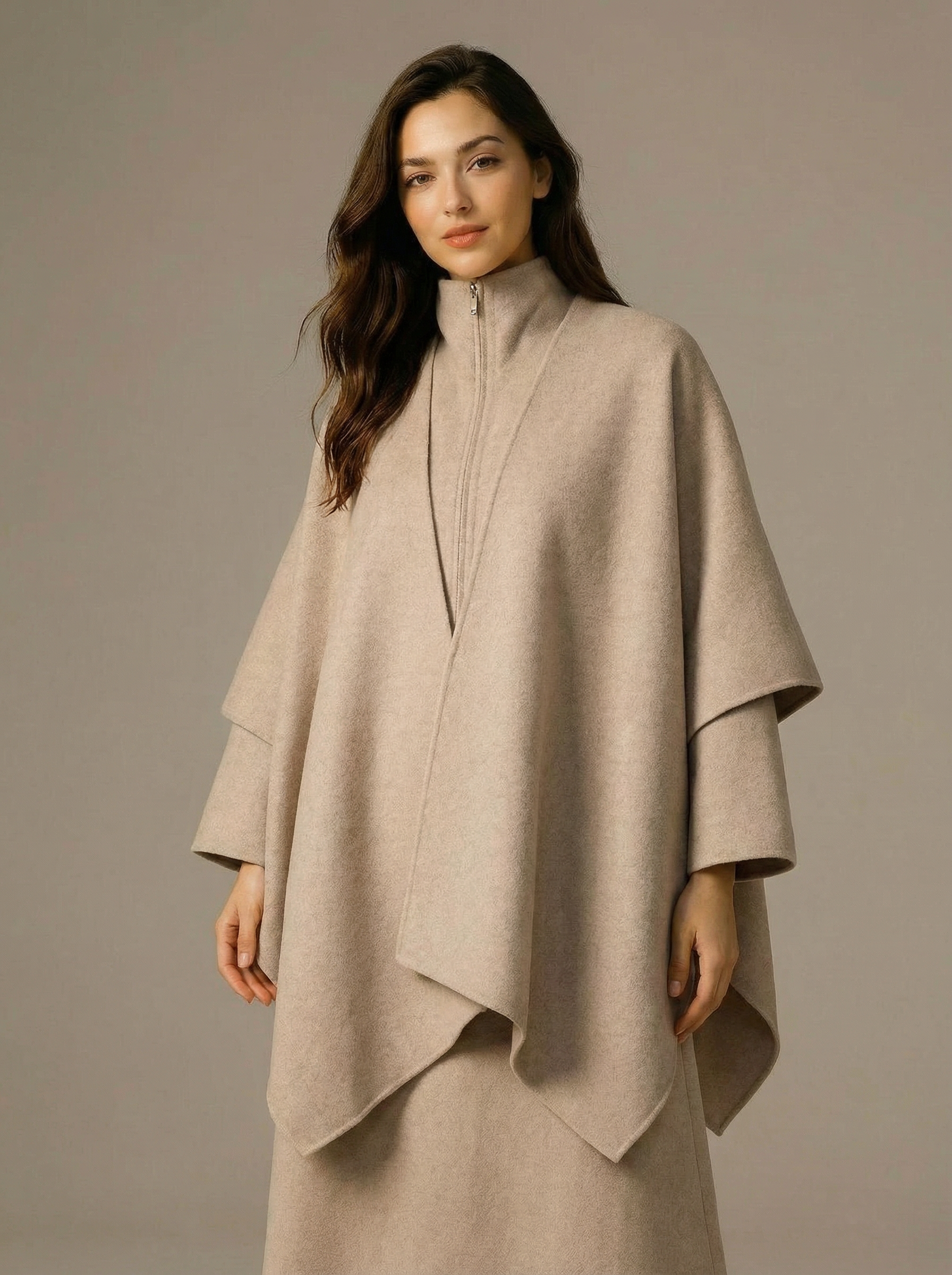
A batch virtual try-on template that takes one subject image and multiple clothing images, generating a separate realistic output for each garment.
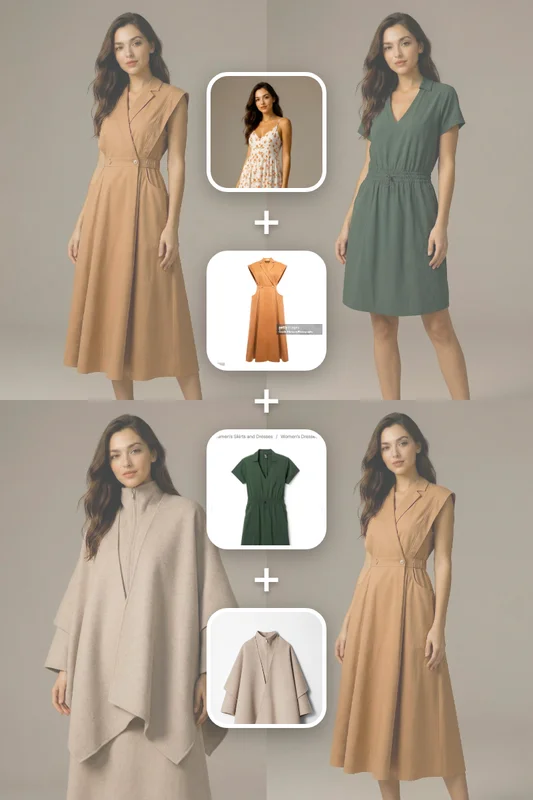
Inputs
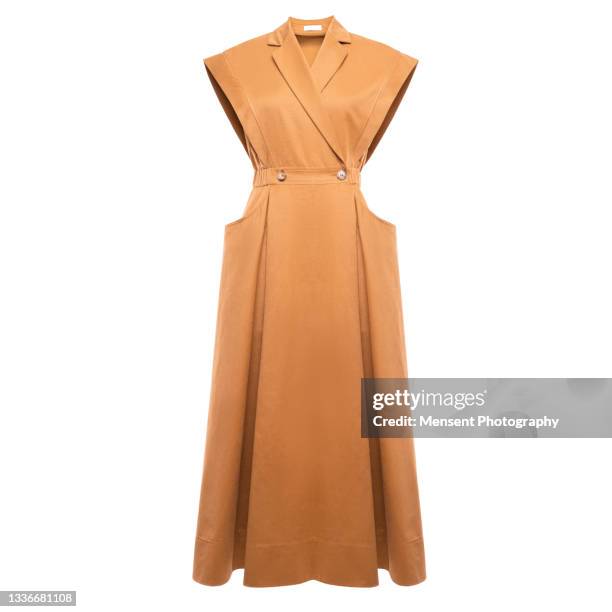
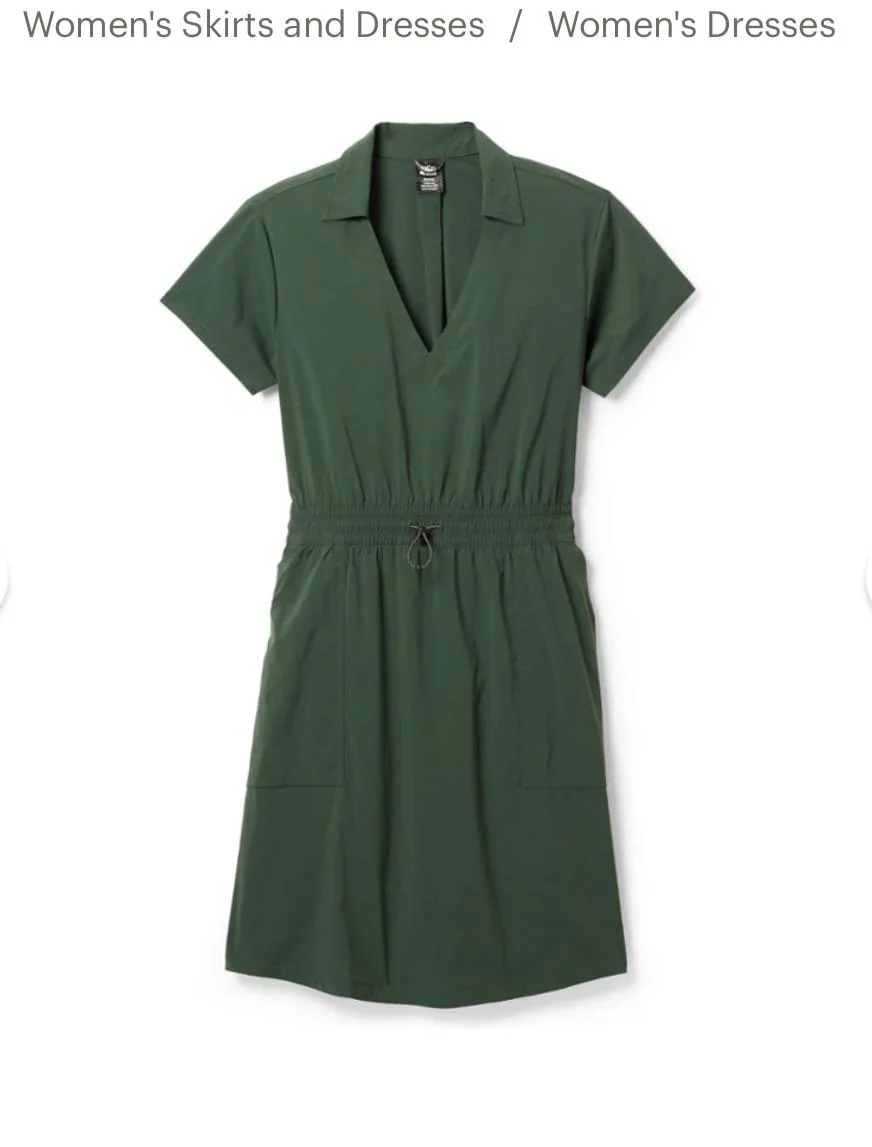
Outputs
About This Template
This template performs high-quality virtual try-on for scenarios where a single subject is paired with multiple clothing items. You provide one subject photo and a list of garment images; the system then produces an individual result for each clothing item. The subject\u2019s pose, body shape, facial expression, hairstyle, and background remain unchanged across all outputs. Each generated image replaces only the outfit with the corresponding garment while preserving proper fit, fabric behavior, lighting consistency, shadow accuracy, and natural integration. The final set of outputs shows the same subject realistically wearing each selected item, one garment per image.
Template Workflow
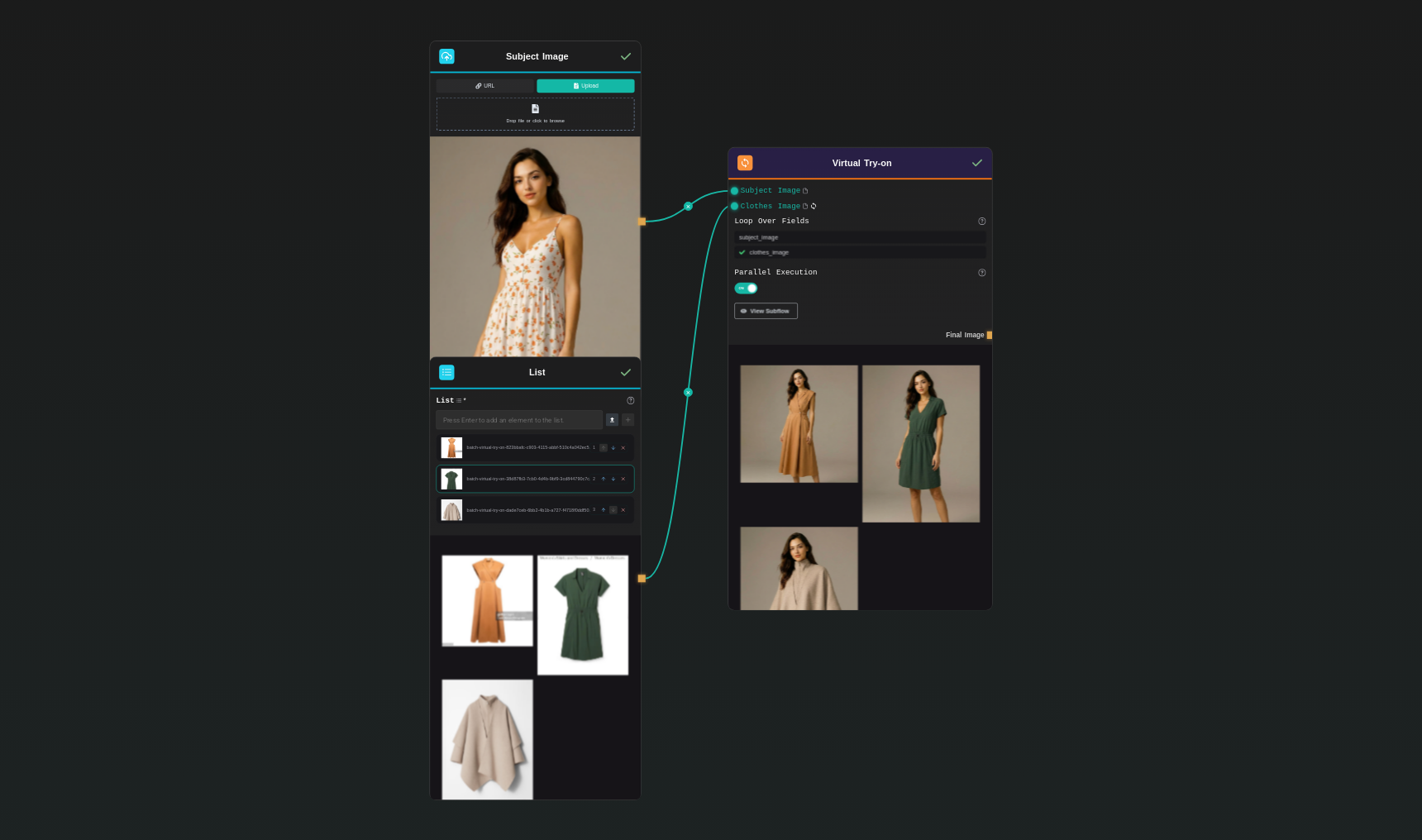
How to Use This Template
Step 1: Upload your file
In the 'Subject Image' node, upload the file you want to process.
Step 2: Upload your files
In the 'List' node, upload the files you want to use in the workflow.
Step 3: Run the Flow
Click the 'Run' button to execute the flow and get the final output.
Who is this for?
Perfect for professionals and creators looking to streamline their workflow
E-commerce sellers
Online clothing stores, marketplaces, and second-hand sellers who want to show how garments look on different people without organizing full photo shoots, boosting conversion rates and reducing returns.
Fashion brands and marketers
Brands, agencies, and marketing teams who need fast, realistic outfit visualizations for campaigns, lookbooks, social content, and A/B testing different styles on the same model.
Content creators and influencers
Creators who want to showcase outfits, plan photoshoots, or present styling ideas quickly without needing to physically wear every garment.
Developers and product designers
Teams building virtual fitting rooms, fashion apps, or AI-driven shopping experiences that require realistic clothing try-on outputs.
You Might Also Like
Explore other powerful templates to enhance your AI workflow
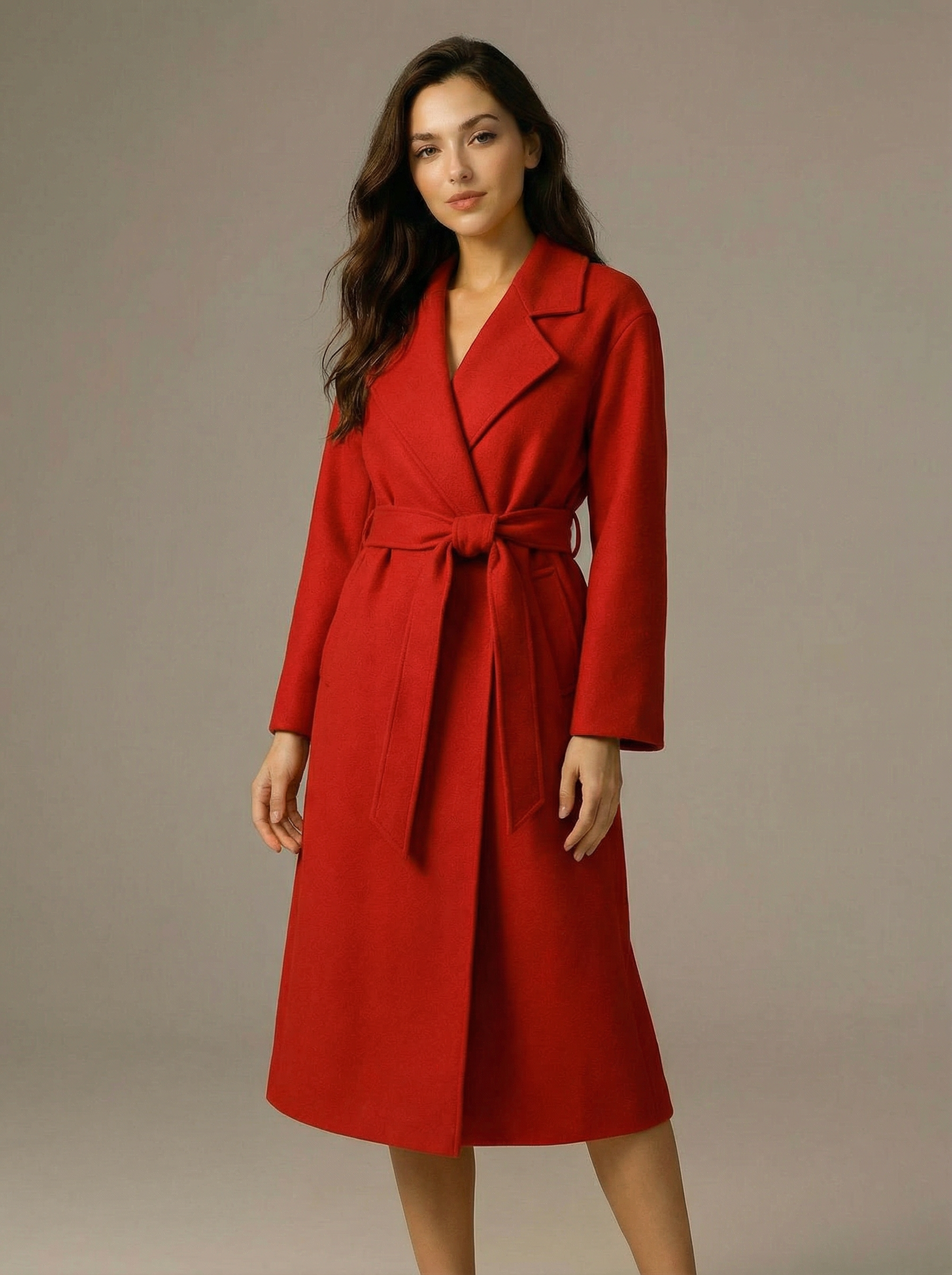
Virtual Try-on
A virtual try-on template that takes a subject image and an outfit image, then generates a realistic photo of the subject wearing the selected clothing.
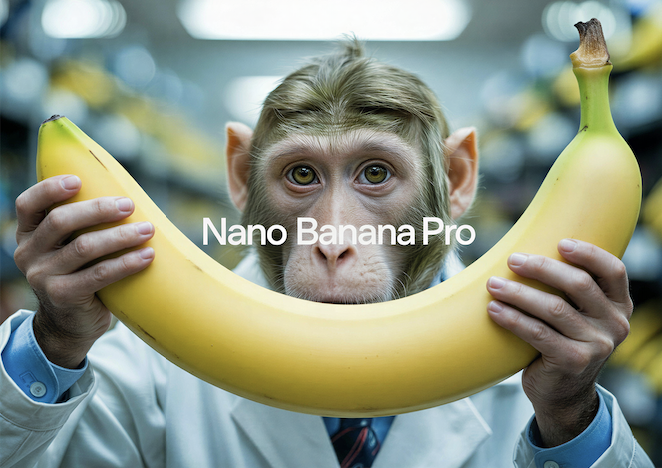
Nano Banana Pro
Generate images from text prompts or reference images using Google's Nano Banana Pro model.
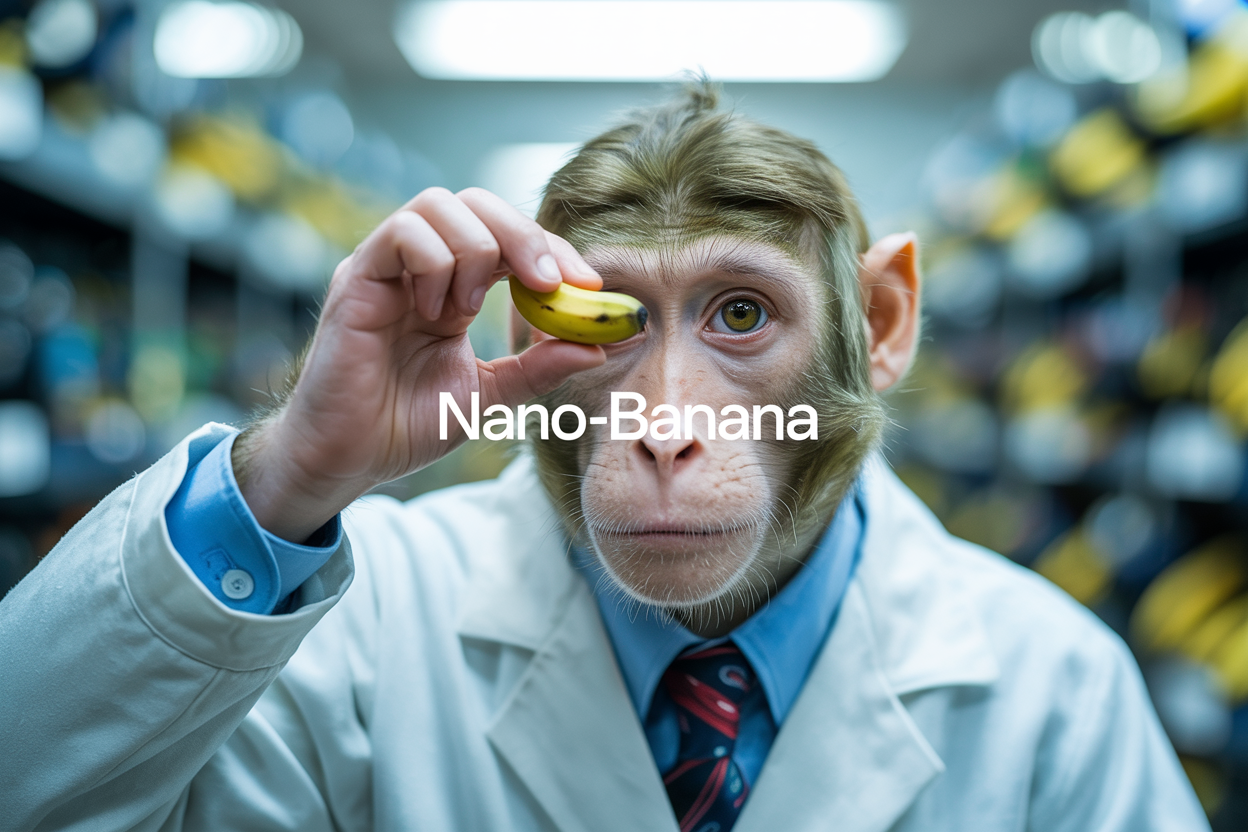
Nano Banana
Google's image editing model in Gemini 2.5
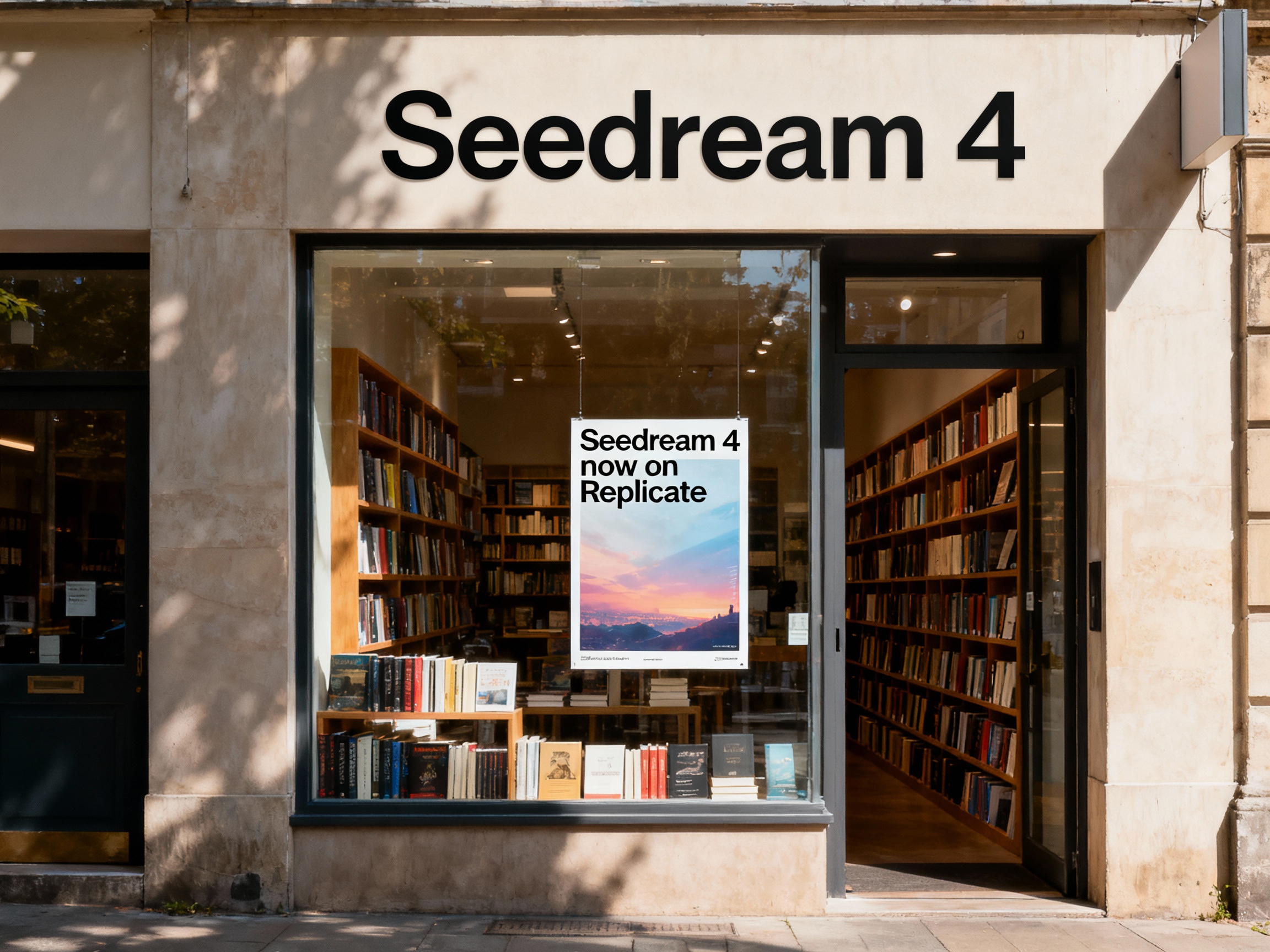
Seedream 4
Unified text-to-image generation and precise single-sentence editing at up to 4K resolution
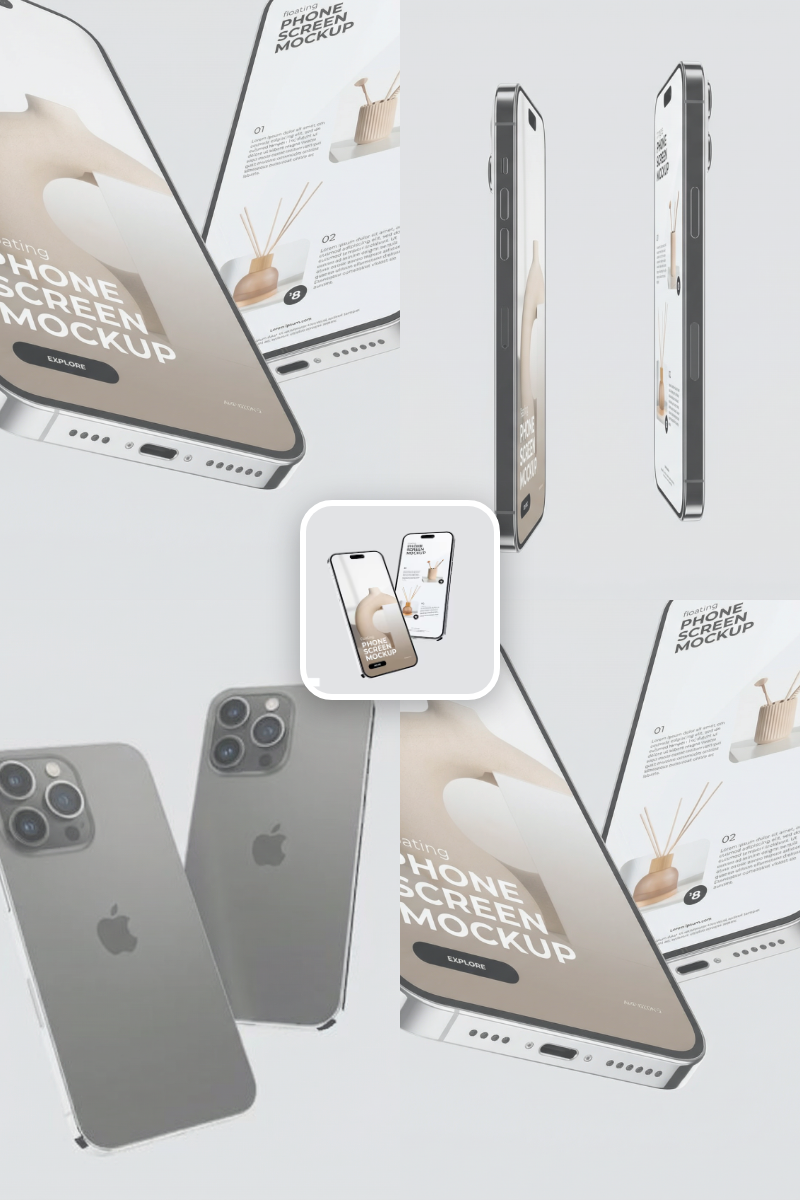
Rotate Viewpoint – Image Set
Rotate viewpoint around the subject.
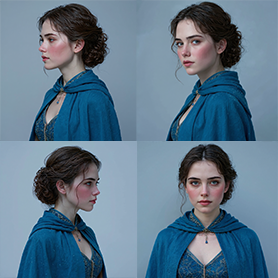
Portrait Series FLUX 1 Kontext
Generate a consistent series of portrait photos from a single image using the FLUX 1 Kontext portrait model.
Frequently Asked Questions
Can I create multiple images simultaneously?
Absolutely. AI-FLOW enables parallel processing, allowing you to generate multiple images at once, greatly speeding up your creative workflow.
What is AI-FLOW and how can it help me?
AI-FLOW is an all-in-one AI platform that allows you to build, integrate, and automate AI-powered workflows using an intuitive drag-and-drop interface. Whether you're a beginner or an expert, you can leverage multiple AI models to create innovative solutions without any coding required.
Is there a free trial available?
Yes, AI-FLOW offers a free trial to get you started. After that, you can purchase credits as needed—no subscription or long-term commitment required.
Can I integrate my API keys from providers like OpenAI and Replicate with AI-FLOW Cloud Version ?
Yes, you can easily integrate your existing API keys with AI-FLOW. If specified, nodes related to the API Key provided will use your API key, significantly reducing your platform credit usage.