
Before During After Transformation Video
Create a before/during/after transformation video from explicit visual anchors. Upload a before image and a target/reference image, generate four transition keyframes, then render the final motion sequence.
Inputs
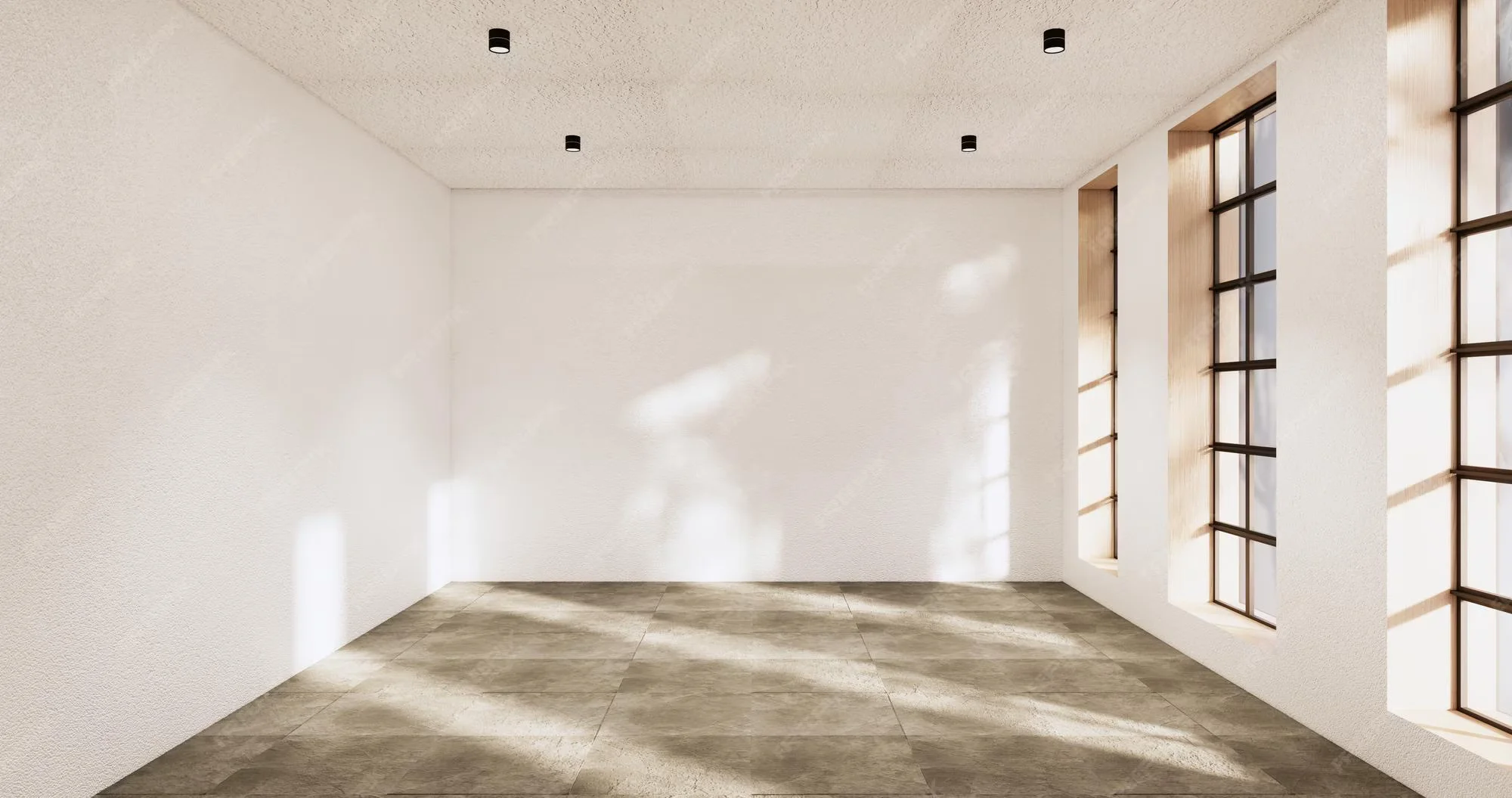
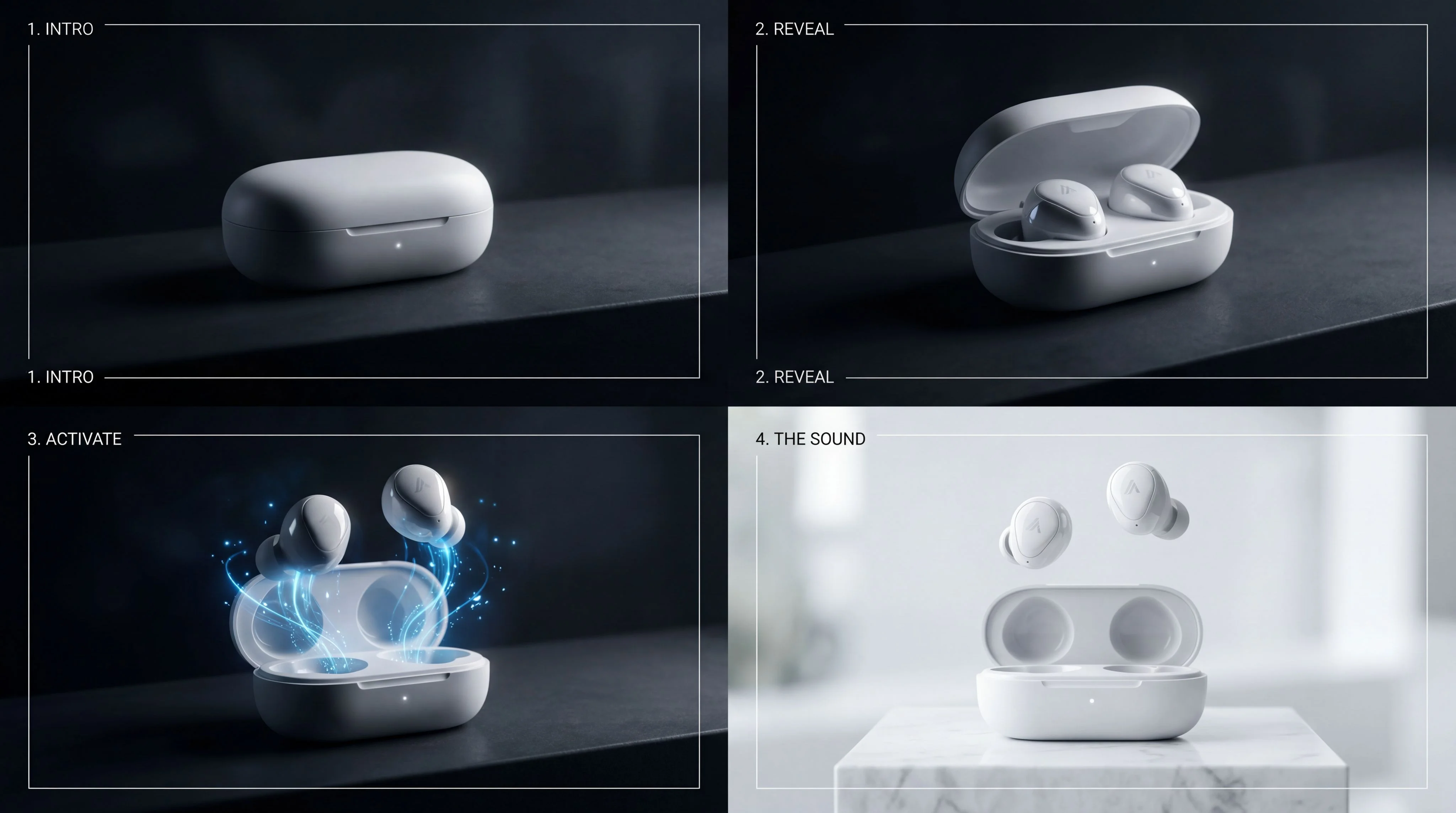
Outputs
About This Template
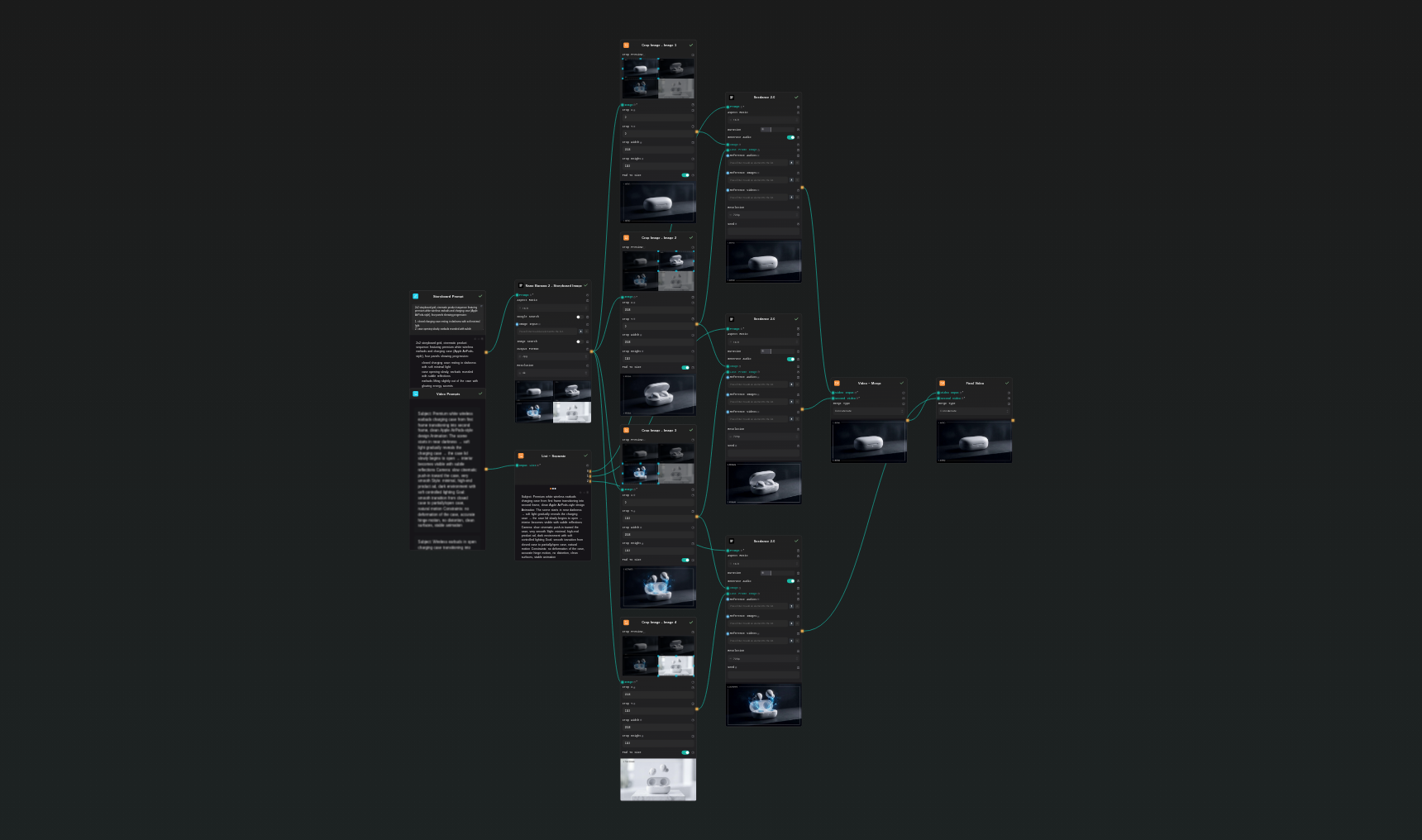
Before During After Transformation Video is a keyframe workflow for showing visible change over time. It creates a four-panel progression, then animates the three transitions so viewers can understand the before state, the transformation process, and the final result. How it works: 1. Describe the before state and the desired after state. 2. Generate a 2x2 keyframe grid showing the progression. 3. Split the grid into four frames. 4. Animate each transition with a focused motion prompt. 5. Merge the segments into one transformation video. Best for interior redesigns, beauty results, product cleaning, restoration, fitness progress, app UI before/after demos, real estate staging, and service businesses that need to show outcome value quickly. Recommended use: keep the camera angle consistent between panels and avoid changes that require impossible geometry. This makes the generated motion smoother and the transformation easier to believe. Workflow difference: this version starts from visual anchors. The Before Image and Target / After Reference are collected into a reference list for keyframe generation, so the model has concrete start and finish guidance before creating the transformation sequence.
Template Workflow
How to Use This Template
Step 1: Enter your text in 'Transformation Direction' Node
Fill the 'Transformation Direction' node with the required text.
Create a 2x2 keyframe grid using the provided references:

Use [Image1] as the exact BEFORE state.
Use [Image2] as the target visual direction for the AFTER state.

Four panels:
1. before state, matching Image1 closely
2. early transformation, the space or subject starts improving while keeping the same camera angle
3. after state, clearly transformed toward Image2 while preserving believable continuity
4. final proof shot, polished and stable, ready for an ad or case-study video

Keep the same core subject, camera logic, and spatial layout across all panels. Show a believable progression, not a sudden replacement. No impossible geometry changes, no warped objects, no flicker-prone clutter.
Step 2: Upload your file
In the 'Before Image' node, upload the file you want to process.
Step 3: Upload your file
In the 'Target / After Reference' node, upload the file you want to process.
Step 4: Run the Flow
Click the 'Run' button to execute the flow and get the final output.
Who is this for?
Perfect for professionals and creators looking to streamline their workflow
Service businesses
Show a clear before and after result for cleaning, renovation, design, or improvement offers.
Beauty and wellness marketers
Turn visible transformations into short social ads and landing-page videos.
Interior designers and real estate teams
Present staging, redesign, and room improvement concepts with cinematic movement.
Product teams
Show app, dashboard, or workflow improvements as a simple visual transformation.
Ready to build?
Start using this template
Open it directly in AI-Flow and start creating in minutes
You Might Also Like
Explore other powerful templates to enhance your AI workflow
Kling V2.6
Kling V2.6 is a pro-grade AI video generator that turns text or a single image into cinematic 1080p clips with fluid motion and native, synchronized audio (dialogue, ambience, and effects).
UGC Ad Creation Workflow – From Script to Video
End-to-end UGC ad builder that turns a subject photo, a product photo, and an optional script into a ready-to-run first-frame image and an 8s vertical video with voice and natural handheld motion.
Generate realistic lipsync animations from audio
Generate realistic lip‑sync animations from any audio track. PixVerse Lipsync aligns mouth movements to the speech with natural timing and expressions.
Kling V2.5 Turbo Pro
Kling 2.5 Turbo Pro: Unlock pro-level text-to-video and image-to-video creation with smooth motion, cinematic depth, and remarkable prompt adherence.
Sora 2
Latest version of Sora, with higher-fidelity video, context-aware audio, reference image support
Veo 3.1
New and improved version of Veo 3, with higher-fidelity video, context-aware audio, reference image and last frame support
Frequently Asked Questions
What does this template create?
It creates a short transformation video from four keyframes: before, early transition, after, and final proof shot.
What works best?
Use transformations where the camera angle and core subject stay consistent while the condition, styling, or arrangement changes.
Can I use it outside interiors?
Yes. The same structure works for beauty, fitness, restoration, app UI improvements, product cleanup, and other before/after stories.
What is the expected cost?
The default flow uses one storyboard image plus three short Seedance video generations. A typical 720p run is roughly in the 160-260 credit range depending on settings.
How do I avoid weird results?
Ask for stable geometry, consistent camera angle, and believable transitions. Avoid prompts where the whole scene becomes a completely different place.
What is AI-FLOW and how can it help me?
AI-FLOW is an all-in-one AI platform that allows you to build, integrate, and automate AI-powered workflows using an intuitive drag-and-drop interface. Whether you're a beginner or an expert, you can leverage multiple AI models to create innovative solutions without any coding required.
Is there a free trial available?
Yes, AI-FLOW offers a free trial to get you started. After that, you can purchase credits as needed—no subscription or long-term commitment required.
Can I integrate my API keys from providers like OpenAI and Replicate with AI-FLOW Cloud Version ?
Yes, you can easily integrate your existing API keys with AI-FLOW. If specified, nodes related to the API Key provided will use your API key, significantly reducing your platform credit usage.