
AI-Flow
Book Cover Creator
Automatically generates book covers from a simple blurb and title. Produces a clean illustration, then adds the title with professional typography.

About This Template
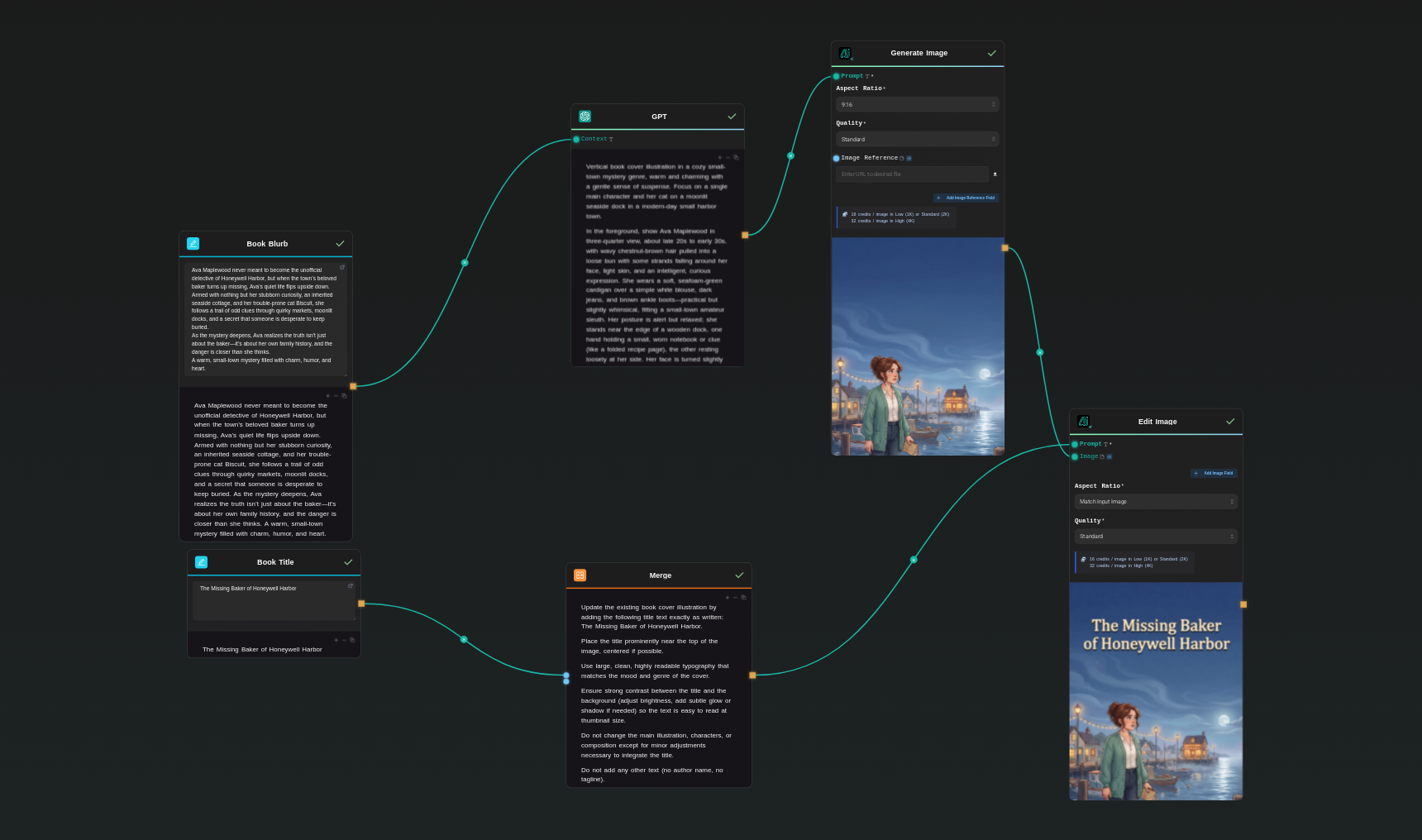
This template transforms a book blurb and title into a complete, polished book cover. It uses a two-stage AI process designed to give authors clean, professional cover art without design skills. First, the system analyzes the book blurb and extracts genre, tone, setting, and key visual elements. It then generates a detailed illustration prompt specifically formatted for vertical 9:16 cover art suitable for Amazon thumbnails and print trim sizes. The AI creates a high-quality cover image with no text, leaving intentional space for top-positioned typography. Next, the workflow merges the user’s title and applies it to the existing illustration using an image-editing model. The title is integrated with strong contrast, clean layout, and genre-appropriate style while preserving the underlying art. The final result is a cohesive cover that looks professionally designed and is ready for KDP upload. This system is ideal for self-publishers, indie authors, and KDP creators who want fast, consistent, market-viable covers with minimal effort.
Template Workflow
How to Use This Template
Step 1: Enter your text in 'Book Blurb' Node
Fill the 'Book Blurb' node with the required text.
Ava Maplewood never meant to become the unofficial detective of Honeywell Harbor, but when the town’s beloved baker turns up missing, Ava’s quiet life flips upside down. Armed with nothing but her stubborn curiosity, an inherited seaside cottage, and her trouble-prone cat Biscuit, she follows a trail of odd clues through quirky markets, moonlit docks, and a secret that someone is desperate to keep buried.
As the mystery deepens, Ava realizes the truth isn’t just about the baker—it’s about her own family history, and the danger is closer than she thinks.
A warm, small-town mystery filled with charm, humor, and heart.
Step 2: Enter your text in 'Book Title' Node
Fill the 'Book Title' node with the required text.
The Missing Baker of Honeywell Harbor
Step 3: Run the Flow
Click the 'Run' button to execute the flow and get the final output.


Who is this for?
Perfect for professionals and creators looking to streamline their workflow
Self-published authors and KDP creators
Writers who need fast, attractive, and genre-accurate book covers without hiring a designer or learning complex software.
Publishers and indie presses
Small publishing teams that want to streamline cover production, test multiple concepts rapidly, and maintain visual consistency across titles.
Cover designers and freelancers
Designers who want a powerful illustration generator to speed up ideation, prototyping, and final artwork creation while keeping creative control.
Content creators and marketers
Creators producing book-related content—promos, mockups, ads, or social visuals—who need quick, polished cover art for campaigns.
You Might Also Like
Explore other powerful templates to enhance your AI workflow
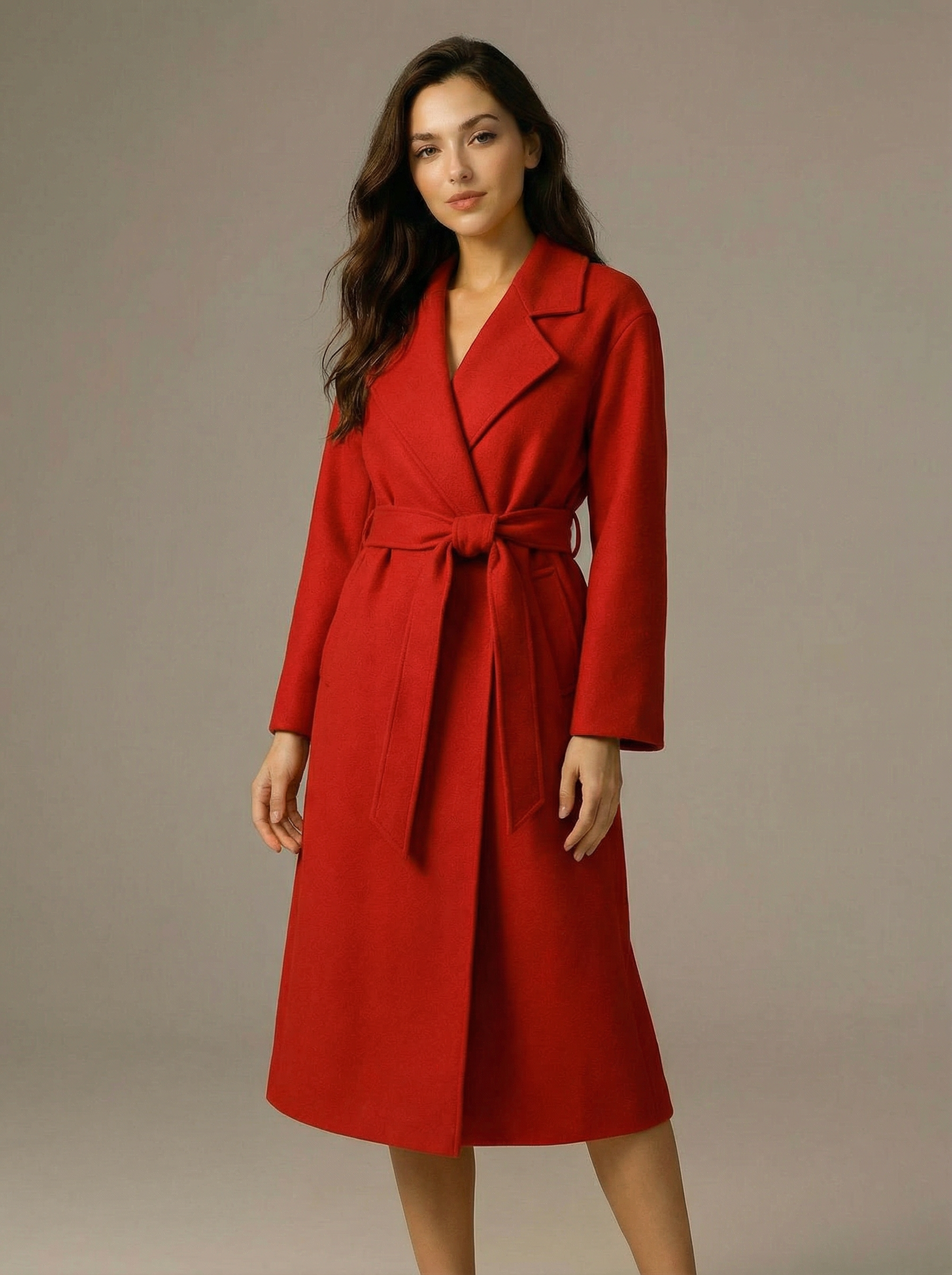
Virtual Try-on
A virtual try-on template that takes a subject image and an outfit image, then generates a realistic photo of the subject wearing the selected clothing.
Nano Banana Pro
Generate images from text prompts or reference images using Google's Nano Banana Pro model.

Nano Banana
Google's image editing model in Gemini 2.5
Seedream 4
Unified text-to-image generation and precise single-sentence editing at up to 4K resolution
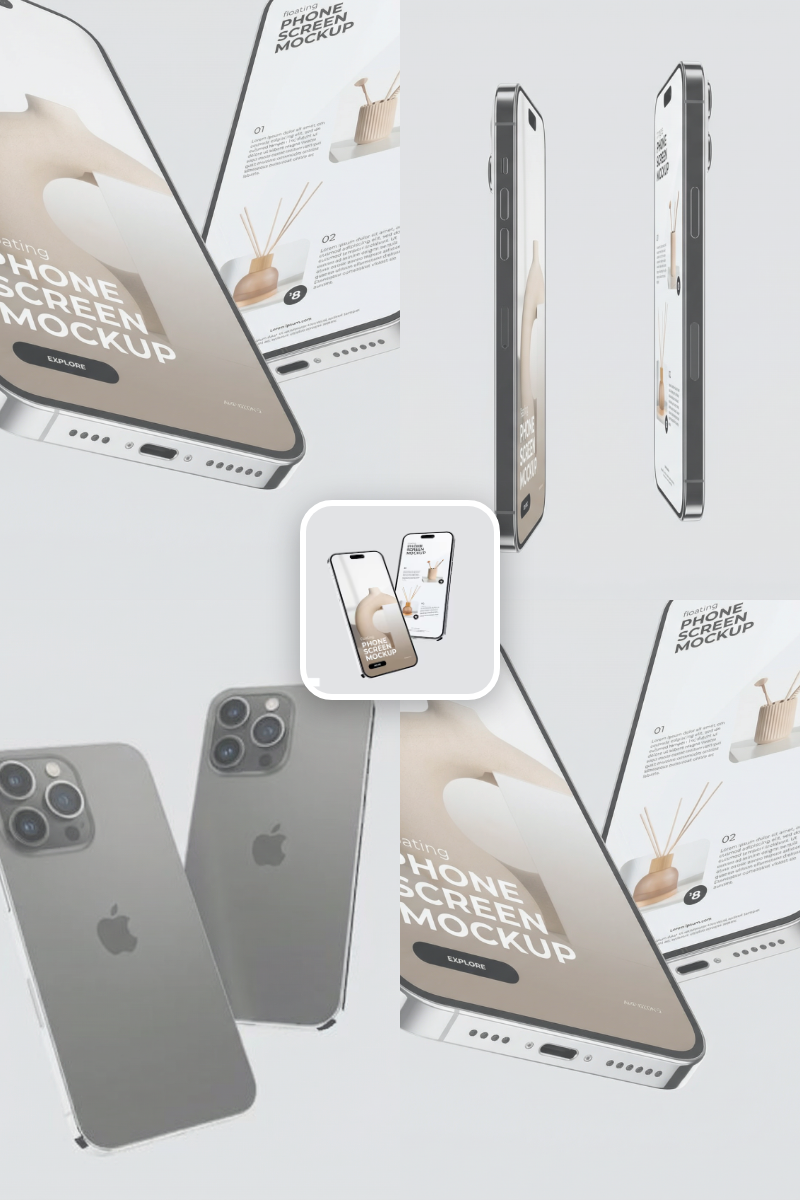
Rotate Viewpoint – Image Set
Rotate viewpoint around the subject.
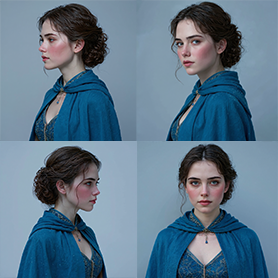
Portrait Series FLUX 1 Kontext
Generate a consistent series of portrait photos from a single image using the FLUX 1 Kontext portrait model.
Frequently Asked Questions
Can I customize the template ?
Yes, you can modify the prompt templates, adjust model settings, select others AI models and tweak the workflow to better suit your specific needs or preferences.
Can I generate a complete book cover from just a blurb and a title?
Yes. The workflow automatically turns your blurb into a detailed illustration prompt, generates the cover art, and then adds your title with clean, professional typography.
Will the AI include text inside the illustration?
No. The first stage generates artwork without any text. The second stage applies your title separately to avoid distortion and keep readability high.
Can I use this for any genre?
Absolutely. The prompt engine adapts to your blurb and infers genre, mood, setting, and character details to create a genre-appropriate cover illustration.
Can I regenerate variations quickly?
Yes. You can iterate as much as you like—adjusting the blurb, changing the title, or modifying the final prompt to explore alternative visual styles.
What is AI-FLOW and how can it help me?
AI-FLOW is an all-in-one AI platform that allows you to build, integrate, and automate AI-powered workflows using an intuitive drag-and-drop interface. Whether you're a beginner or an expert, you can leverage multiple AI models to create innovative solutions without any coding required.
Is there a free trial available?
Yes, AI-FLOW offers a free trial to get you started. After that, you can purchase credits as needed—no subscription or long-term commitment required.
Can I integrate my API keys from providers like OpenAI and Replicate with AI-FLOW Cloud Version ?
Yes, you can easily integrate your existing API keys with AI-FLOW. If specified, nodes related to the API Key provided will use your API key, significantly reducing your platform credit usage.