
AI-Flow
Concept Art Design Exploration Generator
Turn one reference image into multiple, production-ready concept art directions with AI-generated prompts and images.
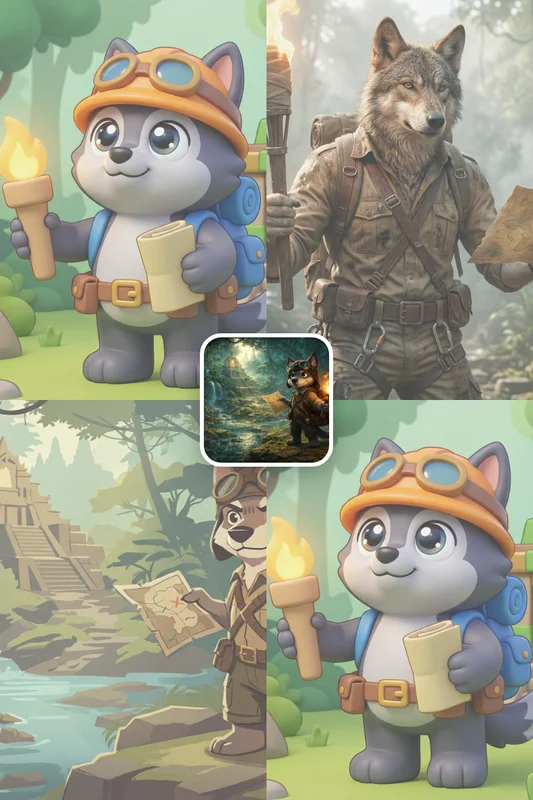
Input
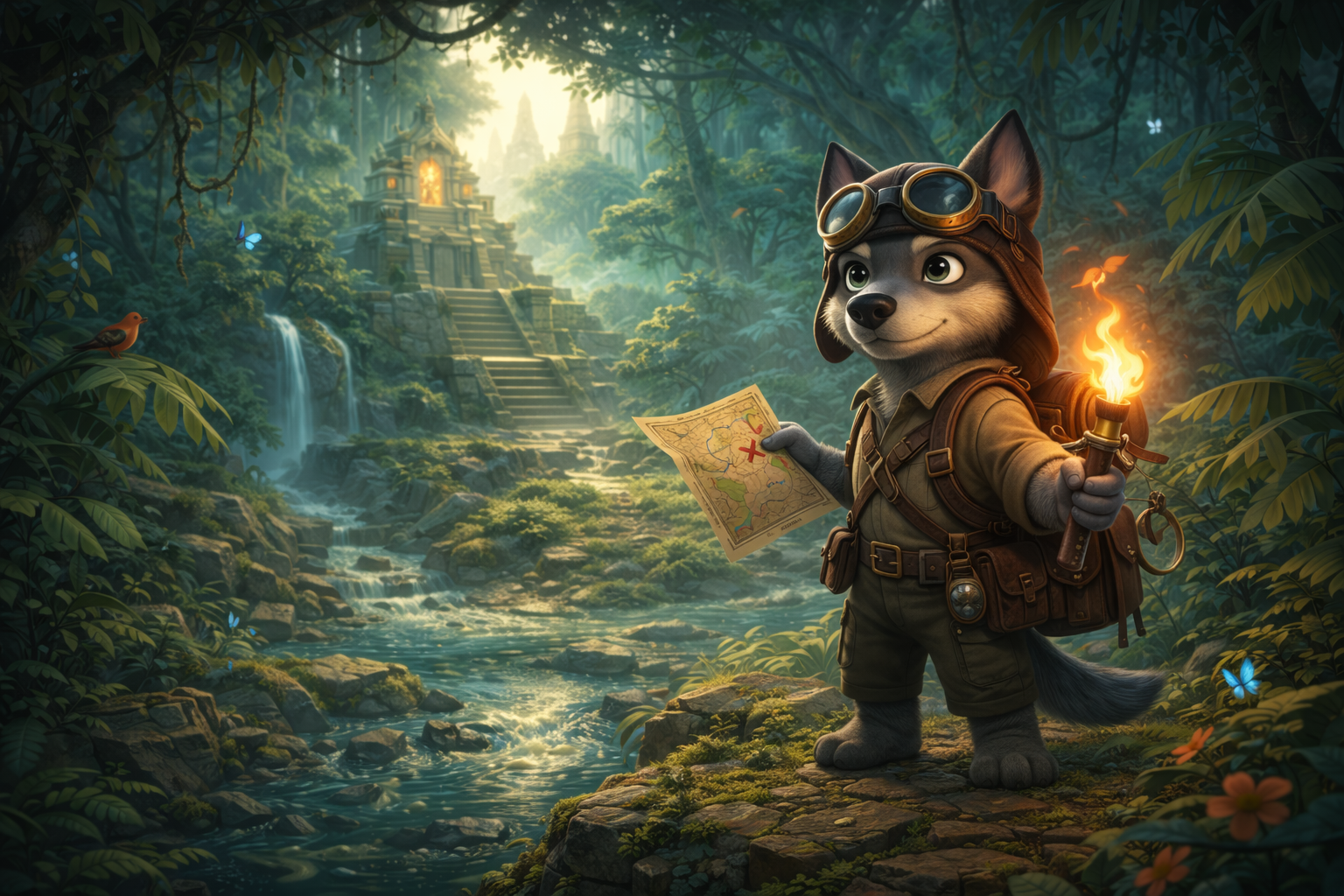
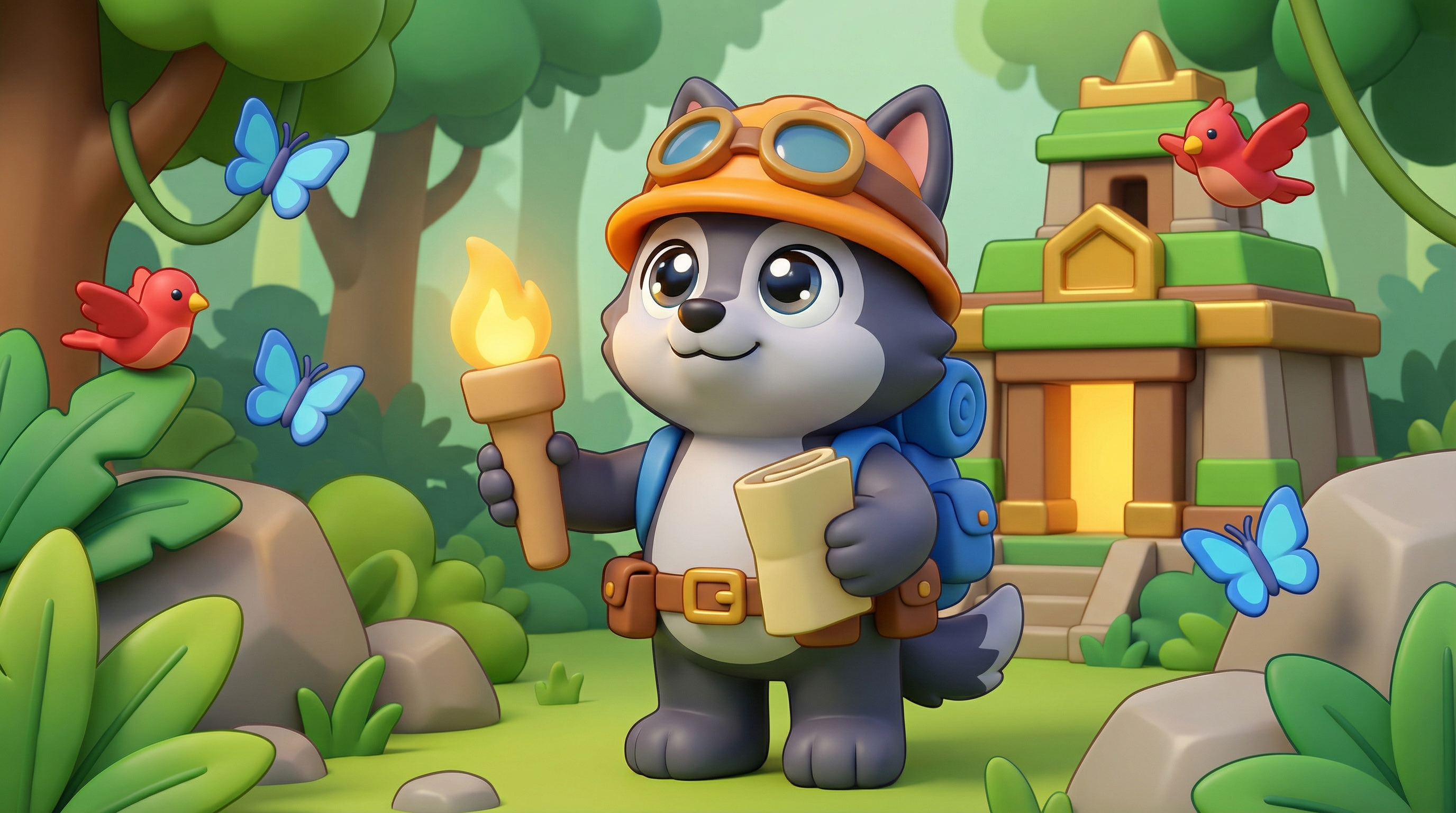
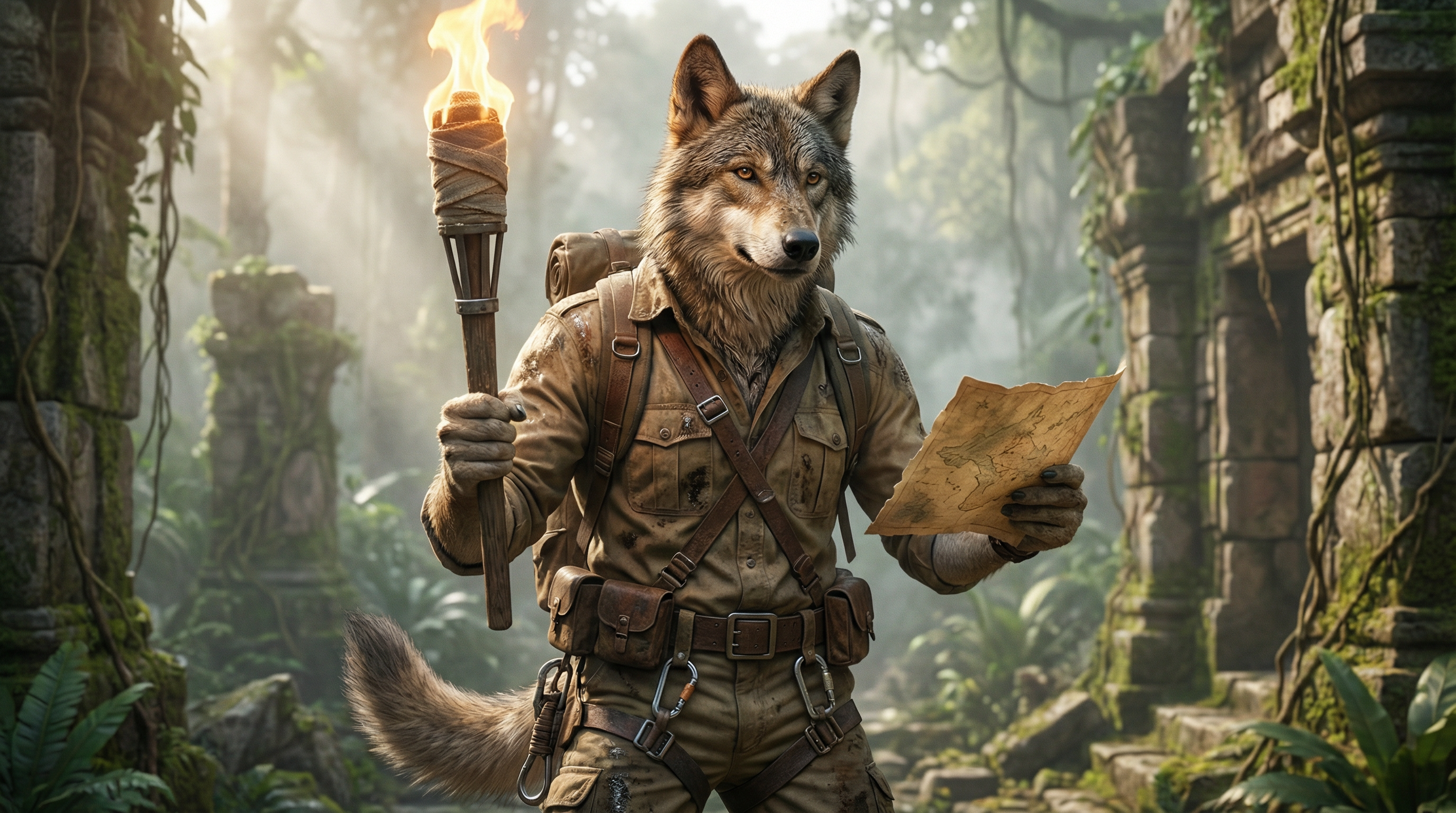
Outputs
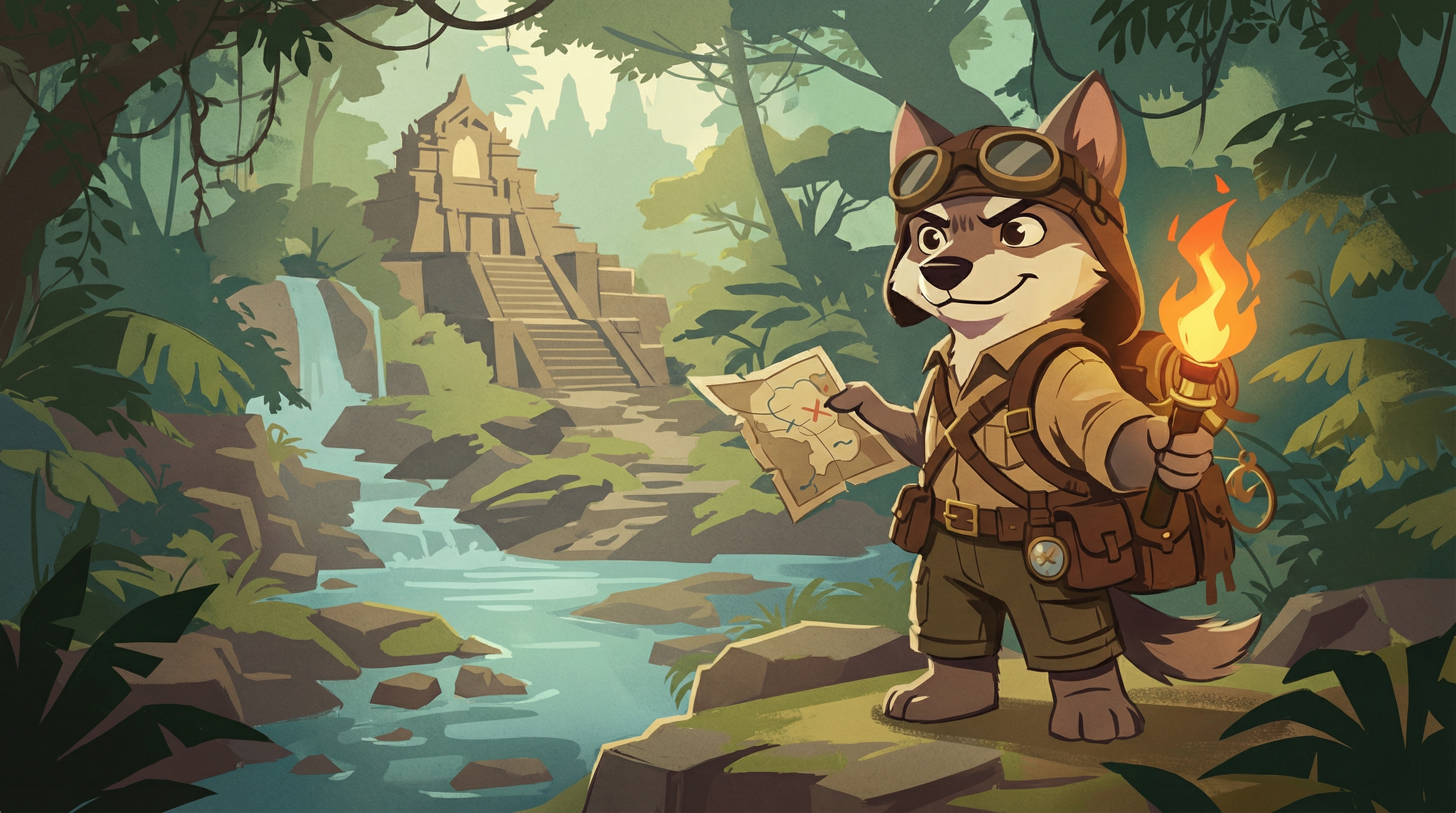
About This Template
Concept Art Design Exploration Generator transforms a single reference image into three distinct creative directions, each guided by a clear design intent. The system writes self-contained concept prompts that keep the subject’s identity and world intact while exploring meaningful variation in shape language, materials, and level of realism. It then generates corresponding images, giving you side-by-side style options for fast comparison and decision-making. Built for visual development, pre-production, and pitching, this template produces variations such as toyetic 3D, grounded cinematic realism, or graphic 2D illustration—without changing the subject’s function, adding new story beats, or relying on camera tricks. You’ll get concise prompts tailored for image generation, consistent with your original reference, and ready to iterate. Workflow highlights: - Upload one or more reference images - Auto-generate three alternative prompts that preserve core genre and world logic - Batch-generate images at your chosen aspect ratio and quality - Compare looks quickly for art direction decisions, mood boards, and style frames Flexible controls let you set aspect ratio (1:1, 16:9, 4:3, 9:16) and quality (Low/Standard/High). It’s an efficient way to explore visual hypotheses early, align stakeholders, and accelerate concept selection—without rebuilding assets from scratch.
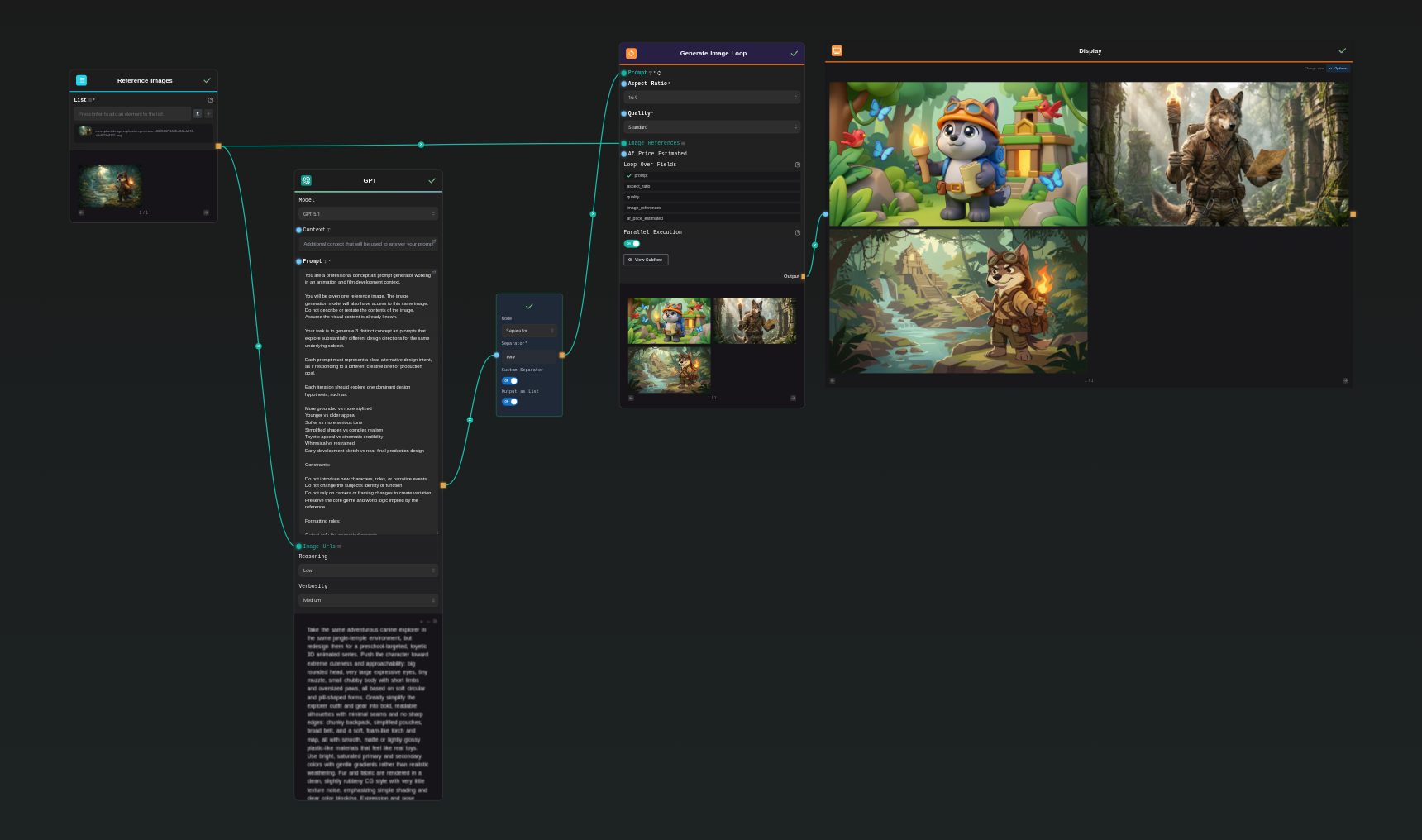
Template Workflow
How to Use This Template
Step 1: Upload your files
In the 'Reference Images' node, upload the files you want to use in the workflow.
Step 2: Run the Flow
Click the 'Run' button to execute the flow and get the final output.
Who is this for?
Perfect for professionals and creators looking to streamline their workflow
Concept artists and visual developers
Quickly explore multiple style hypotheses from a single reference to establish shape language, materials, and tone.
Indie creators and small studios
Accelerate ideation and pitch materials with minimal setup and predictable output.
Storyboarders and pitch-deck designers
Create consistent style alternatives for decks and proofs of concept that stay true to the reference.
Marketing and visualization teams
Adapt an existing asset into multiple visual directions while preserving world logic and subject identity.
You Might Also Like
Explore other powerful templates to enhance your AI workflow
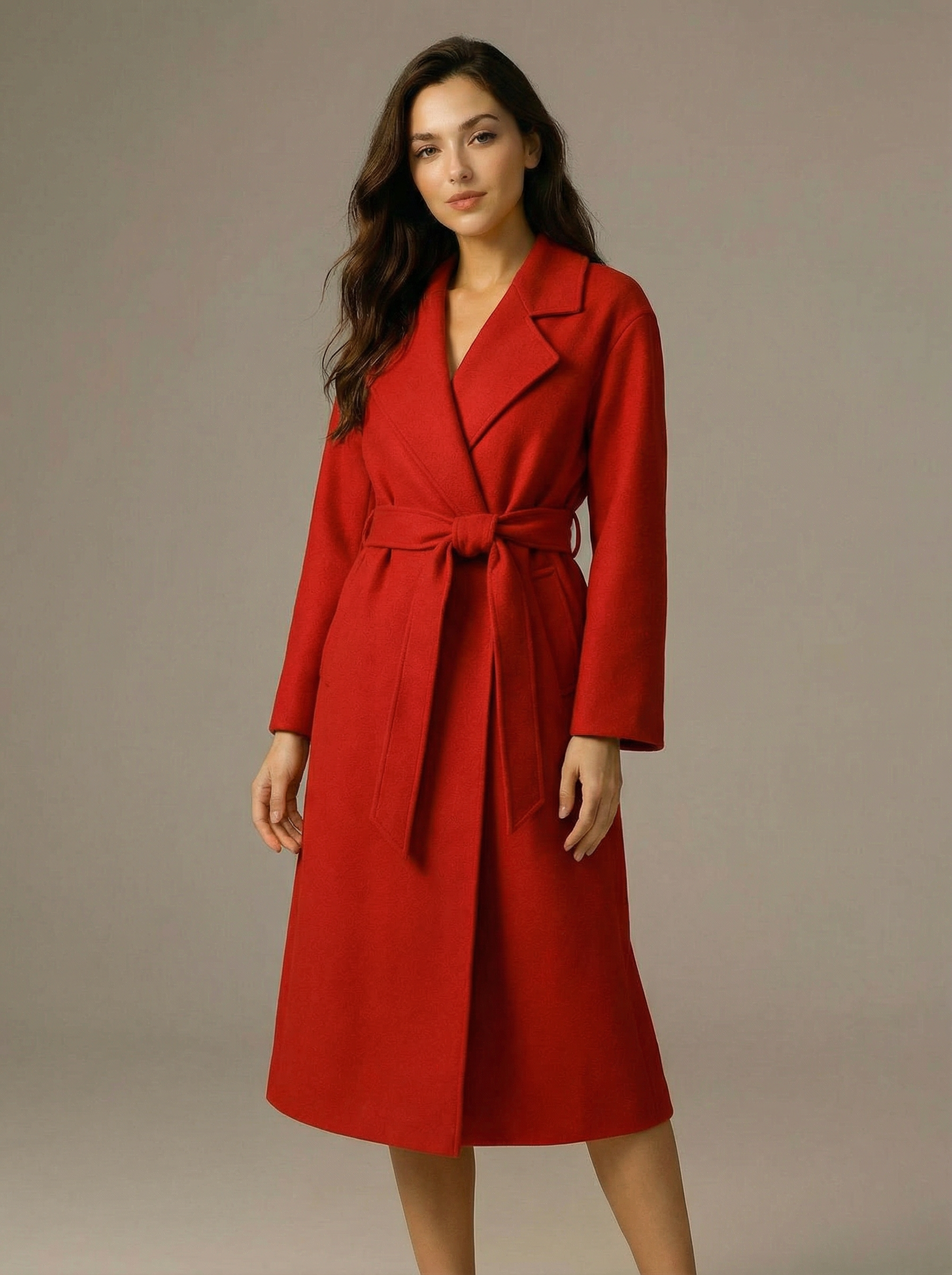
Virtual Try-on
A virtual try-on template that takes a subject image and an outfit image, then generates a realistic photo of the subject wearing the selected clothing.
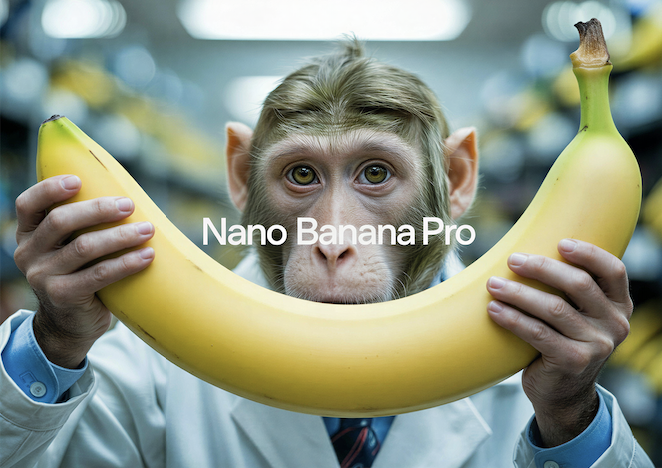
Nano Banana Pro
Generate images from text prompts or reference images using Google's Nano Banana Pro model.
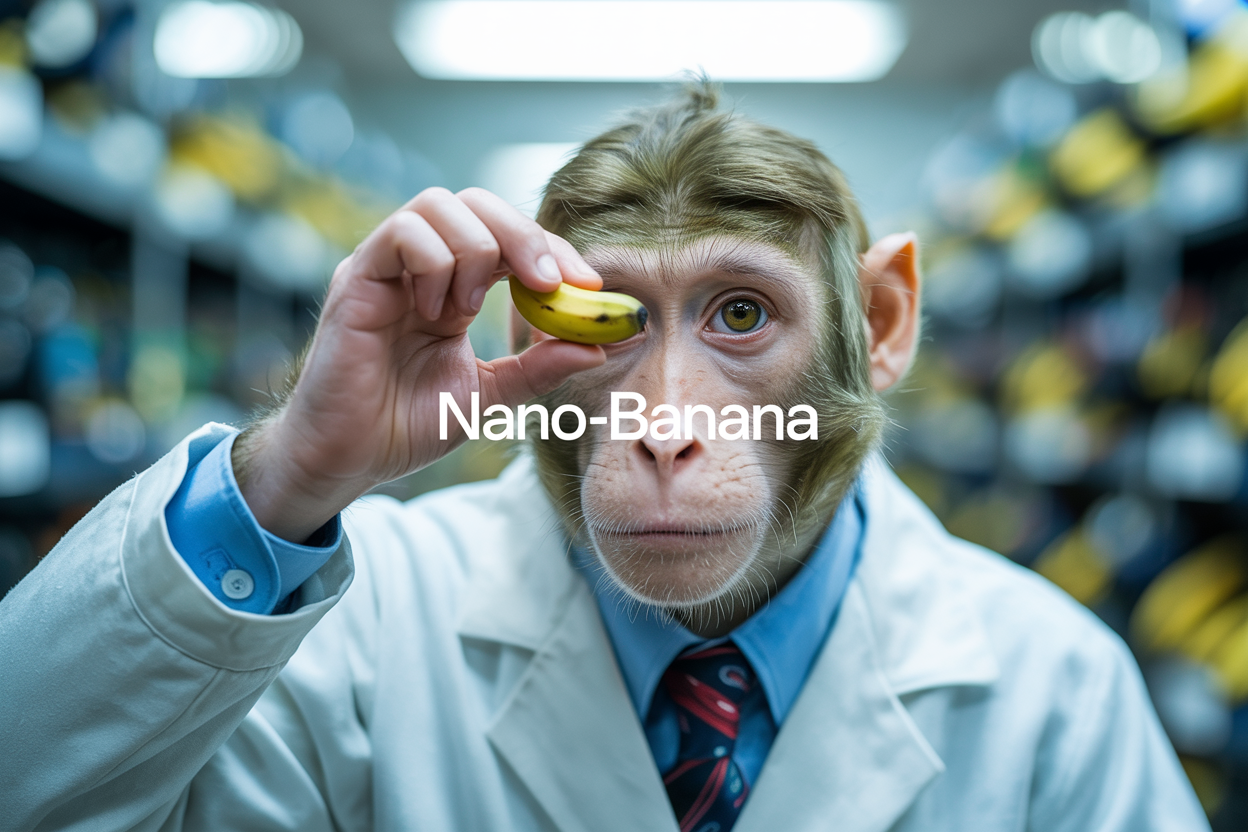
Nano Banana
Google's image editing model in Gemini 2.5
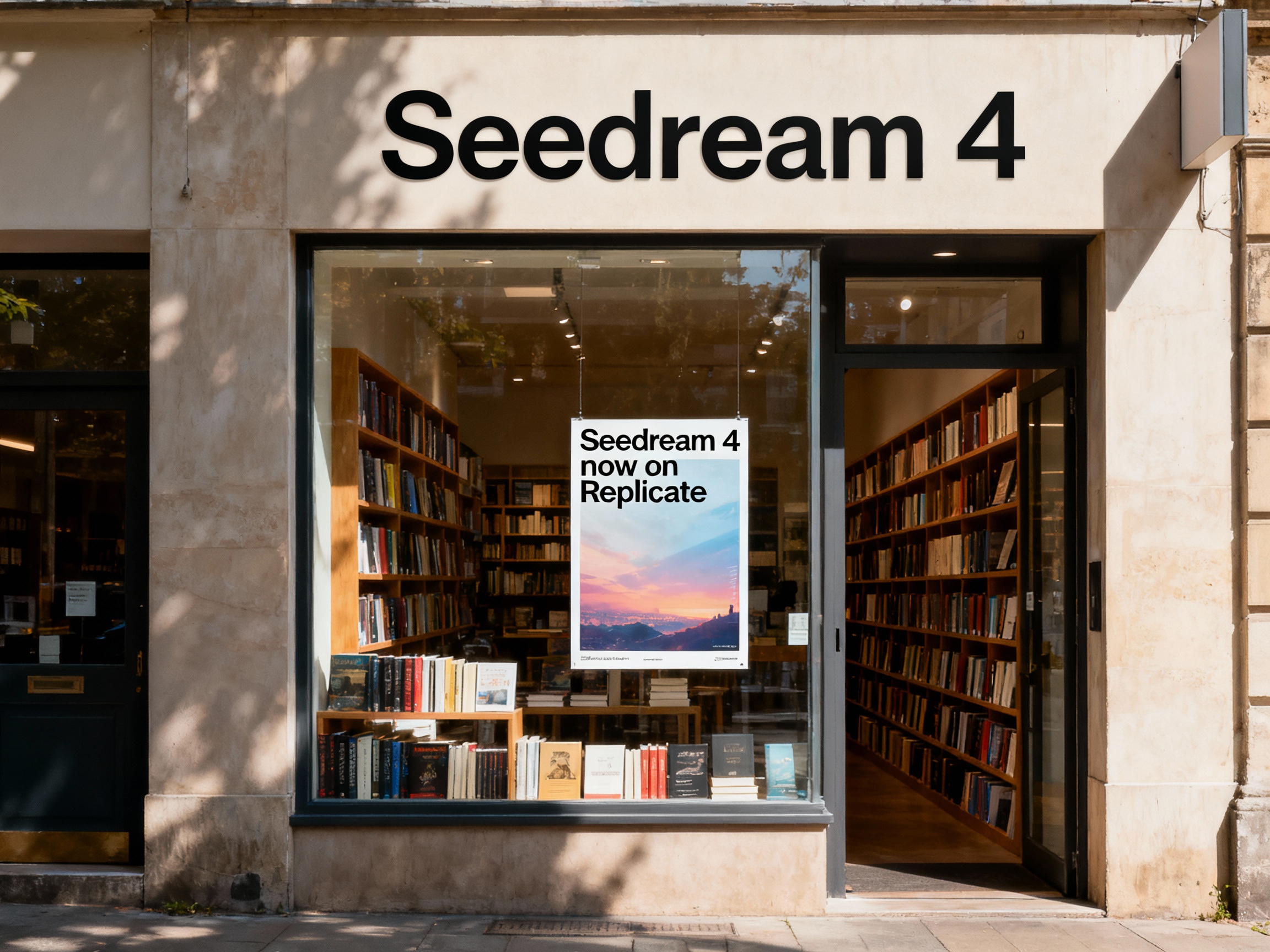
Seedream 4
Unified text-to-image generation and precise single-sentence editing at up to 4K resolution
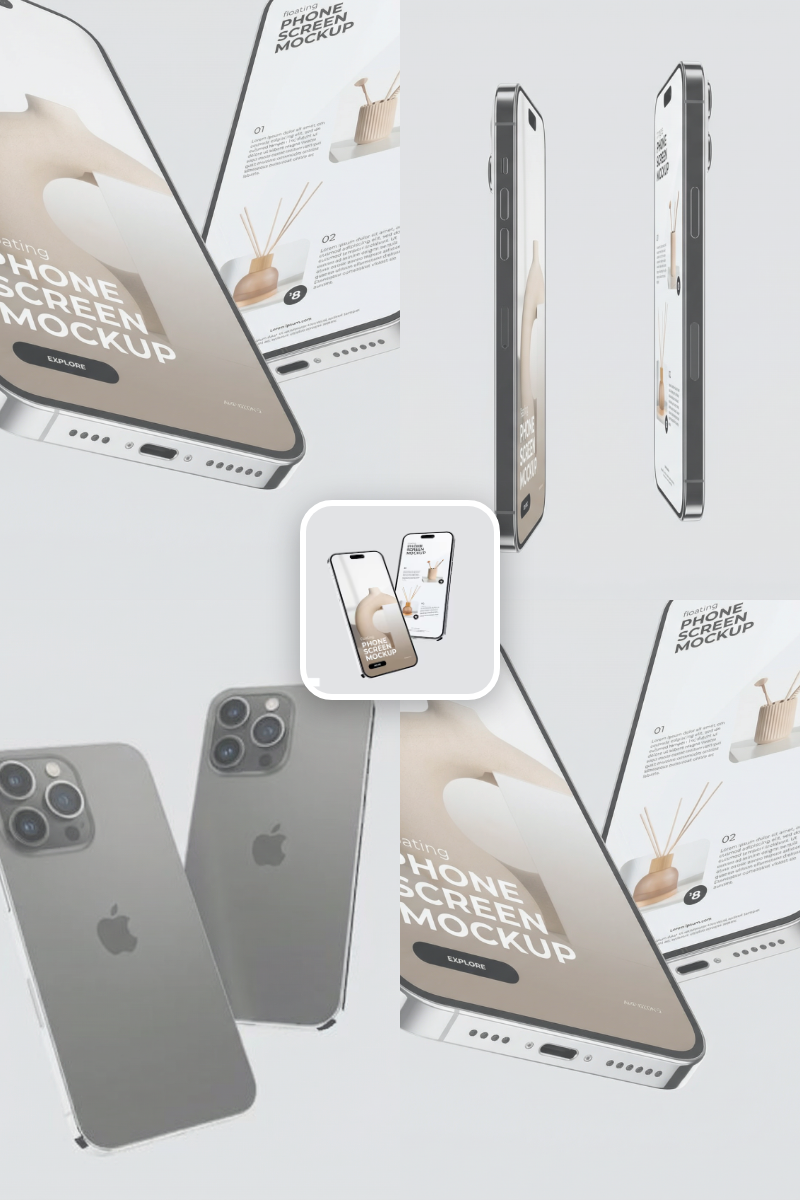
Rotate Viewpoint – Image Set
Rotate viewpoint around the subject.
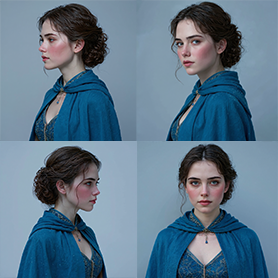
Portrait Series FLUX 1 Kontext
Generate a consistent series of portrait photos from a single image using the FLUX 1 Kontext portrait model.
Frequently Asked Questions
What does this template do?
It takes one reference image and generates three self-contained concept art prompts exploring different design directions, then creates corresponding images for each prompt.
How are the variations different from each other?
Each prompt follows a unique design intent (e.g., toyetic 3D, cinematic realism, graphic 2D), altering shape language, material logic, and stylization level while preserving the subject’s identity and world.
Will it change the character or story?
No. The system is constrained to keep the subject’s function, identity, and genre consistent. It avoids adding new characters, roles, or narrative events.
Does it rely on camera or framing changes?
No. Variations come from design choices—shapes, materials, and realism—not from angle or framing tricks.
What inputs do I need?
Provide at least one reference image. You can include multiple references if you want the model to draw from a broader visual base.
How many outputs do I get per run?
By default, three distinct prompts are generated and each prompt produces one image, resulting in three images per run.
Can I control aspect ratio and quality?
Yes. Choose from 1:1, 16:9, 4:3, or 9:16, and set quality to Low, Standard, or High depending on speed and resolution needs.
What are the credits or pricing details?
Estimated cost: 16 credits per image in Low (1K) or Standard (2K), and 32 credits per image in High (4K).
Can I edit or reuse the generated prompts?
Yes. The prompts are self-contained and can be refined, reused, or combined in future runs.
What are good use cases?
Early visual exploration, pitch decks, art-of-book style spreads, mood boards, and stakeholder alignment for animation, film, and games.
Will the output always match the reference perfectly?
The system aims to preserve identity and world logic while exploring different styles. Minor deviations can occur based on prompt interpretation.
Does it support batch or parallel generation?
Yes. The flow is designed to loop over prompts and can run them in parallel for faster iteration.
What is AI-FLOW and how can it help me?
AI-FLOW is an all-in-one AI platform that allows you to build, integrate, and automate AI-powered workflows using an intuitive drag-and-drop interface. Whether you're a beginner or an expert, you can leverage multiple AI models to create innovative solutions without any coding required.
Is there a free trial available?
Yes, AI-FLOW offers a free trial to get you started. After that, you can purchase credits as needed—no subscription or long-term commitment required.
Can I integrate my API keys from providers like OpenAI and Replicate with AI-FLOW Cloud Version ?
Yes, you can easily integrate your existing API keys with AI-FLOW. If specified, nodes related to the API Key provided will use your API key, significantly reducing your platform credit usage.