
AI-Flow
Flux 2 Max
Maximum‑fidelity image generation and editing with FLUX.2 [max] by Black Forest Labs. Superior prompt adherence, multi‑reference consistency, and fast performance for professional visuals.
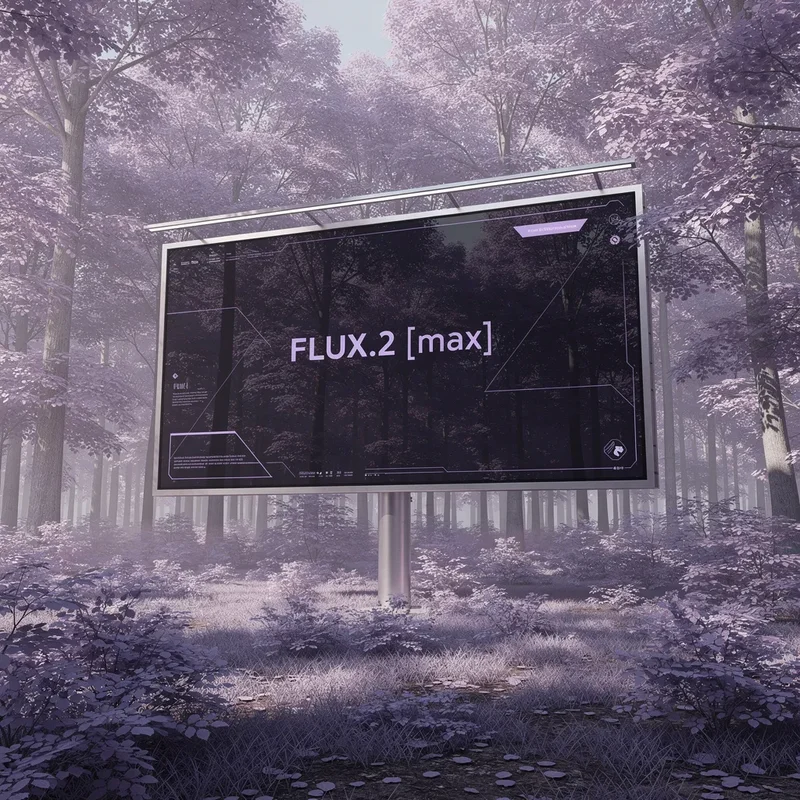
About This Template
FLUX.2 [max] is the top‑tier image model from Black Forest Labs, engineered for the highest image quality, exceptional prompt following, and state‑of‑the‑art consistency across characters, products, styles, and backgrounds. It’s built for demanding creative and production workflows where accuracy, polish, and speed matter. What it does best - Delivers premium, photorealistic or stylized images from text or from reference images - Preserves identity and fine details across batches and complex edits - Follows short and long prompts with best‑in‑class accuracy - Generates diverse yet on‑brief results for exploration and ideation - Runs nearly as fast as FLUX.2 [pro], up to 3× faster than comparable models Inputs and controls - prompt (required): Natural‑language description of the image you want - input_images (optional, up to 8 via API): Use single or multiple references for image‑to‑image generation and multi‑reference consistency - aspect_ratio: Choose presets like 1:1, 16:9, 4:5, etc., or use match_input_image; select custom to specify width and height - resolution: 0.5–4 MP (2 MP or below recommended). Max dimension is 2048×2048; very high resolutions may be clipped when not 1:1 - width and height (custom only): Must be multiples of 32 - safety_tolerance: 1 = most strict, 5 = most permissive - seed: Set for reproducible outputs - output_format: webp, jpg, or png - output_quality: 0–100 (quality setting for non‑PNG formats) Output - Direct image URL (uri) to your generated asset Ideal use cases - E‑commerce and product marketing: launch‑ready product shots, precise color variants (including hex‑code control), consistent asset sets - Film, TV, and animation: cinematic key frames with preserved characters and emotions for high‑end pre‑viz - Creative design: brand‑faithful backgrounds, styles, and compositions for campaigns and content - Food, interiors, and lifestyle: realistic polish, editorial quality, and consistent lighting/color - 3D and environment ideation: new views from limited references for scenes and virtual tours When to use FLUX.2 [max] vs pro/flex - Choose FLUX.2 [max] for maximum quality, prompt adherence, and multi‑reference consistency - Choose FLUX.2 [pro] for top performance at scale and budget efficiency - Choose FLUX.2 [flex] when your task is text‑heavy or demands perfect small‑detail preservation and typography Best‑practice tips - Be explicit with key subjects, camera angle, lighting, and mood - Provide up to 8 reference images for stronger identity or product consistency - Start with 1 MP or 2 MP for speed and quality balance; increase only if needed - Use seed to reproduce results and iterate predictably - Use match_input_image for image‑to‑image aspect ratio alignment
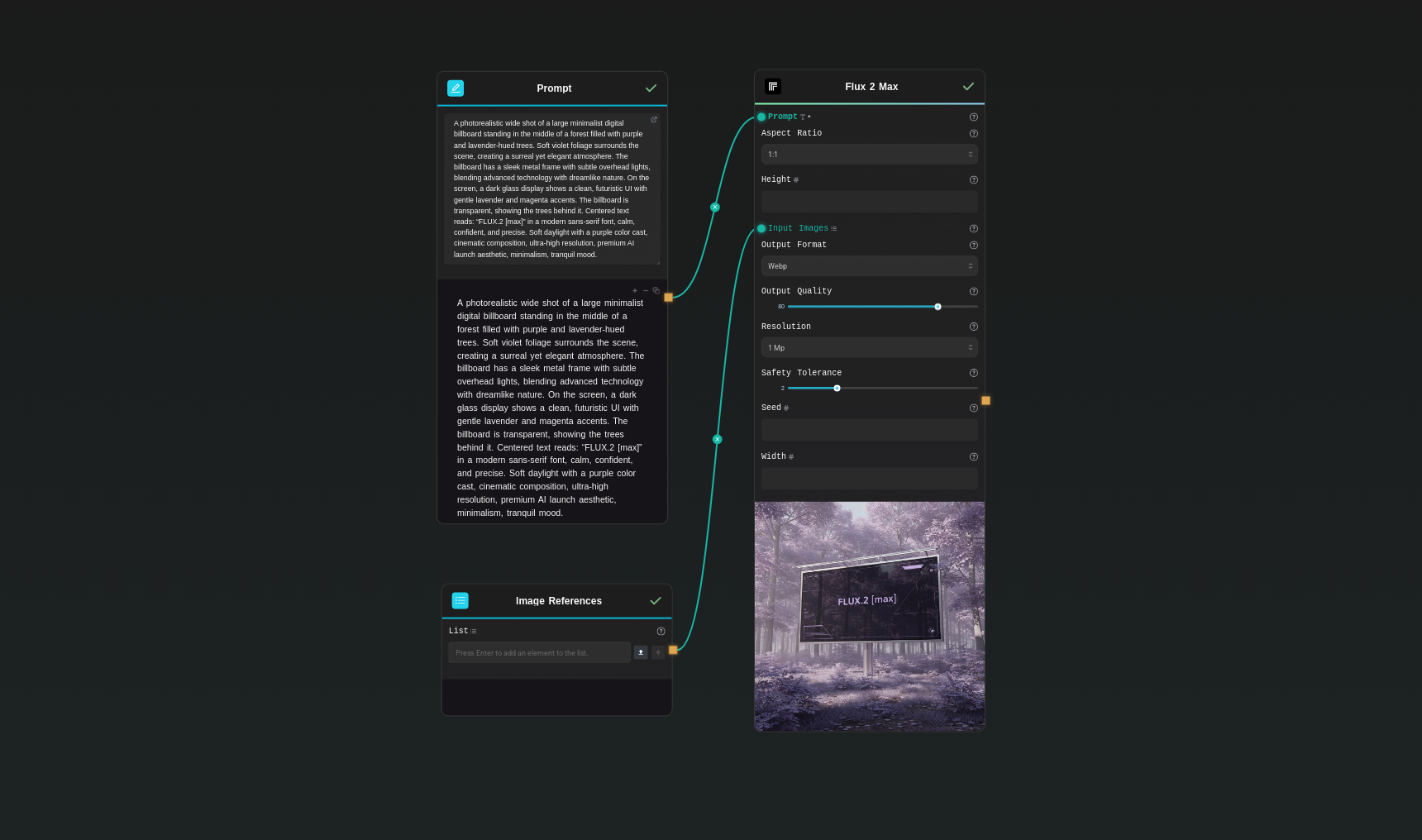
Template Workflow
How to Use This Template
Step 1: Enter your text in 'Prompt' Node
Fill the 'Prompt' node with the required text.
A photorealistic wide shot of a large minimalist digital billboard standing in the middle of a forest filled with purple and lavender-hued trees. Soft violet foliage surrounds the scene, creating a surreal yet elegant atmosphere. The billboard has a sleek metal frame with subtle overhead lights, blending advanced technology with dreamlike nature. On the screen, a dark glass display shows a clean, futuristic UI with gentle lavender and magenta accents. The billboard is transparent, showing the trees behind it. Centered text reads: “FLUX.2 [max]” in a modern sans-serif font, calm, confident, and precise. Soft daylight with a purple color cast, cinematic composition, ultra-high resolution, premium AI launch aesthetic, minimalism, tranquil mood.
Step 2: Upload your files
In the 'Image References' node, upload the files you want to use in the workflow.
Step 3: Run the Flow
Click the 'Run' button to execute the flow and get the final output.
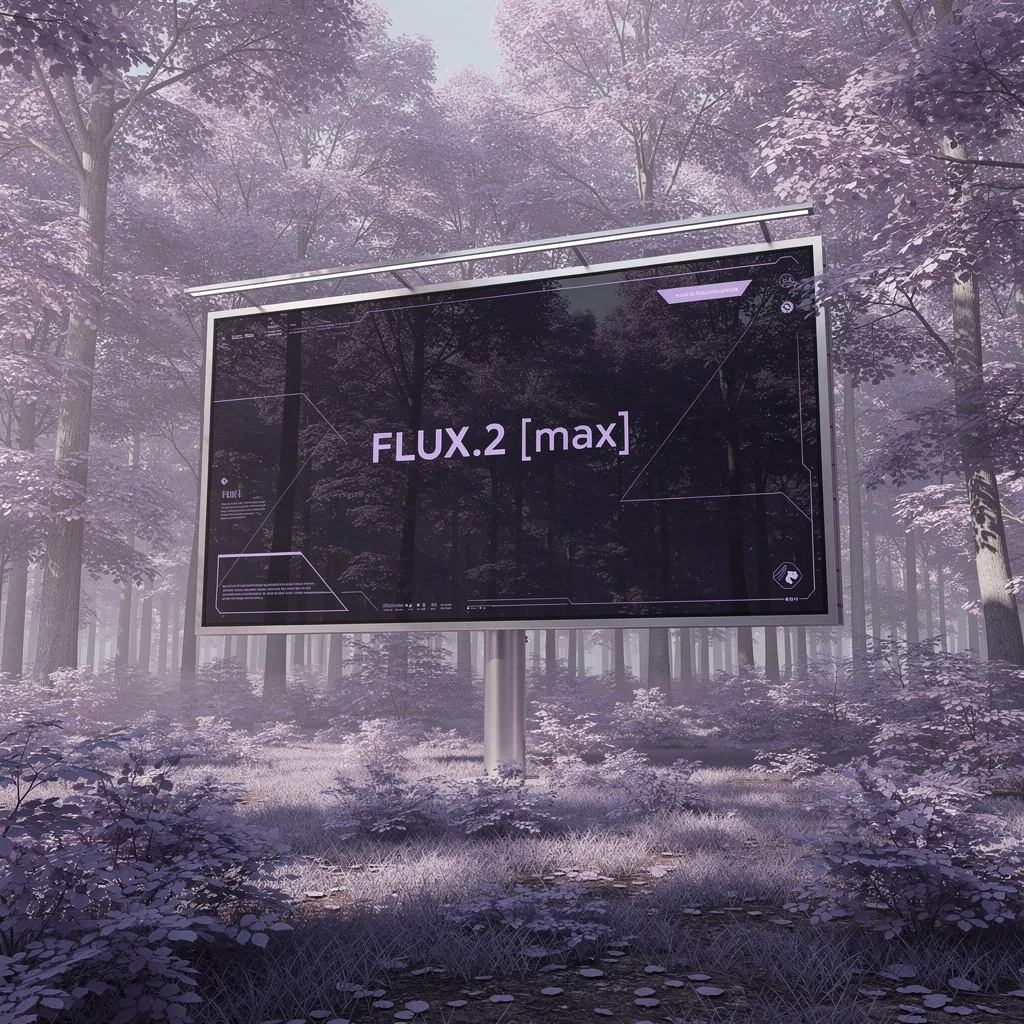
Who is this for?
Perfect for professionals and creators looking to streamline their workflow
E‑commerce and product marketing teams
Create premium product shots, color variants, and consistent ad sets faster than traditional photo workflows.
Film, animation, and pre‑viz studios
Generate cinematic key frames that preserve character identity, style, and emotion for high‑end story development.
Designers and creative directors
Rapidly explore on‑brand styles, backgrounds, and compositions with high fidelity and prompt precision.
Content creators and agencies
Produce campaign‑ready visuals with superior prompt following, multi‑reference editing, and quick iteration.
You Might Also Like
Explore other powerful templates to enhance your AI workflow
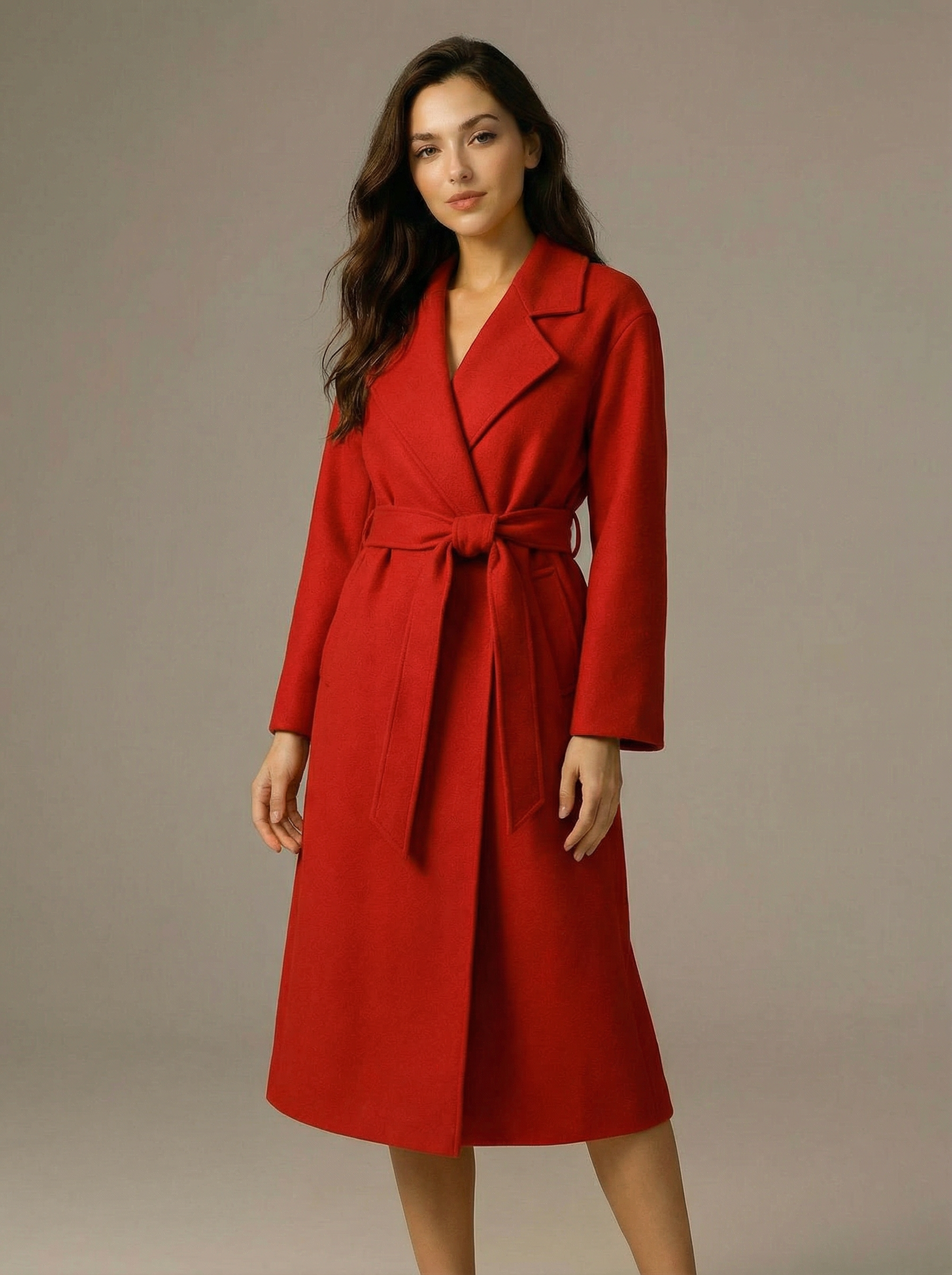
Virtual Try-on
A virtual try-on template that takes a subject image and an outfit image, then generates a realistic photo of the subject wearing the selected clothing.
Nano Banana Pro
Generate images from text prompts or reference images using Google's Nano Banana Pro model.
Nano Banana
Google's image editing model in Gemini 2.5
Seedream 4
Unified text-to-image generation and precise single-sentence editing at up to 4K resolution
Rotate Viewpoint – Image Set
Rotate viewpoint around the subject.
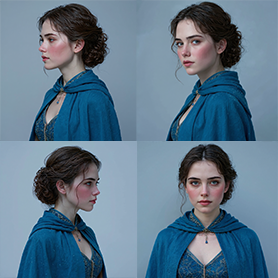
Portrait Series FLUX 1 Kontext
Generate a consistent series of portrait photos from a single image using the FLUX 1 Kontext portrait model.
Frequently Asked Questions
What makes FLUX.2 [max] different from FLUX.2 [pro] and FLUX.2 [flex]?
FLUX.2 [max] offers maximum performance: the highest editing consistency, strongest prompt adherence, and broad style fidelity. Use FLUX.2 [pro] for top performance at a lower cost at scale. Use FLUX.2 [flex] when typography and fine text overlays are critical.
Does it support image‑to‑image and multi‑reference editing?
Yes. Provide up to 8 reference images via the API to maintain identities, products, and styles across outputs. In the Playground, up to 10 references are supported.
How should I choose aspect ratio, width, height, and resolution?
Pick a preset aspect_ratio (e.g., 1:1, 16:9) or use match_input_image. For custom sizing, set width and height (multiples of 32). Resolution controls total megapixels (0.5–4 MP); 1–2 MP is recommended for speed and quality. The maximum dimension is 2048×2048.
What output formats are available?
You can export as webp, jpg, or png. The output_quality setting (0–100) applies to webp and jpg; PNG ignores quality settings.
How do I ensure consistent characters or products across a batch?
Use multiple reference images of the same subject, keep your prompt details consistent, and set a seed for reproducibility when iterating.
Is FLUX.2 [max] good for generating text within images?
It can render text, but if your use case is heavily text‑driven (e.g., precise typography or overlays), FLUX.2 [flex] is optimized for those scenarios.
How does the safety_tolerance setting work?
safety_tolerance controls filtering strictness. 1 is the most strict and 5 is the most permissive. Choose a value based on your content and compliance requirements.
What are recommended prompt best practices?
Be explicit about subject, style, camera angle, lighting, materials, and mood. Include constraints like brand colors or hex codes. For edits, upload clear reference images and describe the intended changes precisely.
How fast is FLUX.2 [max]?
Despite its higher quality and consistency, FLUX.2 [max] runs nearly as fast as FLUX.2 [pro] and can be up to 3× faster than competing models of similar quality.
What’s the maximum number of input images?
Up to 8 images via the API for image‑to‑image or multi‑reference workflows. Use high‑quality, relevant references for the best fidelity.
What is AI-FLOW and how can it help me?
AI-FLOW is an all-in-one AI platform that allows you to build, integrate, and automate AI-powered workflows using an intuitive drag-and-drop interface. Whether you're a beginner or an expert, you can leverage multiple AI models to create innovative solutions without any coding required.
Is there a free trial available?
Yes, AI-FLOW offers a free trial to get you started. After that, you can purchase credits as needed—no subscription or long-term commitment required.
Can I integrate my API keys from providers like OpenAI and Replicate with AI-FLOW Cloud Version ?
Yes, you can easily integrate your existing API keys with AI-FLOW. If specified, nodes related to the API Key provided will use your API key, significantly reducing your platform credit usage.