
AI-Flow
Grok Imagine Image
Text-to-image generation with Grok Imagine Image. Turn detailed prompts into high-quality visuals in seconds with flexible aspect ratios.
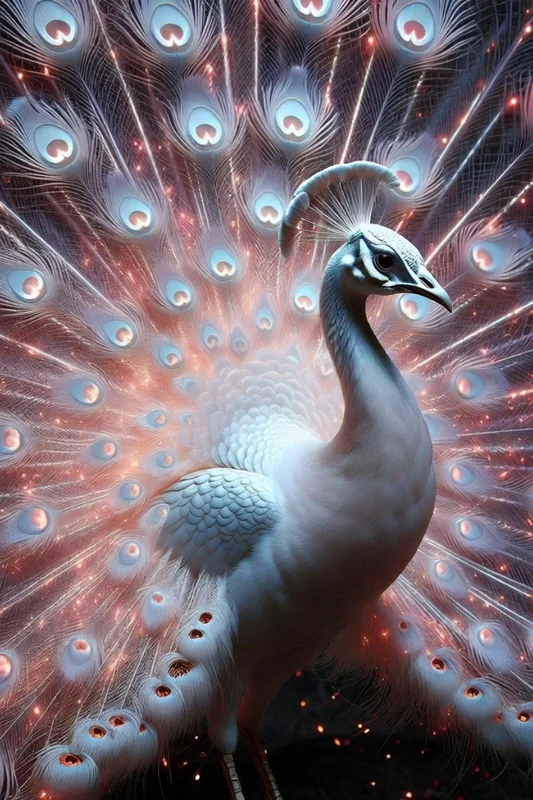
About This Template
Grok Imagine Image is a fast, reliable AI image generator that transforms natural language prompts into striking visuals. From photorealistic scenes to cinematic compositions and stylized concept art, it helps you produce on-brand images without complex tooling. This template keeps things simple: write a prompt, pick an aspect ratio, and generate. It supports common formats from square to widescreen and mobile-friendly ratios, making it easy to create assets for social posts, ads, thumbnails, mockups, and presentations. Each run returns a downloadable image URL for immediate use in your projects or workflows. Built on the grok-imagine-image model, the template is optimized for clarity, speed, and prompt adherence. It works well for rapid iteration, creative exploration, and campaign-ready visuals—whether you need realistic detail, stylized art direction, or a cinematic mood.
How to Use This Template
Step 1: Enter your text in 'Prompt' Node
Fill the 'Prompt' node with the required text.
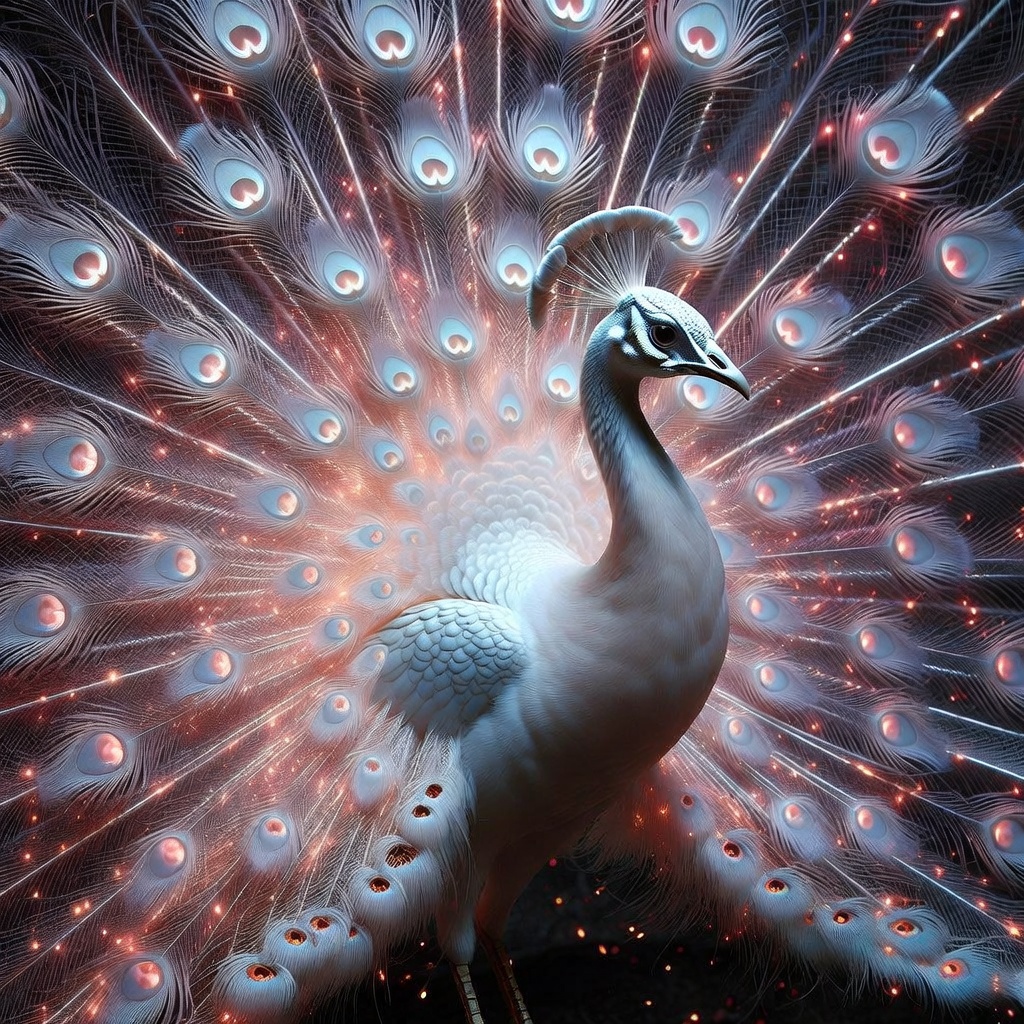
A majestic white peacock standing in three-quarter profile, elegant and calm. Its feathers are pure white with a pearlescent sheen, and its crest is delicate and upright. The tail is fully fanned out, transforming into a radiant display of energy: thousands of fine, fiber-optic-like strands of light radiate outward, blending soft whites with glowing embers of red and orange. The feathers appear semi-ethereal, as if made of light and particles rather than matter. Subtle sparks and luminous dust drift through the air around it. Hyper-detailed, photorealistic texture on the body and face, cinematic lighting, dark unobtrusive background to emphasize the glow, mystical and powerful atmosphere, ultra-high resolution.
Step 2: Run the Flow
Click the 'Run' button to execute the flow and get the final output.
Who is this for?
Perfect for professionals and creators looking to streamline their workflow
Designers and visual creatives
Quickly generate photorealistic or stylized images for concepts, moodboards, and iterations without starting from scratch.
Marketers and advertisers
Produce campaign visuals, ad variants, and social-ready assets in the right aspect ratio with minimal turnaround time.
Content creators and social media managers
Create thumbnails, banners, story formats, and posts tailored for platforms like Instagram, YouTube, and TikTok.
Product teams and startups
Draft product mockups, landing page hero images, and app visuals for testing and rapid prototyping.
Agencies and freelancers
Deliver fast creative options to clients, explore directions, and refine looks before committing to production.
Game devs and concept artists
Explore character, environment, and lighting ideas with prompt-driven concept art and cinematic frames.
You Might Also Like
Explore other powerful templates to enhance your AI workflow
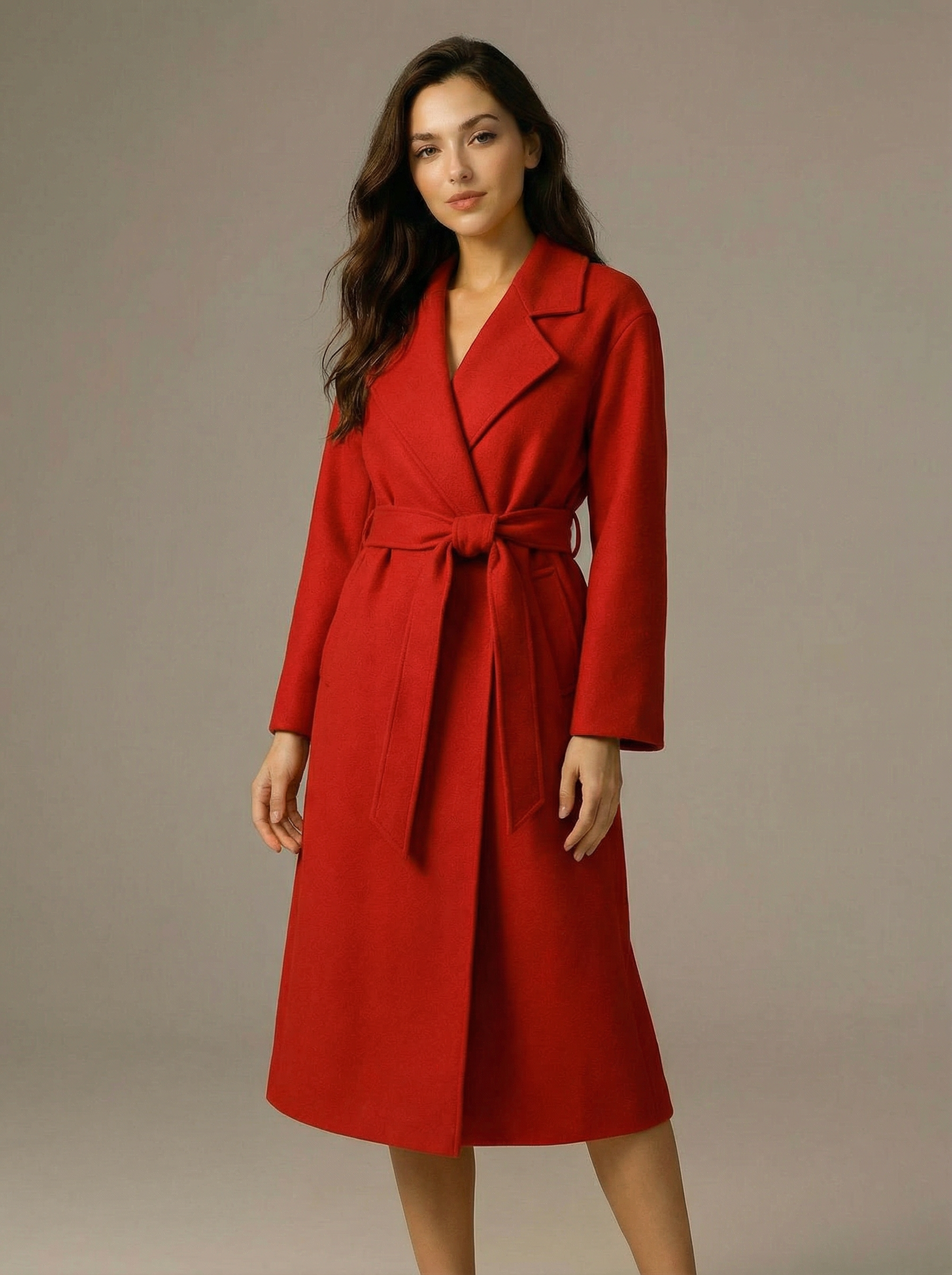
Virtual Try-on
A virtual try-on template that takes a subject image and an outfit image, then generates a realistic photo of the subject wearing the selected clothing.
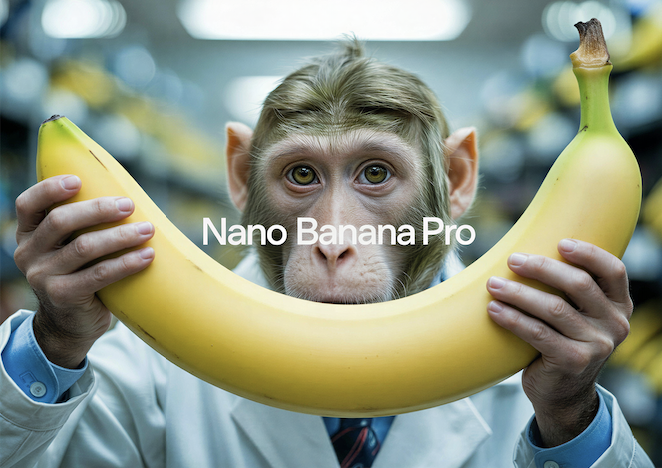
Nano Banana Pro
Generate images from text prompts or reference images using Google's Nano Banana Pro model.
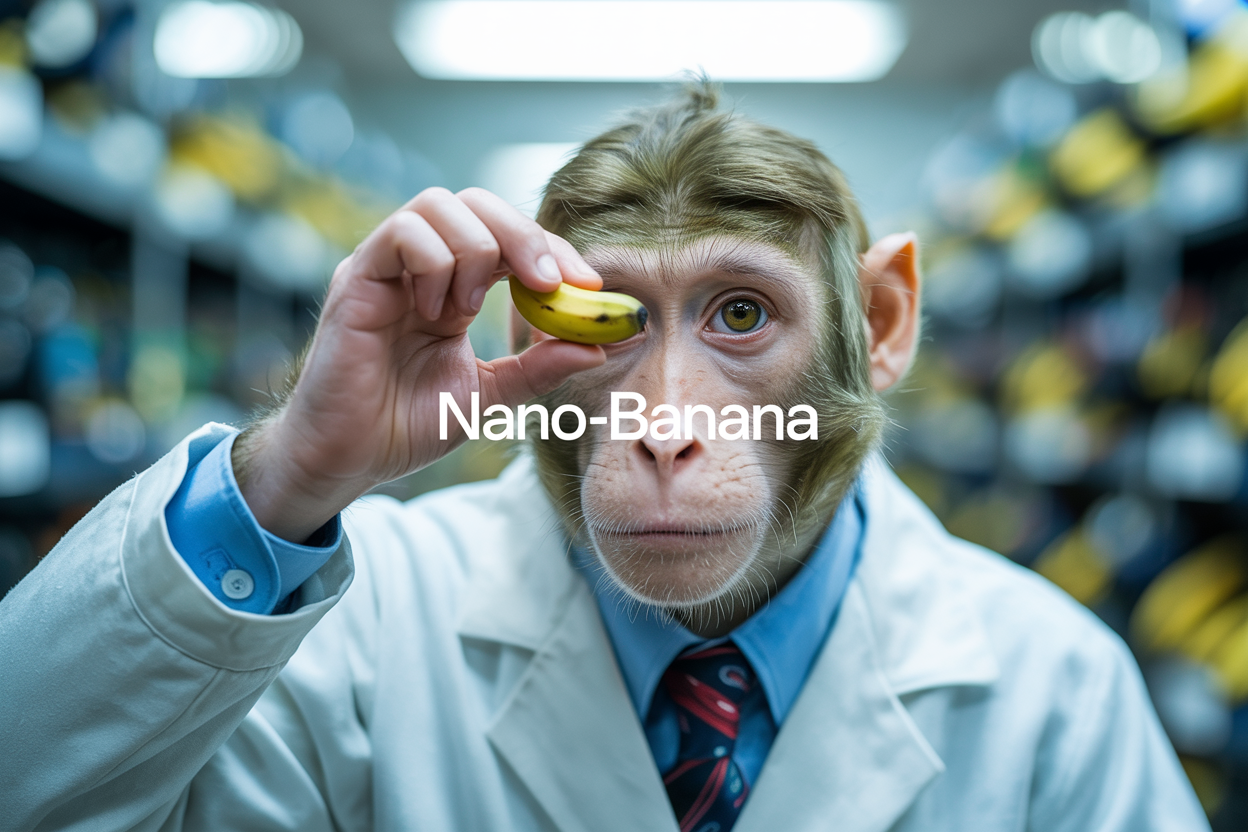
Nano Banana
Google's image editing model in Gemini 2.5
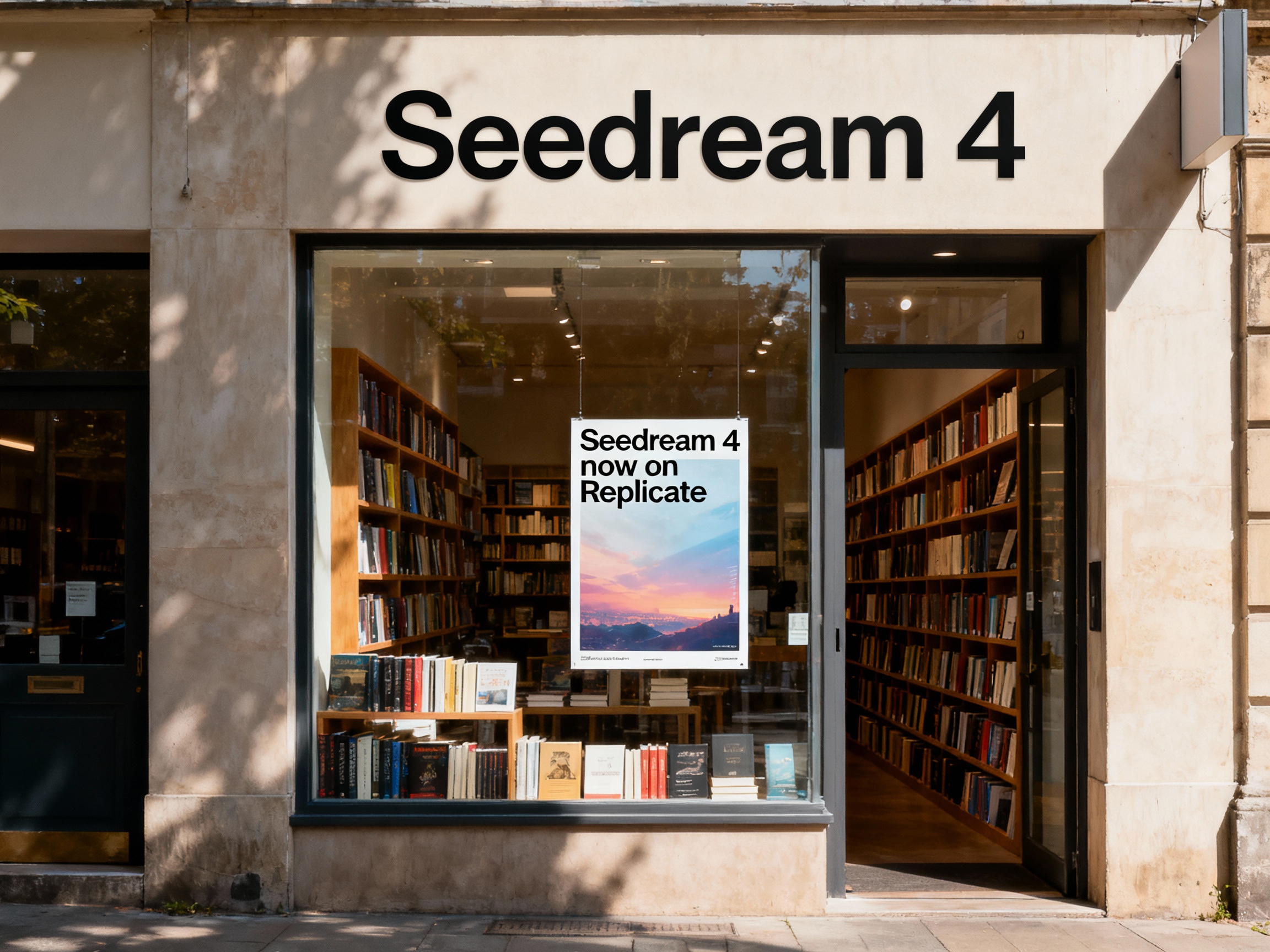
Seedream 4
Unified text-to-image generation and precise single-sentence editing at up to 4K resolution
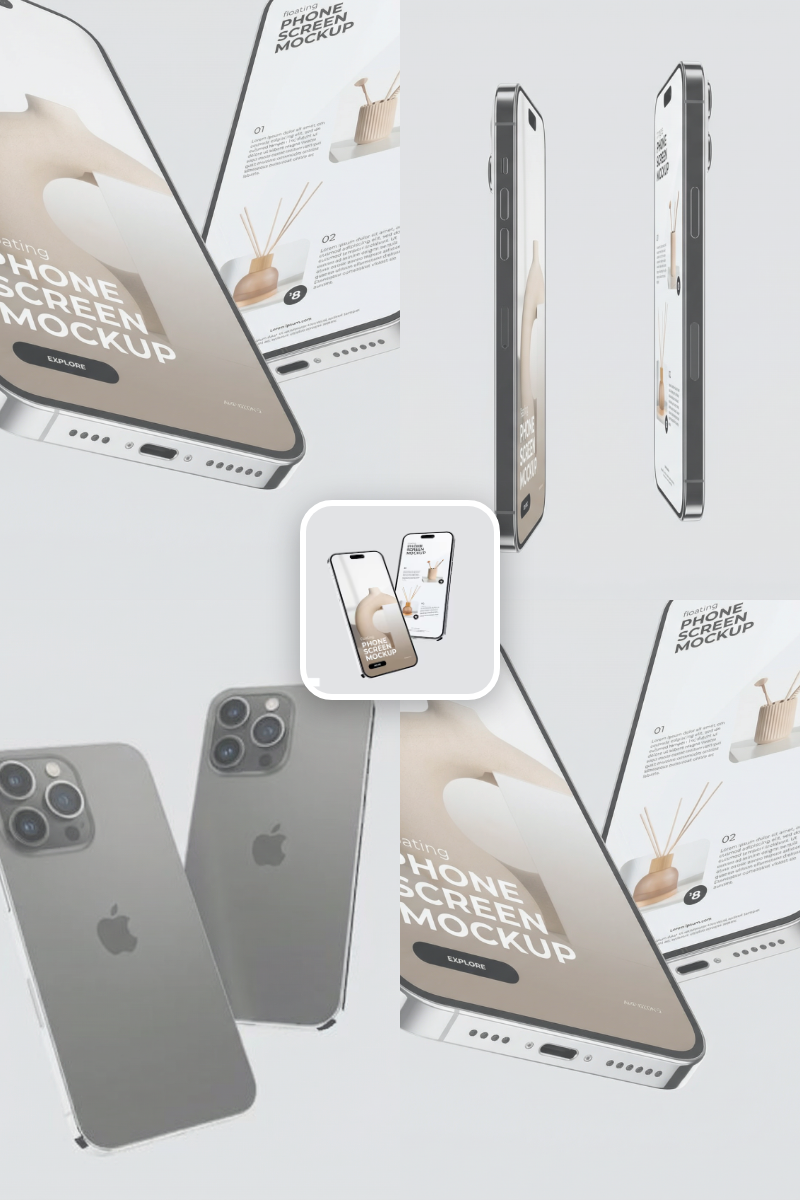
Rotate Viewpoint – Image Set
Rotate viewpoint around the subject.
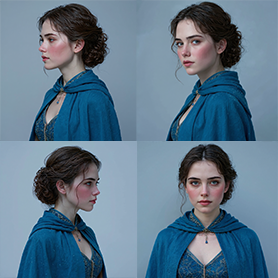
Portrait Series FLUX 1 Kontext
Generate a consistent series of portrait photos from a single image using the FLUX 1 Kontext portrait model.
Frequently Asked Questions
What is Grok Imagine Image used for?
It’s a text-to-image generator that converts written prompts into high-quality visuals. It works well for photorealistic renders, cinematic scenes, and stylized concept art.
How do I use this template?
Enter a clear prompt describing the subject, style, lighting, and mood. Choose an aspect ratio (e.g., 1:1, 16:9, 9:16), then generate to receive a downloadable image URL.
Which model powers it?
The template uses the grok-imagine-image model for fast, high-quality text-to-image generation.
What aspect ratios are supported?
Common ratios include 1:1, 16:9, 9:16, 4:3, 3:4, 3:2, 2:3, 2:1, 1:2, 19.5:9, 9:19.5, 20:9, and 9:20. Choose the one that fits your target platform or layout.
How much does it cost?
The estimated cost is 2.1 credits per image generation.
What is the output format?
Each run returns a hosted image URL (JPEG) that you can view, download, and use in your workflow.
Does it support image editing or image-to-image?
This template focuses on text-to-image generation only. For inpainting, outpainting, or image-to-image workflows, use a dedicated editing template.
How can I write better prompts?
Be specific about subject, composition, style, lighting, background, and quality (e.g., photorealistic, cinematic lighting, dark background). Mention what to avoid if needed, and keep the prompt concise but detailed.
Is the output suitable for commercial use?
Commercial use depends on your platform terms and licensing. Review the applicable terms and ensure your content complies with usage policies.
Are there content restrictions?
Yes. Generated content must comply with the platform’s safety and content guidelines. Avoid disallowed or harmful content.
What is AI-FLOW and how can it help me?
AI-FLOW is an all-in-one AI platform that allows you to build, integrate, and automate AI-powered workflows using an intuitive drag-and-drop interface. Whether you're a beginner or an expert, you can leverage multiple AI models to create innovative solutions without any coding required.
Is there a free trial available?
Yes, AI-FLOW offers a free trial to get you started. After that, you can purchase credits as needed—no subscription or long-term commitment required.
Can I integrate my API keys from providers like OpenAI and Replicate with AI-FLOW Cloud Version ?
Yes, you can easily integrate your existing API keys with AI-FLOW. If specified, nodes related to the API Key provided will use your API key, significantly reducing your platform credit usage.