
AI-Flow
Jewelry Mockup Generator On Model
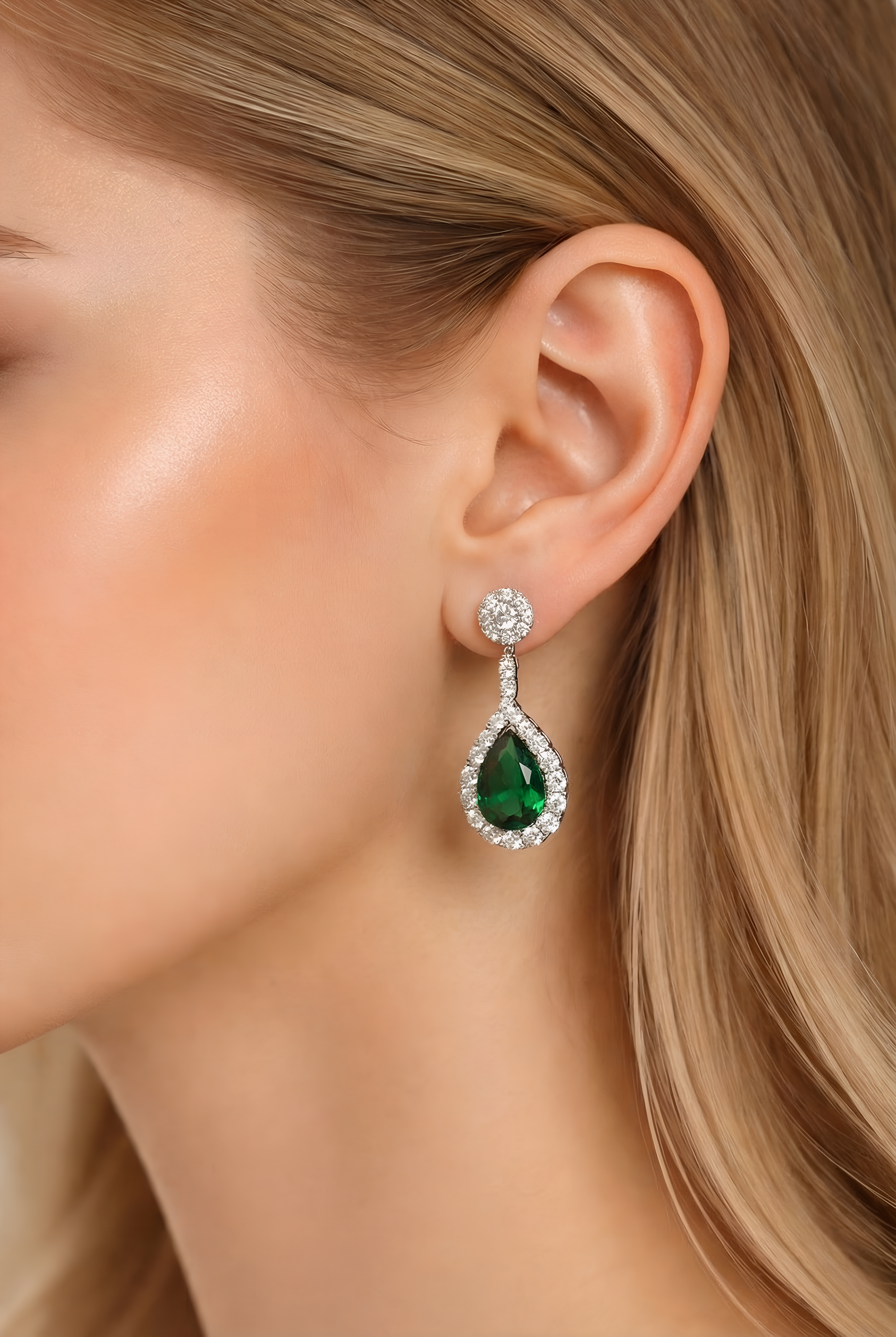
Upload your jewelry and a model photo to instantly generate photorealistic on‑model product images for e‑commerce, ads, and social media.
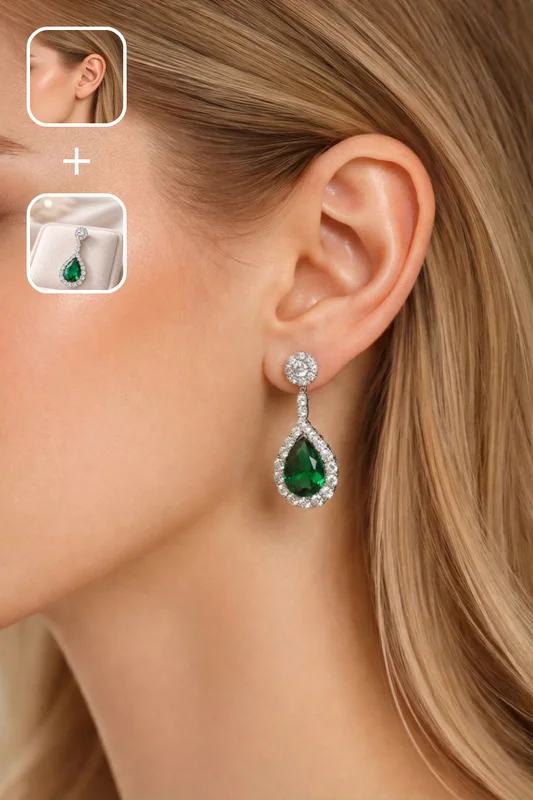
Inputs
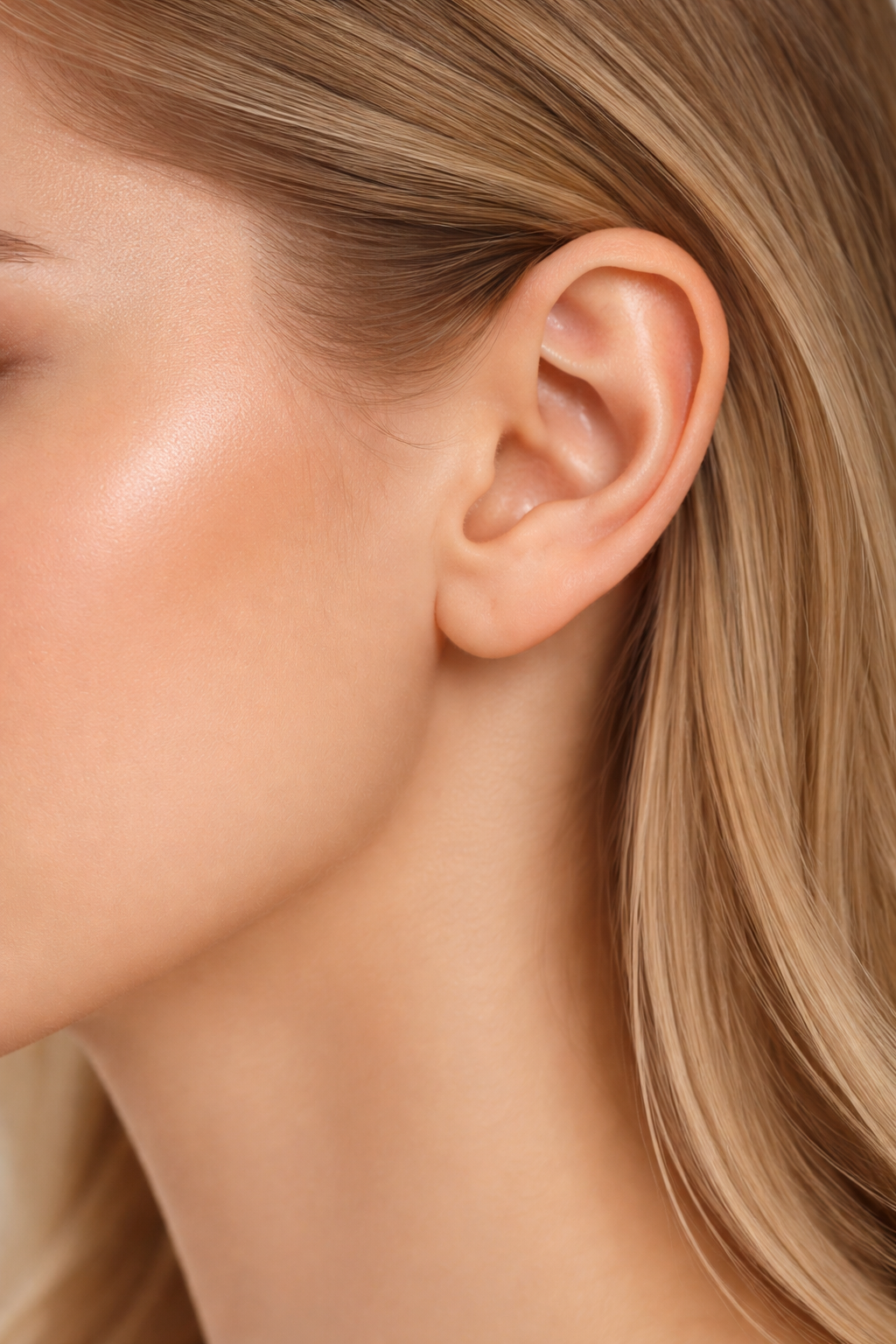
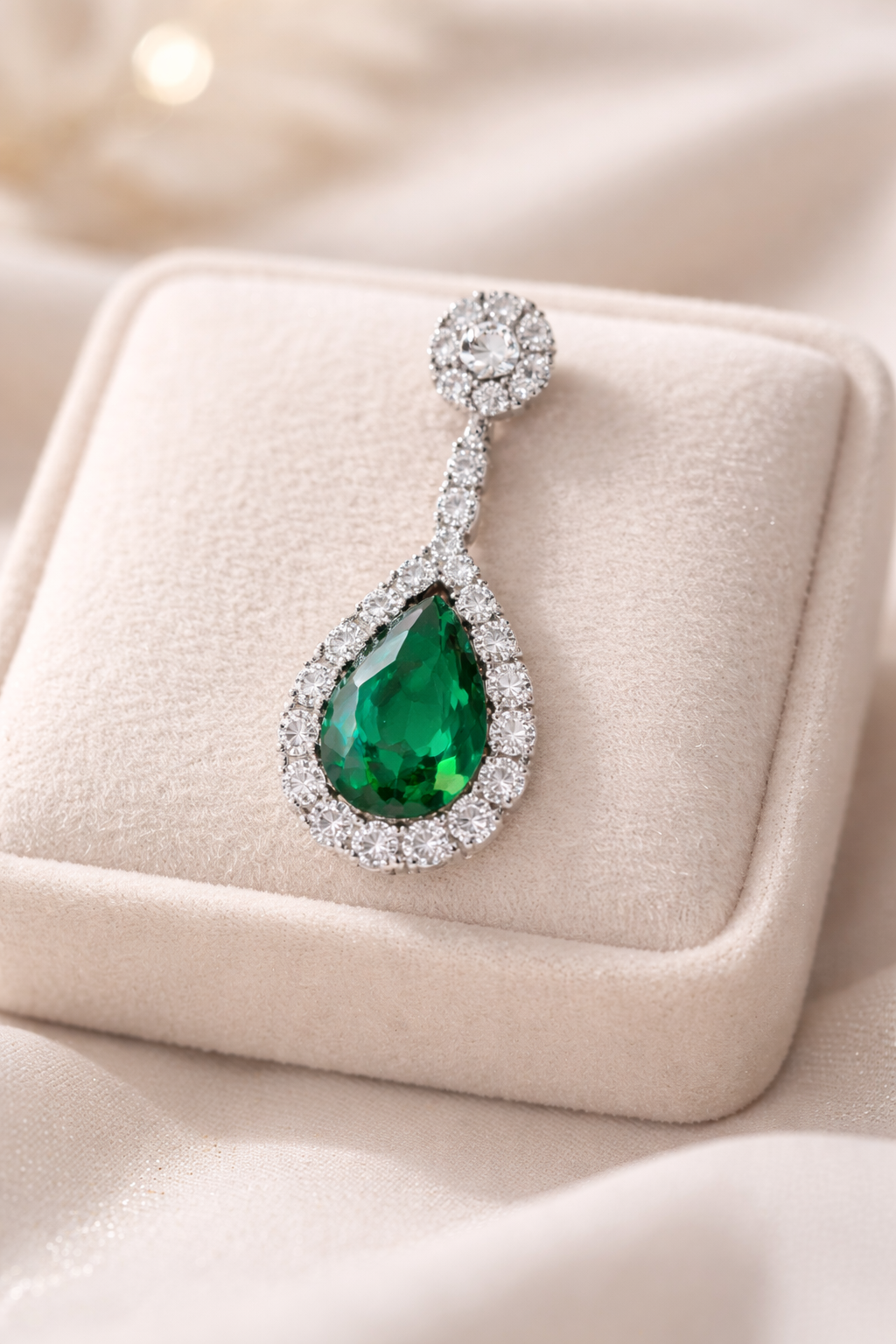
Outputs
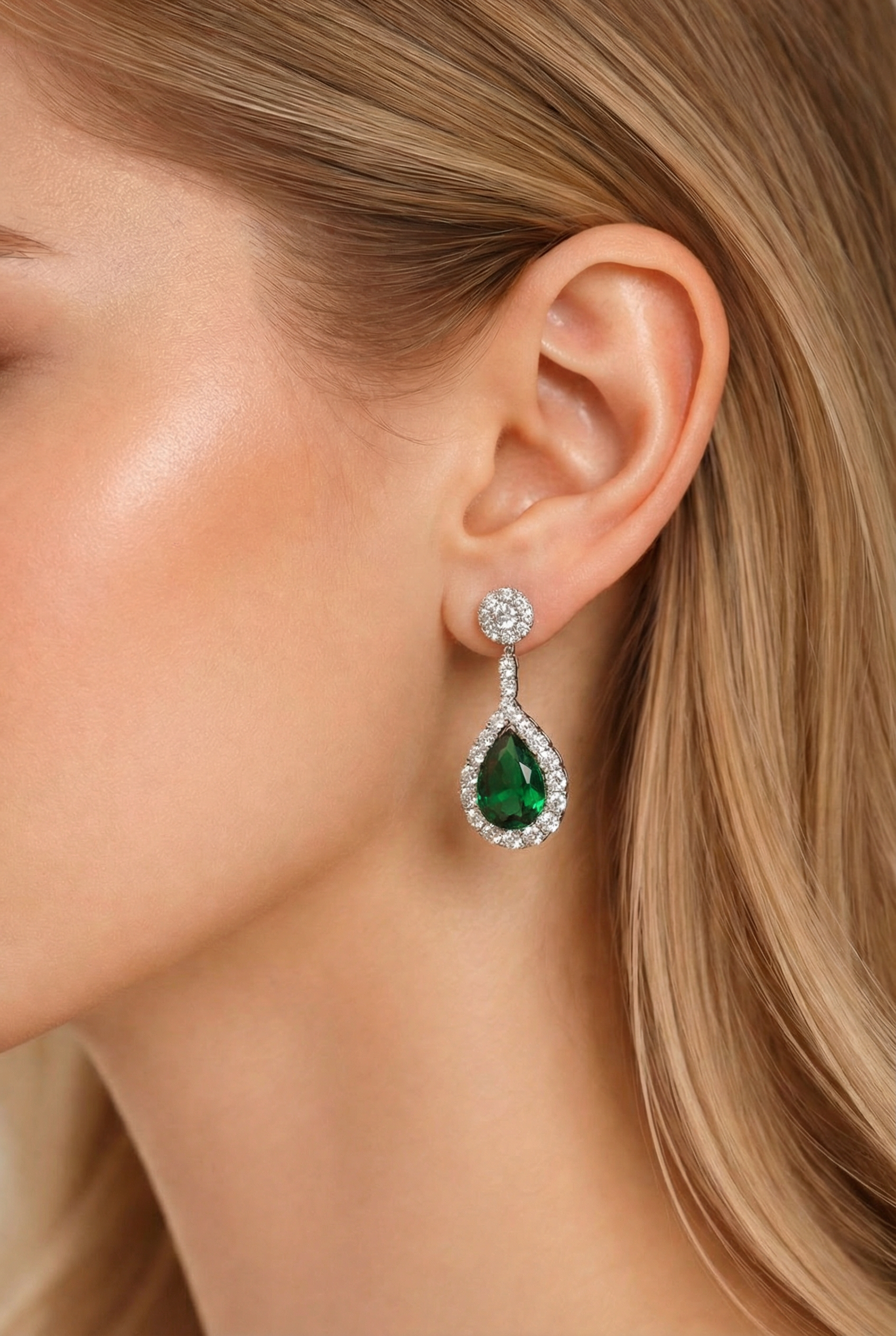
About This Template
Create studio‑quality on‑model jewelry photos without scheduling a shoot. Upload a model image and a separate jewelry product shot, and get a realistic composite that preserves the model’s face, pose, wardrobe, and background while placing the jewelry with anatomically correct alignment and perspective. The tool matches lighting direction, color temperature, contrast, and film grain so the piece looks truly photographed in the scene. It adds natural contact effects like micro‑shadows and subtle skin compression, keeps the original design and proportions intact, and simulates believable metal reflections and gemstone refraction. Ideal for product pages, marketplace listings, ads, catalogs, and social posts, it supports common jewelry types such as earrings, necklaces, pendants, rings, bracelets, and bangles. Choose your aspect ratio, select output quality up to high‑resolution, and generate consistent lifestyle visuals that boost conversion—without reshoots or retouching marathons.
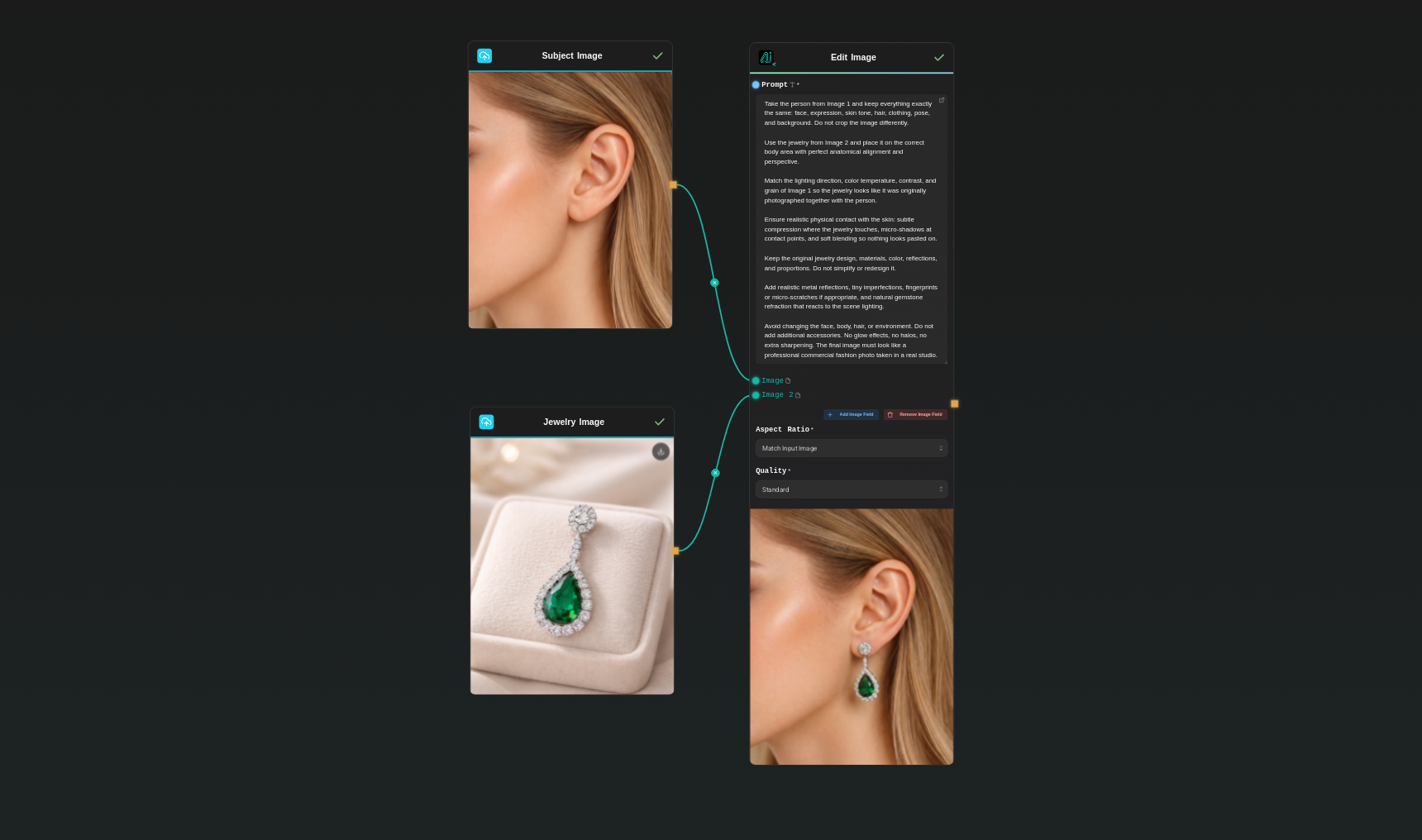
Template Workflow
How to Use This Template
Step 1: Upload your file
In the 'Subject Image' node, upload the file you want to process.
Step 2: Upload your file
In the 'Jewelry Image' node, upload the file you want to process.
Step 3: Run the Flow
Click the 'Run' button to execute the flow and get the final output.
Who is this for?
Perfect for professionals and creators looking to streamline their workflow
Jewelry brands and retailers
Produce scalable on‑model visuals for product pages, lookbooks, and seasonal launches without booking studio time.
E‑commerce sellers on Shopify, Etsy, and Amazon
Create conversion‑ready lifestyle images that match platform guidelines and improve click‑through rates.
Product photographers and studios
Augment shoot libraries by compositing additional SKUs on existing models to expand deliverables quickly.
Marketing and growth teams
Test creative variations for ads, email, and social in minutes while keeping brand consistency.
Agencies and catalog producers
Generate consistent, on‑brand visuals across large assortments with controllable aspect ratios and quality.
DTC founders and small shops
Get professional on‑model imagery early in the product cycle without costly photo shoots.
Marketplace resellers
Quickly turn plain product shots into lifestyle photos that meet listing standards and attract buyers.
You Might Also Like
Explore other powerful templates to enhance your AI workflow
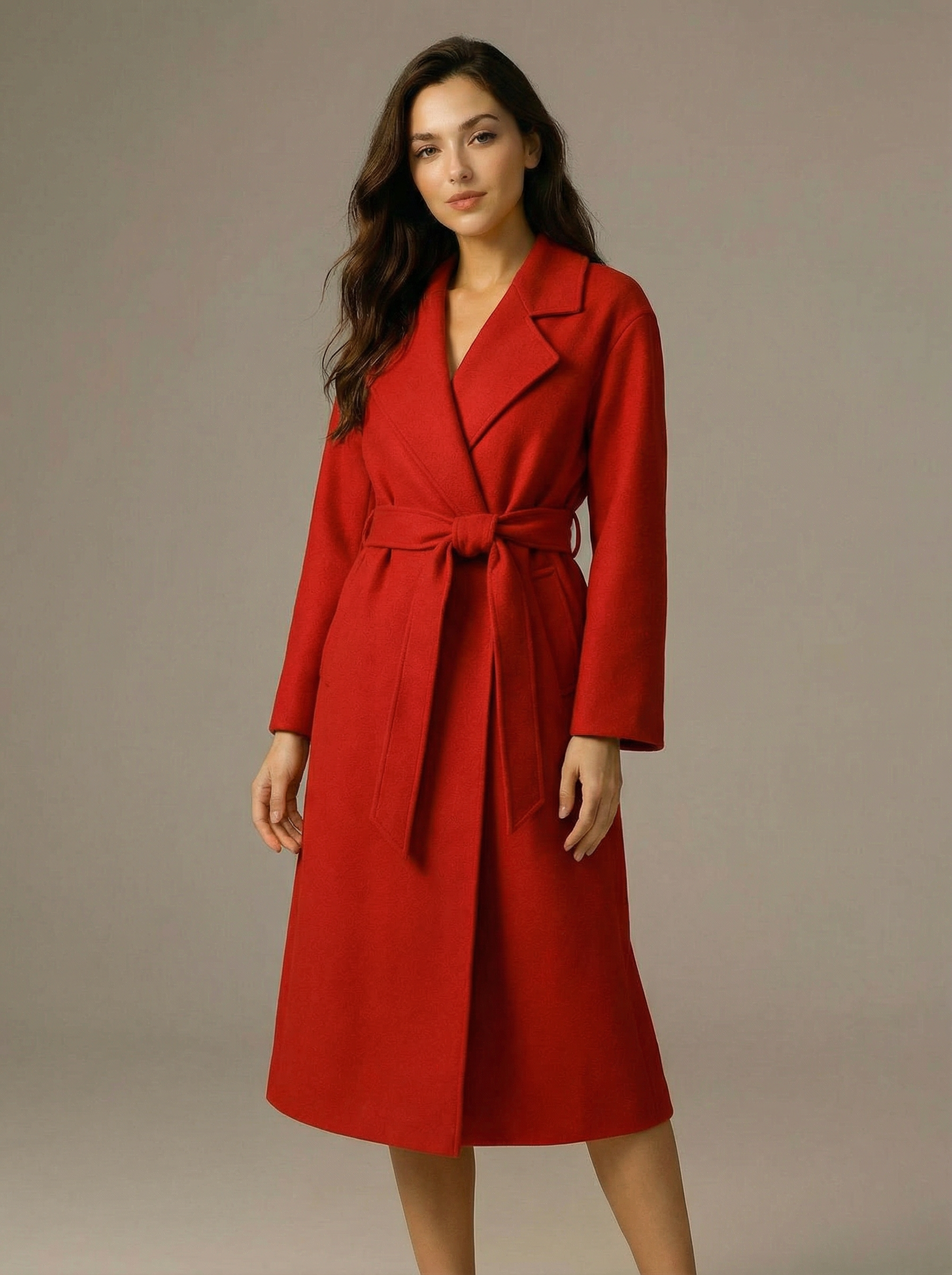
Virtual Try-on
A virtual try-on template that takes a subject image and an outfit image, then generates a realistic photo of the subject wearing the selected clothing.
Nano Banana Pro
Generate images from text prompts or reference images using Google's Nano Banana Pro model.
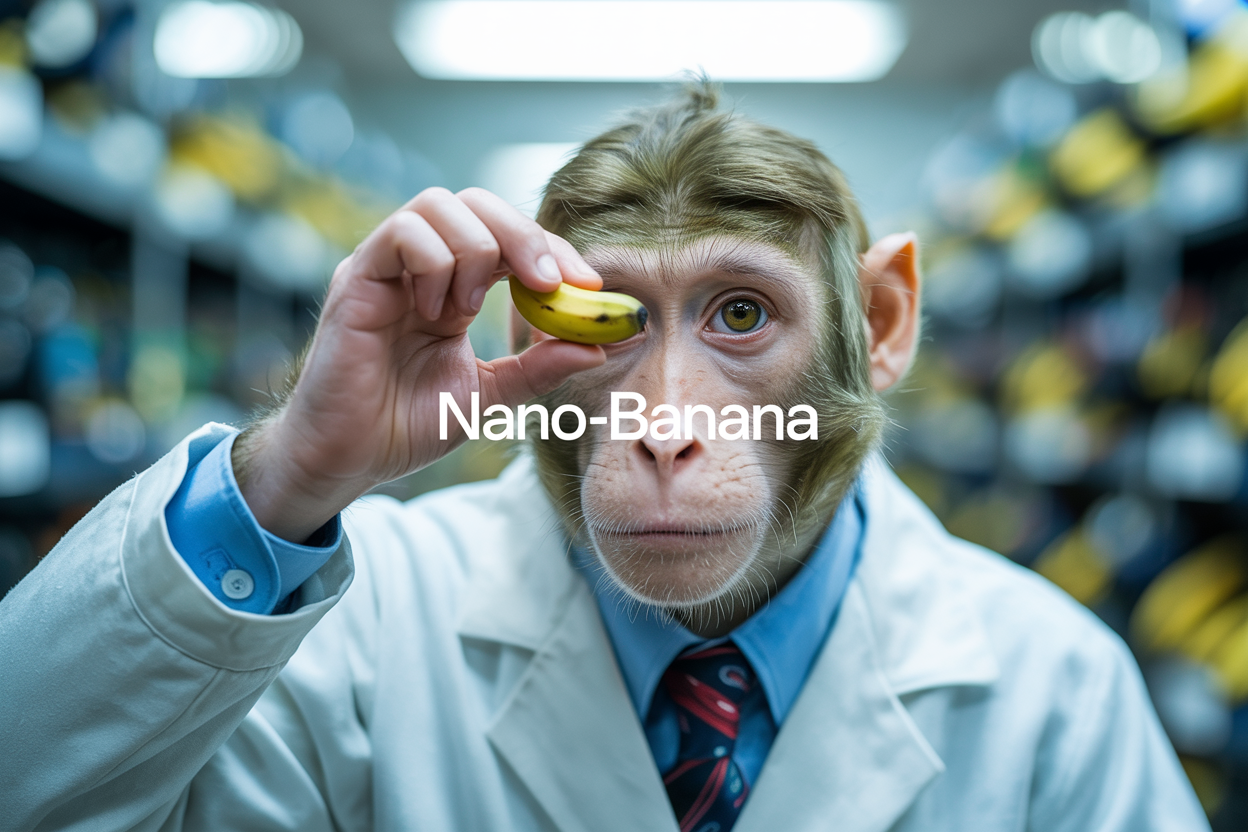
Nano Banana
Google's image editing model in Gemini 2.5
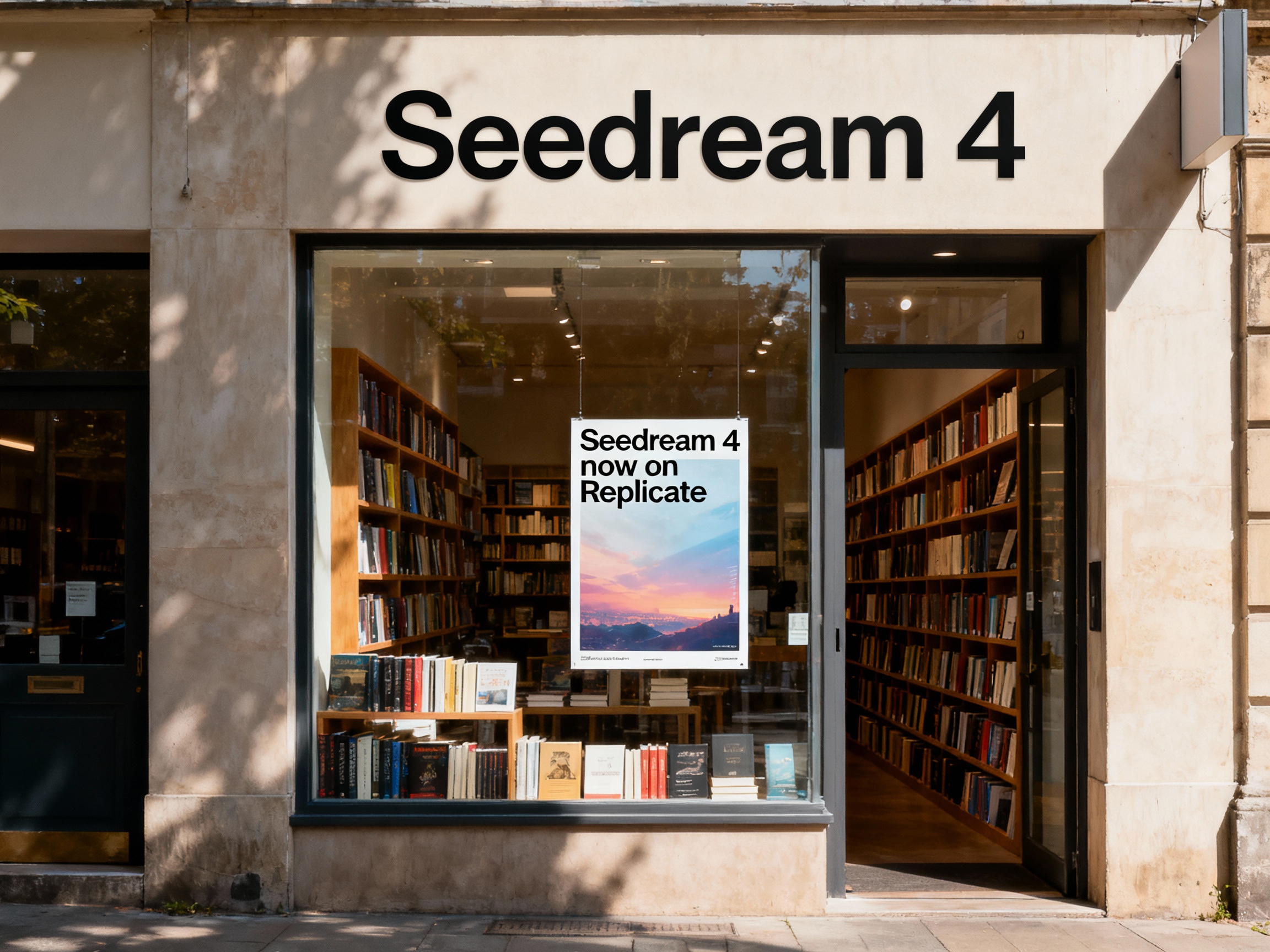
Seedream 4
Unified text-to-image generation and precise single-sentence editing at up to 4K resolution
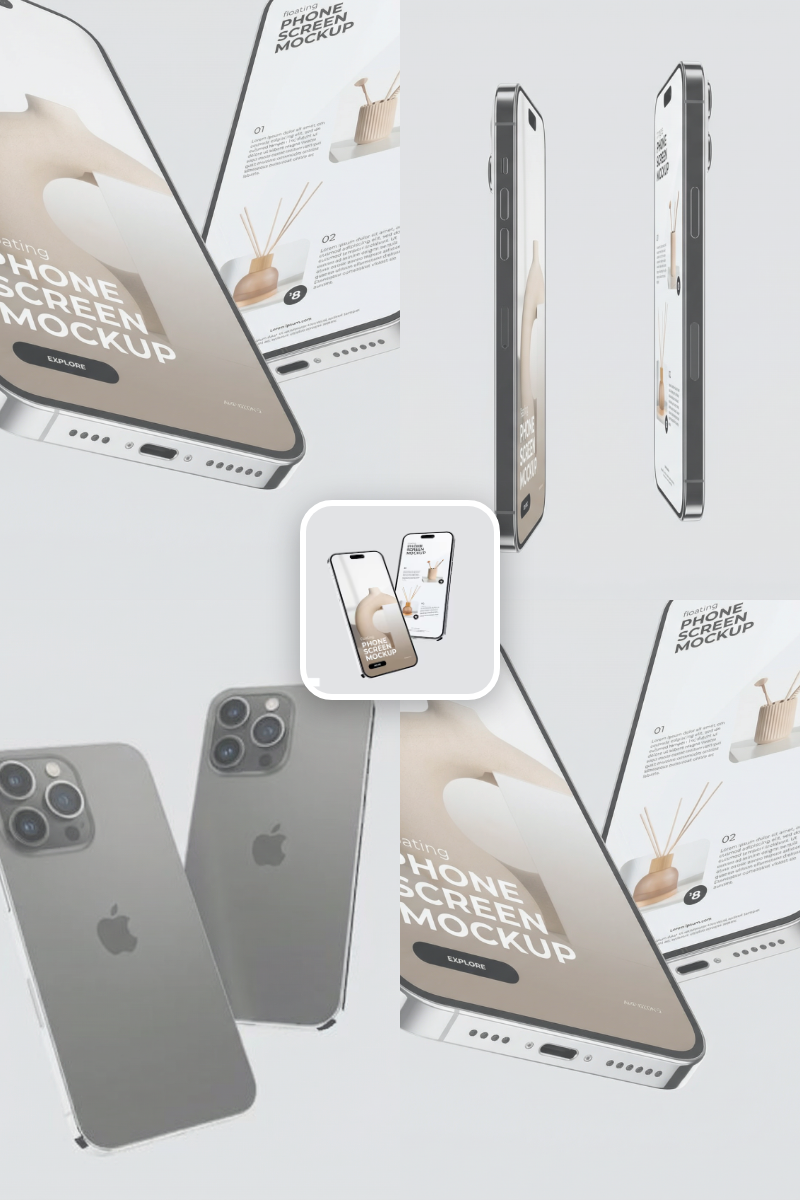
Rotate Viewpoint – Image Set
Rotate viewpoint around the subject.
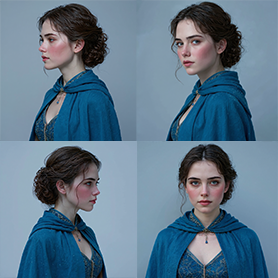
Portrait Series FLUX 1 Kontext
Generate a consistent series of portrait photos from a single image using the FLUX 1 Kontext portrait model.
Frequently Asked Questions
How does the Jewelry Mockup Generator work?
You upload a model image (Image 1) and a jewelry product photo (Image 2). The tool places the jewelry onto the correct body area with accurate perspective and lighting, preserving the model’s face, pose, clothing, and background.
Which jewelry types are supported?
Most common categories: earrings, ear cuffs, studs, necklaces, pendants, chokers, bracelets, bangles, and rings. Very intricate mesh chains, layered stacks, or pieces heavily occluded by hair or clothing may need manual retouching.
Will it change the model’s face, body, or background?
No. The model’s face, expression, hair, skin tone, clothing, pose, and background are kept exactly as in the original image. Only the jewelry is added and blended realistically.
How realistic are the results?
The generator matches light direction and color, adds contact micro‑shadows and subtle skin compression, preserves true material properties, and simulates metal reflections and gemstone sparkle for a professional, photorealistic finish.
What input images work best?
Use sharp, well‑lit photos. For jewelry, a clear product shot with minimal background and true colors is ideal. For the model, ensure the intended body area is visible (ears for earrings, neckline for necklaces, hands for rings) and avoid heavy motion blur or extreme backlighting.
Can I control the crop and aspect ratio?
By default, the original framing is preserved to avoid unwanted cropping. You can optionally choose common aspect ratios such as 1:1, 16:9, 4:3, or 9:16 for platform‑specific needs.
Can I place multiple pieces in one image?
Each run is optimized for one jewelry image. To show multiple items, update the Edit Image prompt and add a new image field on the node for each additional piece.
Does it handle different skin tones and lighting conditions?
Yes. The jewelry adapts to the model photo’s lighting and color profile. For best results, use well‑exposed images with consistent light direction between the jewelry and model.
What quality levels are available and how does pricing work?
You can choose Low, Standard, or High output quality.
How can I improve results further?
Match angles between jewelry and model, use clean product cutouts, avoid harsh reflections that contradict the model’s lighting, and ensure the relevant body area is fully visible. Minor post‑retouching can refine highlights and contrast if needed.
Can I use the outputs commercially?
Yes, provided you own or have permission to use the source images and any depicted likeness. Always confirm rights for commercial usage in your jurisdiction and platform.
Are there any limitations?
Extreme occlusions (e.g., hair blocking ears), very complex chain geometry, extreme perspective mismatches, or low‑resolution inputs can reduce realism. In such cases, consider alternative angles or light manual retouching after generation.
What is AI-FLOW and how can it help me?
AI-FLOW is an all-in-one AI platform that allows you to build, integrate, and automate AI-powered workflows using an intuitive drag-and-drop interface. Whether you're a beginner or an expert, you can leverage multiple AI models to create innovative solutions without any coding required.
Is there a free trial available?
Yes, AI-FLOW offers a free trial to get you started. After that, you can purchase credits as needed—no subscription or long-term commitment required.
Can I integrate my API keys from providers like OpenAI and Replicate with AI-FLOW Cloud Version ?
Yes, you can easily integrate your existing API keys with AI-FLOW. If specified, nodes related to the API Key provided will use your API key, significantly reducing your platform credit usage.