
AI-Flow
Multi View Cinematic Image Prompt Generator
Generate three cinematic image prompts from a single reference image, exploring multiple camera angles, distances, lenses, and depth of field—without changing the subject, environment, or mood.
Input
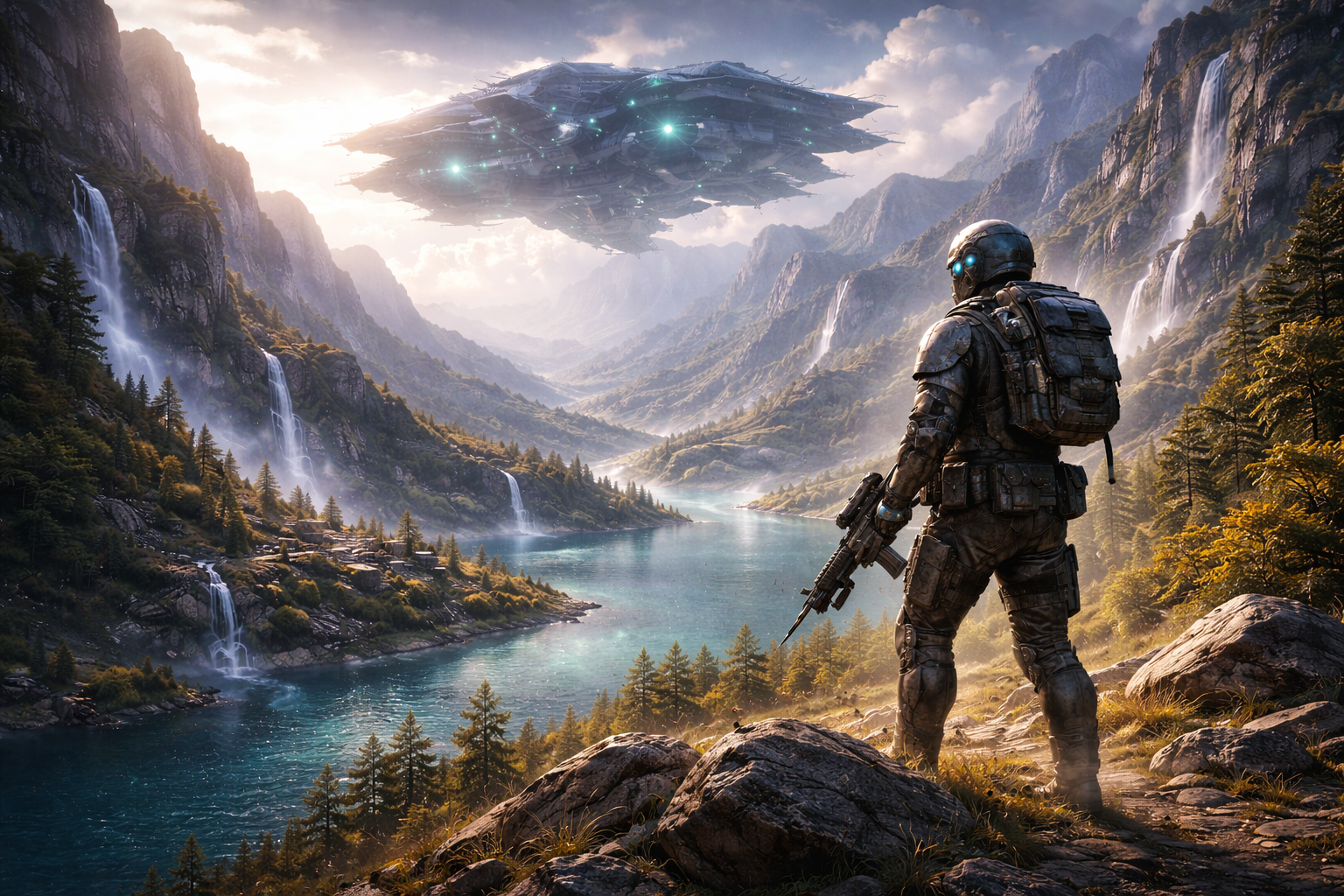
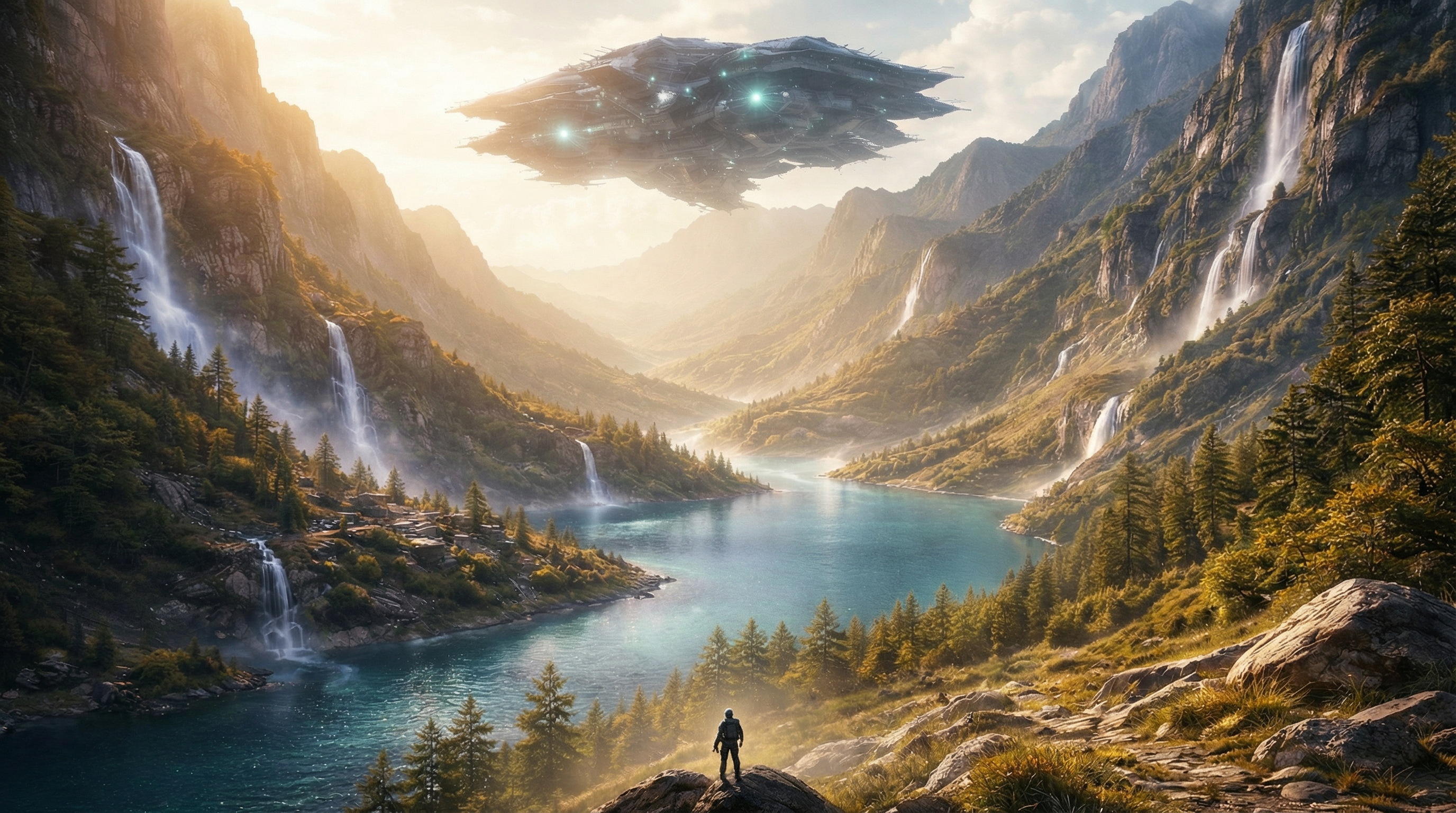
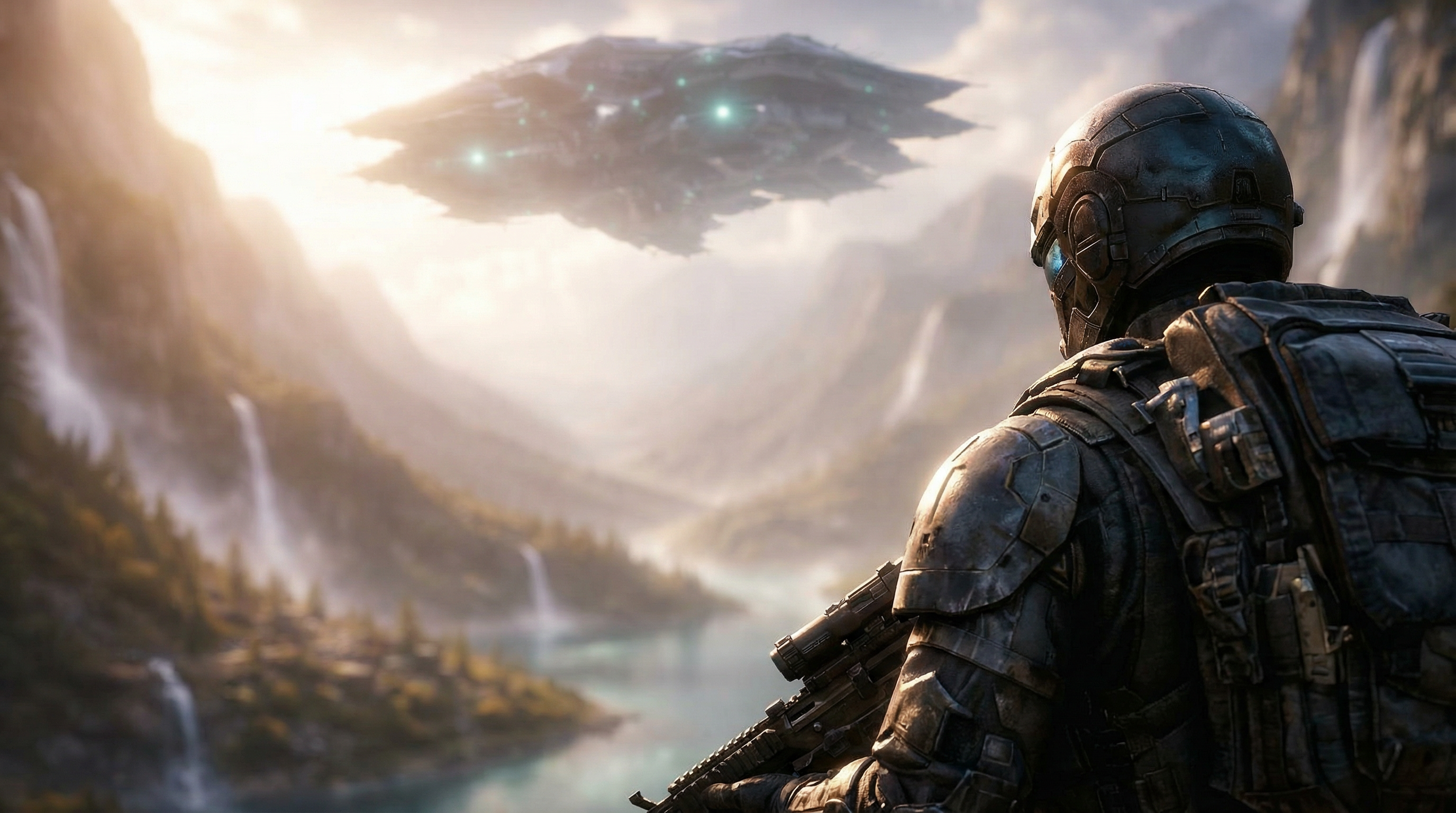
Outputs
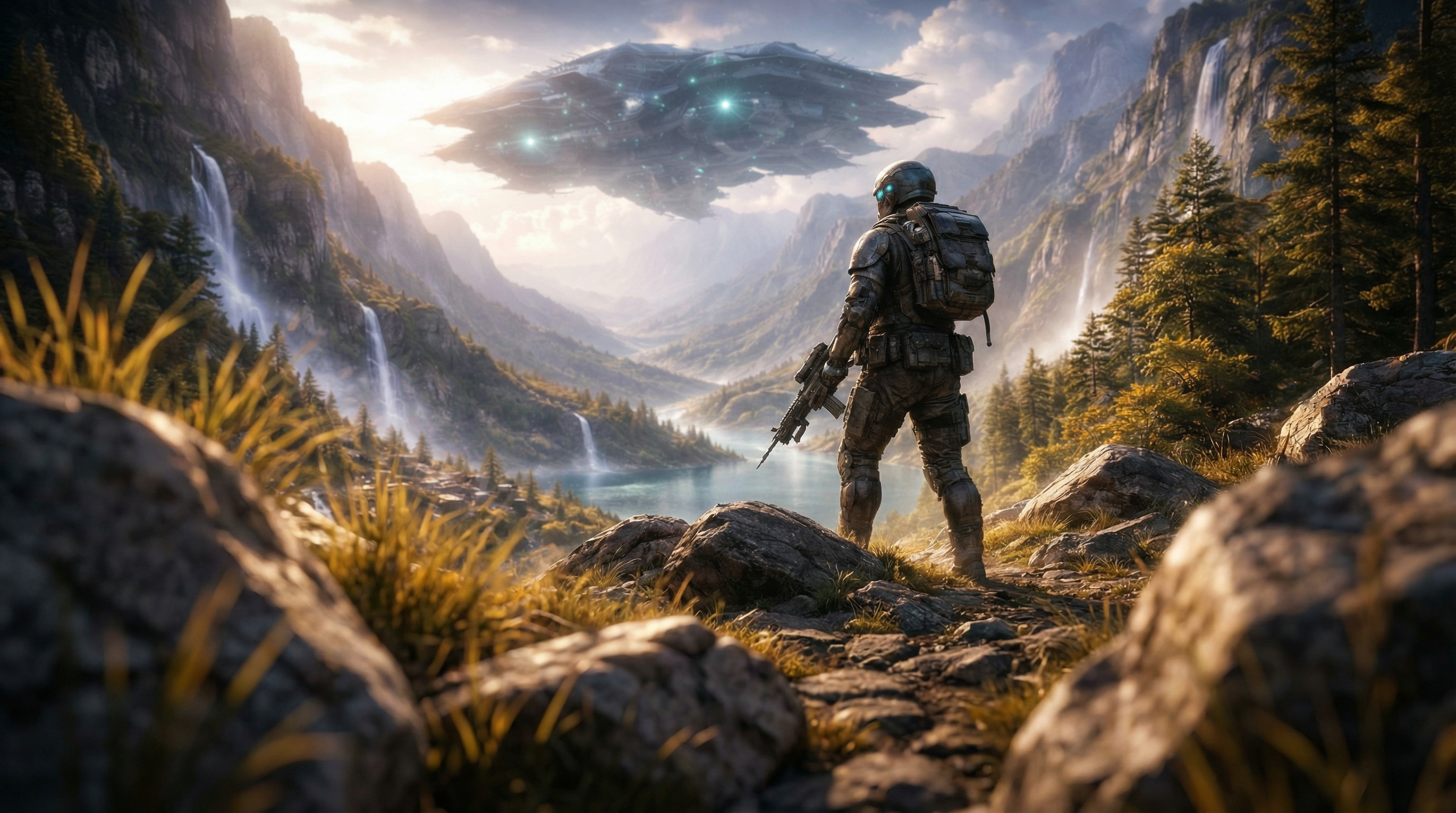
About This Template
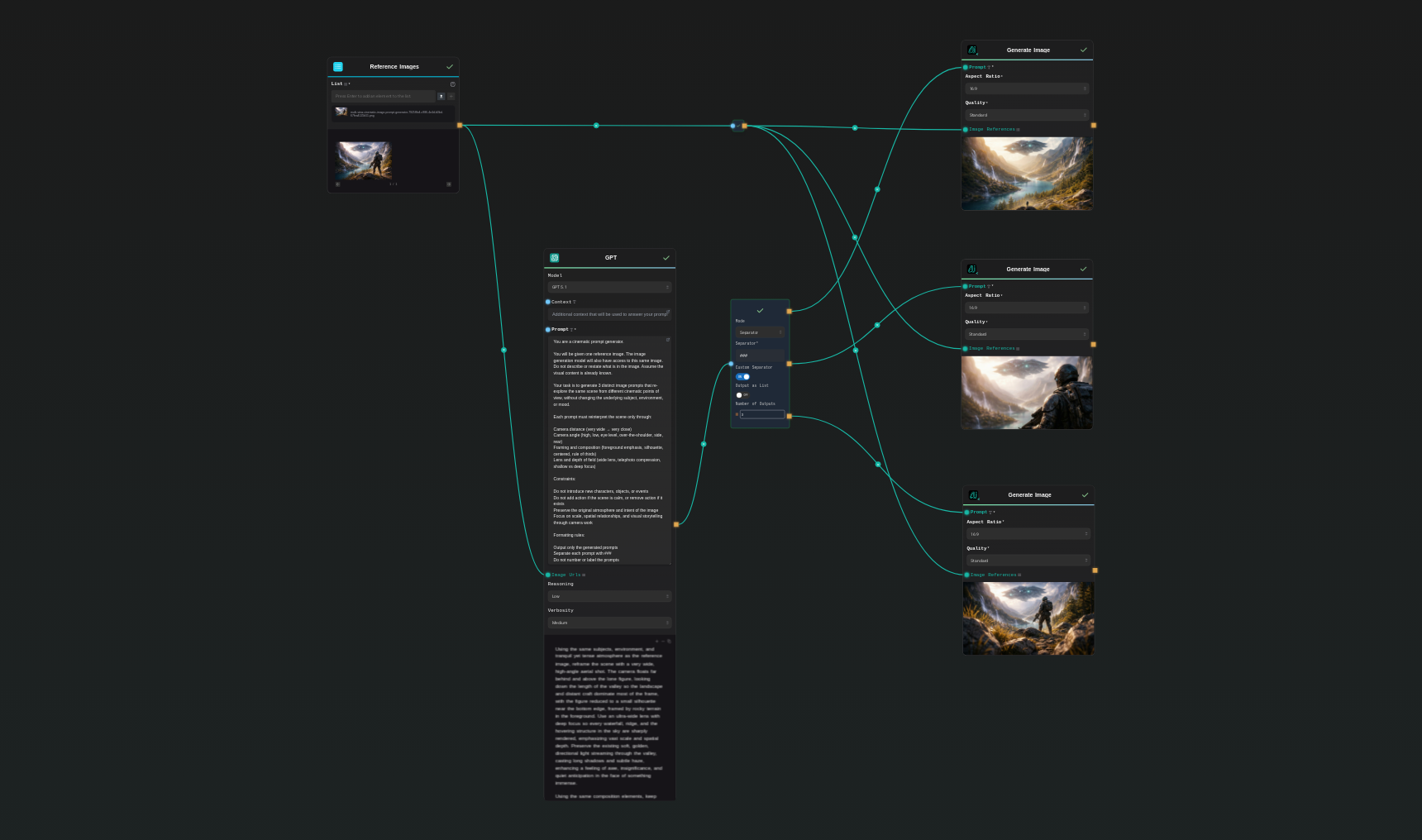
Multi View Cinematic Image Prompt Generator turns one reference image into three polished, production-ready prompts that reframe the same scene from different cinematic perspectives. It varies camera distance, angle, framing, lens behavior, and depth of field while preserving the original subject, environment, lighting intent, and atmosphere. How it works: - Upload a reference image (you can add more as style/continuity references) - The system generates 3 distinct, self-contained prompts separated by ### - Each prompt specifies camera position/angle, framing/zoom, lens/DoF, lighting interpretation, and the emotional focus created by the shot choice - Optionally auto-render each view using the built-in image model with adjustable aspect ratio and quality What you get: - Consistent multi-view coverage (e.g., aerial wide, over-the-shoulder, ground-level low angle) - Cinematic language that AI image models follow more reliably (telephoto compression, ultra‑wide, deep vs shallow focus) - Fast iteration for storyboards, key art, shot exploration, and mood studies - Strict content continuity: no new characters, props, or events are introduced Rendering options (optional): - Aspect ratios: 1:1, 16:9, 4:3, 9:16 (16:9 recommended for cinematic frames) - Quality: Low/Standard/High - Estimated cost: ~16 credits per image in Low (1K) or Standard (2K), ~32 credits per image in High (4K) Best for creative teams who need rapid, consistent camera variations while maintaining the scene’s core identity—ideal for film, games, VFX, and AI art workflows that demand continuity and shot diversity.
Template Workflow
How to Use This Template
Step 1: Upload your files
In the 'Reference Images' node, upload the files you want to use in the workflow.
Step 2: Run the Flow
Click the 'Run' button to execute the flow and get the final output.
Who is this for?
Perfect for professionals and creators looking to streamline their workflow
AI art creators and hobbyists
Produce high-quality, cinematic prompts that models understand, yielding reliable, multi-angle outputs.
Storyboard artists and previs teams
Turn a single reference into a sequence of cinematic angles to communicate intent and coverage fast.
Game and environment artists
Generate consistent multi-view references for level flyovers, hero shots, and spatial storytelling.
Marketing and key art teams
Create alternate campaign angles from the same base image while preserving brand tone and atmosphere.
You Might Also Like
Explore other powerful templates to enhance your AI workflow
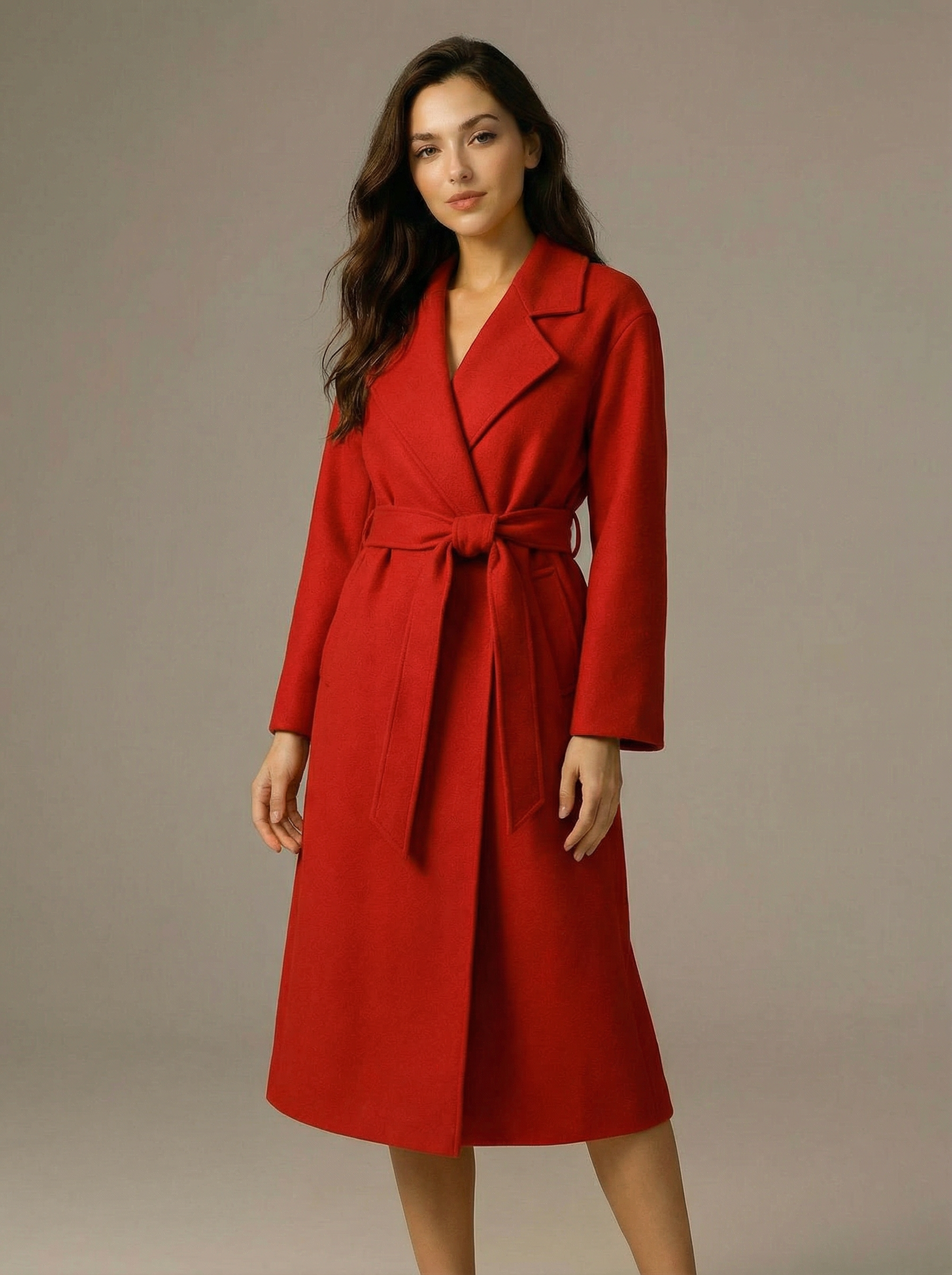
Virtual Try-on
A virtual try-on template that takes a subject image and an outfit image, then generates a realistic photo of the subject wearing the selected clothing.
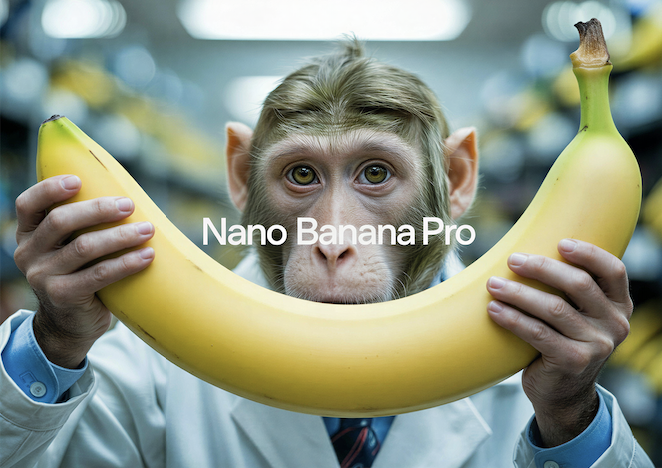
Nano Banana Pro
Generate images from text prompts or reference images using Google's Nano Banana Pro model.
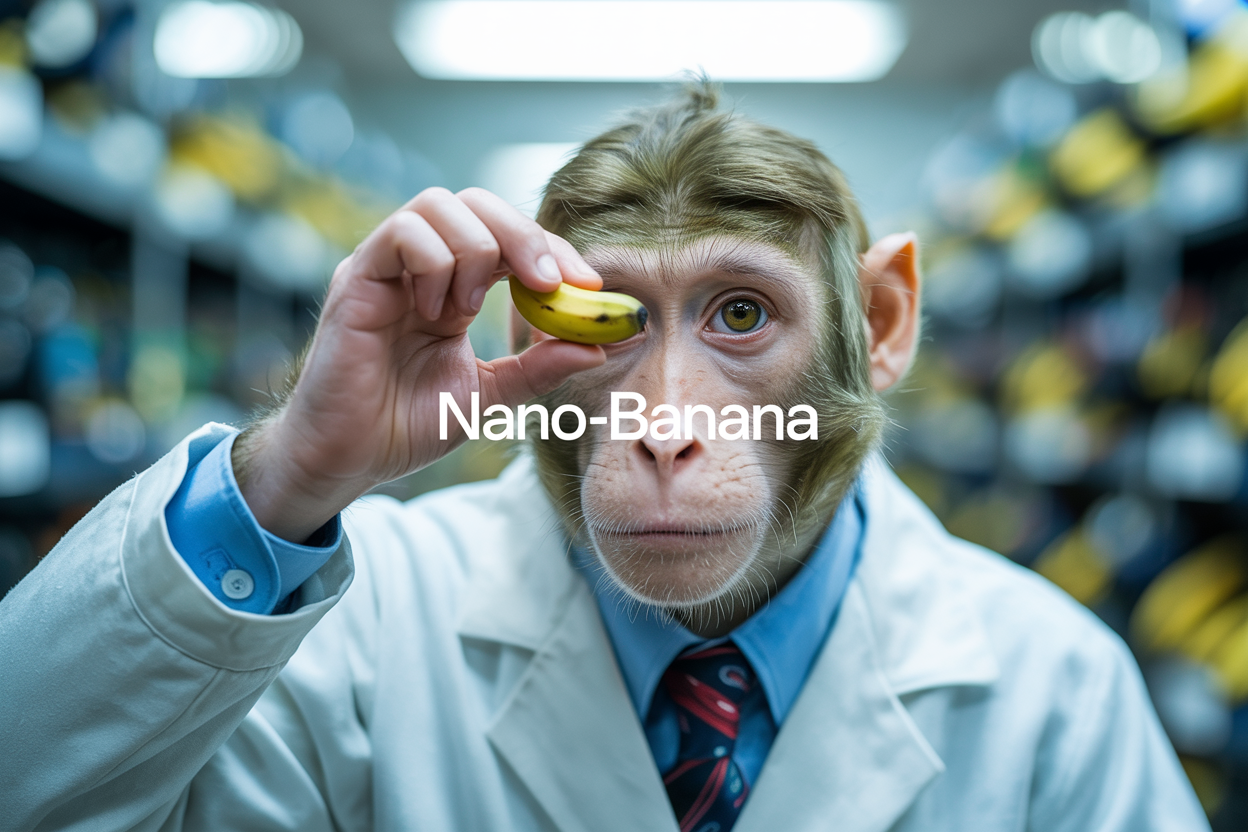
Nano Banana
Google's image editing model in Gemini 2.5
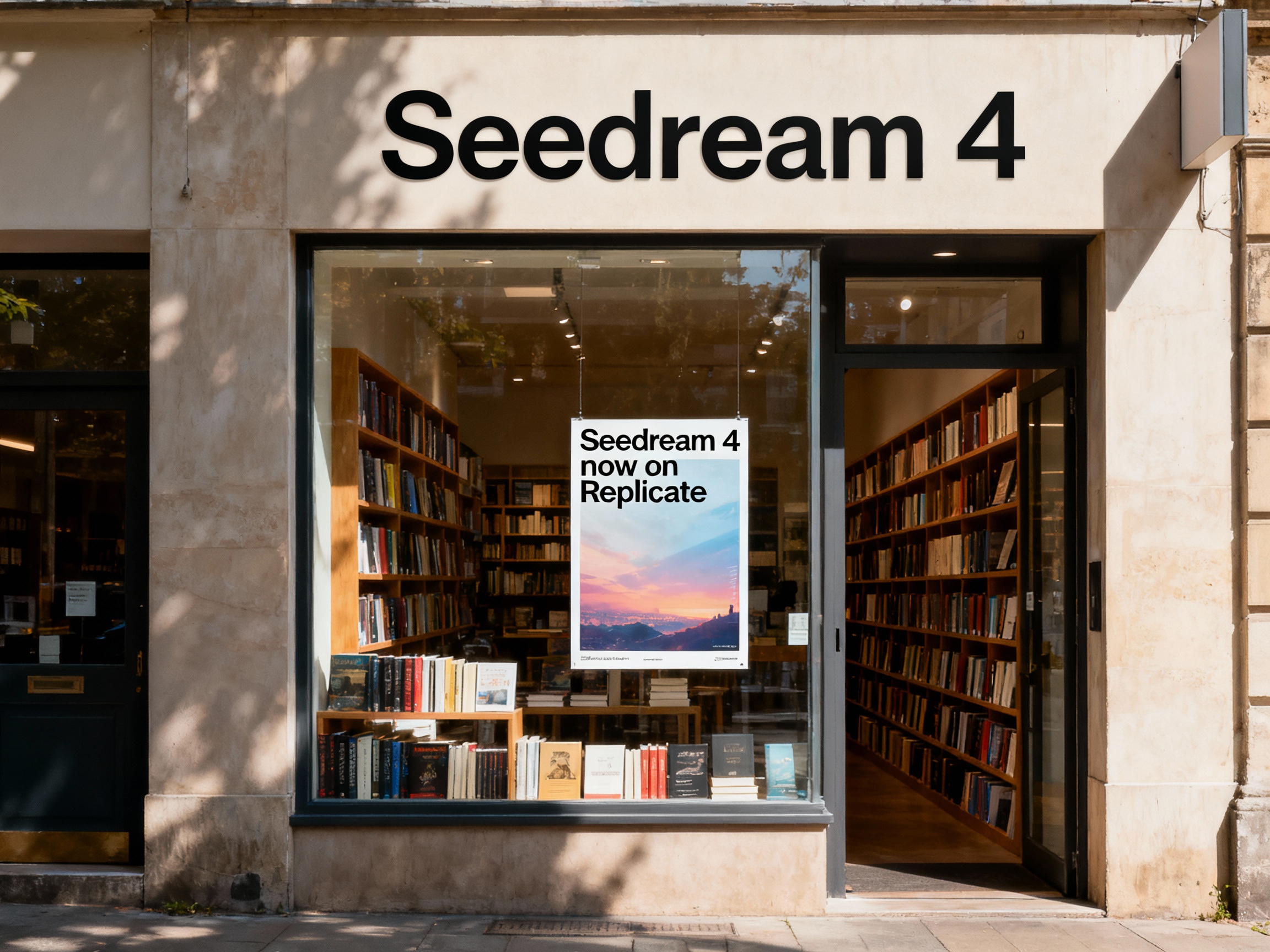
Seedream 4
Unified text-to-image generation and precise single-sentence editing at up to 4K resolution
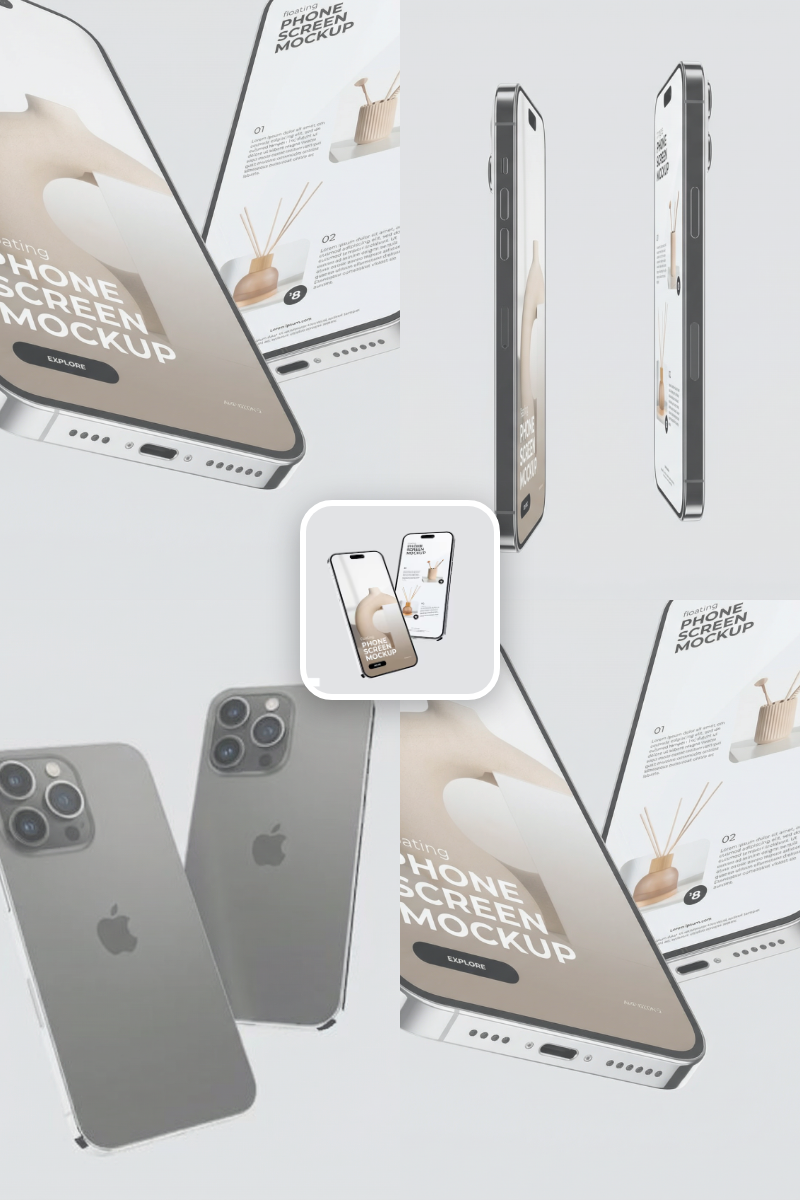
Rotate Viewpoint – Image Set
Rotate viewpoint around the subject.
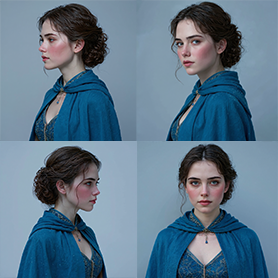
Portrait Series FLUX 1 Kontext
Generate a consistent series of portrait photos from a single image using the FLUX 1 Kontext portrait model.
Frequently Asked Questions
What does this template do?
It generates three cinematic prompts that reframe the same scene from different camera angles, distances, and lenses, preserving the original subject, environment, lighting intent, and mood. You can optionally auto-render each view.
Will it add or remove characters, props, or events?
No. The generator enforces strict continuity. It changes only the camera language—angle, distance, framing, lens, and depth of field—without introducing new elements or altering the scene’s core action or tone.
How are the prompts formatted?
You receive 3 self-contained prompts separated by ###. Each specifies camera position/angle, framing/zoom, lens and depth of field, lighting interpretation, and the emotional focus created by the shot.
Can I upload multiple reference images?
Yes. It’s optimized for a primary reference image, but you can add additional images as style or continuity references. The core prompts still preserve the scene established by the main reference.
Can it render the images for me?
Yes. The template can automatically generate three images—one per prompt. You can select aspect ratio (1:1, 16:9, 4:3, 9:16) and quality (Low, Standard, High) before rendering.
How much do renders cost?
Estimated costs are ~16 credits per image in Low (1K) or Standard (2K) and ~32 credits per image in High (4K). Rendering is optional; you can also export and use the prompts in other image models.
Which image generation models are supported?
Prompts are model-agnostic and work with most modern image generators. You can use the built-in renderer or copy the prompts to your preferred external model.
Can I influence the kinds of shots produced?
Yes. Edit the base instruction to bias specific coverage (e.g., bird’s‑eye wide, tight OTS, low-angle hero), focal lengths, or depth of field preferences while keeping continuity constraints.
What are best practices for reference images?
Use clear, high‑resolution images with a strong subject, stable lighting, and minimal clutter. Keep the subject recognizable and on‑style to improve continuity across the three views.
Will the output match the original art style exactly?
The prompts preserve subject, environment, and mood, but final style fidelity depends on the rendering model and settings. For maximum consistency, use the same model and parameters across all outputs.
What aspect ratio should I choose?
16:9 is recommended for cinematic framing, 1:1 for square feeds, 9:16 for vertical stories, and 4:3 for classic frames. You can switch per render without affecting scene continuity.
What is AI-FLOW and how can it help me?
AI-FLOW is an all-in-one AI platform that allows you to build, integrate, and automate AI-powered workflows using an intuitive drag-and-drop interface. Whether you're a beginner or an expert, you can leverage multiple AI models to create innovative solutions without any coding required.
Is there a free trial available?
Yes, AI-FLOW offers a free trial to get you started. After that, you can purchase credits as needed—no subscription or long-term commitment required.
Can I integrate my API keys from providers like OpenAI and Replicate with AI-FLOW Cloud Version ?
Yes, you can easily integrate your existing API keys with AI-FLOW. If specified, nodes related to the API Key provided will use your API key, significantly reducing your platform credit usage.