
AI-Flow
P Image Edit
Production-ready, sub‑1s, one‑cent multi‑image AI editor with strong prompt adherence and excellent text rendering.
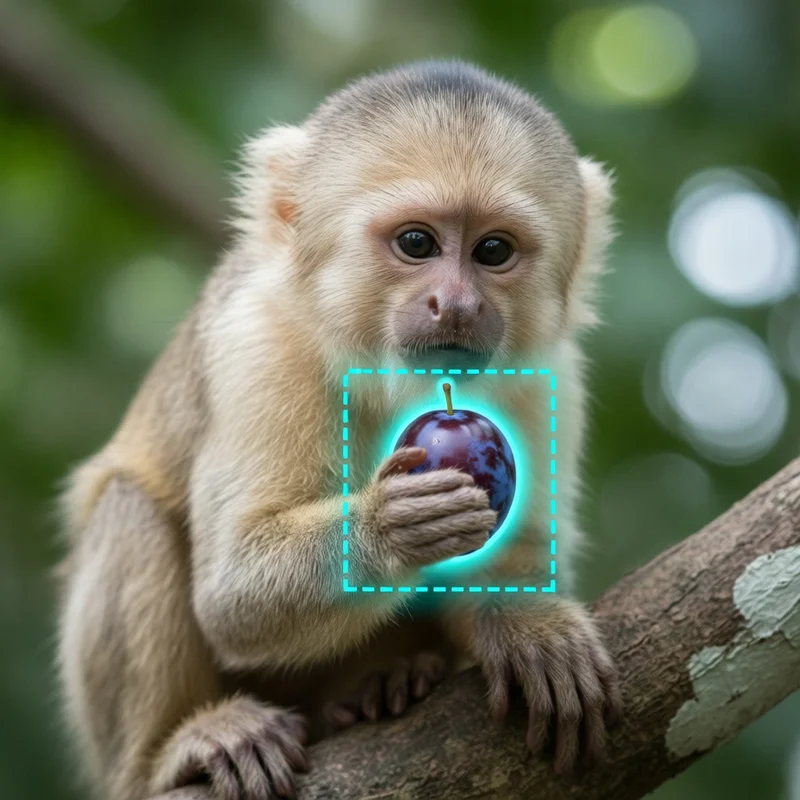
Input
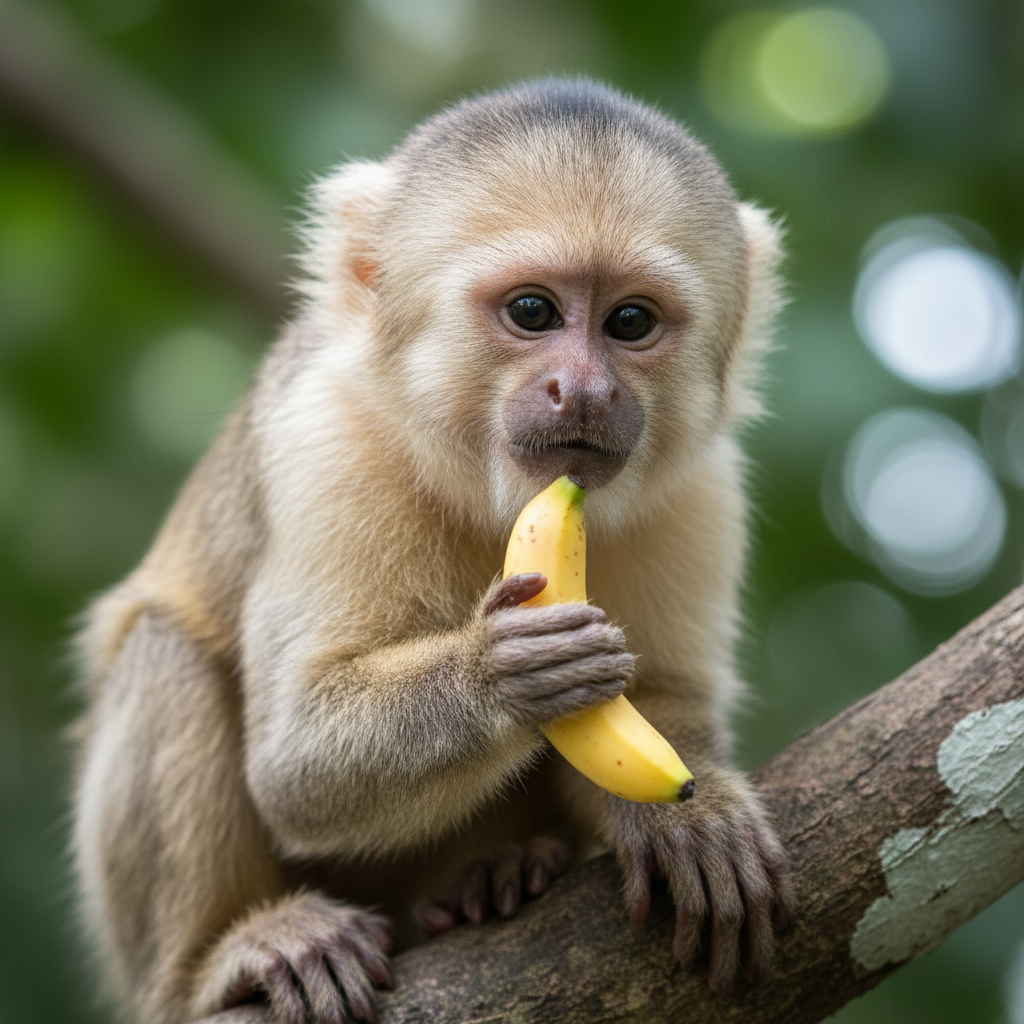
Output
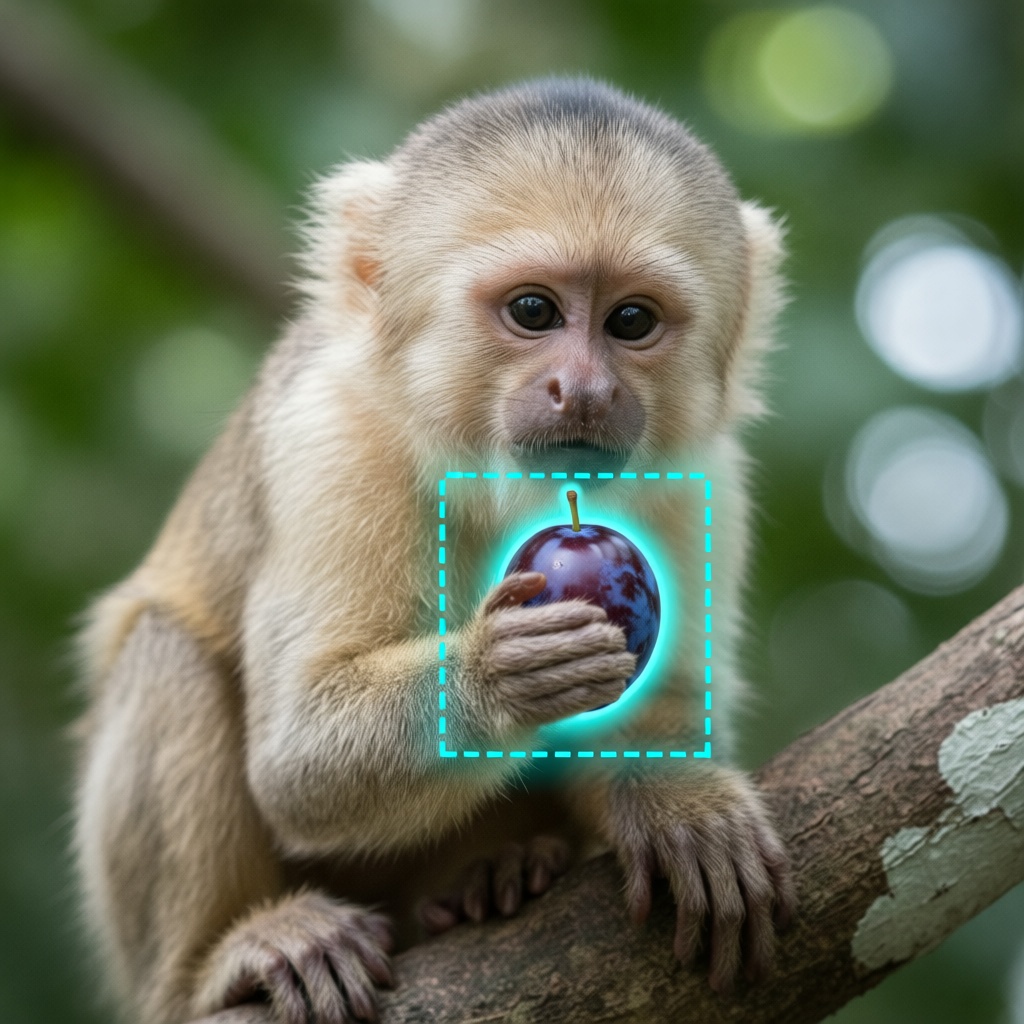
About This Template
P Image Edit (prunaai/p-image-edit) is a fast, affordable, and reliable AI image editing model designed for real-world production workflows. It delivers state-of-the-art multi-image editing in under one second per request, typically at ~$0.01 per edit, while maintaining high visual quality, precise prompt following, and strong on-image text rendering. Key capabilities - Multi-image editing and compositing: reference multiple images and designate the primary edit target as the first image - Precise prompt adherence: clearly specify edits and refer to inputs as “image 1”, “image 2”, etc. - High-quality text rendering on images (labels, signage, apparel, packaging) - Versatile presets via replicate_weights (e.g., relight, light_restoration, white_to_scene, fusion, add_characters, next_scene, style_consistency, subject_consistency, scene_consistency, to_anime, to_3dchibi, to_caricature, photous, extract_texture, apply_texture, upscale, anything_to_real, white_film_to_rendering) - Sub‑second latency with turbo mode for rapid iteration; toggle off turbo for more complex edits Inputs - prompt (required): Describe the edit clearly. Reference images by index (e.g., “image 1”). - images (optional): One or more input images; place the main image first. - aspect_ratio (optional): Choose from match_input_image, 1:1, 16:9, 9:16, 4:3, 3:4, 3:2, 2:3. - seed (optional): Set for reproducible outputs. - turbo (optional): Accelerate inference; recommended off for very complex edits. - disable_safety_checker (optional): Toggle the safety checker. - replicate_weights (optional): Select a specialized preset for your task. Output - A single URL to the edited image file. Helpful resources - Model page: https://replicate.com/prunaai/p-image-edit - Image generation (sister model): https://replicate.com/prunaai/p-image - Docs and prompting guidelines: https://docs.pruna.ai/en/docs-add-performance-pages/docs_pruna_endpoints/image_editing/advanced.html
Template Workflow
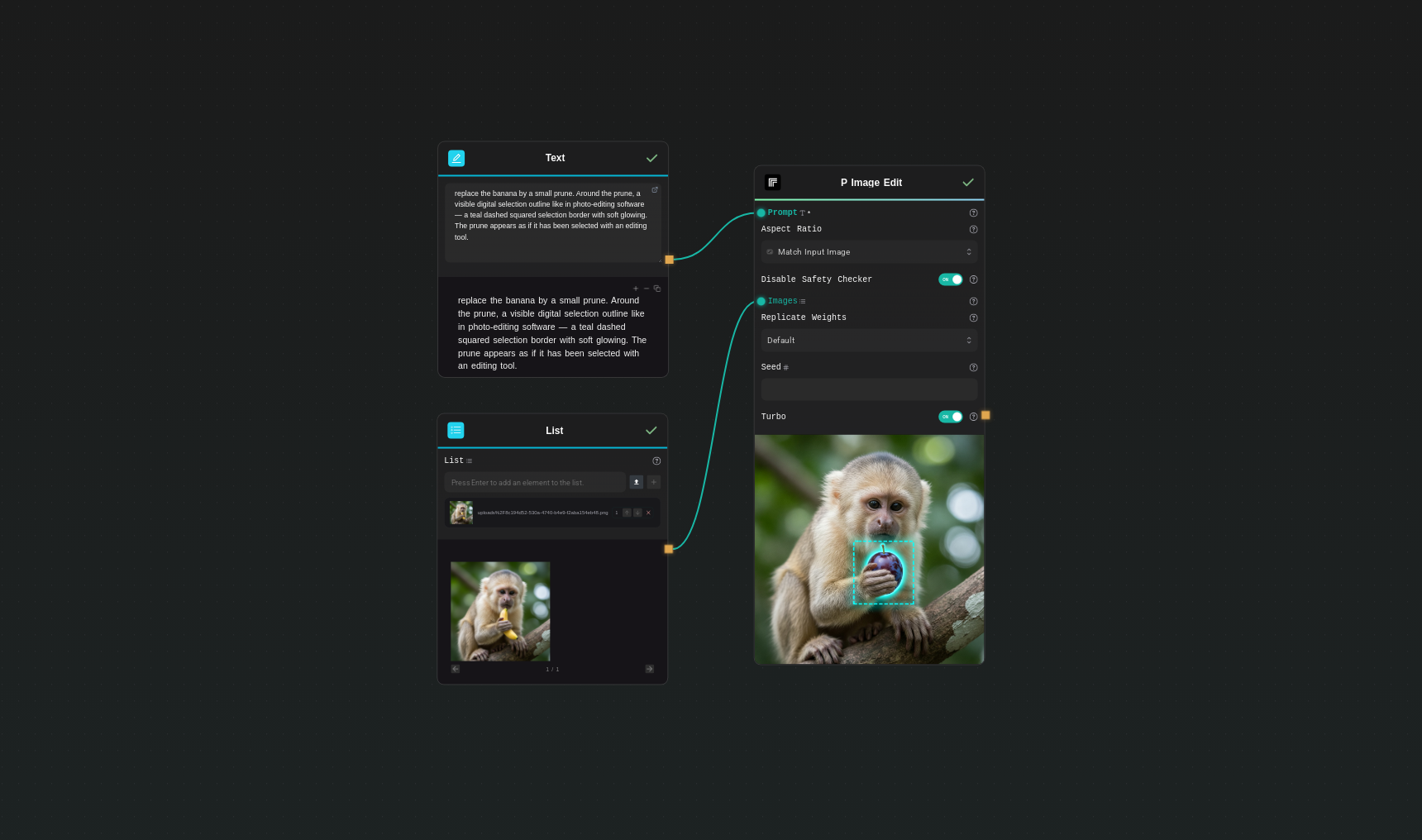
How to Use This Template
Step 1: Enter your text in 'Text' Node
In the 'Text' node, enter your instructions.
replace the banana by a small prune. Around the prune, a visible digital selection outline like in photo-editing software — a teal dashed squared selection border with soft glowing. The prune appears as if it has been selected with an editing tool.
Step 2: Upload your files
In the 'List' node, upload the files you want to use in the workflow.
Step 3: Run the Flow
Click the 'Run' button to execute the flow and get the final output.
Who is this for?
Perfect for professionals and creators looking to streamline their workflow
Ecommerce and marketplaces
Automate background swaps, relighting, and product cleanups at scale with consistent results and low latency.
Marketing and growth teams
Rapidly iterate ad creatives, seasonal variants, and multi-asset comps without slow manual workflows.
Content creators and social media managers
Create fast, high-quality edits, add text, and remix scenes from multiple references for posts and thumbnails.
Product designers and brand teams
Maintain style, subject, and scene consistency across campaigns using dedicated presets.
Developers and platform builders
Embed a reliable, low-cost, low-latency image editing API into apps, pipelines, and automation tools.
Studios and agencies
Handle client turnarounds in real time with precise prompt control and high visual fidelity.
You Might Also Like
Explore other powerful templates to enhance your AI workflow
Virtual Try-on
A virtual try-on template that takes a subject image and an outfit image, then generates a realistic photo of the subject wearing the selected clothing.
Nano Banana Pro
Generate images from text prompts or reference images using Google's Nano Banana Pro model.
Nano Banana
Google's image editing model in Gemini 2.5
Seedream 4
Unified text-to-image generation and precise single-sentence editing at up to 4K resolution
Rotate Viewpoint – Image Set
Rotate viewpoint around the subject.
Portrait Series FLUX 1 Kontext
Generate a consistent series of portrait photos from a single image using the FLUX 1 Kontext portrait model.
Frequently Asked Questions
What is P Image Edit?
It’s a production-grade AI image editor (prunaai/p-image-edit) optimized for sub‑1s latency, ~$0.01 per edit, multi-image inputs, and strong prompt adherence with excellent text rendering.
How do I reference multiple images in my prompt?
Upload the main image first, then additional references. In your prompt, refer to them as “image 1”, “image 2”, and so on.
When should I use turbo mode?
Use turbo for fastest results and rapid iteration. For more complex edits or when you need maximum fidelity, turn turbo off.
What does replicate_weights do?
It selects specialized editing presets (e.g., relight, fusion, add_characters, style_consistency, subject_consistency, scene_consistency, to_anime, to_3dchibi, to_caricature, photous, extract_texture, apply_texture, upscale, anything_to_real, white_film_to_rendering) to better match your task.
Can I control the output aspect ratio?
Yes. Use aspect_ratio to set a target ratio or choose match_input_image to inherit the first image’s aspect ratio.
How do I get reproducible results?
Set a seed value. Using the same inputs, prompt, and configuration with the same seed will produce consistent outputs.
Does it support text rendering on images?
Yes. The model is optimized for strong on-image text rendering, which is useful for labels, signage, apparel, and UI mocks.
What does the safety checker do?
The safety checker helps prevent generating unsafe content. You can disable it by setting disable_safety_checker to true if your use case and policies require it.
How is this different from P Image (generation)?
P Image Edit transforms existing images using prompts and references. For creating images from text alone, use the P Image generation model: https://replicate.com/prunaai/p-image
What does the model return?
A single URL pointing to the edited image file, which you can download or display directly.
What is AI-FLOW and how can it help me?
AI-FLOW is an all-in-one AI platform that allows you to build, integrate, and automate AI-powered workflows using an intuitive drag-and-drop interface. Whether you're a beginner or an expert, you can leverage multiple AI models to create innovative solutions without any coding required.
Is there a free trial available?
Yes, AI-FLOW offers a free trial to get you started. After that, you can purchase credits as needed—no subscription or long-term commitment required.
Can I integrate my API keys from providers like OpenAI and Replicate with AI-FLOW Cloud Version ?
Yes, you can easily integrate your existing API keys with AI-FLOW. If specified, nodes related to the API Key provided will use your API key, significantly reducing your platform credit usage.