
AI-Flow
Portrait Series FLUX 1 Kontext
Generate a consistent series of portrait photos from a single image using the FLUX 1 Kontext portrait model.
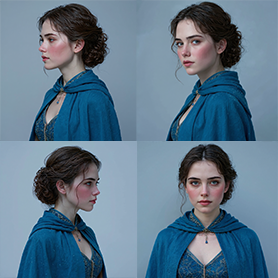
Input
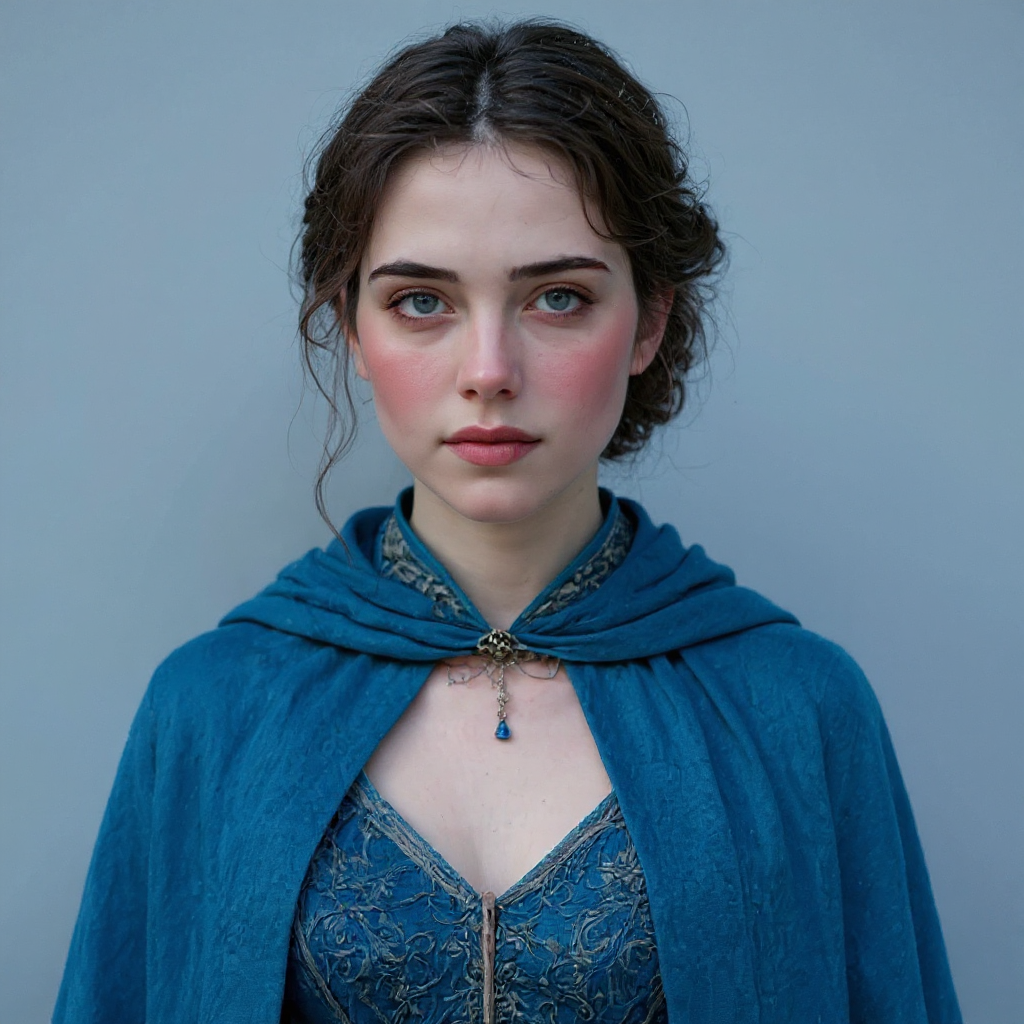
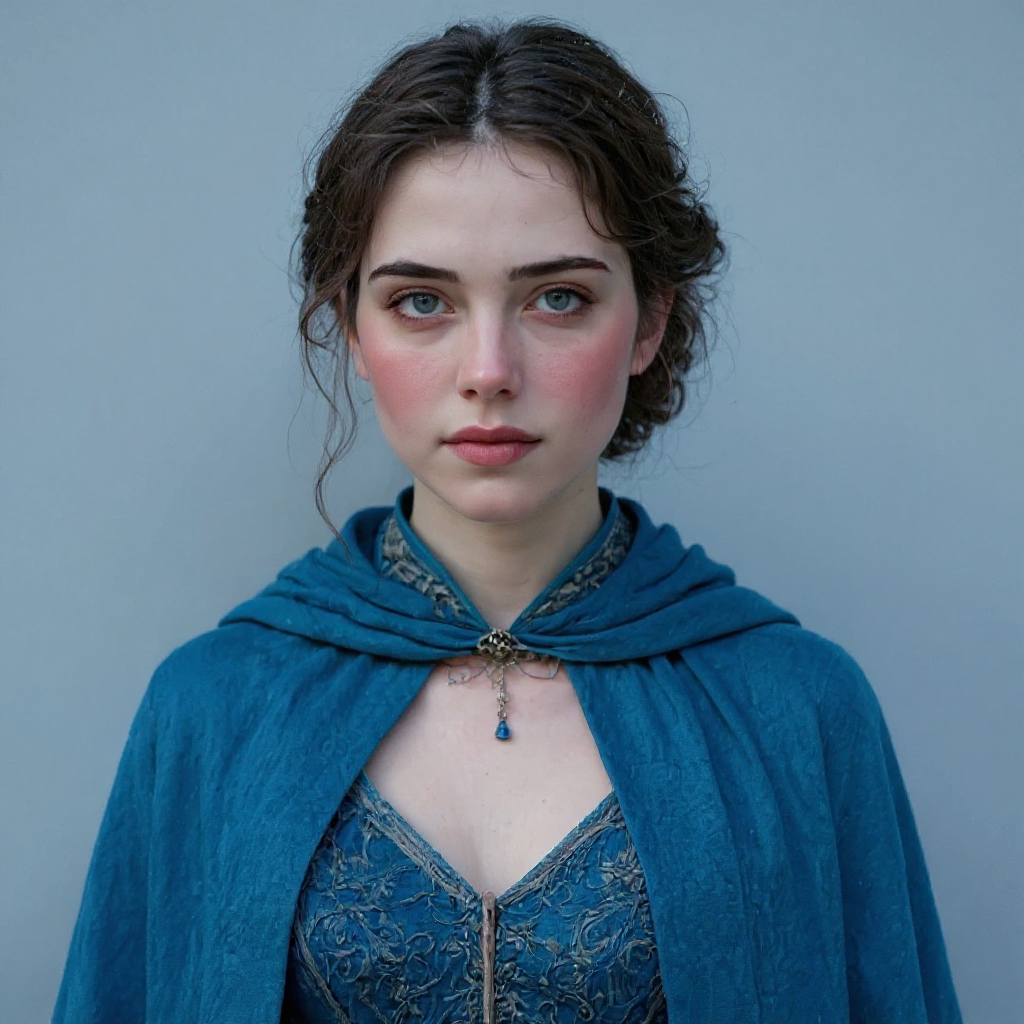
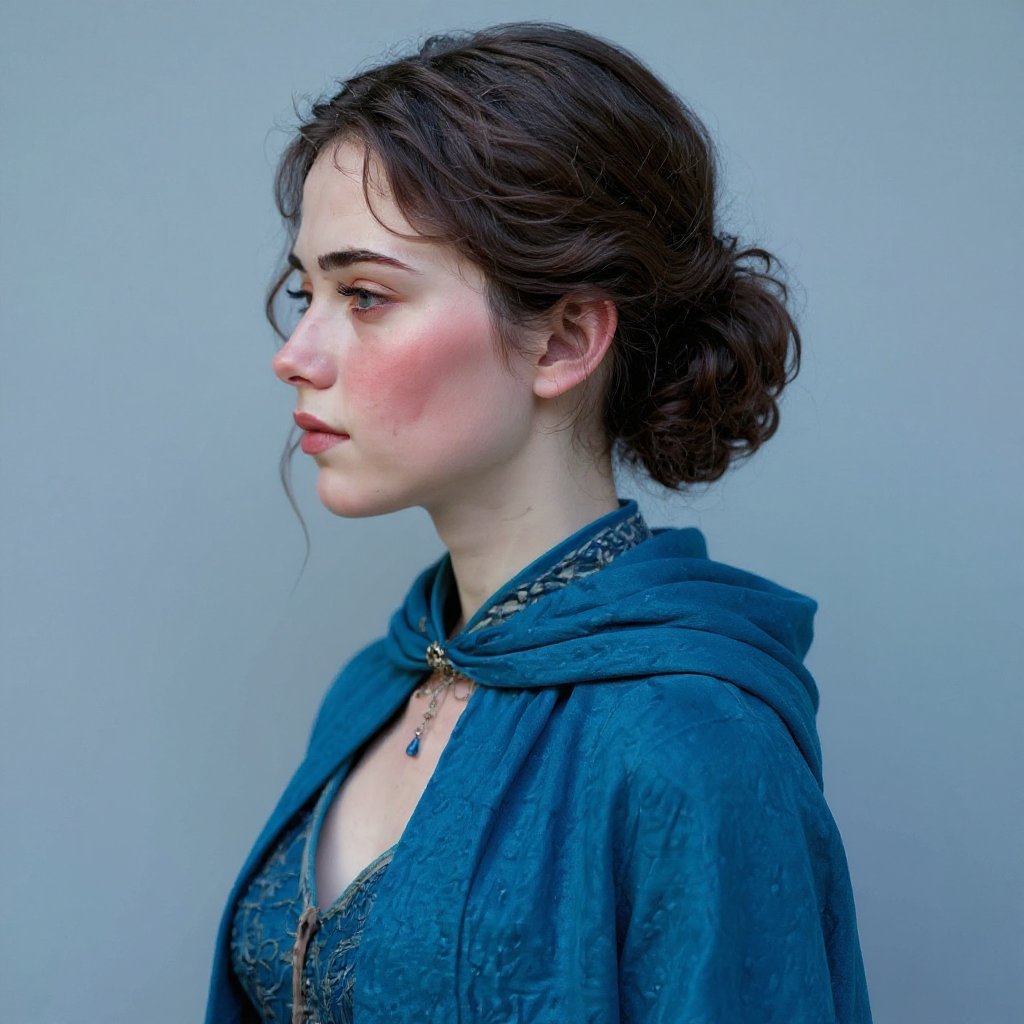
Outputs
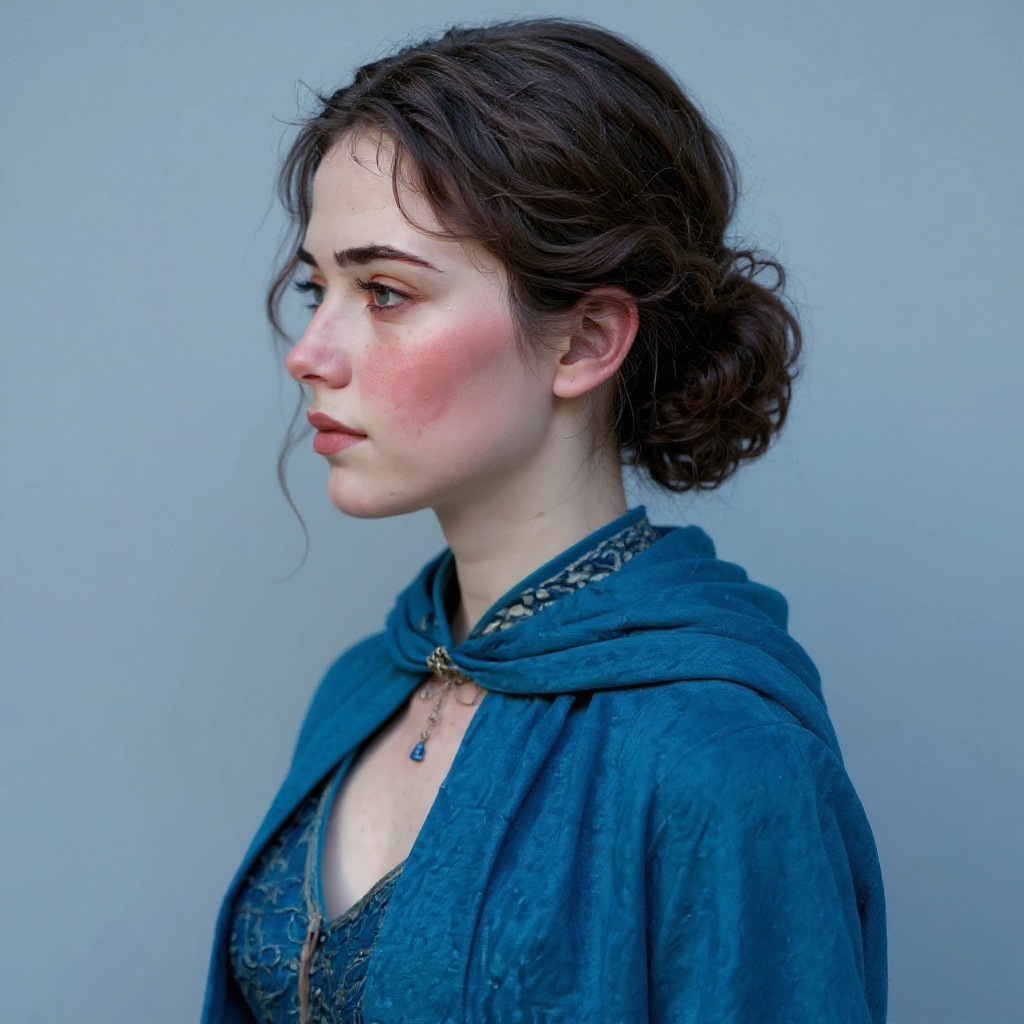
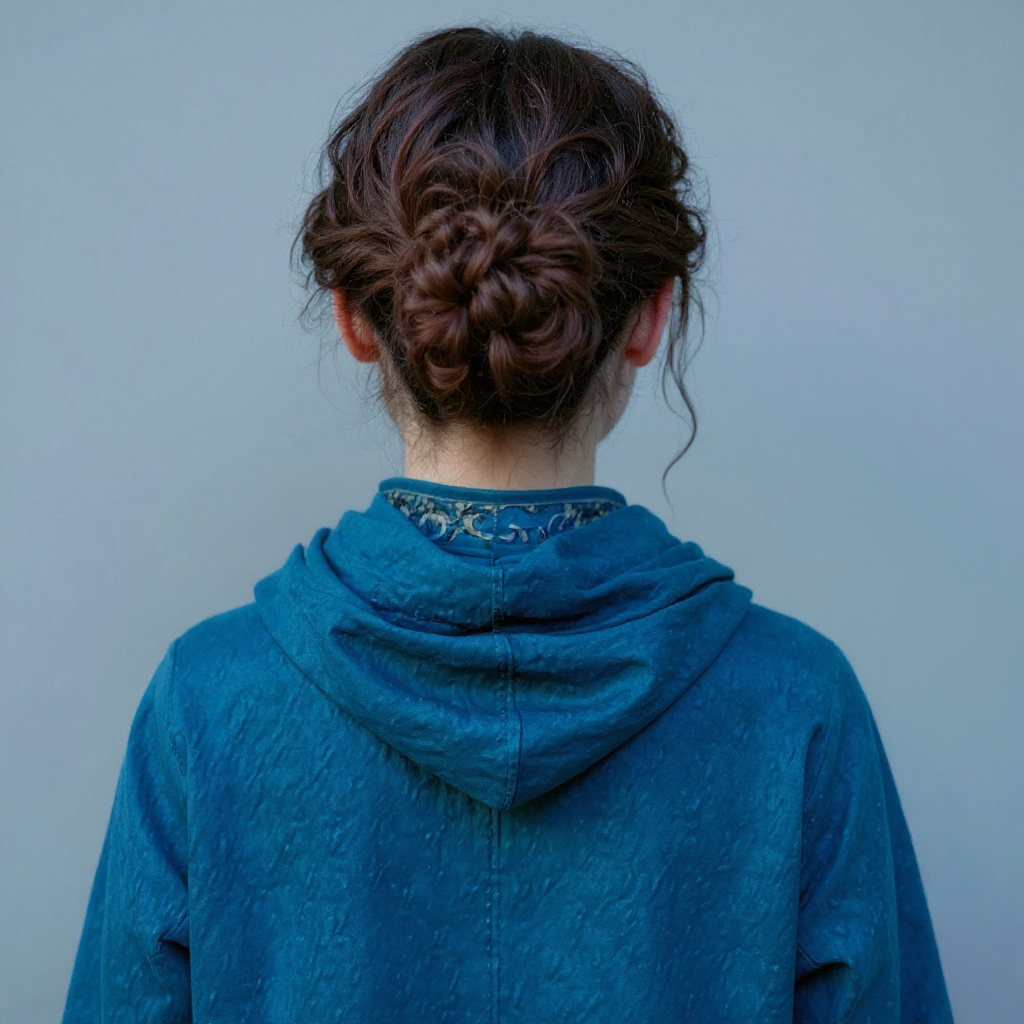
About This Template
This template takes one portrait photo and turns it into a complete series of matching shots using the FLUX 1 Kontext portrait model. Upload a clear image of a person, choose the background style (white, black, gray, green screen, or neutral), and set how many variations you want. The workflow is simple: you provide a single input image, and the model returns multiple portraits with different poses while keeping the same person and overall look. You can generate just a few safe variations for profile pictures, or a larger batch for social media, avatars, internal tools, and experiments. FLUX 1 Kontext here is used as a solid, reliable portrait generator – not the latest ultra-high-end model, but a practical way to quickly expand one photo into a usable portrait pack without having to set up a complex pipeline yourself.
How to Use This Template
Step 1: Upload your file
In the 'File' node, upload the file you want to process.
Step 2: Run the Flow
Click the 'Run' button to execute the flow and get the final output.
You Might Also Like
Explore other powerful templates to enhance your AI workflow
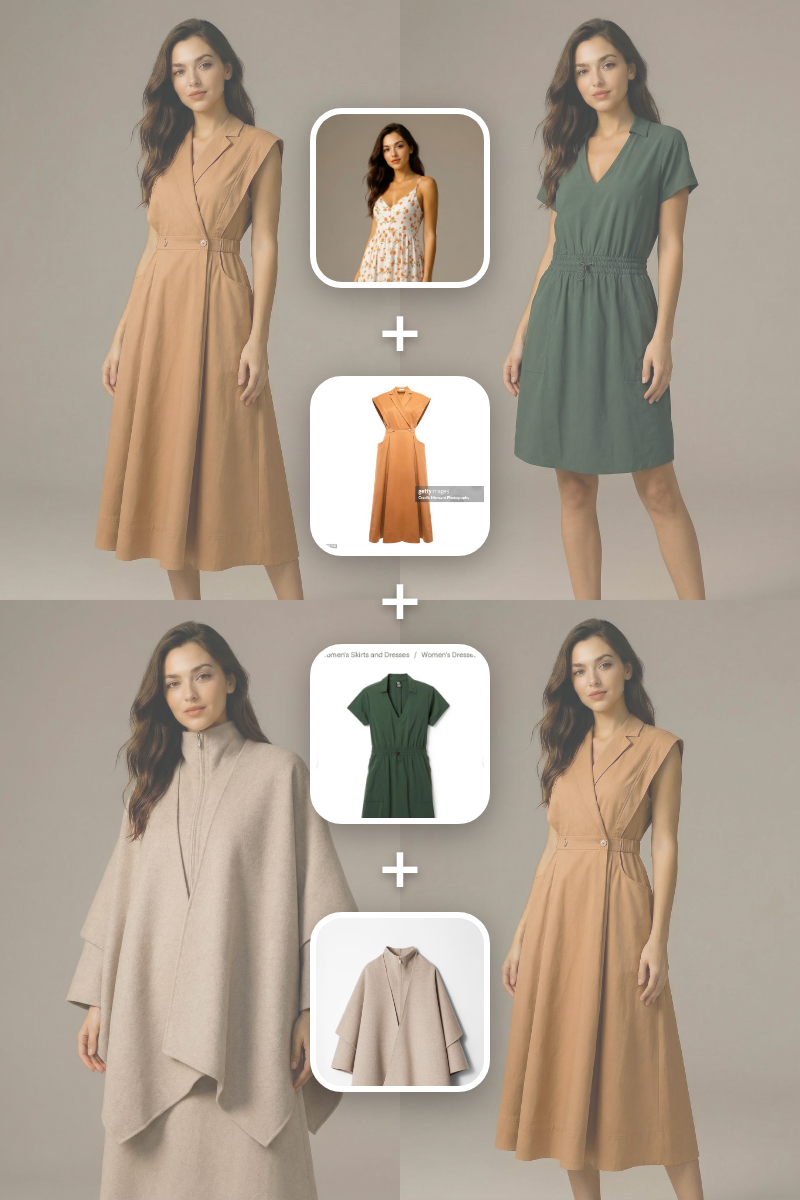
Batch Virtual Try On
A batch virtual try-on template that takes one subject image and multiple clothing images, generating a separate realistic output for each garment.
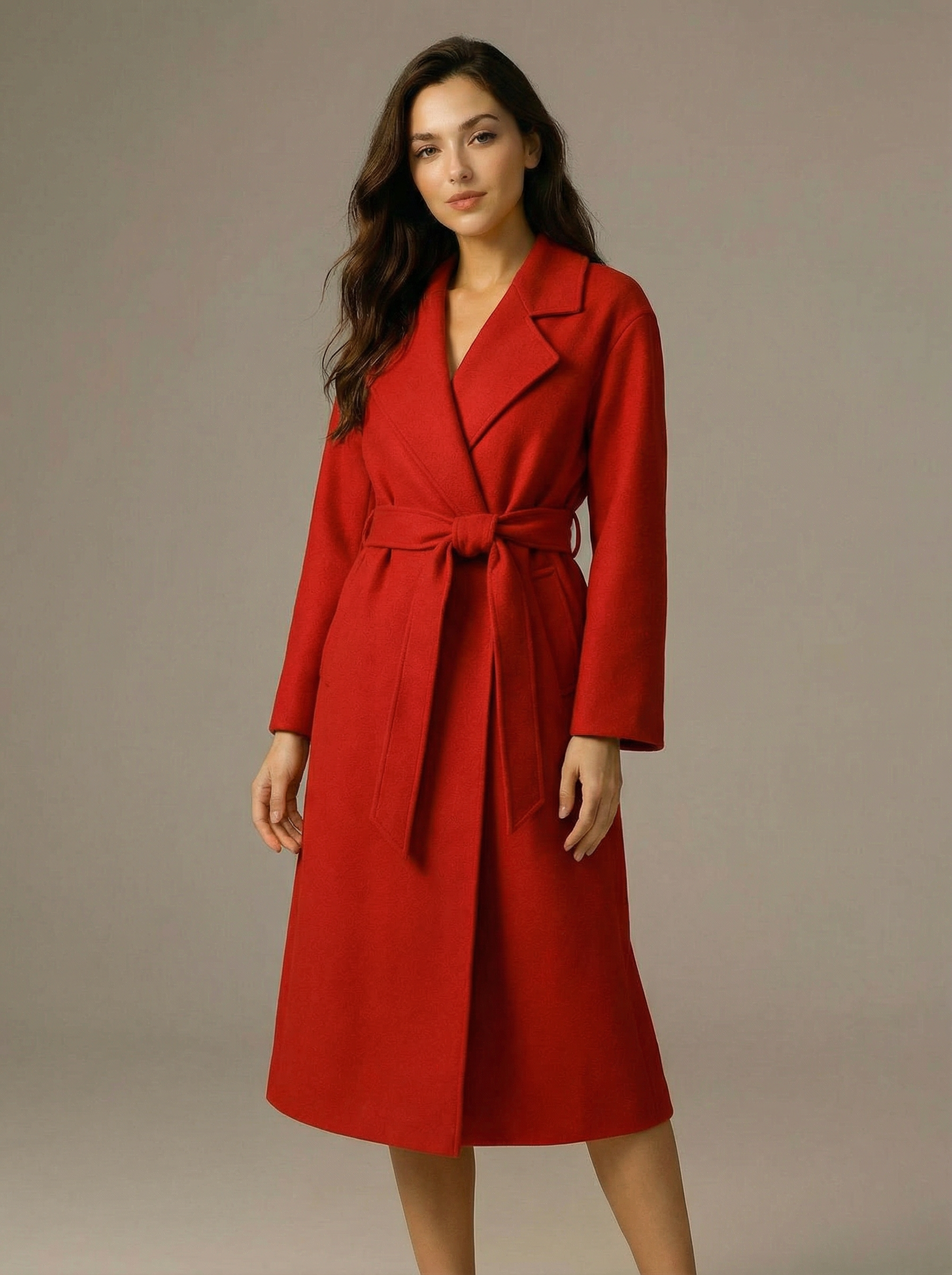
Virtual Try-on
A virtual try-on template that takes a subject image and an outfit image, then generates a realistic photo of the subject wearing the selected clothing.

Nano Banana Pro
Generate images from text prompts or reference images using Google's Nano Banana Pro model.

Nano Banana
Google's image editing model in Gemini 2.5
Seedream 4
Unified text-to-image generation and precise single-sentence editing at up to 4K resolution
Rotate Viewpoint – Image Set
Rotate viewpoint around the subject.
Frequently Asked Questions
What does this template do exactly?
It takes a single input photo of a person and generates a series of portrait-style images of that same person, using the FLUX 1 Kontext portrait series model. You can control the background style, the number of images, and whether the poses are randomized.
What kind of input image should I use?
Use a clear portrait where the face is well-lit, not heavily cropped, and not blurred. A front-facing or slightly angled head-and-shoulders shot works best. Avoid tiny images, heavy filters, or extreme angles if you want consistent results.
Can I control how many portraits are generated?
Yes. The template has a slider field called "num_images" where you can choose how many portraits to generate, from 1 up to 13. By default it’s set to 4.
What does the background option change?
The background field lets you choose the style of the backdrop behind the person: white, black, gray, green screen, or neutral. This is useful if you want clean ID-style portraits, simple profile images, or green-screen backgrounds for later compositing.
What does "randomize images" do?
If you enable "randomize_images", the model will introduce more variation in poses and details between each generated portrait. If you leave it off, the series will stay more consistent and similar to the original look.
Will it keep the same person, or change their appearance a lot?
The goal of this template is to keep the same person and generate multiple portrait variations of them. That said, because it’s a generative model, small shifts in style or facial details can still happen, especially with strong randomization or weaker input images.
Is this meant for high-end print-quality photos?
This template is mainly intended for quick, practical portrait series for web, social media, avatars, and internal use. If you need top-tier, print-level quality, you may want to pair these outputs with additional retouching or a newer model dedicated to high-resolution portrait work.
What is AI-FLOW and how can it help me?
AI-FLOW is an all-in-one AI platform that allows you to build, integrate, and automate AI-powered workflows using an intuitive drag-and-drop interface. Whether you're a beginner or an expert, you can leverage multiple AI models to create innovative solutions without any coding required.
Is there a free trial available?
Yes, AI-FLOW offers a free trial to get you started. After that, you can purchase credits as needed—no subscription or long-term commitment required.
Can I integrate my API keys from providers like OpenAI and Replicate with AI-FLOW Cloud Version ?
Yes, you can easily integrate your existing API keys with AI-FLOW. If specified, nodes related to the API Key provided will use your API key, significantly reducing your platform credit usage.