
AI-Flow
Real Estate Listing Photo Enhancer
Turn a single property photo into three listing-ready versions: bright daytime, virtually staged, and cozy twilight.
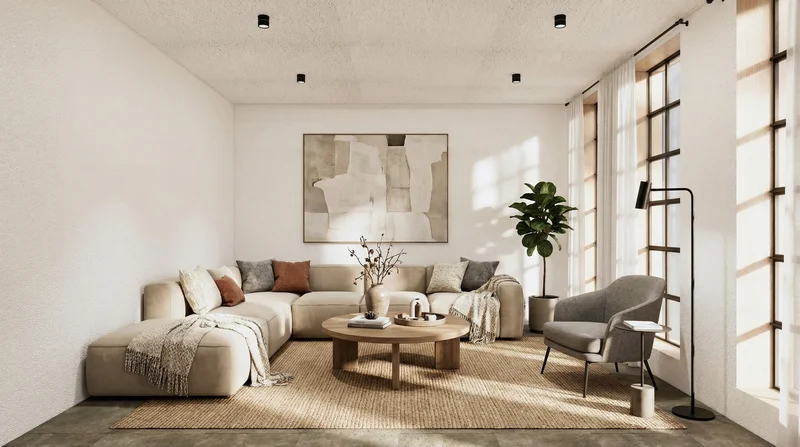
Input
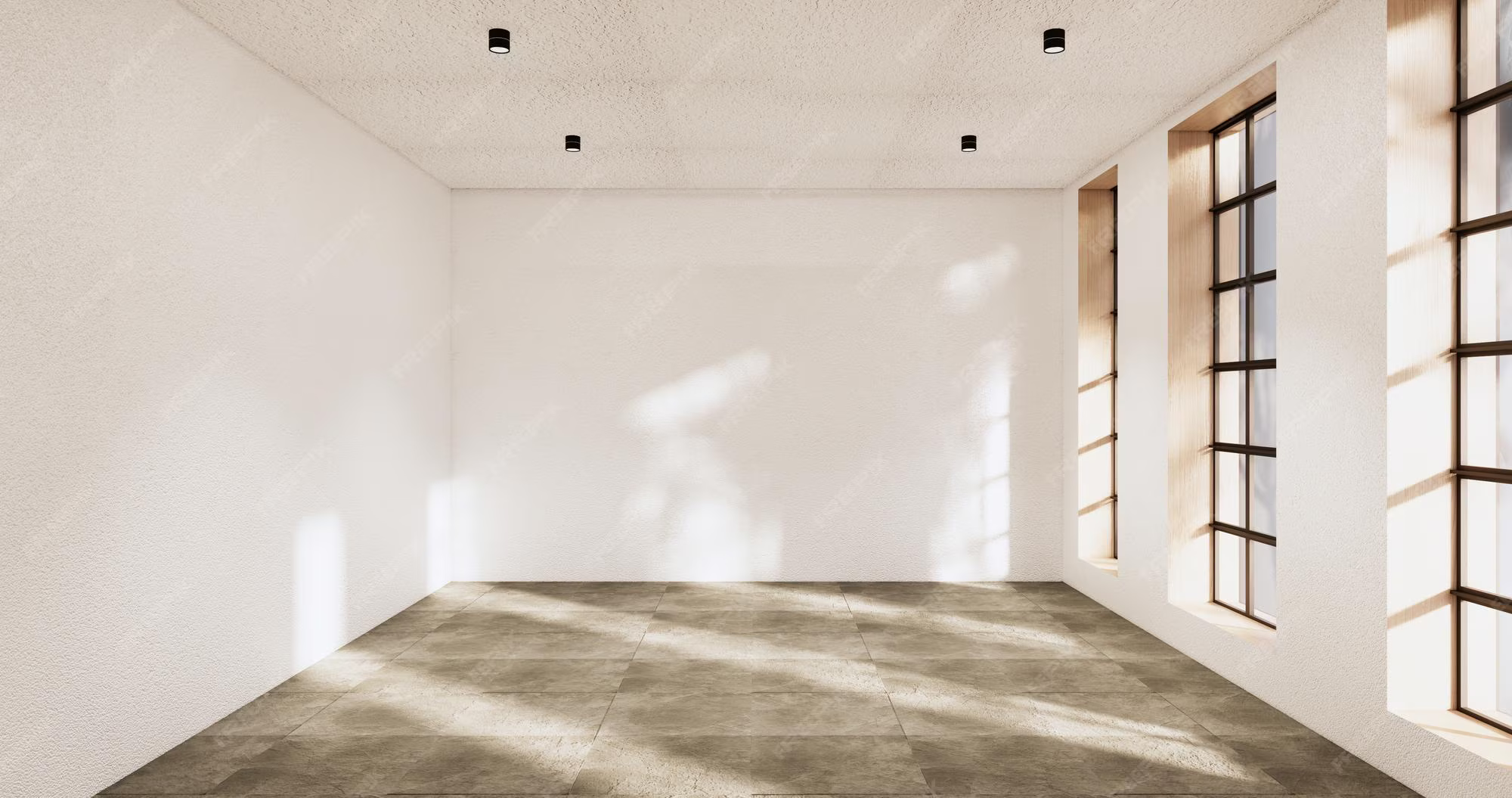
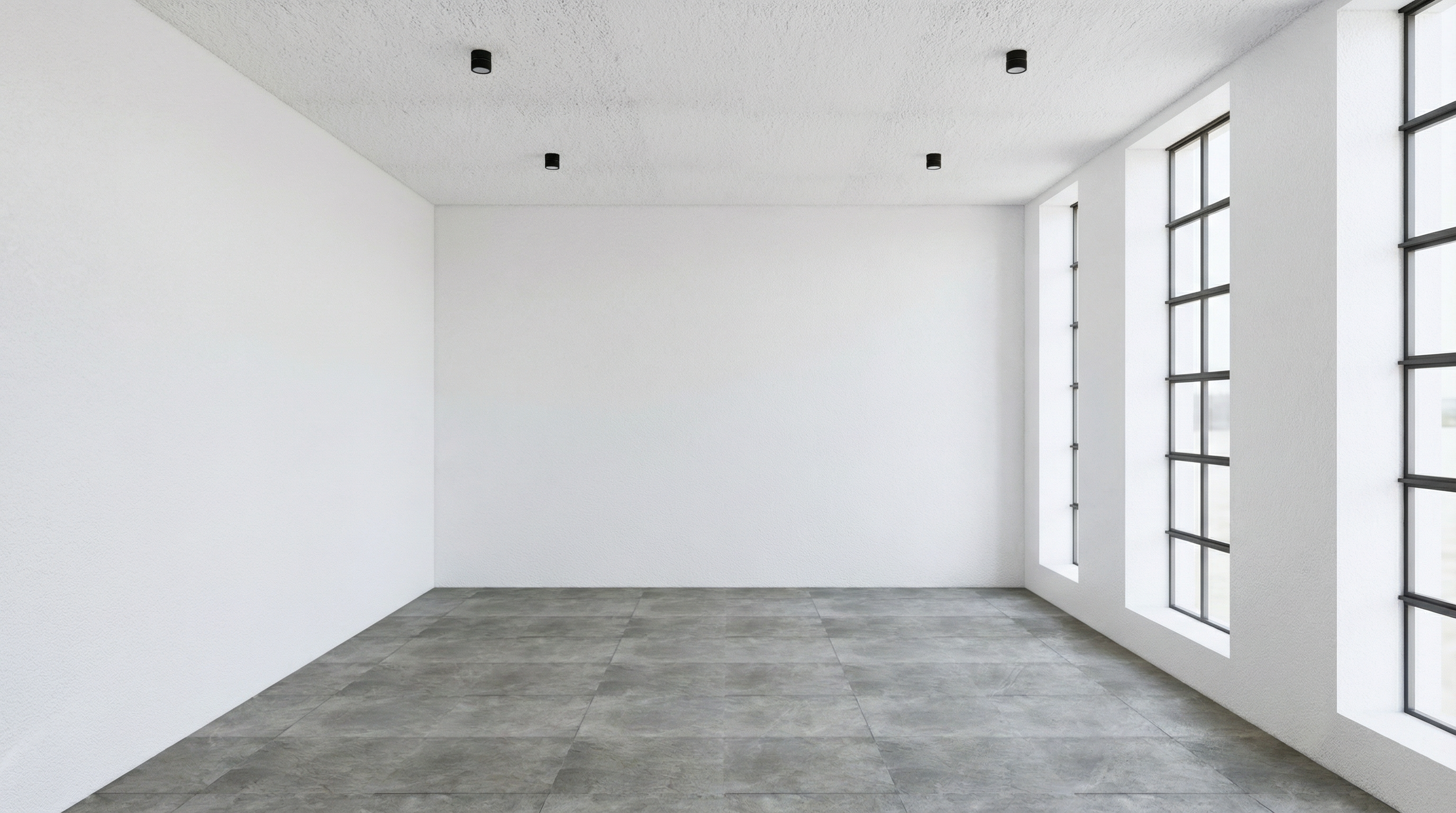
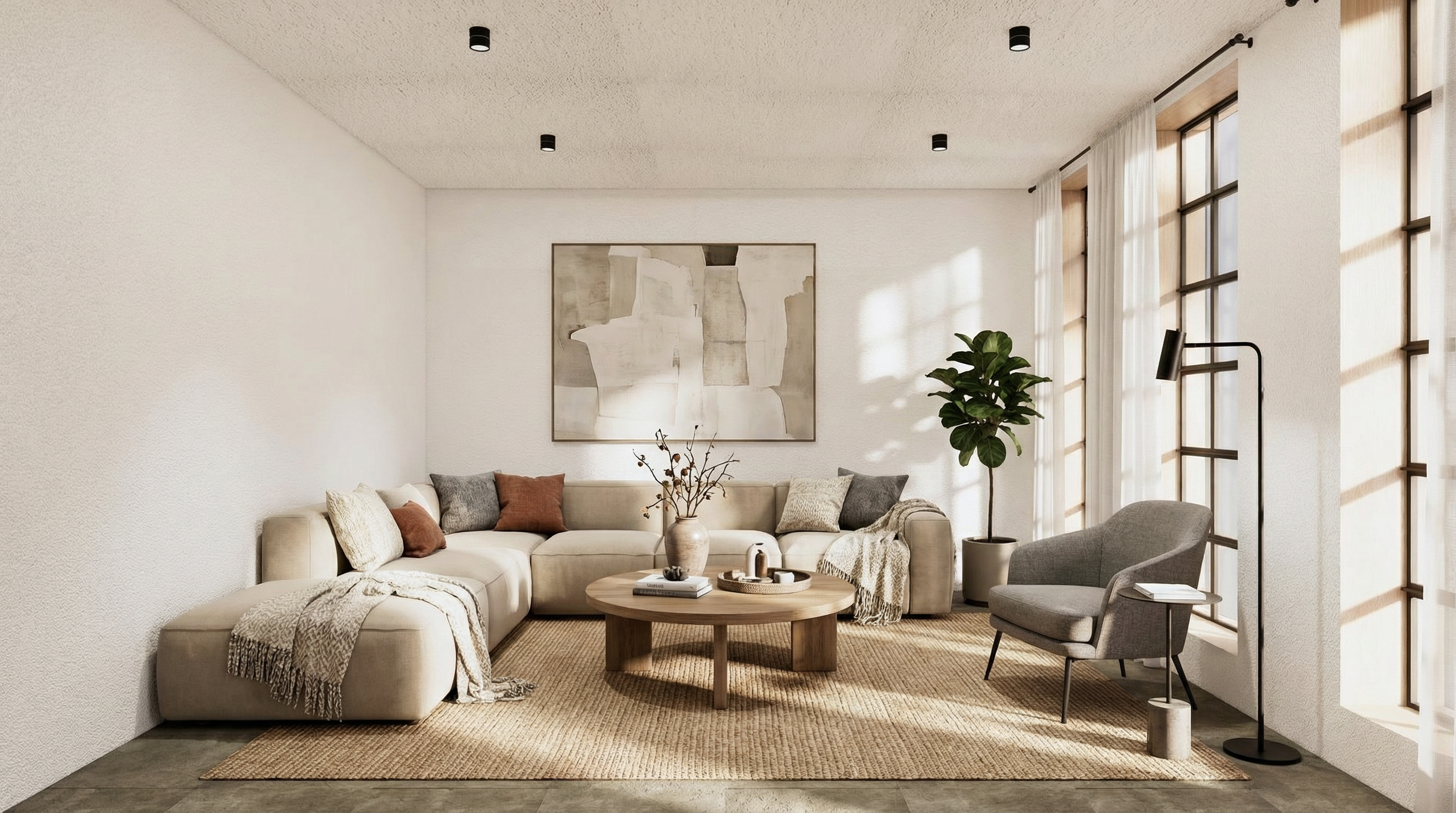
Outputs
About This Template
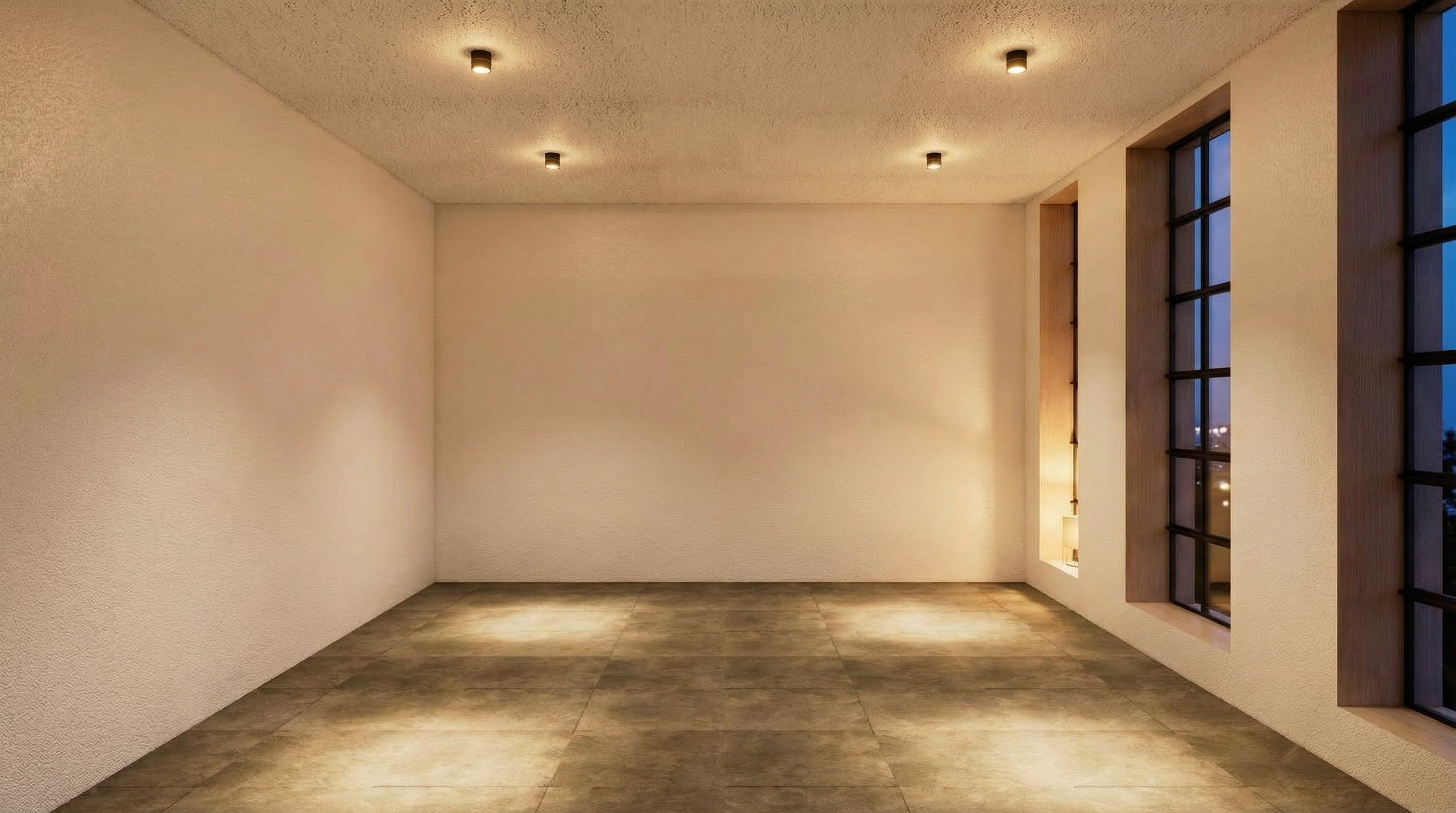
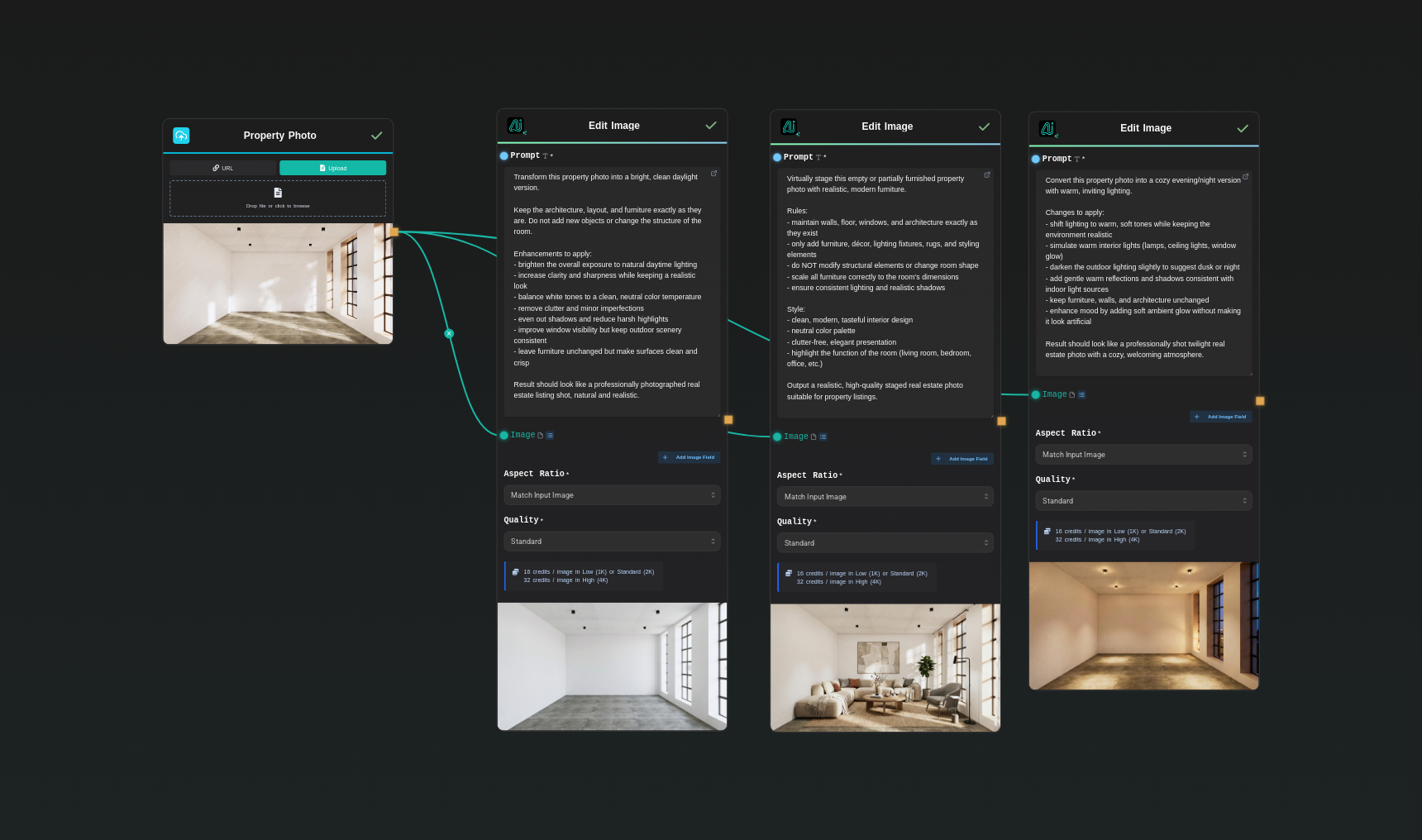
This template takes one property photo and automatically generates three high-impact versions tailored for real estate listings: 1. A bright, clean daylight edit with balanced exposure, neutral whites, and a professional real estate look. 2. A virtually staged version that adds realistic, modern furniture and décor while keeping walls, floors, and architecture intact. 3. A warm evening/twilight version with inviting interior lighting and a cozy, high-end atmosphere. You simply upload a property photo once, and the workflow runs three separate edit passes with carefully crafted prompts. Each variation keeps the room layout and structure consistent while optimizing lighting, clarity, and presentation for portals, brochures, social media, or short-term rental listings. You can also customize each edit prompt to match your brand style (luxury, minimalist, Scandinavian, etc.) before running the template.
Template Workflow
How to Use This Template
Step 1: Upload your file
In the 'Property Photo' node, upload the file you want to process.
Step 2: Run the Flow
Click the 'Run' button to execute the flow and get the final output.
Who is this for?
Perfect for professionals and creators looking to streamline their workflow
Real estate agents and brokers
Professionals who need listing-ready photos fast and want consistent daylight, staged, and twilight options for every property without booking multiple shoots.
Short-term rental and Airbnb hosts
Hosts who want more attractive, click-worthy photos for Airbnb, Booking, and other platforms using bright, clean interiors and cozy evening variants.
Real estate marketing teams
Agencies and in-house marketers creating brochures, ads, and social campaigns who need multiple photo looks per property from minimal source material.
Property managers and developers
Teams managing multiple units or developments who want a repeatable way to upgrade raw photos into polished, consistent marketing imagery at scale.
You Might Also Like
Explore other powerful templates to enhance your AI workflow
Virtual Try-on
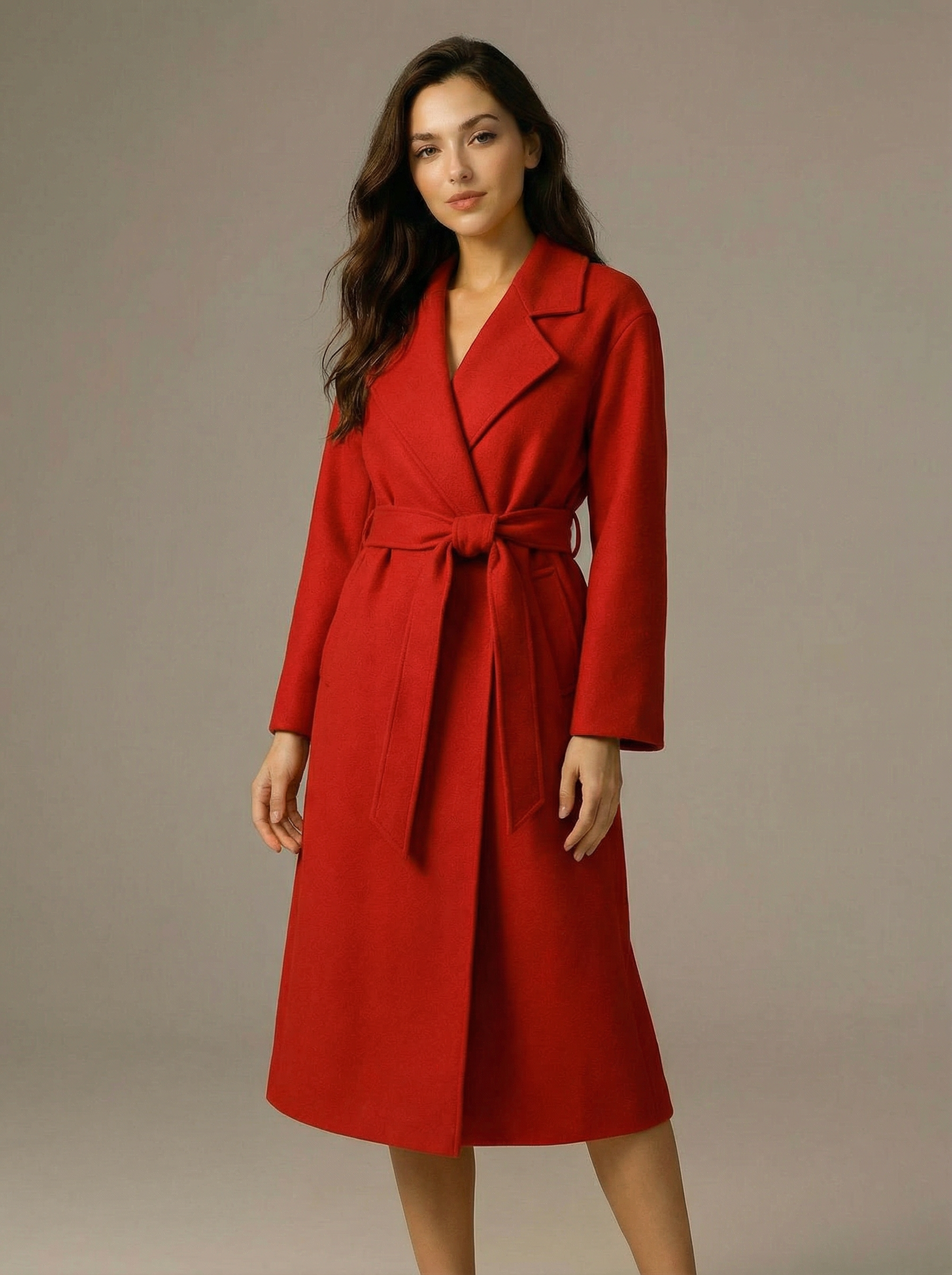
A virtual try-on template that takes a subject image and an outfit image, then generates a realistic photo of the subject wearing the selected clothing.

Nano Banana Pro
Generate images from text prompts or reference images using Google's Nano Banana Pro model.

Nano Banana
Google's image editing model in Gemini 2.5
Seedream 4
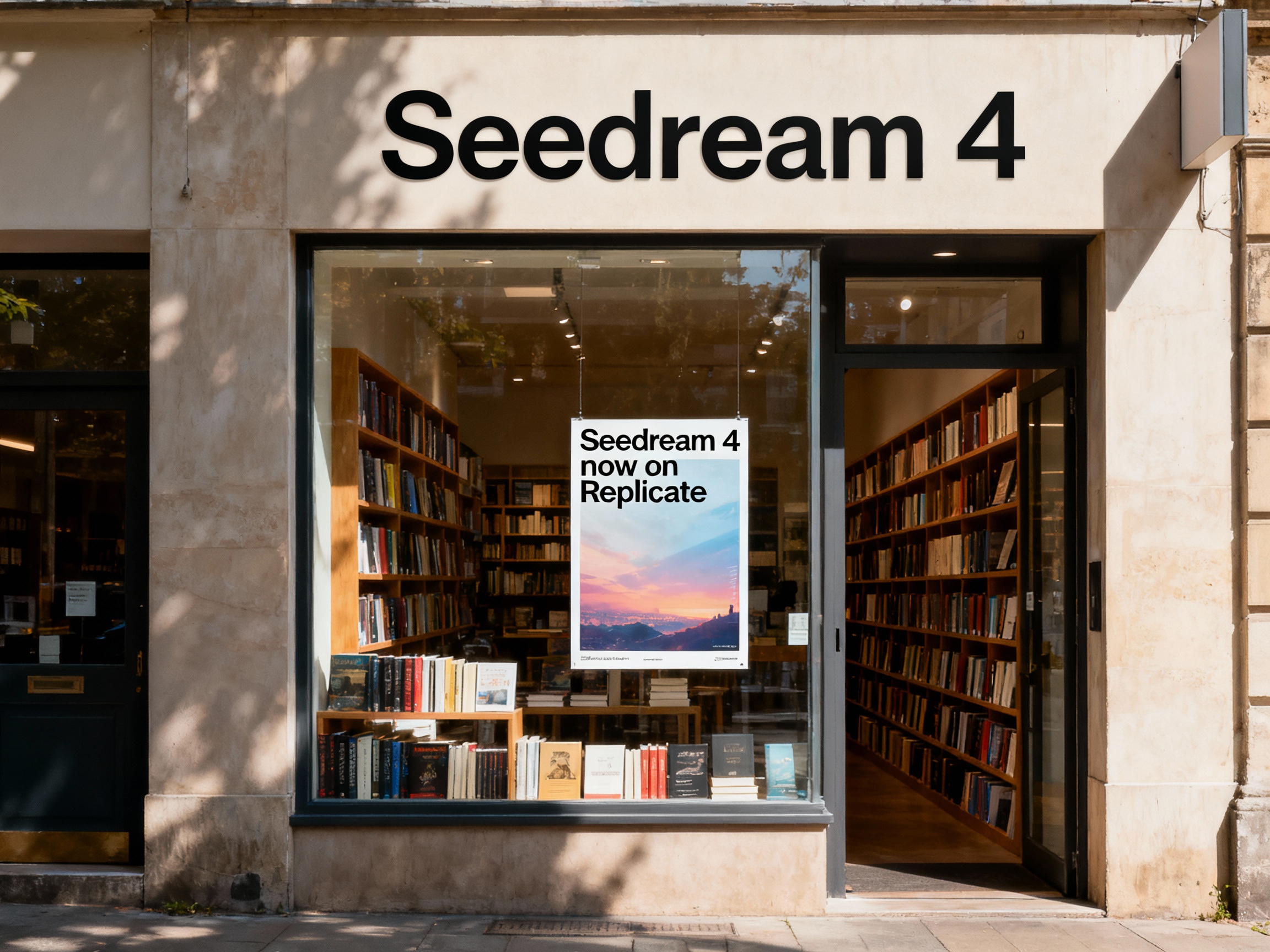
Unified text-to-image generation and precise single-sentence editing at up to 4K resolution
Rotate Viewpoint – Image Set
Rotate viewpoint around the subject.
Portrait Series FLUX 1 Kontext
Generate a consistent series of portrait photos from a single image using the FLUX 1 Kontext portrait model.
Frequently Asked Questions
What does this template generate?
It takes a single property photo and creates three separate outputs: a bright daylight enhancement, a virtually staged version with modern furniture, and a cozy twilight version with warm, inviting lighting. All three are designed to look like professional real estate listing photos.
Do I need to upload the image more than once?
No. You upload your property photo once in the Property Photo node. The workflow reuses that same image across all three edit passes, so every variation is consistent with the original room and layout.
Will the template change the room’s layout or architecture?
No. The prompts are written to keep walls, floors, windows, and overall architecture intact. The daylight and twilight edits mainly adjust lighting and clarity, while the virtual staging pass only adds furniture, décor, and styling elements.
How does the virtual staging variation work?
The virtual staging node adds realistic, correctly scaled furniture, rugs, lighting fixtures, and décor to empty or minimally furnished rooms. It keeps the room’s structure unchanged and focuses on making the space feel livable and attractive for buyers or renters.
Can I customize the style of the edits?
Yes. You can edit the prompt text inside each Edit Image node. For example, you can change the staging style to Scandinavian, luxury, industrial, or family-friendly, or tweak the twilight pass to be more dramatic or more subtle depending on your market.
What kind of input photos work best?
High-resolution, well-framed interior or exterior shots work best. Avoid extremely dark, blurry, or heavily distorted images. The better the source photo, the more realistic and clean the three variations will look.
Can I run only one of the variations instead of all three?
Yes. You can disable or delete any of the Edit Image nodes if you only want daylight correction, only virtual staging, or only twilight images. By default, the template is set up to produce all three to give you multiple options per listing.
Is this suitable for MLS and major listing portals?
The outputs are designed to look realistic and professional, but rules about virtual staging and heavy edits vary by country, MLS, and platform. When using staged or heavily edited images, it’s safest to label them as virtually staged and follow your local guidelines.
What is AI-FLOW and how can it help me?
AI-FLOW is an all-in-one AI platform that allows you to build, integrate, and automate AI-powered workflows using an intuitive drag-and-drop interface. Whether you're a beginner or an expert, you can leverage multiple AI models to create innovative solutions without any coding required.
Is there a free trial available?
Yes, AI-FLOW offers a free trial to get you started. After that, you can purchase credits as needed—no subscription or long-term commitment required.
Can I integrate my API keys from providers like OpenAI and Replicate with AI-FLOW Cloud Version ?
Yes, you can easily integrate your existing API keys with AI-FLOW. If specified, nodes related to the API Key provided will use your API key, significantly reducing your platform credit usage.