
Compositeur de miniatures YouTube
Créez des miniatures YouTube par IA en combinant arrière-plan, silhouette du créateur, objet central et titre accrocheur, puis ajoutez automatiquement contours, ombres et étalonnage final pour un résultat professionnel à fort taux de clic.

Aperçu du workflow
Fonctionnement du template Compositeur de miniatures YouTube
Subject Expression
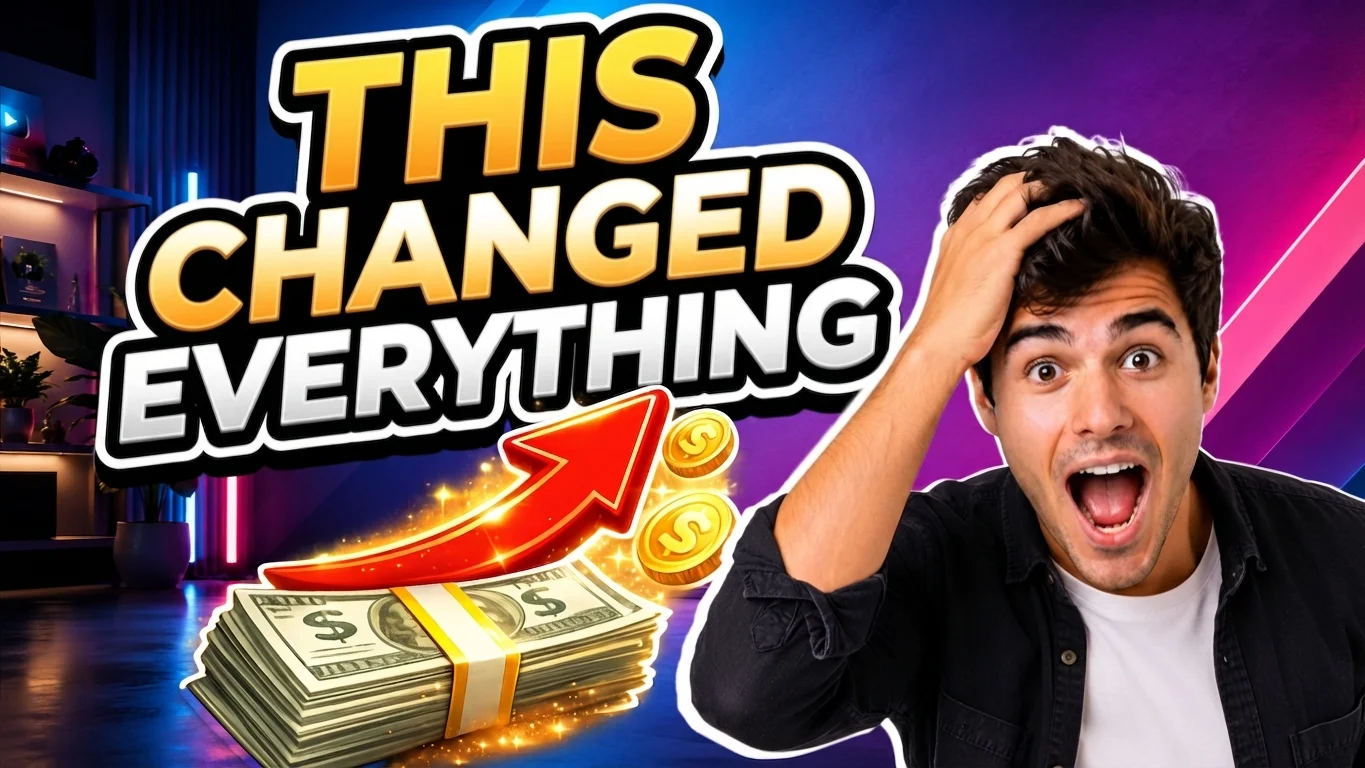
Shocked “WOW” reaction: wide eyes, open mouth, eyebrows raised, one hand on top of the head, leaning slightly forward in disbelief.
Title
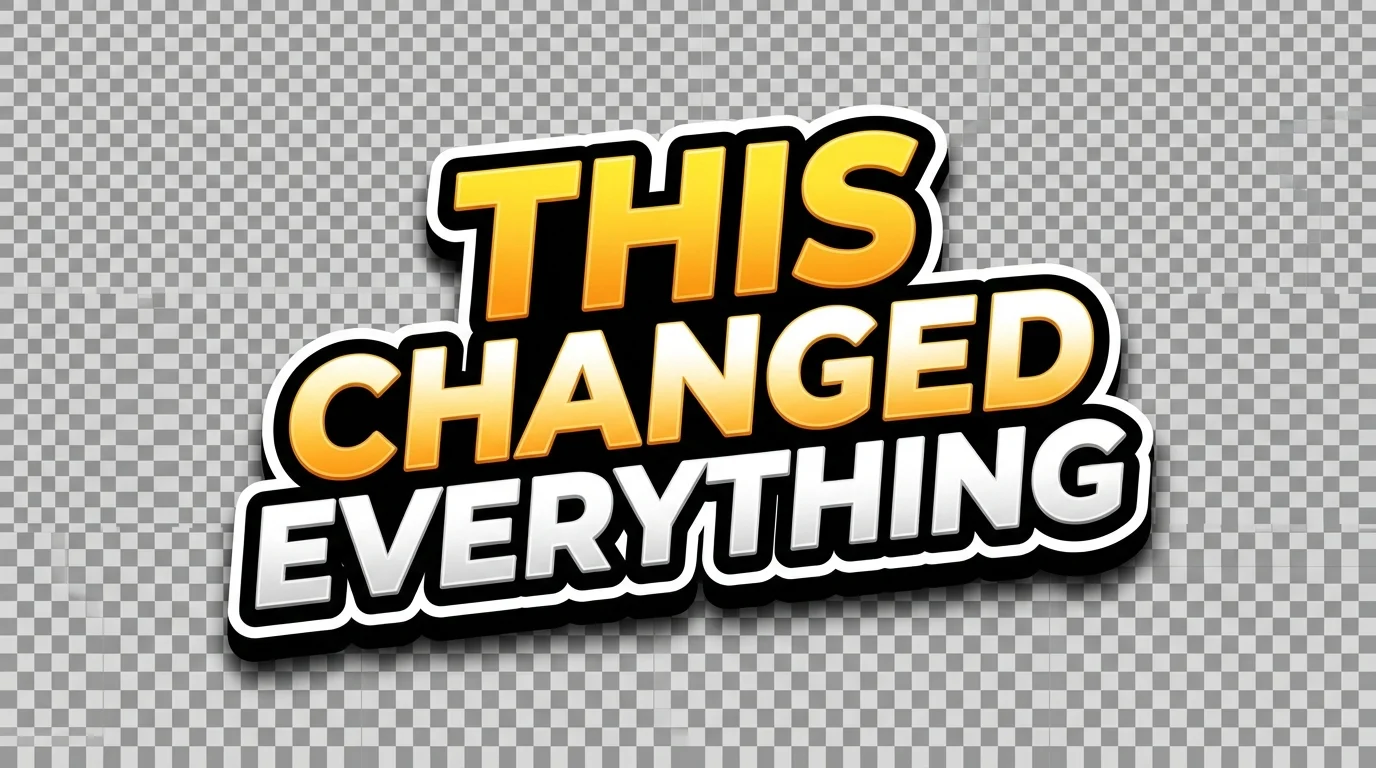
THIS CHANGED EVERYTHING
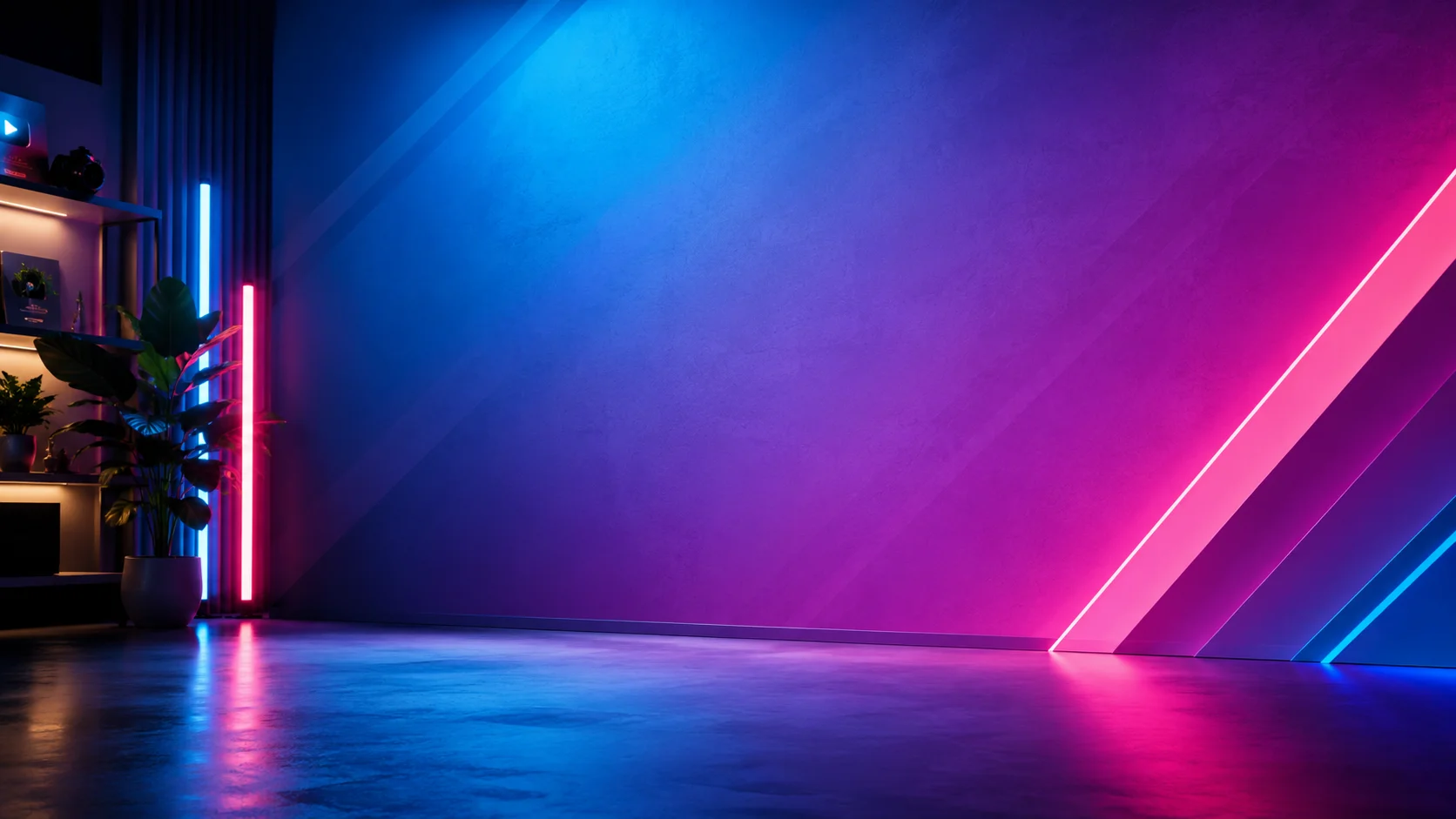
Background
Subject

Focus

Text
Using the input subject image as the character reference, generate a new isolated YouTuber cutout of the same person. Preserve the person's identity, hairstyle, face structure, skin tone, clothing style, and overall thumbnail-friendly studio lighting. Chang...
Title Generation Prompt
Create a bold YouTube thumbnail title sticker with the text: "THIS CHANGED EVERYTHING". Use huge uppercase letters, thick black outline, white outer stroke, subtle 3D depth, strong drop shadow, high contrast. Keep it clean and readable at small size. Transp...
Gemini Image

Gemini Image
Remove Background

Remove Background
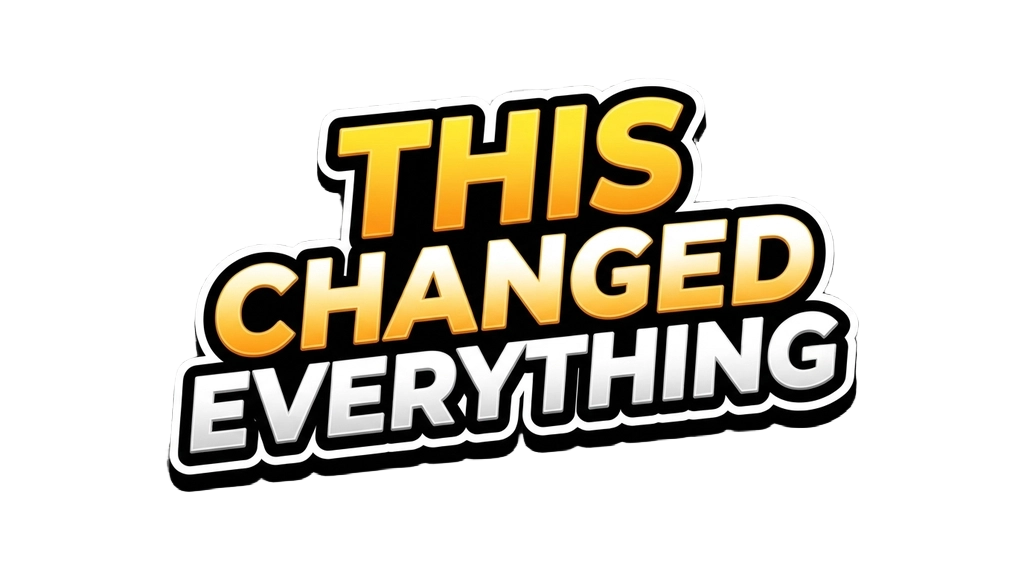
Image – Recolor Visible Pixels

Compositor
Gemini Image
À propos de ce template
Compositeur de miniatures YouTube est un workflow IA de bout en bout pour créer en quelques minutes des miniatures qui arrêtent le défilement. Téléversez un arrière-plan, une image de sujet et un objet central facultatif (billets, flèches, graphiques), ajoutez un titre court, et laissez le flux se charger du reste.
Comment ça marche
Détourage du créateur et expression — fournissez une photo du sujet et une brève indication de pose ou d’expression. L’outil génère un détourage propre du buste sur fond transparent, qui préserve l’identité de la personne, sa coiffure, sa carnation, ses vêtements et son éclairage — en ne modifiant que la pose et l’expression du visage pour la lisibilité de la miniature.
Génération du sticker de titre — créez instantanément un titre en capitales, avec contour noir épais, liseré blanc extérieur, léger relief 3D et ombre portée marquée, sur fond transparent, pour une lisibilité maximale sur mobile.
Suppression d’arrière-plan intelligente et effets : détourez proprement, recolorez les contours (en blanc pur par exemple) et appliquez ombres douces et hautes lumières pour que les éléments paraissent intégrés — et non collés.
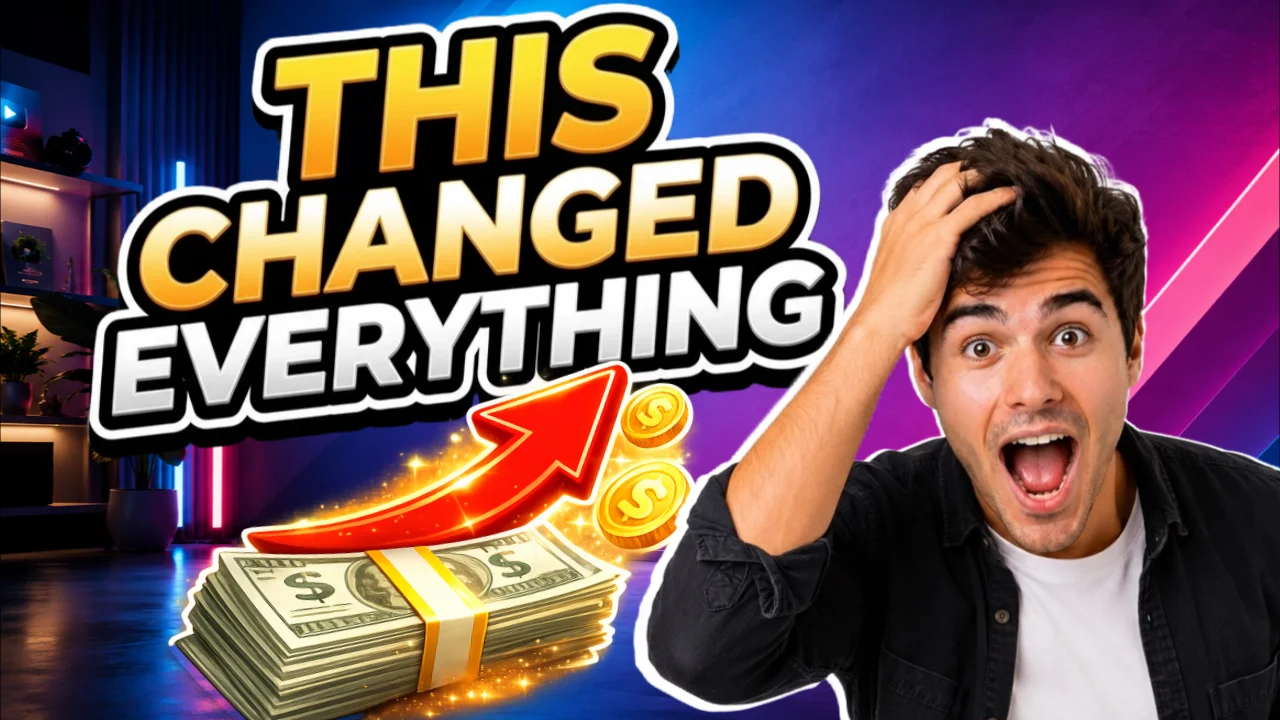
Composition 16 — 9 simplifiée : disposez l’arrière-plan, le sujet, le titre et l’objet central sur un canevas prêt pour YouTube, avec des réglages de calque pour la taille, la position et la rotation.
Passe de finition — améliorez la netteté, le contraste et la cohérence de l’éclairage ; ajoutez un halo subtil et un étalonnage cinématographique ; rendez le titre plus lisible sans en modifier le texte ; et renforcez l’importance de l’objet central. L’identité, le texte et la mise en page sont préservés.
Les résultats sont optimisés pour la lisibilité sur mobile et une hiérarchie visuelle forte (le titre d’abord, le visage ensuite, l’objet central en troisième). Exportez une miniature nette, marquante et professionnelle dans un format 16:9 classique (1280×720 ou plus), prête à être mise en ligne sur YouTube.
Comment utiliser ce template
Étape 1 : Importez votre fichier
Dans le nœud « Background », importez le fichier que vous souhaitez traiter.
Étape 2 : Importez votre fichier
Dans le nœud « Subject », importez le fichier que vous souhaitez traiter.
Étape 3 : Saisissez votre texte dans le nœud « Subject Expression »
Renseignez le nœud « Subject Expression » avec le texte demandé.
Shocked “WOW” reaction: wide eyes, open mouth, eyebrows raised, one hand on top of the head, leaning slightly forward in disbelief.
Étape 4 : Saisissez votre texte dans le nœud « Title »
Renseignez le nœud « Title » avec le texte demandé.
THIS CHANGED EVERYTHING
Étape 5 : Importez votre fichier
Dans le nœud « Focus », importez le fichier que vous souhaitez traiter.
Étape 6 : Exécutez le workflow
Cliquez sur le bouton « Exécuter » pour lancer le workflow et obtenir le résultat final.
À qui s’adresse ce template ?
Idéal pour les professionnels et les créateurs qui souhaitent simplifier leur workflow
YouTubeurs et créateurs qui optimisent leur taux de clic
Transformez rapidement des fichiers bruts en miniatures percutantes qui privilégient la lisibilité et l’émotion, pour améliorer votre taux de clic sans engager de graphiste.
Designers de miniatures et studios créatifs
Accélérez la production grâce aux détourages, stickers de titre, contours et passes de finition automatisés, tout en gardant le contrôle de la composition et du style de marque.
Monteurs vidéo et équipes de production
Livrez des miniatures professionnelles et cohérentes en même temps que vos montages, grâce à un workflow reproductible et documenté qui préserve l’identité et la fidélité du texte.
Marketeurs et équipes growth
Testez en A/B des hiérarchies visuelles fortes et des messages percutants, avec des itérations rapides qui restent lisibles sur petit écran.
Enseignants et créateurs de cours
Créez des miniatures claires et fidèles à votre marque pour vos leçons, webinaires et ateliers, avec des titres lisibles et des détourages d’intervenants expressifs.
Prêt à construire ?
Commencez à utiliser ce template
Ouvrez-le directement dans AI-Flow et commencez à créer en quelques minutes
Vous aimerez peut-être aussi
Explorez d’autres templates puissants pour enrichir votre workflow IA

Génération d’images avec GPT Image 2.5 Flare
Générez des images haute fidélité avec GPT Image 2.5 Flare, optimisé pour la typographie réaliste, les écritures multilingues, les mises en page structurées et les formats prêts à imprimer jusqu’en 4K, pour affiches, bandes dessinées, marketing, maquettes UI et réseaux sociaux.

Génération d’images avec GPT Image 2.5 Sunburst
Générez des images haute fidélité avec GPT Image 2.5 Sunburst, optimisé pour la typographie réaliste, les écritures multilingues, les mises en page structurées et les formats prêts à imprimer jusqu’en 4K, pour affiches, bandes dessinées, marketing, maquettes UI et réseaux sociaux.

Générateur IA de photos produit de soin
Transformez une seule image de crème, de sérum ou de pot cosmétique en shooting complet : une grille 2 × 2 et quatre visuels recadrés (plan large, plan moyen, gros plan, angle créatif), porté ou produit seul, pour l'e-commerce beauté, les marketplaces et la publicité.

Générateur IA de photos produit de crème solaire
Transformez une seule image de tube ou de flacon solaire en shooting complet : une grille 2 × 2 et quatre visuels recadrés (plan large, plan moyen, gros plan, angle créatif), porté ou produit seul, pour l'e-commerce beauté, les marketplaces et la publicité.

Générateur IA de mockups de t-shirts
Transformez une seule image de t-shirt en mockups print-on-demand portés : une grille 2 × 2 et quatre visuels recadrés (plan large, plan moyen, gros plan sur l'impression, angle créatif), pour Etsy, Shopify et vos boutiques POD.
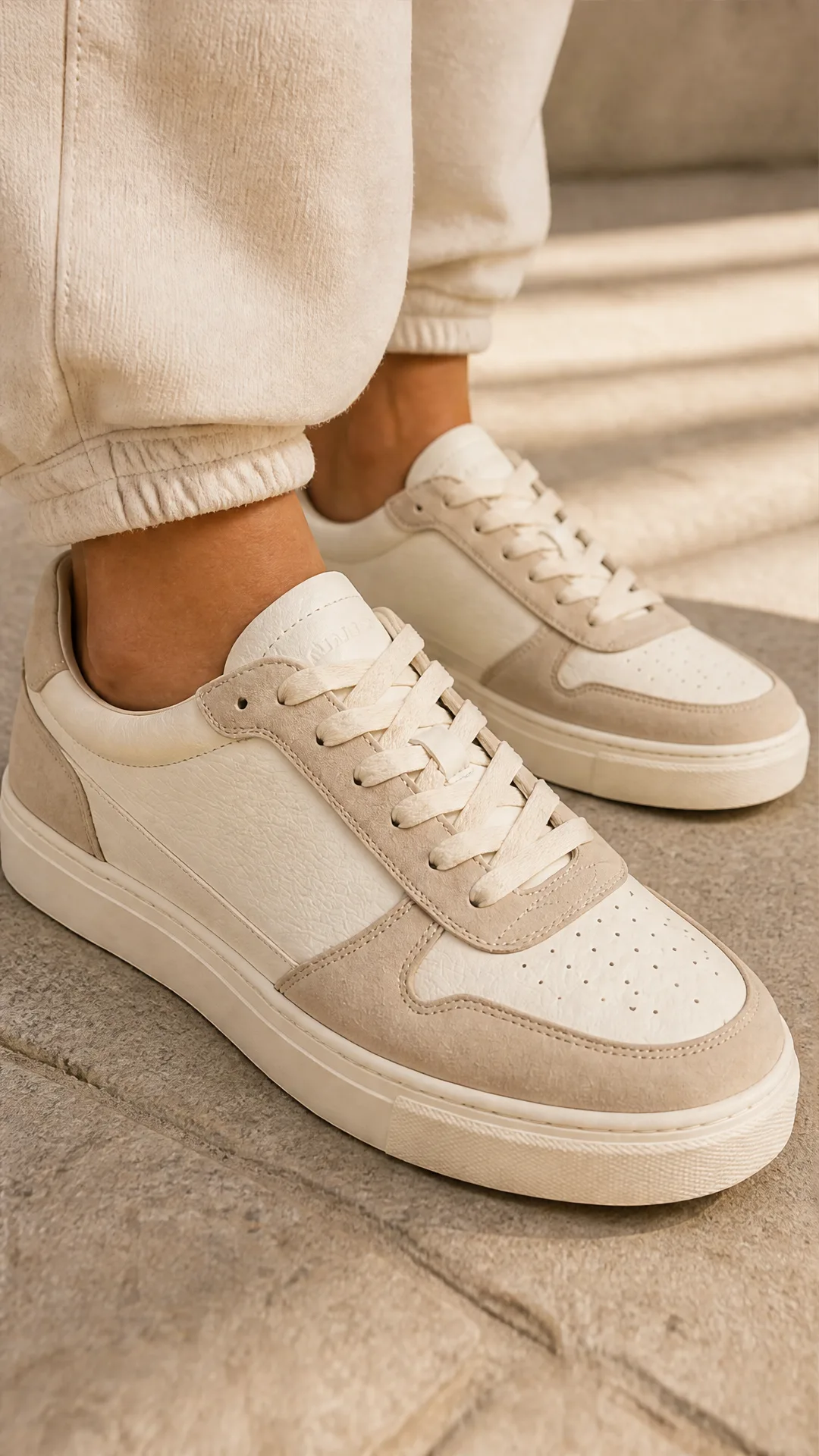
Générateur IA de photos produit de sneakers
Générez des photos produit de sneakers à partir d'une seule image de chaussure : une grille 2 × 2 et quatre visuels recadrés (plan large, plan moyen, gros plan, angle créatif), en mode porté ou produit seul, pour vos fiches e-commerce, marketplaces et publicités.
Questions fréquentes
Que génère ce template ?
Une miniature 16:9 prête pour YouTube, qui compose un arrière-plan, un détourage du créateur préservant son identité avec l’expression choisie, un objet central facultatif (billets, flèches…) et un sticker de titre marquant — le tout finalisé par des contours, des ombres et une passe d’étalonnage et de contraste cinématographique.
L’identité de la personne est-elle préservée ?
Oui. L’image du sujet sert de référence d’identité. Seules la pose et l’expression du visage sont modifiées, pour la lisibilité de la miniature. Les cheveux, la carnation, les vêtements et la ressemblance sont préservés.
Mon texte de titre sera-t-il modifié ?
Non. L’étape de finition conserve exactement la chaîne de caractères du titre et la forme des lettres. Elle n’améliore la lisibilité que par des effets non destructifs comme le contraste, le halo et l’ombre.
Puis-je supprimer les arrière-plans et conserver la transparence ?
Oui. Les arrière-plans sont supprimés automatiquement là où c’est nécessaire, et les PNG transparents sont préservés — sans artefacts en damier.
Quels fichiers puis-je fournir ?
Une image d’arrière-plan, une photo du sujet (visage net, bon éclairage), un objet central facultatif (PNG recommandé) et un titre court en capitales. Les URL comme les téléversements directs sont acceptés.
Quelles tailles et quels formats de sortie sont pris en charge ?
Le canevas est en 16:9 et l’export se fait généralement à des dimensions adaptées à YouTube, comme 1280×720 ou plus. Les étapes image internes peuvent monter jusqu’au 2K selon la configuration.
Puis-je ajuster la position et la taille des calques ?
Oui. Le compositor vous permet de redimensionner, faire pivoter et repositionner l’arrière-plan, le sujet, le titre et les éléments centraux afin d’affiner la hiérarchie et l’équilibre.
Comment obtenir les meilleurs résultats ?
Utilisez une photo de sujet haute résolution et bien éclairée, gardez des titres courts (3 à 6 mots), choisissez un arrière-plan simple et très contrasté, et donnez une indication d’expression concise (par exemple « réaction WOW, choqué »).
La cohérence de marque est-elle prise en charge ?
Oui. Vous pouvez réutiliser le même style d’arrière-plan, la même couleur de contour (le blanc par exemple) et la même mise en forme de titre d’une exécution à l’autre pour garder des miniatures cohérentes.
Puis-je créer plusieurs variantes pour des tests A/B ?
Oui. Dupliquez le flux ou relancez-le avec d’autres expressions, arrière-plans ou objets centraux pour produire rapidement des variantes tout en conservant la mise en page et le titre.
L’usage commercial est-il autorisé ?
La composition générée vous appartient, mais vous êtes responsable des licences des fichiers que vous fournissez (photos, logos, images de banque). Assurez-vous de détenir les droits sur tout ce que vous téléversez.
Va-t-il ajouter du texte ou surcharger l’image ?
Non. Le flux est conçu pour garder des miniatures nettes et percutantes. Il n’ajoute pas de nouveau texte et ne supprime aucun élément — il ne fait qu’améliorer ce que vous avez fourni.
Qu’est-ce qu’AI-FLOW et comment peut-il m’aider ?
AI-FLOW est une plateforme d’IA tout-en-un qui vous permet de créer, d’intégrer et d’automatiser des workflows alimentés par l’IA grâce à une interface intuitive en glisser-déposer. Débutant ou expert, vous pouvez combiner plusieurs modèles d’IA pour créer des solutions innovantes sans écrire de code.
Un essai gratuit est-il disponible ?
Oui, AI-FLOW propose un essai gratuit pour commencer. Vous pouvez ensuite acheter des crédits selon vos besoins, sans abonnement ni engagement à long terme.
Puis-je intégrer mes clés API OpenAI, Replicate et d’autres fournisseurs dans la version Cloud d’AI-FLOW ?
Oui, vous pouvez facilement intégrer vos propres clés API à AI-FLOW. Les nœuds associés utiliseront alors votre clé, ce qui réduit considérablement votre consommation de crédits sur la plateforme.