
YouTube Thumbnail Composer
AI YouTube thumbnail maker that combines your background, creator cutout, focus object, and bold title sticker, then auto-adds outlines, shadows, and final color grading for a high-CTR, professional result.

Workflow overview
How the YouTube Thumbnail Composer template works
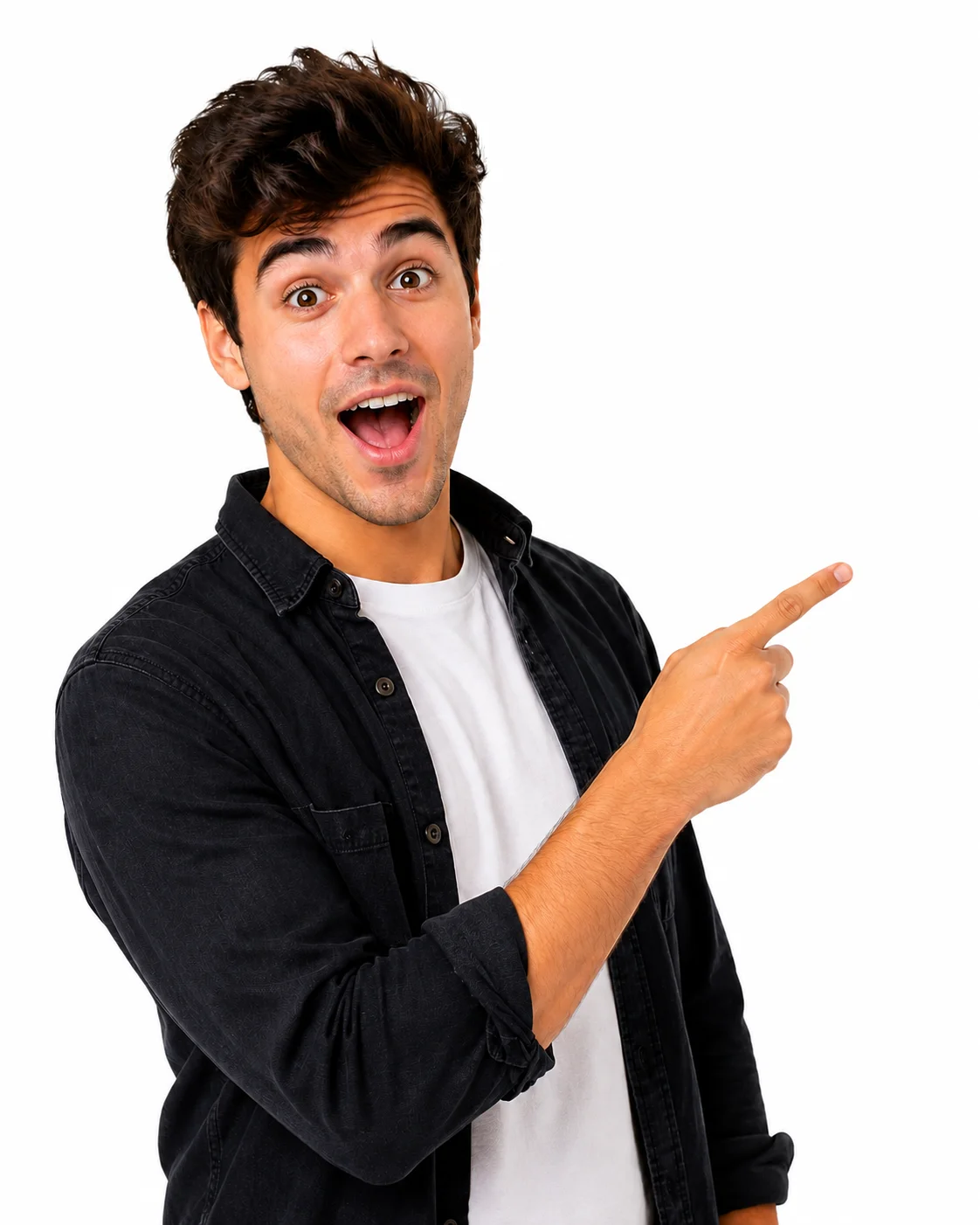
Subject Expression
Shocked “WOW” reaction: wide eyes, open mouth, eyebrows raised, one hand on top of the head, leaning slightly forward in disbelief.
Title
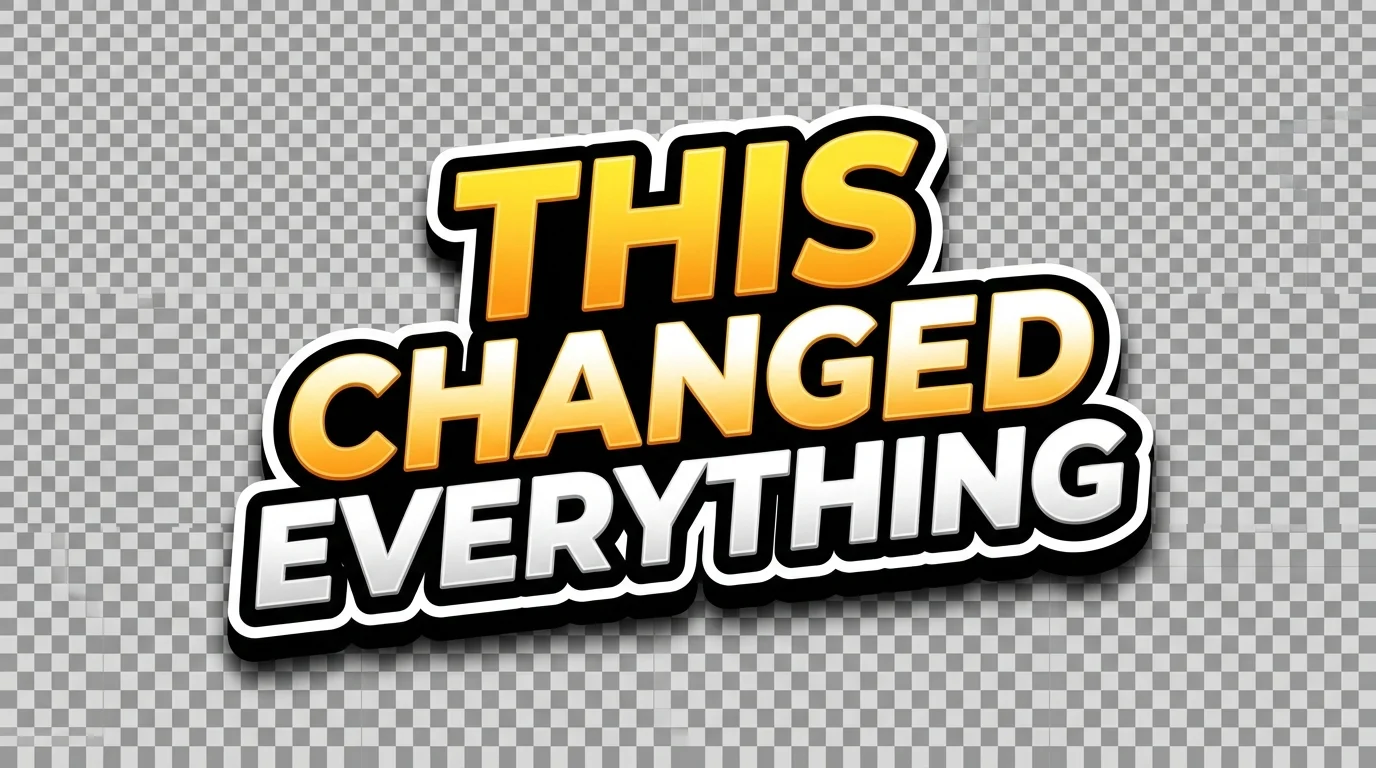
THIS CHANGED EVERYTHING
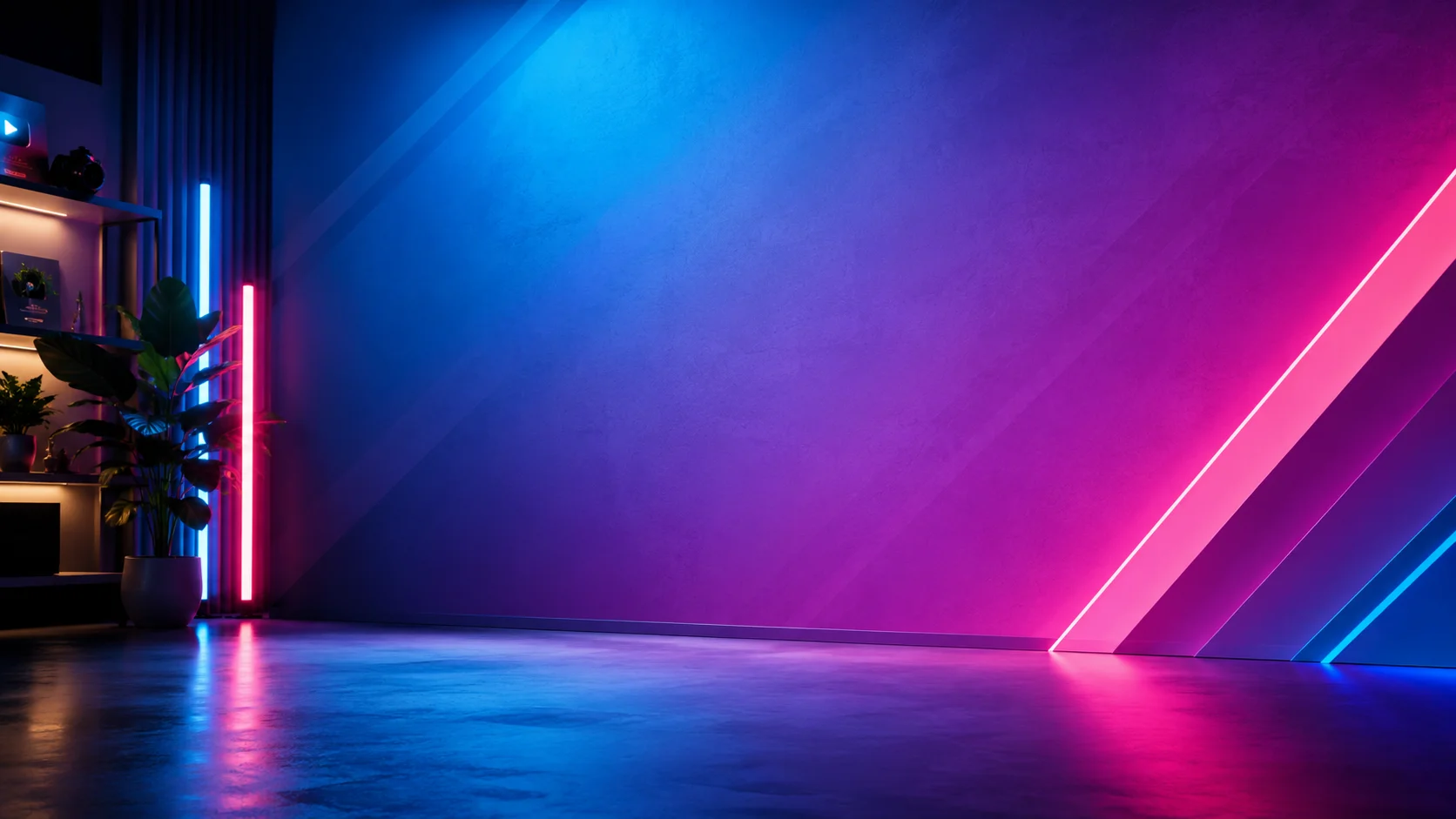
Background
Subject
Focus

Text
Using the input subject image as the character reference, generate a new isolated YouTuber cutout of the same person. Preserve the person's identity, hairstyle, face structure, skin tone, clothing style, and overall thumbnail-friendly studio lighting. Chang...
Title Generation Prompt
Create a bold YouTube thumbnail title sticker with the text: "THIS CHANGED EVERYTHING". Use huge uppercase letters, thick black outline, white outer stroke, subtle 3D depth, strong drop shadow, high contrast. Keep it clean and readable at small size. Transp...
Gemini Image

Gemini Image
Remove Background

Remove Background
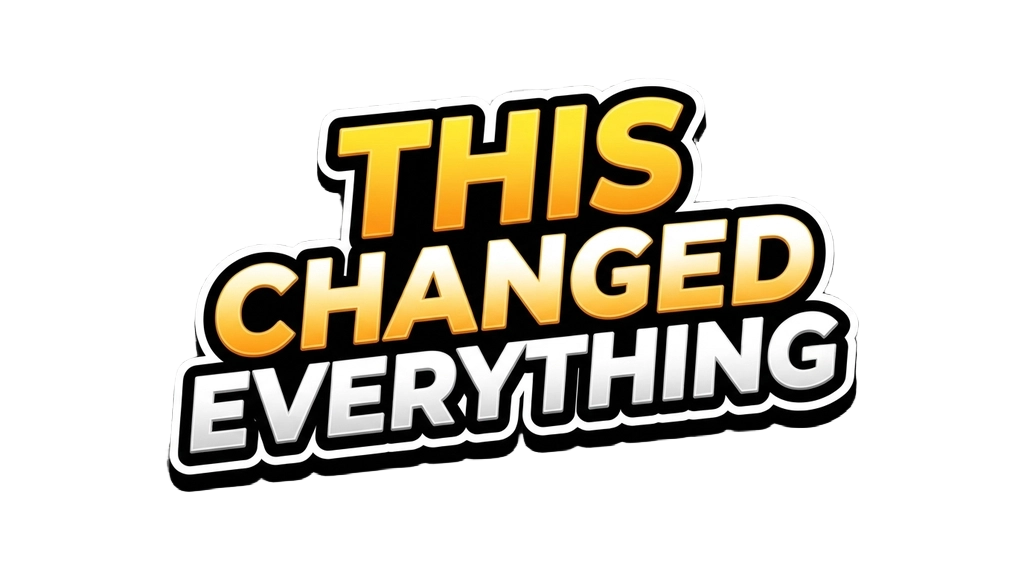
Image – Recolor Visible Pixels

Compositor
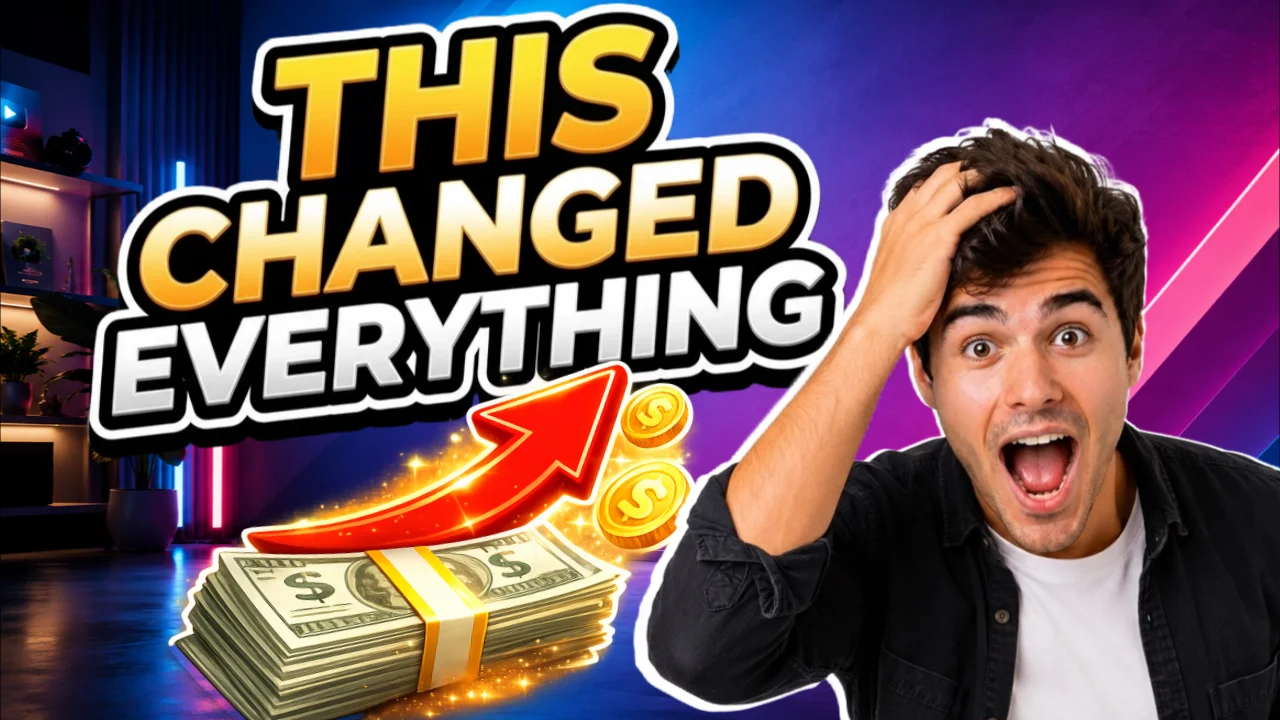
Gemini Image
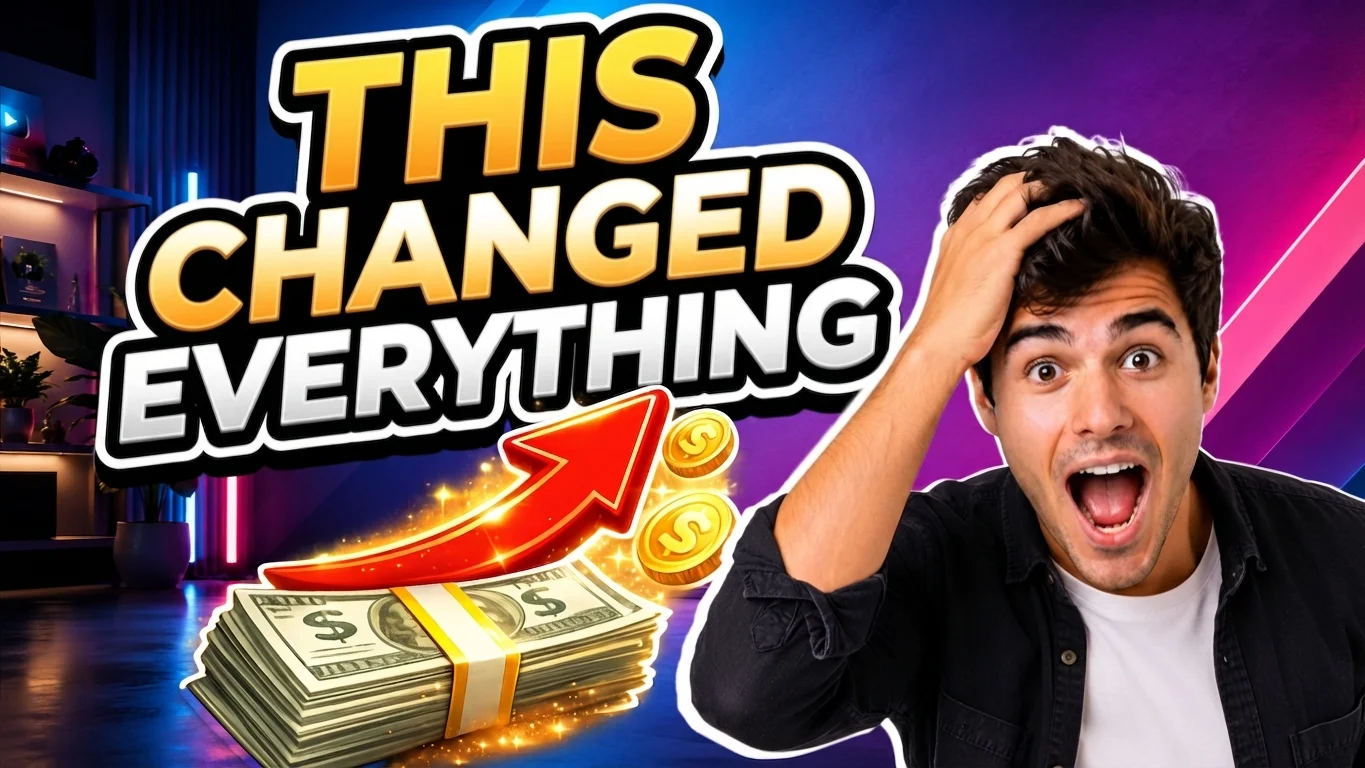
About This Template
YouTube Thumbnail Composer is an end‑to‑end AI workflow for building scroll‑stopping thumbnails in minutes. Upload a background, a subject image, and an optional focus object (like money, arrows, charts), add a short title, and let the flow handle the rest.
How it works
Creator cutout and expression — Provide a subject photo and a short pose/expression cue. The tool generates a clean, transparent upper‑body cutout that preserves the person’s identity, hairstyle, skin tone, clothing, and lighting—changing only pose and facial expression for thumbnail readability.
Title sticker generation — Instantly create a bold, uppercase title sticker with thick black outline, outer white stroke, subtle 3D depth, and a strong drop shadow on a transparent background for maximum legibility on mobile.
Smart background removal and effects — Remove backgrounds cleanly, recolor outlines (e.g., pure white), and apply soft shadows/highlights so elements feel integrated—not pasted on.
Easy 16 — 9 composition: Arrange the background, subject, title, and focus object on a YouTube‑ready canvas with layer controls for size, position, and rotation.
Final polish pass — Improve clarity, contrast, and lighting consistency; add subtle glow and cinematic grading; make the title more readable without altering the actual text; and enhance the focus object’s importance. Identity, text, and layout are preserved.
Results are optimized for mobile readability and strong visual hierarchy (title first, face second, focus object third). Export a clean, bold, professional thumbnail in a typical 16:9 format (e.g., 1280×720 or higher), ready to upload to YouTube.
How to Use This Template
Step 1: Upload your file
In the 'Background' node, upload the file you want to process.
Step 2: Upload your file
In the 'Subject' node, upload the file you want to process.
Step 3: Enter your text in 'Subject Expression' Node
Fill the 'Subject Expression' node with the required text.
Shocked “WOW” reaction: wide eyes, open mouth, eyebrows raised, one hand on top of the head, leaning slightly forward in disbelief.
Step 4: Enter your text in 'Title' Node
Fill the 'Title' node with the required text.
THIS CHANGED EVERYTHING
Step 5: Upload your file
In the 'Focus' node, upload the file you want to process.
Step 6: Run the Flow
Click the 'Run' button to execute the flow and get the final output.
Who is this for?
Perfect for professionals and creators looking to streamline their workflow
YouTubers and creators optimizing CTR
Quickly turn raw assets into high-impact thumbnails that prioritize legibility and emotion, helping boost click‑through rates without hiring a designer.
Thumbnail designers and creative studios
Speed up production with automated cutouts, title stickers, outlines, and polish passes while retaining control over composition and brand style.
Video editors and producer teams
Deliver consistent, professional thumbnails alongside edits using a repeatable, documented workflow that preserves identity and text fidelity.
Marketers and growth teams
A/B test strong visual hierarchies and bold messaging with fast iterations that keep elements readable on small screens.
Educators and course creators
Create clear, on‑brand thumbnails for lessons, webinars, and workshops with readable titles and expressive presenter cutouts.
Ready to build?
Start using this template
Open it directly in AI-Flow and start creating in minutes
You Might Also Like
Explore other powerful templates to enhance your AI workflow
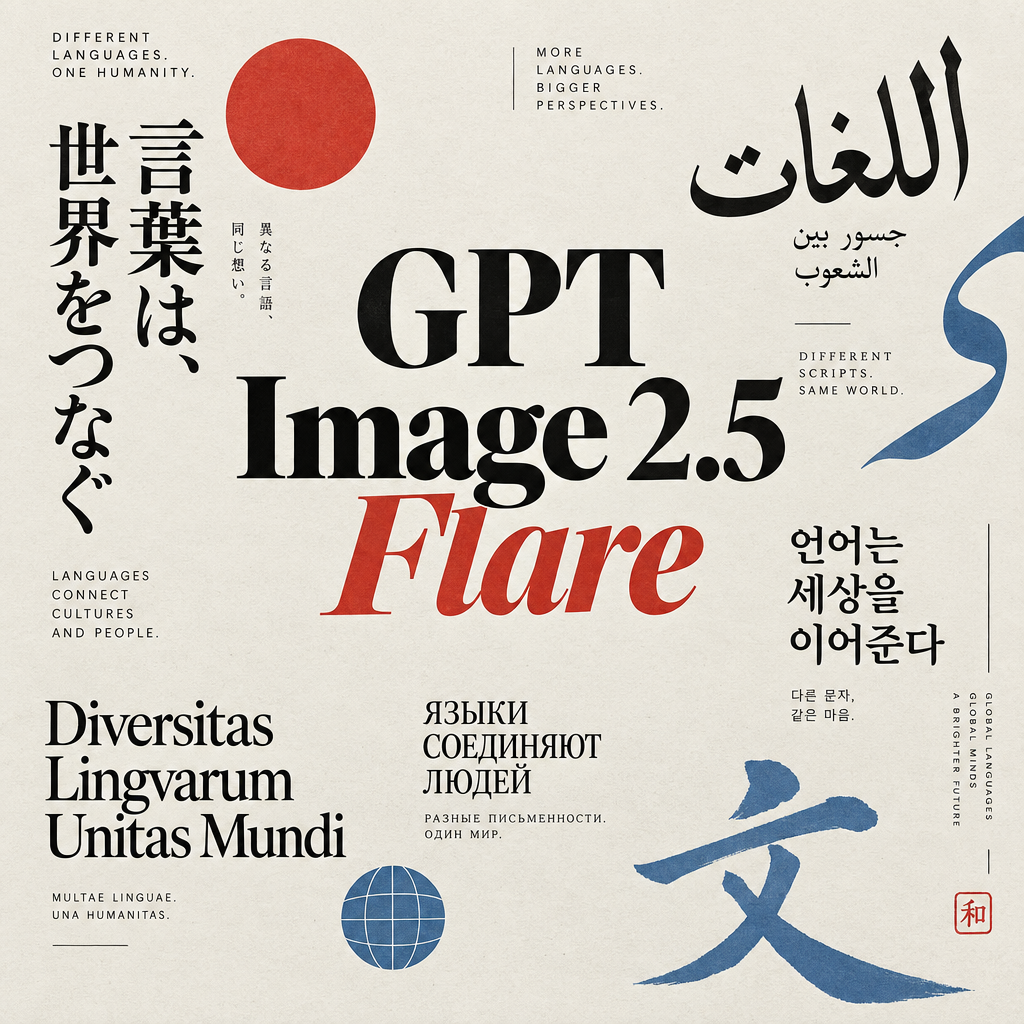
GPT Image 2.5 Flare
Generate high-fidelity images with GPT Image 2.5 Flare, optimized for real typography, multilingual scripts, structured layouts, and print-ready formats up to 4K—ideal for editorial posters, comics, marketing assets, UI comps, and social graphics.
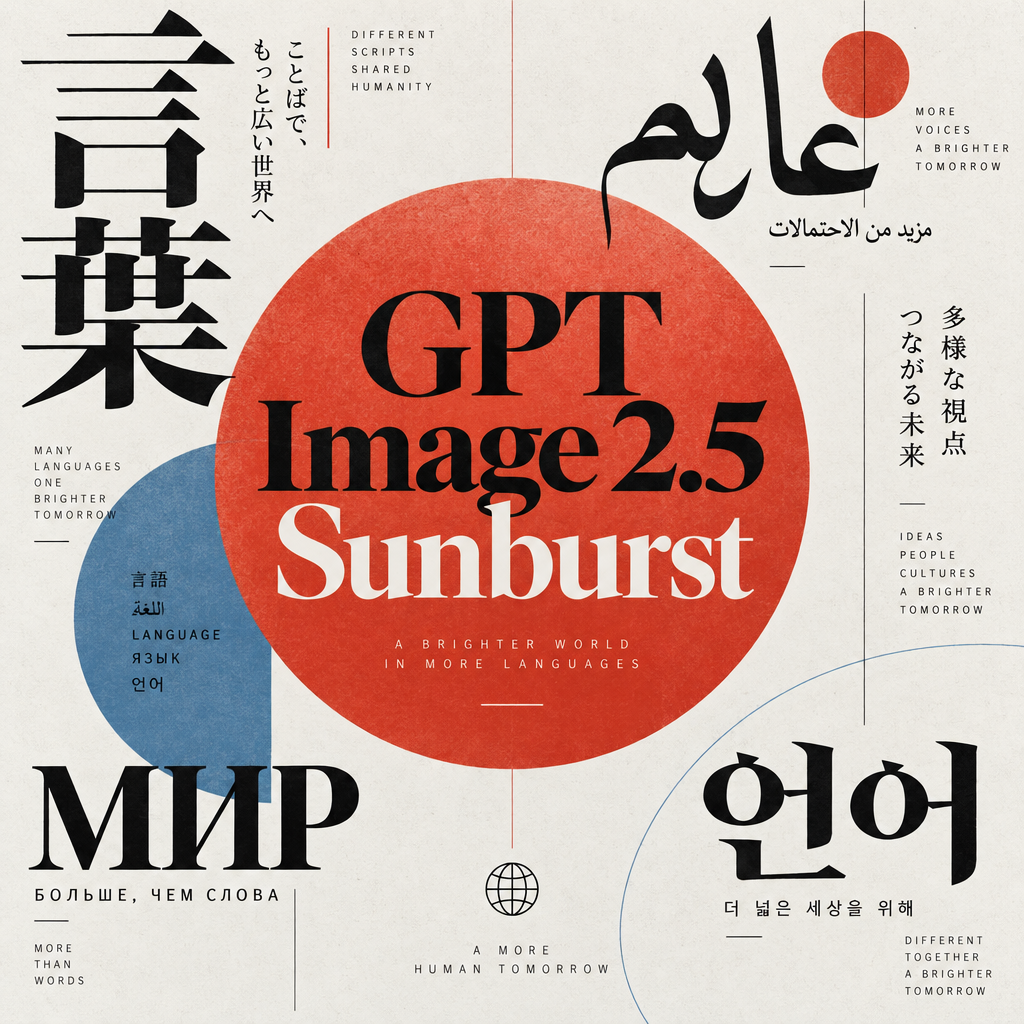
GPT Image 2.5 Sunburst
Generate high-fidelity images with GPT Image 2.5 Sunburst, optimized for real typography, multilingual scripts, structured layouts, and print-ready formats up to 4K—ideal for editorial posters, comics, marketing assets, UI comps, and social graphics.
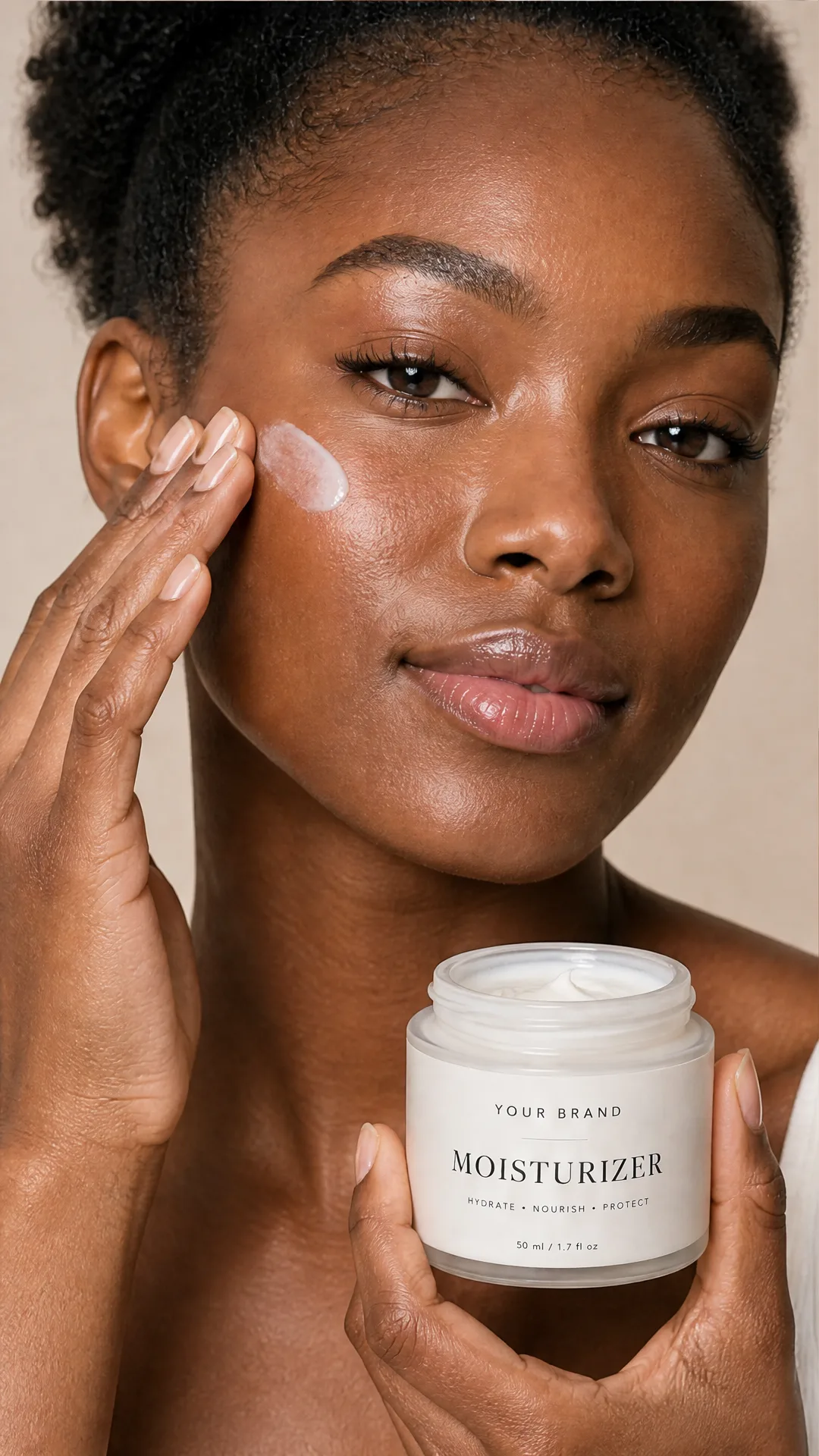
AI Skincare Product Photo Generator
Turn one cream, serum, or cosmetic jar image into a full skincare photoshoot: a 2x2 grid plus four cropped shots (wide, medium, close-up, creative), on-model or product-only, for beauty ecommerce, marketplaces, and ads.
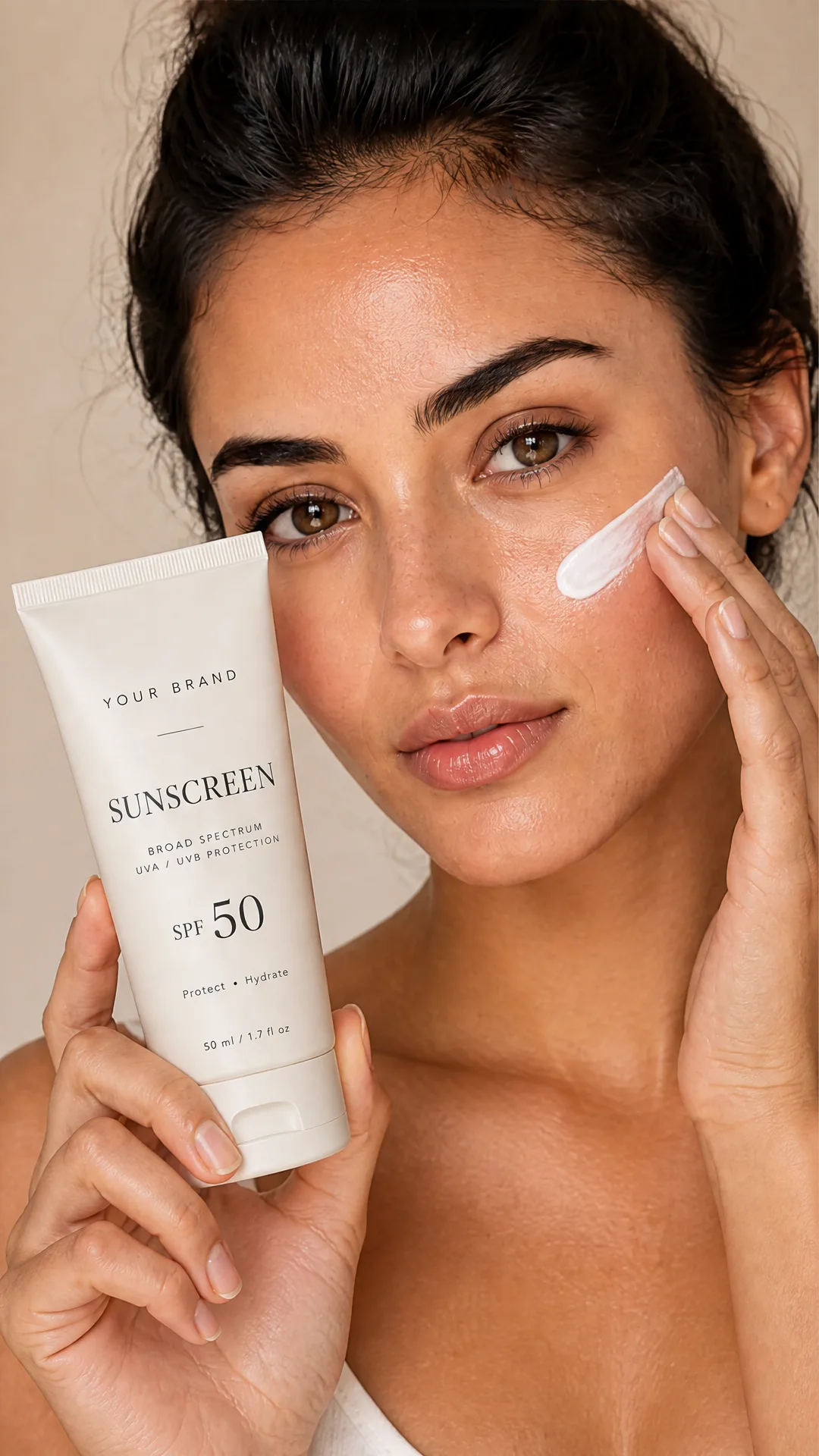
AI Sunscreen Product Photo Generator
Turn one sunscreen tube or bottle image into a full suncare photoshoot: a 2x2 grid plus four cropped shots (wide, medium, close-up, creative), on-model or product-only, for beauty ecommerce, marketplaces, and ads.
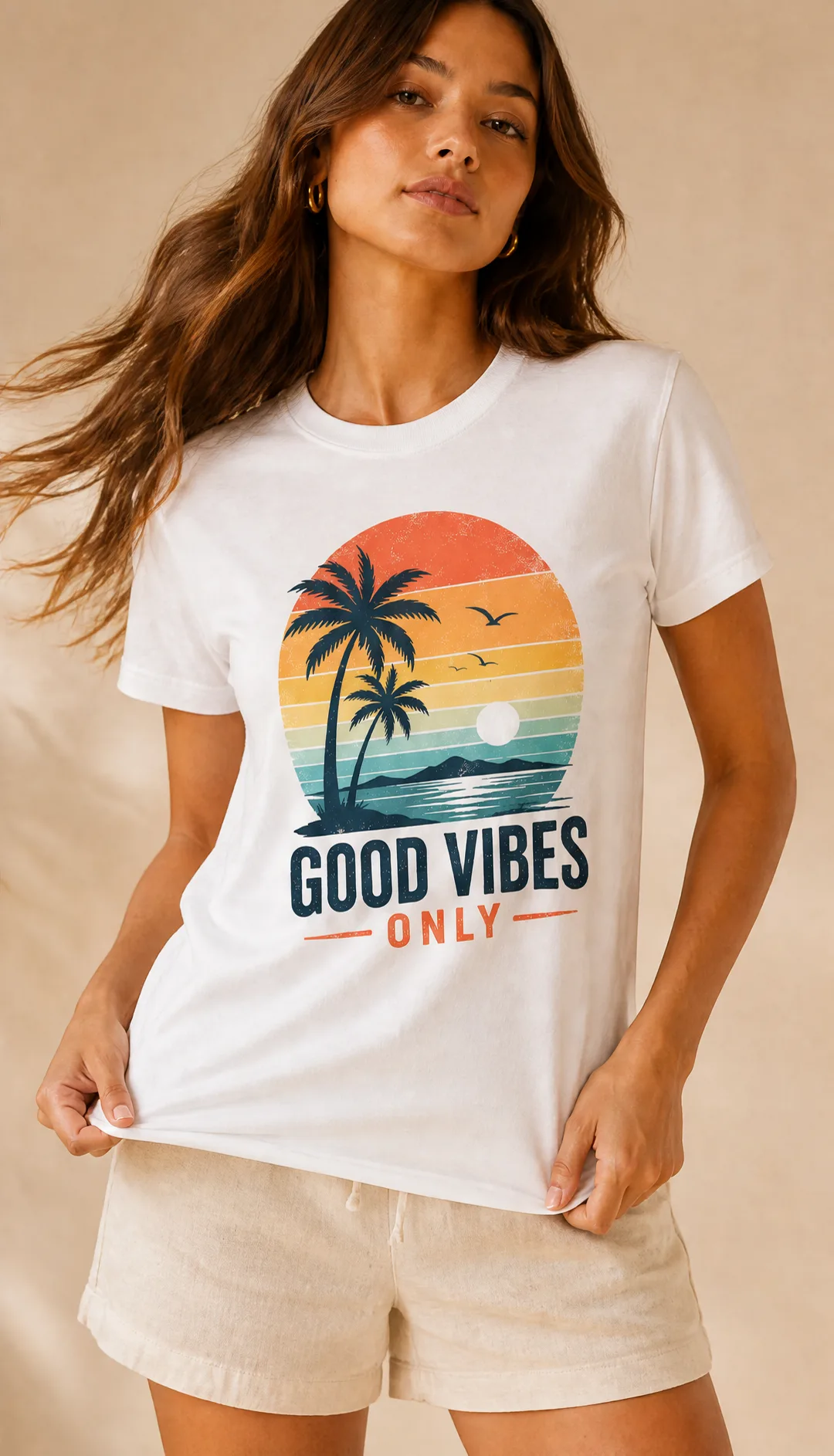
AI T-Shirt Mockup Generator
Turn one t-shirt design image into on-model print-on-demand mockups: a 2x2 photoshoot grid plus four cropped shots (wide, medium, close-up on the print, creative), for Etsy, Shopify, and POD storefronts.
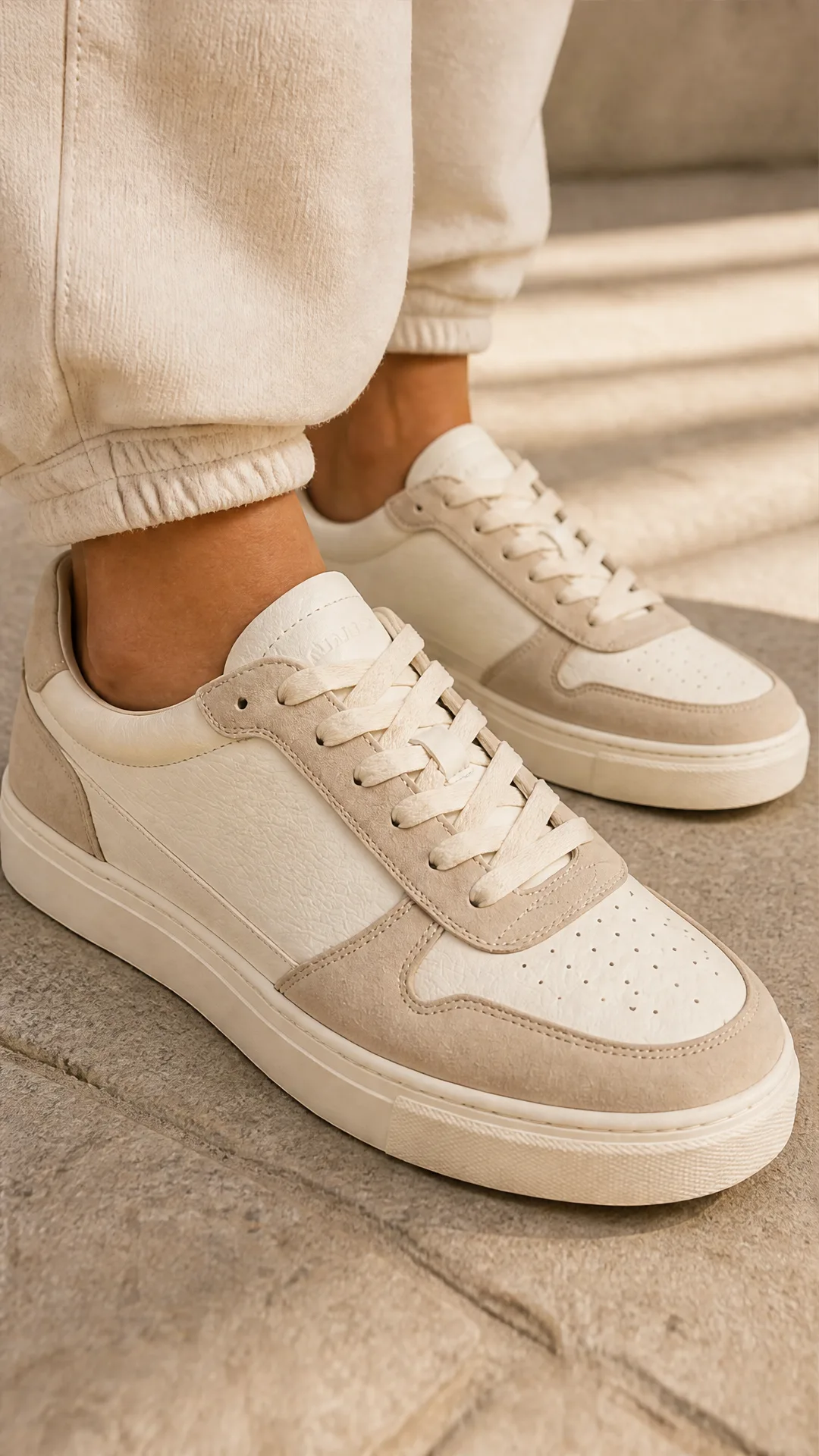
AI Sneaker Product Photo Generator
Generate sneaker product photos from a single shoe image: a 2x2 photoshoot grid plus four cropped shots (wide, medium, close-up, creative), in on-foot or product-only mode, for ecommerce listings, marketplaces, and ads.
Frequently Asked Questions
What does this template generate?
A YouTube‑ready 16:9 thumbnail that composites a background, preserved‑identity creator cutout with a chosen expression, an optional focus object (e.g., money or arrows), and a bold title sticker—finished with outlines, shadows, and cinematic color/contrast polish.
Does it preserve the person’s identity?
Yes. The subject image is used as the identity reference. Only pose and facial expression are changed for thumbnail clarity. Hair, skin tone, clothing, and likeness are preserved.
Will my title text be changed?
No. The final polish step keeps the exact title string and letter shapes intact. It only improves readability through non‑destructive effects like contrast, glow, and shadow.
Can I remove backgrounds and keep transparency?
Yes. Backgrounds are removed automatically where needed, and transparent PNGs are preserved—no checkerboard artifacts.
What input assets can I use?
Provide a background image, a subject photo (clear face, good lighting), an optional focus object (PNG recommended), and a short uppercase title. URLs or direct uploads are supported.
What output size and aspect ratio are supported?
The canvas is 16:9 and typically exported at YouTube‑friendly sizes like 1280×720 or higher. Internal image steps can run up to 2K depending on configuration.
Can I tweak layer positions and sizes?
Yes. The compositor lets you scale, rotate, and reposition background, subject, title, and focus elements so you can fine‑tune hierarchy and balance.
How do I get the best results?
Use a high‑resolution subject photo with clear lighting, keep titles short (3–6 words), choose a simple high‑contrast background, and provide a concise expression cue (e.g., “shocked WOW reaction”).
Does it support brand consistency?
Yes. You can reuse the same background style, outline color (e.g., white), and title formatting across runs to keep thumbnails on brand.
Can I create multiple variations for A/B tests?
Yes. Duplicate the flow or rerun with different expressions, backgrounds, or focus objects to quickly produce variants while keeping layout and title consistent.
Is commercial use allowed?
The generated layout is yours to use, but you are responsible for licensing the input assets (photos, logos, stock images) you provide. Ensure you have rights to everything you upload.
Will it add extra text or clutter?
No. The flow is designed to keep thumbnails clean and bold. It won’t add new text or remove elements—only enhance what you already included.
What is AI-FLOW and how can it help me?
AI-FLOW is an all-in-one AI platform that allows you to build, integrate, and automate AI-powered workflows using an intuitive drag-and-drop interface. Whether you're a beginner or an expert, you can leverage multiple AI models to create innovative solutions without any coding required.
Is there a free trial available?
Yes, AI-FLOW offers a free trial to get you started. After that, you can purchase credits as needed—no subscription or long-term commitment required.
Can I integrate my API keys from providers like OpenAI and Replicate with AI-FLOW Cloud Version ?
Yes, you can easily integrate your existing API keys with AI-FLOW. If specified, nodes related to the API key provided will use your API key, significantly reducing your platform credit usage.