
Generate product photos with models
Upload your product and create lifestyle images where a model holds, wears, or uses it - ideal for ads, ecommerce, and social proof.
Free credits included • No credit card required to try
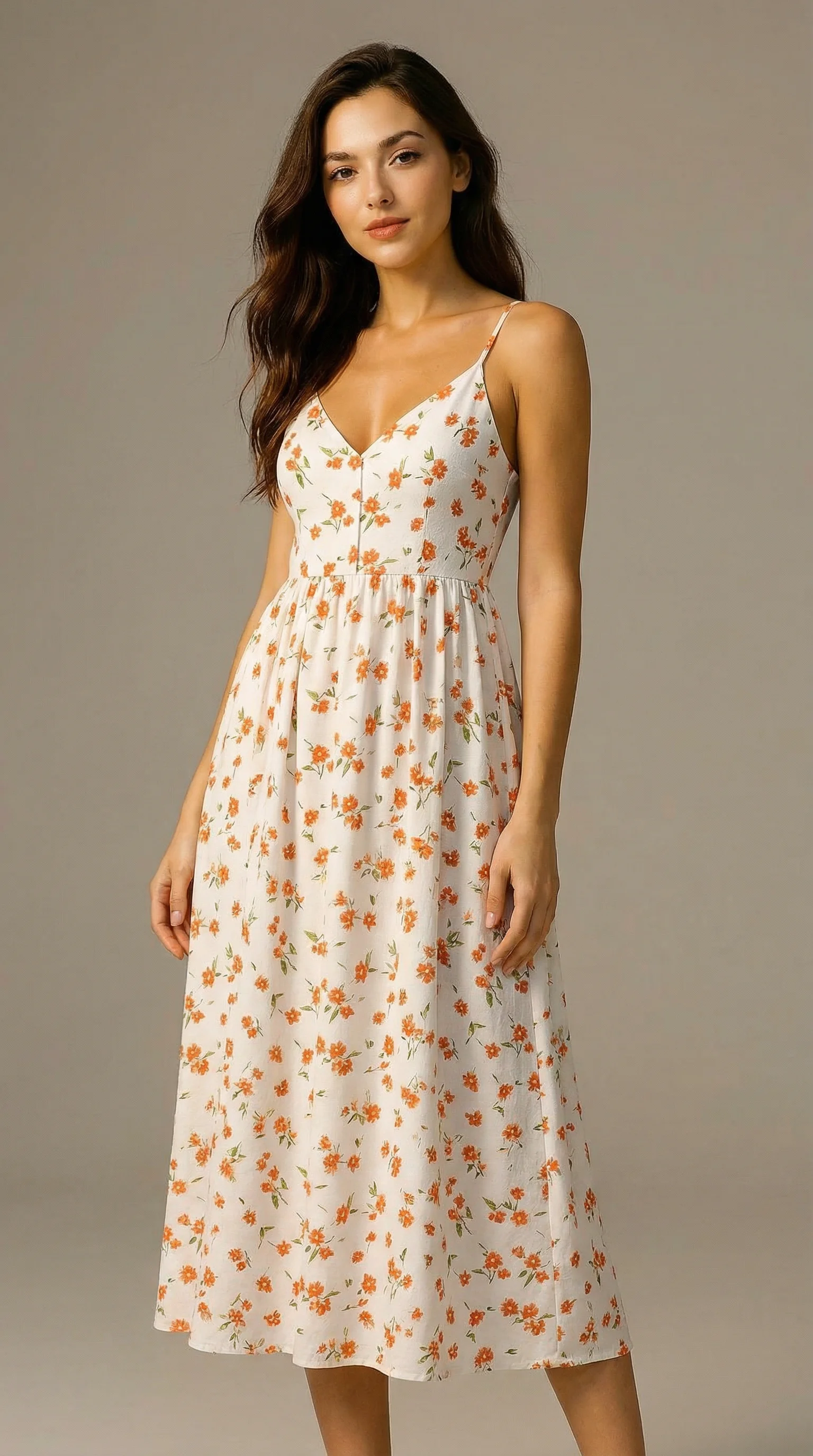
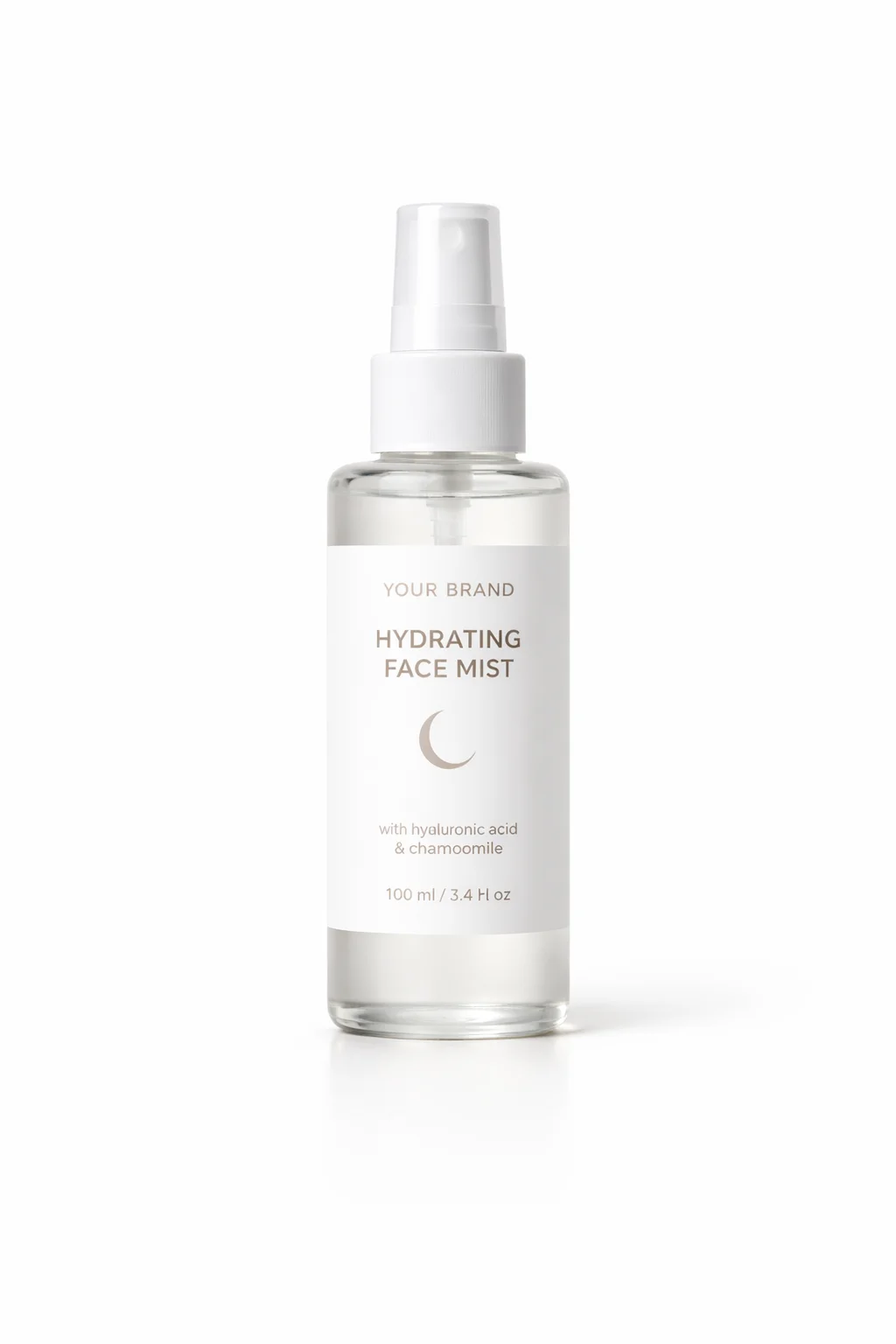
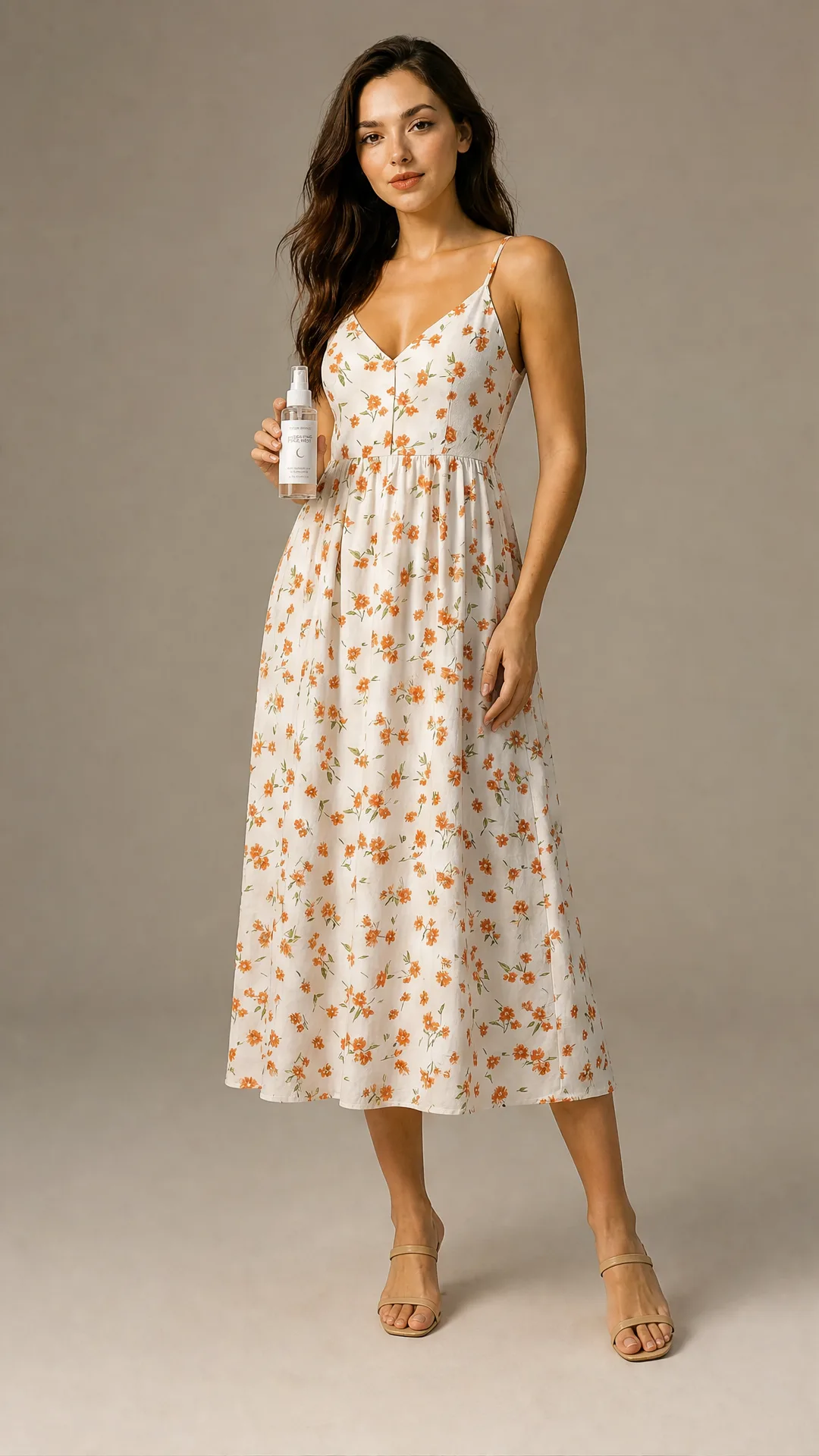
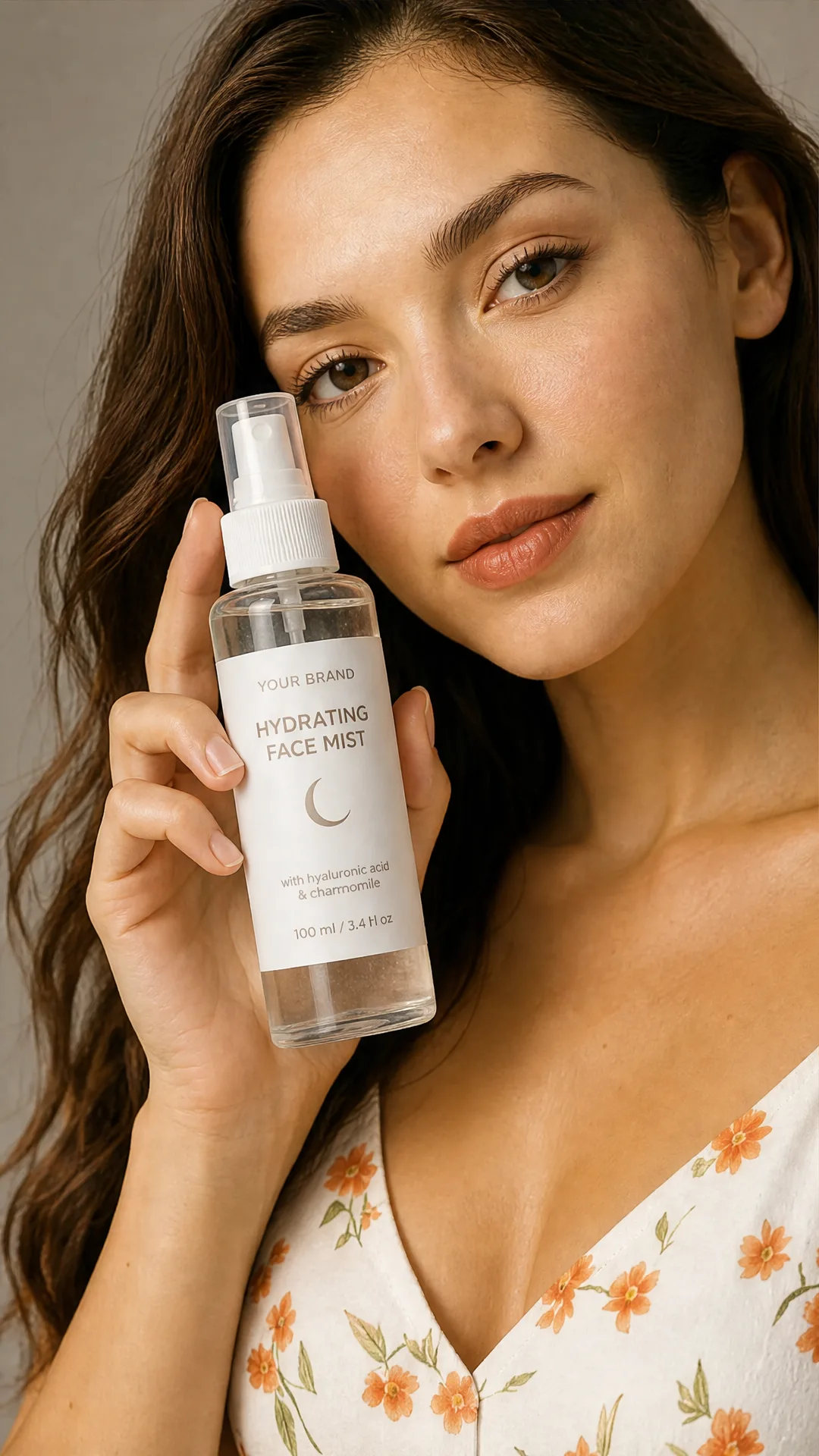
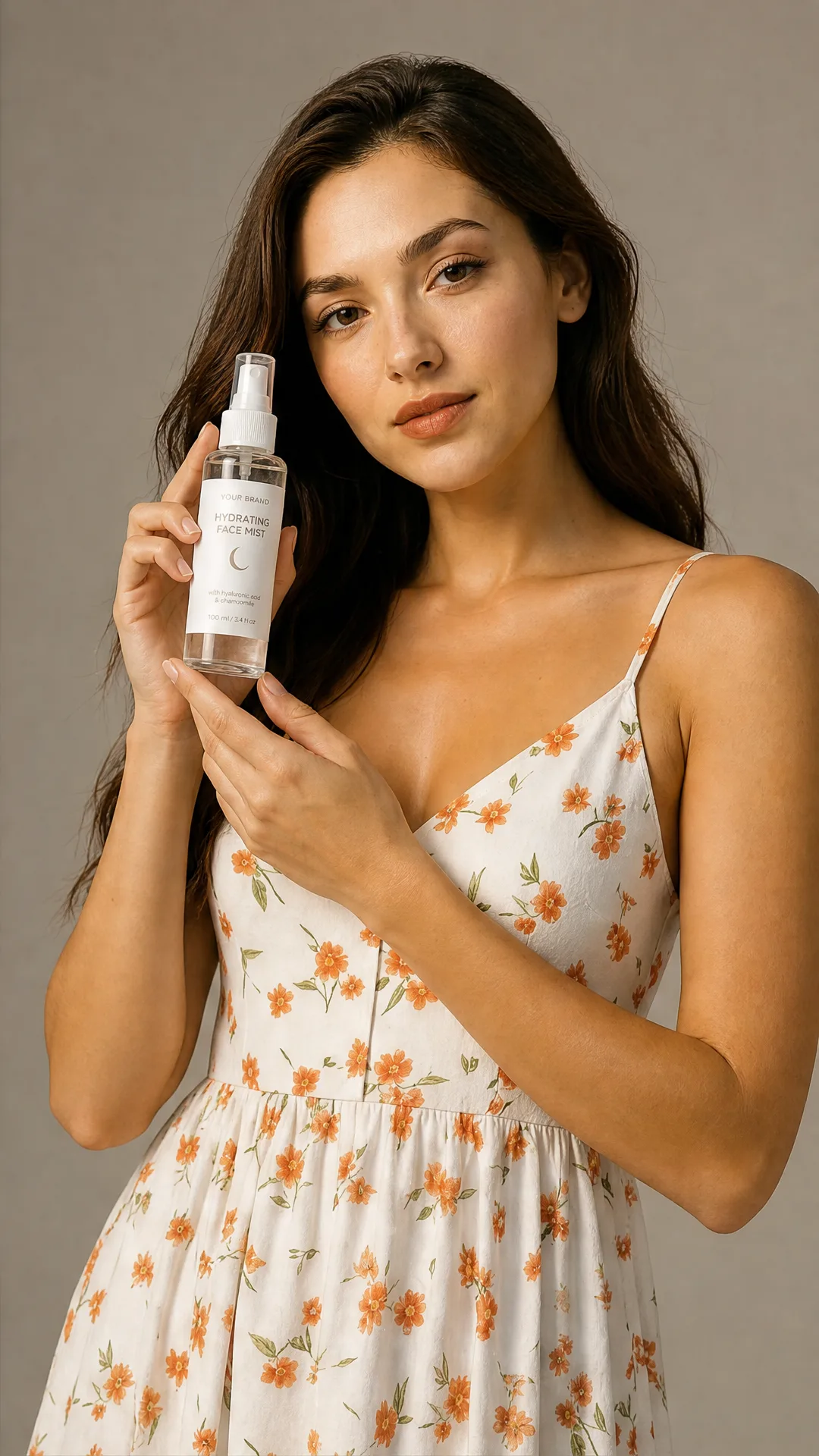
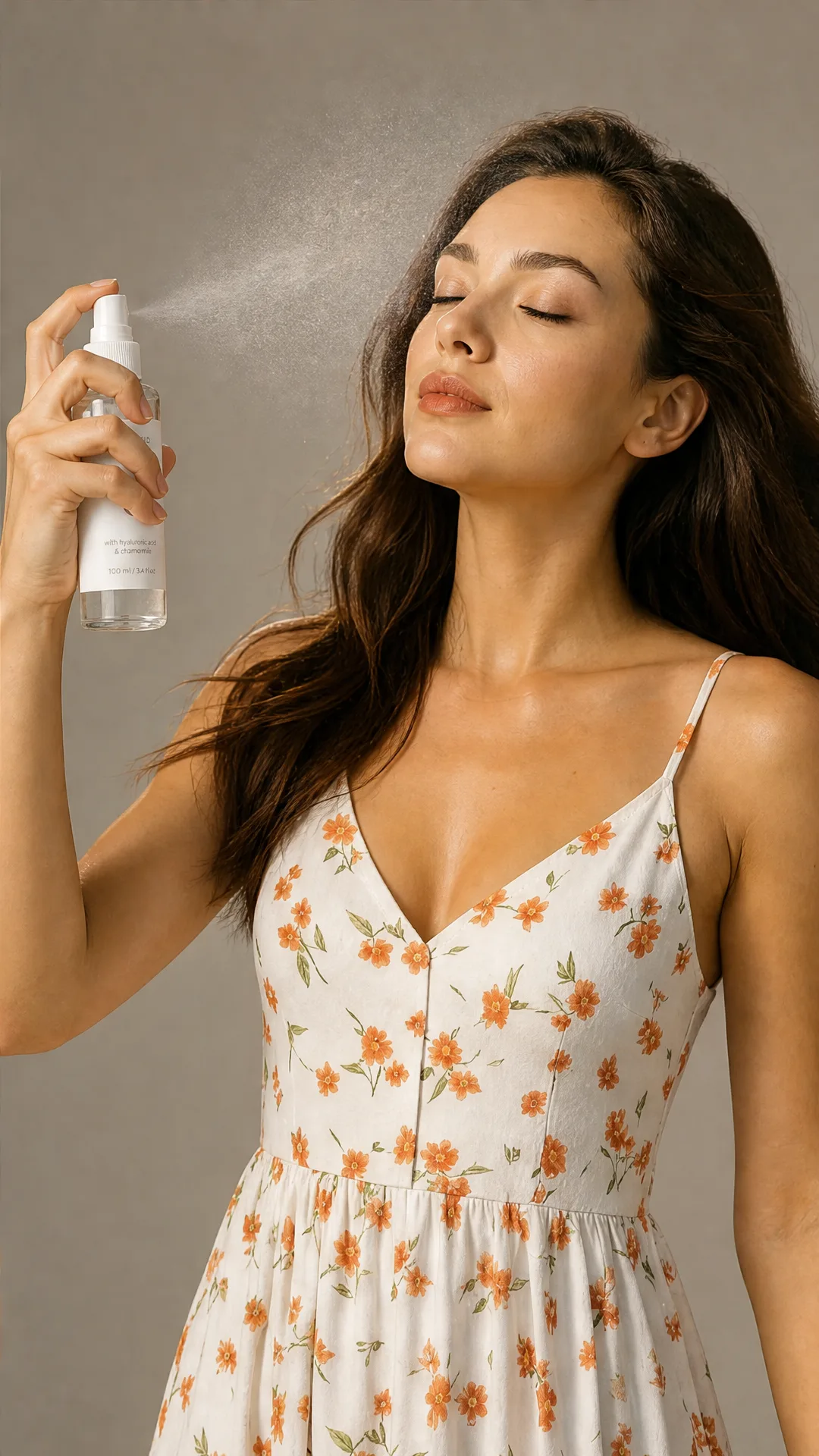
Show your product held, worn, or used by a person
Create lifestyle images with models for beauty, fitness, accessories, bags, jewelry, and home products.
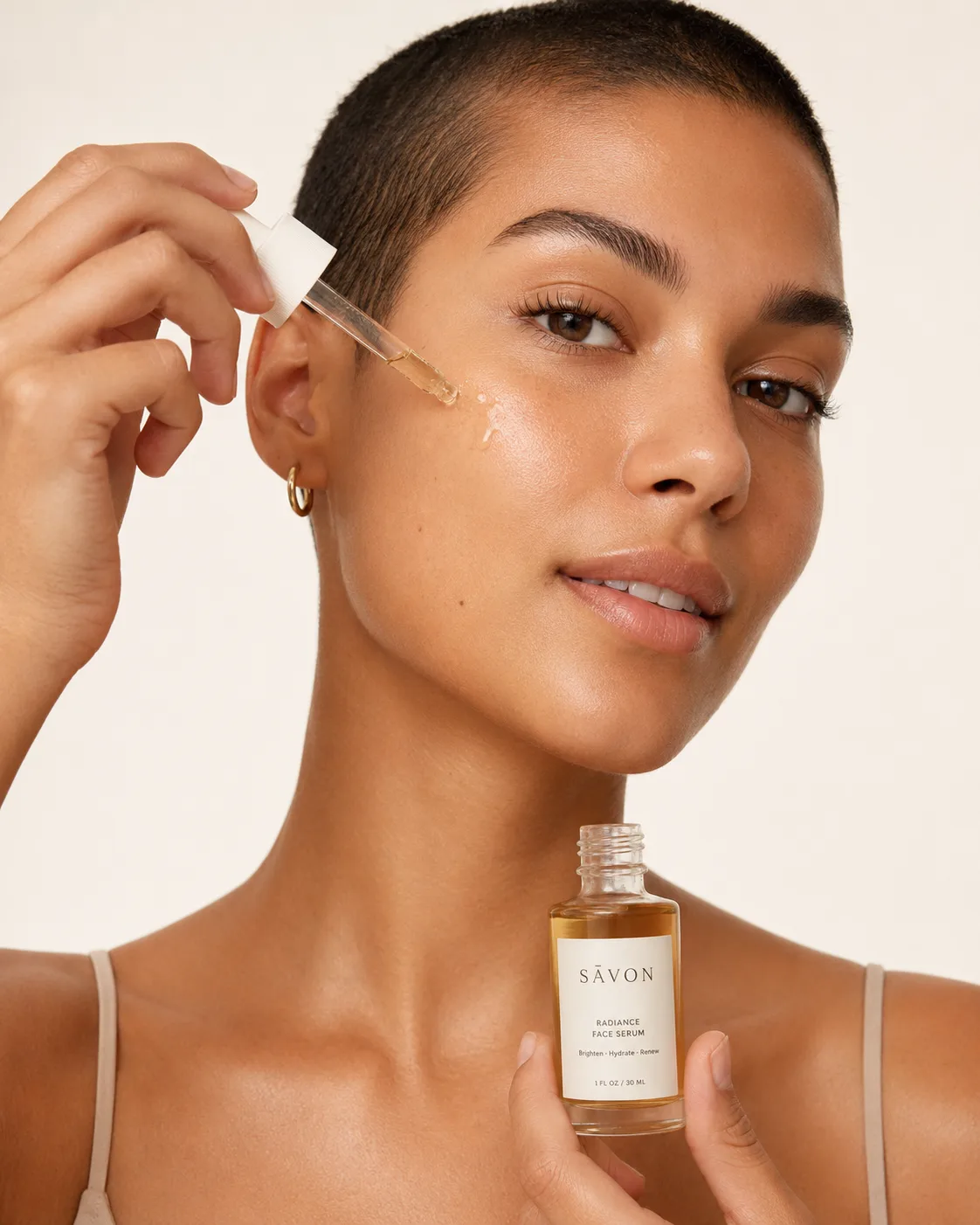
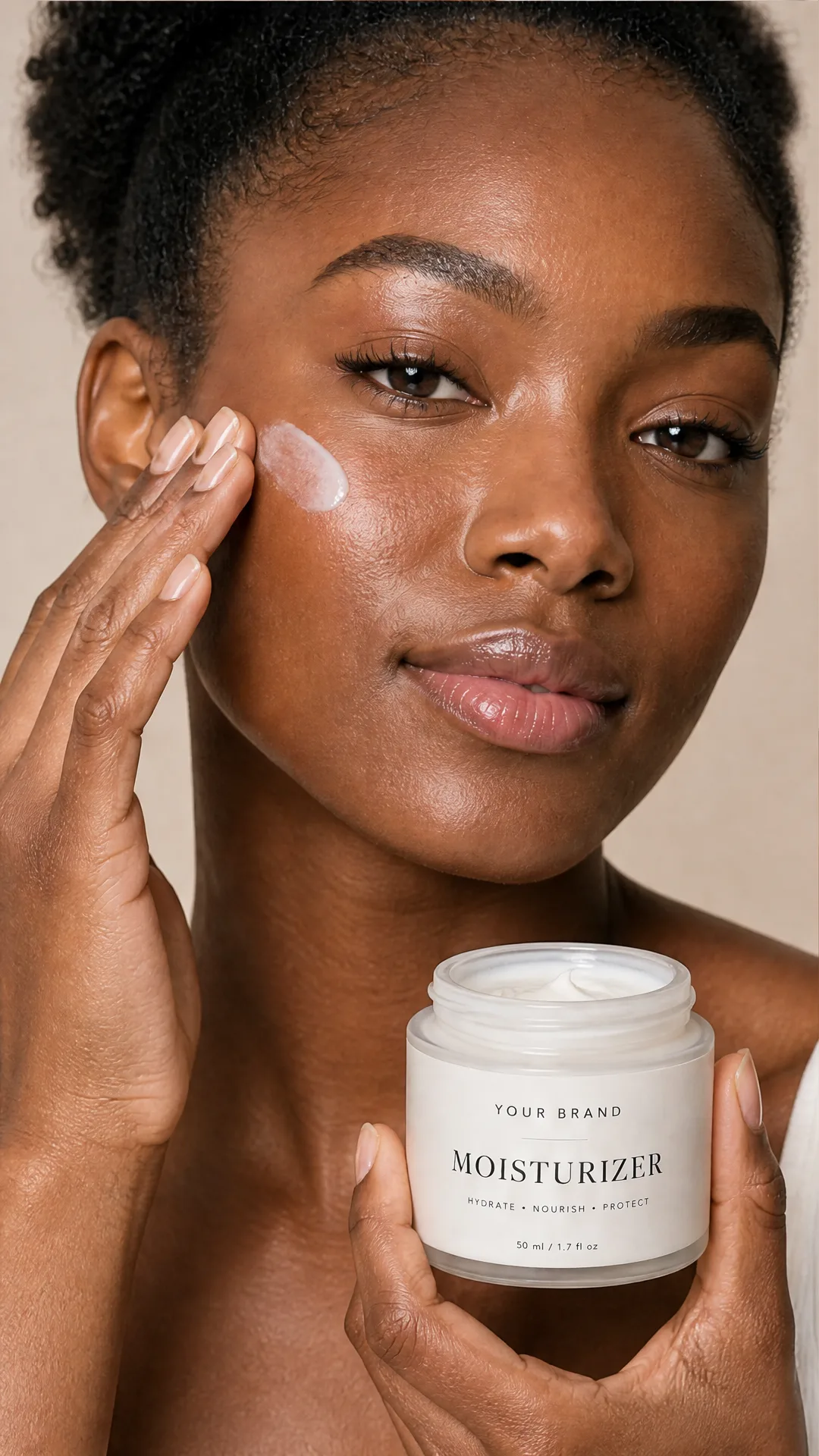
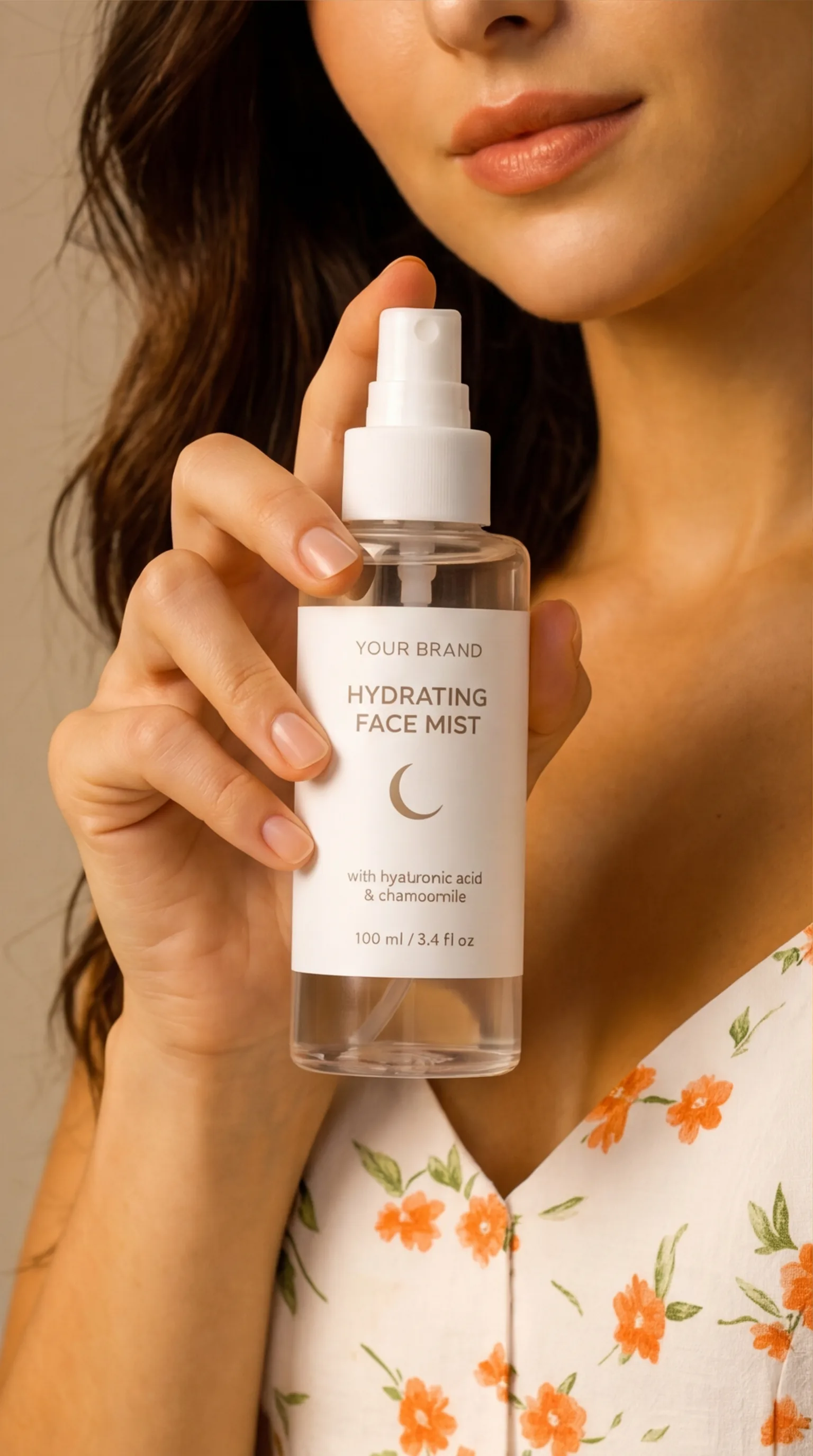
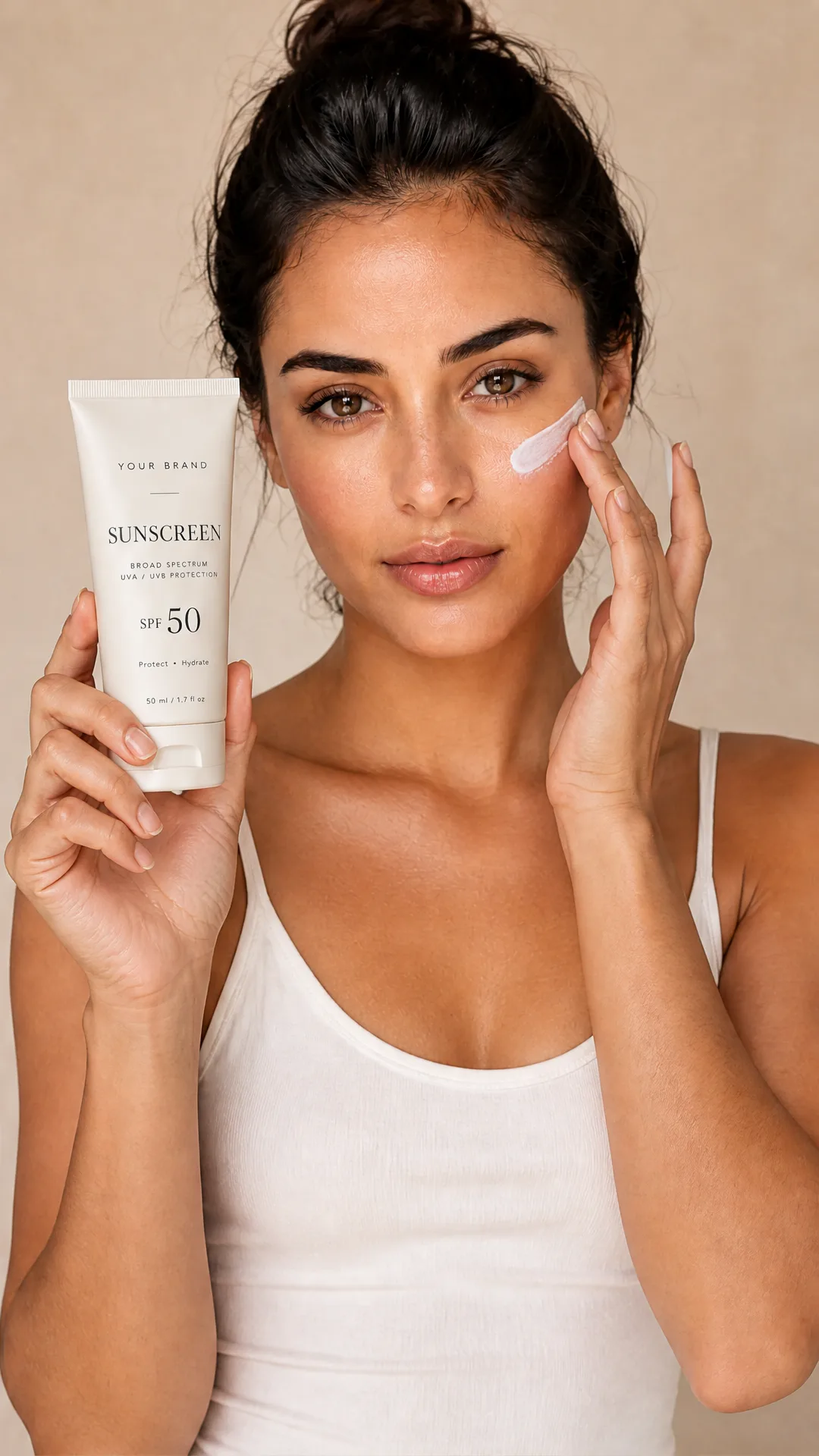
Model holding skincare product
Create beauty visuals where a person holds or presents a serum, jar, tube, or bottle.
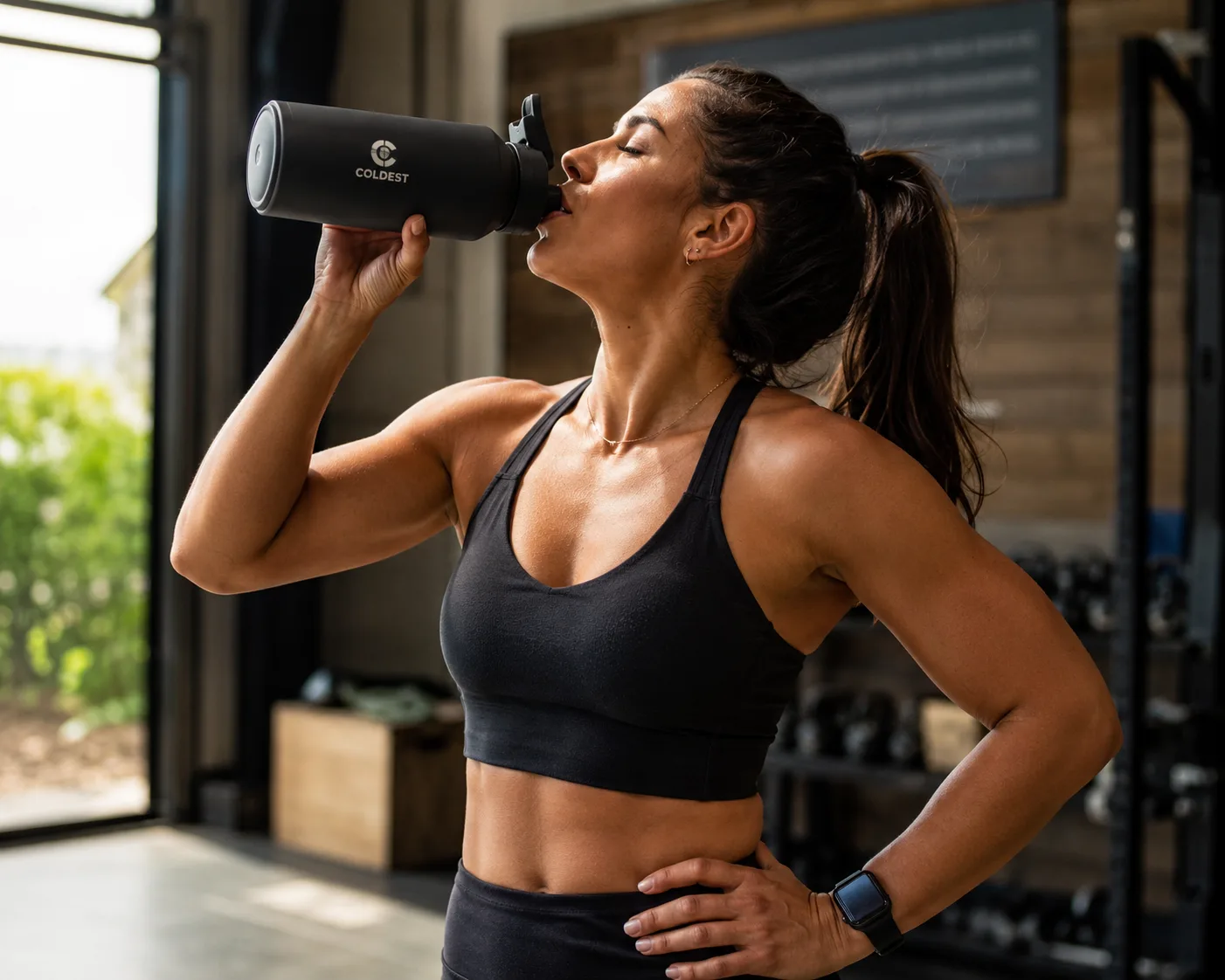
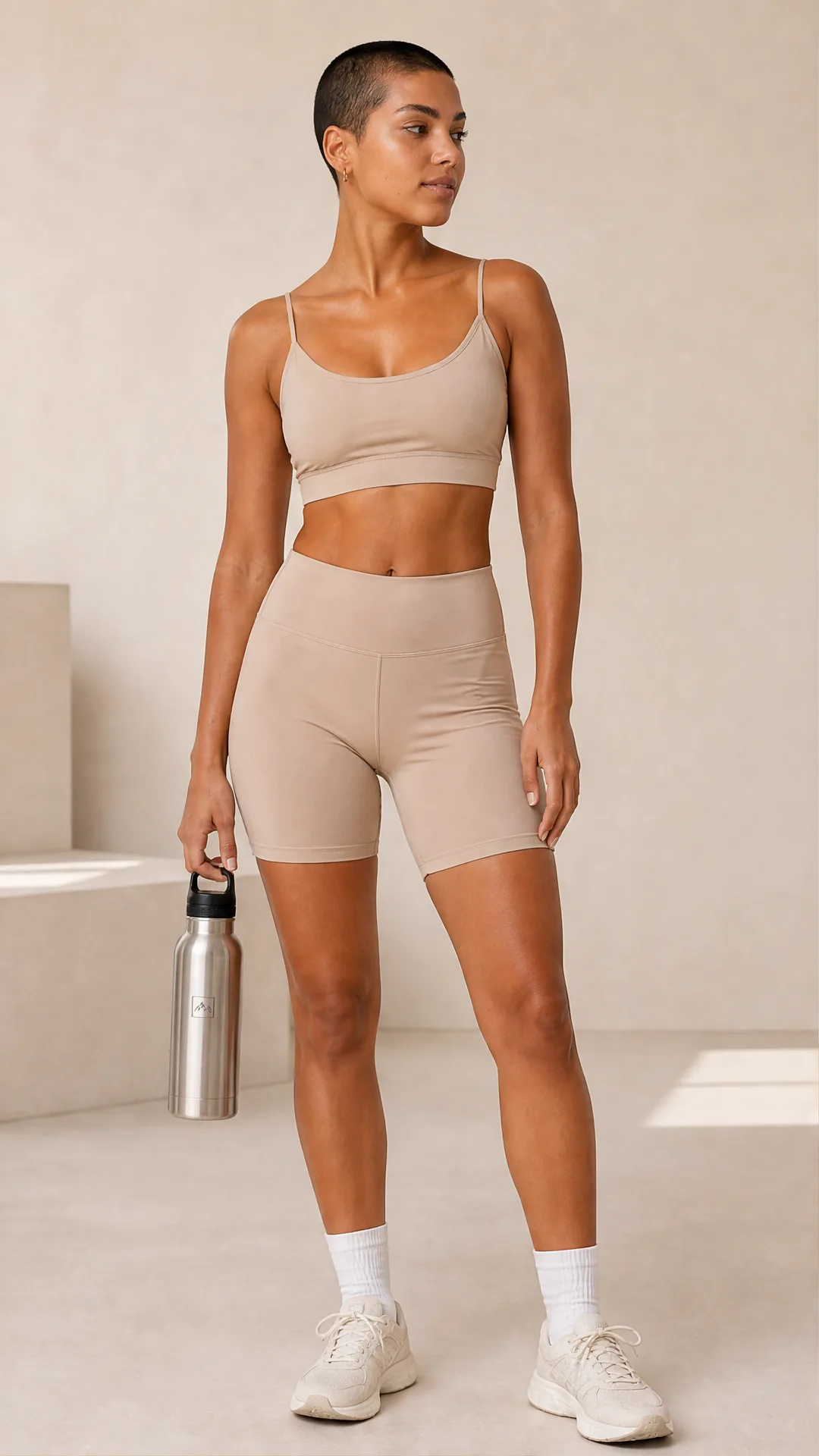
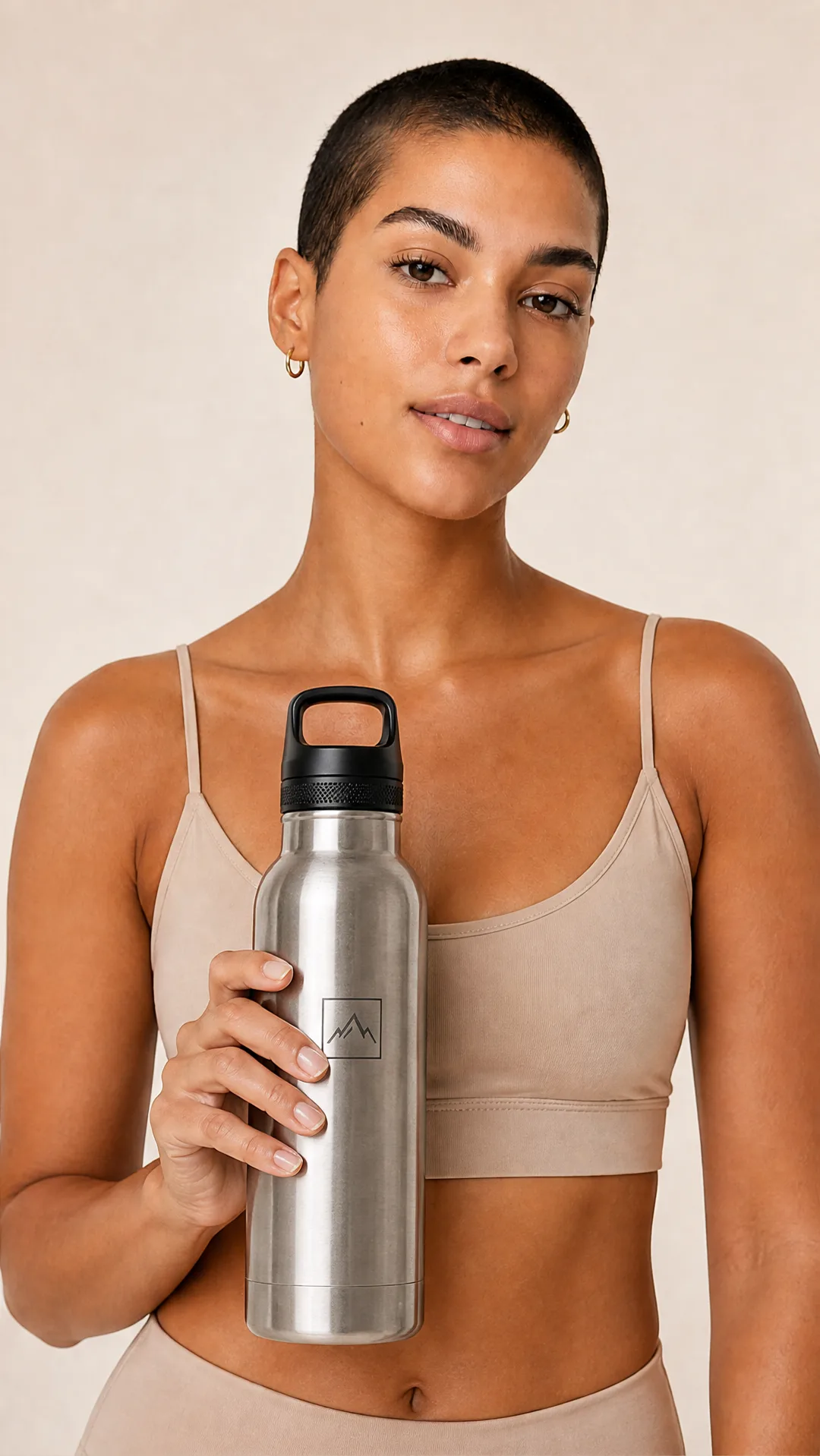
Person drinking from fitness bottle
Show wellness and fitness products in use for ecommerce, ads, and social proof.
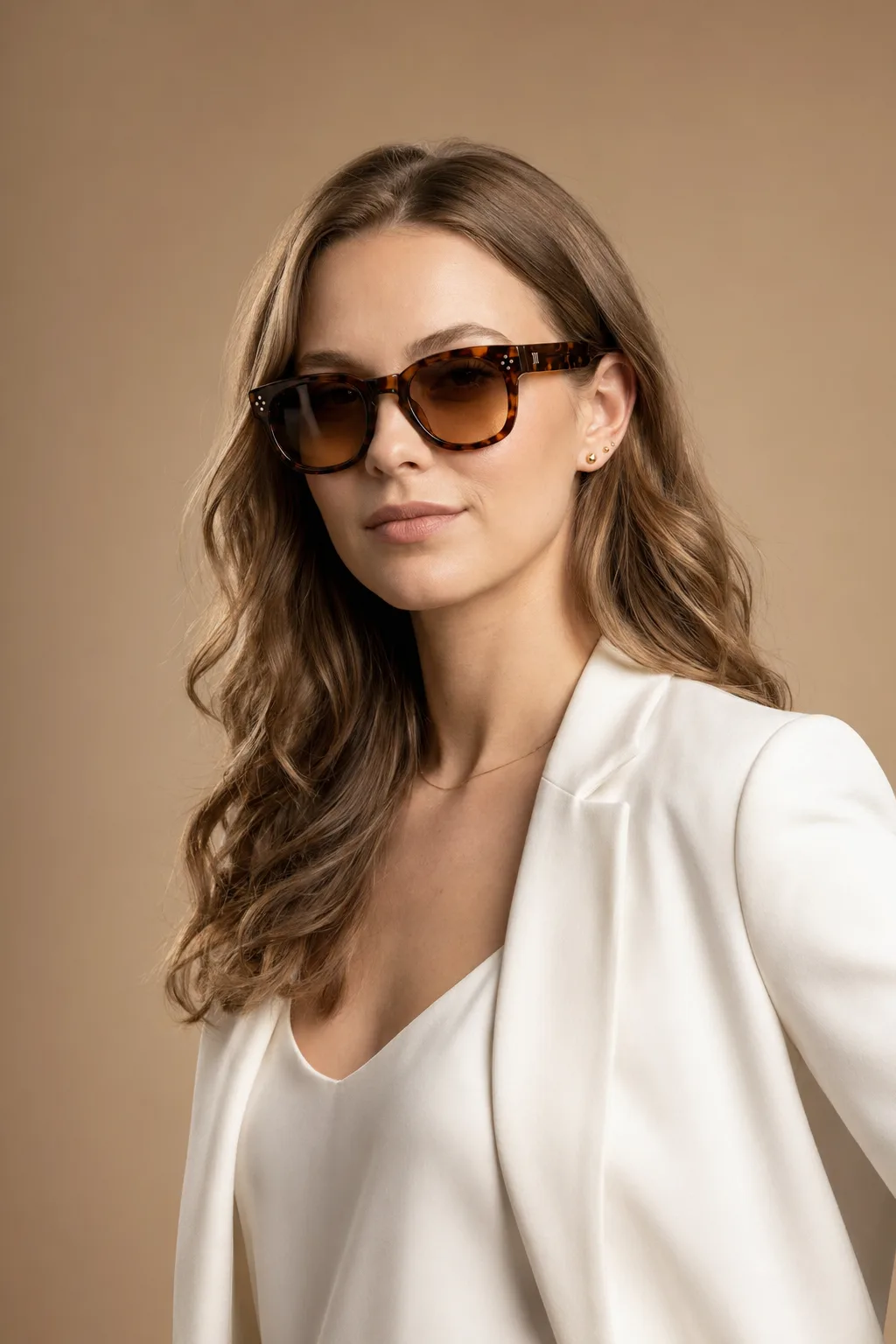
Sunglasses worn by model
Generate fashion and accessory visuals for sunglasses, eyewear, jewelry, watches, and wearable products.
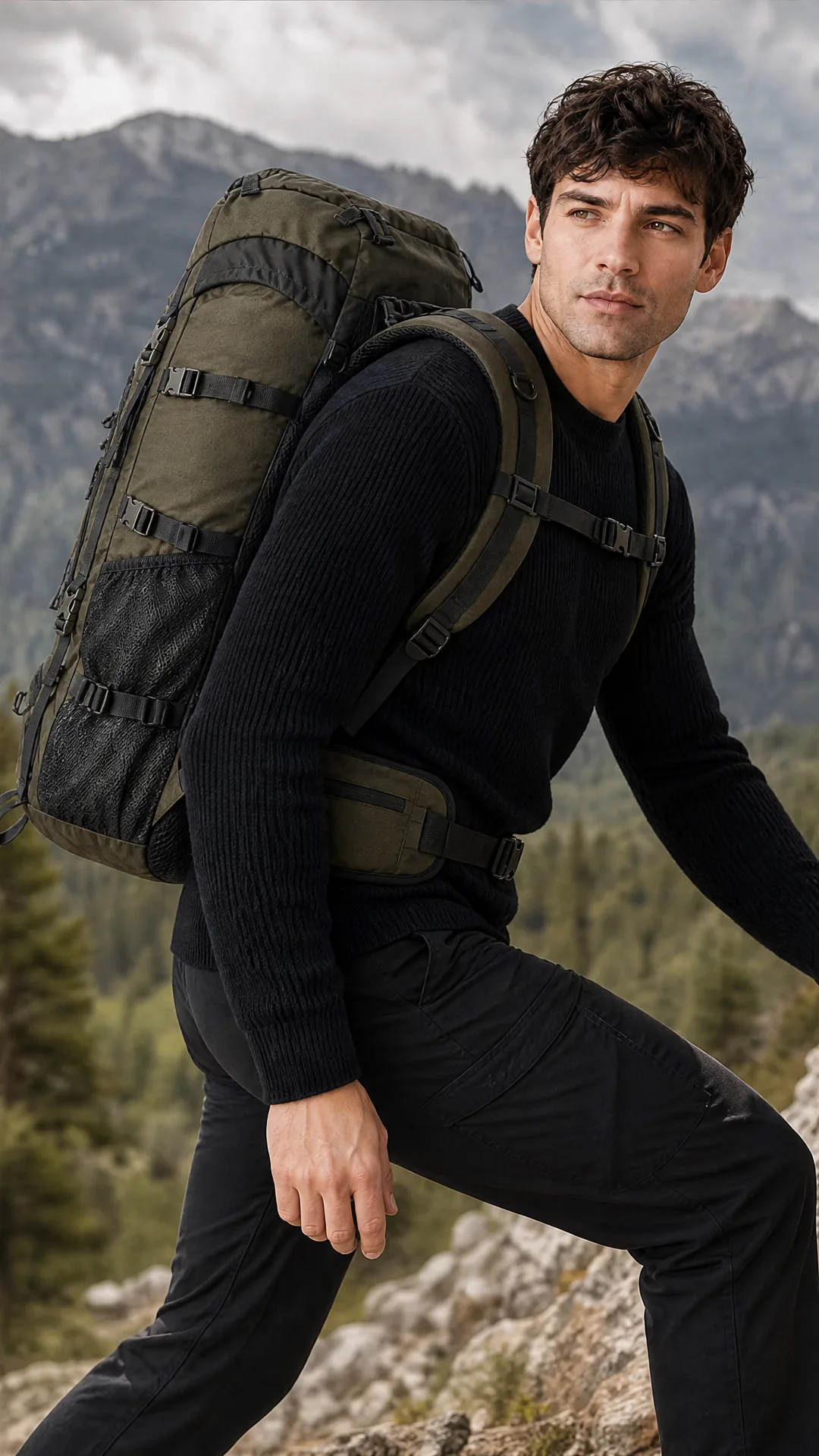
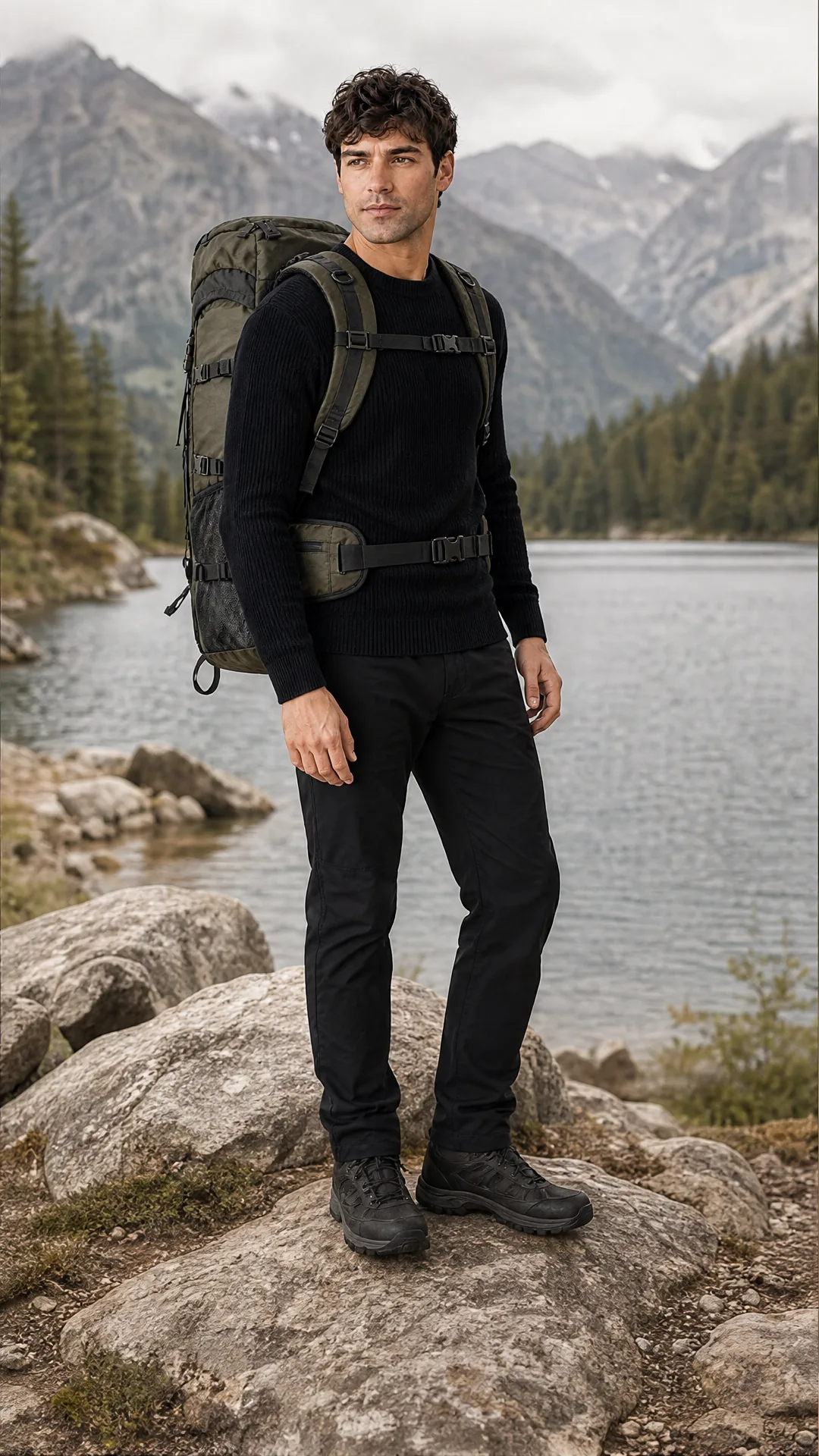
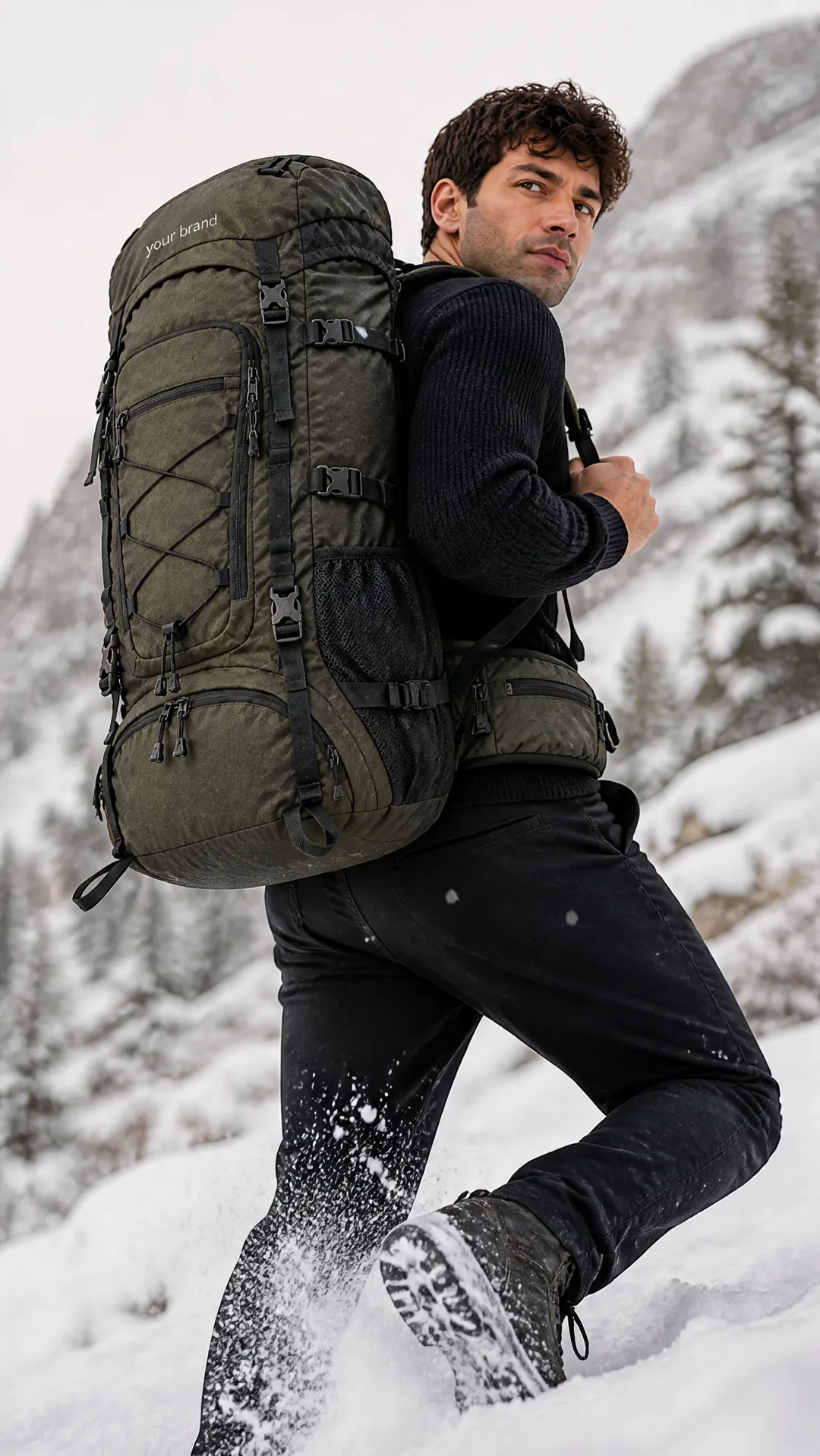
Backpack worn outdoors
Create on-person concepts for bags, backpacks, totes, and travel products.
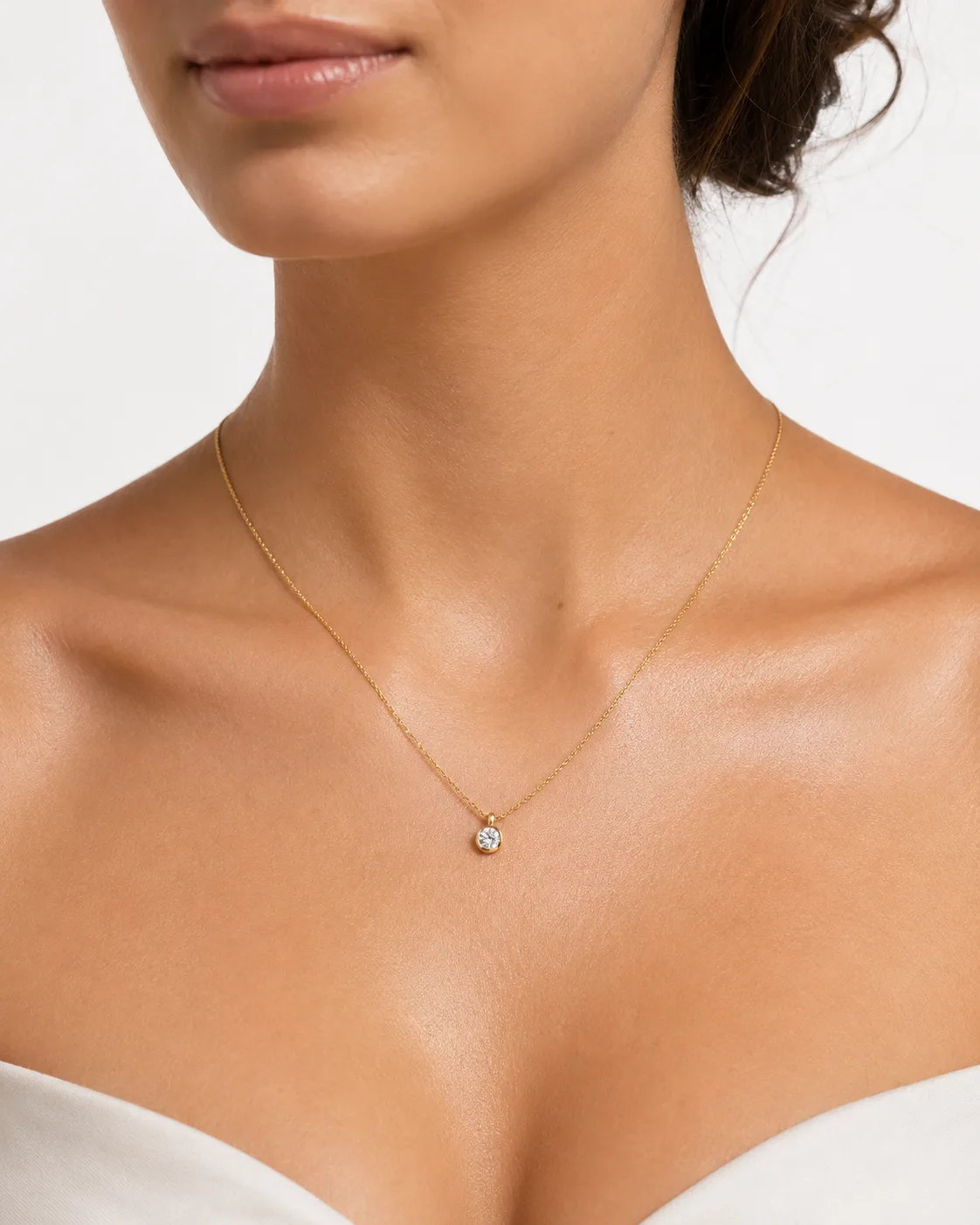
Jewelry on neck or wrist
Generate close-up concepts for accessories that need human context.
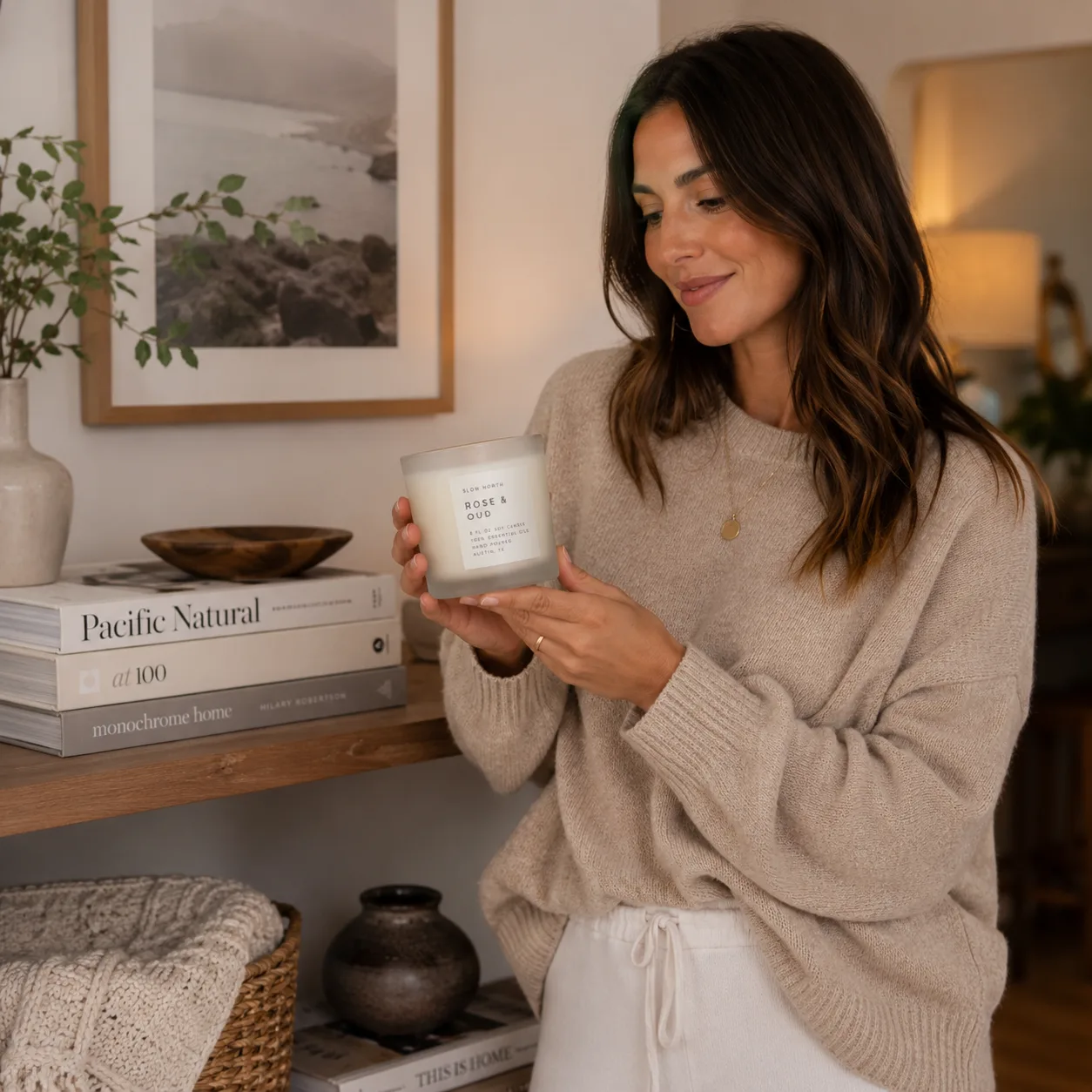
Candle held in cozy home scene
Show home and lifestyle products being held, gifted, or used in warm scenes.
How AI product photos with models work
Three steps from one product image to lifestyle visuals where a person holds, wears, or uses it.
Upload your product and optional model reference
Start with your product photo. Add a model reference when you want to guide the person, styling, pose, or overall direction.
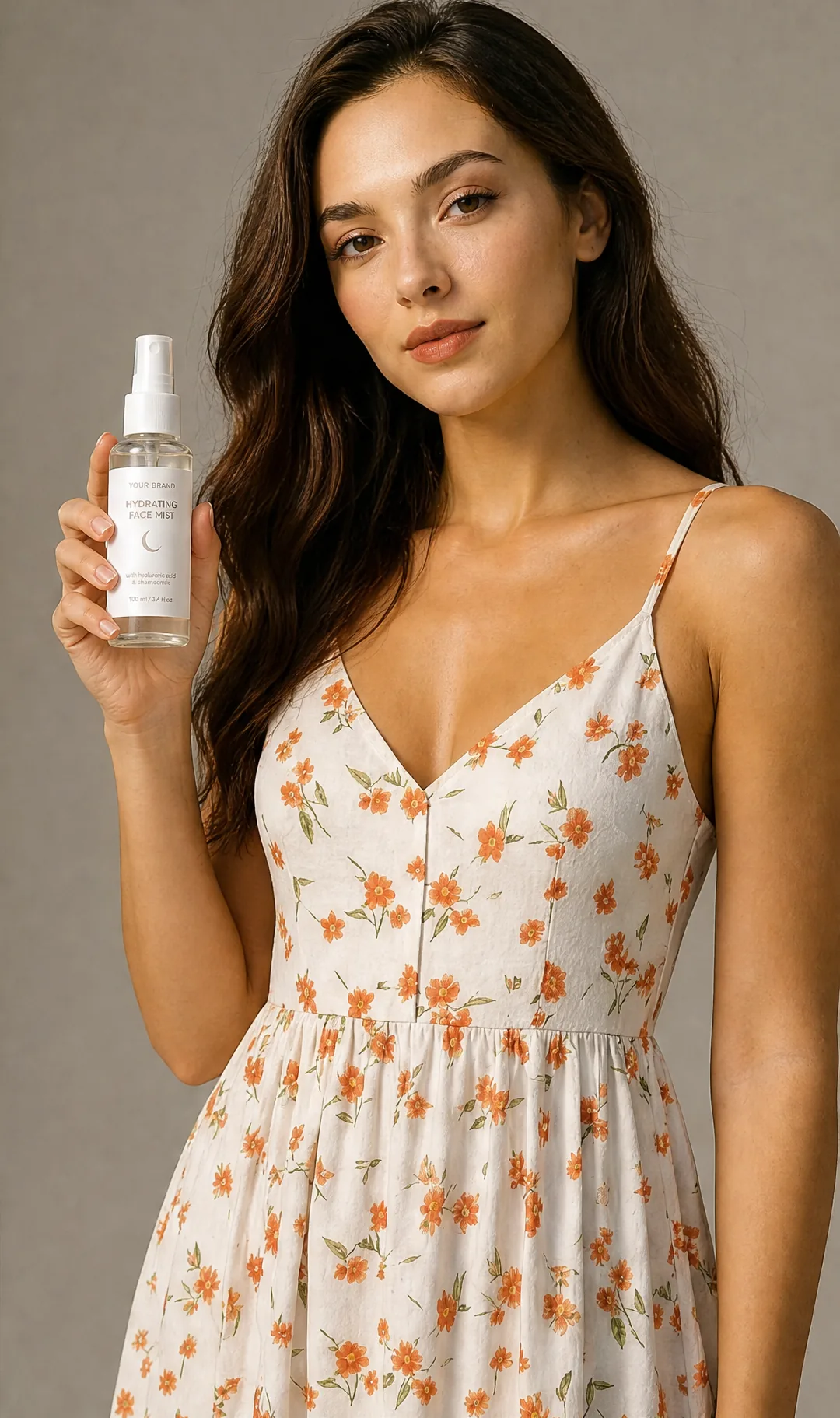
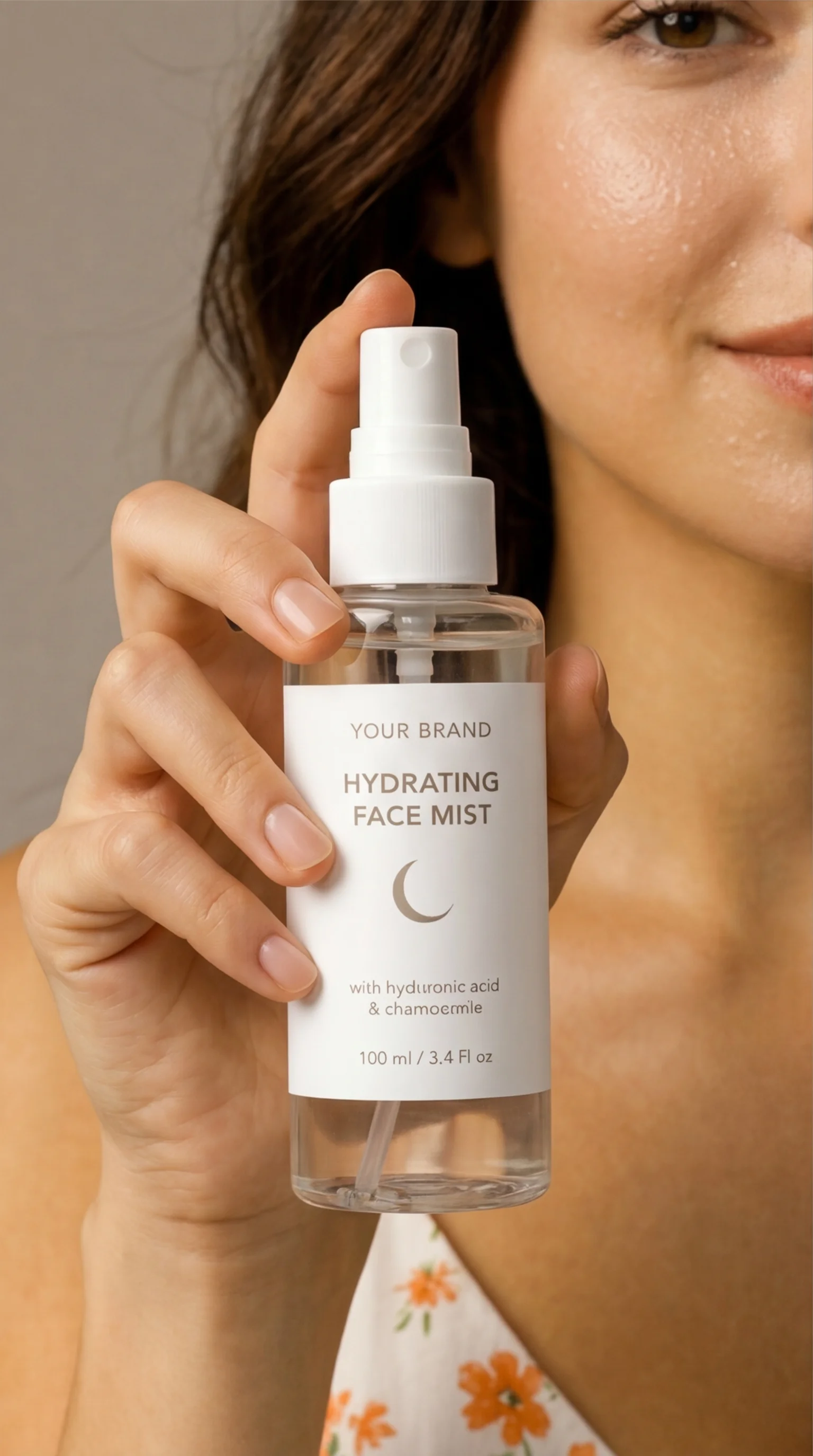
Generate 4 on-model lifestyle shots
AI-Flow creates images where your product can be held, worn, applied, carried, or used in a realistic scene.
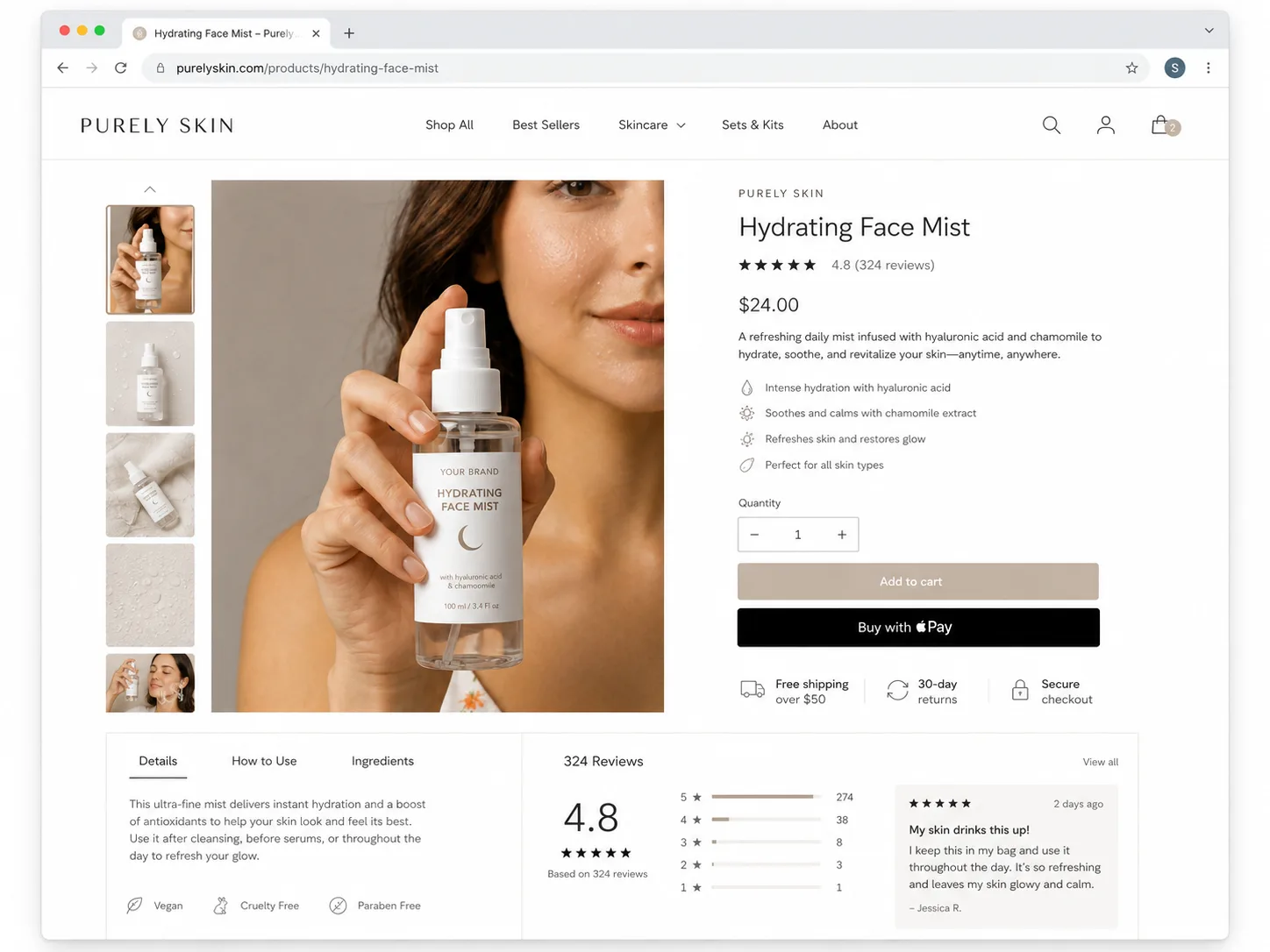
Download and use for social proof
Use the images for ecommerce galleries, landing pages, ads, and social content that shows the product in context.
Why switch from traditional photoshoots?
The numbers speak for themselves.
| Traditional photoshoot | AI-Flow on-model product photos | |
|---|---|---|
| Model setup | Book model, studio, styling, and photographer | Upload product, optionally add a model reference |
| Use cases | Often one campaign direction | Held, worn, applied, or used product concepts |
| Speed | Days or weeks | A few minutes |
| Iteration | New casting or reshoot | Regenerate with new scene or model direction |
| Price | $500-$3,000+ | 60 credits per photoshoot |
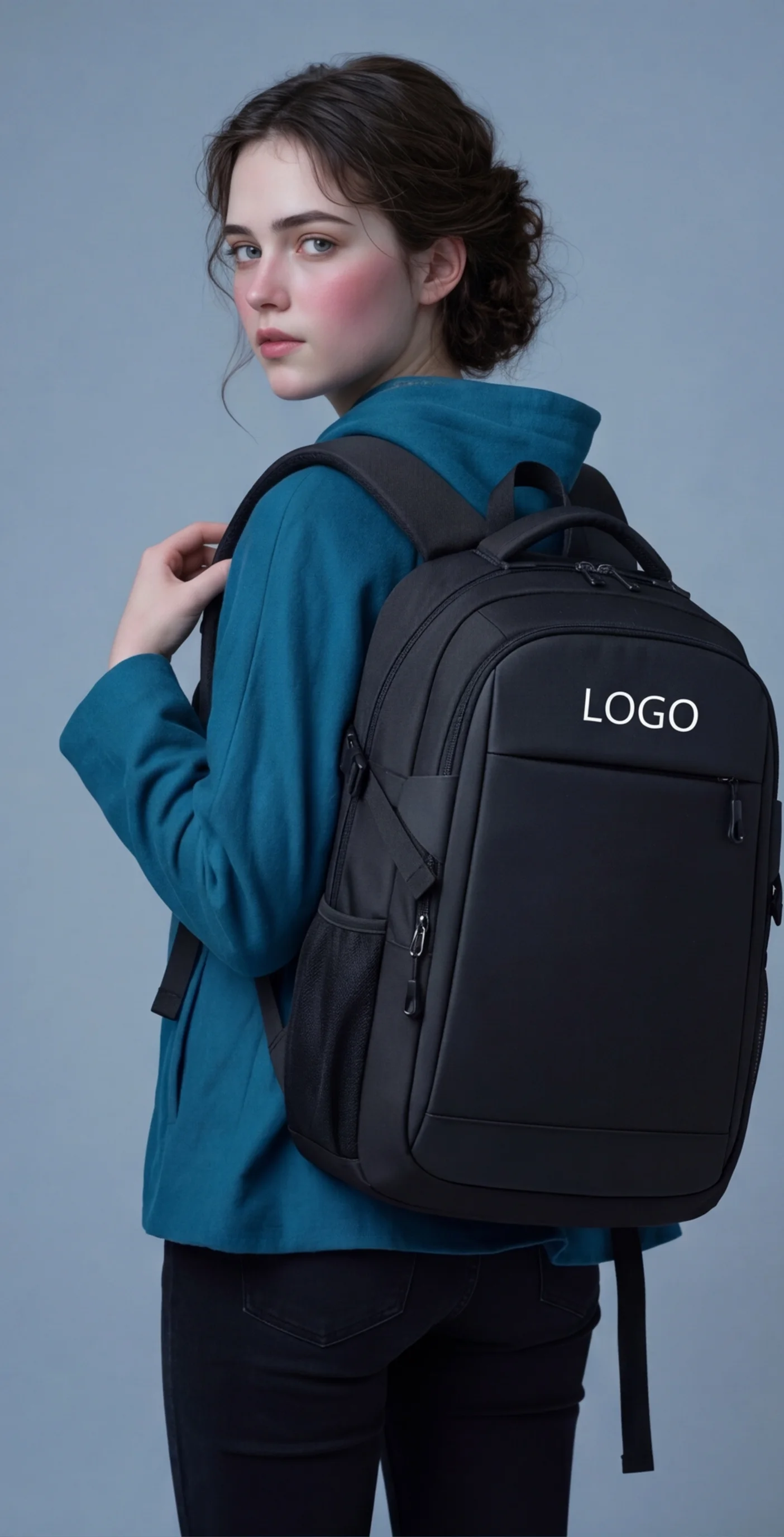
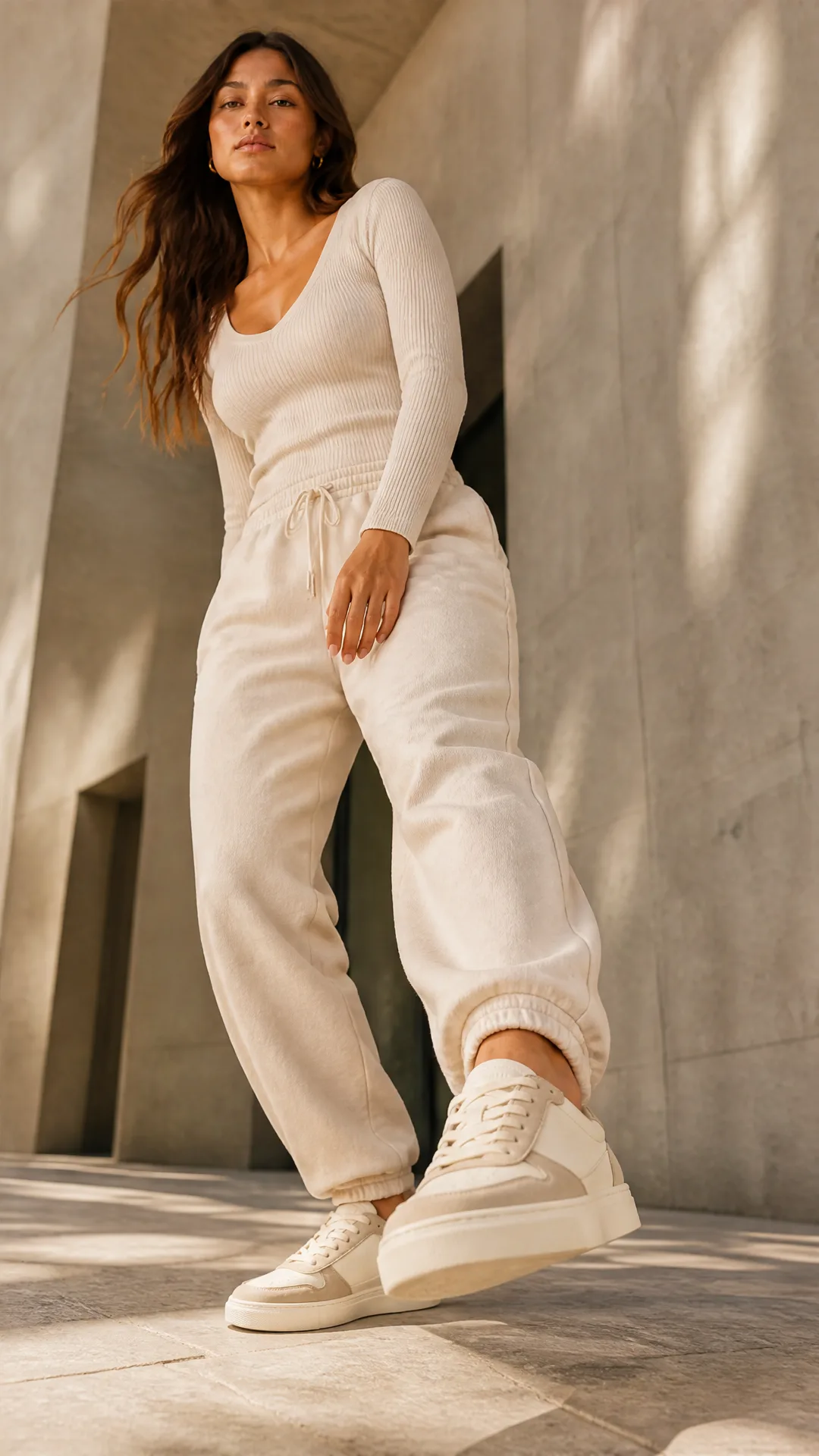
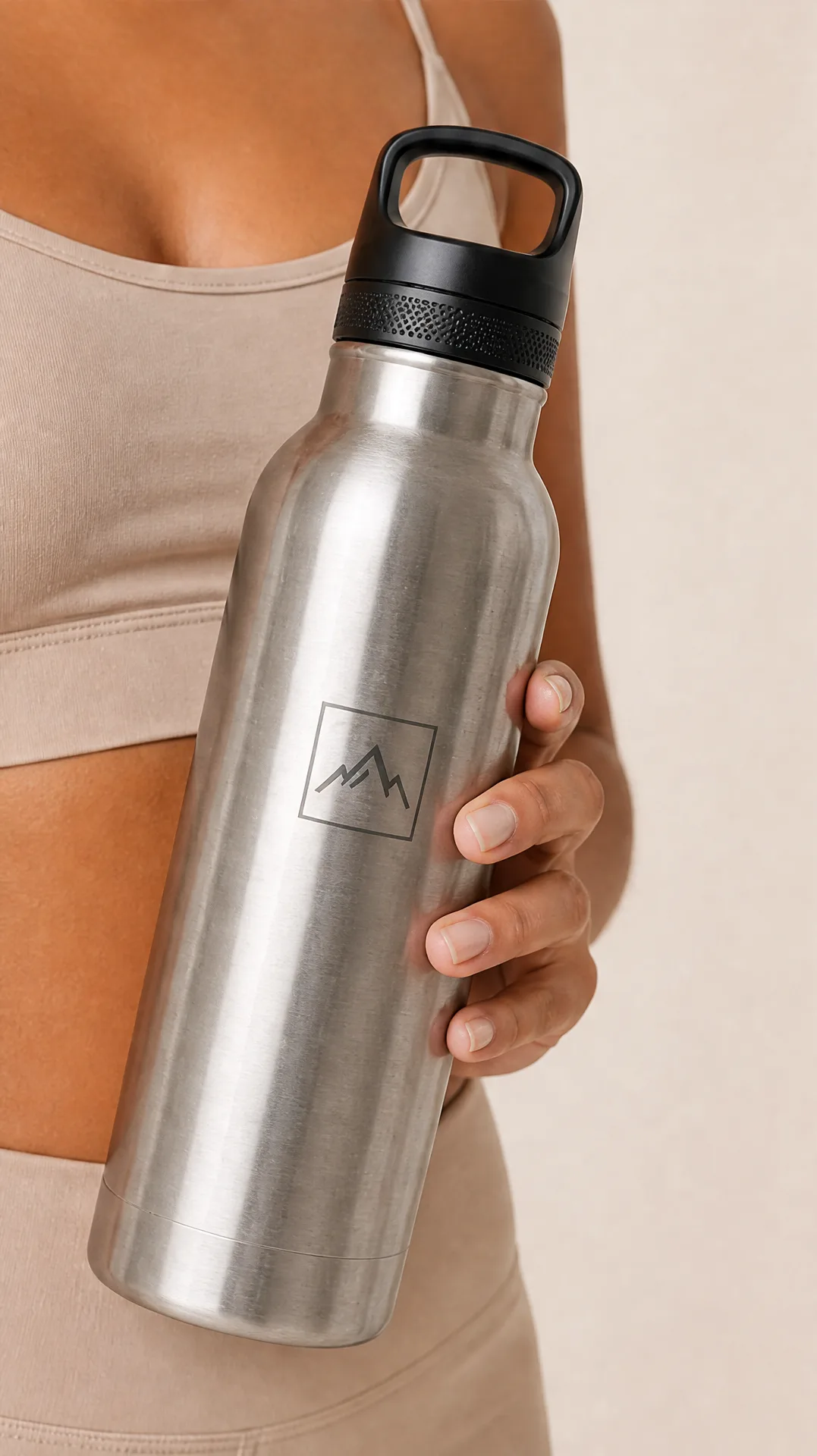
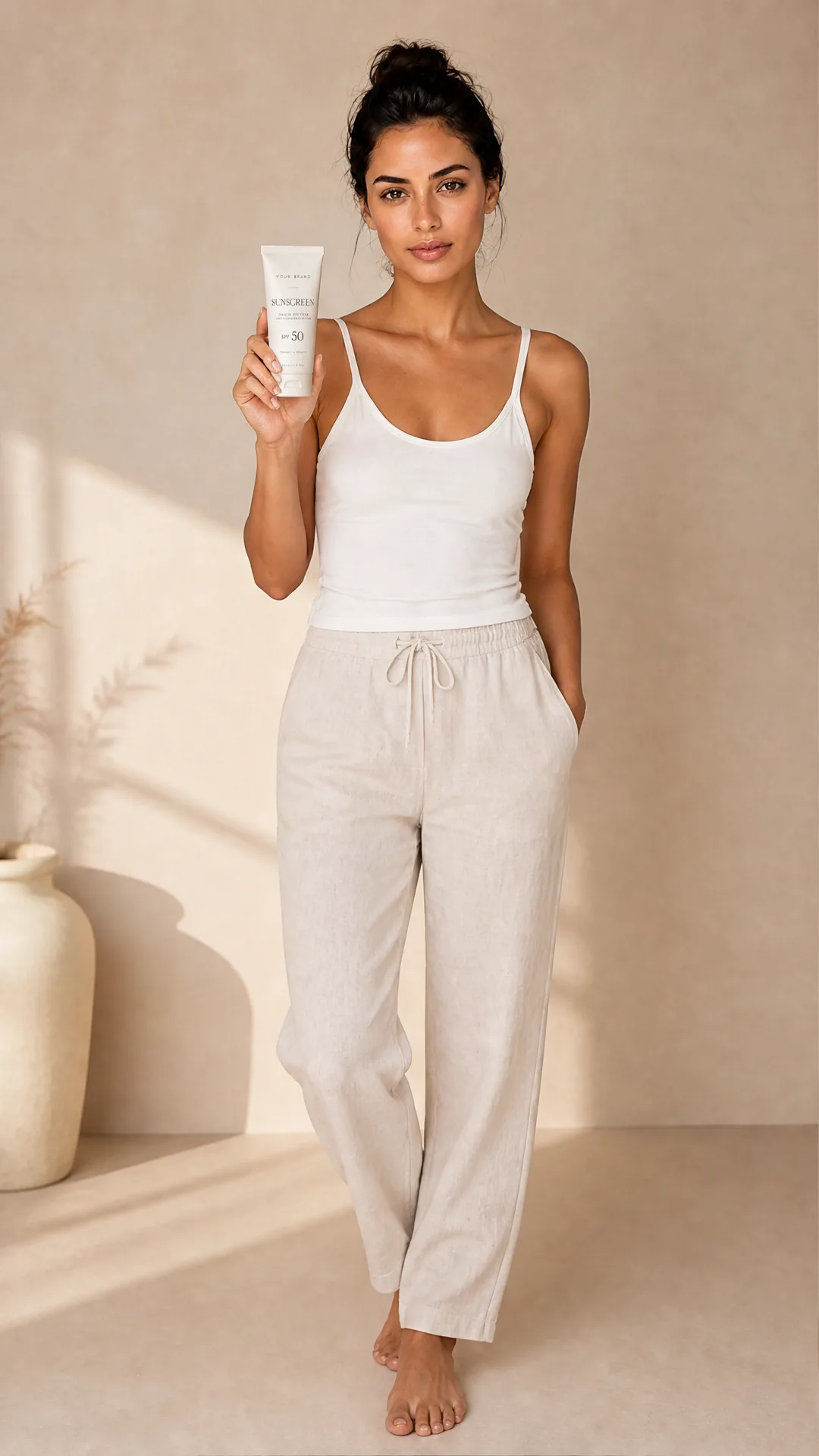
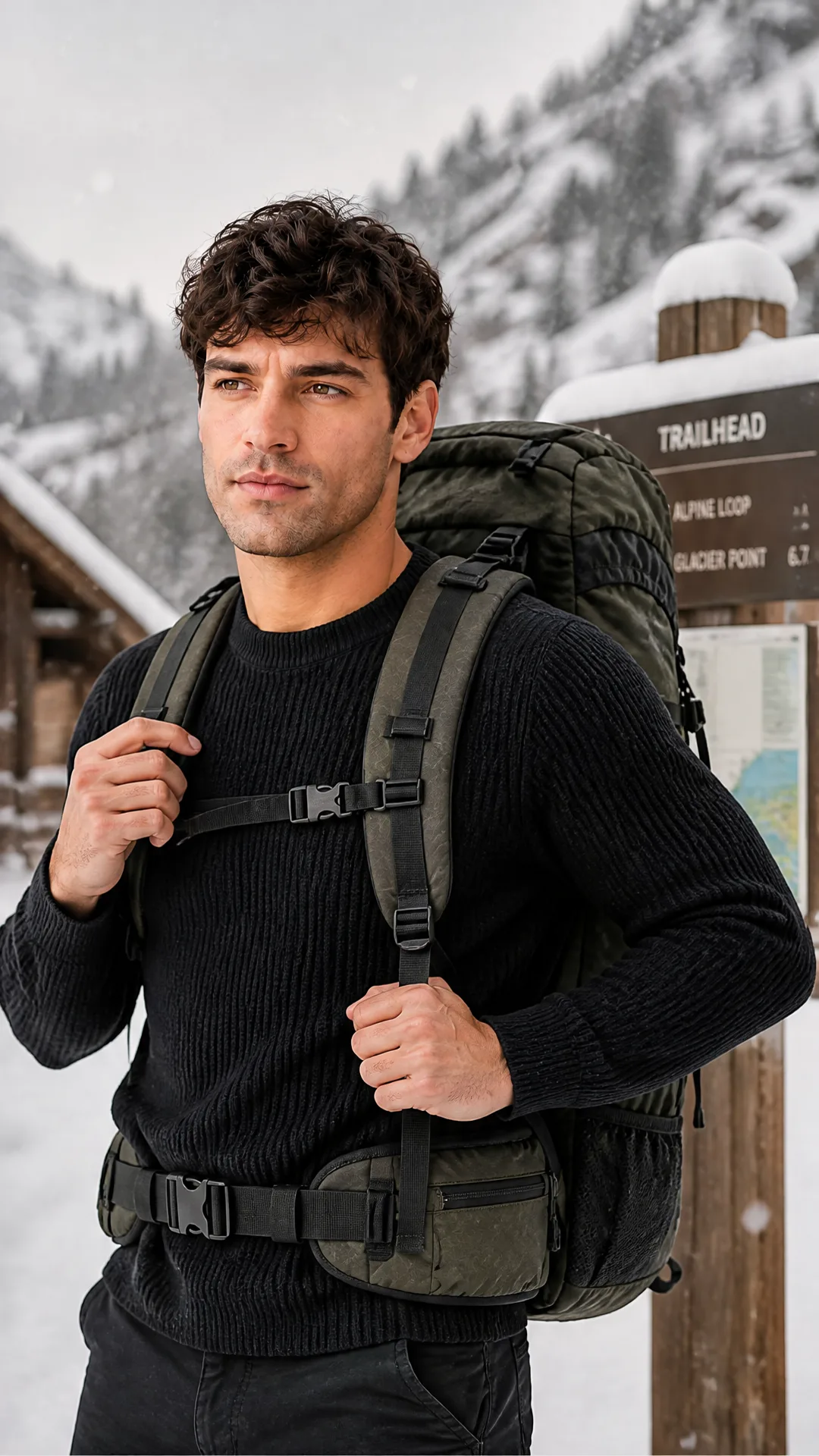
Product photos with model examples
Lifestyle visuals where products are held, worn, or used by a person.

Simple, transparent pricing
Free credits included to try the tool. Each full on-model product photoshoot costs 60 credits and creates 4 images.
Starter
- 3 photoshoot generations
- 200 platform credits
- High-resolution outputs
- Commercial use included
Most Popular
- 8 photoshoot generations
- 500 platform credits
- High-resolution outputs
- Commercial use included
Pro
- 25 photoshoot generations
- 1500 platform credits
- High-resolution outputs
- Commercial use included
Frequently asked questions
Everything you need to know before getting started.
Can I generate images with a person holding my product?
Yes. This page is focused on lifestyle images where a person holds, wears, applies, drinks from, or uses your product.
Can I provide a model reference?
Yes. Use the optional model reference field when you want to guide the look, pose, styling, or general direction of the person in the generated image.
Does this work for accessories and wearable products?
Yes. It is especially useful for accessories, eyewear, jewelry, watches, bags, bottles, skincare, fitness products, and other products that benefit from human context.
Can I use the images in ads?
Yes. Generated images can be used for ecommerce, paid ads, landing pages, and organic social content.
Can I control the scene or model style?
Yes. Add style instructions and, when helpful, provide a model reference to guide the scene, styling, and model direction.
Related product photo tools
Explore specialized AI product photography pages for different store and campaign needs.