
Generate Shopify product photos from one product image
Upload a product photo and create store-ready visuals for your Shopify product pages, collection images, ads, and landing pages.
Free credits included • No credit card required to try
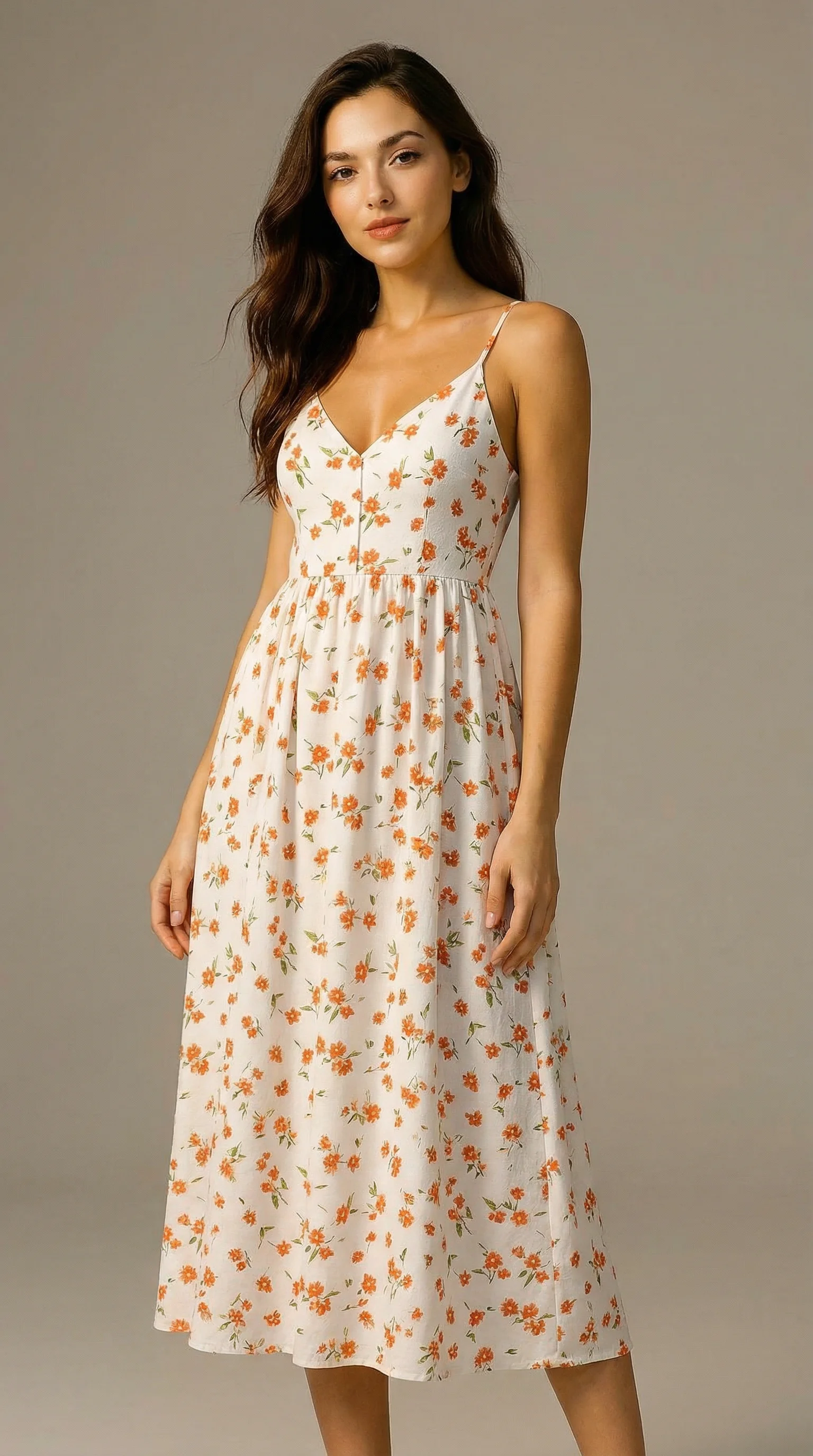
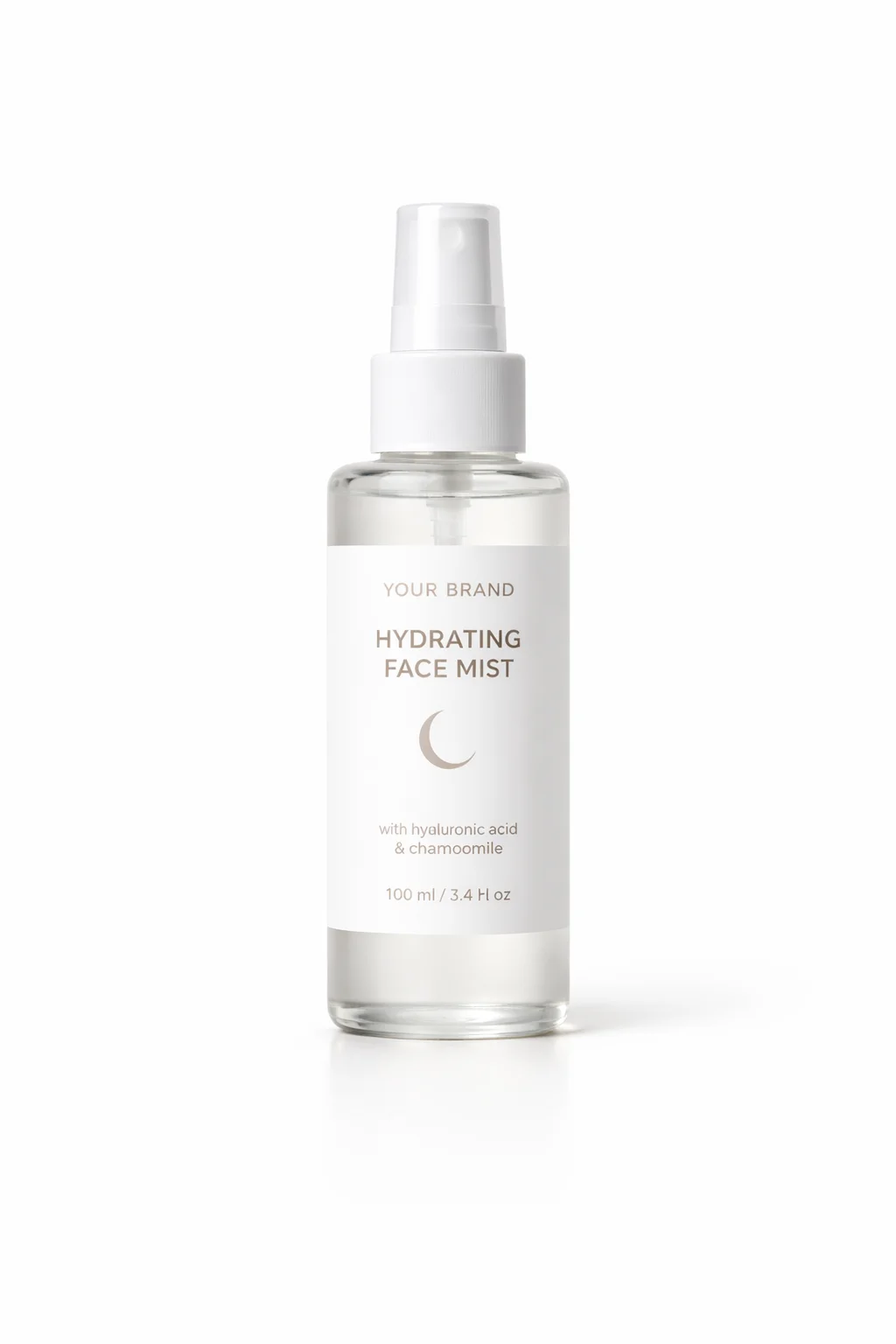
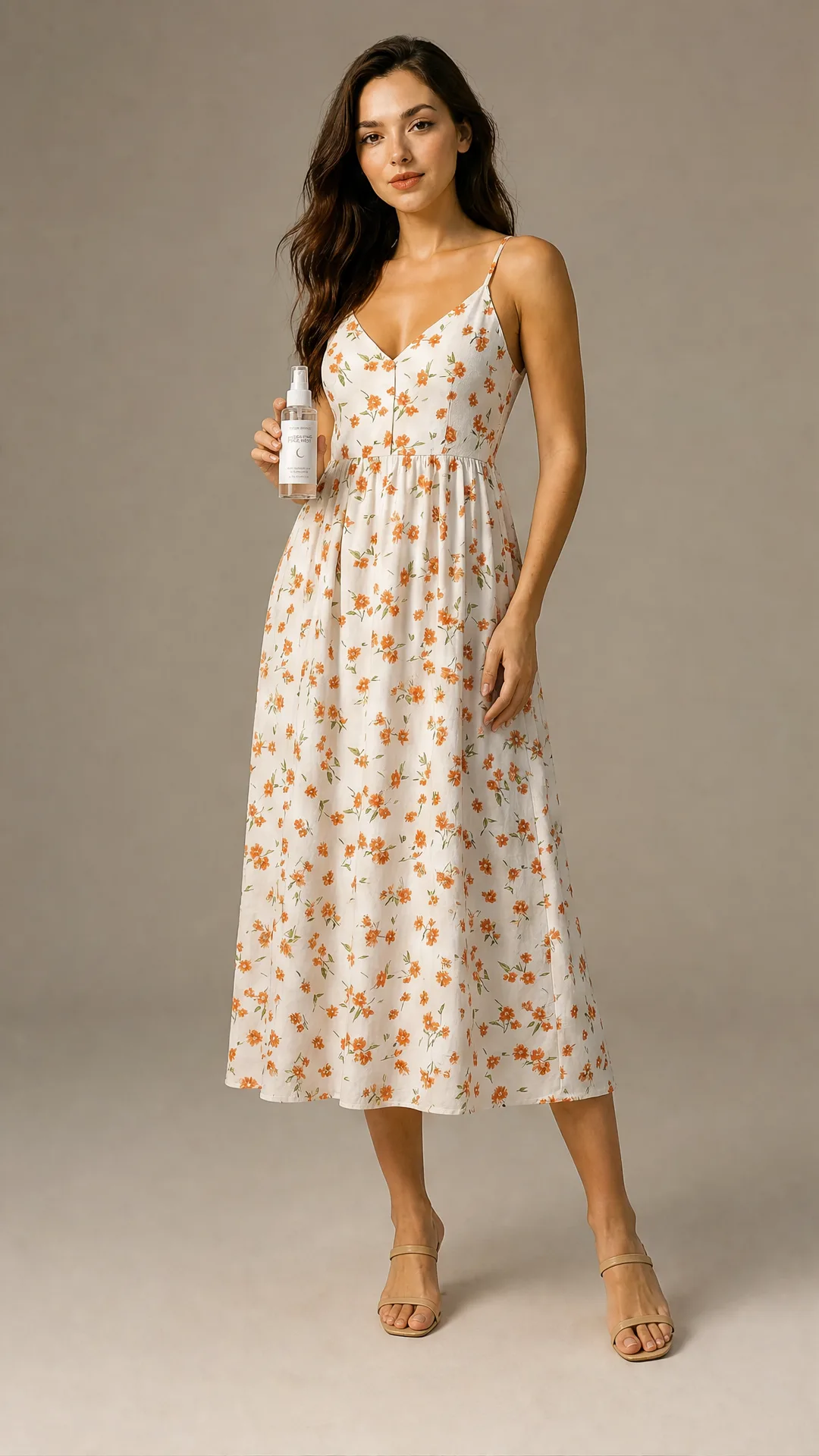
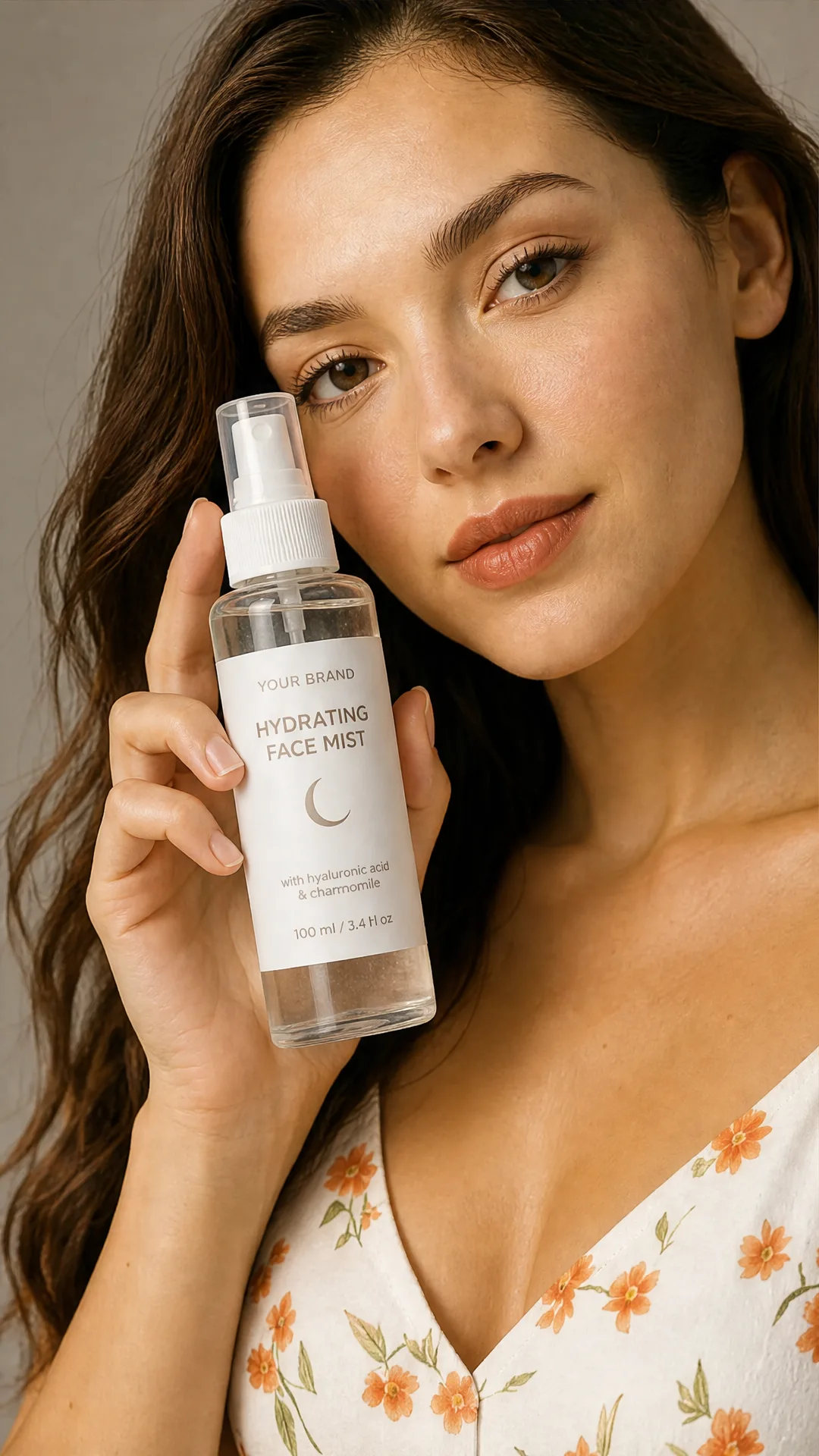
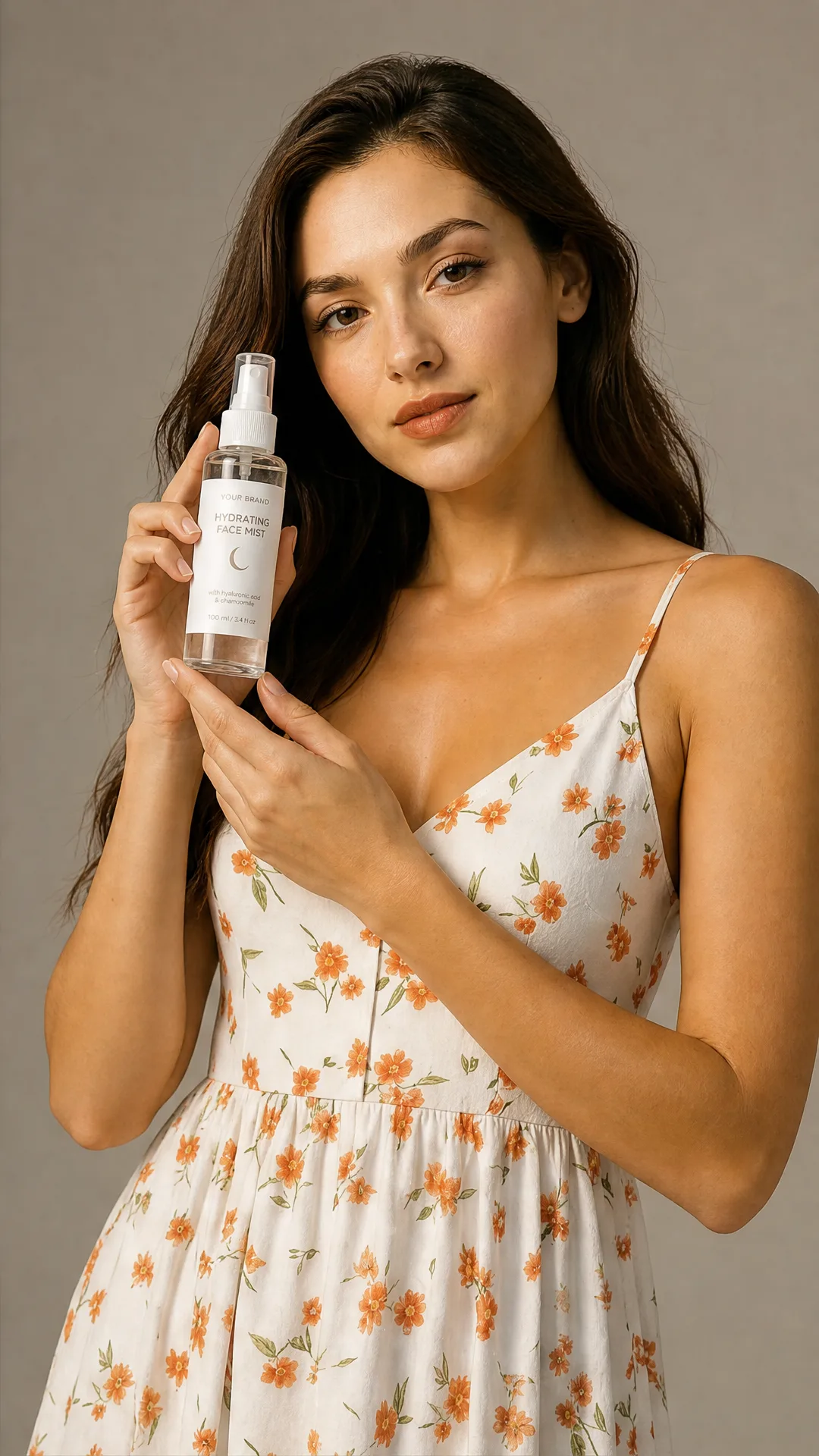
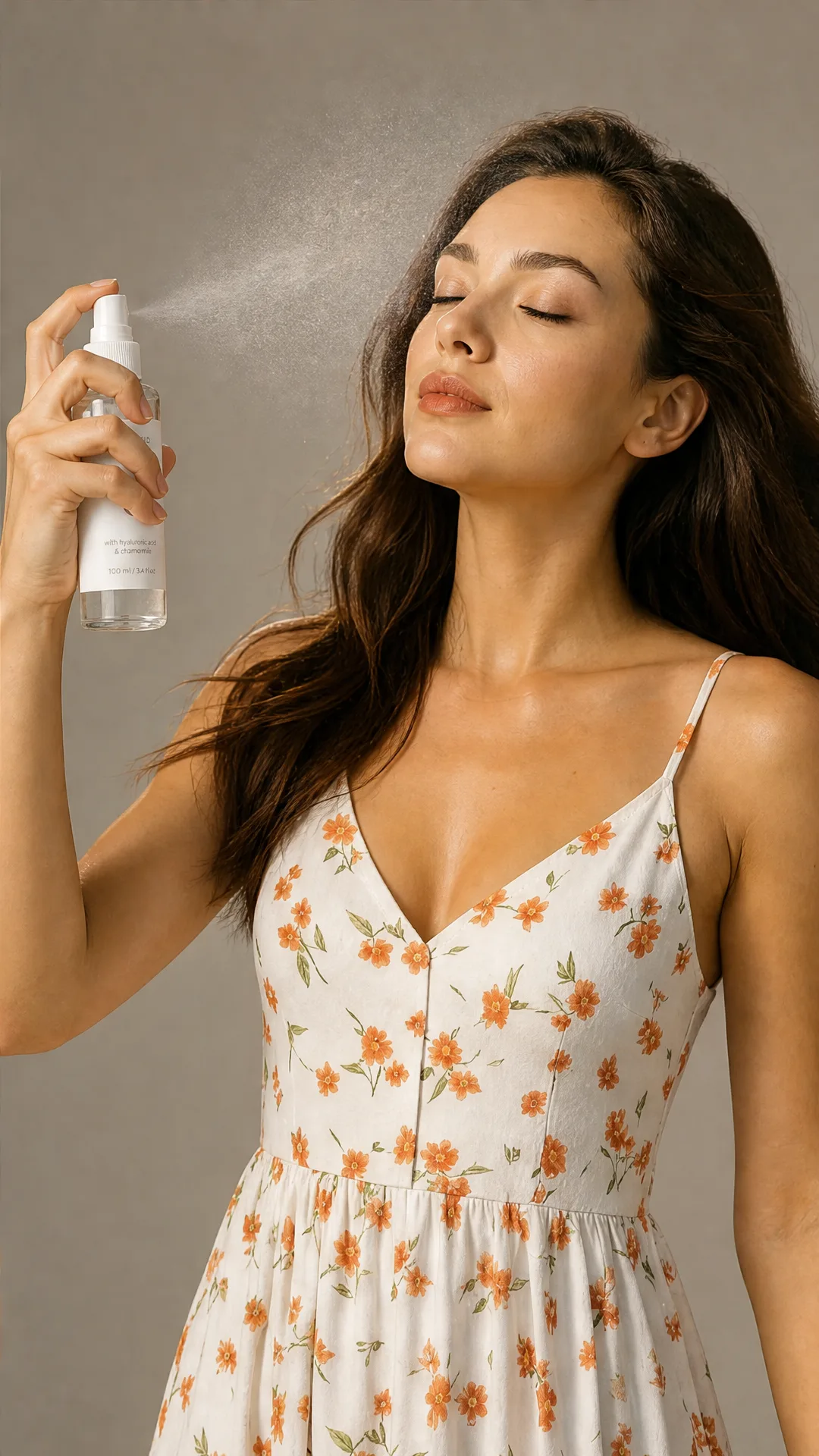
Shopify product photos for every store surface
Create visuals for product pages, collection grids, homepage sections, paid ads, and seasonal campaigns.
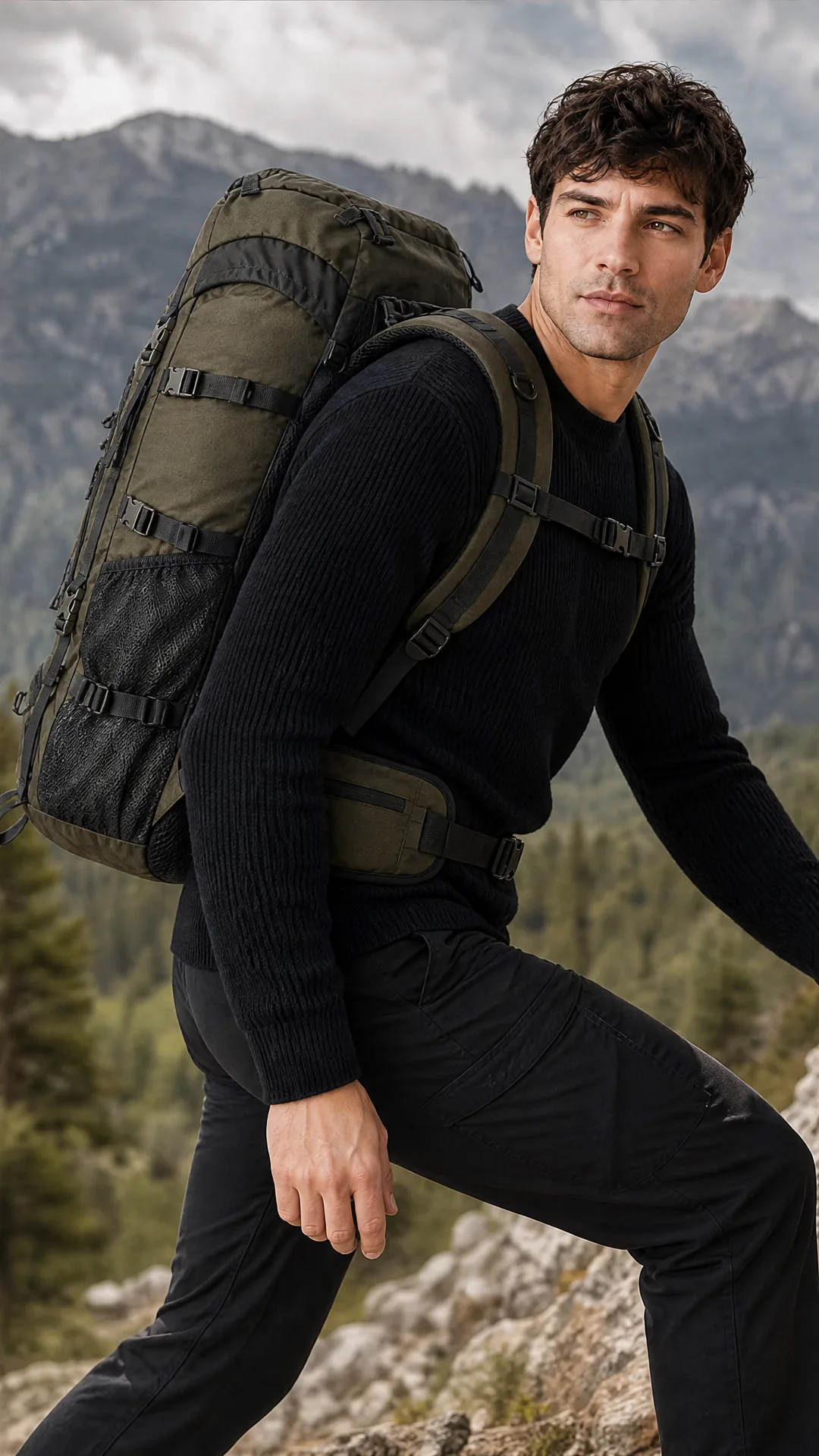
Lifestyle product hero images
Create polished product-page visuals for bottles, candles, backpacks, headphones, mugs, and other Shopify products.
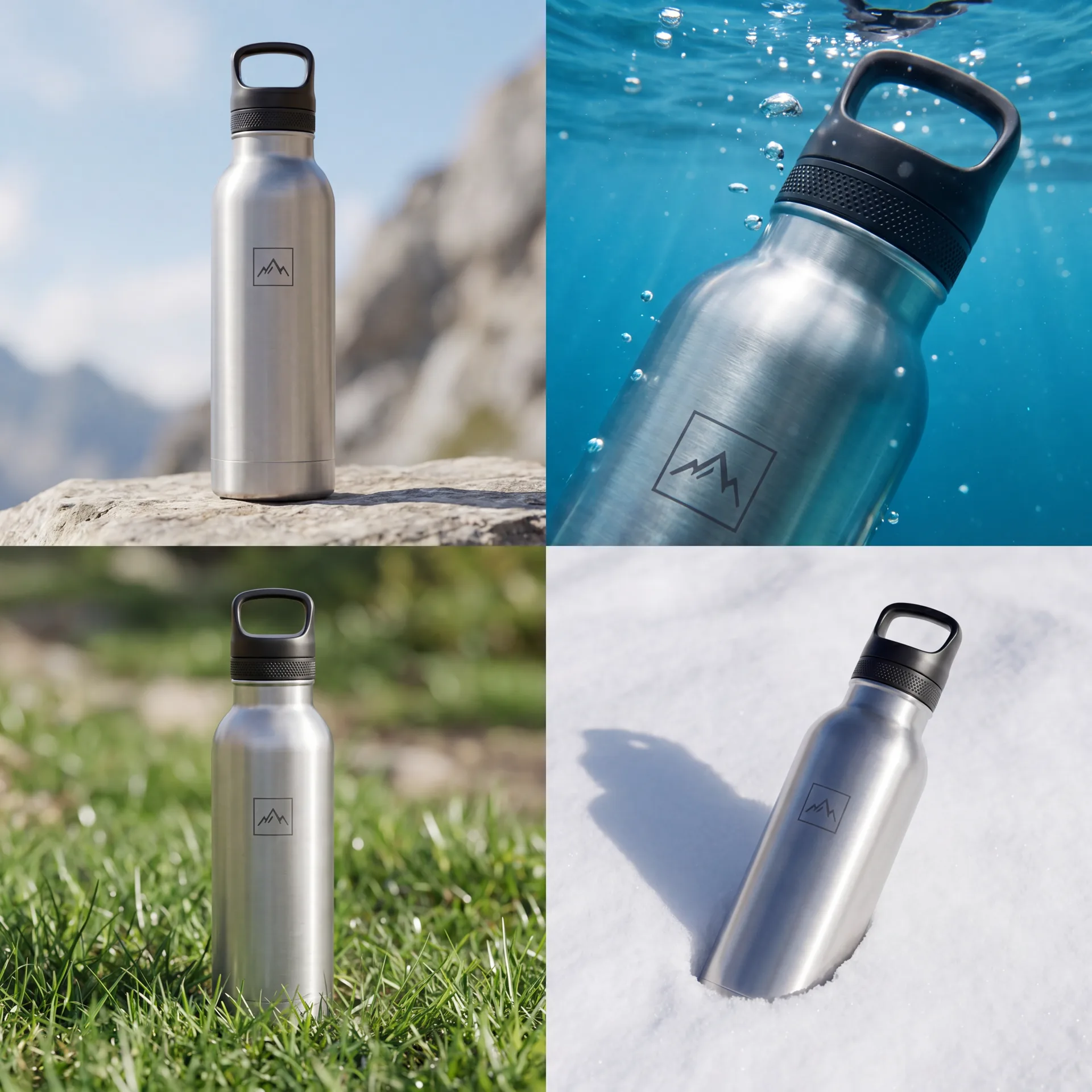
Collection thumbnails
Generate consistent product visuals that make your store collections easier to scan.
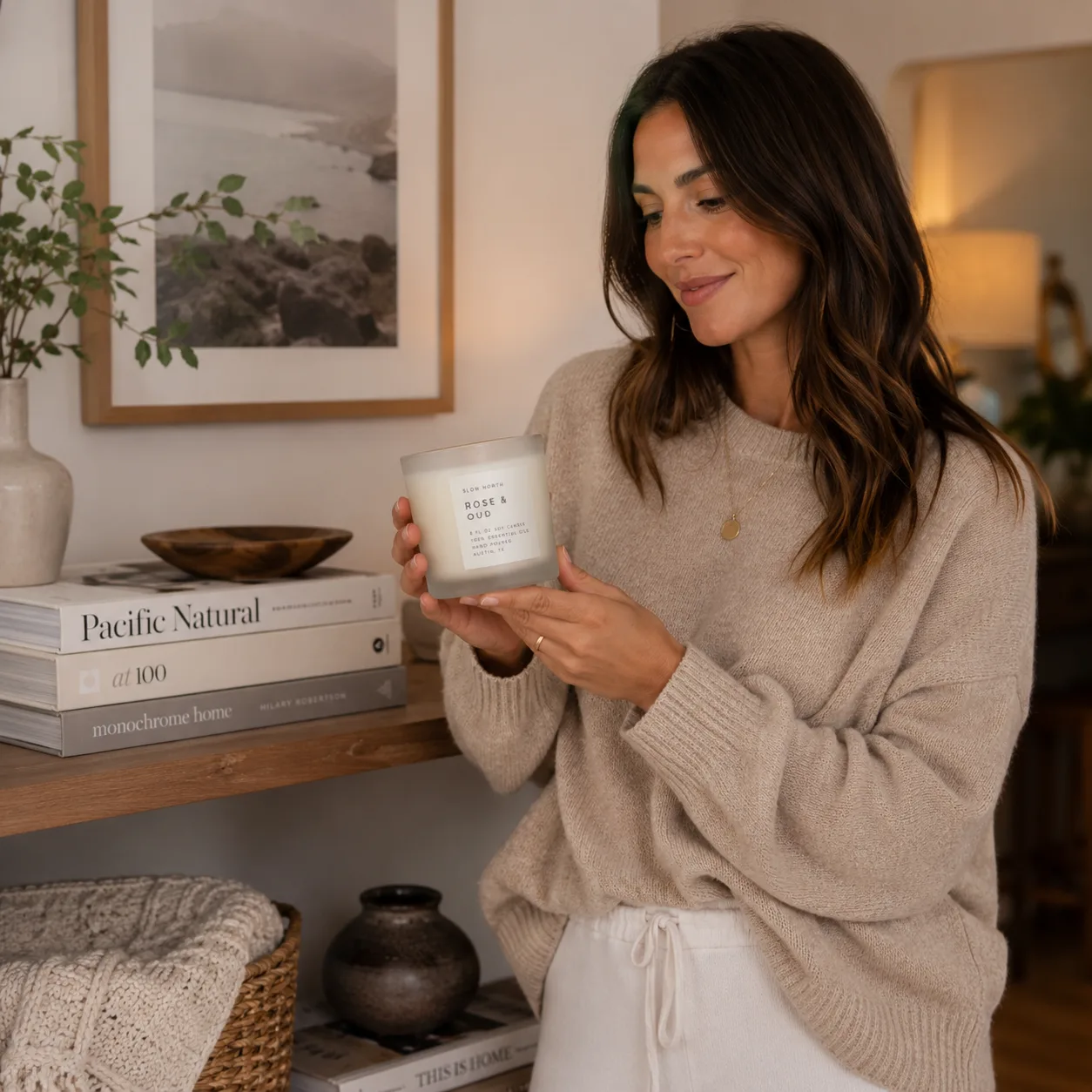
Lifestyle shots for homepage sections
Turn a plain product image into lifestyle scenes for homepage modules and featured product blocks.
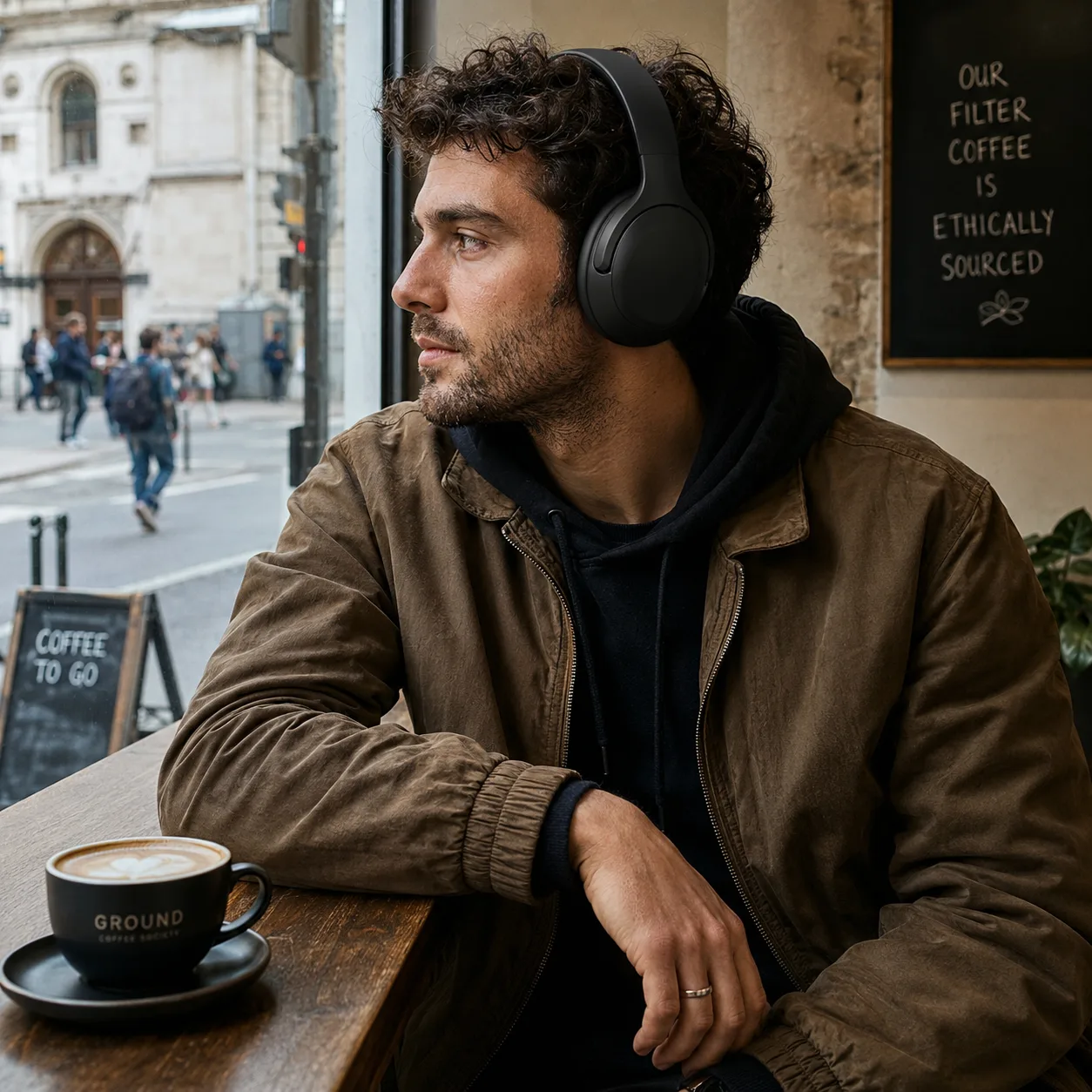
Ad creatives for Meta/TikTok
Create commercial images for paid social campaigns without booking a new product shoot.
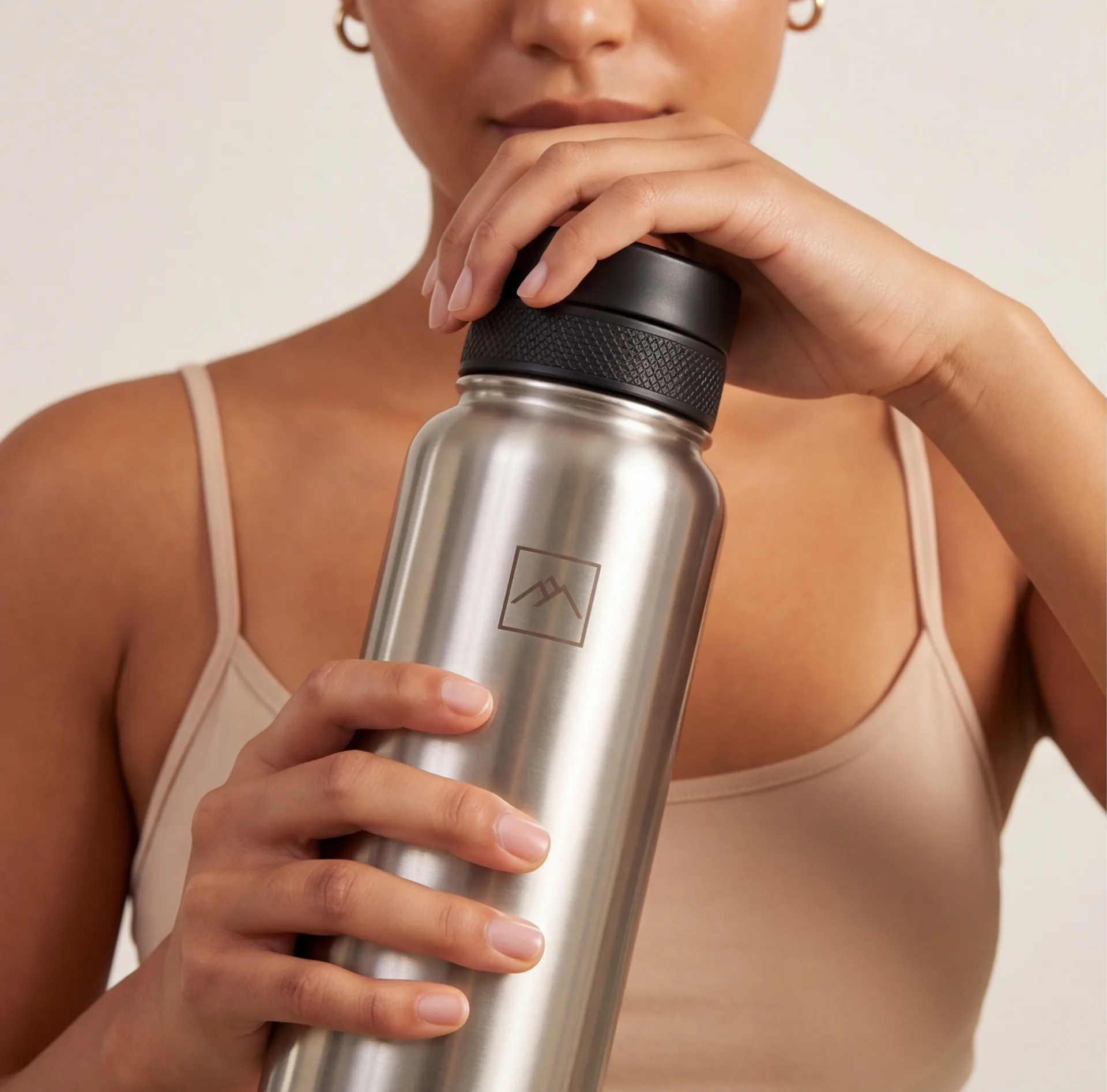
Clean close-ups for product details
Show materials, shape, and product details with close-up concepts for product listings.
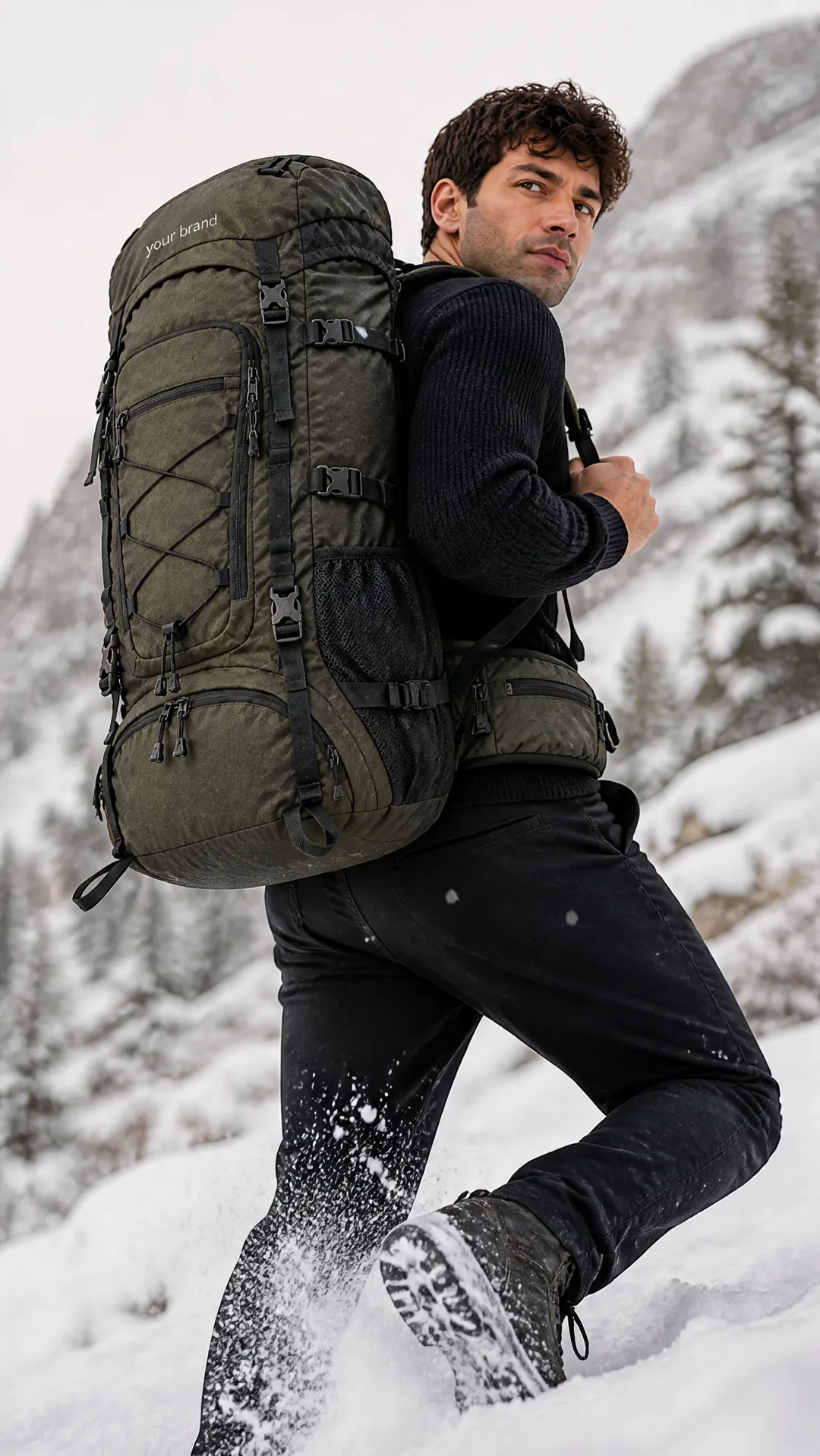
Seasonal product visuals
Refresh product visuals for launches, holidays, promos, and seasonal merchandising.
How Shopify product photo generation works
Three steps from one product image to store-ready Shopify visuals.
Upload your product photo
Start with a clear image of the product you want to feature on your Shopify product page, collection, homepage, or ad.
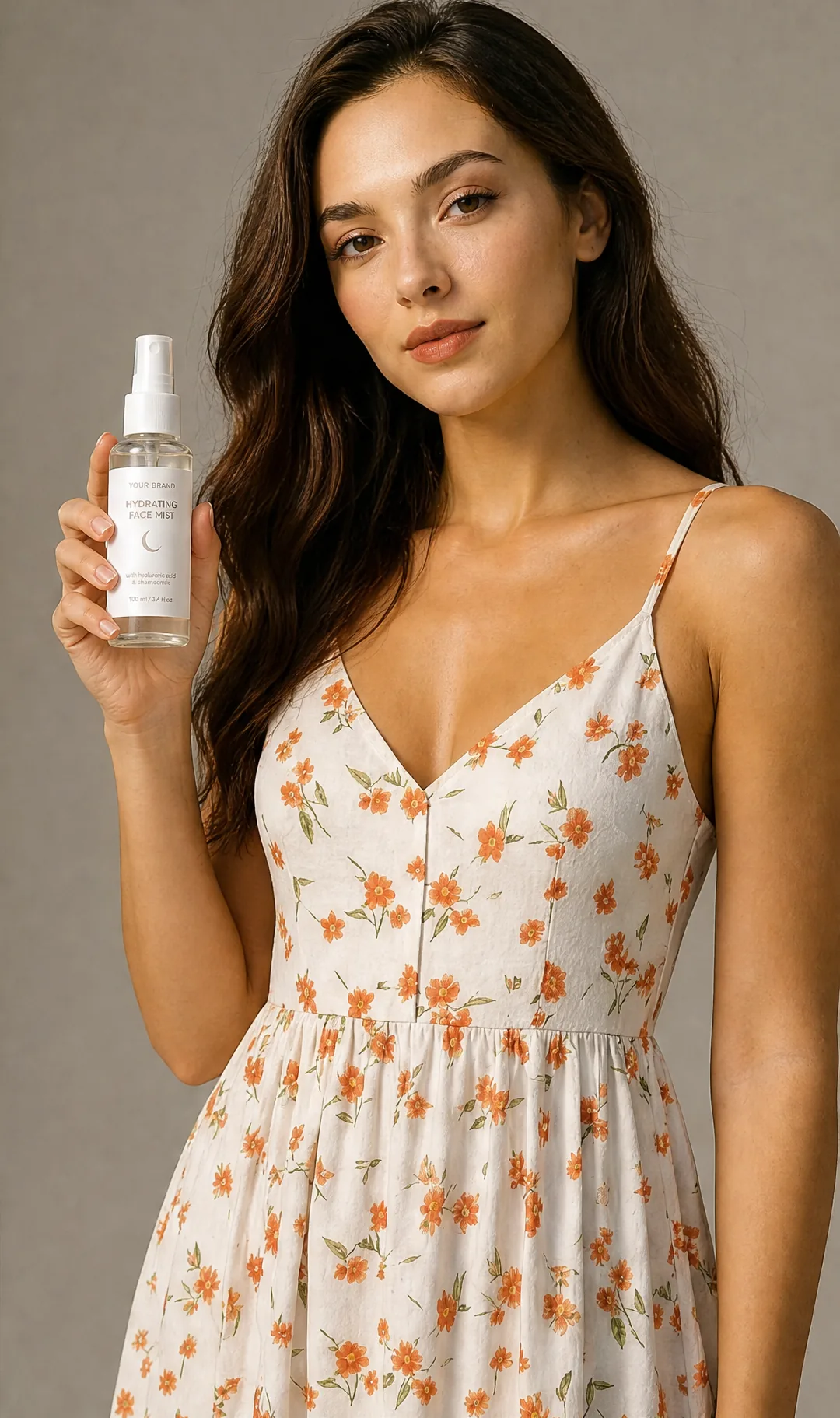
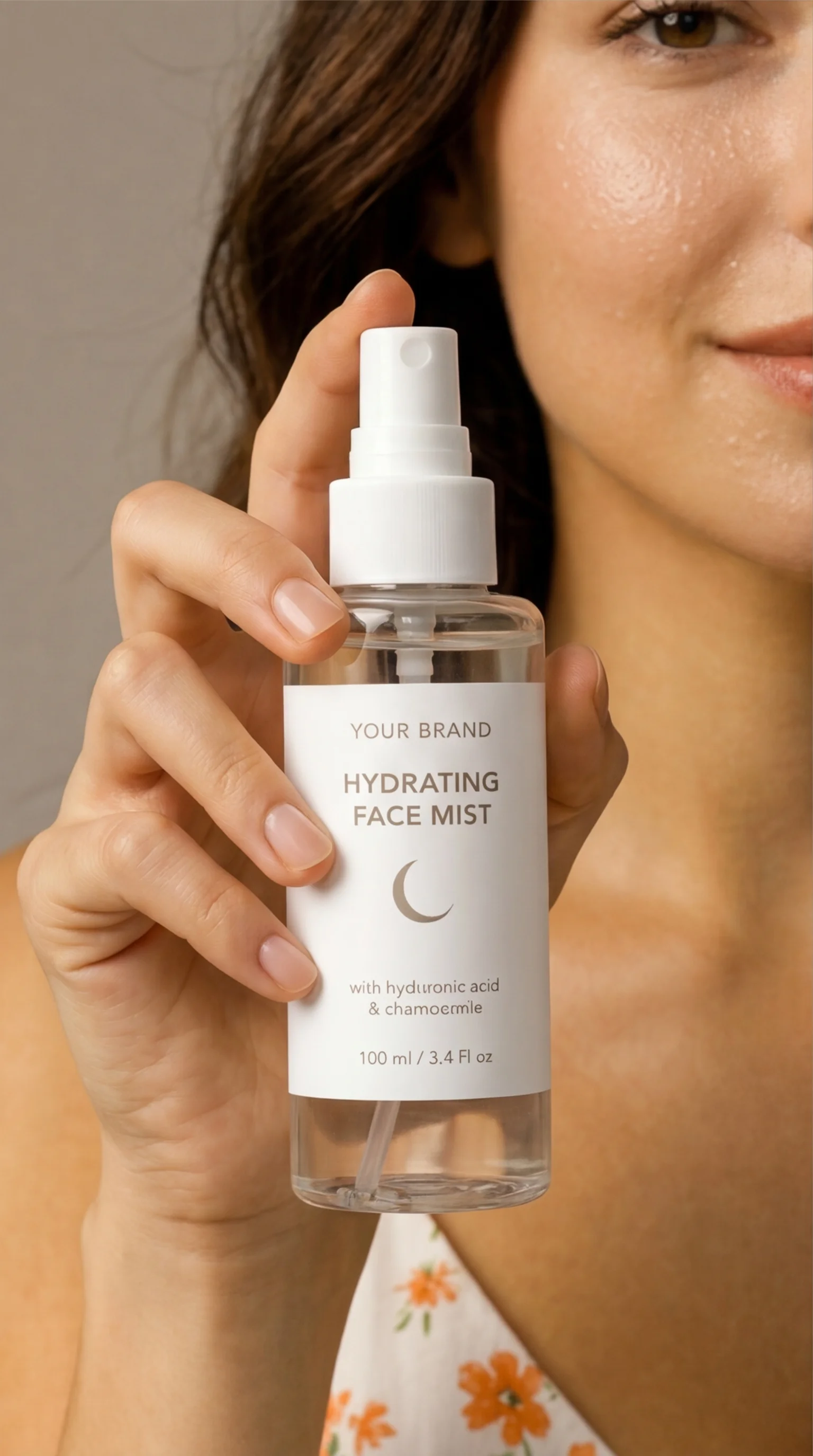
Generate 4 Shopify-ready shots
AI-Flow creates a set of 4 visuals you can use across product pages, collection thumbnails, landing pages, and paid campaigns.
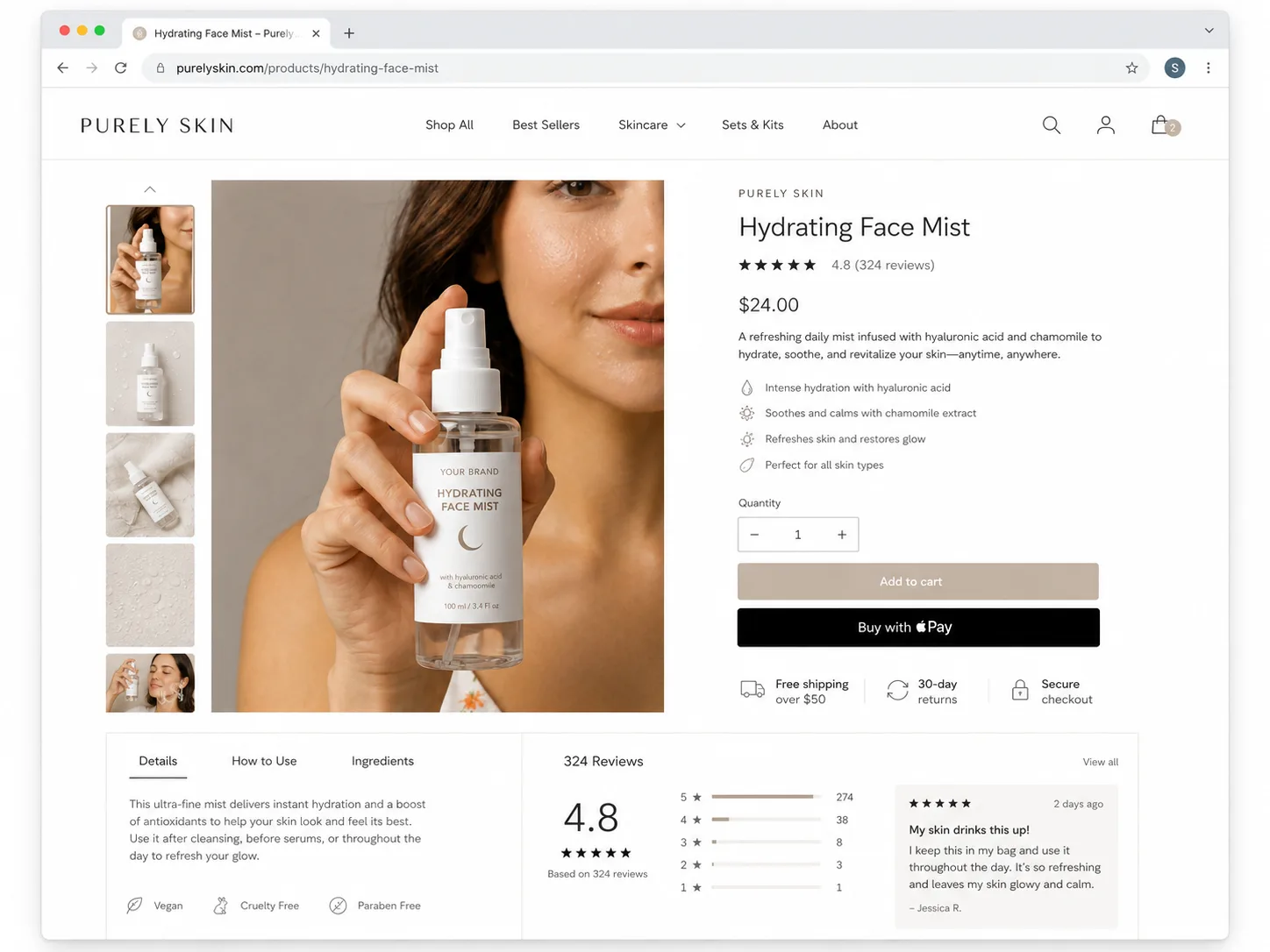
Download and publish
Use the images in your Shopify store, Meta or TikTok ads, email campaigns, and seasonal merchandising.
Why switch from traditional photoshoots?
The numbers speak for themselves.
| Traditional photoshoot | AI-Flow Shopify product photos | |
|---|---|---|
| Store visuals | Studio shoot per product batch | Generate from one product image |
| Speed | Days or weeks | A few minutes |
| Use cases | Often limited to catalog shots | PDP, collections, ads, and landing pages |
| Iteration | Reshoot or edit request | Regenerate new concepts |
| Price | $500-$3,000+ | 60 credits per photoshoot |
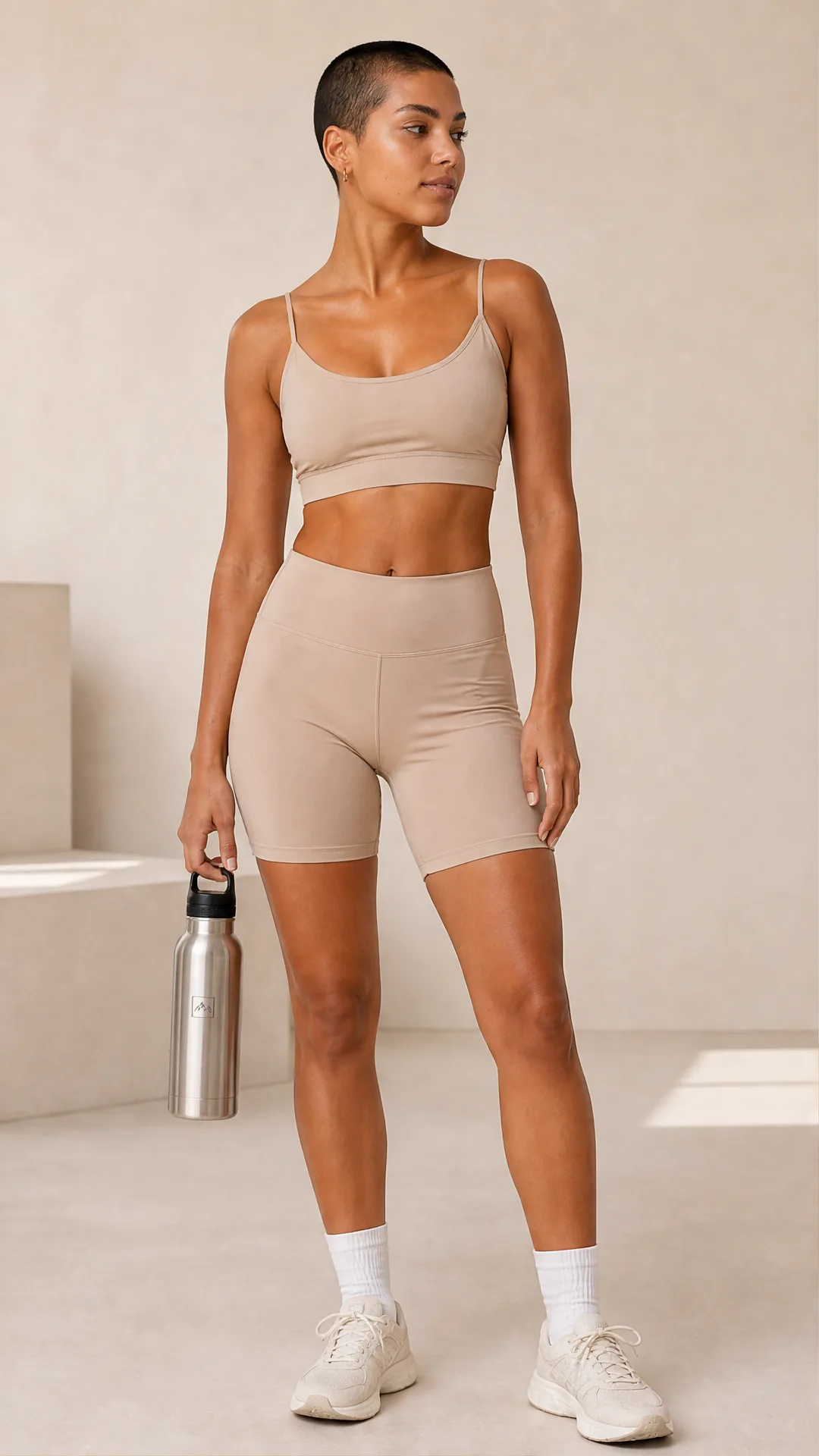
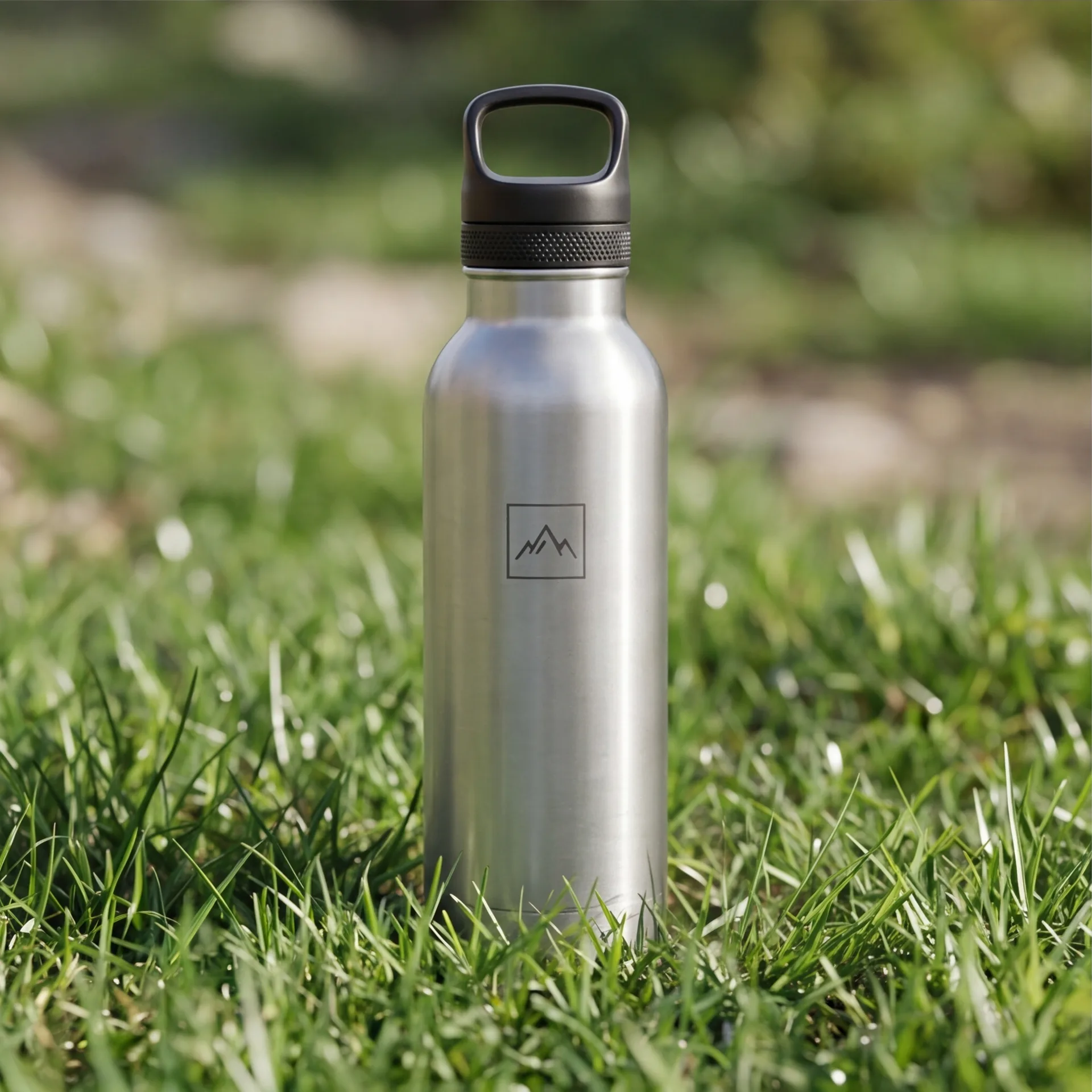
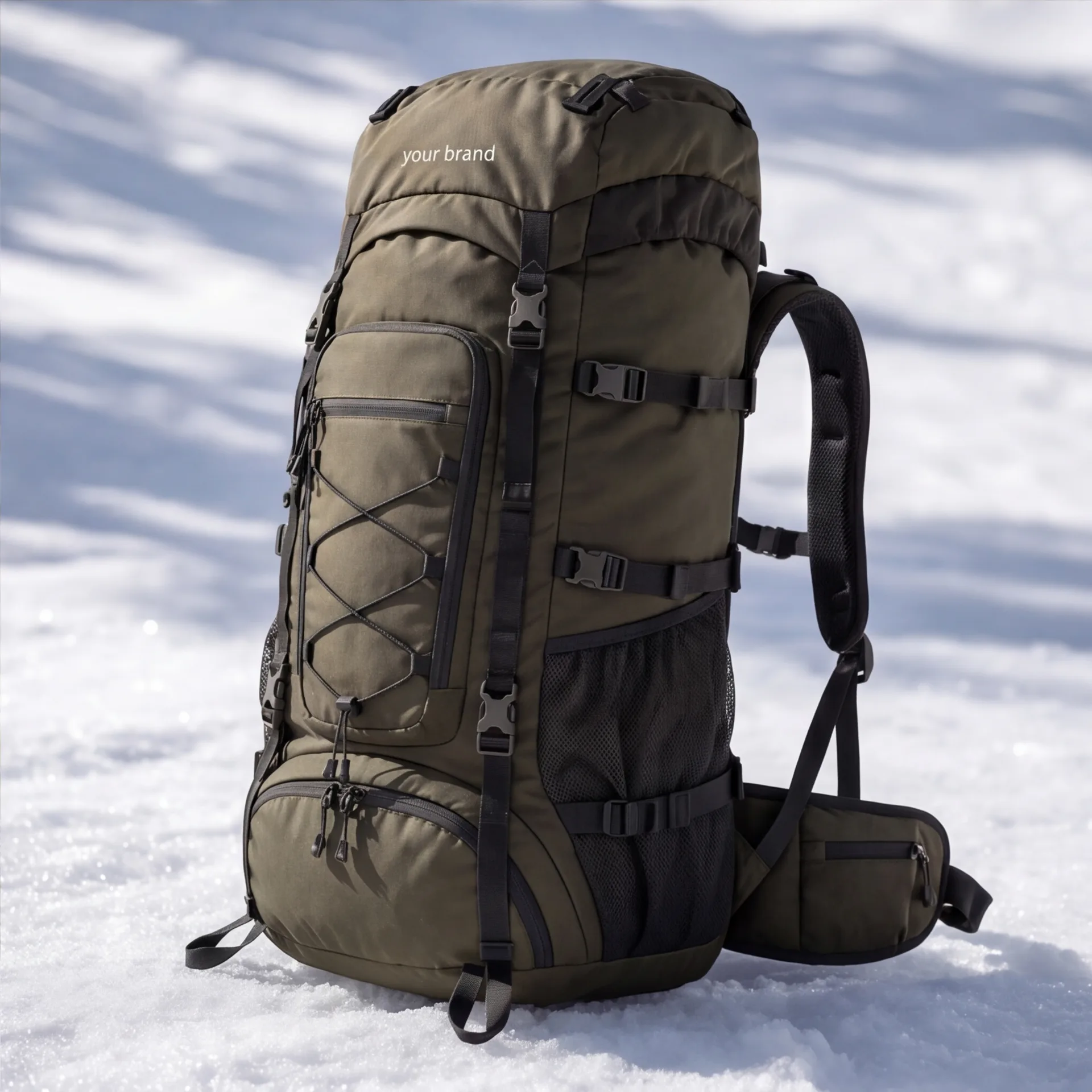
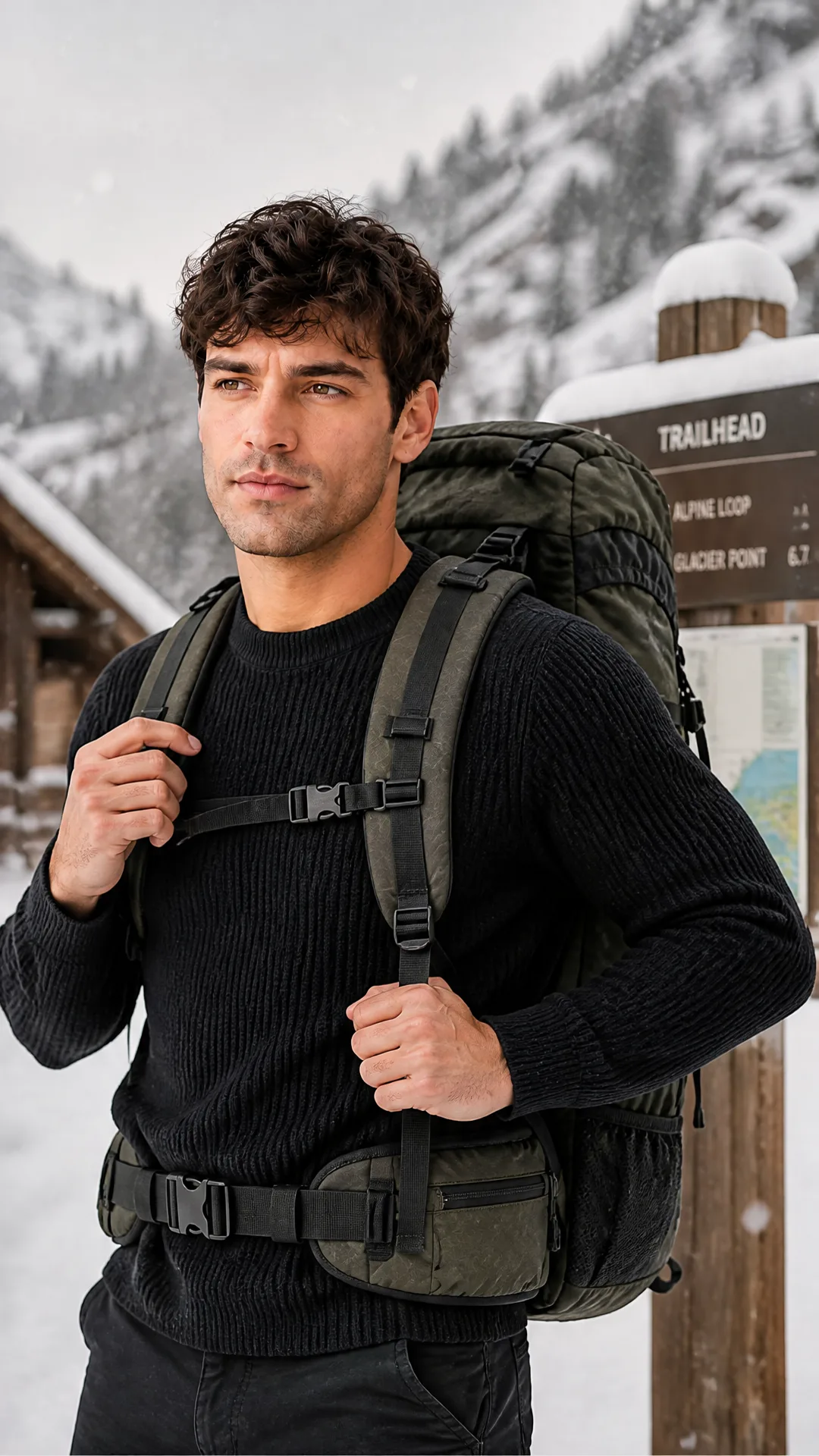
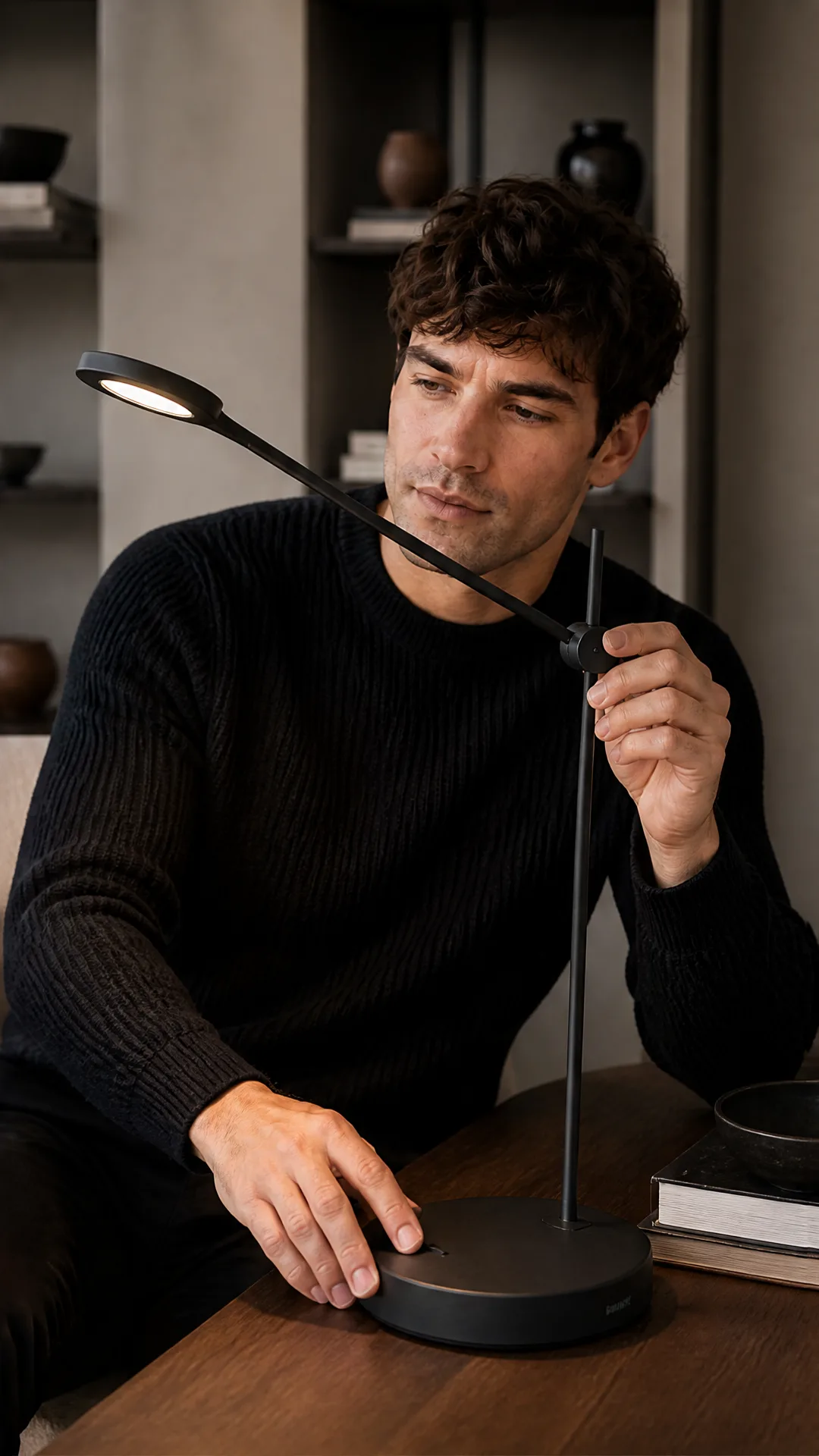
Shopify product photo examples
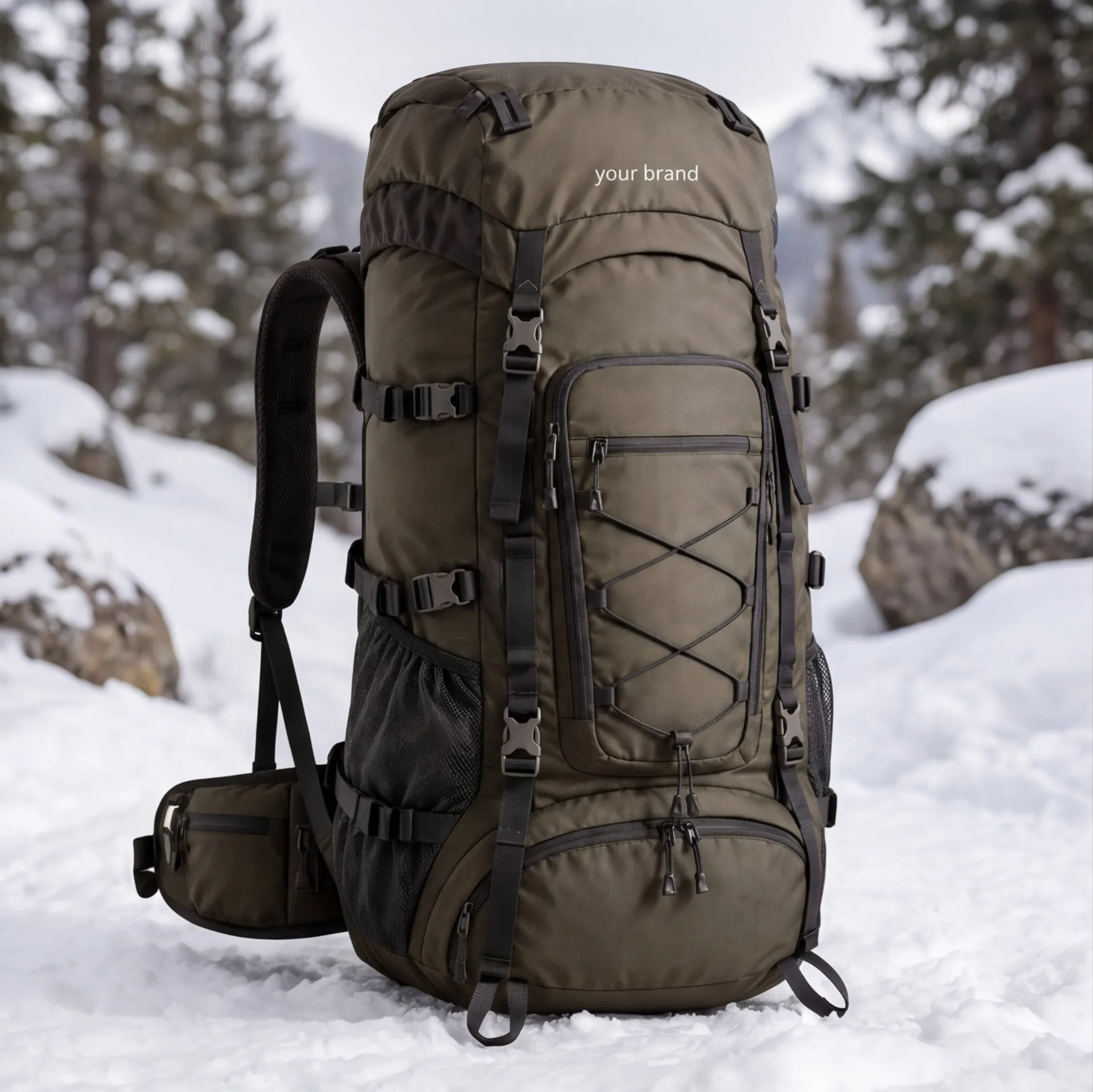
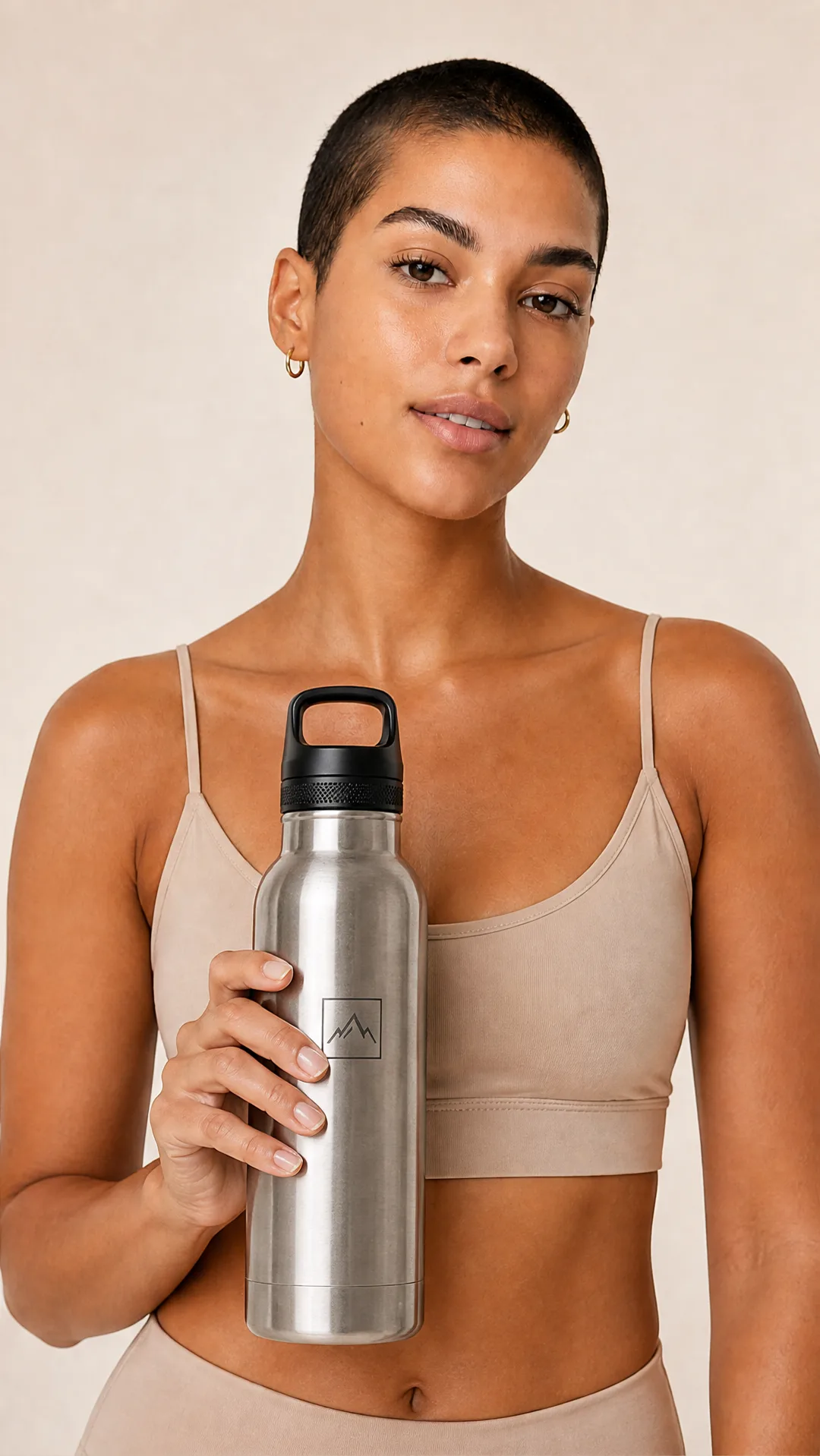
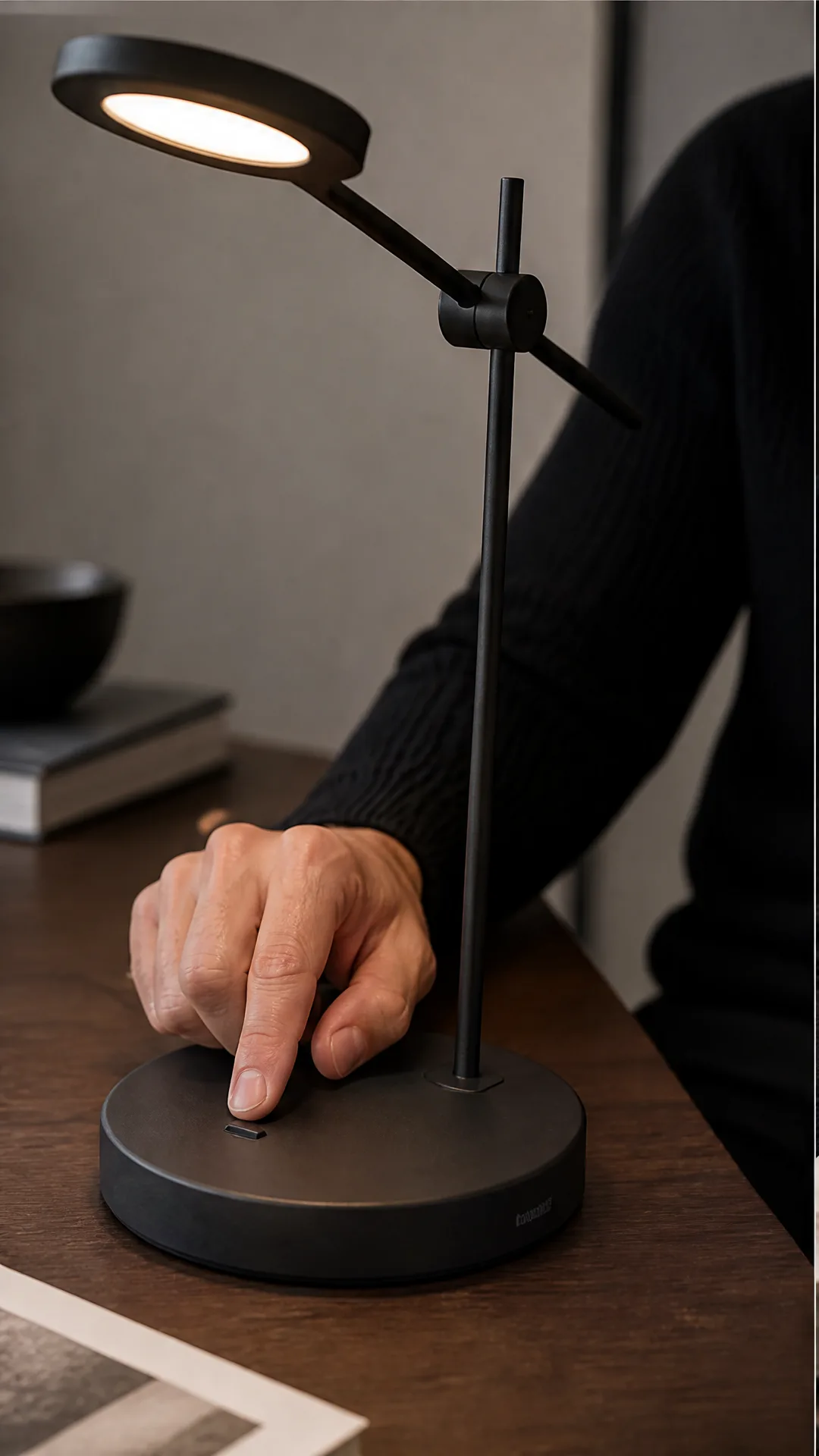
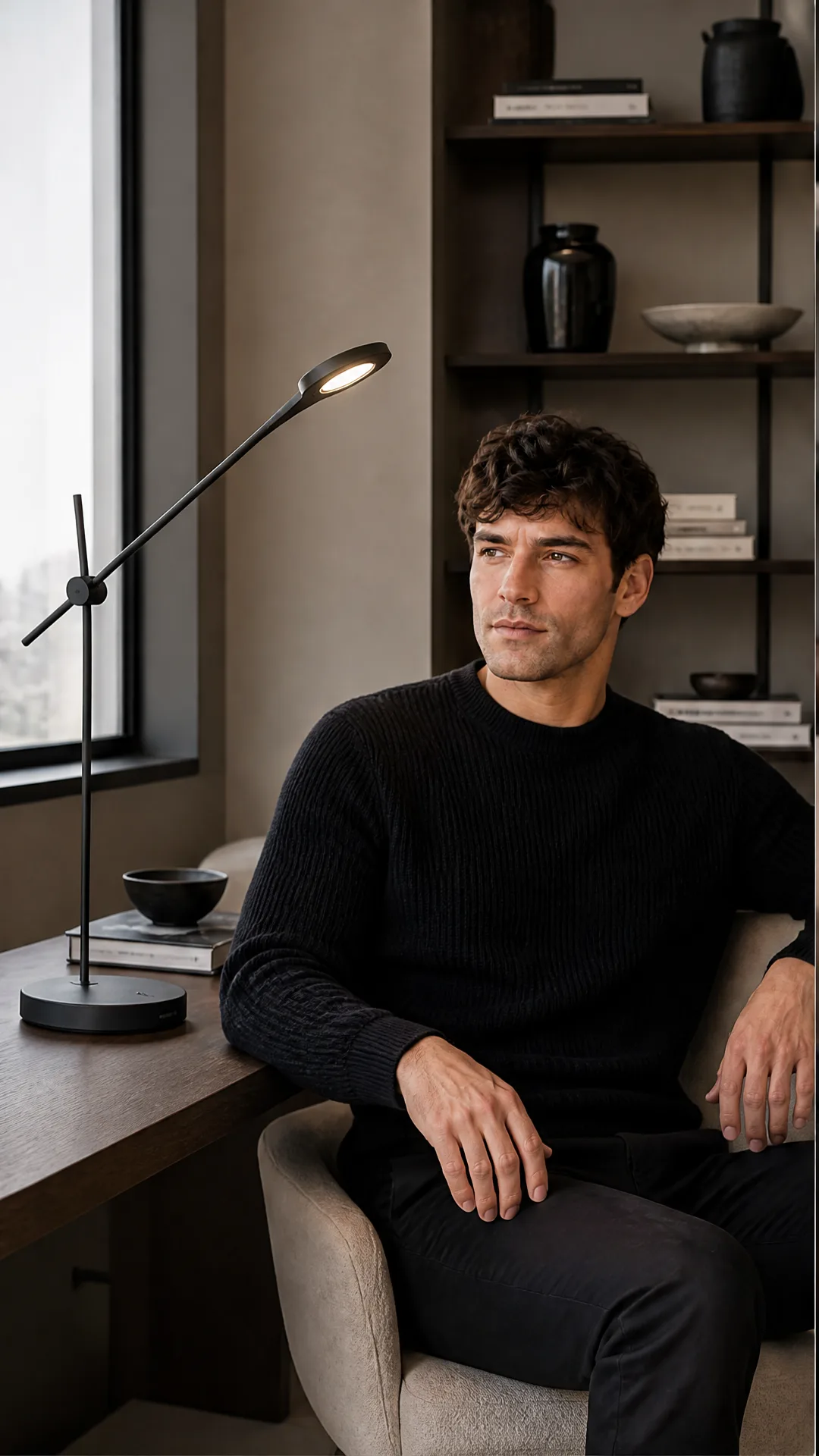
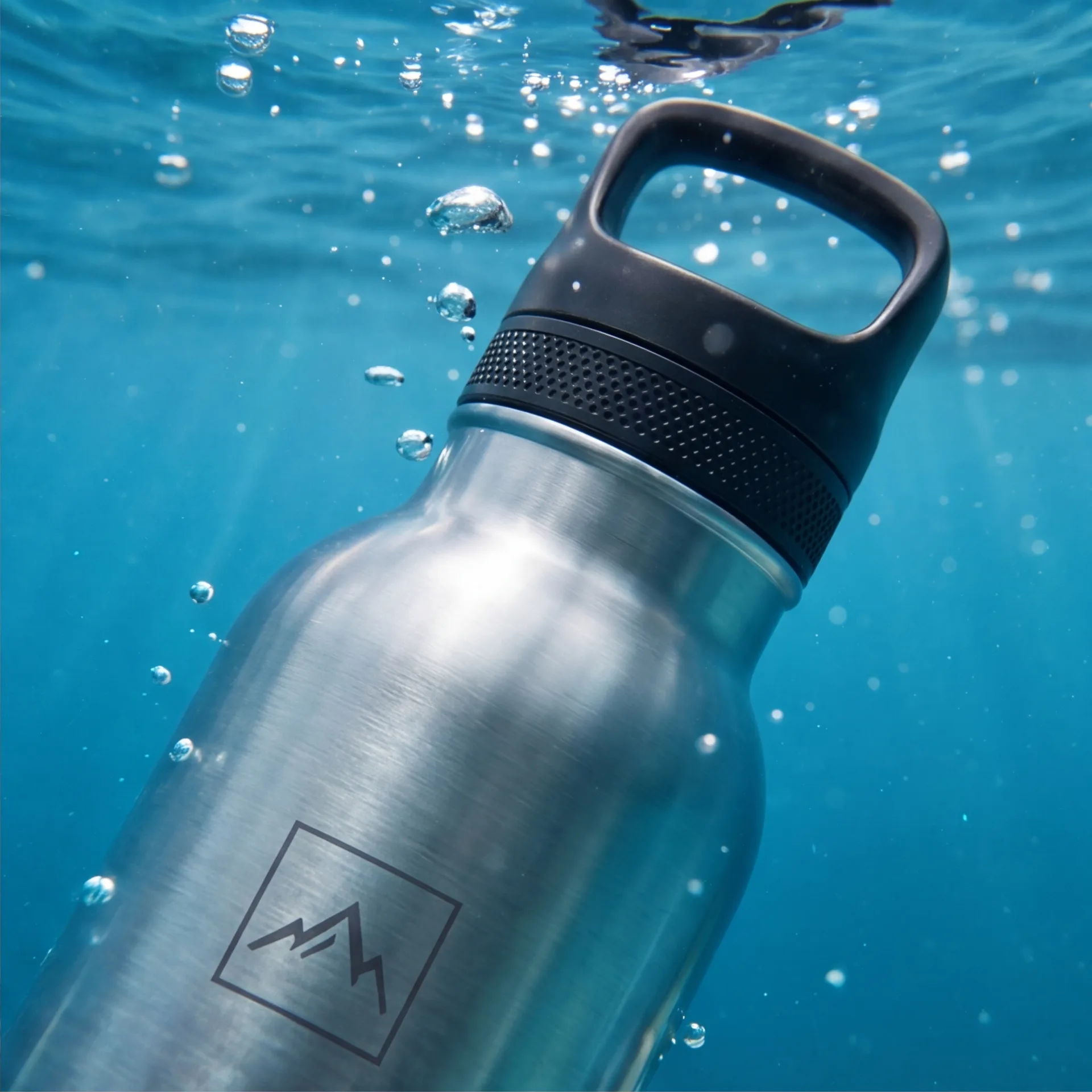
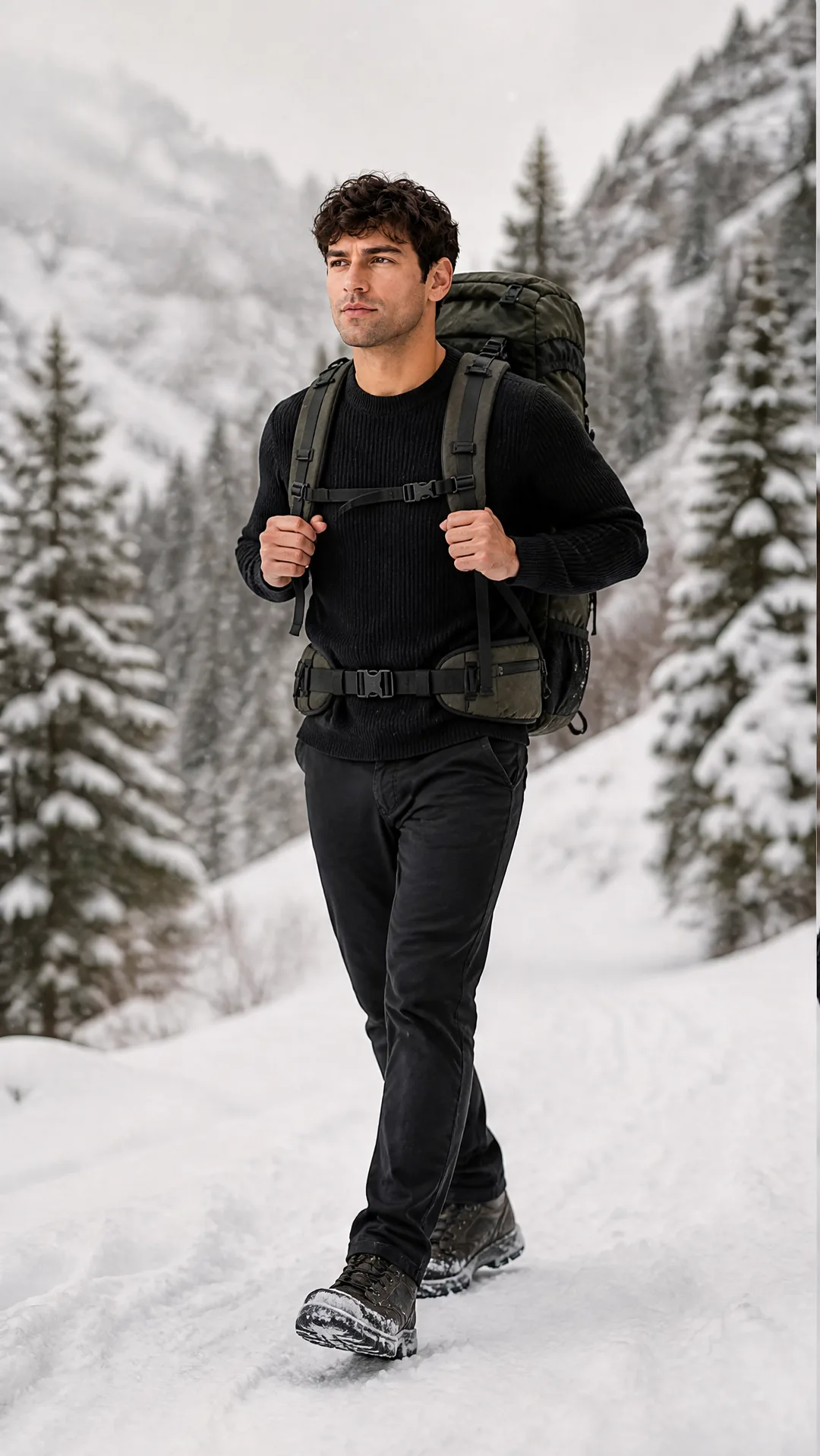
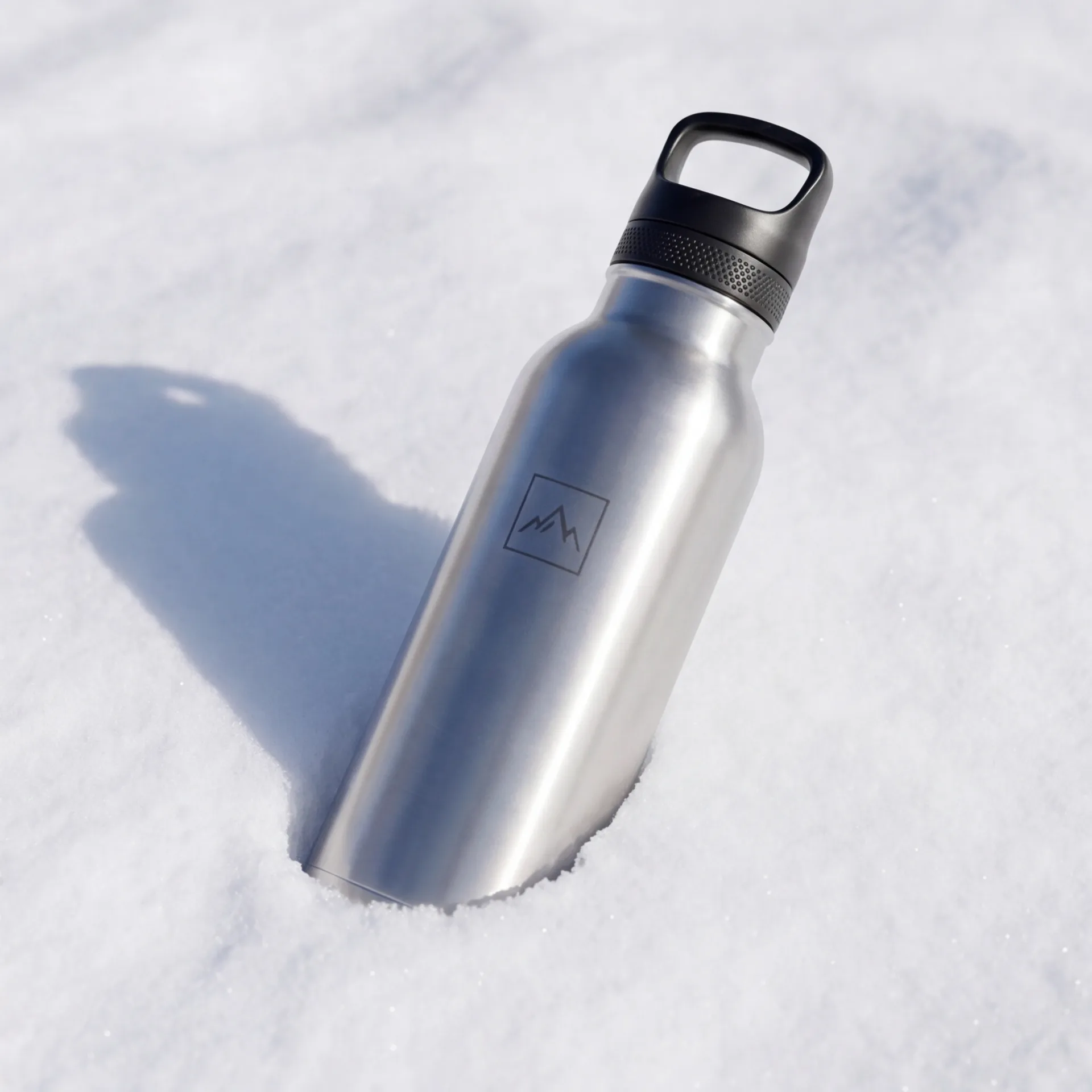
Store-ready visuals for listings, collections, homepage sections, and ads.
Simple, transparent pricing
Free credits included to try the tool. Each full Shopify product photoshoot costs 60 credits and creates 4 images.
Starter
- 3 photoshoot generations
- 200 platform credits
- High-resolution outputs
- Commercial use included
Most Popular
- 8 photoshoot generations
- 500 platform credits
- High-resolution outputs
- Commercial use included
Pro
- 25 photoshoot generations
- 1500 platform credits
- High-resolution outputs
- Commercial use included
Frequently asked questions
Everything you need to know before getting started.
Can I use these images on my Shopify store?
Yes. You can use generated product photos on Shopify product pages, collection pages, homepage sections, landing pages, ads, and social posts.
Does it work for Shopify product page images?
Yes. Upload one product image and generate clean product visuals, lifestyle shots, close-ups, and commercial concepts for product detail pages.
Can I create lifestyle images from a plain product photo?
Yes. The tool is designed to transform a simple product image into lifestyle visuals that can feel more engaging than a plain studio cutout.
Can I generate multiple images for one product listing?
Yes. Each full photoshoot costs 60 credits and creates 4 images, so you can build a richer product gallery from one input.
Do I need a studio photoshoot for Shopify product images?
No. A studio shoot can still be useful for final brand campaigns, but AI-Flow helps you create usable ecommerce visuals quickly from an existing product image.
Related product photo tools
Explore specialized AI product photography pages for different store and campaign needs.