
AI Anklet Mockup Generator On Ankle
Create photorealistic on-ankle anklet mockups from a product photo and a model image for jewelry ecommerce product pages, summer campaigns, marketplaces, and ads.
No workflow setup required · Fully customizable in AI-Flow
This template is a variant of:
What This App Does
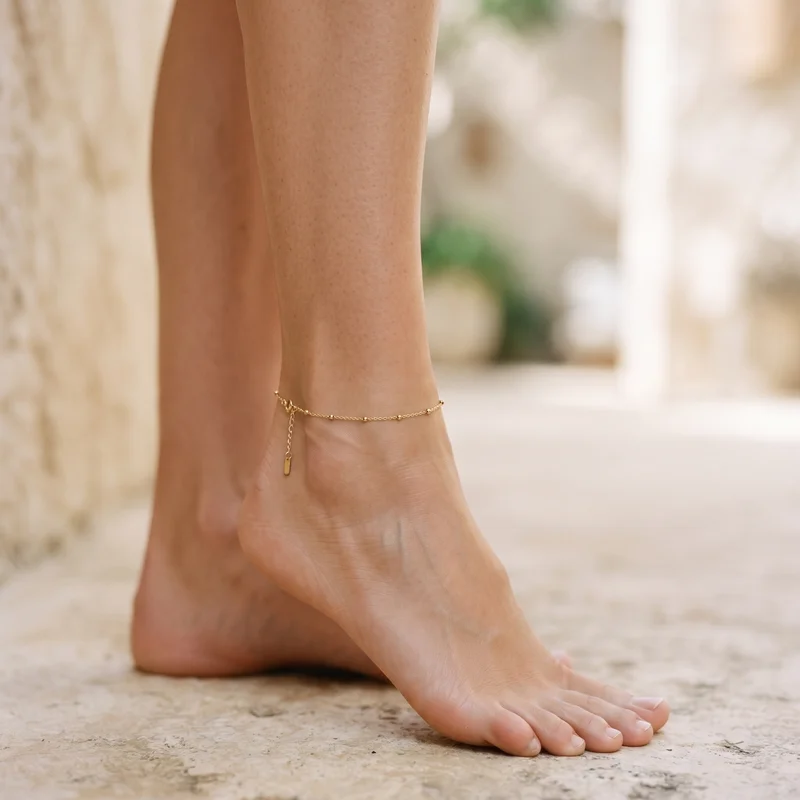
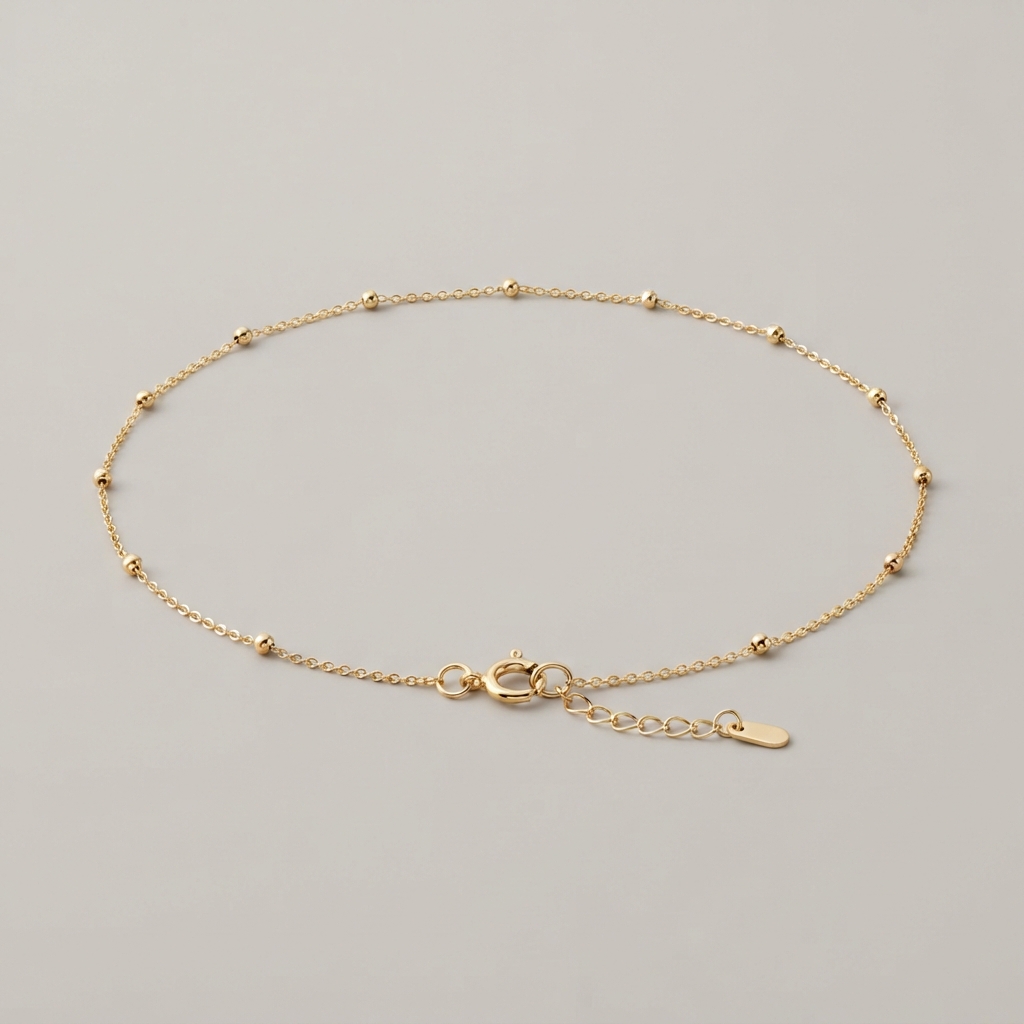
Turn an anklet product photo into an elegant on-ankle jewelry visual without organizing a new resort or lifestyle shoot. Upload a model image and a separate anklet product photo, and the template places the anklet naturally above the ankle bone while preserving the foot pose, skin texture, styling, and background.
Built for jewelry brands, designers, retailers, and ecommerce teams, the workflow focuses on the selling area that matters: the ankle and foot. It adapts chain circumference, natural drape, adjustable clasp position, perspective, contact shadows, metal highlights, and small charm details to the model image. It works especially well for fine chain anklets, bead anklets, charm anklets, layered anklets, and delicate gold or silver designs when the full product is clearly visible in the source photo.
Use the finished image on Shopify and other ecommerce product pages, summer collection launches, vacation campaigns, gift guides, marketplace listings, paid social ads, email campaigns, and lookbooks. For the most believable result, provide a sharp product photo with no ankle in frame and a close model photo with a bare, unobstructed ankle, compatible perspective, and soft directional lighting.
How to Use the App
Here’s what you get when you open the app: a short form, one run button, your results — no nodes, no setup.
Anklet Mockup Generator
App previewFill in the form
Subject Image
RequiredAdd images or files
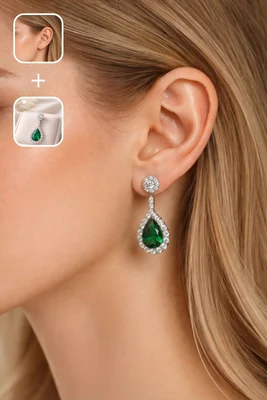
Jewelry Image
OptionalAdd images or files
Additional Instructions
RequiredType your additional instructions…
Quality
RequiredStandard
≈ 19–36 credits / run
Get your result
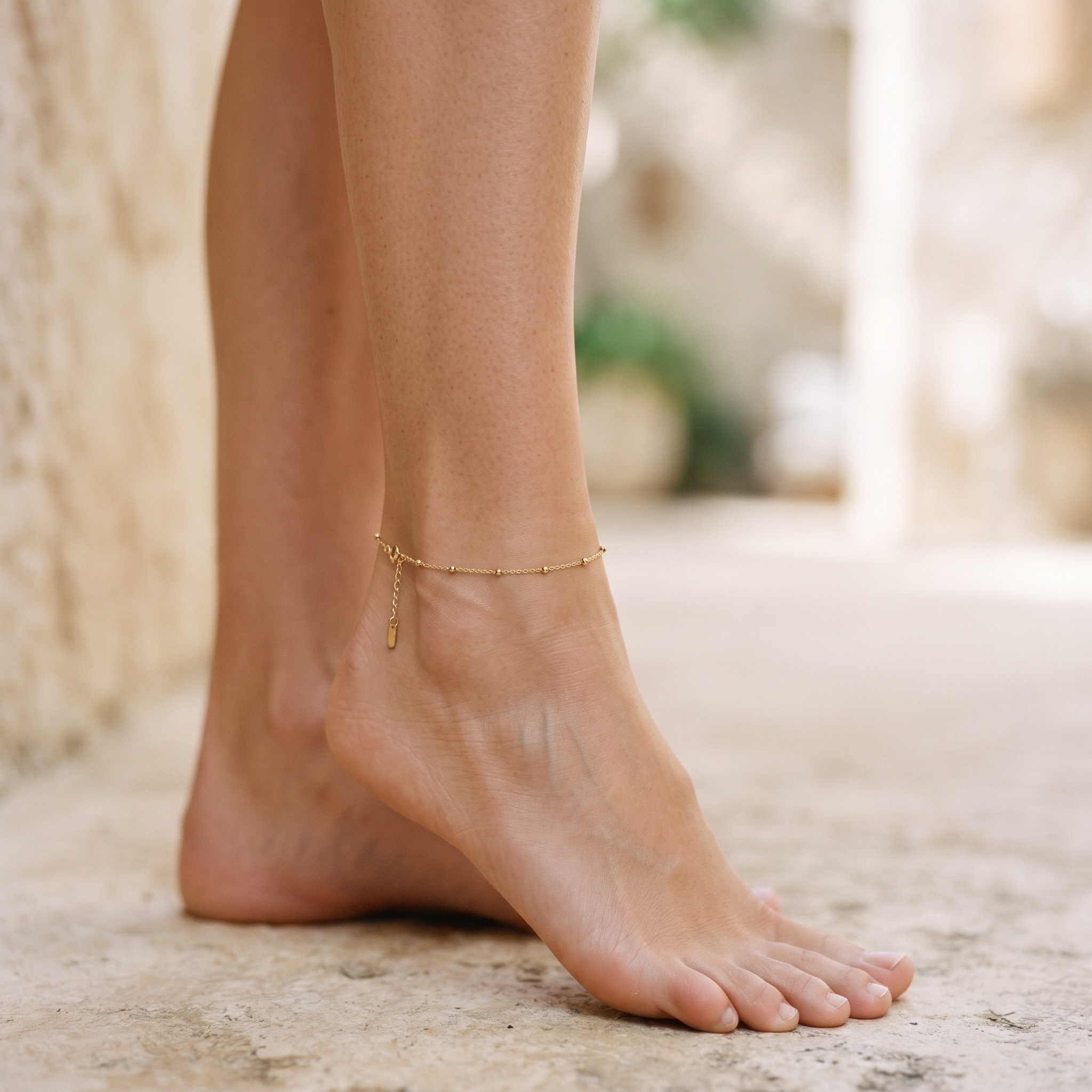
Real output generated with this app
Under the Hood
Want more control?
This app is powered by a fully editable AI-Flow workflow. Change the model, prompts, layout, resolution — or connect it to other steps.
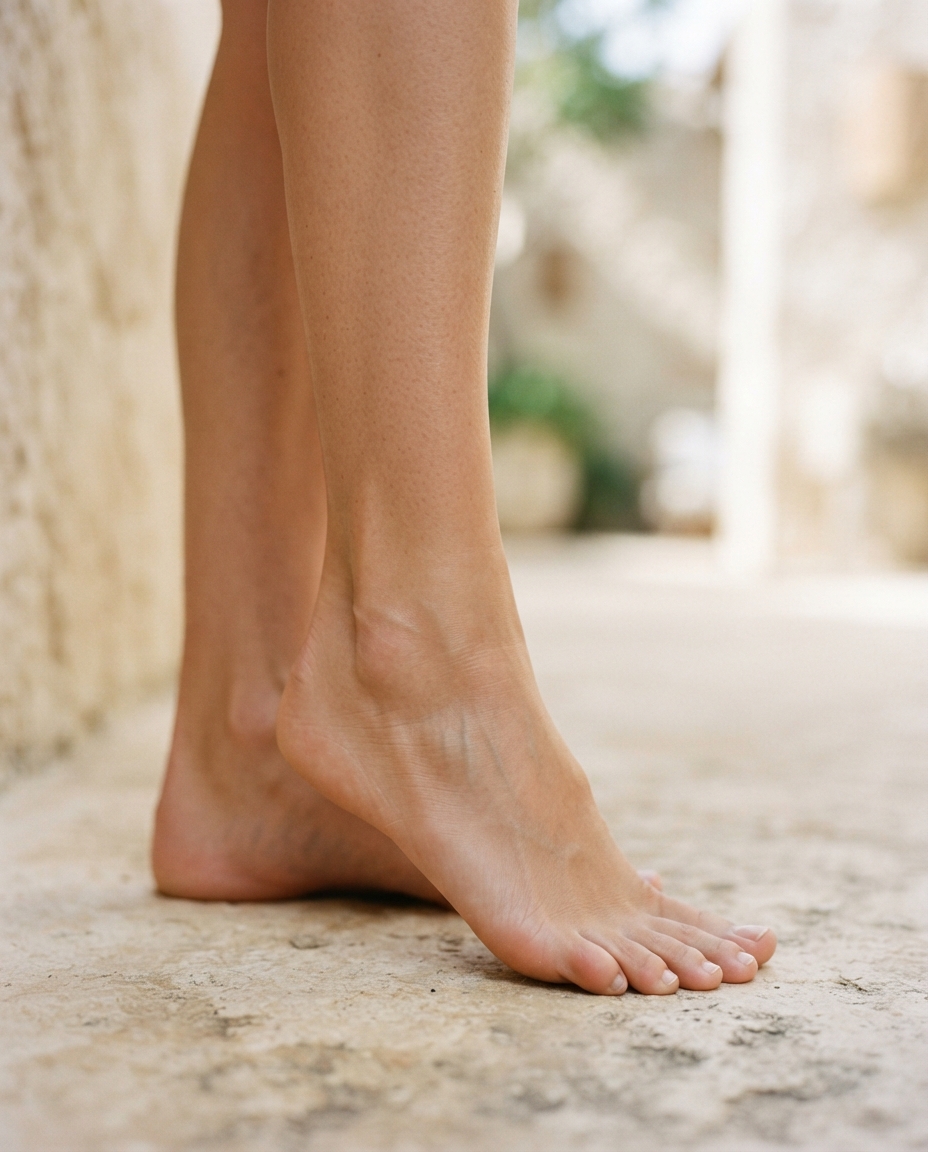
Subject Image
Jewelry Image
Edit Image
Upscale Image
How to Use This Template
Step 1: Upload your file
In the 'Subject Image' node, upload the file you want to process.
Step 2: Upload your file
In the 'Jewelry Image' node, upload the file you want to process.
Step 3: Run the Flow
Click the 'Run' button to execute the flow and get the final output.
Customize the underlying workflow
Open the full workflow in the AI-Flow editor to swap models, rewrite prompts, or connect it to other steps.
Who is this for?
Perfect for professionals and creators looking to streamline their workflow
Jewelry brands and retailers
Produce scalable on‑model visuals for product pages, lookbooks, and seasonal launches without booking studio time.
E‑commerce sellers on Shopify, Etsy, and Amazon
Create conversion‑ready lifestyle images that match platform guidelines and improve click‑through rates.
Product photographers and studios
Augment shoot libraries by compositing additional SKUs on existing models to expand deliverables quickly.
Marketing and growth teams
Test creative variations for ads, email, and social in minutes while keeping brand consistency.
Agencies and catalog producers
Generate consistent, on‑brand visuals across large assortments with controllable aspect ratios and quality.
DTC founders and small shops
Get professional on‑model imagery early in the product cycle without costly photo shoots.
Marketplace resellers
Quickly turn plain product shots into lifestyle photos that meet listing standards and attract buyers.
Ready to create?
Start using this app
No workflow setup required — open the app and start creating in minutes
You Might Also Like
Explore other powerful templates to enhance your AI workflow
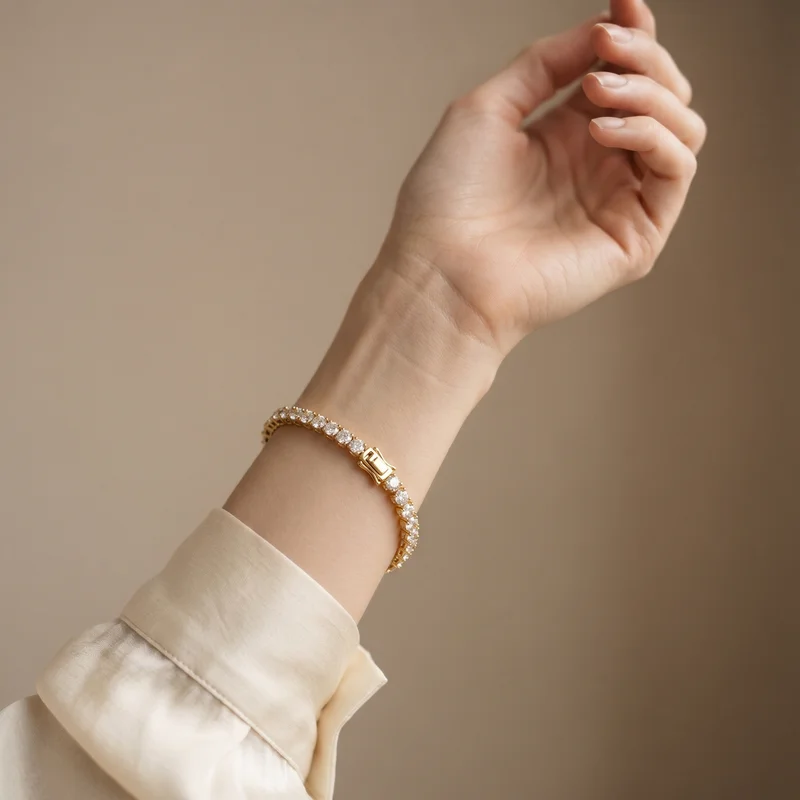
AI Bracelet Mockup Generator On Wrist
Create photorealistic on-wrist bracelet mockups from a product photo and a model image for jewelry ecommerce product pages, campaigns, marketplaces, and ads.
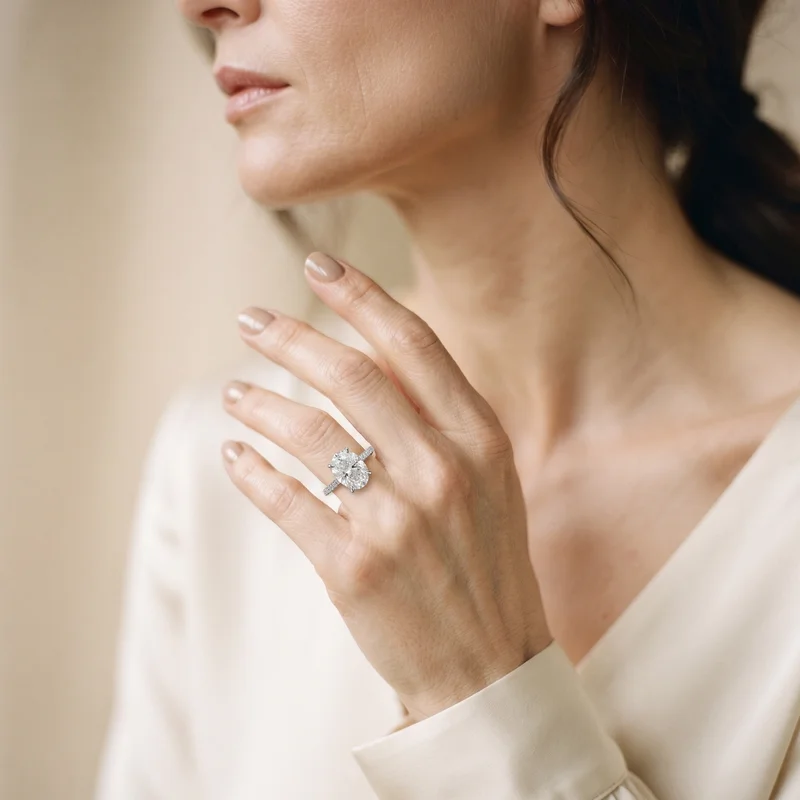
AI Ring Mockup Generator On Hand
Create photorealistic on-hand ring mockups from a product photo and a model image for jewelry ecommerce product pages, engagement campaigns, marketplaces, and ads.

AI Watch Mockup Generator On Model
Create photorealistic on-model watch mockups from a product photo and a model image for ecommerce product pages, paid ads, marketplaces, and lookbooks.
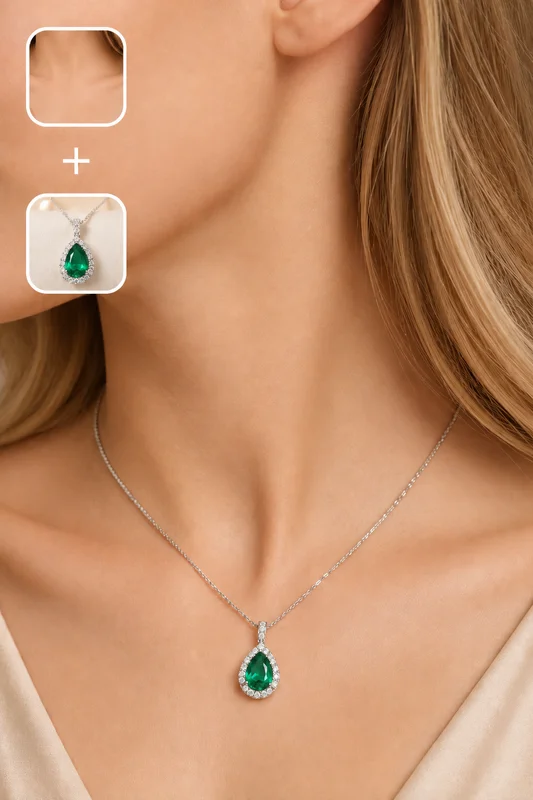
Necklace Mockup Generator On Model
Upload a necklace product photo and a model image to generate photorealistic on-model necklace mockups for product pages, advertising campaigns, and social media.
Nano Banana 2.1
Generate and edit high-quality images with Google Nano Banana 2.1, the latest high-efficiency Gemini image model with stronger prompt adherence, typography, visual quality, and multi-turn consistency.

GPT Image 2.5 Flare
Generate high-fidelity images with GPT Image 2.5 Flare, optimized for real typography, multilingual scripts, structured layouts, and print-ready formats up to 4K—ideal for editorial posters, comics, marketing assets, UI comps, and social graphics.
Frequently Asked Questions
How does the AI Anklet Mockup Generator work?
Upload a clear anklet product image and a model photo with a visible ankle. The workflow places the anklet naturally above the ankle bone while adapting its fit, drape, shadows, and reflections to the scene.
Which anklet types can I create mockups for?
The generator works with fine chain anklets, bead anklets, charm anklets, layered anklets, and delicate gold or silver designs. A detailed product image improves the fidelity of the metal, links, charms, and clasp.
What input images produce the best anklet mockups?
Use a sharp product image that shows the complete anklet, clasp, and details without an ankle. Choose a close model image with a bare, unobstructed ankle, limited motion blur, and no sock, shoe, or competing jewelry.
Will the anklet look proportionate to the ankle?
The workflow aims to match the anklet circumference and curve to an adult ankle. Images with a clear, fully visible area above the ankle bone produce the most convincing fit.
Will it change the foot, skin, or background?
The result is designed to preserve the foot pose, skin, styling, and background while adding only the anklet and blending it naturally into the existing image.
Can I use the generated anklet images commercially?
Yes, for product pages, summer campaigns, advertising, social media, email, and marketplace listings, provided you hold the rights to the anklet photo, model image, and the model's likeness. Also check the rules that apply to your market and publishing platform.
How can I improve an anklet mockup that does not look natural?
Use source images with compatible lighting and perspective, keep the ankle visible, avoid socks or shoes, and provide a high-resolution product photo against a simple background.
Can I create images for multiple anklet SKUs?
Yes. Run one mockup per SKU to preserve the specific metal, link, charm, and clasp details of each product. Reusing a consistent ankle image helps create a cohesive ecommerce collection.
What is AI-FLOW and how can it help me?
AI-FLOW is an all-in-one AI platform that allows you to build, integrate, and automate AI-powered workflows using an intuitive drag-and-drop interface. Whether you're a beginner or an expert, you can leverage multiple AI models to create innovative solutions without any coding required.
Is there a free trial available?
Yes, AI-FLOW offers a free trial to get you started. After that, you can purchase credits as needed—no subscription or long-term commitment required.
Can I integrate my API keys from providers like OpenAI and Replicate with AI-FLOW Cloud Version ?
Yes, you can easily integrate your existing API keys with AI-FLOW. If specified, nodes related to the API key provided will use your API key, significantly reducing your platform credit usage.