
AI Character Sheet Generator
Generate professional character turnaround sheets (model sheets) with front, true side, and three-quarter views from a single prompt. Consistent, studio-lit 1K–4K outputs for character design, games, animation, and TTRPGs.
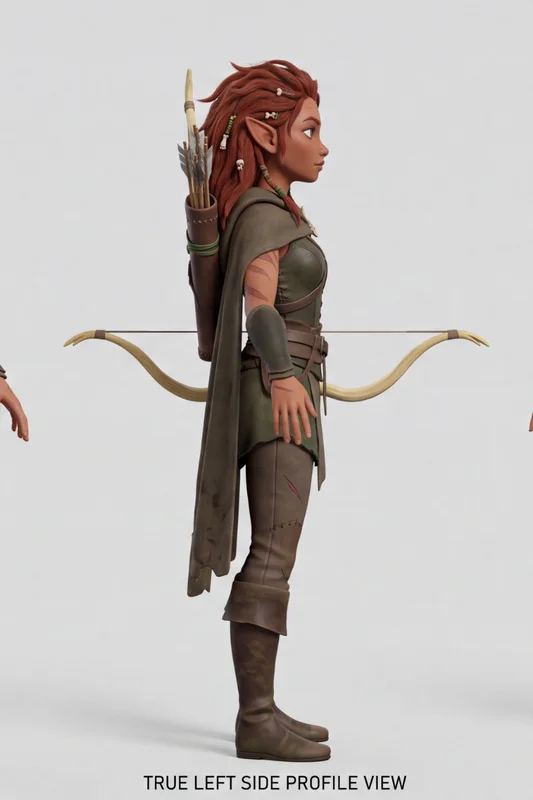
No workflow setup required · Fully customizable in AI-Flow
What This App Does
Character Sheet Generator builds production-ready character reference sheets from concise text. It combines your character description, a selectable art style, and strict layout rules to produce a clean orthographic turnaround: three aligned vertical panels showing front, true left profile, and three-quarter front. The template enforces consistency across face, hairstyle, body type, outfit, and colors; uses a neutral A-pose for clear rigging and modeling reference; and renders on a seamless studio background with soft, even lighting.
Choose from multiple visual presets (photorealistic, stylized 3D feature animation look, anime, comic-book, semi-realistic concept art, watercolor), add optional reference images for image-to-image guidance, and export in high resolution. Aspect ratios (1:1, 16:9, 9:16, 4:3, 3:4) and 1K/2K/4K outputs help you tailor sheets for pitch decks, art bibles, outsourcing briefs, or in-engine use. Ideal for maintaining design fidelity across angles, speeding up iteration, and handing off accurate, readable turnarounds to teams.
How to Use the App
Here’s what you get when you open the app: a short form, one run button, your results — no nodes, no setup.
Character Sheet Generator
App previewFill in the form
Character Description
Type your character description…
Art Style
RequiredPhotorealistic
Optional References
OptionalAdd images or files
≈ 20 credits / run
Get your result
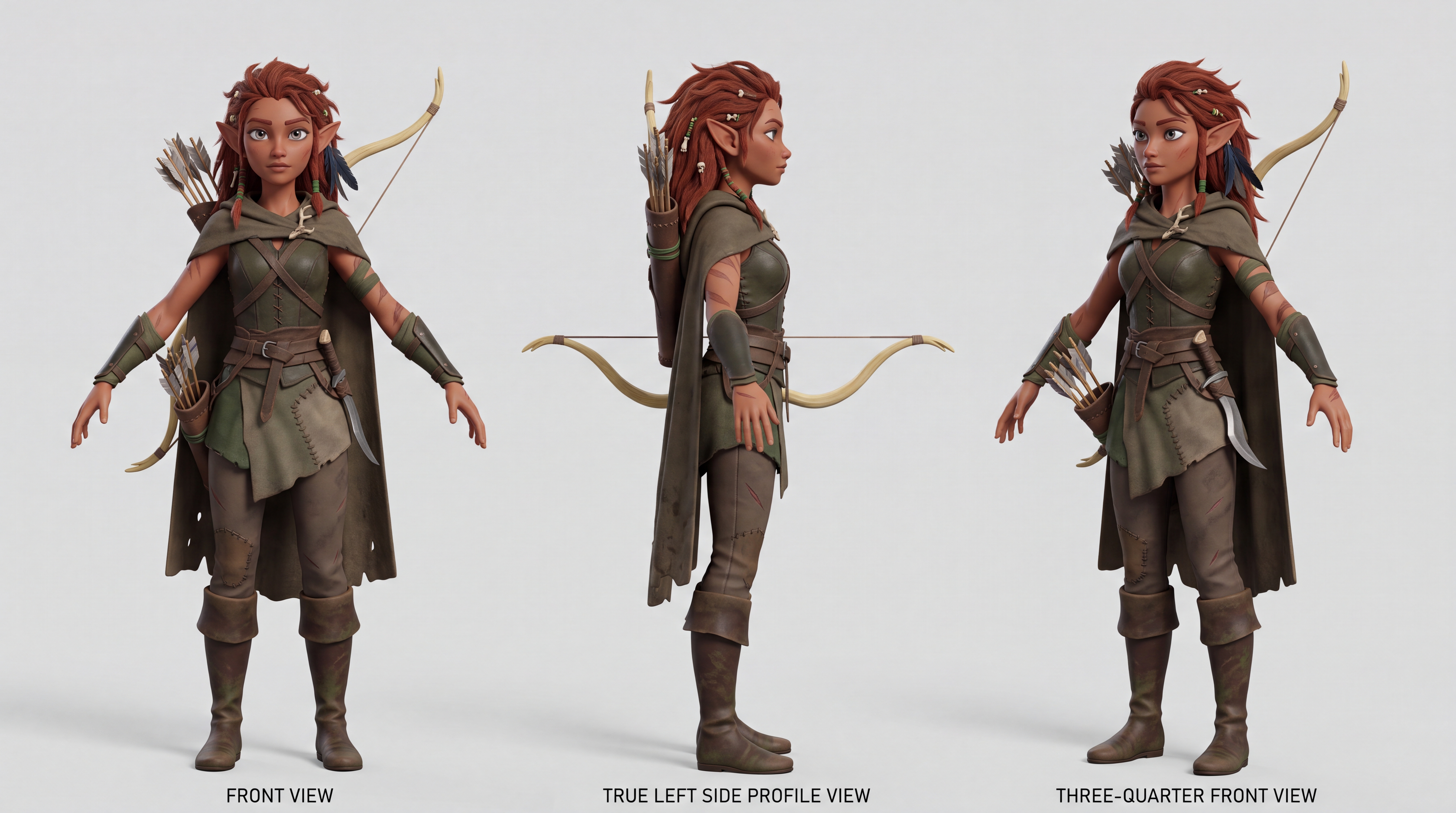
Real output generated with this app
Under the Hood
Want more control?
This app is powered by a fully editable AI-Flow workflow. Change the model, prompts, layout, resolution — or connect it to other steps.
Character Description
A sharp-eyed elven pathfinder from the rain-soaked borderlands, lean and agile, with copper-brown skin, storm-gray eyes, and wild auburn hair woven with tiny bone charms, raven feathers, and green thread. Her outfit blends ranger practicality with old fores...
Art Style
Stylized 3D character render in the look of a modern feature animation (Pixar / DreamWorks). Soft global illumination, subsurface-scattering skin, clean appealing shapes, slightly exaggerated proportions, high-quality path-traced render.
Layout
Create a clean orthographic character turnaround sheet on a seamless light-grey studio background. Soft even lighting, no dramatic shadows, no environment. Show the SAME character three times, full body, head-to-toe, aligned on the same ground baseline, equ...
Optional References
Optional references or files.
Sheet Prompt
Professional character reference sheet (model sheet) of ONE single, consistent character. == CHARACTER == A sharp-eyed elven pathfinder from the rain-soaked borderlands, lean and agile, with copper-brown skin, storm-gray eyes, and wild auburn hair woven wit...
Character Sheet
How to Use This Template
Step 1: Enter your text in 'Character Description' Node
Fill the 'Character Description' node with the required text.
A sharp-eyed elven pathfinder from the rain-soaked borderlands, lean and agile, with copper-brown skin, storm-gray eyes, and wild auburn hair woven with tiny bone charms, raven feathers, and green thread. Her outfit blends ranger practicality with old forest ritual: layered moss-dark leather, patched travel cloth, asymmetrical bracers, a weathered cloak clasped with a carved antler pin, and boots stained from years of crossing wetlands and ruined roads.
She carries a recurved bow of pale yew wood, a quiver filled with mismatched hand-fletched arrows, and a small curved hunting blade at her hip. Subtle scars, mud marks, and faded leaf-shaped tattoos suggest a life spent surviving rather than posing. Her expression is calm but watchful, like someone who hears danger long before anyone else. Adventurous, self-reliant, mysterious, and quietly dangerous.
Step 2: Configure 'Art Style' Node
Configure the 'Art Style' node as needed.
Stylized 3D character render in the look of a modern feature animation (Pixar / DreamWorks). Soft global illumination, subsurface-scattering skin, clean appealing shapes, slightly exaggerated proportions, high-quality path-traced render.
Step 3: Enter your text in 'Layout' Node
Fill the 'Layout' node with the required text.
Create a clean orthographic character turnaround sheet on a seamless light-grey studio background. Soft even lighting, no dramatic shadows, no environment.

Show the SAME character three times, full body, head-to-toe, aligned on the same ground baseline, equal scale, equal spacing.

Layout: three separate vertical panels from left to right:
1) FRONT VIEW: character facing directly forward.
2) TRUE LEFT SIDE PROFILE VIEW: exact side silhouette, body facing screen-left. Nose, chest, hips, knees, and toes all point left. Only one eye, one ear, one arm, and one leg should be visible. Shoulders stacked, no torso twist, no three-quarter angle.
3) THREE-QUARTER FRONT VIEW: character turned about 45 degrees toward camera.

Use a neutral A-pose / relaxed technical reference pose, arms slightly away from the body, hands visible, legs straight, feet flat. Keep the outfit identical in all three views.

Character design: an elven borderland pathfinder with auburn braided hair, storm-gray eyes, layered moss-dark leather armor, patched travel cloth, asymmetrical bracers, weathered cloak with antler clasp, knee-high travel boots, recurved yew bow, and a quiver of hand-fletched arrows. Practical, worn, believable fantasy gear.

Keep the design readable and consistent across all views. Clean concept art style, high-detail character sheet, professional game production turnaround. Do not add any explanatory text.

Avoid: cropped feet, cropped head, extra characters, different outfits, different faces, twisted side view, semi-profile side view, duplicate limbs, hidden hands, messy overlapping gear, dramatic pose, action pose, perspective distortion.
Step 4: Upload your files
In the 'Optional References' node, upload the files you want to use in the workflow.
Step 5: Run the Flow
Click the 'Run' button to execute the flow and get the final output.
Customize the underlying workflow
Open the full workflow in the AI-Flow editor to swap models, rewrite prompts, or connect it to other steps.
Who is this for?
Perfect for professionals and creators looking to streamline their workflow
Character designers and concept artists
Quickly turn narrative briefs into consistent multi-view model sheets for reviews, portfolios, and production bibles.
Animators and rigging teams
Reliable orthographic references with neutral A-pose and equal scale/baseline alignment for clean rigs and deformation tests.
Game developers and indie studios
Fast, high-detail sheets for art direction, outsourcing, and 3D/2D pipeline handoffs.
TTRPG creators and worldbuilders
Create consistent front/side/three-quarter character references for campaigns, modules, and player handouts.
3D modelers and miniature sculptors
Accurate silhouettes and angles to accelerate blockouts, proportions, and detailing.
Authors, comic and manga creators
Maintain visual continuity across panels and issues with dependable turnaround sheets.
Ready to create?
Start using this app
No workflow setup required — open the app and start creating in minutes
You Might Also Like
Explore other powerful templates to enhance your AI workflow
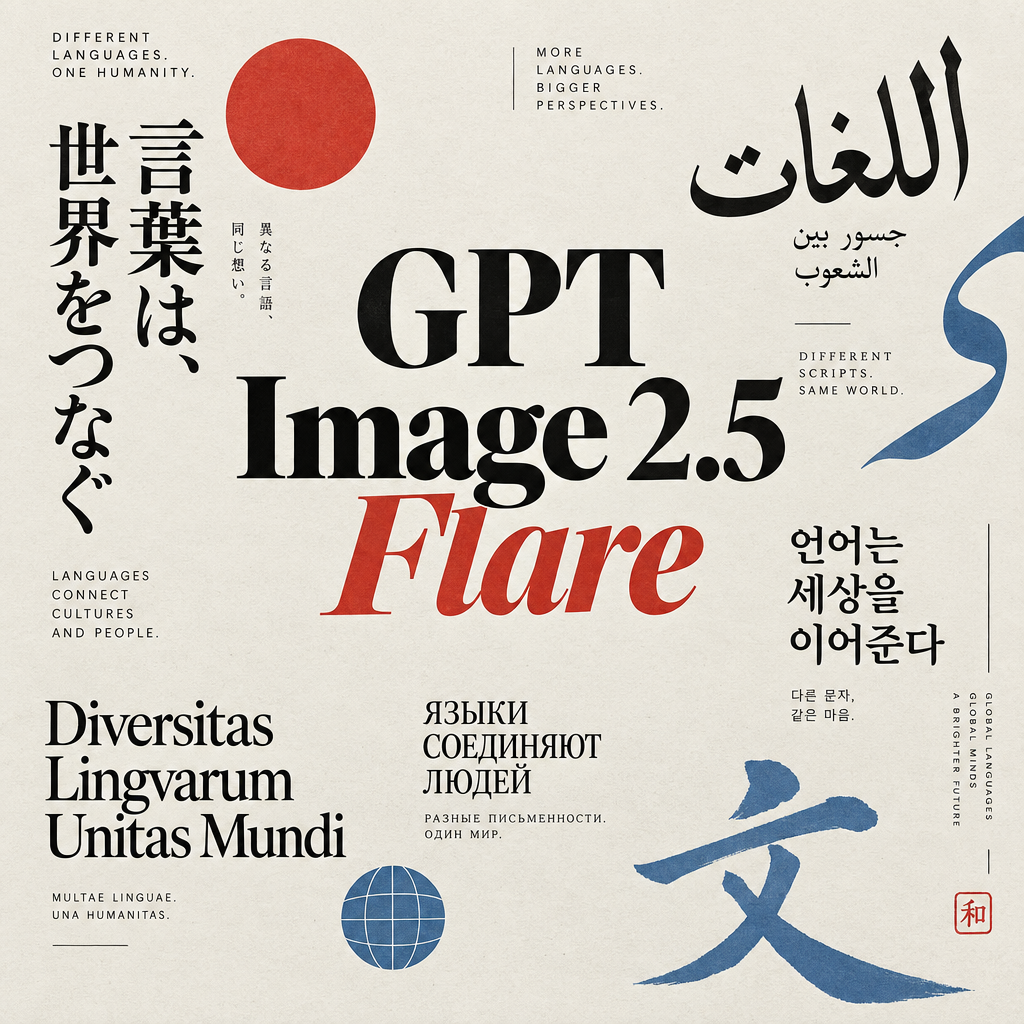
GPT Image 2.5 Flare
Generate high-fidelity images with GPT Image 2.5 Flare, optimized for real typography, multilingual scripts, structured layouts, and print-ready formats up to 4K—ideal for editorial posters, comics, marketing assets, UI comps, and social graphics.
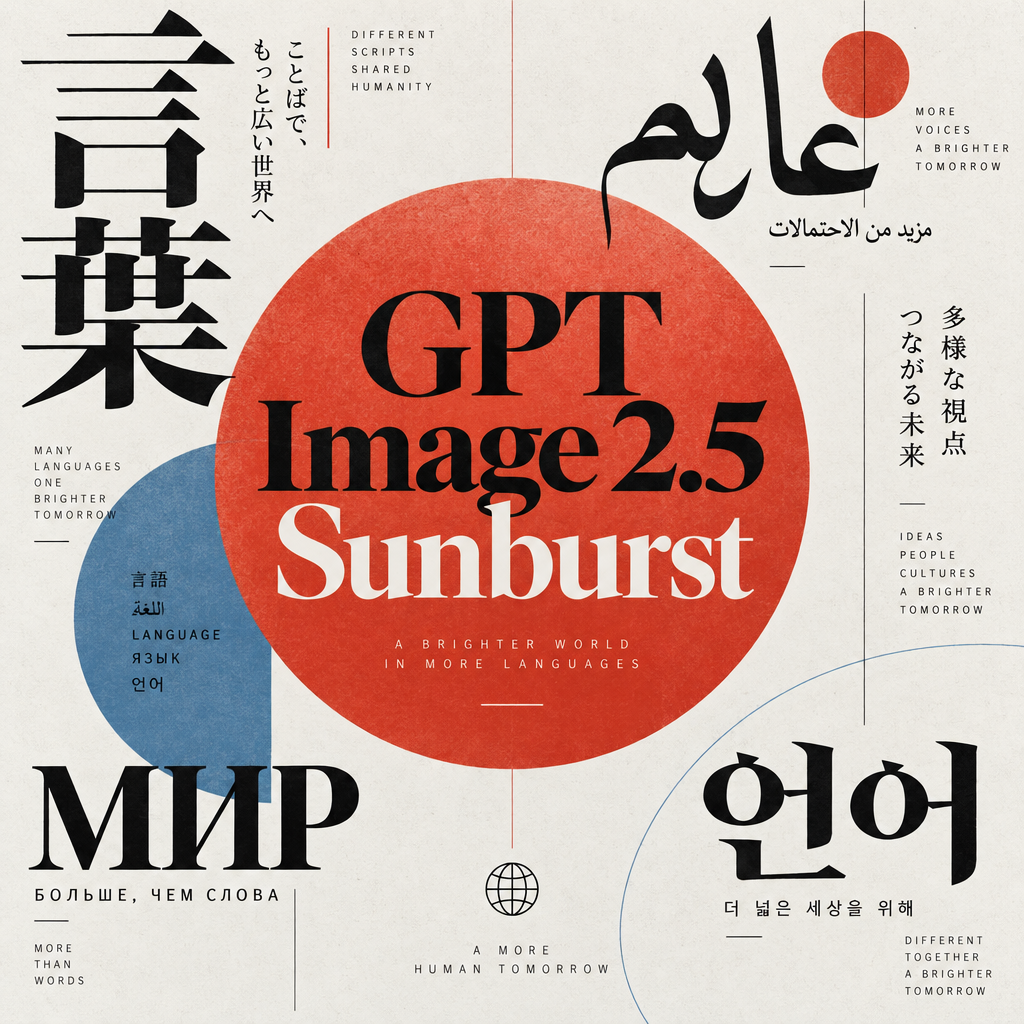
GPT Image 2.5 Sunburst
Generate high-fidelity images with GPT Image 2.5 Sunburst, optimized for real typography, multilingual scripts, structured layouts, and print-ready formats up to 4K—ideal for editorial posters, comics, marketing assets, UI comps, and social graphics.
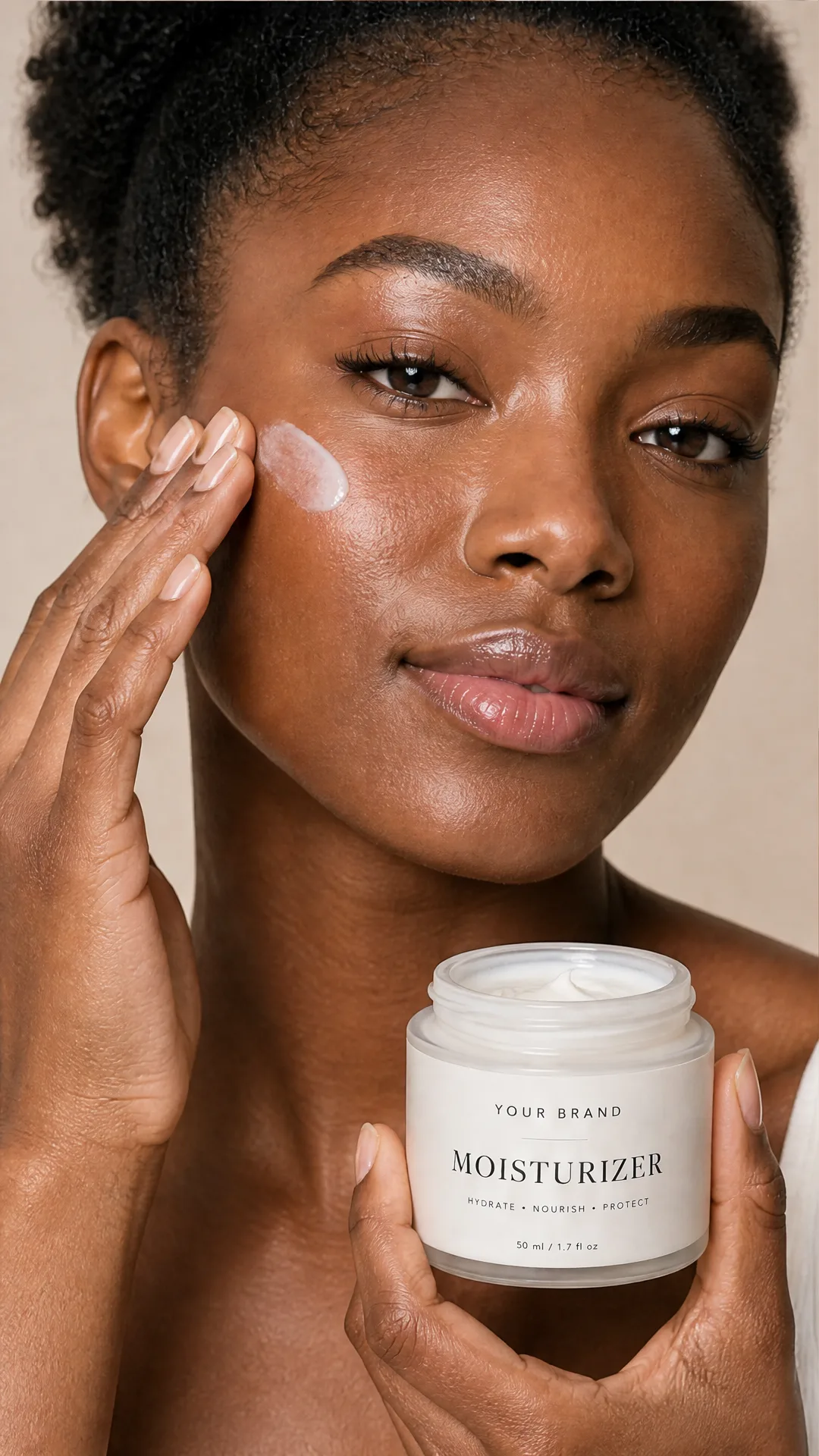
AI Skincare Product Photo Generator
Turn one cream, serum, or cosmetic jar image into a full skincare photoshoot: a 2x2 grid plus four cropped shots (wide, medium, close-up, creative), on-model or product-only, for beauty ecommerce, marketplaces, and ads.
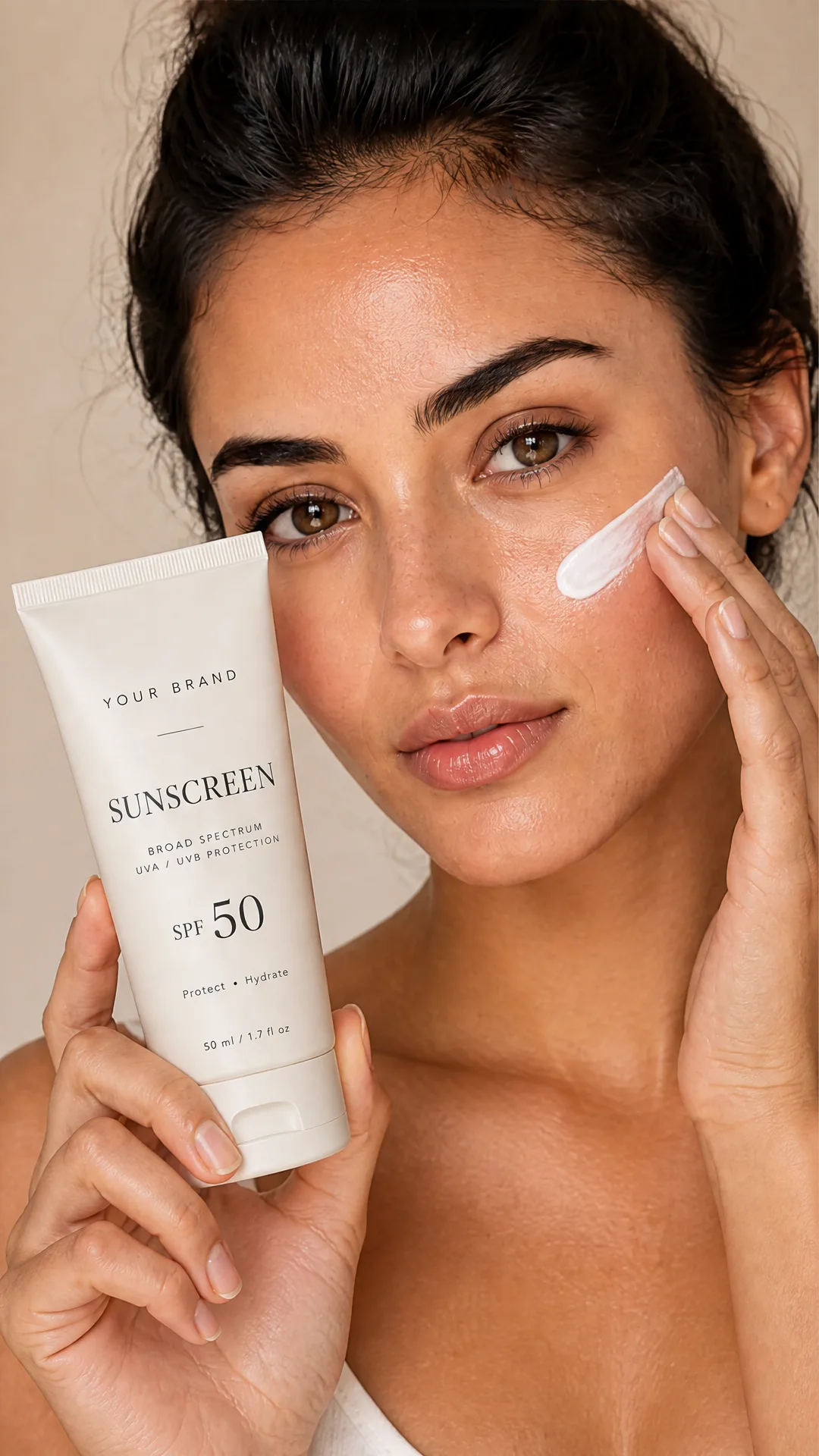
AI Sunscreen Product Photo Generator
Turn one sunscreen tube or bottle image into a full suncare photoshoot: a 2x2 grid plus four cropped shots (wide, medium, close-up, creative), on-model or product-only, for beauty ecommerce, marketplaces, and ads.
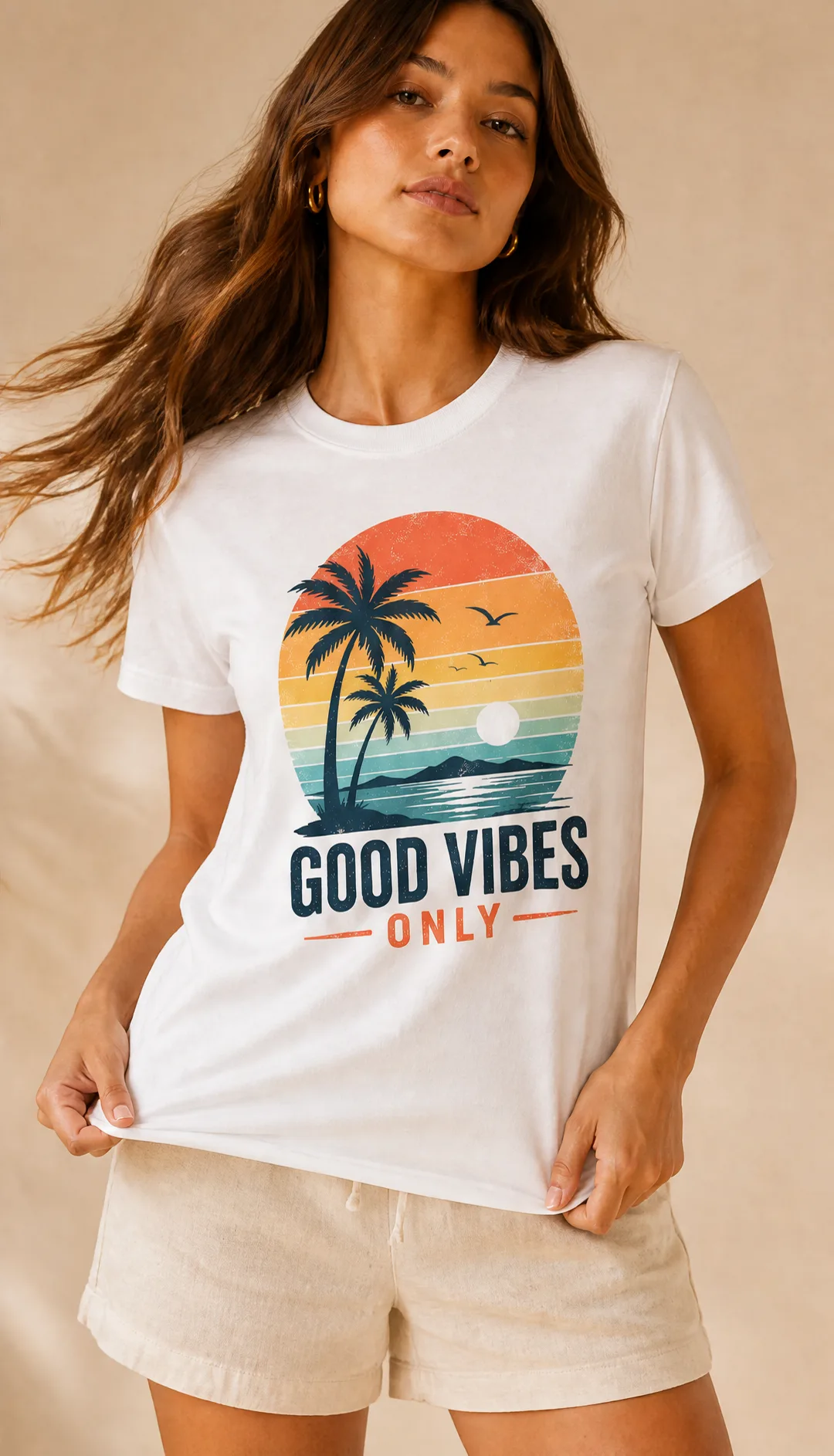
AI T-Shirt Mockup Generator
Turn one t-shirt design image into on-model print-on-demand mockups: a 2x2 photoshoot grid plus four cropped shots (wide, medium, close-up on the print, creative), for Etsy, Shopify, and POD storefronts.
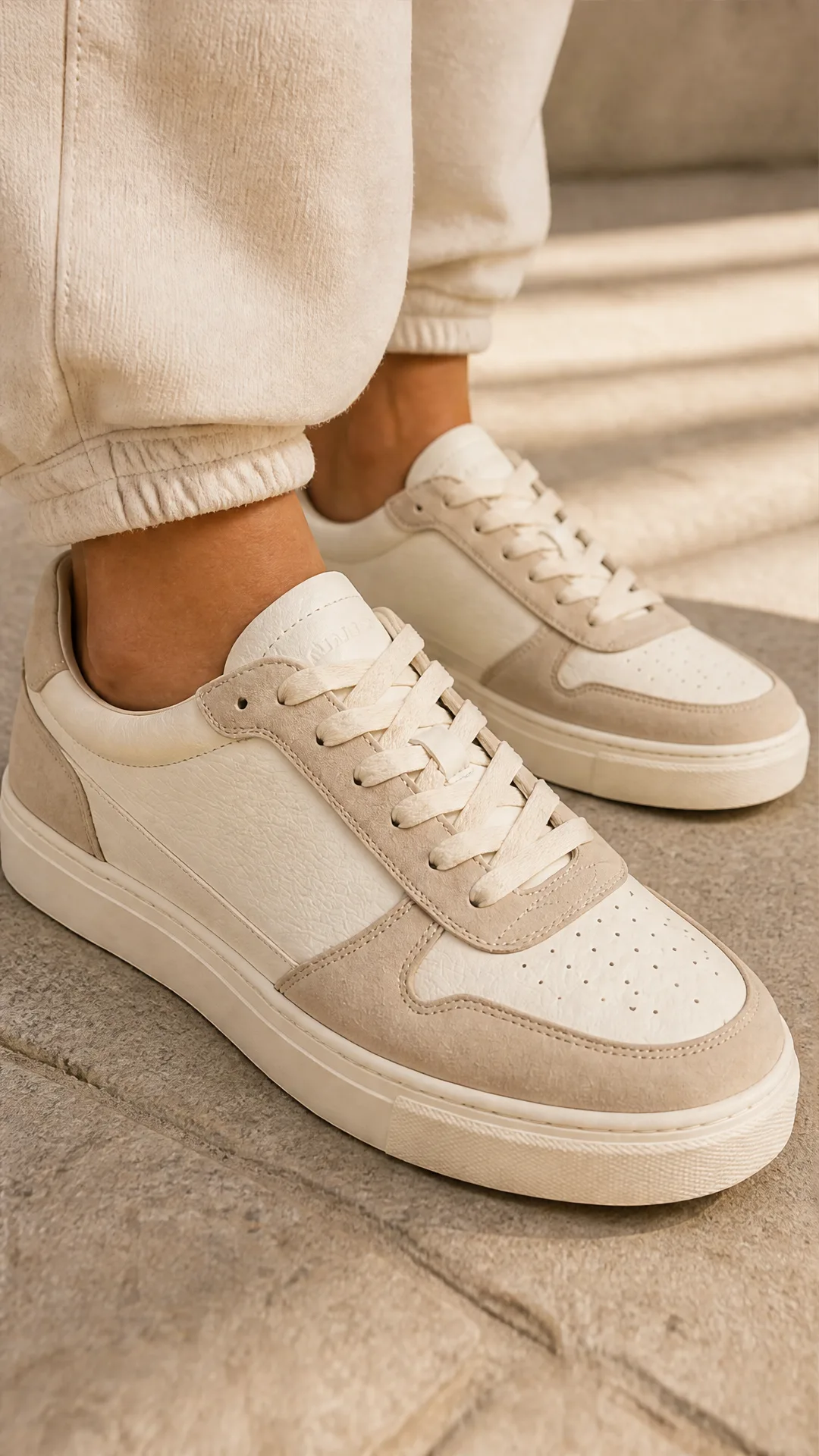
AI Sneaker Product Photo Generator
Generate sneaker product photos from a single shoe image: a 2x2 photoshoot grid plus four cropped shots (wide, medium, close-up, creative), in on-foot or product-only mode, for ecommerce listings, marketplaces, and ads.
Frequently Asked Questions
What does the Character Sheet Generator create?
A clean, orthographic character model sheet with three full-body views: front, true left side profile, and three-quarter front. All views share the same baseline, scale, and spacing on a neutral studio background.
Can I choose the art style?
Yes. Select from presets like photorealistic, stylized 3D feature animation look, anime, comic-book, semi-realistic concept art, or watercolor to match your project’s visual direction.
How do I ensure the same character appears in every panel?
Write a clear character description and keep details consistent. The template includes explicit consistency constraints to preserve the same face, hairstyle, body type, outfit, and colors across all angles.
Can I upload reference images?
Yes. You can add optional reference images for image-to-image guidance. Use clean, relevant references to nudge style and outfit fidelity.
What resolutions and aspect ratios are supported?
You can export at 1K, 2K, or 4K and choose from 1:1, 16:9, 9:16, 4:3, or 3:4 aspect ratios to suit portfolios, documents, or in-engine needs.
Does it add labels, grids, or watermarks?
No. The sheet is generated with a neutral background and no text, labels, measurement guides, or watermarks to keep it production-ready.
The side view looks slightly turned. How can I fix it?
Emphasize a true left profile in your prompt (one eye/ear/arm/leg visible; no torso twist). Reduce accessories that obscure the silhouette and re-run for a corrected orthographic side.
Can it make other angles like back view?
Yes. Edit the layout instructions to include a back view or a different panel order, then regenerate the sheet.
Is this suitable for commercial projects?
Generally yes, but always review your platform and model provider’s terms before commercial use. You’re responsible for ensuring compliance with licensing and content policies.
What are typical use cases?
Preproduction turnarounds, rigging/modeling references, outsourcing briefs, TTRPG character sheets, art bible inclusions, and fast visual iterations with consistent multi-angle views.
What is AI-FLOW and how can it help me?
AI-FLOW is an all-in-one AI platform that allows you to build, integrate, and automate AI-powered workflows using an intuitive drag-and-drop interface. Whether you're a beginner or an expert, you can leverage multiple AI models to create innovative solutions without any coding required.
Is there a free trial available?
Yes, AI-FLOW offers a free trial to get you started. After that, you can purchase credits as needed—no subscription or long-term commitment required.
Can I integrate my API keys from providers like OpenAI and Replicate with AI-FLOW Cloud Version ?
Yes, you can easily integrate your existing API keys with AI-FLOW. If specified, nodes related to the API key provided will use your API key, significantly reducing your platform credit usage.