
AI Persona Generator — Consistent Faces for Ads
Generate a photorealistic, consistent AI persona face sheet with three angles for ads, UGC, and marketing. Choose sex, age, ethnicity, style, and mood—or upload reference images for tighter identity control.
No workflow setup required · Fully customizable in AI-Flow
What This App Does
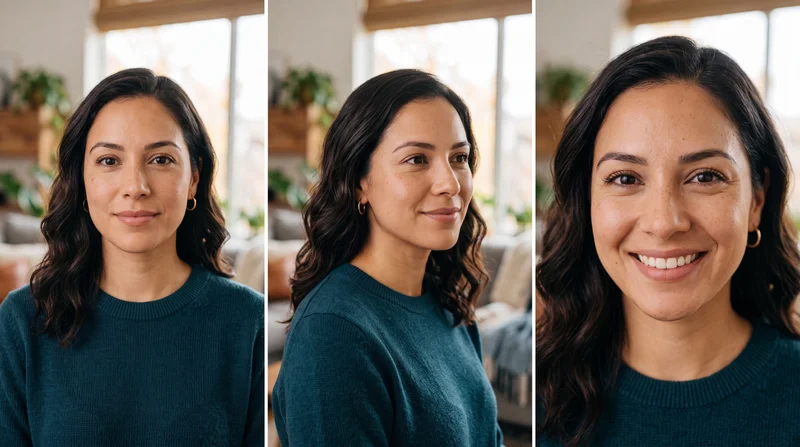
Persona Face Generator creates a professional, three-panel face sheet of one single, consistent person for advertising and content production. It outputs front, three-quarter, and close-up views while preserving identical facial features across all panels, delivering a castable, brand-ready persona you can reuse across creatives.
You control key attributes—sex, age range, ethnicity/appearance, style, and mood—and can add fine-grain details such as makeup, expression, clothing, or hair. Optional reference images help lock identity and maintain continuity across new renders and campaigns.
Designed for real-world marketing, the generator emphasizes photorealism: natural skin texture with pores and subtle imperfections (no plasticky retouching), clean compositions, and commercial-friendly lighting styles. Choose from editorial/lifestyle, corporate headshot, studio beauty, outdoor natural light, cinematic moody, or authentic UGC looks.
Outputs support multiple aspect ratios and high resolution (including up to 4K), making the persona sheet ready for paid social, landing pages, app stores, thumbnails, and pitch decks. No text, watermarks, or logos are added, so assets are ready to drop into your workflow.
Use it to prototype audiences, speed up ad testing, maintain visual consistency across channels, and brief creators with a clear, shared visual reference of your ideal customer persona.
How to Use the App
Here’s what you get when you open the app: a short form, one run button, your results — no nodes, no setup.
Persona Face Generator
App previewFill in the form
Sex
RequiredFemale
Age
Required26-35
Ethnicity
RequiredMixed / Multiracial
Photoshoot Style
RequiredLifestyle / Editorial
Additional Details
warm approachable smile, natural light makeup, modern casual clothing, subtle freckles, tidy hair
+1 more option in the app
≈ 20 credits / run
Get your result
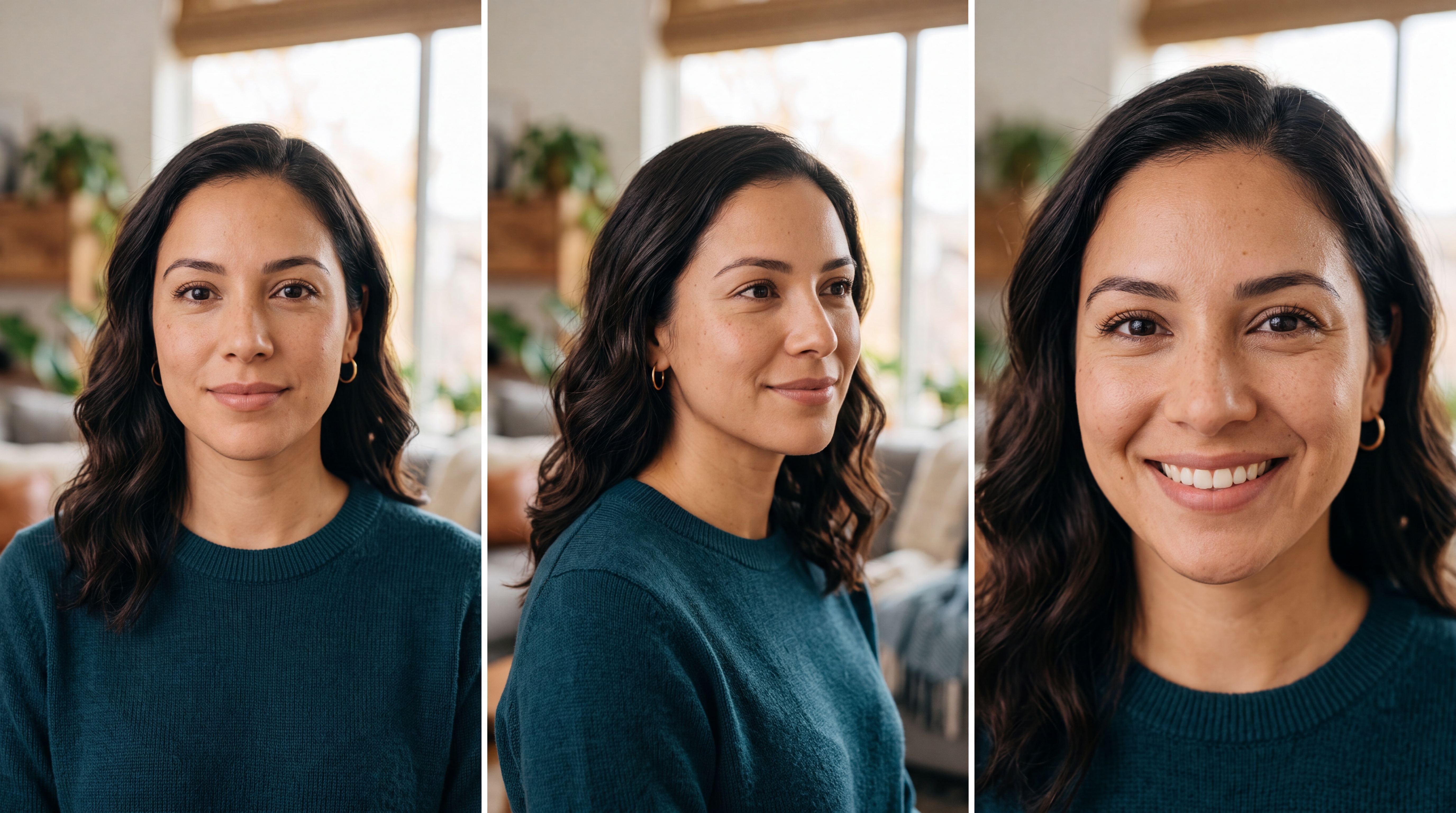
Real output generated with this app
Under the Hood
Want more control?
This app is powered by a fully editable AI-Flow workflow. Change the model, prompts, layout, resolution — or connect it to other steps.
Sex
female
Age
an adult, 26 to 35 years old
Ethnicity
Hispanic / Latino features, warm medium skin tone
Photoshoot Style & Mood
Lifestyle editorial photography. Natural window light, soft bokeh background, candid relaxed feel, warm authentic tones, magazine editorial quality.
Additional Details
warm approachable smile, natural light makeup, modern casual clothing, subtle freckles, tidy hair
Composition
A clean three-panel, face-focused layout of the SAME person, head-and-shoulders framing, shallow depth of field, consistent lighting and background across all three panels: 1) front view, neutral friendly expression, looking at camera 2) three-quarter view,...
Optional References
Optional references or files.
Persona Prompt
Professional advertising persona face sheet — three face-focused panels of ONE single, consistent, photorealistic person. == PERSON == Sex: female Age: an adult, 26 to 35 years old Ethnicity / appearance: Hispanic / Latino features, warm medium skin tone Ad...
Persona Sheet
How to Use This Template
Step 1: Configure 'Sex' Node
Configure the 'Sex' node as needed.
female
Step 2: Configure 'Age' Node
Configure the 'Age' node as needed.
an adult, 26 to 35 years old
Step 3: Configure 'Ethnicity' Node
Configure the 'Ethnicity' node as needed.
Hispanic / Latino features, warm medium skin tone
Step 4: Configure 'Photoshoot Style & Mood' Node
Configure the 'Photoshoot Style & Mood' node as needed.
Lifestyle editorial photography. Natural window light, soft bokeh background, candid relaxed feel, warm authentic tones, magazine editorial quality.
Step 5: Enter your text in 'Additional Details' Node
Fill the 'Additional Details' node with the required text.
warm approachable smile, natural light makeup, modern casual clothing, subtle freckles, tidy hair
Step 6: Enter your text in 'Composition' Node
Fill the 'Composition' node with the required text.
A clean three-panel, face-focused layout of the SAME person, head-and-shoulders framing, shallow depth of field, consistent lighting and background across all three panels:
  1) front view, neutral friendly expression, looking at camera
  2) three-quarter view, subtle natural smile
  3) close-up of the face, warm genuine smile
Step 7: Upload your files
In the 'Optional References' node, upload the files you want to use in the workflow.
Step 8: Run the Flow
Click the 'Run' button to execute the flow and get the final output.
Customize the underlying workflow
Open the full workflow in the AI-Flow editor to swap models, rewrite prompts, or connect it to other steps.
Who is this for?
Perfect for professionals and creators looking to streamline their workflow
Performance marketers and media buyers
Rapidly generate consistent personas to scale creative testing, improve ad relevance, and align imagery with target cohorts without costly custom photoshoots.
UGC creators and social media managers
Produce authentic, relatable faces in multiple angles for short-form content, thumbnails, and story sequences while keeping one recognizable identity.
Creative directors and ad agencies
Pitch and iterate on castable faces across styles (editorial, studio, corporate) to match brand mood boards and campaign narratives.
Ecommerce founders and growth teams
Build on-brand personas for product demos, landing pages, and ads—consistent across channels and refreshable for seasonal pushes.
Product marketers and CRM teams
Create audience-aligned visuals for lifecycle campaigns, onboarding flows, and in-app education with a single persona that stays consistent.
Research and UX teams
Visualize archetypes and testing profiles with controlled demographics and appearance to support studies, presentations, and stakeholder alignment.
Ready to create?
Start using this app
No workflow setup required — open the app and start creating in minutes
You Might Also Like
Explore other powerful templates to enhance your AI workflow
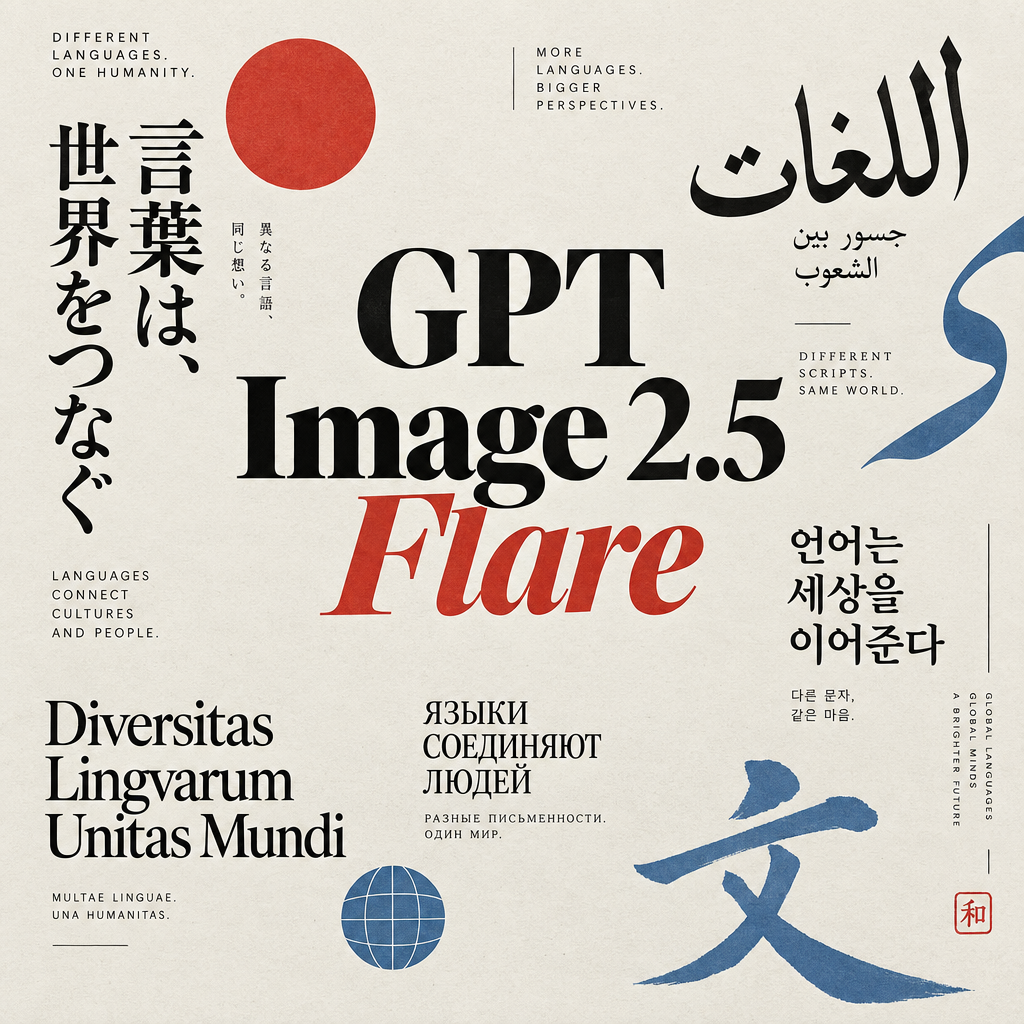
GPT Image 2.5 Flare
Generate high-fidelity images with GPT Image 2.5 Flare, optimized for real typography, multilingual scripts, structured layouts, and print-ready formats up to 4K—ideal for editorial posters, comics, marketing assets, UI comps, and social graphics.
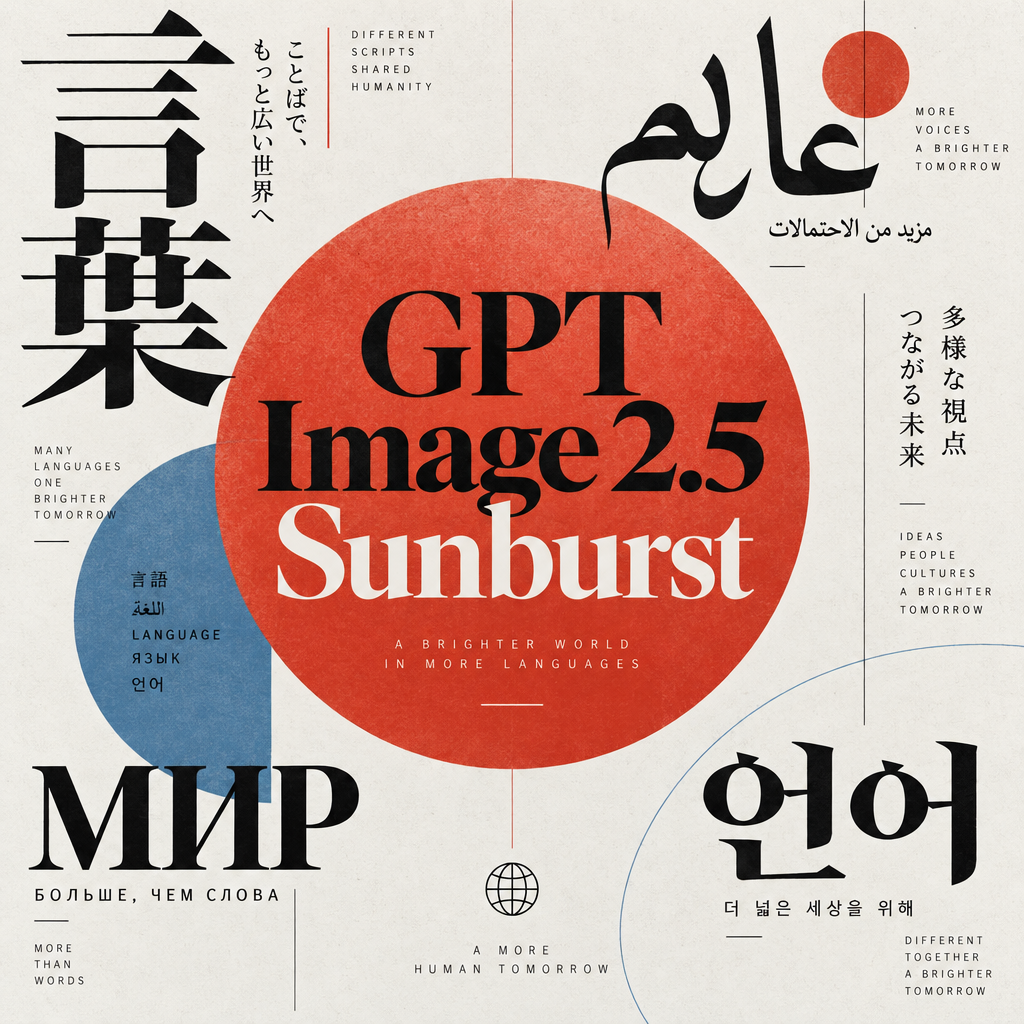
GPT Image 2.5 Sunburst
Generate high-fidelity images with GPT Image 2.5 Sunburst, optimized for real typography, multilingual scripts, structured layouts, and print-ready formats up to 4K—ideal for editorial posters, comics, marketing assets, UI comps, and social graphics.

AI Skincare Product Photo Generator
Turn one cream, serum, or cosmetic jar image into a full skincare photoshoot: a 2x2 grid plus four cropped shots (wide, medium, close-up, creative), on-model or product-only, for beauty ecommerce, marketplaces, and ads.

AI Sunscreen Product Photo Generator
Turn one sunscreen tube or bottle image into a full suncare photoshoot: a 2x2 grid plus four cropped shots (wide, medium, close-up, creative), on-model or product-only, for beauty ecommerce, marketplaces, and ads.

AI T-Shirt Mockup Generator
Turn one t-shirt design image into on-model print-on-demand mockups: a 2x2 photoshoot grid plus four cropped shots (wide, medium, close-up on the print, creative), for Etsy, Shopify, and POD storefronts.
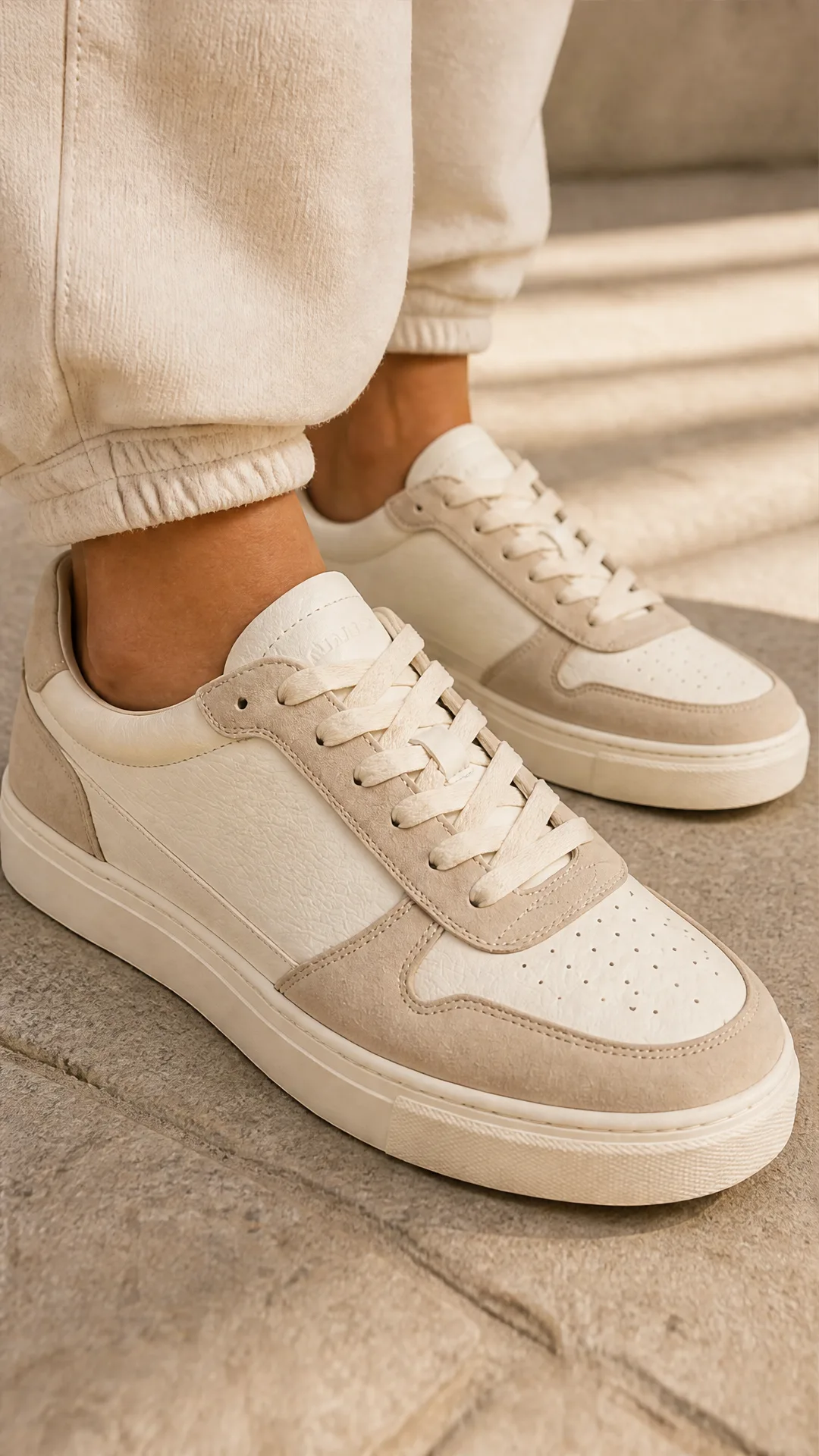
AI Sneaker Product Photo Generator
Generate sneaker product photos from a single shoe image: a 2x2 photoshoot grid plus four cropped shots (wide, medium, close-up, creative), in on-foot or product-only mode, for ecommerce listings, marketplaces, and ads.
Frequently Asked Questions
What does the Persona Face Generator produce?
A three-panel face sheet of the same person: 1) front view, 2) three-quarter view, and 3) close-up. All panels maintain identical facial features for unmistakable identity consistency.
How do I control demographics and appearance?
Select sex, age range, and ethnicity/appearance, then add optional details like expression, makeup, clothing, freckles, or hair. You can also specify photoshoot style and mood (e.g., lifestyle editorial, corporate headshot, UGC).
Can it keep the same person across future renders?
Yes. Use the same prompt settings and, for stronger identity lock, upload one or more reference images. Keep key attributes stable and include a clear consistency instruction in your prompt.
What image quality and formats are supported?
High-resolution outputs are supported (including up to 4K). Multiple aspect ratios are available—commonly 1:1, 16:9, 9:16, 4:3, and 3:4—so assets fit social feeds, stories, ads, and web placements.
Does it look realistic or over-retouched?
It’s built for photorealism: natural skin, visible pores, and believable texture. Avoids plastic-looking retouching so personas feel authentic and ad-ready.
Can I upload reference images?
Yes. Optional reference images guide identity, lighting, or style for tighter consistency. Only use images you have rights to and avoid imitating private individuals or celebrities without permission.
Which styles are available?
Lifestyle/editorial, corporate headshot, studio beauty, natural outdoor, cinematic moody, and authentic UGC looks are supported, each with appropriate lighting and tone.
Does it support non-binary or androgynous personas?
Yes. You can select a non-binary/androgynous presentation and refine expression, styling, and mood to match your brand voice.
Are there usage or licensing restrictions?
Generated images are new assets, but your rights depend on your plan and platform terms. Review licensing and comply with laws and platform policies. Do not add trademarks or watermarks and avoid replicating real people without consent.
How quickly can I iterate and what does it cost?
Renders typically complete in seconds to under a minute depending on resolution and load. Costs vary by model and quality settings; choose lower resolution for rapid exploration and higher resolution for final delivery.
What is AI-FLOW and how can it help me?
AI-FLOW is an all-in-one AI platform that allows you to build, integrate, and automate AI-powered workflows using an intuitive drag-and-drop interface. Whether you're a beginner or an expert, you can leverage multiple AI models to create innovative solutions without any coding required.
Is there a free trial available?
Yes, AI-FLOW offers a free trial to get you started. After that, you can purchase credits as needed—no subscription or long-term commitment required.
Can I integrate my API keys from providers like OpenAI and Replicate with AI-FLOW Cloud Version ?
Yes, you can easily integrate your existing API keys with AI-FLOW. If specified, nodes related to the API key provided will use your API key, significantly reducing your platform credit usage.