
Recraft V4 Styles Pro SVG
Generate editable SVG vector images that follow a reusable Recraft style or your own reference images, for consistent logos, icons, illustrations and brand assets.

Price per run
from$0.2613 credits
- ✓ No subscription
- ✓ Pay per generation
- ✓ Credits valid 12 months
Pricing
What Recraft V4 Styles Pro SVG costs
You pay per generation. The app shows the exact price as you change the settings, before you click Generate.
One run costs $0.26, depending on the options you pick.
Credit packs from $4.99 for 200 credits. No monthly plan. See all packs
How to Use the App
Here’s what you get when you open the app: a short form, one run button, your results — no nodes, no setup.
Recraft V4 Styles Pro SVG
App previewFill in the form
Prompt
RequiredType your prompt…
Style Reference Images
RequiredAdd images or files
Aspect Ratio
Not set
Size
2048x2048
Style Id
Type your style id…
+1 more option in the app
≈ 13 credits / run
Get your result
Real output generated with this app
What This App Does
Recraft V4 Styles Pro SVG generates high-quality, editable vector images that follow a specific visual style. Reuse a saved Recraft style with its style ID, or attach reference images and Recraft creates a private style for that generation. The result is an SVG you can open and edit in any vector tool.
Key capabilities
Style-consistent SVG generation — line quality, shape language, color and composition stay consistent across assets
Reusable styles — pass a style ID to keep a whole set of assets in the same style
One-step references — attach 1 to 10 reference images to create a private style on the fly
Style match control — precise to follow the style closely, flexible to match its general mood
Pro vector output — polished, editable SVG for logos, icon systems, badges, illustrations and brand assets
Core inputs
prompt (text, required) — what to generate, up to 10,000 characters
style_id (text, optional) — a reusable Recraft style ID; do not combine with reference images
style_reference_images (list of images, optional): 1 to 10 PNG, JPG or WEBP images used to create a private style; do not combine with a style ID
style_match — precise (default) or flexible
aspect_ratio — from 1:1 to 16:9, 9:16 and more; leave it unset to use the size field
size — output width and height (default 2048x2048), ignored when an aspect ratio is set
Each run produces one SVG image at a fixed price.
Other Image models
Compare before you generate
Remix this appFor builders: open the workflow behind it to swap the model, chain steps, run batches or call it from the API.
Under the Hood
Want more control?
This app is powered by a fully editable AI-Flow workflow. Change the model, prompts, layout, resolution — or connect it to other steps.
Prompt
An owl perched on a branch under a crescent moon
Style Reference Images
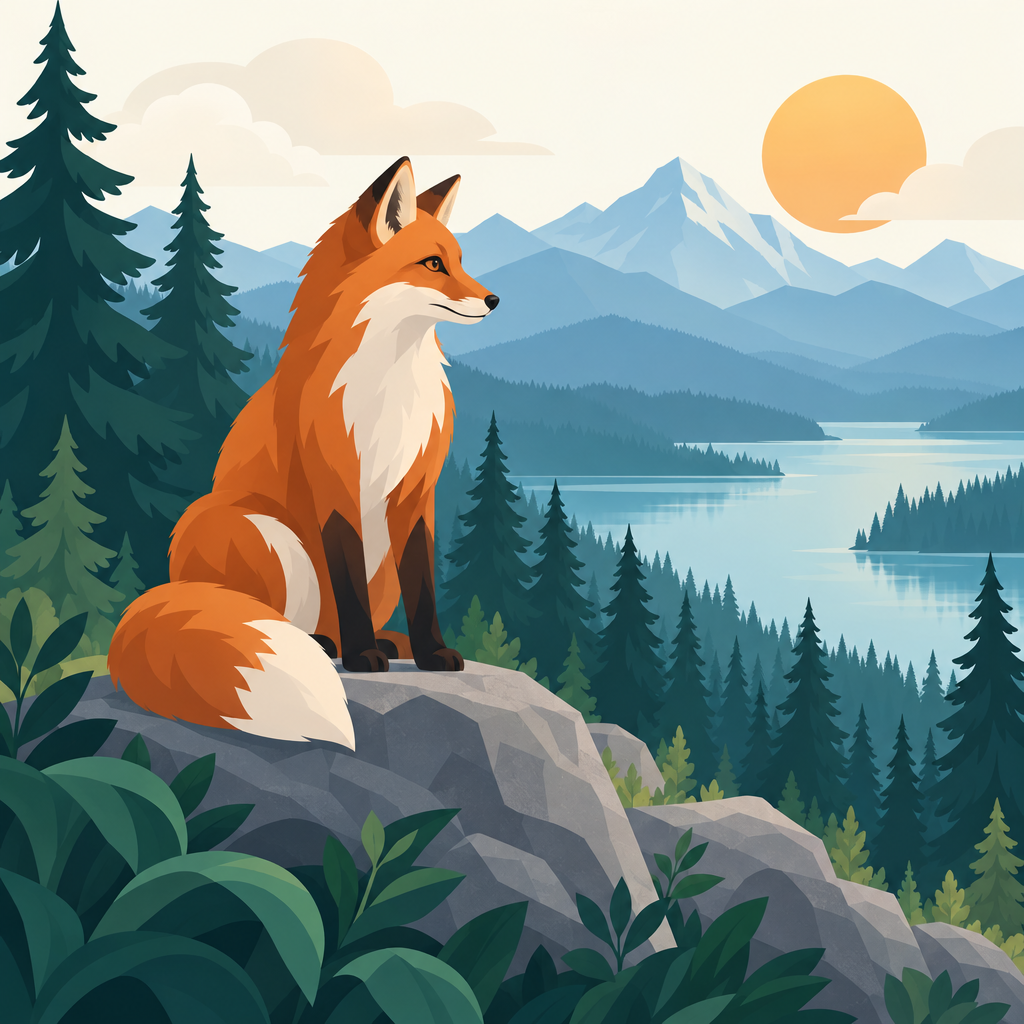
Recraft-v4-styles-pro-svg
JSON - Extract Keys
How to Use This Template
Step 1: Enter your text in 'Prompt' Node
Fill the 'Prompt' node with the required text.
No example available.
Step 2: Upload your files
In the 'Style Reference Images' node, upload the files you want to use in the workflow.
Step 3: Run the Flow
Click the 'Run' button to execute the flow and get the final output.
Frequently Asked Questions
Do I need a subscription to use Recraft V4 Styles Pro SVG?
No. Buy a credit pack once, generate, and come back whenever you want. Purchased credits stay valid 12 months, and every new purchase extends them.
What is Recraft V4 Styles Pro SVG?
It is Recraft’s pro vector model that generates editable SVG images following a specific visual style, given either as a saved style ID or as reference images.
Is the output really a vector file?
Yes. The model returns an SVG that you can open and edit in vector tools such as Figma or Illustrator.
What is a style ID?
A reusable Recraft style. Pass the same style ID across generations to keep a whole set of assets visually consistent.
Can I use my own images as a style reference?
Yes. Attach 1 to 10 PNG, JPG or WEBP images and Recraft creates a private style for that generation.
Can I combine a style ID and reference images?
No. They are mutually exclusive: use either a style ID or reference images in a given run.
What is the difference between precise and flexible style match?
Precise follows the style closely; flexible keeps its general mood while giving the model more freedom.
How do I choose the output format?
Pick an aspect ratio, or leave it unset and choose an exact size instead. The size is ignored when an aspect ratio is set.
What can I create with it?
Logos, icon systems, badges, illustrations and other brand assets that need a consistent vector style.
How much does a run cost?
A fixed price per generated image, whatever the size, style or prompt.
How do I know what a generation will cost?
The app shows the exact price on the Generate button and updates it as you change the settings, before anything is billed.
Is there a free trial available?
Yes, AI-FLOW offers a free trial to get you started. After that, you can purchase credits as needed—no subscription or long-term commitment required.