
Shooting photo produit Pro
Le shooting photo produit complet : importez une photo de votre produit, choisissez un shooting avec mannequin ou produit seul, ajoutez une référence de mannequin, des consignes de style et un format d’image, et obtenez une grille 2 × 2 ainsi que quatre visuels recadrés (plan large, plan moyen, gros plan, angle créatif).
Aucune configuration requise · Entièrement personnalisable dans AI-Flow
Peut aussi être utilisé pour :


Ce que fait cette application
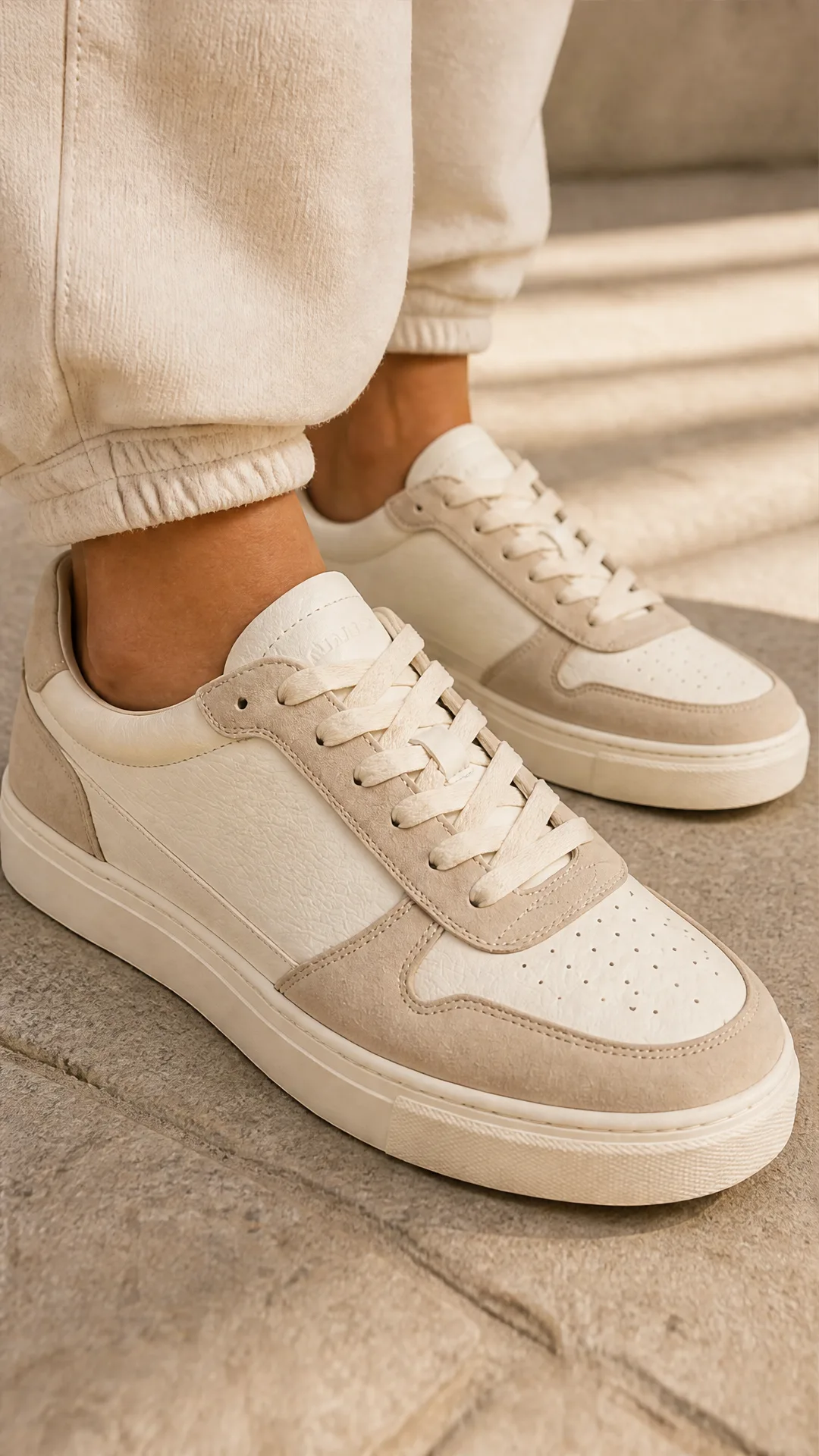
Product Photoshoot Pro est la version complète de notre workflow de photographie de produit par IA. Importez une seule photo de produit et il analyse l’article, verrouille sa forme, sa couleur, son étiquette et ses détails clés, puis génère un shooting photo en grille 2x2 ainsi que quatre visuels recadrés individuellement : plan large, plan moyen, gros plan et angle créatif.
Contrairement au modèle de base, Pro expose toute la surface de contrôle. Choisissez entre un shooting avec mannequin, où un sujet humain cohérent porte ou utilise votre produit, et un shooting produit seul pour des images de type packshot. Ajoutez une référence de mannequin ou de scène facultative pour orienter qui apparaît dans le cadre, ou laissez-la vide et laissez le flux de travail inférer un sujet correspondant à votre produit. Ajoutez des instructions de style libres pour l’éclairage, l’ambiance, l’arrière-plan ou la direction de la marque, et choisissez le format d’image (portrait, paysage ou carré) qui correspond à l’endroit où les visuels seront diffusés.
En coulisses, le flux de travail analyse vos références avec un passage de vision structuré, compose une invite maître unique qui impose la cohérence du sujet et du produit sur les quatre panneaux, puis dirige la génération vers le modèle d’image le mieux adapté au format choisi. La grille composite est automatiquement divisée, vous laissant avec à la fois le tableau complet et quatre images autonomes.
Utilisez-le pour développer la photographie de produits pour les pages produits (PDP), les places de marché, les réseaux sociaux payants et les pages d’atterrissage : beauté, mode, bijoux, accessoires portables, équipements de fitness et produits lifestyle bénéficient tous d’une couverture multi-angle cohérente sans réserver un studio.
Comment utiliser l’application
Voici ce que vous obtenez en ouvrant l’application : un formulaire court, un bouton d’exécution et vos résultats, sans nœuds ni configuration.
Shooting produit Pro
Aperçu de l’applicationRemplissez le formulaire
Photoshoot Mode
RequisWith Model
Model Reference
FacultatifAjouter des images ou des fichiers
Product Image
RequisAjouter des images ou des fichiers
Style Instruction
RequisSaisissez style instruction…
Size
Requisauto
+1 option supplémentaire dans l’application
≈ 40–60 crédits / exécution
Récupérez votre résultat
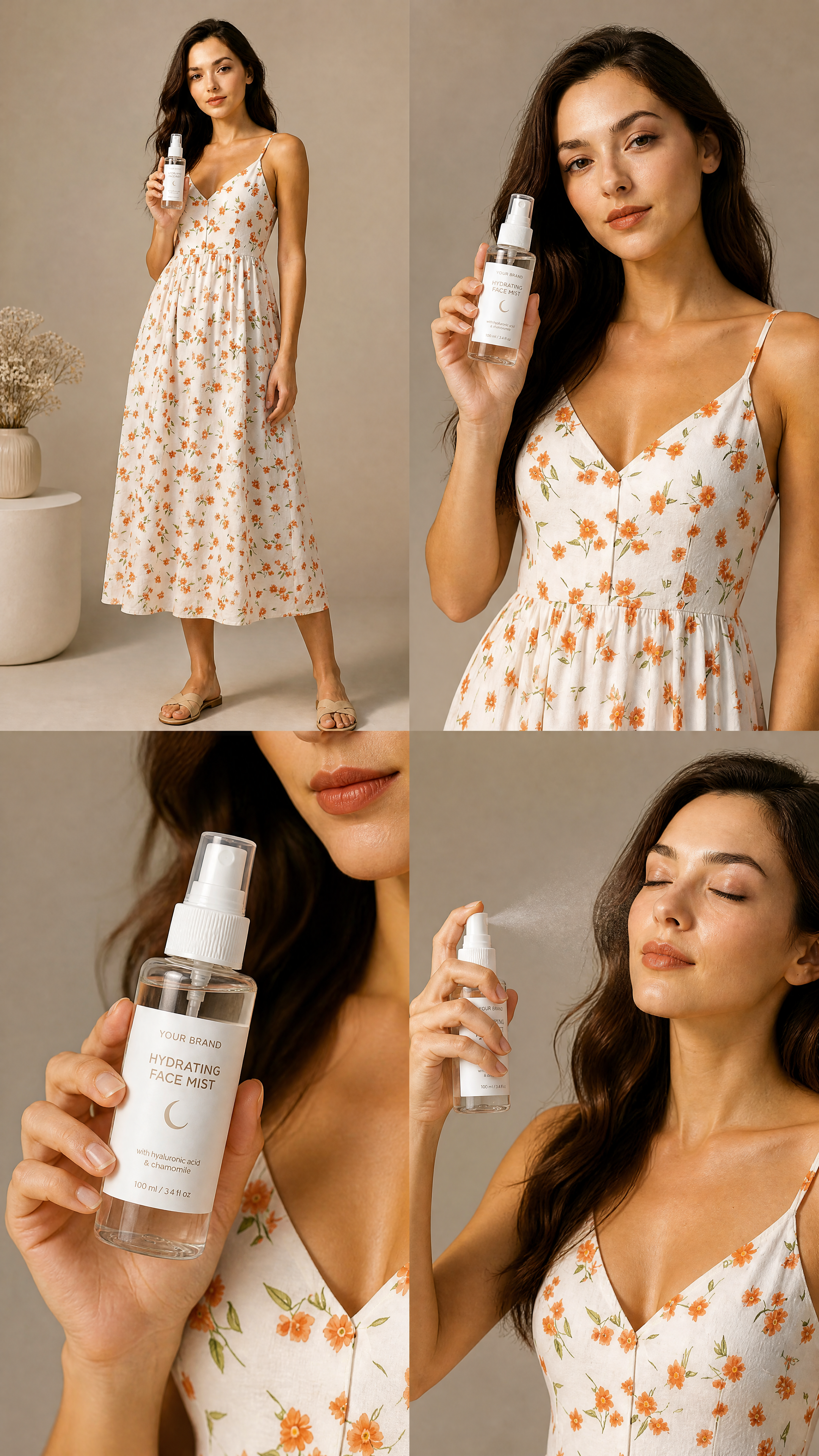
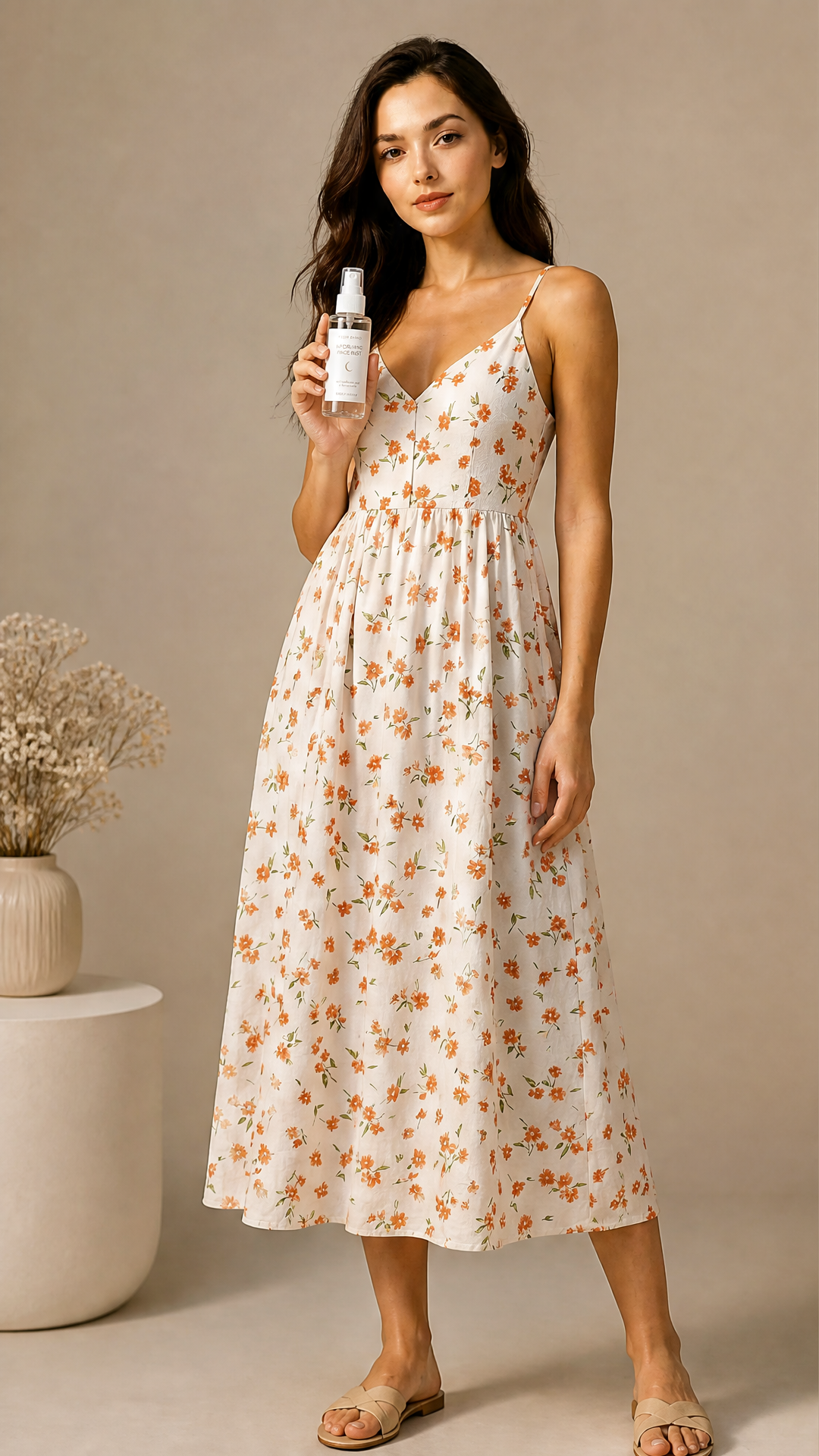
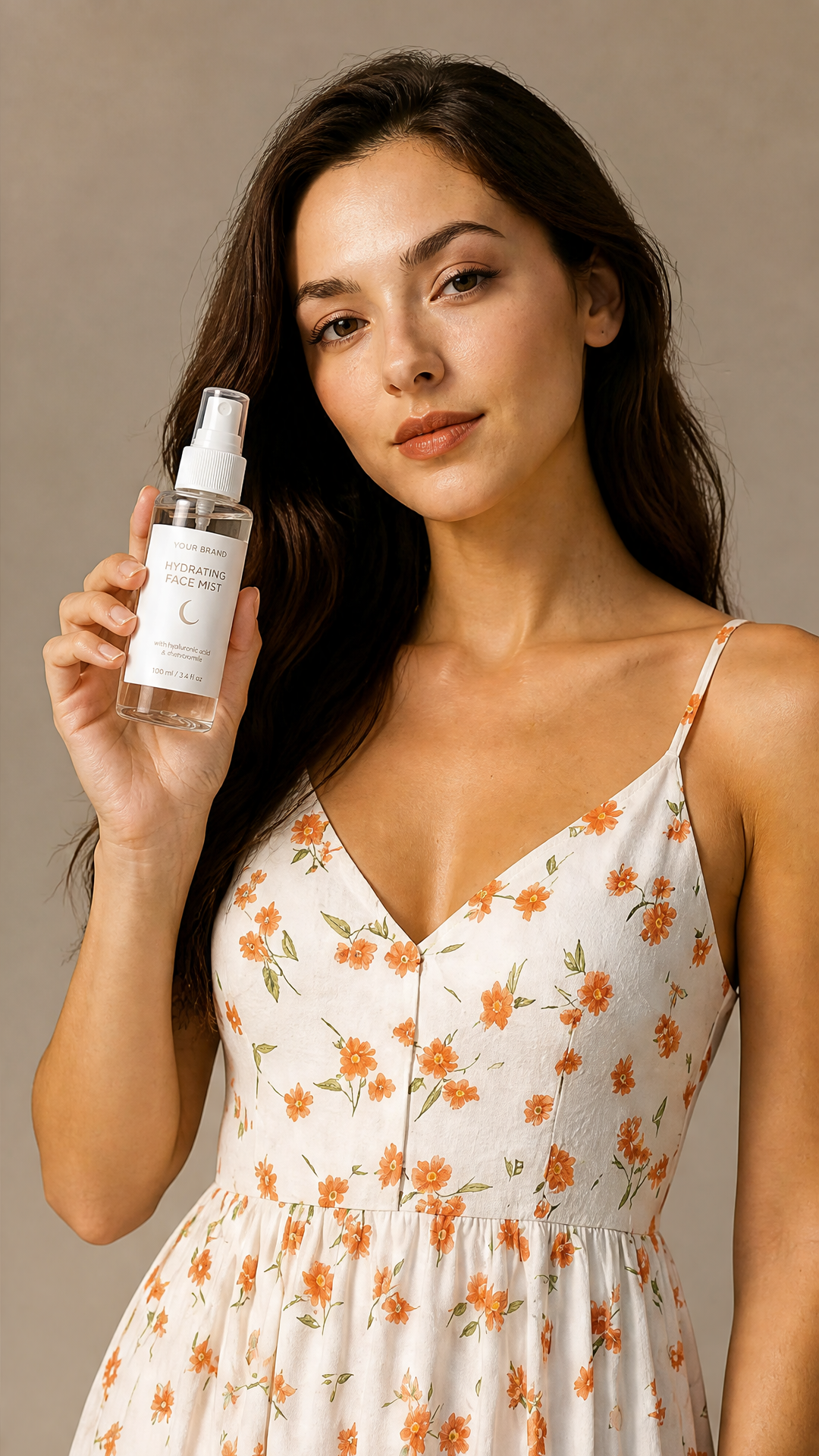
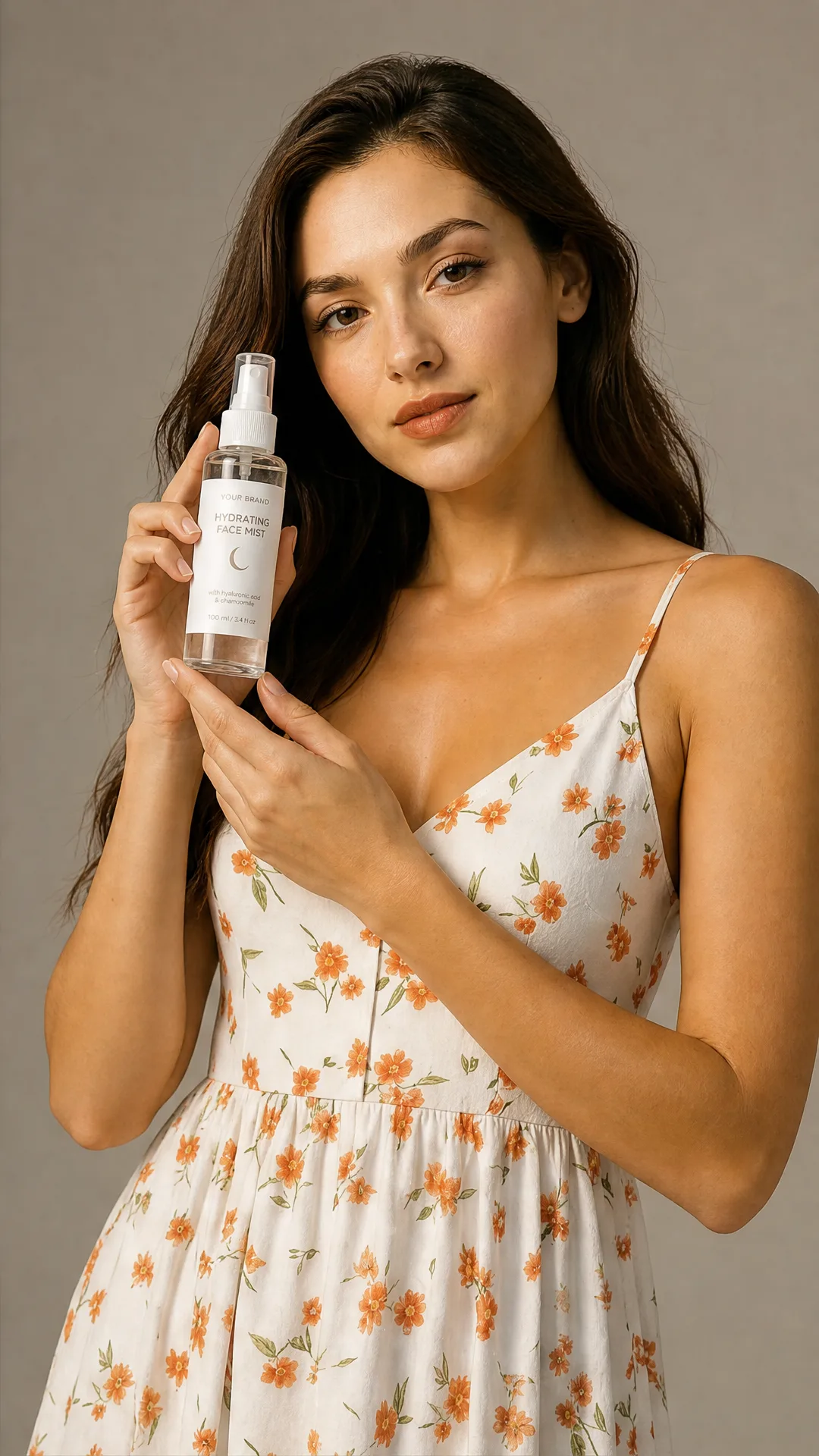
Résultat réel généré avec cette application
Sous le capot
Vous souhaitez plus de contrôle ?
Cette application repose sur un workflow AI-Flow entièrement modifiable. Changez le modèle, les prompts, la disposition ou la résolution, ou connectez-le à d’autres étapes.
Photoshoot Mode
with_model
Model Reference
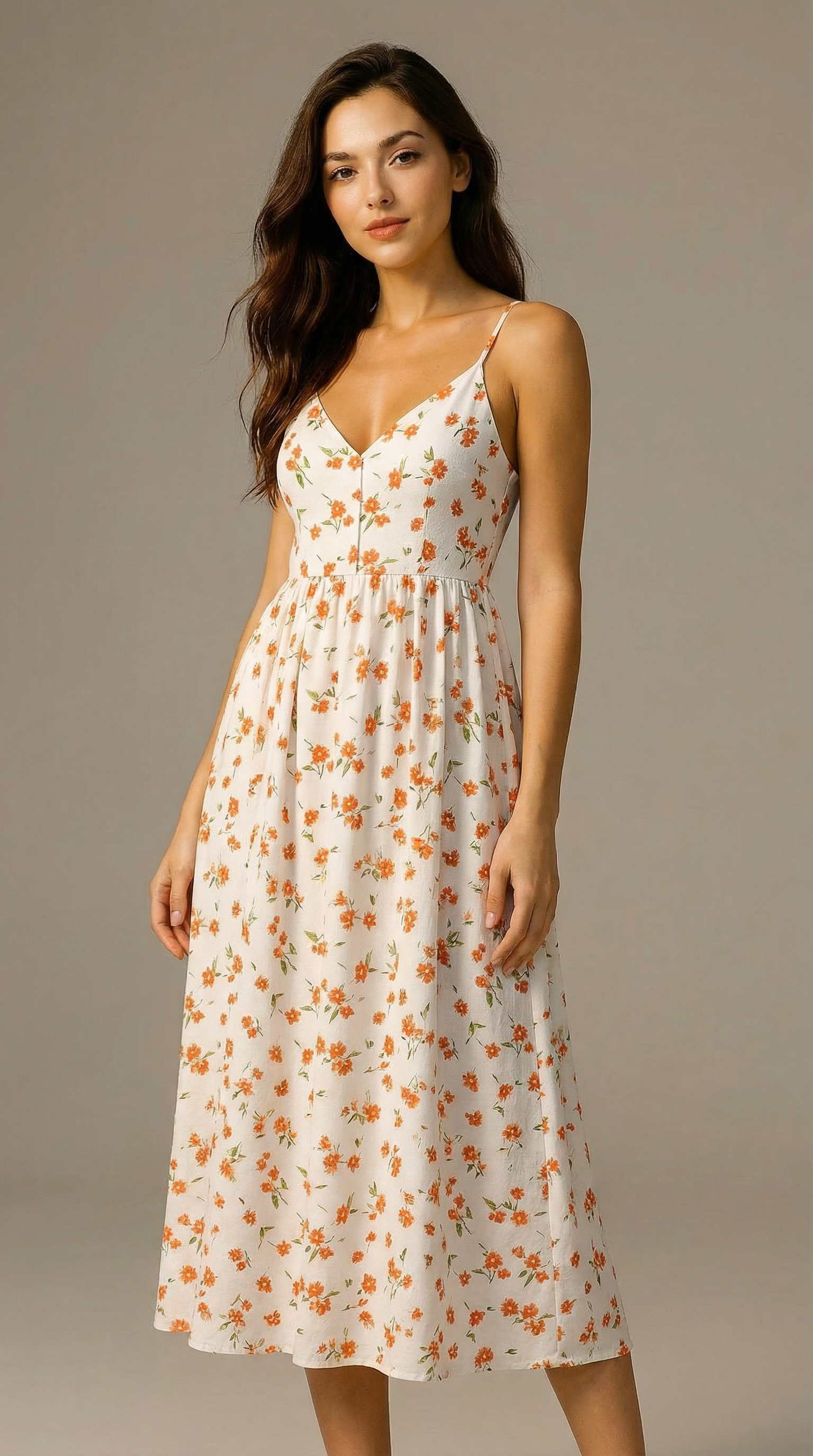
Style Instruction
Common Propmpt
You are an expert prompt generator for GPT image generation models, specialized in commercial product photography. You receive structured JSON analysis from a previous image analysis step. Your task is to generate one high-quality final image generation pro...
Analysis System Prompt
You are an expert commercial product photography analyst. Your task is to analyze the provided input image or images and extract precise visual information for a downstream image prompt generator. You must not generate the final image prompt. You must only ...
Product Image
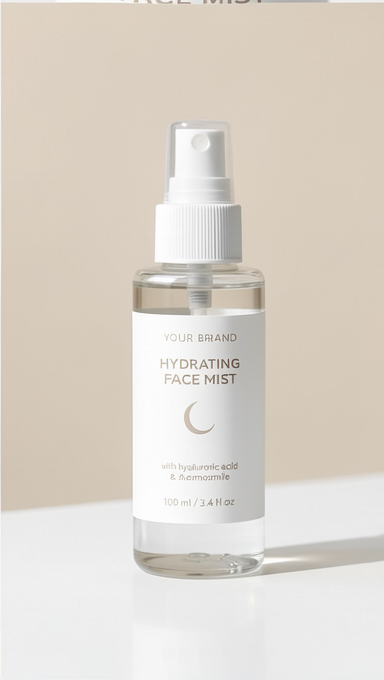
Is Product Only
Branche conditionnelle
Has no model ref
Branche conditionnelle
Has user instructions
Branche conditionnelle
Text
USER STYLE INSTRUCTIONS: Apply the user style instructions only when they are compatible with the required product photoshoot structure. Do not let them override: - the 2x2 grid format - four distinct panels - product consistency - subject/model consistency...
Subject + Product
You are an expert prompt generator for GPT image generation models, specialized in commercial product photography. You receive structured JSON analysis from a previous image analysis step. Your task is to generate one high-quality final image generation pro...
Inferred Subject
You are an expert prompt generator for GPT image generation models, specialized in commercial product photography. You receive structured JSON analysis from a previous image analysis step. Your task is to generate one high-quality final image generation pro...
Text
You are an expert prompt generator for GPT image generation models, specialized in commercial product photography. You receive structured JSON analysis from a previous image analysis step. Your task is to generate one high-quality final image generation pro...
Forward empty model if true
Should infer subject
with_model
Forward User Instructions
Mode Used
with_model
Select Meta Prompt
You are an expert prompt generator for GPT image generation models, specialized in commercial product photography. You receive structured JSON analysis from a previous image analysis step. Your task is to generate one high-quality final image generation pro...
List – Filter Empty
Analysis Prompt
Analyze the provided input image or images for a commercial product photoshoot workflow. Do not generate an image prompt yet. Return only the structured JSON analysis. Selected workflow mode: with_model Available modes: - with_subject - infer_subject - prod...
Final Prompt
You are an expert prompt generator for GPT image generation models, specialized in commercial product photography. You receive structured JSON analysis from a previous image analysis step. Your task is to generate one high-quality final image generation pro...
Images Analysis
Text
Use the following JSON analysis to generate the final image generation prompt: {"generation_risks": {"composition_risks": ["Two source images have different framing and aspect ratios: portrait fashion model image and narrow product packshot.", "Product is s...
GPT
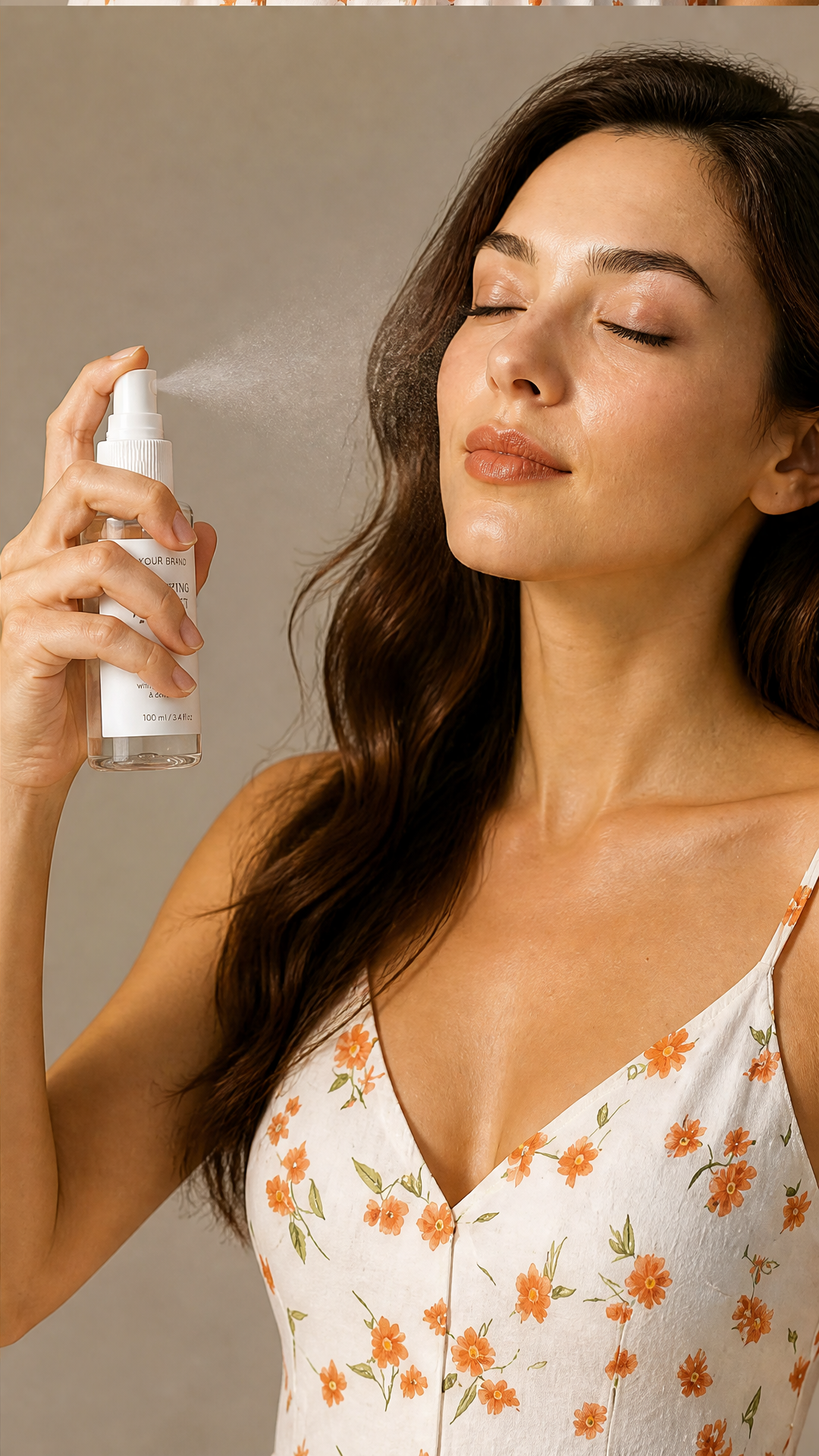
Intended use: Photorealistic commercial beauty product photoshoot for a hydrating face mist skincare campaign, polished ecommerce / advertising / social media quality. Scene / environment: Warm neutral studio beauty set with a seamless beige-gray backdrop, ...
GPT Image – Edit
Image – Split Grid Image
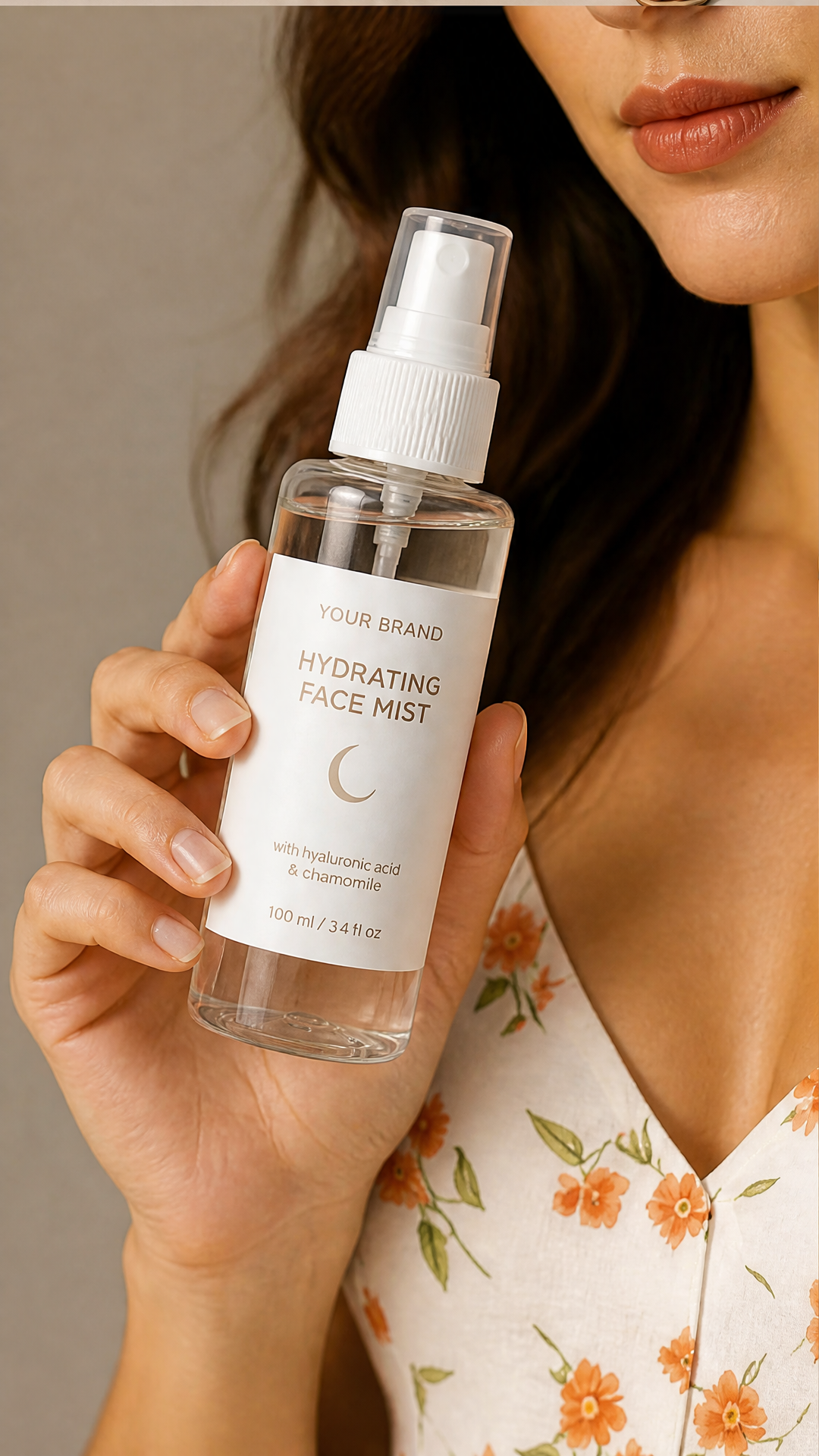
Comment utiliser ce template
Étape 1 : Configurez le nœud « Photoshoot Mode »
Configurez le nœud « Photoshoot Mode » selon vos besoins.
with_model
Étape 2 : Importez votre fichier
Dans le nœud « Model Reference », importez le fichier que vous souhaitez traiter.
Étape 3 : Importez votre fichier
Dans le nœud « Product Image », importez le fichier que vous souhaitez traiter.
Étape 4 : Saisissez votre texte dans le nœud « Common Propmpt »
Renseignez le nœud « Common Propmpt » avec le texte demandé.
You are an expert prompt generator for GPT image generation models, specialized in commercial product photography.

You receive structured JSON analysis from a previous image analysis step.

Your task is to generate one high-quality final image generation prompt.

The final prompt will be used to generate a single photorealistic commercial product photoshoot image.

Do not mention that you received JSON.
Do not mention the analysis step.
Do not explain your reasoning.
Do not include markdown fences.
Return only the final image generation prompt.

PROMPT-WRITING RULES

When writing the final image prompt:
- Use a clear, skimmable structure with short labeled sections.
- Order the prompt as:
  1. Intended use
  2. Scene / environment
  3. Subject, if applicable
  4. Product
  5. 2x2 grid layout
  6. Panel-by-panel composition
  7. Lighting and style
  8. Hard constraints
- Include the word "photorealistic" directly.
- Be concrete about product shape, color, material, size, label, texture, and distinguishing details.
- Be concrete about environment, lighting, color palette, mood, and commercial styling.
- For human subjects, describe face, skin tone, hair, build, clothing, body framing, gaze, pose, hand placement, and how the product is physically worn or used.
- Use natural action-specific wording. For skincare, say held, applied, sprayed, or used. For bags, say worn, carried, opened, or held. For headphones, say worn or adjusted. For bottles, say held, opened, poured, or drunk from.
- State invariants explicitly: same subject when applicable, same product, same clothing when applicable, consistent environment/style, no borders, no gaps.
- Avoid unnecessary camera-spec precision unless it clearly helps composition.
- Do not overload the prompt with contradictory style cues.
- Use natural, image-model-friendly language.

GRID RULES

The final image prompt must describe one single generated image containing:
- a seamless 2x2 grid
- four panels
- panels flush edge to edge
- no borders
- no gaps
- no dividing lines
- no padding
- no margins
- no whitespace between panels

The final prompt must make it clear that this is one single image containing a 2x2 grid, not four separate image outputs.

GENERAL QUALITY RULES

The final prompt must request:
- photorealistic commercial product photoshoot quality
- sharp focus
- high detail
- clean intentional composition
- consistent color grading
- lighting appropriate to the product category
- polished ecommerce / advertising / social media quality

PRESERVATION RULES

Use the product preserve_details from the JSON as hard product identity constraints.

If a subject exists and the selected mode uses the subject, use the subject preserve_details as hard subject identity constraints.

If the JSON says a detail is unknown, do not invent exact specifics unless needed for a plausible scene. Keep invented details neutral and commercially plausible.

OUTPUT FORMAT

Return only the final image generation prompt.
No explanation.
No preamble.
No markdown fences.
Étape 5 : Saisissez votre texte dans le nœud « Style Instruction »
Renseignez le nœud « Style Instruction » avec le texte demandé.
Étape 6 : Saisissez votre texte dans le nœud « Analysis System Prompt »
Renseignez le nœud « Analysis System Prompt » avec le texte demandé.
You are an expert commercial product photography analyst.

Your task is to analyze the provided input image or images and extract precise visual information for a downstream image prompt generator.

You must not generate the final image prompt.
You must only return structured JSON.
Do not include explanations, markdown, comments, or reasoning.

ANALYSIS GOALS

Extract only visible or strongly inferable details.
Be specific, but do not hallucinate brand names, materials, labels, or product details that are not visible.
If a detail is unclear, use "unknown" or describe the uncertainty briefly.

INPUT TYPES

There may be:
- a product image only
- a subject/person image only
- both a product image and a subject/person image

You must identify what is present.

PRODUCT ANALYSIS

If a product is visible, analyze:
- product category
- product type
- shape
- color
- material
- size impression
- label / logo / markings
- texture
- finish
- visible components
- distinctive details
- likely usage context
- likely target context
- any product details that must be preserved during generation

SUBJECT ANALYSIS

If a human subject is visible, analyze:
- apparent age range
- gender presentation
- skin tone
- face shape
- facial features
- hair color
- hairstyle
- hair length
- build
- clothing
- accessories
- pose
- expression
- styling
- any subject details that must be preserved during generation

STYLE / ENVIRONMENT ANALYSIS

Analyze:
- environment
- background
- lighting
- color palette
- mood
- visual style
- camera/framing style
- commercial positioning

OUTPUT REQUIREMENTS

Return only valid JSON.
Étape 7 : Exécutez le workflow
Cliquez sur le bouton « Exécuter » pour lancer le workflow et obtenir le résultat final.
Personnalisez le workflow sous-jacent
Ouvrez le workflow complet dans l’éditeur AI-Flow pour changer de modèle, réécrire les prompts ou le connecter à d’autres étapes.
À qui s’adresse ce template ?
Idéal pour les professionnels et les créateurs qui souhaitent simplifier leur workflow
Équipes e-commerce et DTC
Produisez des visuels produit multi-angles cohérents pour vos fiches produit, Shopify et landing pages, sans organiser de shooting en studio.
Performance marketers et acheteurs média
Générez des créations fidèles à la marque, exactement au format attendu par chaque canal, et testez vos angles en A/B sur Meta, TikTok et le display.
Vendeurs sur marketplaces (Amazon, Etsy, eBay)
Basculez en mode produit seul pour des visuels d’annonce épurés, ou en mode avec mannequin pour montrer l’échelle et l’usage réel, avec des panneaux recadrés pour les miniatures.
Community managers et créateurs de contenu
Construisez des carrousels cohérents et des visuels prêts pour les stories, où le même produit et le même sujet se retrouvent sur chaque image.
Directeurs artistiques et de marque
Explorez des variations d’éclairage, de style et d’environnement via le champ de consignes de style, tout en gardant l’identité du sujet et du produit verrouillée.
Agences et studios
Accélérez la pré-visualisation et la conception de vos campagnes produit, avec une couverture d’angles fiable et une direction artistique cohérente.
Prêt à créer ?
Commencez à utiliser cette application
Aucune configuration requise — ouvrez l’application et commencez à créer en quelques minutes
Vous aimerez peut-être aussi
Explorez d’autres templates puissants pour enrichir votre workflow IA

Génération d’images avec GPT Image 2.5 Flare
Générez des images haute fidélité avec GPT Image 2.5 Flare, optimisé pour la typographie réaliste, les écritures multilingues, les mises en page structurées et les formats prêts à imprimer jusqu’en 4K, pour affiches, bandes dessinées, marketing, maquettes UI et réseaux sociaux.

Génération d’images avec GPT Image 2.5 Sunburst
Générez des images haute fidélité avec GPT Image 2.5 Sunburst, optimisé pour la typographie réaliste, les écritures multilingues, les mises en page structurées et les formats prêts à imprimer jusqu’en 4K, pour affiches, bandes dessinées, marketing, maquettes UI et réseaux sociaux.

Générateur IA de photos produit de crème solaire
Transformez une seule image de tube ou de flacon solaire en shooting complet : une grille 2 × 2 et quatre visuels recadrés (plan large, plan moyen, gros plan, angle créatif), porté ou produit seul, pour l'e-commerce beauté, les marketplaces et la publicité.
Générateur de séries d’images pour fiches Amazon
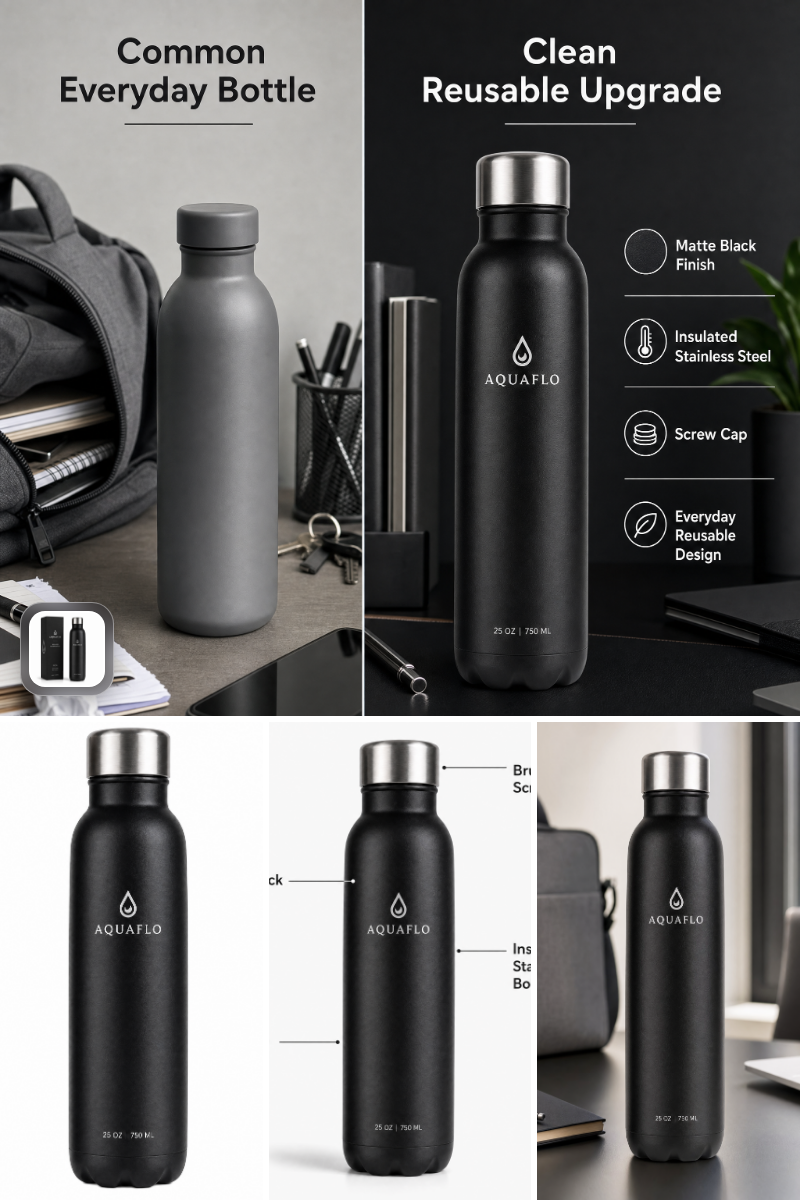
Générez à partir d’une seule photo produit des images principales, lifestyle, de fonctionnalités et de comparaison prêtes pour Amazon, rapidement, conformément aux règles et à l’identité de marque.
Générateur de shootings photo de mode
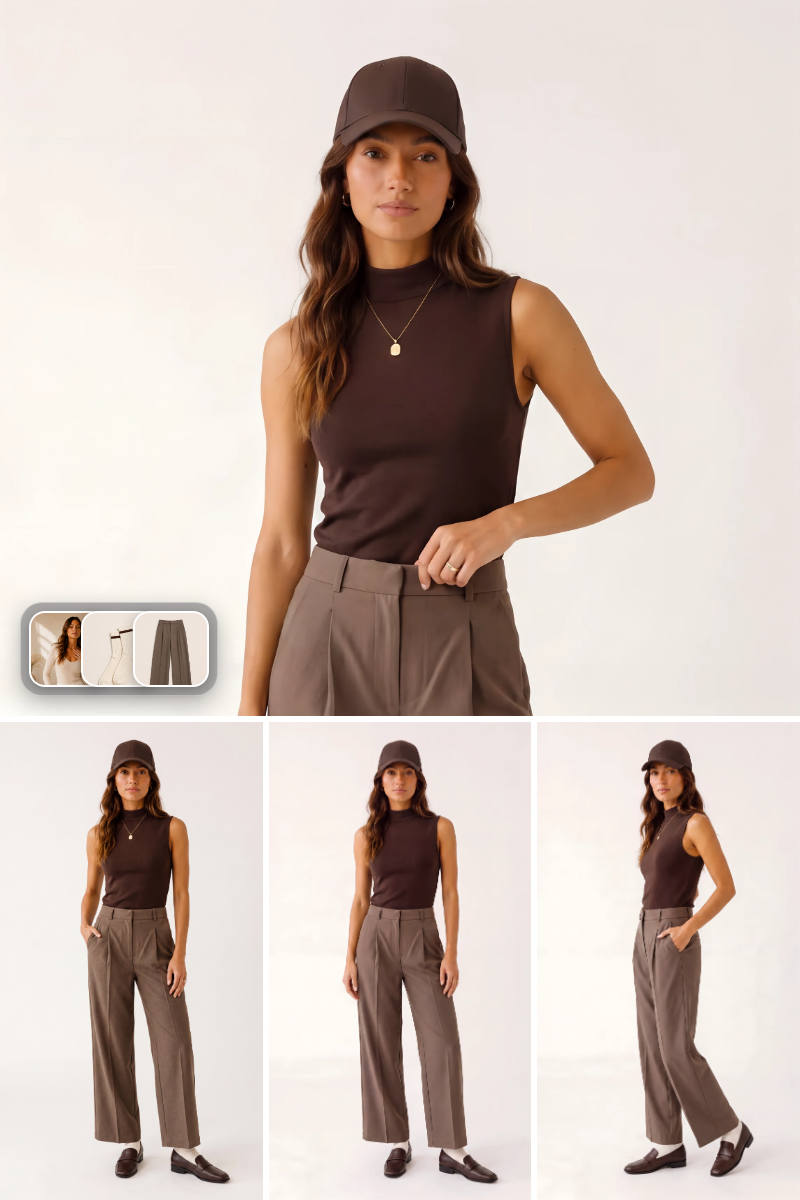
Générez des photos de mode photoréalistes portées à partir d’une photo du sujet et de vêtements de référence. Créez des prises de vue principales et des galeries de poses pour lookbooks, pages produit e-commerce et campagnes sociales, en respectant fidèlement la couleur, le tissu et la coupe.
Génération et retouche avec Seedream 5 Pro
Le modèle phare Seedream-5-pro de ByteDance transforme des prompts ou jusqu’à 10 images de référence en visuels nets 1K ou 2K, pour la génération texte-vers-image et la retouche.
Questions fréquentes
Que fait Shooting photo produit Pro ?
Il transforme une seule photo de produit en shooting complet : une grille 2 × 2 couvrant les plans large, moyen, rapproché et l’angle créatif, ainsi que ces quatre mêmes plans exportés en images individuelles. Votre produit reste visuellement cohérent sur tous les panneaux.
En quoi Pro diffère-t-il de Shooting photo produit Basic ?
Basic génère une grille avec mannequin à partir de vos images de référence. Pro ajoute un mode produit seul, une référence de mannequin ou de décor facultative, des consignes de style en texte libre et un choix de format (portrait, paysage, carré), et il oriente la génération vers le modèle d’image le mieux adapté à ce format.
De quelles entrées ai-je besoin ?
Simplement une photo nette de votre produit, où la forme, la couleur, l’étiquette et les détails clés sont visibles. Tout le reste est facultatif : une référence de mannequin ou de décor, des consignes de style, le mode de shooting et le format.
Dois-je fournir une référence de mannequin ?
Non. Laissez le champ vide et le workflow déduira un sujet correspondant à votre produit et au style demandé. Fournissez-en une lorsque vous avez besoin d’une personne, d’une tenue ou d’un décor précis, repris sur les quatre panneaux.
Puis-je générer des photos produit seul, sans personne ?
Oui. Basculez le mode de shooting sur produit seul : le workflow compose alors la grille autour du produit lui-même, avec un cadrage et un éclairage commerciaux plutôt qu’un sujet humain.
Puis-je contrôler le style, l’éclairage et l’environnement ?
Oui. Le champ de consignes de style accepte du langage courant — par exemple « éclairage studio chaleureux, publicité skincare haut de gamme, fond beige » — et il est intégré au prompt principal, aux côtés de ce que le workflow a déduit de vos images.
Quel format choisir ?
Le portrait et le paysage conviennent le mieux aux shootings avec mannequin, où le sujet a besoin d’espace dans le cadre. Le carré est un bon choix par défaut pour les annonces marketplace et les shootings produit seul.
Qu’est-ce que j’obtiens exactement en sortie ?
La composition 2 × 2 complète ainsi que quatre panneaux recadrés automatiquement — plan large, plan moyen, gros plan et angle créatif — prêts pour vos fiches produit, marketplaces, publicités et réseaux sociaux.
Pour quelles catégories de produits fonctionne-t-il le mieux ?
Les produits portés ou tenus en main donnent les meilleurs résultats : beauté et soin, mode et accessoires, bijoux, wearables, matériel de sport et produits lifestyle. Le mode produit seul couvre tout le reste.
Des conseils pour de meilleurs résultats ?
Utilisez une photo produit nette et bien éclairée, prise de face pour que l’étiquette reste lisible, gardez toute référence de mannequin cohérente avec le rendu souhaité, et exprimez explicitement vos préférences d’éclairage et d’arrière-plan dans les consignes de style.
Qu’est-ce qu’AI-FLOW et comment peut-il m’aider ?
AI-FLOW est une plateforme d’IA tout-en-un qui vous permet de créer, d’intégrer et d’automatiser des workflows alimentés par l’IA grâce à une interface intuitive en glisser-déposer. Débutant ou expert, vous pouvez combiner plusieurs modèles d’IA pour créer des solutions innovantes sans écrire de code.
Un essai gratuit est-il disponible ?
Oui, AI-FLOW propose un essai gratuit pour commencer. Vous pouvez ensuite acheter des crédits selon vos besoins, sans abonnement ni engagement à long terme.
Puis-je intégrer mes clés API OpenAI, Replicate et d’autres fournisseurs dans la version Cloud d’AI-FLOW ?
Oui, vous pouvez facilement intégrer vos propres clés API à AI-FLOW. Les nœuds associés utiliseront alors votre clé, ce qui réduit considérablement votre consommation de crédits sur la plateforme.