
AI Fashion Photoshoot Generator
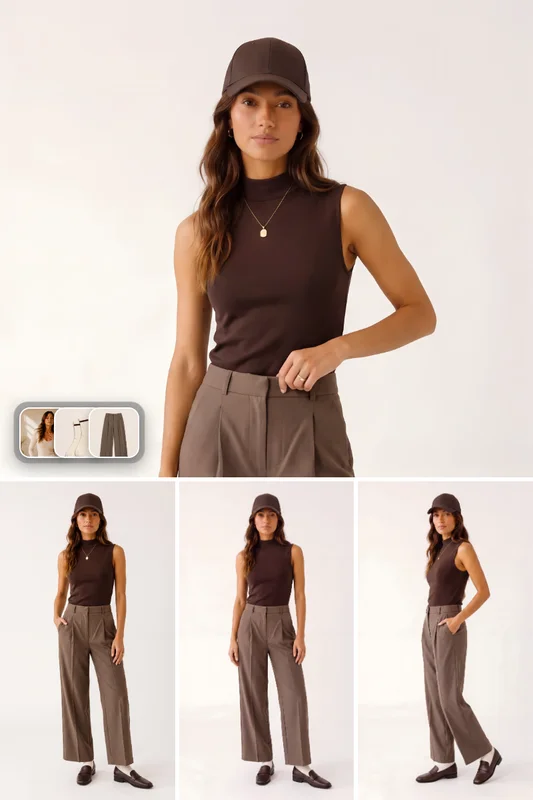
Generate photorealistic on‑model fashion photos from a subject photo and clothing references. Create anchor shots and pose‑variant galleries for lookbooks, ecommerce PDPs, and social campaigns with brand‑safe accuracy in color, fabric, and fit.
No workflow setup required · Fully customizable in AI-Flow
What This App Does
Fashion Photoshoot Generator turns a single subject photo plus clothing reference images into studio‑ready, on‑model visuals. It analyzes your subject, garments, and brand guardrails to preserve identity, garment colors, materials, construction details, and realistic fit while composing clean, commercial fashion shots.
How it works
Upload a subject photo and one or more clothing reference images.
Set shoot controls — mood (editorial to luxury or streetwear), background (studio seamless, showroom, urban, outdoor), and campaign use (lookbook, ecommerce PDP, social ad, editorial).
The workflow builds a compact production brief, engineers a concise anchor prompt, and renders a photorealistic anchor shot.
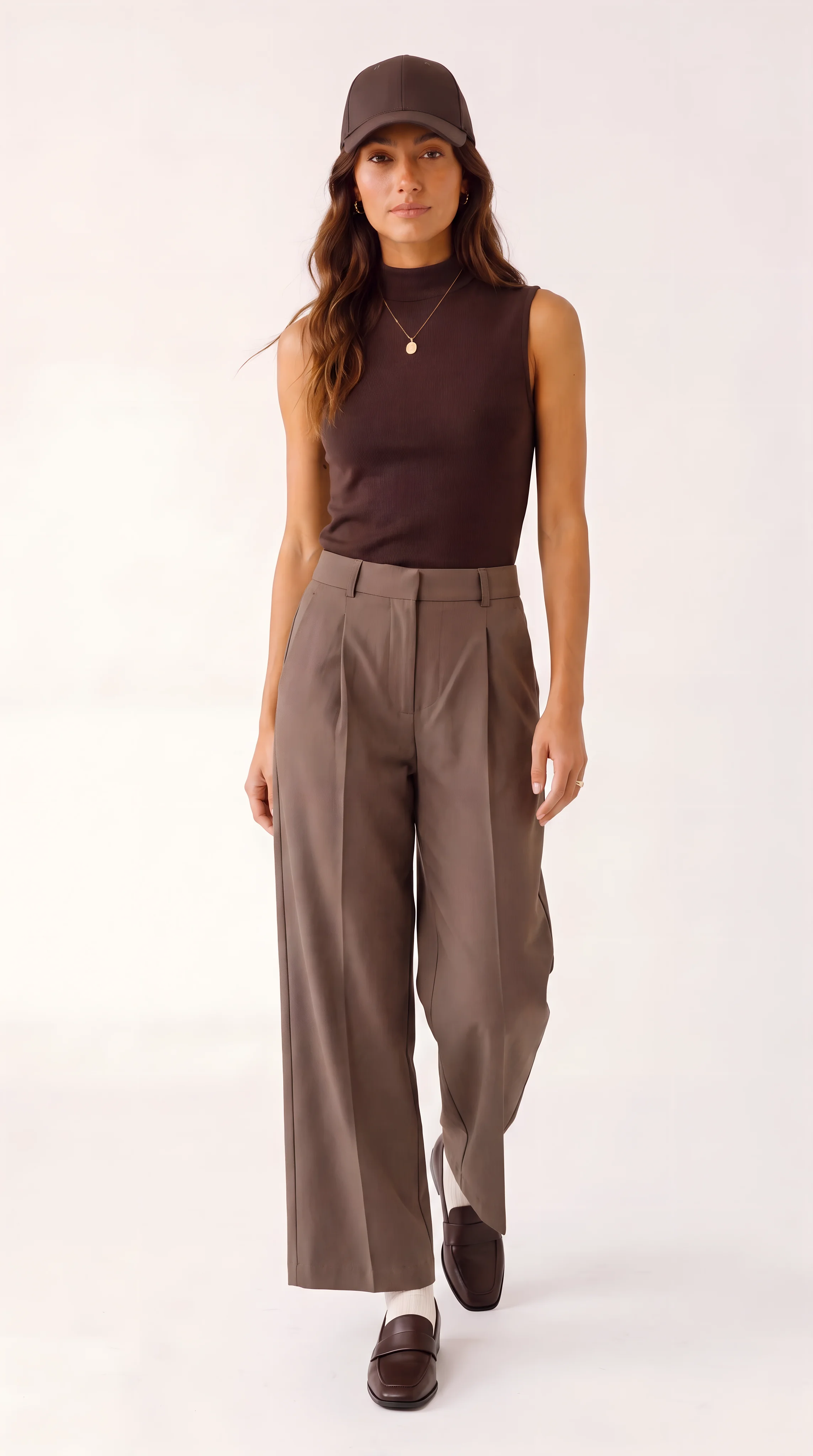
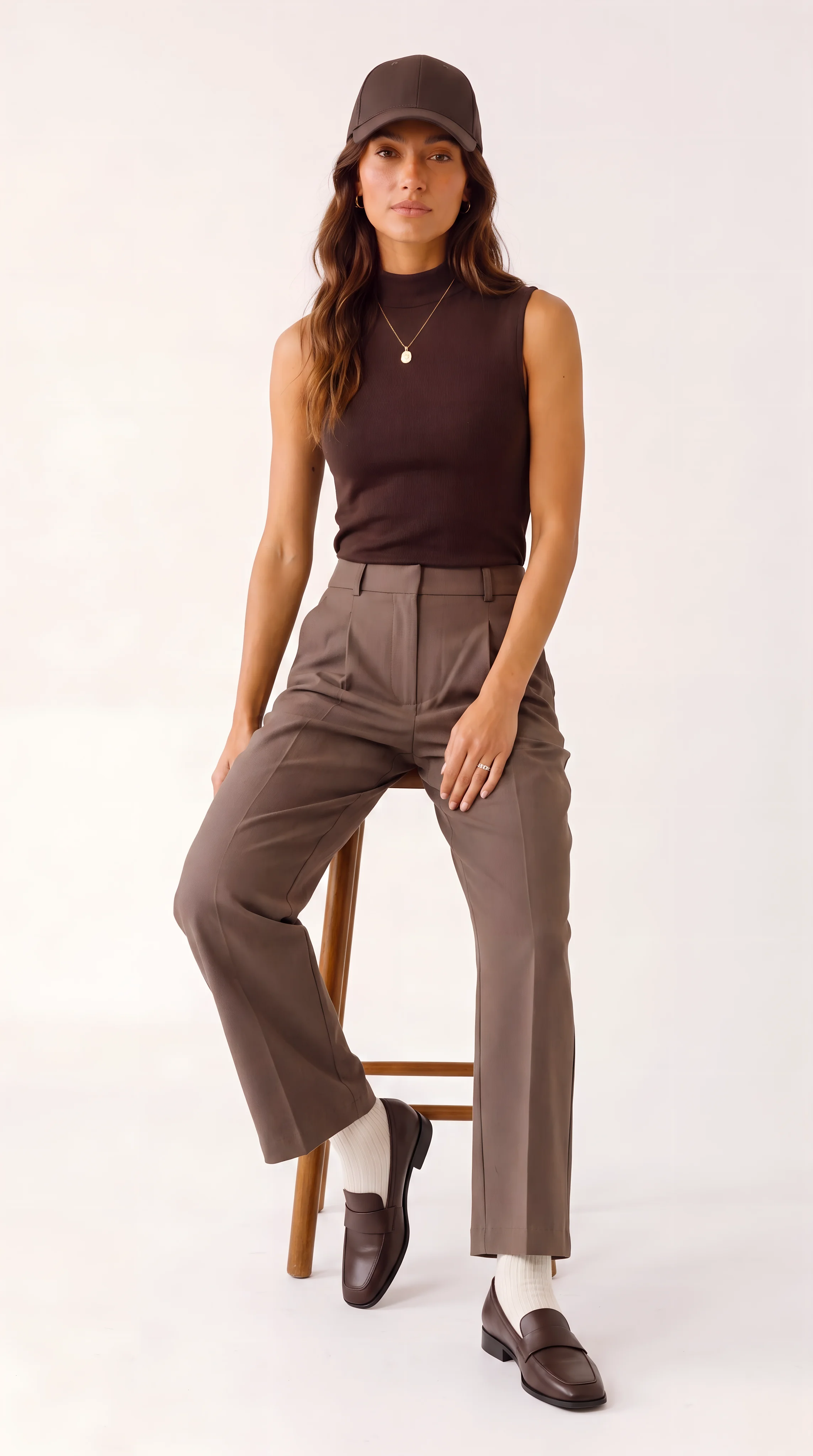
It then generates multiple pose variants (full‑body, three‑quarter, walking, seated, detail‑focused) for a consistent lookbook or PDP gallery.
Why it’s different
Wardrobe continuity and identity preservation ensure no unwanted logos or design changes.
Accurate fabric behavior, true color, natural hands and proportions, and readable footwear/details.
Clean editorial composition with minimal clutter and commercially usable lighting.
Outputs are high‑quality images (default 9:16; other aspect ratios supported) suitable for catalogs, PDPs, ads, and brand editorials. Ideal for rapid creative iteration, seasonal updates, and scaling product imagery while staying faithful to supplied references.
How to Use the App
Here’s what you get when you open the app: a short form, one run button, your results — no nodes, no setup.
Fashion Photoshoot Generator
App previewFill in the form
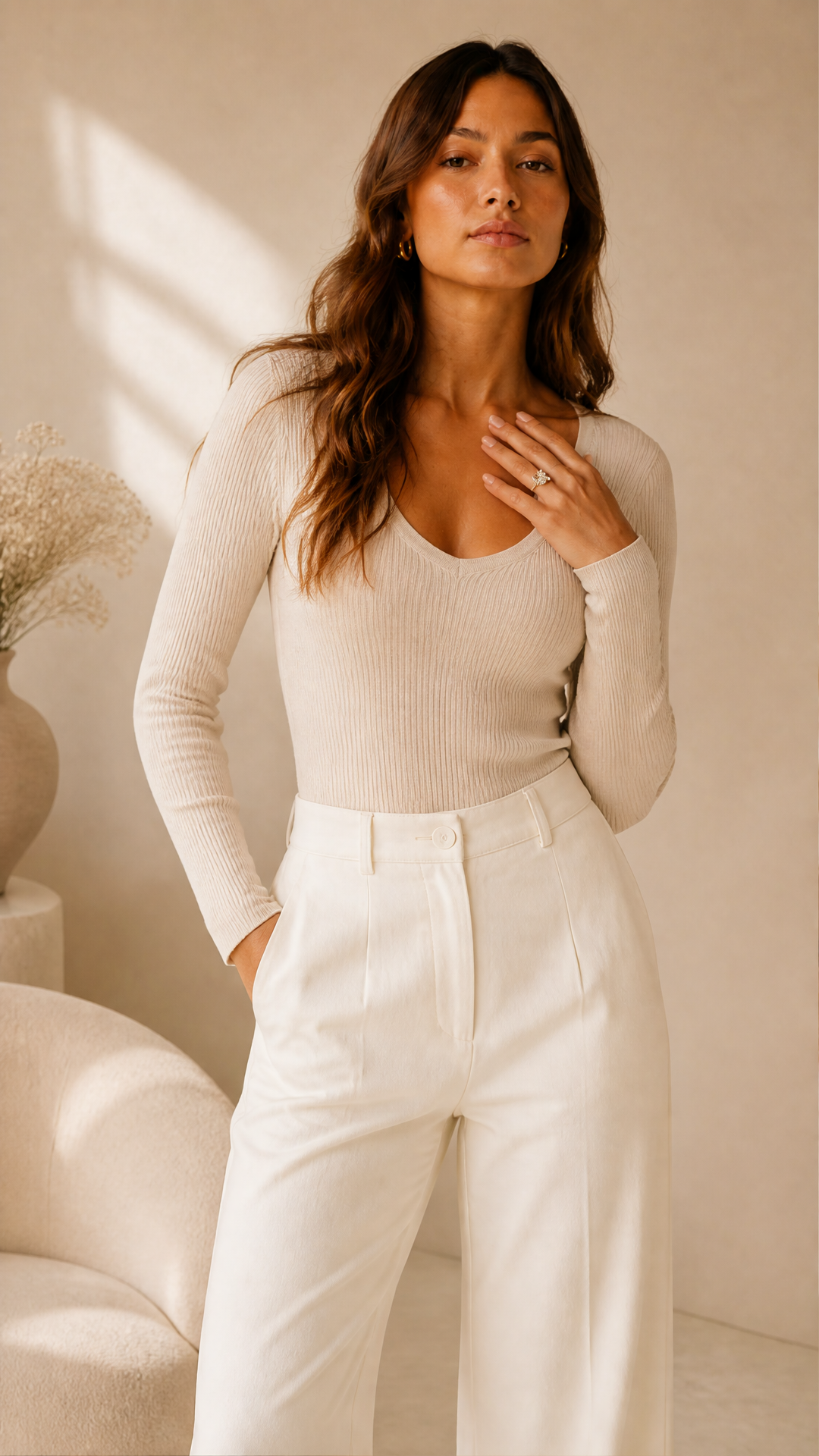
Subject Photo
RequiredAdd images or files
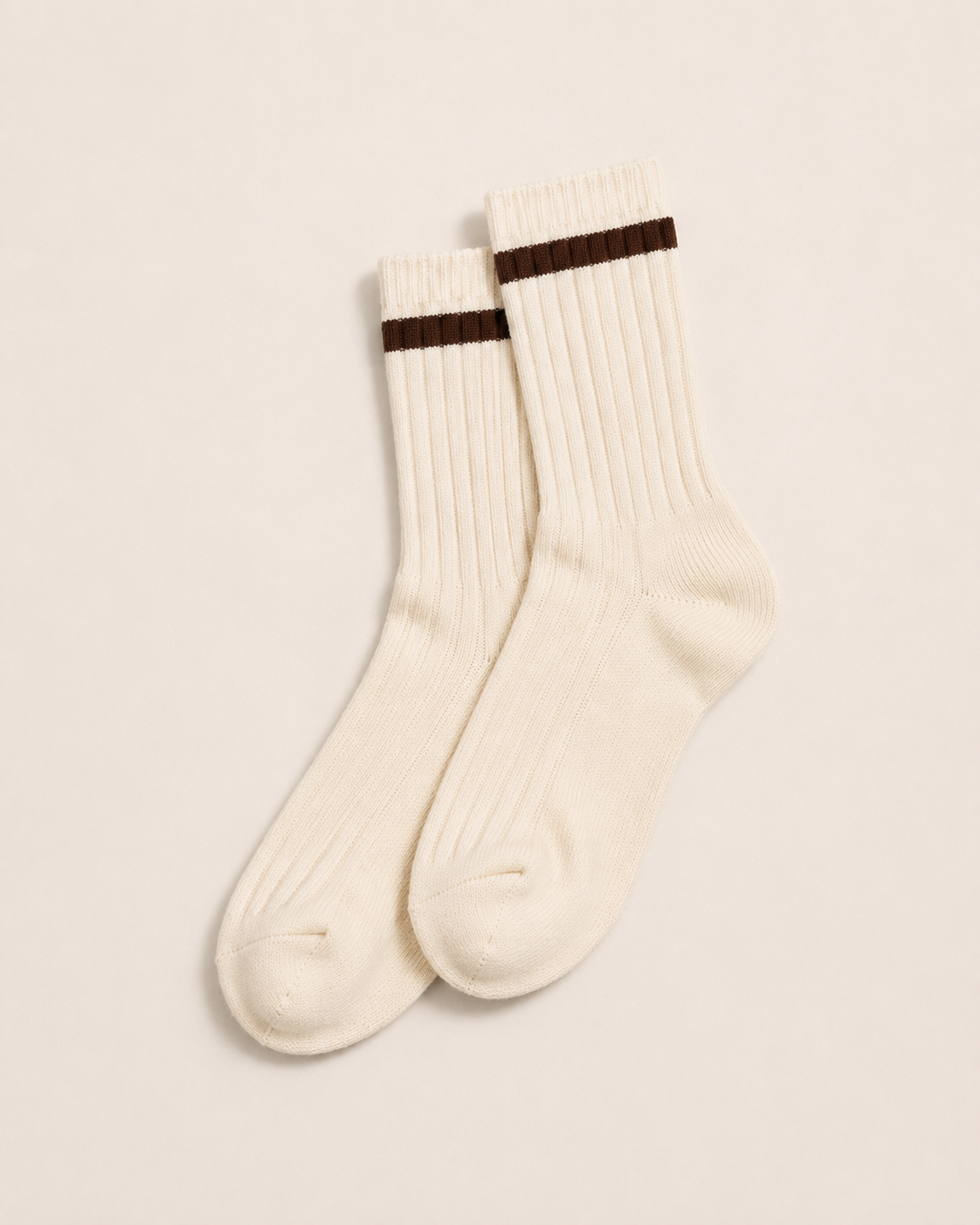
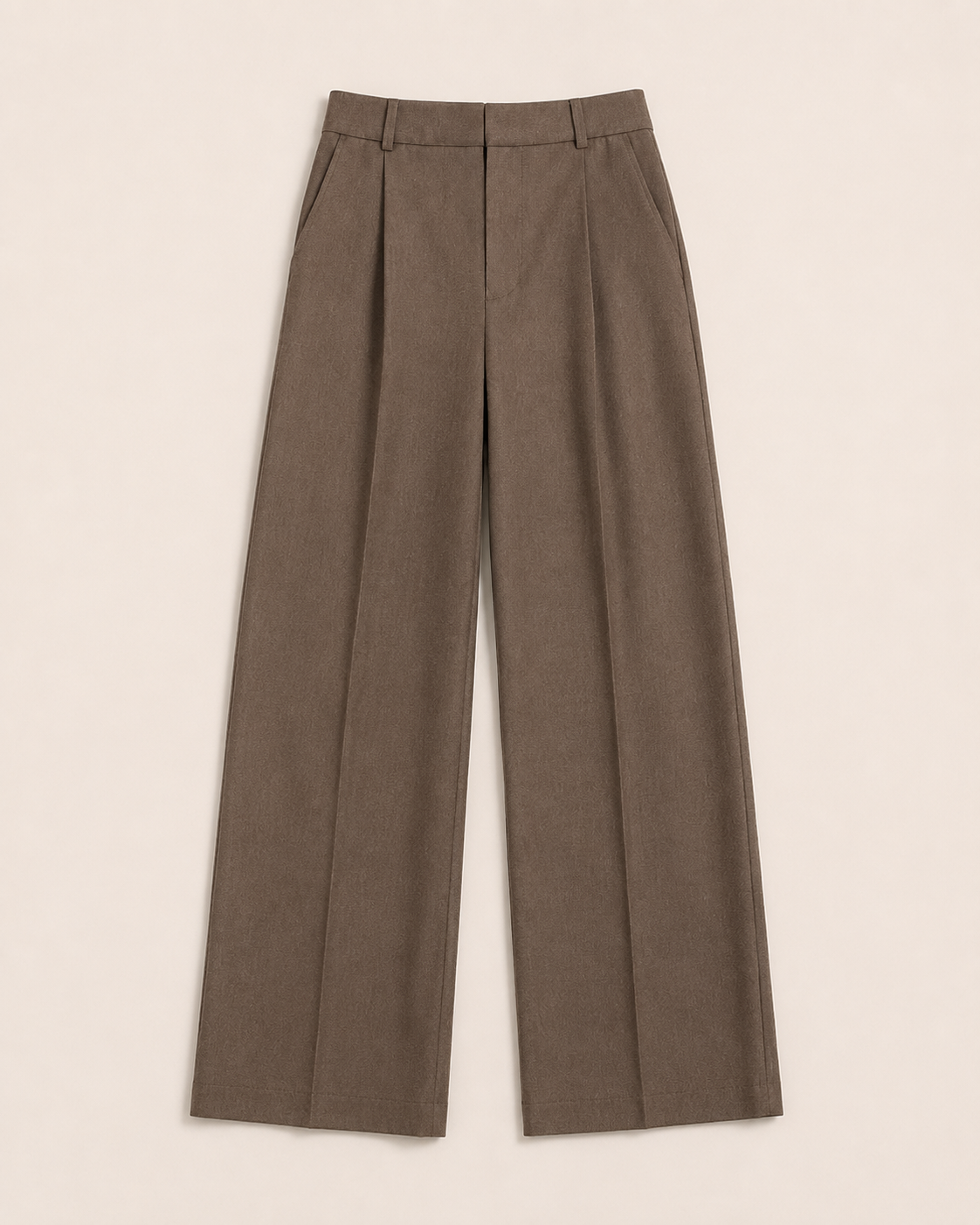
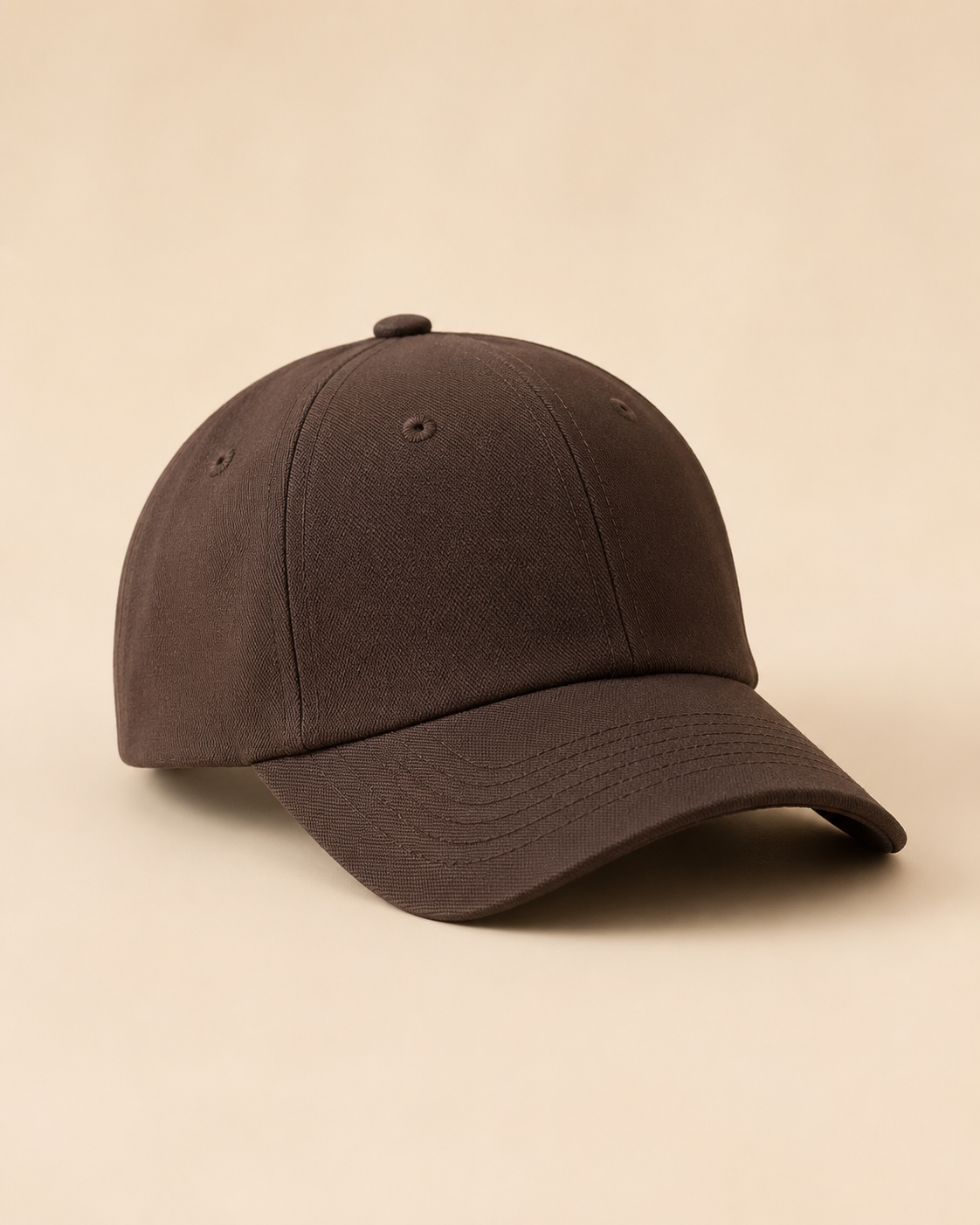
Clothing Reference Images
RequiredAdd images or files
Clothing Items Notes
OptionalKeep the outfit sleek, fitted, and athletic. Preserve exact product colors and materials from any uploaded clothing references.
Mood
RequiredClean Editorial
Background
RequiredStudio Seamless
+1 more option in the app
≈ 150 credits / run
Get your result
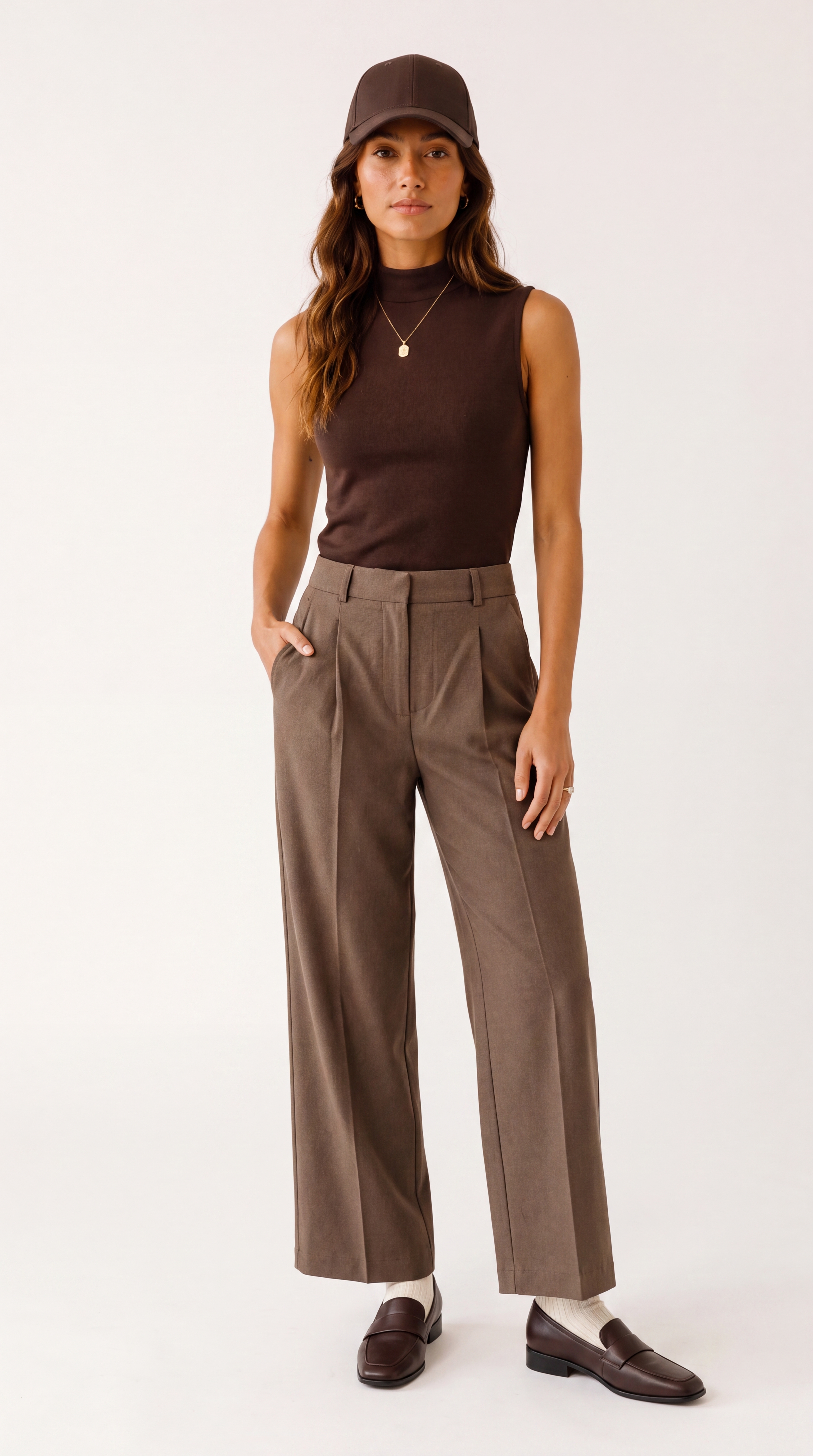
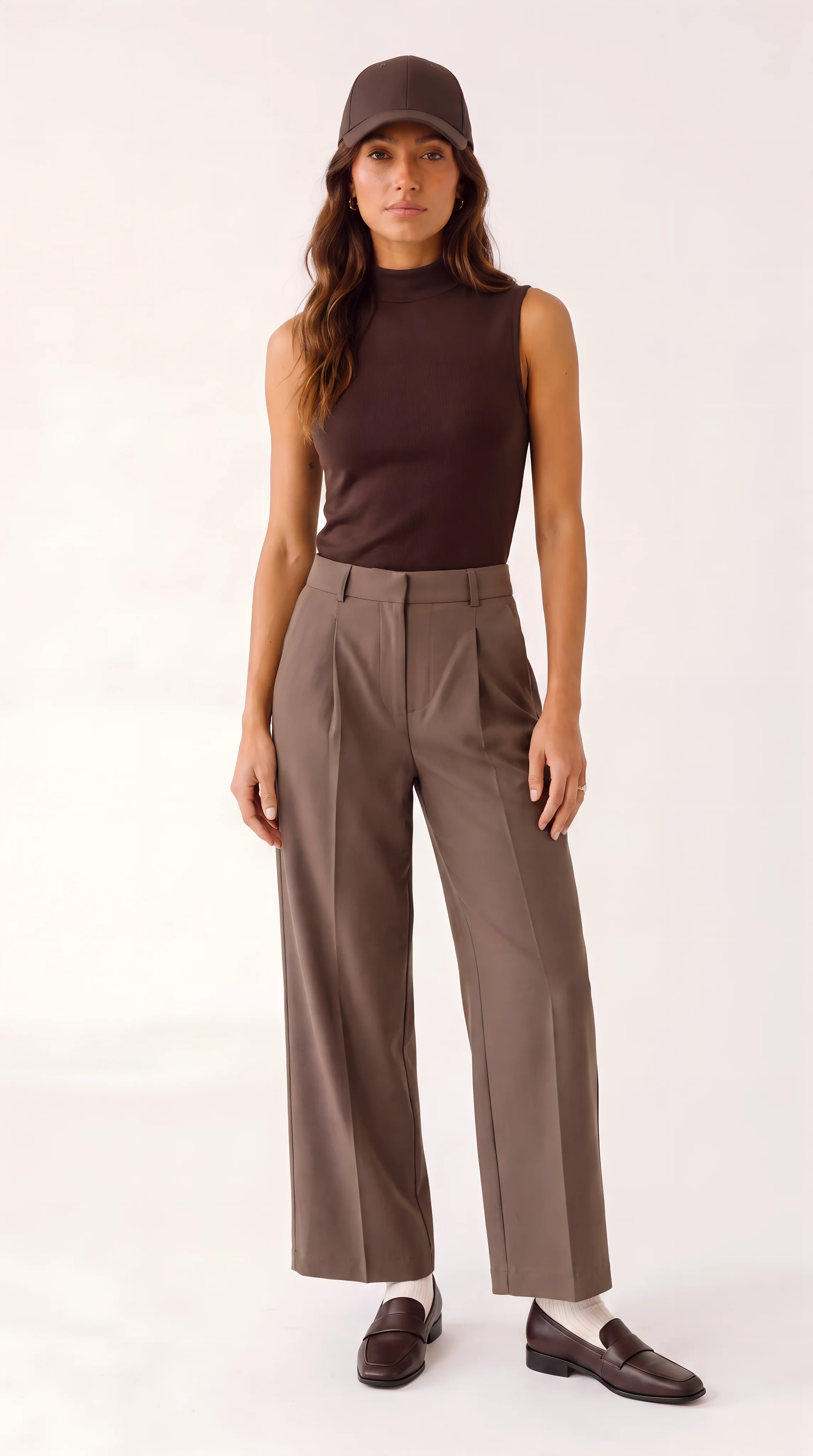
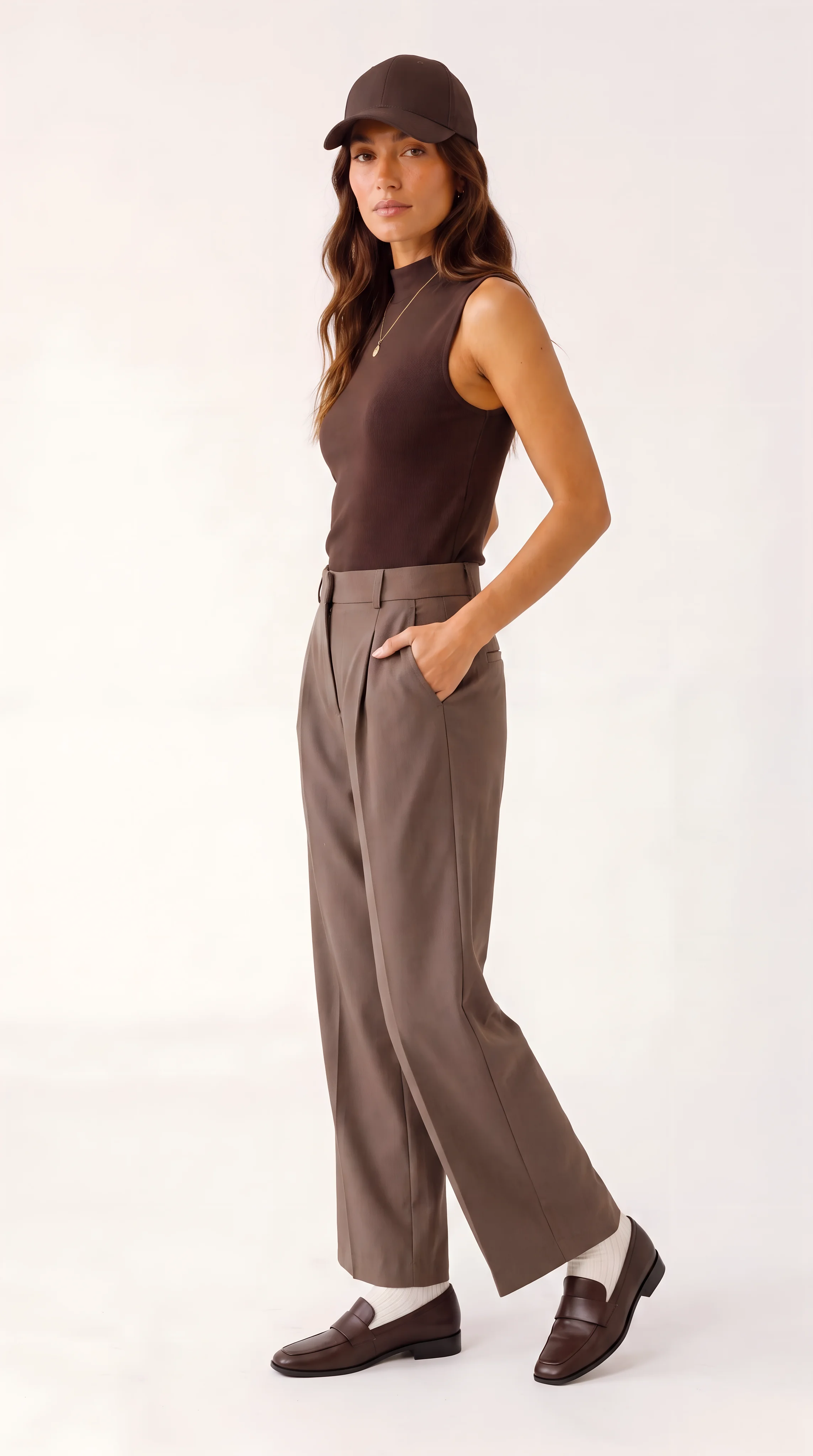
Real output generated with this app
Under the Hood
Want more control?
This app is powered by a fully editable AI-Flow workflow. Change the model, prompts, layout, resolution — or connect it to other steps.
Subject Photo
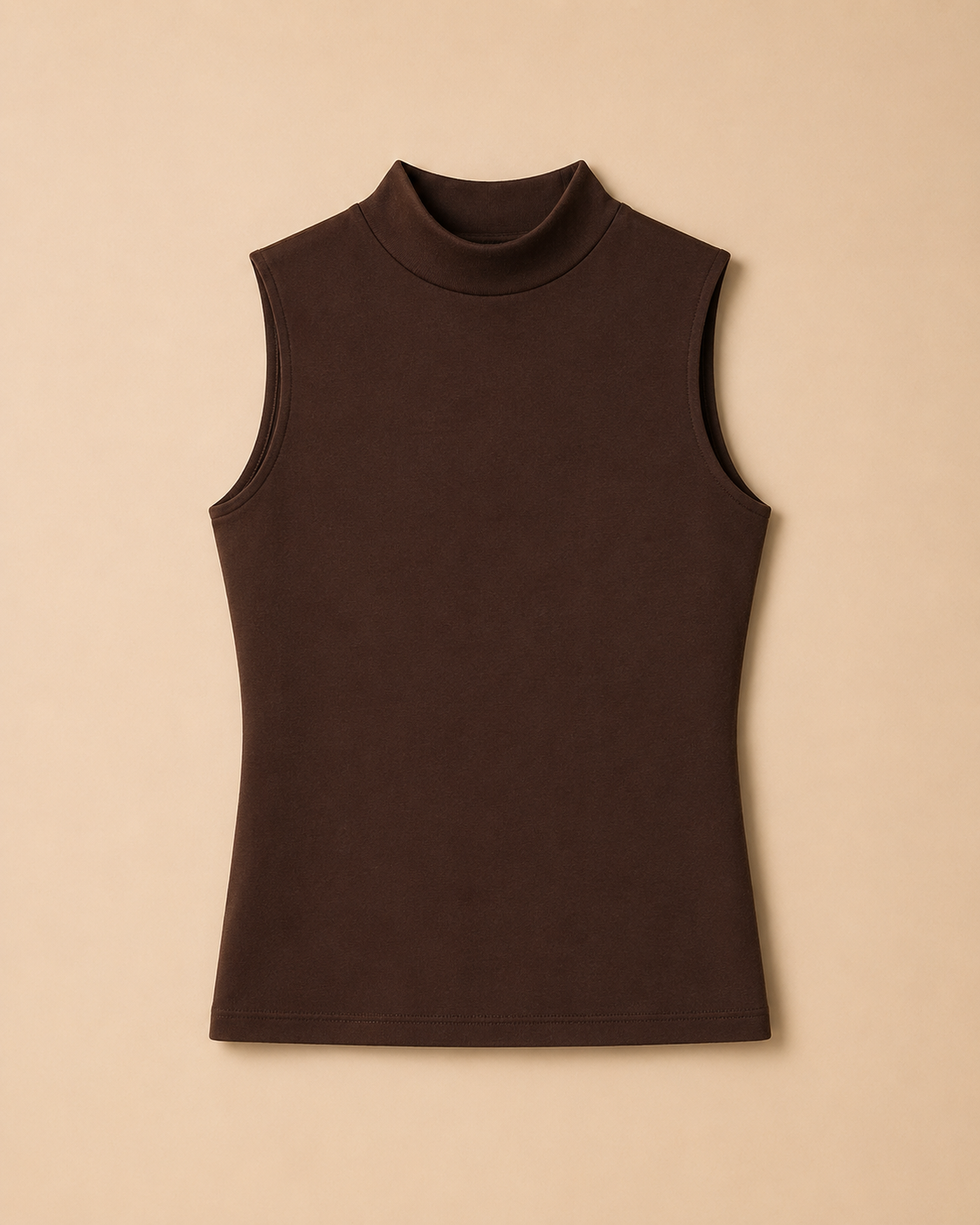
Clothing Reference Images
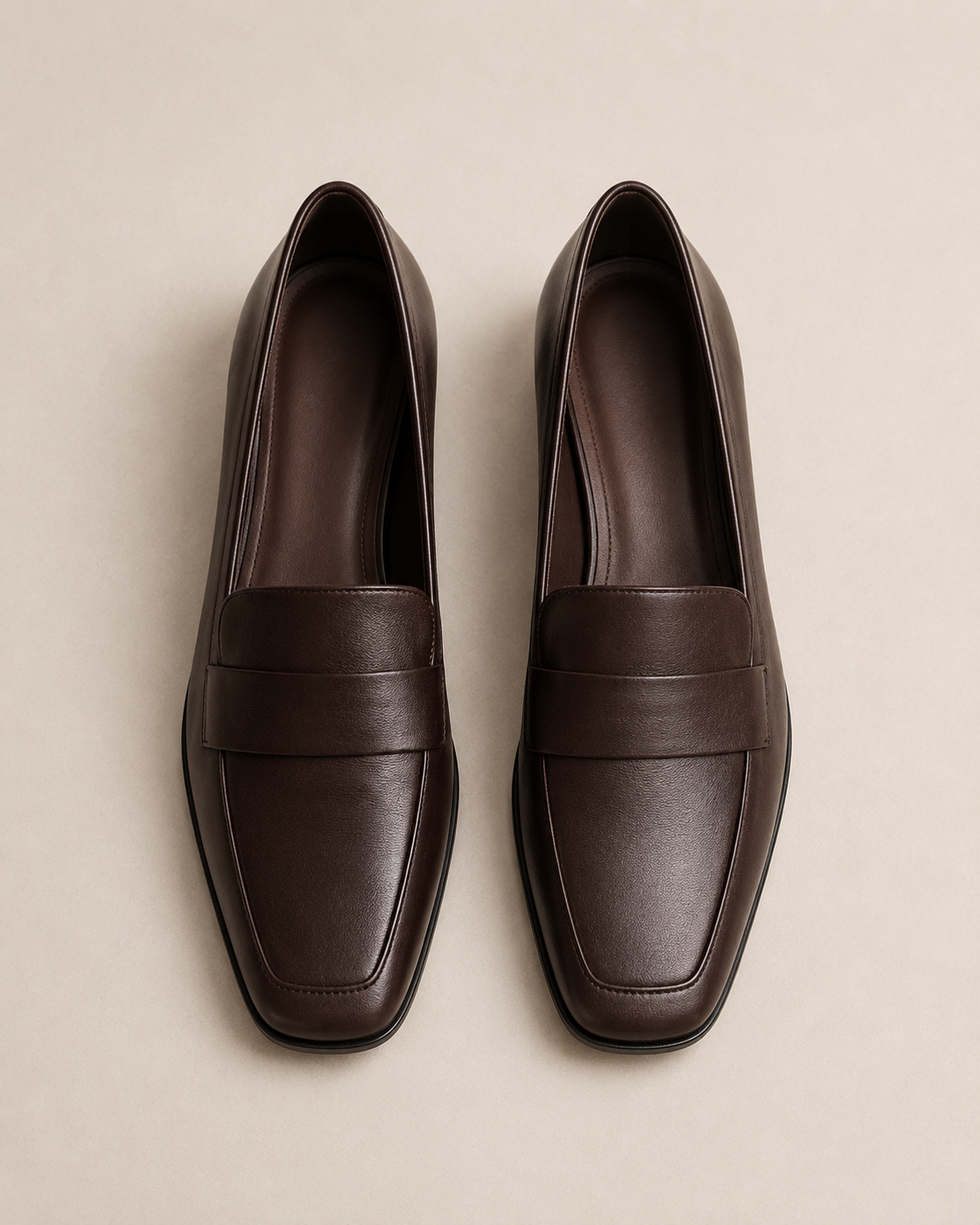
Clothing Items / Notes
Keep the outfit sleek, fitted, and athletic. Preserve exact product colors and materials from any uploaded clothing references.
Brand Guardrails
Photorealistic commercial fashion photography. Make the clothes the hero. Keep product details accurate, avoid extra logos or text, and keep fit, proportions, hands, and fabric behavior natural.
Mood
Clean, restrained fashion-editorial styling with polished composition, natural confidence, and minimal visual clutter. Keep the garments clear and premium without making the image feel overly dramatic.
Background
Use a clean seamless studio backdrop in a neutral warm white, off-white, or light grey tone. Keep the background simple so the outfit silhouette, fit, and materials are the focus.
Campaign Use
Optimize for a brand lookbook: full-outfit readability, clean styling, consistent framing, and a polished editorial catalog feel. Prioritize accurate garment fit and silhouette over heavy concept.
Pose Set
front full-body stance, relaxed confidence, hands lightly at sides three-quarter turn, one hand in pocket, showing side silhouette walking stride toward camera, natural motion, outfit visible head to toe seated editorial pose on a simple stool, posture tall...
Prompt Rules
Build prompts as concise fashion shoot briefs. Preserve subject identity, garment colors, fit, construction details, materials, and visible branding. Specify pose, camera angle, crop, lens feel, lighting, background, and mood. Keep the result photorealistic...
Reference Image List
Shoot Controls
Clothing notes: Keep the outfit sleek, fitted, and athletic. Preserve exact product colors and materials from any uploaded clothing references. Brand guardrails: Photorealistic commercial fashion photography. Make the clothes the hero. Keep product details ...
Analyze Subject + Outfit
## Compact Production Brief ### 1) Subject visual traits to keep consistent - Adult female model with warm tan/olive skin tone. - Long, medium-brown wavy hair with soft face-framing pieces and a natural center/soft middle part. - Defined cheekbones, full na...
Anchor Prompt Context
Shoot controls: Clothing notes: Keep the outfit sleek, fitted, and athletic. Preserve exact product colors and materials from any uploaded clothing references. Brand guardrails: Photorealistic commercial fashion photography. Make the clothes the hero. Keep ...
Build Anchor Prompt
Photorealistic full-body vertical brand lookbook shot of the same adult female model, warm tan/olive skin, long medium-brown wavy hair, minimal polished makeup, calm confident expression, small gold hoops. She wears a dark chocolate brown sleeveless fitted ...
Anchor Outfit Image
Pose Variants
How to Use This Template
Step 1: Upload your file
In the 'Subject Photo' node, upload the file you want to process.
Step 2: Upload your files
In the 'Clothing Reference Images' node, upload the files you want to use in the workflow.
Step 3: Enter your text in 'Clothing Items / Notes' Node
Fill the 'Clothing Items / Notes' node with the required text.
Keep the outfit sleek, fitted, and athletic. Preserve exact product colors and materials from any uploaded clothing references.
Step 4: Enter your text in 'Brand Guardrails' Node
Fill the 'Brand Guardrails' node with the required text.
Photorealistic commercial fashion photography. Make the clothes the hero. Keep product details accurate, avoid extra logos or text, and keep fit, proportions, hands, and fabric behavior natural.
Step 5: Configure 'Mood' Node
Configure the 'Mood' node as needed.
Clean, restrained fashion-editorial styling with polished composition, natural confidence, and minimal visual clutter. Keep the garments clear and premium without making the image feel overly dramatic.
Step 6: Configure 'Background' Node
Configure the 'Background' node as needed.
Use a clean seamless studio backdrop in a neutral warm white, off-white, or light grey tone. Keep the background simple so the outfit silhouette, fit, and materials are the focus.
Step 7: Configure 'Campaign Use' Node
Configure the 'Campaign Use' node as needed.
Optimize for a brand lookbook: full-outfit readability, clean styling, consistent framing, and a polished editorial catalog feel. Prioritize accurate garment fit and silhouette over heavy concept.
Step 8: Upload your files
In the 'Pose Set' node, upload the files you want to use in the workflow.
front full-body stance, relaxed confidence, hands lightly at sides
three-quarter turn, one hand in pocket, showing side silhouette
walking stride toward camera, natural motion, outfit visible head to toe
seated editorial pose on a simple stool, posture tall, shoes visible
detail-focused pose, slight lean, one hand adjusting waistband or hem, product textures visible
Step 9: Enter your text in 'Prompt Rules' Node
Fill the 'Prompt Rules' node with the required text.
Build prompts as concise fashion shoot briefs. Preserve subject identity, garment colors, fit, construction details, materials, and visible branding. Specify pose, camera angle, crop, lens feel, lighting, background, and mood. Keep the result photorealistic, commercially usable, and faithful to the supplied references. Output only the final image prompt when prompt writing is requested.
Step 10: Run the Flow
Click the 'Run' button to execute the flow and get the final output.
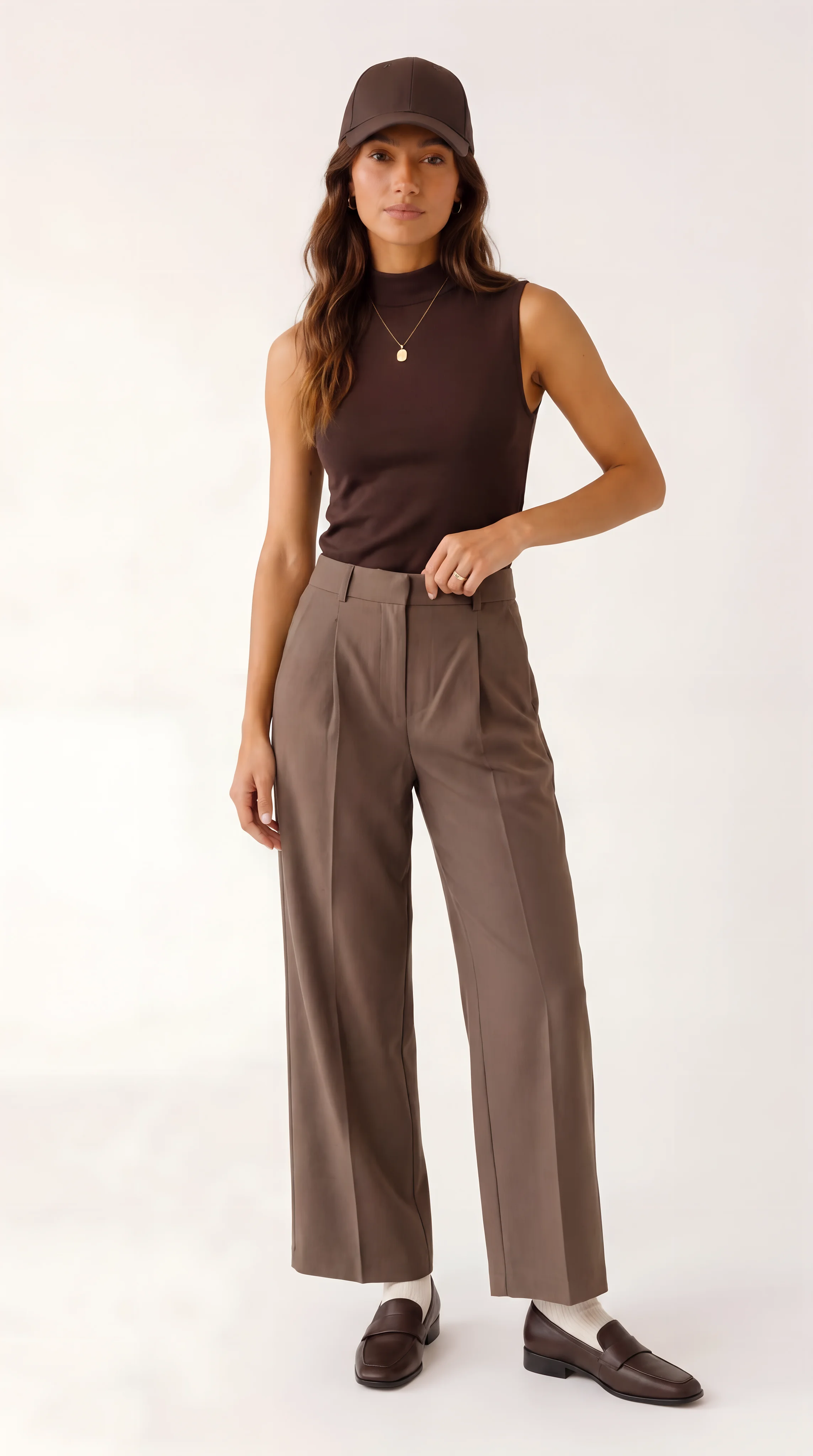
Customize the underlying workflow
Open the full workflow in the AI-Flow editor to swap models, rewrite prompts, or connect it to other steps.
Who is this for?
Perfect for professionals and creators looking to streamline their workflow
DTC fashion brands and ecommerce teams
Produce on‑model lookbooks, PDP image sets, and ad creatives that accurately reflect product color, fabric, and fit—without full studio shoots.
Marketplaces and multi‑brand retailers
Normalize product presentation across sellers using consistent backgrounds, poses, and campaign styles.
Creative directors and stylists
Translate mood, background, and usage into production‑ready prompts while safeguarding wardrobe continuity.
Product photographers and retouchers
Augment studio pipelines with fast concepting, pose variations, and campaign‑aligned alternatives.
Performance marketers and social teams
Generate scroll‑stopping yet brand‑accurate assets for ads and social placements in minutes.
Agencies and content studios
Deliver consistent, photorealistic model imagery at scale with minimal manual prompt work.
Boutiques, dropshippers, and emerging labels
Create premium on‑model visuals from supplier photos and a single subject image to level up product presentation.
Ready to create?
Start using this app
No workflow setup required — open the app and start creating in minutes
You Might Also Like
Explore other powerful templates to enhance your AI workflow
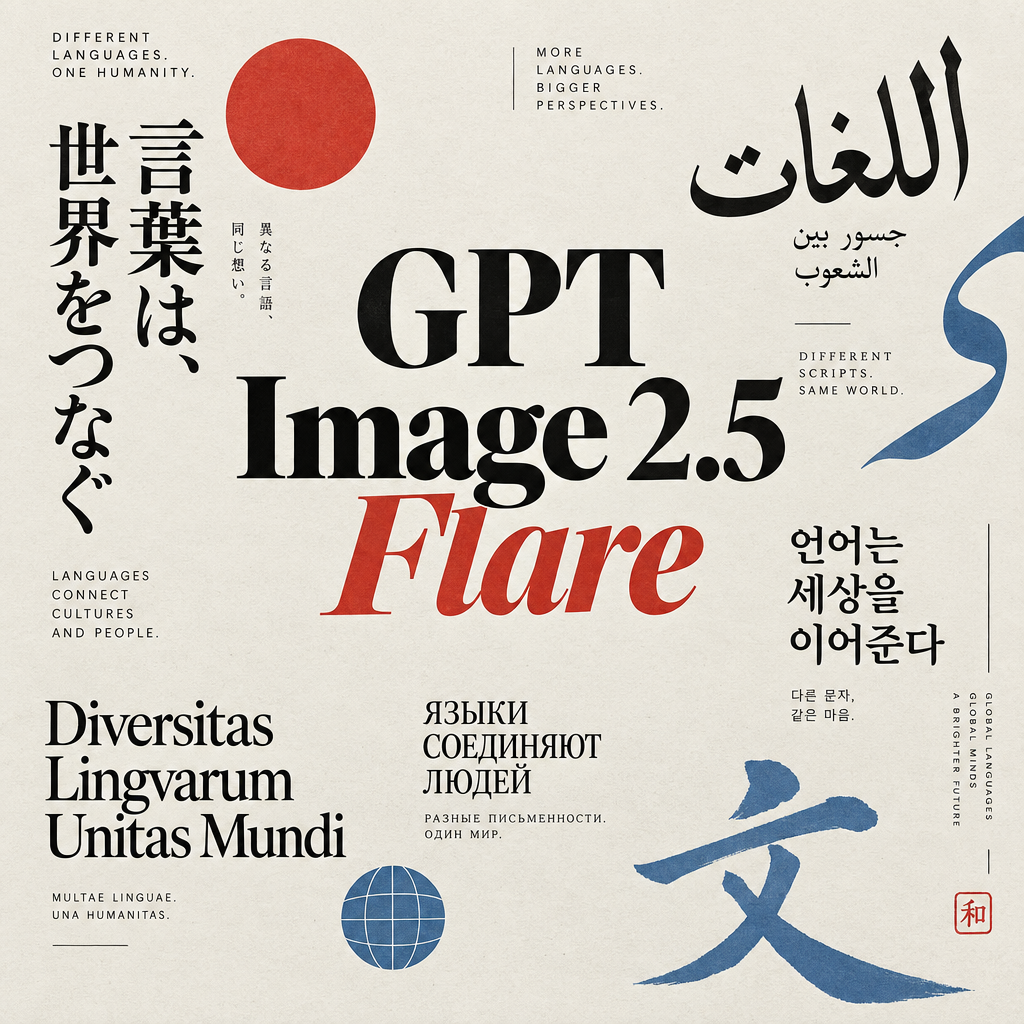
GPT Image 2.5 Flare
Generate high-fidelity images with GPT Image 2.5 Flare, optimized for real typography, multilingual scripts, structured layouts, and print-ready formats up to 4K—ideal for editorial posters, comics, marketing assets, UI comps, and social graphics.
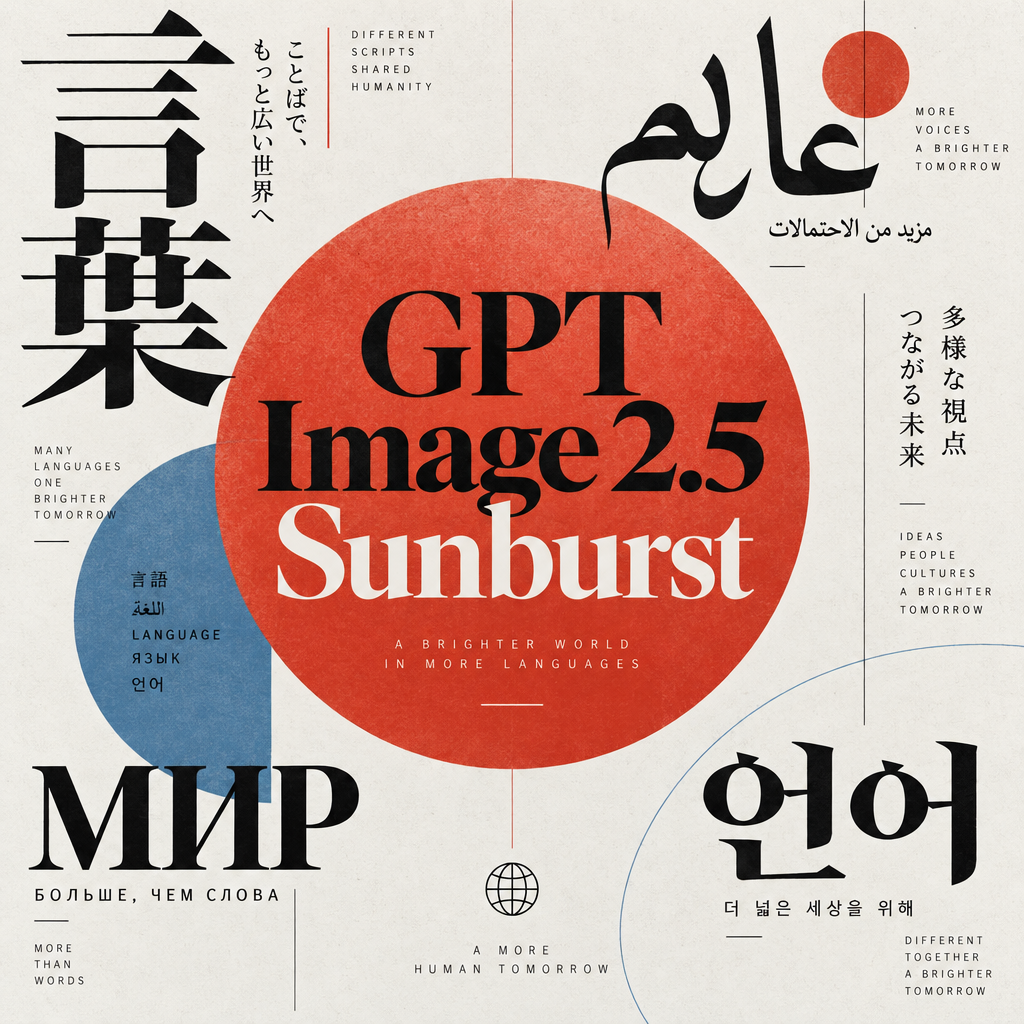
GPT Image 2.5 Sunburst
Generate high-fidelity images with GPT Image 2.5 Sunburst, optimized for real typography, multilingual scripts, structured layouts, and print-ready formats up to 4K—ideal for editorial posters, comics, marketing assets, UI comps, and social graphics.

AI Skincare Product Photo Generator
Turn one cream, serum, or cosmetic jar image into a full skincare photoshoot: a 2x2 grid plus four cropped shots (wide, medium, close-up, creative), on-model or product-only, for beauty ecommerce, marketplaces, and ads.

AI Sunscreen Product Photo Generator
Turn one sunscreen tube or bottle image into a full suncare photoshoot: a 2x2 grid plus four cropped shots (wide, medium, close-up, creative), on-model or product-only, for beauty ecommerce, marketplaces, and ads.

AI T-Shirt Mockup Generator
Turn one t-shirt design image into on-model print-on-demand mockups: a 2x2 photoshoot grid plus four cropped shots (wide, medium, close-up on the print, creative), for Etsy, Shopify, and POD storefronts.
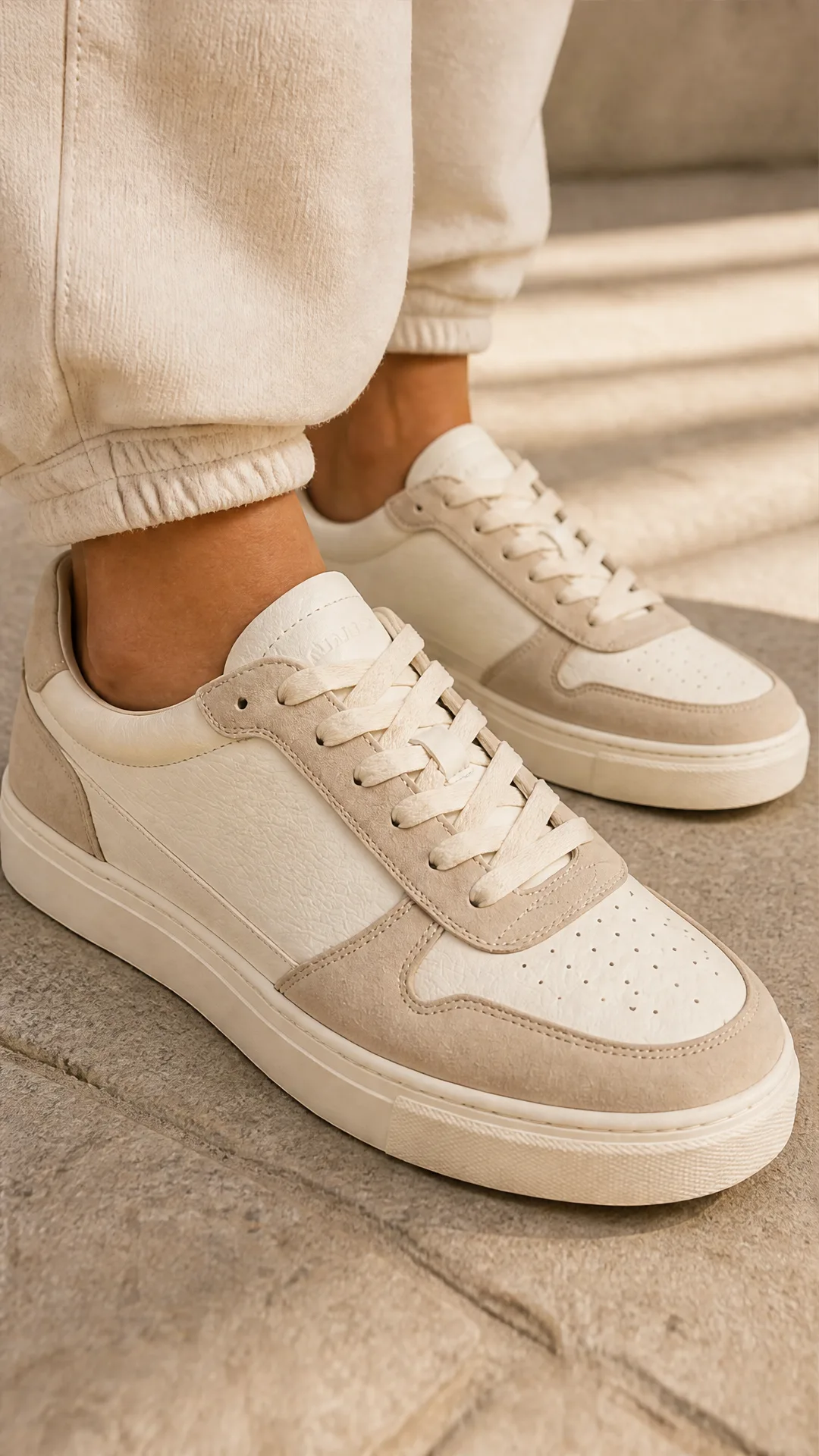
AI Sneaker Product Photo Generator
Generate sneaker product photos from a single shoe image: a 2x2 photoshoot grid plus four cropped shots (wide, medium, close-up, creative), in on-foot or product-only mode, for ecommerce listings, marketplaces, and ads.
Frequently Asked Questions
What inputs do I need?
Provide one subject photo (identity reference) and one or more clothing reference images. Optionally add clothing notes, brand guardrails, and choose mood, background, campaign use, and poses.
How does it preserve brand accuracy?
The workflow analyzes garments and enforces constraints for color, materials, fit, and visible construction details. It avoids adding logos/text and keeps proportions, hands, and fabric behavior natural.
Can I generate multiple poses from the same outfit?
Yes. It renders an anchor shot plus a pose gallery (e.g., full‑body, three‑quarter, walking, seated, detail‑focused). You can use the presets or supply your own poses.
Is it suitable for ecommerce PDP images?
Absolutely. Select the Ecommerce PDP option to prioritize clear front‑facing visibility, honest proportions, realistic fabric behavior, and minimal distractions.
Which backgrounds and moods are supported?
Choose from studio seamless, minimal showroom, urban street, boutique interior, or outdoor daylight, paired with moods like clean editorial, luxury campaign, streetwear energy, soft natural, or bold high‑fashion.
What aspect ratios and quality levels are available?
Default output is 9:16 in high quality. You can switch to 1:1, 16:9, or 4:3 and adjust quality to meet your channel requirements.
Will it change designs or add logos?
No. It’s designed to keep garments faithful to the references, avoiding extra logos or unintended design changes.
How long does it take and what does it cost?
Render time varies by quality and pose count. Typical costs range roughly from 7–16 credits per image depending on resolution and settings.
Tips for best results?
Use a well‑lit subject photo with a clear face and minimal occlusions, and high‑quality clothing references (ideally multiple angles). Provide precise notes on colors, materials, and fit.
Can I bulk‑create pose variations?
Yes. The pose subflow supports looping and parallel execution, enabling fast multi‑pose rendering from the same anchor look.
Does it edit existing photos pixel‑by‑pixel?
This workflow generates new on‑model images guided by references and prompts. For precise inpainting or manual retouching, use traditional editing tools.
What about usage rights and model likeness?
Ensure you have rights to the subject and garment images you upload, as well as permission to use the generated visuals in your intended channels.
What is AI-FLOW and how can it help me?
AI-FLOW is an all-in-one AI platform that allows you to build, integrate, and automate AI-powered workflows using an intuitive drag-and-drop interface. Whether you're a beginner or an expert, you can leverage multiple AI models to create innovative solutions without any coding required.
Is there a free trial available?
Yes, AI-FLOW offers a free trial to get you started. After that, you can purchase credits as needed—no subscription or long-term commitment required.
Can I integrate my API keys from providers like OpenAI and Replicate with AI-FLOW Cloud Version ?
Yes, you can easily integrate your existing API keys with AI-FLOW. If specified, nodes related to the API key provided will use your API key, significantly reducing your platform credit usage.