
GPT Image 1.5 Edition
Edit, extend, or transform existing images using GPT Image 1.5 with prompt-guided image editing.
Workflow overview
How the GPT Image 1.5 Edition template works
List

Text
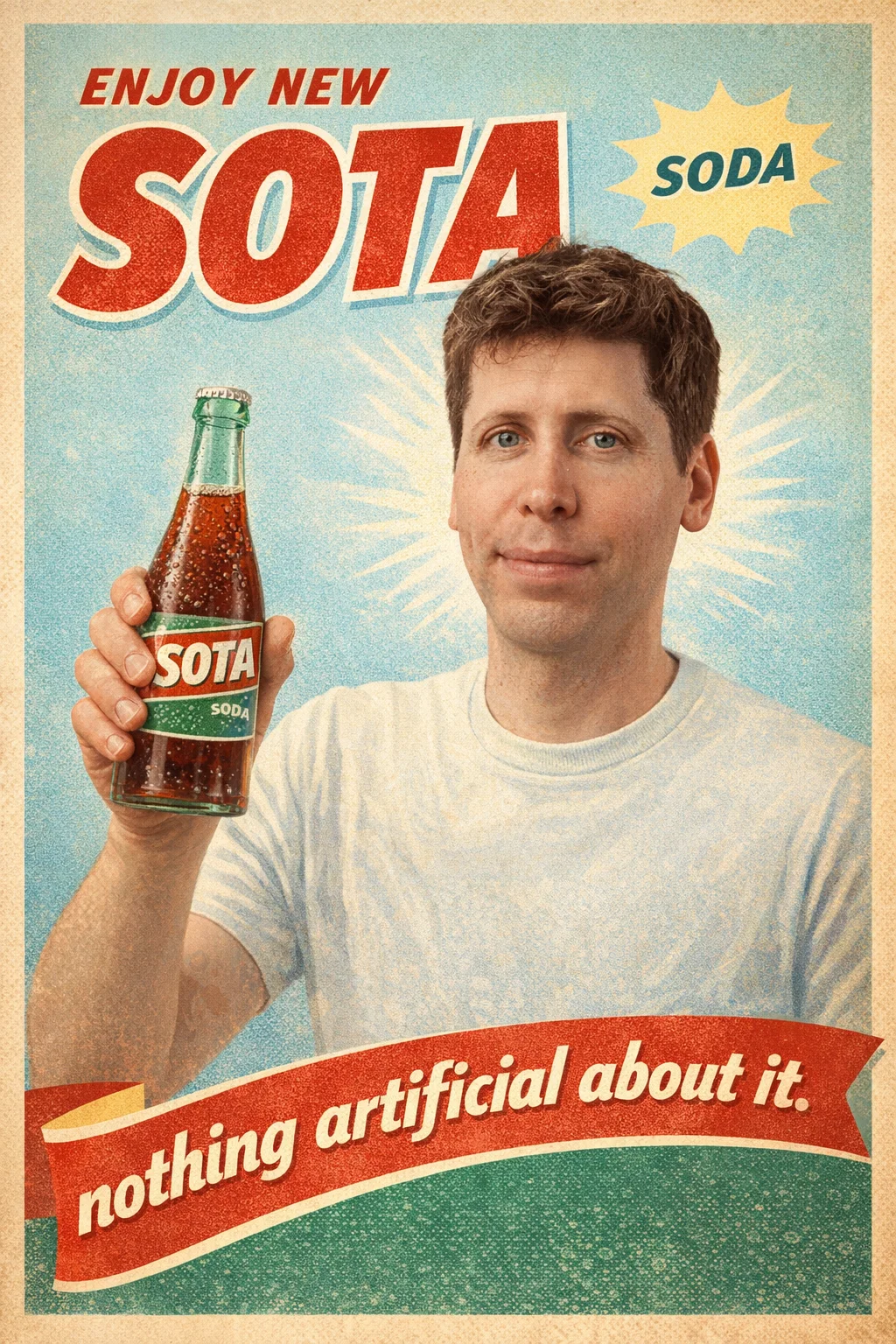
Create a vintage soda ad for a new drink called 'SOTA' (a new soda) with the attached man's face. The slogan is: nothing artificial about it. Make it true to the times.
GPT Image – Edit
About This Template
This template uses GPT Image 1.5 in edit mode, allowing you to modify existing images instead of generating them from scratch. You can upload one or multiple images, optionally provide a mask, and describe the changes you want using a natural language prompt.
GPT Image 1.5 Edition is designed for practical image editing tasks such as adding or replacing elements, changing style or mood, adapting visuals for new campaigns, or creating variations from an existing asset. It offers faster processing and more reliable prompt adherence than GPT Image 1, making it easier to iterate without rebuilding visuals from zero.
This template is well suited for creative iteration, concept refinement, marketing adaptations, and experimentation. It focuses on flexibility and ease of use rather than advanced retouching or pixel-level control, making it a strong everyday tool for prompt-based image editing workflows.
How to Use This Template
Step 1: Enter your text in 'Text' Node
In the 'Text' node, enter your instructions.
Create a vintage soda ad for a new drink called 'SOTA' (a new soda) with the attached man's face. The slogan is: nothing artificial about it. Make it true to the times.
Step 2: Upload your files
In the 'List' node, upload the files you want to use in the workflow.
Step 3: Run the Flow
Click the 'Run' button to execute the flow and get the final output.
Who is this for?
Perfect for professionals and creators looking to streamline their workflow
Designers and creatives iterating on visuals
People who already have images and want to modify them, explore variations, or adjust style and content without starting over.
Marketers and brand teams
Teams adapting existing visuals for campaigns, ads, or seasonal updates by changing text, themes, or visual elements through prompts.
Content creators and social media managers
Creators who need to quickly remix or repurpose images for posts, thumbnails, or promotions while keeping the original asset as a base.
Product teams and developers
Teams refining mockups, demos, or concept images by making fast visual edits during iteration and feedback cycles.
Ready to build?
Start using this template
Open it directly in AI-Flow and start creating in minutes
You Might Also Like
Explore other powerful templates to enhance your AI workflow
Amazon Listing Image Set Generator
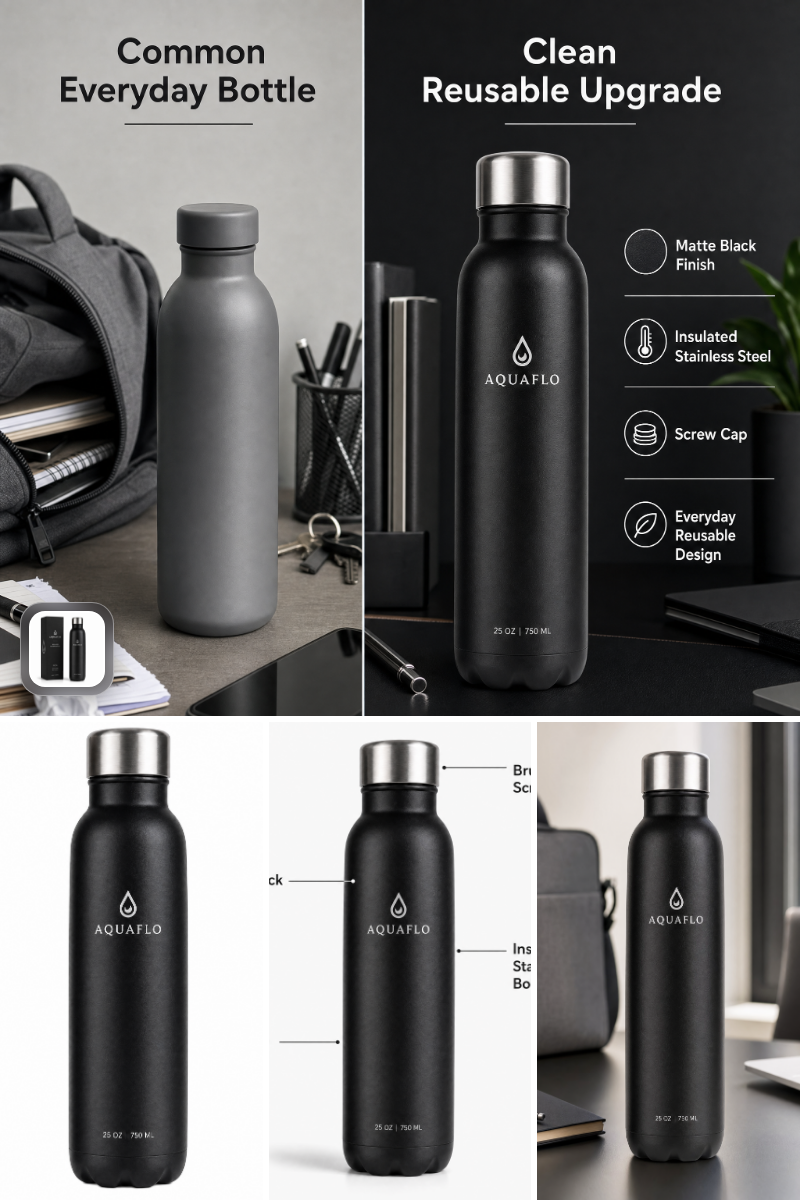
Generate Amazon-ready main, lifestyle, feature, and comparison images from a single product photo—fast, compliant, and on-brand.
Seedream 5 pro
ByteDance’s flagship Seedream-5-pro text-to-image and image editing model that turns prompts or up to 10 reference images into sharp 1K/2K visuals.

Nano Banana 2 Lite
Ultra-fast, low-cost AI image generation with Nano Banana 2 Lite, ideal for 1:1 app icons, thumbnails, and quick concept visuals using prompt-to-image and optional reference images.

Grok Imagine Image
Text-to-image generation with Grok Imagine Image. Turn detailed prompts into high-quality visuals in seconds with flexible aspect ratios.
P Image Edit
Production-ready, sub‑1s, one‑cent multi‑image AI editor with strong prompt adherence and excellent text rendering.
Flux 2 Klein 9b
Fast 4-step distilled FLUX.2 [klein] 9B text-to-image and image-to-image model with flexible controls for aspect ratio, resolution, format, and reproducibility.
Frequently Asked Questions
What is AI-FLOW and how can it help me?
AI-FLOW is an all-in-one AI platform that allows you to build, integrate, and automate AI-powered workflows using an intuitive drag-and-drop interface. Whether you're a beginner or an expert, you can leverage multiple AI models to create innovative solutions without any coding required.
Is there a free trial available?
Yes, AI-FLOW offers a free trial to get you started. After that, you can purchase credits as needed—no subscription or long-term commitment required.
Can I integrate my API keys from providers like OpenAI and Replicate with AI-FLOW Cloud Version ?
Yes, you can easily integrate your existing API keys with AI-FLOW. If specified, nodes related to the API key provided will use your API key, significantly reducing your platform credit usage.