
Image to 3D Fast
Convert a single product or object photo into a lightweight, game-ready 3D model in minutes with Rodin 2.5 Image to 3D (Fast).
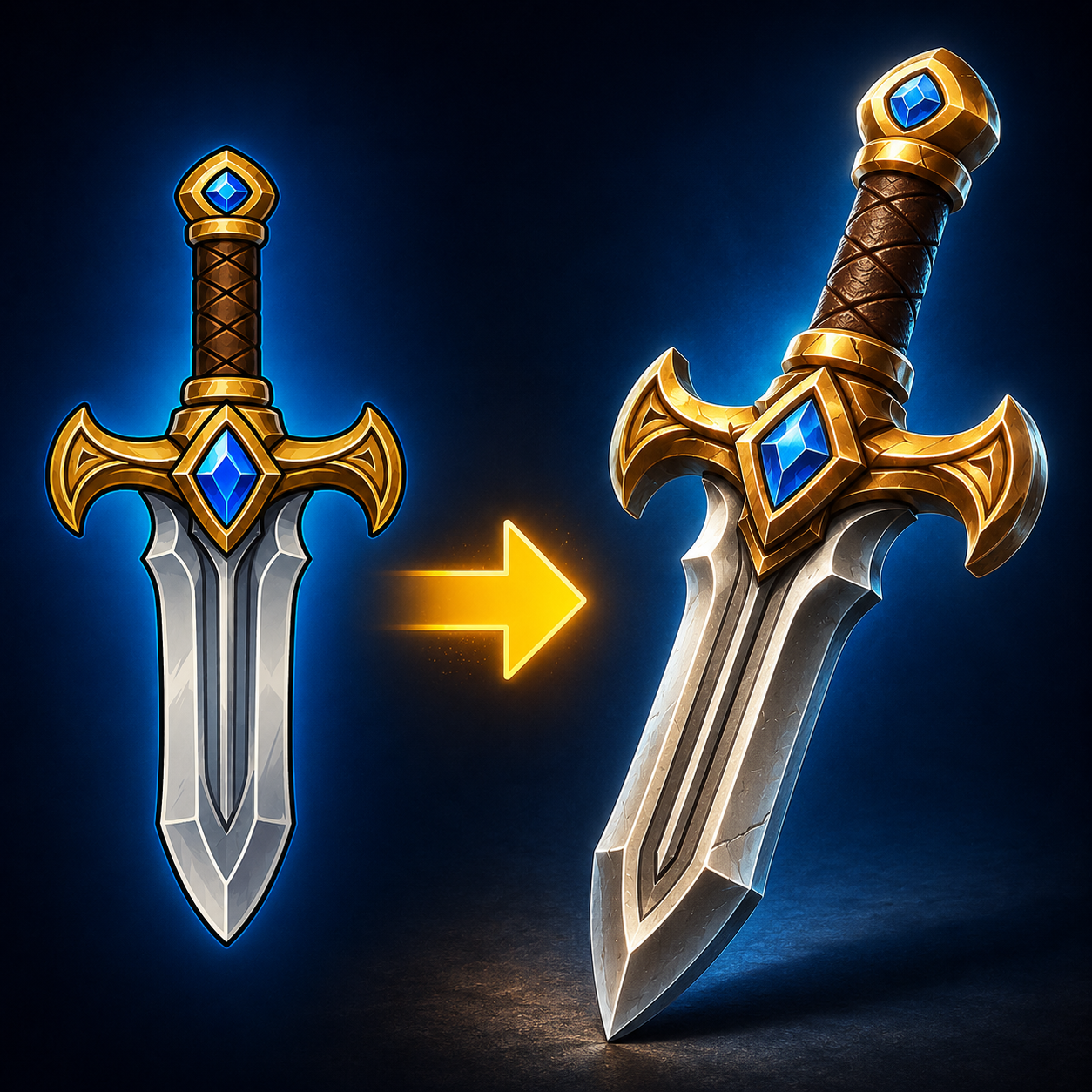
Workflow overview
How the Image to 3D Fast template works
Object Photo
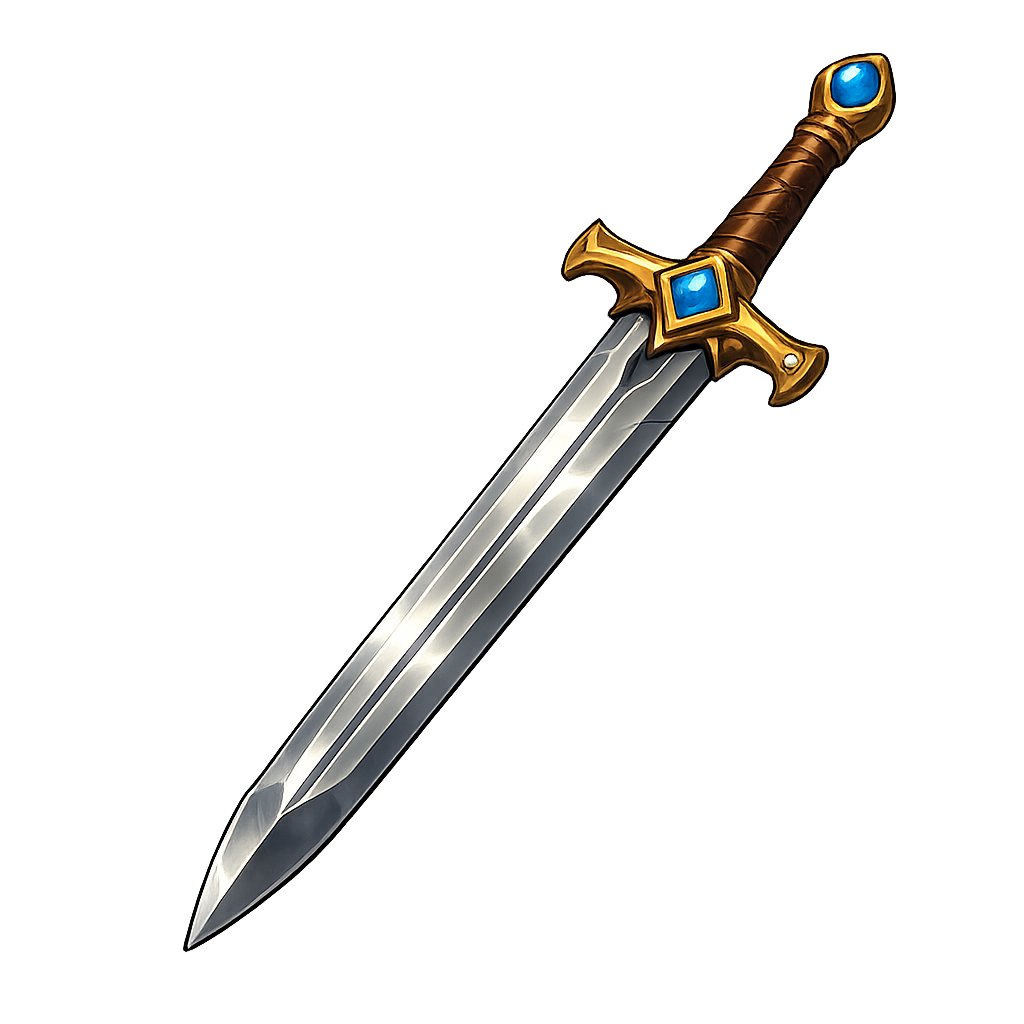
Asset Guidance
A stylized fantasy longsword with a polished steel blade, ornate golden crossguard, leather-wrapped grip, and vivid blue gemstones. Designed as a clean game asset with a strong, readable silhouette.
Rodin Image to 3D (Fast)
About This Template
Image to 3D Fast turns one image into a clean 3D mesh with PBR materials, ideal for rapid prototyping, previews, and real-time use. Upload an object photo, optionally add a short prompt for guidance (style, materials, shape cues), and get a downloadable GLB plus a quick preview.
Built on Rodin 2.5 (Fast tier), this template prioritizes speed and usability over heavy photogrammetry. It’s perfect for creating shareable 3D assets from single images, testing concepts, filling graybox scenes, or accelerating look-dev when you don’t have full turnarounds.
Key features
Single-image to 3D reconstruction with prompt guidance
Outputs GLB mesh with PBR materials and textures
Auto mesh quality with options for polygon targets
Texture modes ranging from default to high
Ideal for fast, readable, game-style silhouettes and ecommerce spins
Typical results: a clean, low-to-mid poly model with UVs and PBR textures suitable for real-time engines and web viewers. For the highest-fidelity assets, consider additional refinement passes or multi-view workflows.
How to Use This Template
Step 1: Upload your file
In the 'Object Photo' node, upload the file you want to process.
Step 2: Enter your text in 'Asset Guidance' Node
Fill the 'Asset Guidance' node with the required text.
A stylized fantasy longsword with a polished steel blade, ornate golden crossguard, leather-wrapped grip, and vivid blue gemstones. Designed as a clean game asset with a strong, readable silhouette.
Step 3: Run the Flow
Click the 'Run' button to execute the flow and get the final output.
Who is this for?
Perfect for professionals and creators looking to streamline their workflow
Game developers and technical artists
Quickly generate proxy or stylized game-ready assets (GLB, PBR) from reference photos for prototyping and blockouts.
3D artists and modelers
Speed up look-dev with fast single-photo reconstructions you can refine in DCC tools (Blender, Maya, 3ds Max).
AR/VR creators
Produce lightweight models for real-time AR viewers and WebXR with minimal setup time.
Ecommerce and product teams
Turn catalog photos into interactive 3D spins and embeds without full multi-angle photo shoots.
Indie studios and solo creators
Create usable assets on tight budgets and timelines using simple object photos and brief prompts.
Marketing and creative agencies
Generate quick 3D hero objects for pitches, mockups, and social content with minimal pipeline overhead.
Ready to build?
Start using this template
Open it directly in AI-Flow and start creating in minutes
You Might Also Like
Explore other powerful templates to enhance your AI workflow
Game Asset Generator — Concept Art to 3D Model
Turn text into reconstruction-ready concept art and a game‑ready 3D asset (GLB + PBR) with Rodin 2.5 in one streamlined run.
Gemini Omni 1.1 Flash
Create cinematic AI videos from text, images, or existing footage with Gemini Omni 1.1 Flash—multimodal text-to-video, image-to-video, and video-to-video with native sound design and coherent, real‑world motion.
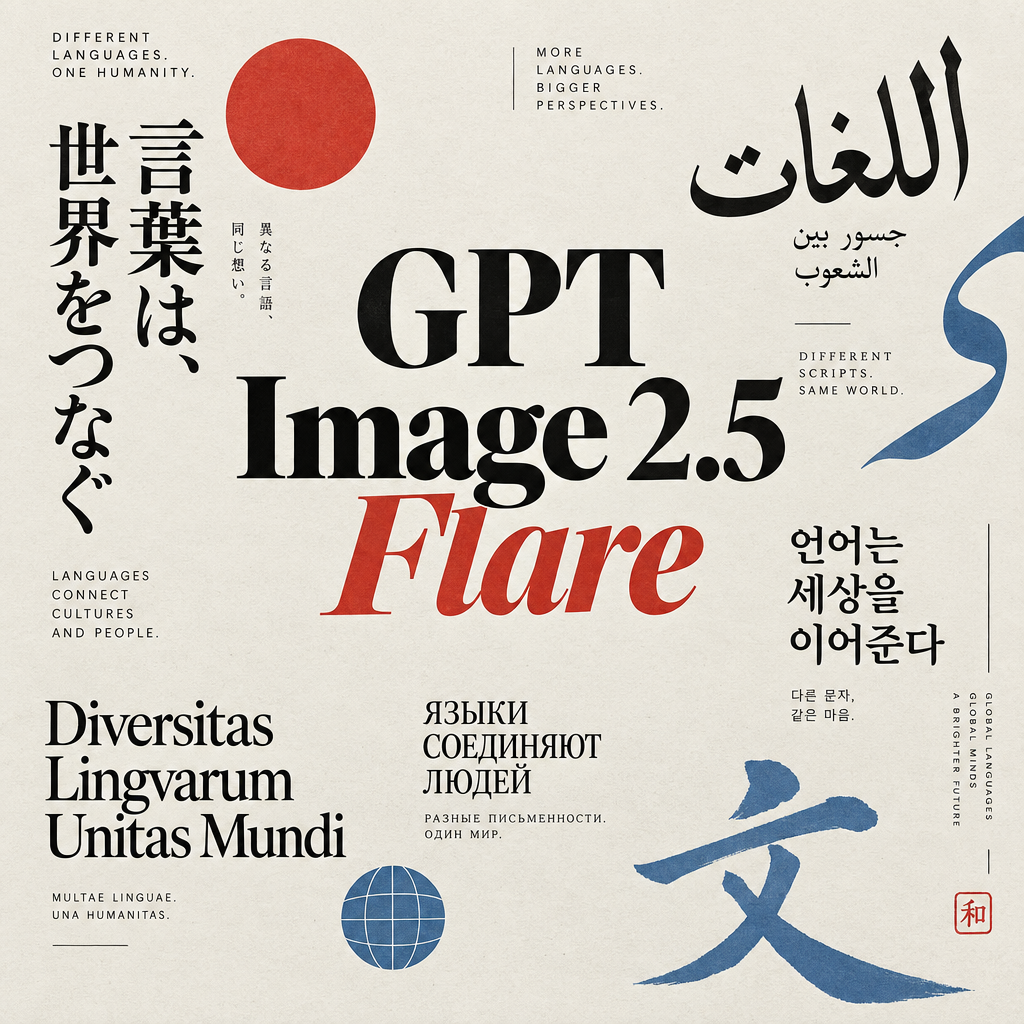
GPT Image 2.5 Flare
Generate high-fidelity images with GPT Image 2.5 Flare, optimized for real typography, multilingual scripts, structured layouts, and print-ready formats up to 4K—ideal for editorial posters, comics, marketing assets, UI comps, and social graphics.
GPT Image 2.5 Sunburst
Generate high-fidelity images with GPT Image 2.5 Sunburst, optimized for real typography, multilingual scripts, structured layouts, and print-ready formats up to 4K—ideal for editorial posters, comics, marketing assets, UI comps, and social graphics.
MiniMax H3 References to Video
Generate 2K videos from multimodal references with MiniMax H3. Guide subject, style, motion, and audio using up to 9 images, 3 video clips, and 3 audio clips cited by order in your prompt.
MiniMax H3 - First to Last Frame
Animate a first frame into a coherent 2K video (5–15s) with optional last frame matching, prompt-directed motion, and native stereo audio using MiniMax H3.
Frequently Asked Questions
What does Image to 3D Fast do?
It converts a single object photo into a 3D model using Rodin 2.5 (Fast), producing a GLB mesh with PBR materials and textures.
What inputs are required?
Provide an image URL of the object. An optional prompt can guide style, materials, or desired silhouette for better results.
What formats are supported for output?
By default, the geometry is exported as GLB. You can select other formats (USDZ, FBX, OBJ, STL) if needed.
How fast is the generation?
The Fast tier targets quick turnarounds—typically a few minutes—optimized for iteration and previews.
Is the mesh game-ready?
Yes, it provides a clean, low-to-mid poly mesh with UVs and PBR textures suitable for real-time engines and web viewers. Further optimization may be applied as needed.
Can I control polygon density?
Mesh Quality defaults to Auto, but you can select targets (e.g., 4K/8K quads or triangles) to better match your runtime budget.
Does it support PBR materials?
Yes. Material is set to PBR by default for physically based workflows. You can also choose shaded or other options based on your needs.
Will a single photo capture the full back and hidden sides?
Single-image reconstruction infers unseen regions, so results are estimates. For strict accuracy, provide reference prompts or refine the model in a DCC.
What kind of images work best?
Use clear, well-lit photos with the object centered, minimal motion blur, and a clean background for better edge separation and silhouette clarity.
What is the purpose of the optional prompt?
Prompts guide style and structure (e.g., 'stylized fantasy longsword, polished steel blade, gold guard, blue gems') to improve adherence to your intended design.
Can I get high-resolution textures?
Yes. Use the texture mode options or enable HD textures when available to increase texture detail at the cost of speed.
Does it preserve transparency or cutouts?
You can enable original alpha usage to better respect object cutouts from images with transparent backgrounds.
Is the output consistent across runs?
You can set a seed for more reproducible results. Changing the seed or prompt may produce variations.
What are typical use cases?
Rapid prototyping, concept visualization, ecommerce spins, AR previews, social content, and creating stylized assets for games.
How much does it cost?
The Fast generation is estimated at 9.0 credits per model. Actual costs may vary with settings.
Can I use the models commercially?
Yes, subject to your platform and licensing terms and ensuring you have rights to the source imagery.
Any tips to improve results?
Use high-quality, front-facing photos with good contrast; remove busy backgrounds; add a concise, descriptive prompt; and choose appropriate mesh quality and texture modes for your target platform.
What is AI-FLOW and how can it help me?
AI-FLOW is an all-in-one AI platform that allows you to build, integrate, and automate AI-powered workflows using an intuitive drag-and-drop interface. Whether you're a beginner or an expert, you can leverage multiple AI models to create innovative solutions without any coding required.
Is there a free trial available?
Yes, AI-FLOW offers a free trial to get you started. After that, you can purchase credits as needed—no subscription or long-term commitment required.
Can I integrate my API keys from providers like OpenAI and Replicate with AI-FLOW Cloud Version ?
Yes, you can easily integrate your existing API keys with AI-FLOW. If specified, nodes related to the API key provided will use your API key, significantly reducing your platform credit usage.