
GPT Image 2
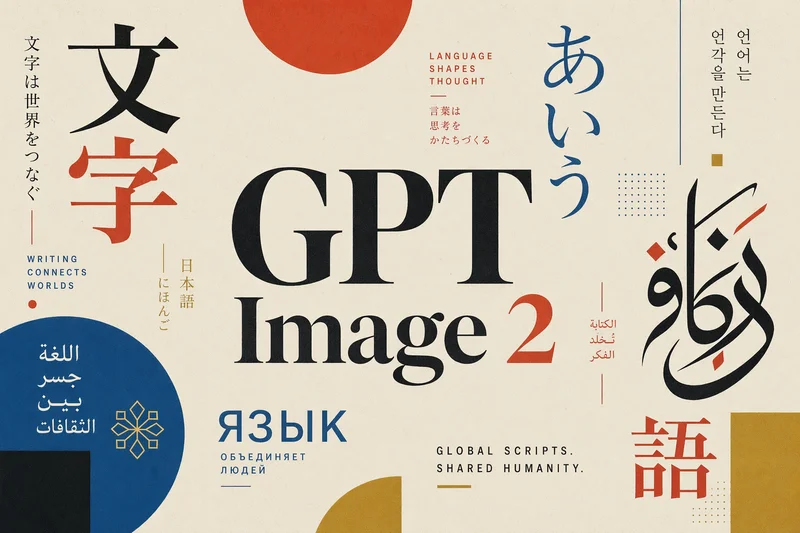
Generate high-fidelity images with GPT Image 2, optimized for real typography, multilingual scripts, structured layouts, and print-ready formats up to 4K—ideal for editorial posters, comics, marketing assets, UI comps, and social graphics.
No workflow setup required · Fully customizable in AI-Flow
What This App Does
GPT Image 2 is a step change in text-to-image generation, built to produce images that are more structured, coherent, and faithful to complex prompts. It excels at advanced typography, scene continuity, and layout reasoning, enabling creative teams to go from concept to usable assets with far less post-production.
Typography is a core strength: the model renders small text, dense UI elements, pictograms, and subtle typographic constraints with high precision. It supports mixed type styles (serif, sans-serif, calligraphic) with clear hierarchy, tight kerning, and clean alignment—unlocking posters, infographics, interface mockups, editorial spreads, and brand composition work previously limited by unreadable AI text.
Multilingual capability is dramatically improved, with strong performance across non‑Latin scripts such as Japanese, Korean (Hangul), Chinese, Hindi, and Bengali. This makes it a powerful option for global campaigns, localized advertising, multilingual posters, and comic formats (manga, manhwa) that demand script accuracy and consistency.
Out-of-the-box aspect ratios span from ultra‑wide 3:1 to ultra‑tall 1:3, covering web banners, presentation slides, posters, mobile screens, and social formats. With high-resolution outputs and options up to 4K in this template, you can produce assets that are crisp, balanced, and closer to print-ready—reducing recrops and manual fixes.
Use GPT Image 2 when you need: editorial-grade poster design, multilingual brand assets, structured layouts with strong grids, clean negative space, precise type, and reliable adherence to complex art direction. While it’s not a substitute for pixel-level retouching or exact font matching, it dramatically speeds up creative iteration and asset production.
How to Use the App
Here’s what you get when you open the app: a short form, one run button, your results — no nodes, no setup.
GPT Image 2
App previewFill in the form
Prompt
RequiredType your prompt…
Size
Requiredauto
Quality
Requiredauto
≈ 17–30 credits / run
Get your result
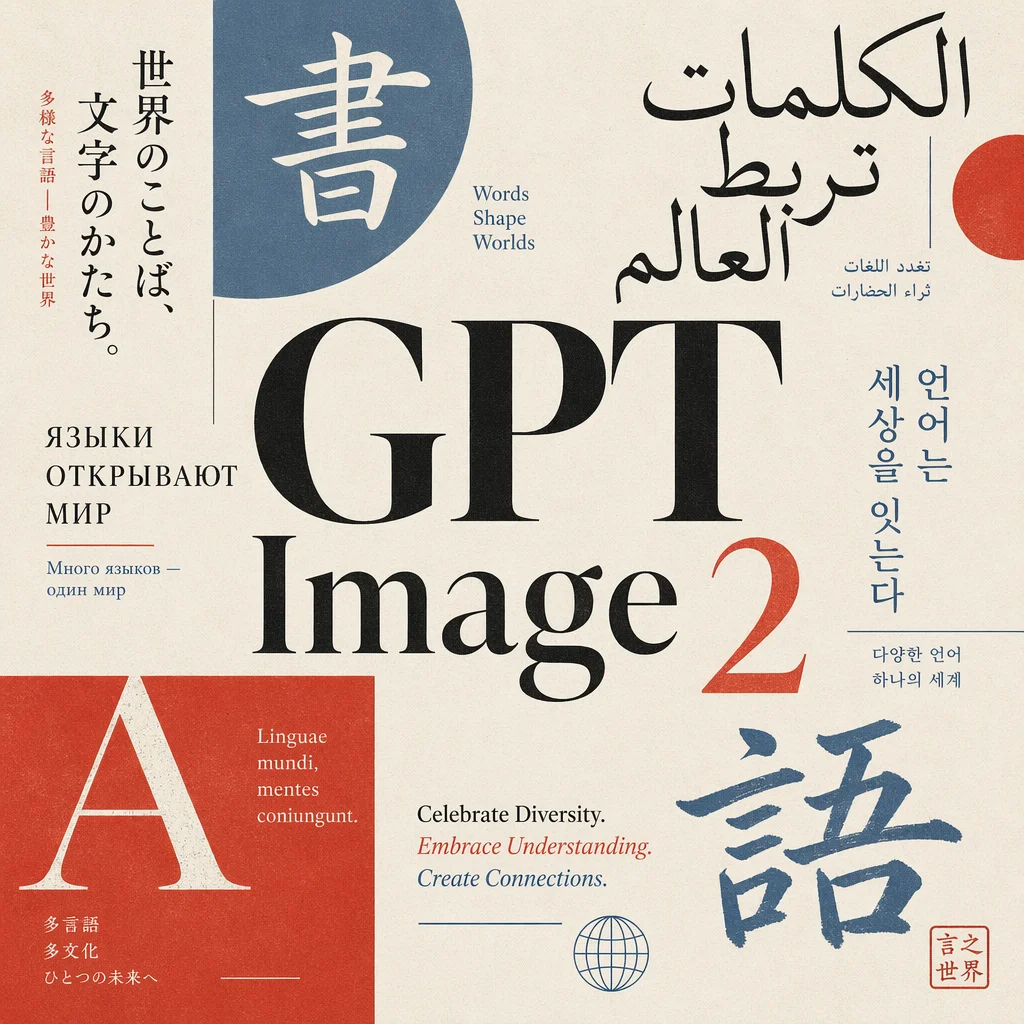
Real output generated with this app
Under the Hood
Want more control?
This app is powered by a fully editable AI-Flow workflow. Change the model, prompts, layout, resolution — or connect it to other steps.
Prompt
Generate a professional editorial poster focused on typography, celebrating global languages and writing systems. The composition is centered around the text "GPT Image 2", placed prominently in the middle as the main focal point. Surround the central text ...
GPT Image – Generate
How to Use This Template
Step 1: Enter your text in 'Prompt' Node
Fill the 'Prompt' node with the required text.
Generate a professional editorial poster focused on typography, celebrating global languages and writing systems.

The composition is centered around the text "GPT Image 2", placed prominently in the middle as the main focal point.

Surround the central text with a curated mix of multilingual typographic elements (Japanese, Arabic, Latin, Cyrillic, Hangul), arranged in a balanced, graphic layout inspired by modern Japanese editorial design.

Style: refined, minimal yet expressive, with strong grid structure, asymmetry, and clean negative space.

Color palette: vibrant but controlled — limited to 3–5 harmonious colors (e.g. deep black, off-white, muted red, soft blue, accent color). Avoid oversaturation.

Typography: high contrast between type styles (serif, sans-serif, calligraphic), with precise kerning and intentional hierarchy.

Texture: subtle paper grain or print effect to give a premium editorial feel.

Lighting and rendering: crisp, high-resolution, print-ready quality.

No mockups, no frames, no background clutter — pure poster design
Step 2: Run the Flow
Click the 'Run' button to execute the flow and get the final output.
Customize the underlying workflow
Open the full workflow in the AI-Flow editor to swap models, rewrite prompts, or connect it to other steps.
Who is this for?
Perfect for professionals and creators looking to streamline their workflow
Brand and marketing teams
Create campaign visuals, posters, banners, and localized assets with accurate typography and multilingual support, reducing manual layout work.
Designers and art directors
Explore editorial compositions, grid-based layouts, and mixed-type treatments that stay faithful to complex prompts and hierarchy.
Publishers and editorial teams
Produce covers, spreads, infographics, and comic layouts (manga/manhwa) with improved readability in non-Latin scripts.
Localization and international marketing
Generate consistent visuals across Japanese, Korean, Chinese, Hindi, Bengali, and Latin/Cyrillic scripts for global campaigns.
Social media managers and content creators
Output ready-to-use assets across multiple aspect ratios for feeds, stories, and ads, with crisp text and UI elements.
Product designers and UX teams
Mock up interfaces, iconography, and dense UI compositions where legible microcopy and pictograms matter.
Agencies and creative operations
Scale creative production with reliable prompt adherence, high-resolution outputs, and fewer rounds of post-production.
Developers and automation teams
Integrate image generation via API with controllable size, quality, and background settings to feed downstream workflows.
Ready to create?
Start using this app
No workflow setup required — open the app and start creating in minutes
You Might Also Like
Explore other powerful templates to enhance your AI workflow
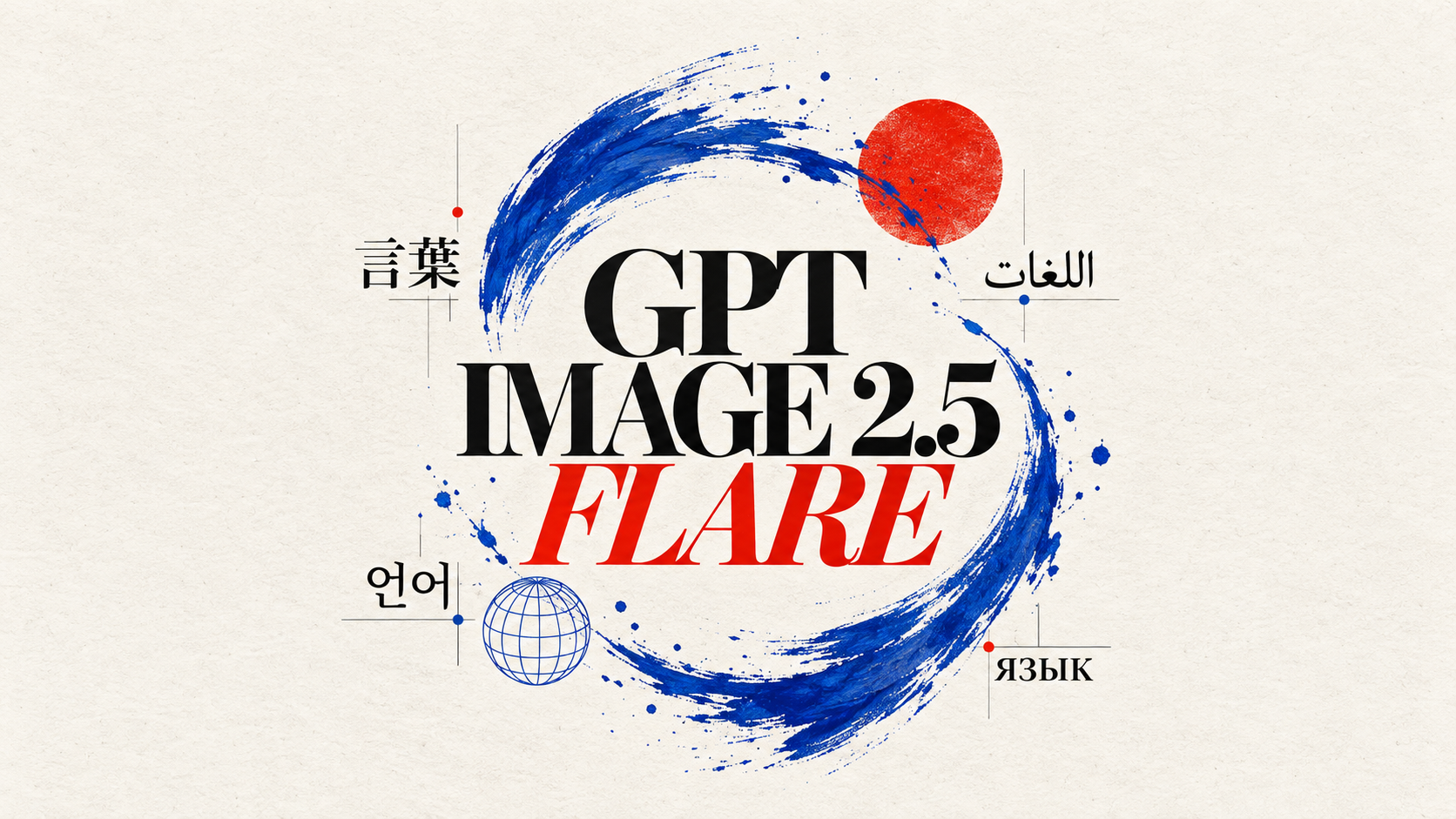
GPT Image 2.5 Flare
Generate high-fidelity images with GPT Image 2.5 Flare, optimized for real typography, multilingual scripts, structured layouts, and print-ready formats up to 4K—ideal for editorial posters, comics, marketing assets, UI comps, and social graphics.
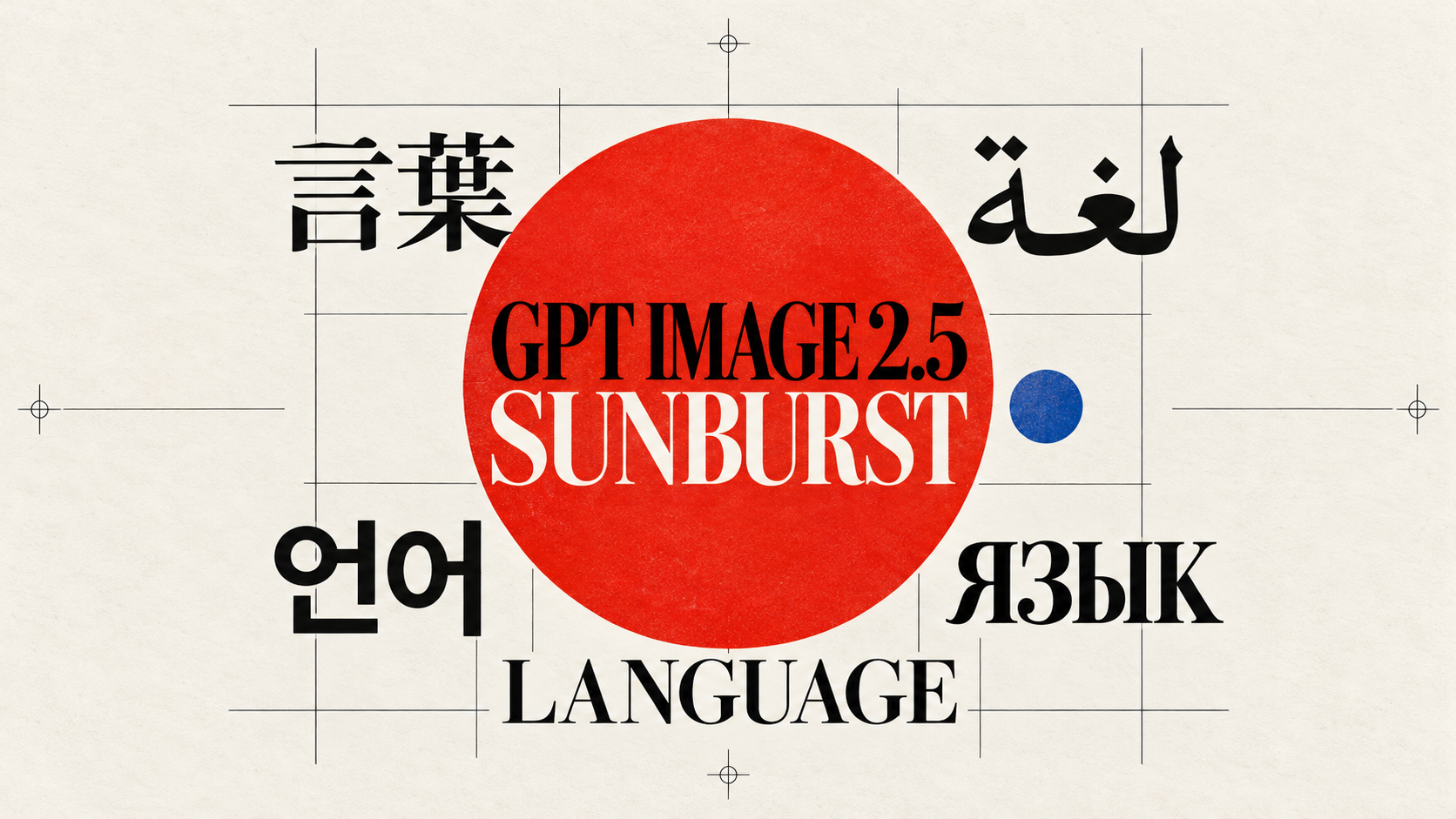
GPT Image 2.5 Sunburst
Generate high-fidelity images with GPT Image 2.5 Sunburst, optimized for real typography, multilingual scripts, structured layouts, and print-ready formats up to 4K—ideal for editorial posters, comics, marketing assets, UI comps, and social graphics.
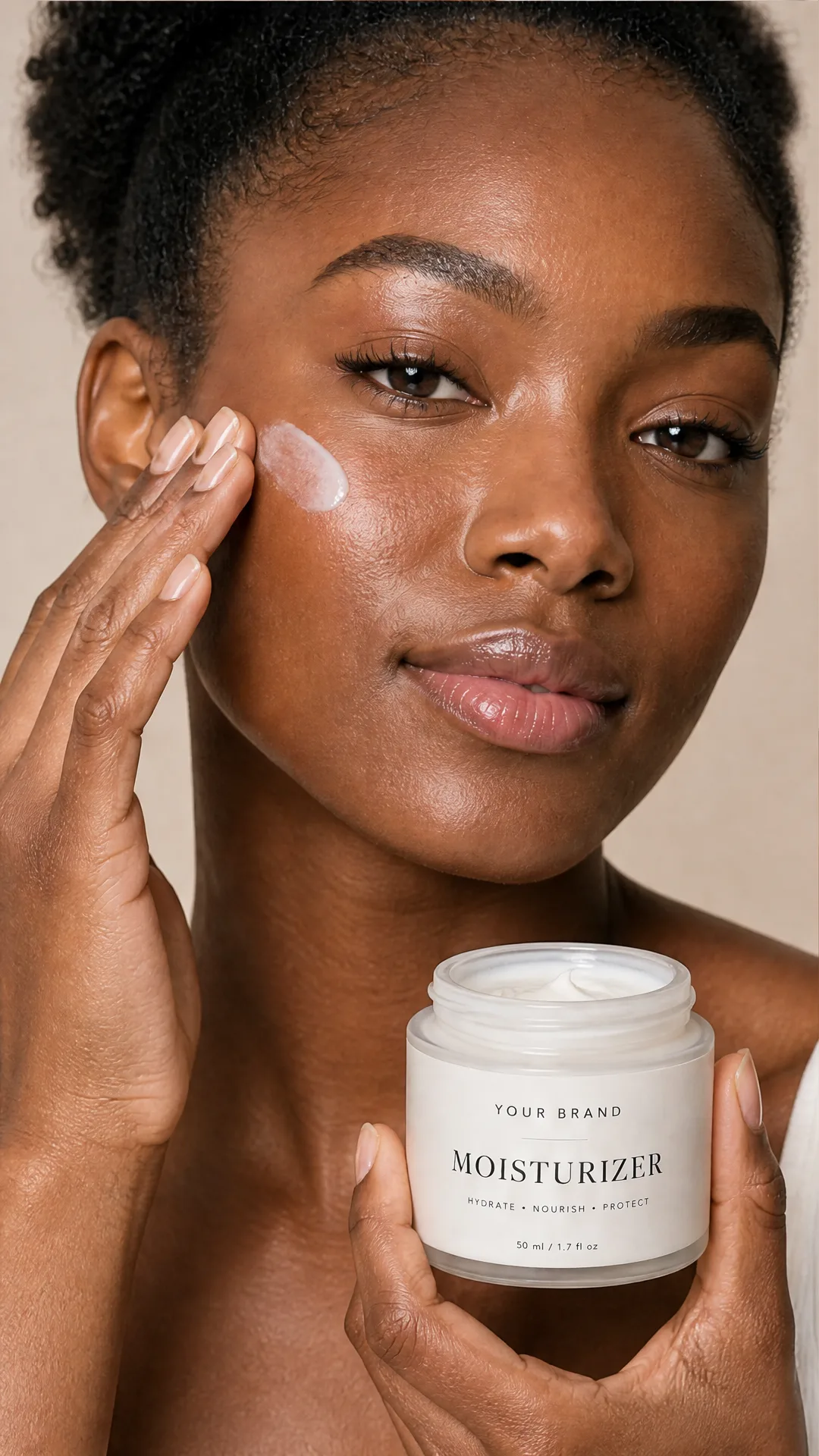
AI Skincare Product Photo Generator
Turn one cream, serum, or cosmetic jar image into a full skincare photoshoot: a 2x2 grid plus four cropped shots (wide, medium, close-up, creative), on-model or product-only, for beauty ecommerce, marketplaces, and ads.
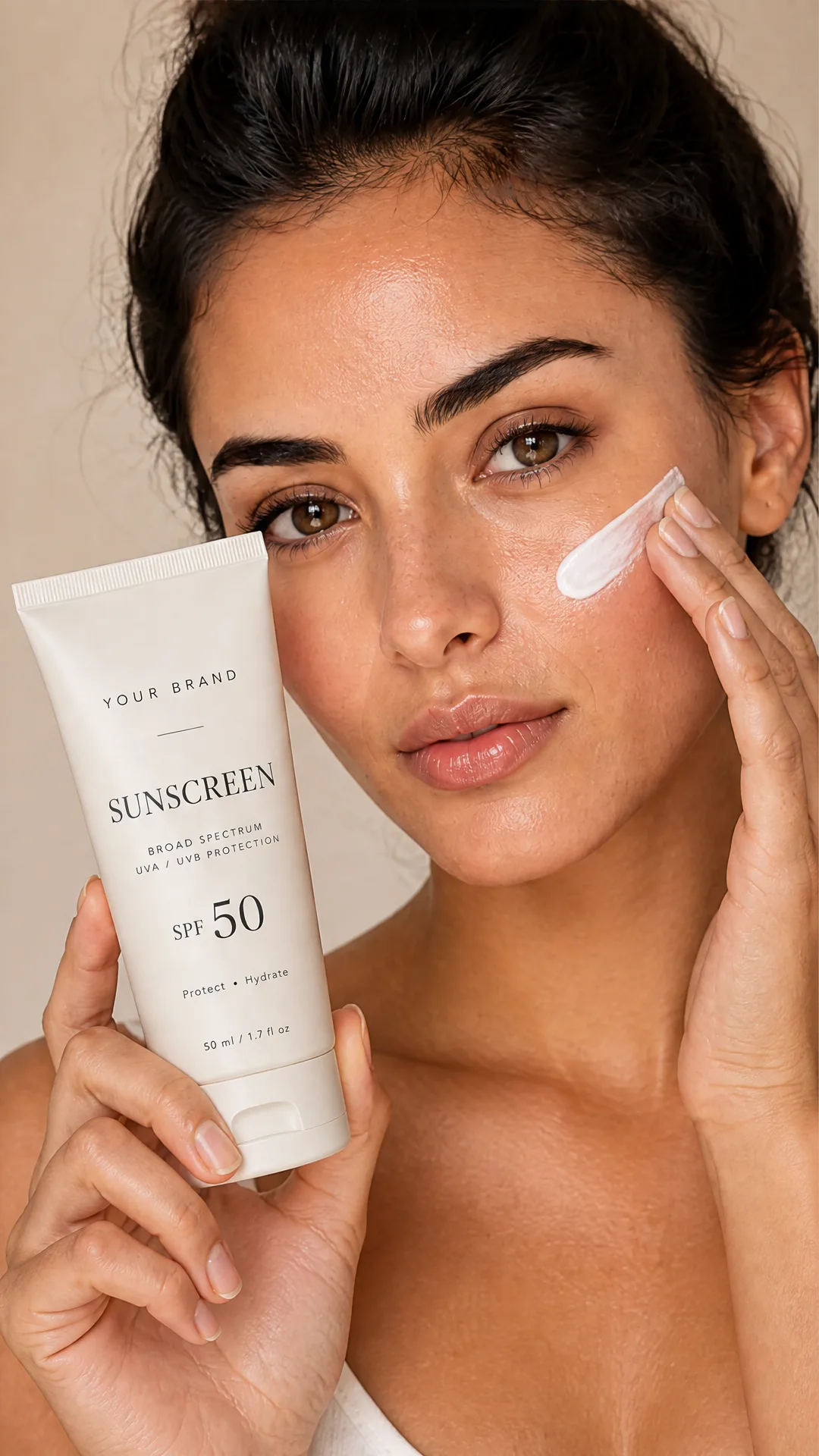
AI Sunscreen Product Photo Generator
Turn one sunscreen tube or bottle image into a full suncare photoshoot: a 2x2 grid plus four cropped shots (wide, medium, close-up, creative), on-model or product-only, for beauty ecommerce, marketplaces, and ads.
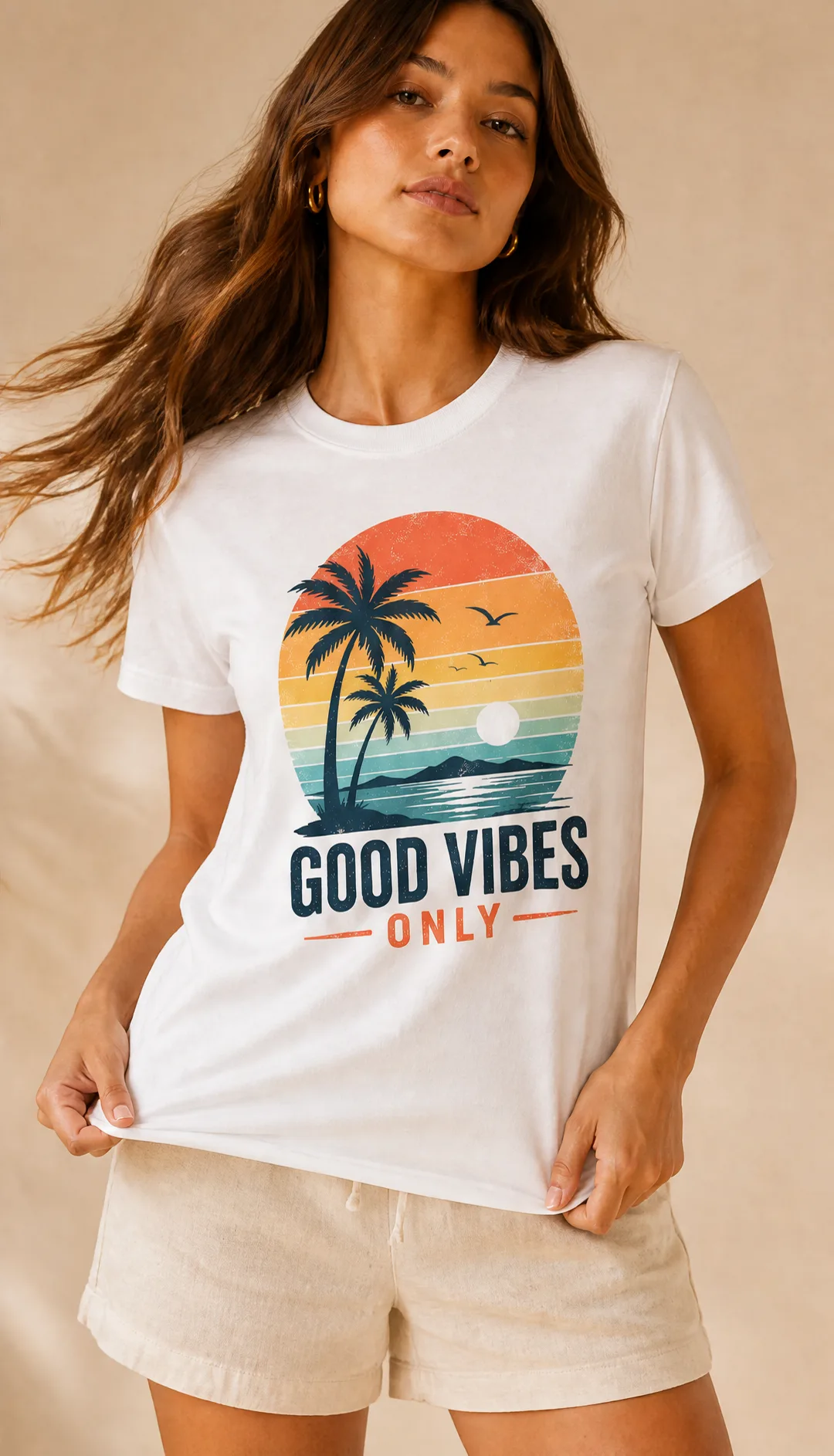
AI T-Shirt Mockup Generator
Turn one t-shirt design image into on-model print-on-demand mockups: a 2x2 photoshoot grid plus four cropped shots (wide, medium, close-up on the print, creative), for Etsy, Shopify, and POD storefronts.
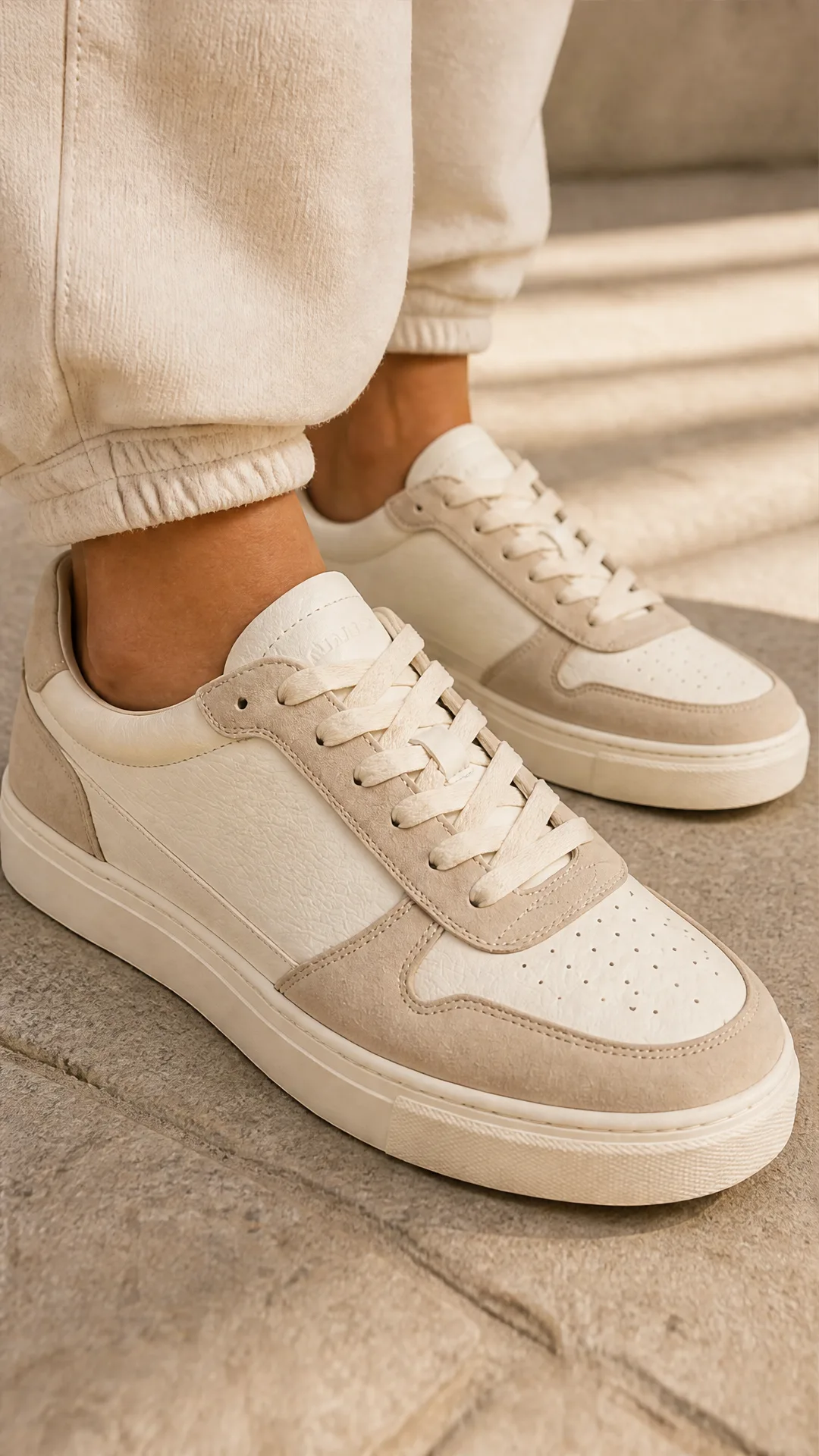
AI Sneaker Product Photo Generator
Generate sneaker product photos from a single shoe image: a 2x2 photoshoot grid plus four cropped shots (wide, medium, close-up, creative), in on-foot or product-only mode, for ecommerce listings, marketplaces, and ads.
Frequently Asked Questions
What is GPT Image 2 used for?
It’s a next‑generation image model focused on accurate typography, multilingual rendering, and coherent layouts. Use it for editorial posters, marketing visuals, comics, slides, UI mockups, and social graphics that require readable text and structured design.
How is it different from previous image models?
Compared to earlier versions, GPT Image 2 shows stronger reasoning and scene continuity, far better text rendering, improved support for non‑Latin scripts, and reliable adherence to complex art direction—yielding more usable, production‑ready images.
Can it render small, readable text and UI elements?
Yes. GPT Image 2 is optimized for legible typography, including small fonts, dense compositions, pictograms, icons, and subtle typographic rules such as hierarchy, spacing, and alignment.
Which languages and writing systems are supported?
It performs well across Latin, Cyrillic, Japanese, Korean (Hangul), Chinese, Hindi, and Bengali. This makes it suitable for multilingual posters, localized ads, and comic formats requiring non‑Latin scripts.
What output sizes and aspect ratios are available?
The template supports ratios from ultra‑wide 3:1 to ultra‑tall 1:3, plus common square, landscape, and portrait presets. High‑resolution options include 2K and 4K configurations for both landscape and portrait.
Is the output print‑ready?
Outputs are high resolution and suitable for many print workflows. For professional print, verify color profiles, bleeds, and margins in prepress, and consider final type checks or vectorization when brand precision is critical.
Can I generate images with transparent backgrounds?
Yes. The template includes a background setting with transparent or opaque options, allowing easier integration into layouts and composites.
Does this template edit existing images?
This specific template focuses on text‑to‑image generation from prompts. For editing or in‑painting, use a dedicated image‑editing template.
Any tips for better results with typography and layout?
Be explicit about hierarchy, grid structure, negative space, type pairings (serif/sans/calligraphic), and color palette limits. Specify languages/scripts and aspect ratios, and avoid conflicting style directions in the same prompt.
Will it match my exact brand fonts?
The model can closely emulate type styles but cannot guarantee your exact proprietary fonts. For strict brand compliance, use the generated composition as a base and finalize typography in your design tool.
How are images returned and how do I use them?
The template returns a downloadable image URL. You can choose size, quality, and background settings to fit your downstream workflow for web, social, or print.
Are there any limitations I should be aware of?
Minor deviations in text details or layout can occur, and sensitive content may be moderated. For pixel‑perfect retouching or exact font matching, finalize in traditional design software.
What is AI-FLOW and how can it help me?
AI-FLOW is an all-in-one AI platform that allows you to build, integrate, and automate AI-powered workflows using an intuitive drag-and-drop interface. Whether you're a beginner or an expert, you can leverage multiple AI models to create innovative solutions without any coding required.
Is there a free trial available?
Yes, AI-FLOW offers a free trial to get you started. After that, you can purchase credits as needed—no subscription or long-term commitment required.
Can I integrate my API keys from providers like OpenAI and Replicate with AI-FLOW Cloud Version ?
Yes, you can easily integrate your existing API keys with AI-FLOW. If specified, nodes related to the API key provided will use your API key, significantly reducing your platform credit usage.